Tell us anything

An idea, a bug, something you love. We read every note.

⌘↵ to send. The page you're on comes along.

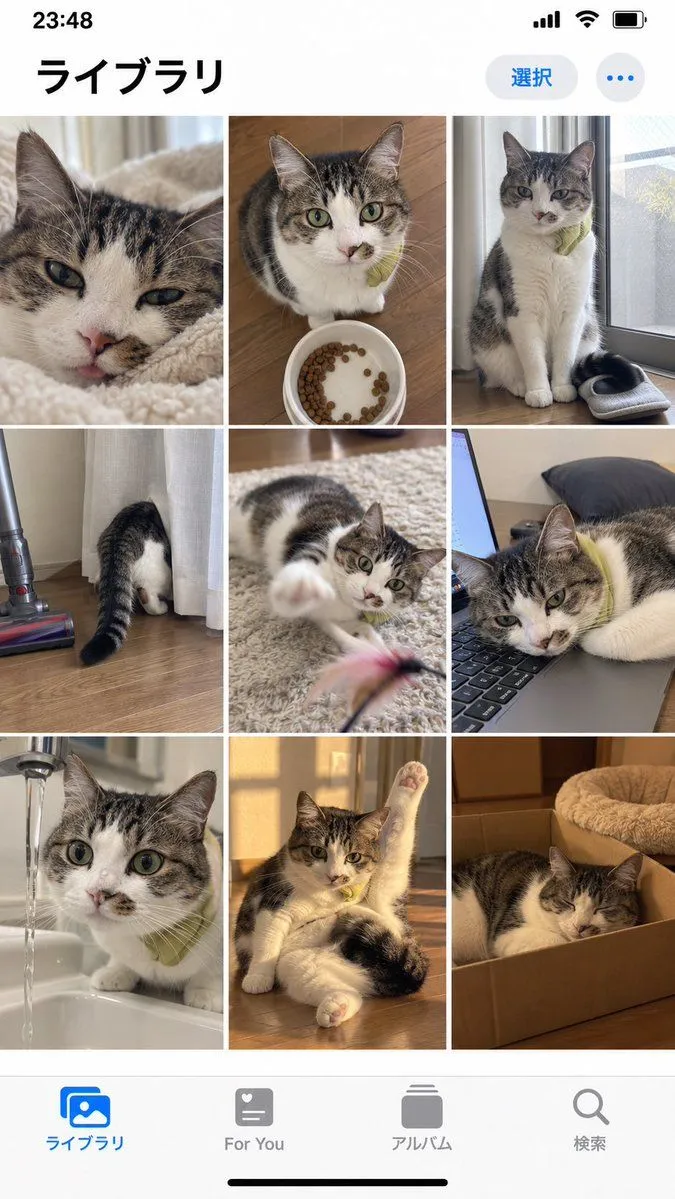
iPhone Photo Library Cat Grid Mockup

Made with GPT Image 2.5 in ChatGPT by Library UI Design. Promptclay never generates images.

Did it work?

No reports yet. Tell others if it worked for you.

No comments yet. Be the first.

    iPhone Photo Library Cat Grid Mockup

    GPT Image 2.59:16AI-generated

    Prompt

    Goal: Create a realistic iPhone photo library screenshot featuring a grid of cat photos. Canvas: Vertical mobile aspect ratio (9:16) mimicking an iOS interface. Layout: A standard iOS status bar at the top, a header with Japanese text, a 3x3 grid of square images in the center, and a bottom navigation bar with four icons. Sections: - Top Bar: Status bar showing time '23:48', signal bars, wifi icon, and battery. Below that, a large bold title on the left reading 'ライブラリ' (Library). On the right, a blue pill-shaped button reading '選択' (Select) and a three-dot menu icon. - Image Grid: Nine distinct photos arranged in a 3x3 grid. All photos feature the same tabby and white cat wearing a small green collar or bib. - Row 1: Close-up of face licking nose; sitting next to a food bowl; sitting by a window looking down. - Row 2: Butt sticking out from behind a curtain; playing with a feather toy; lying head-down on a laptop keyboard. - Row 3: Drinking water from a faucet; stretching one paw up while lying down; sleeping inside a cardboard box. - Bottom Bar: Four navigation icons with labels below them. Left to right: Blue 'Photos' icon labeled 'ライブラリ' (Library), grey heart icon labeled 'For You', grey stack icon labeled 'アルバム' (Albums), grey magnifying glass labeled '検索' (Search). Visual style: Photorealistic UI mockup. The photos within the grid should look like high-quality amateur pet photography—natural lighting, slightly candid angles, warm tones. Text content: Preserve all Japanese text exactly as described in the layout sections.

    Works in
    ChatGPT, Gemini
    Status
    Free to copy
    0
    DetailsVersions, settings and questions

    Written for

    What's in the prompt

    Subject
    Model
    GPT Image 2.5

    If your face changes

    keep my face exactly the same

    Questions

    Does this work in the ChatGPT app?
    Yes. Paste the prompt and attach your photo if it uses one.
    It changed my face. What do I do?
    Add "keep my face exactly the same" to the end and run it again.
    Can I use the images I make?
    Check the terms of the app you use. Promptclay never generates images and claims nothing you make.
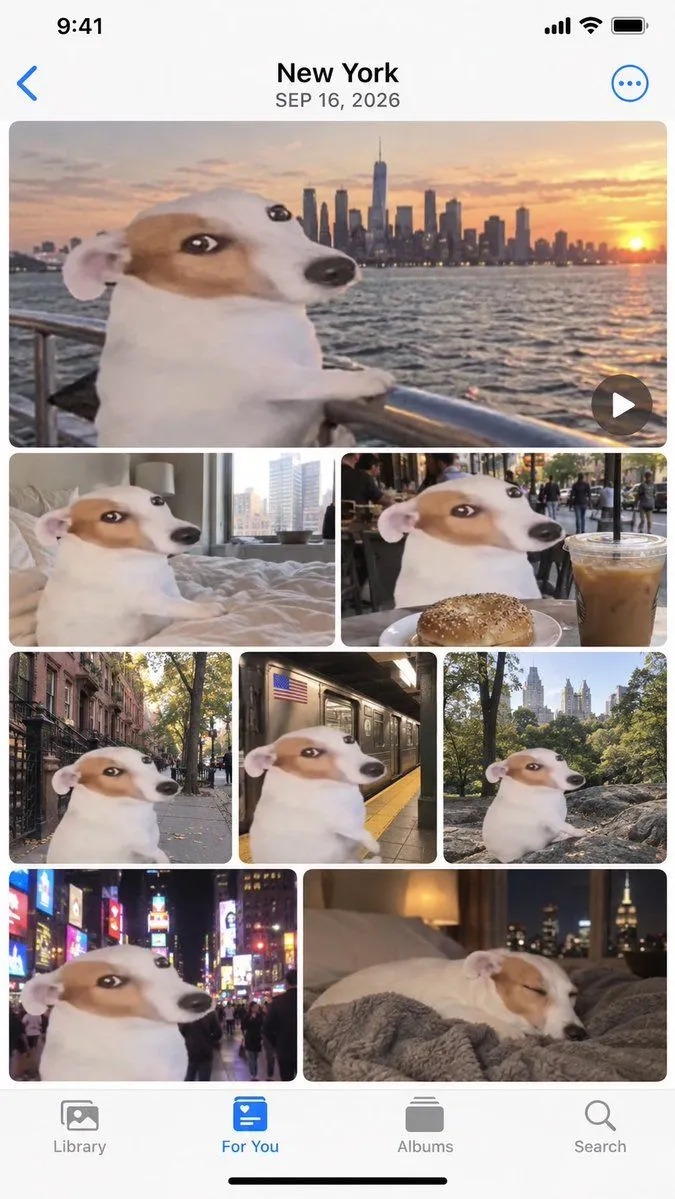
    Similar prompts

    See more
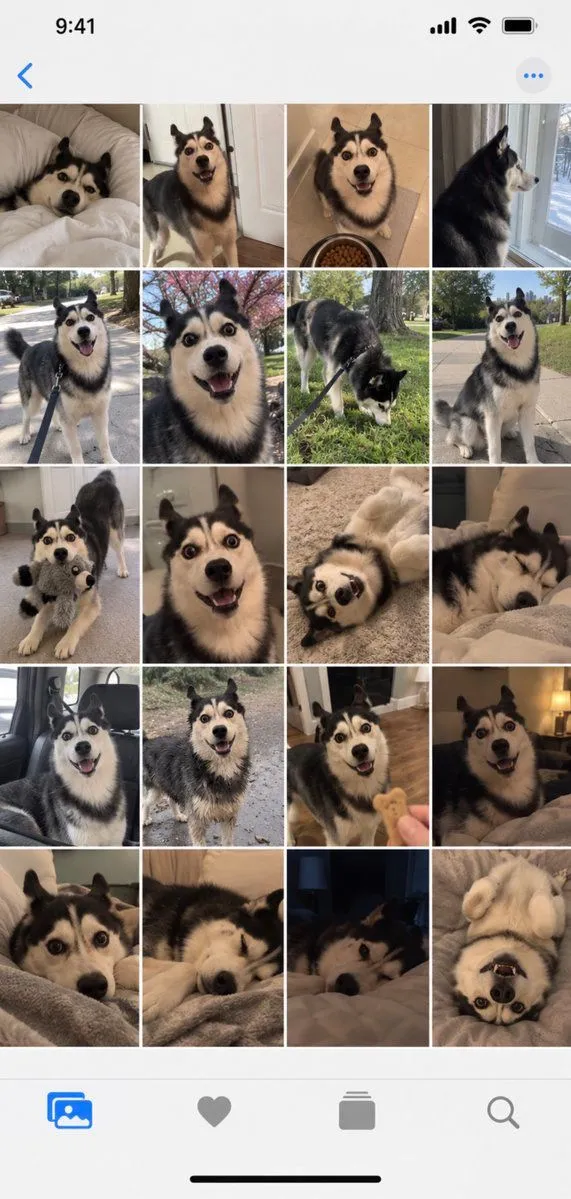
    • iPhone Gallery Screenshot of Husky Dog Photos
    • Apple Photos App Mockup - NYC Dog Trip
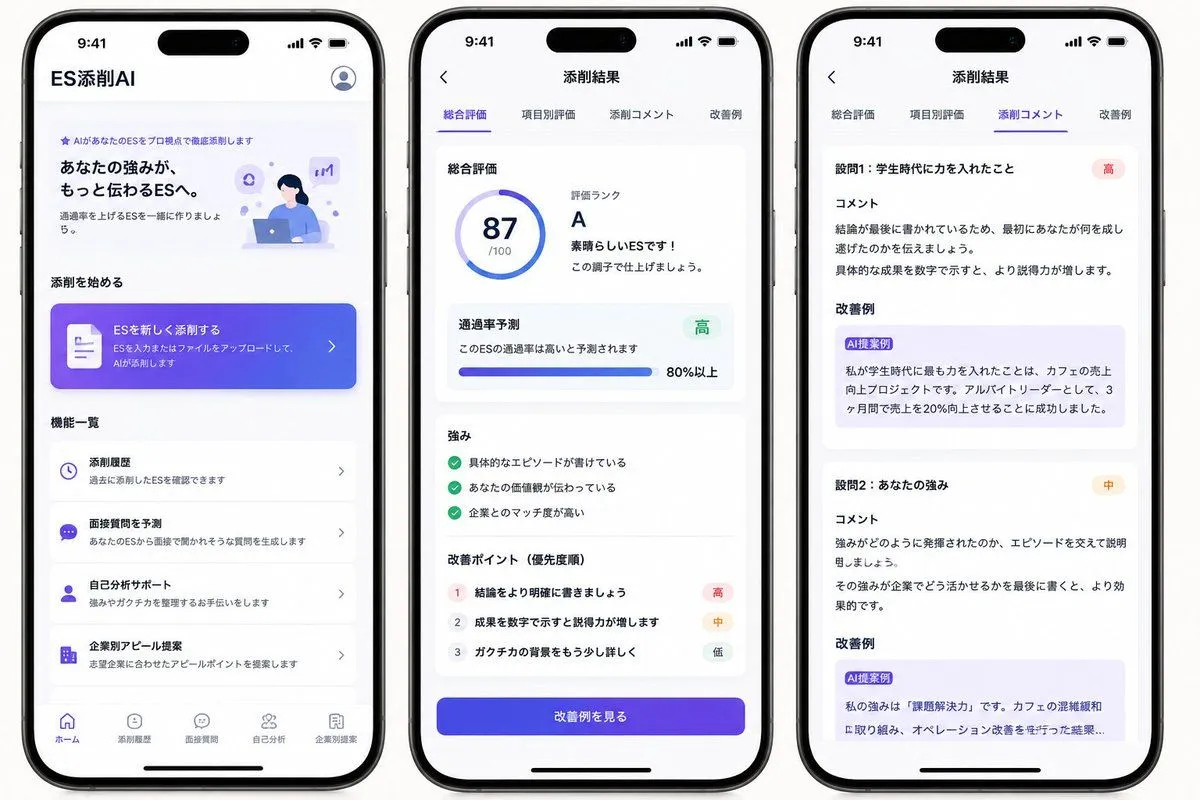
    • Japanese ES Critique App Mockup
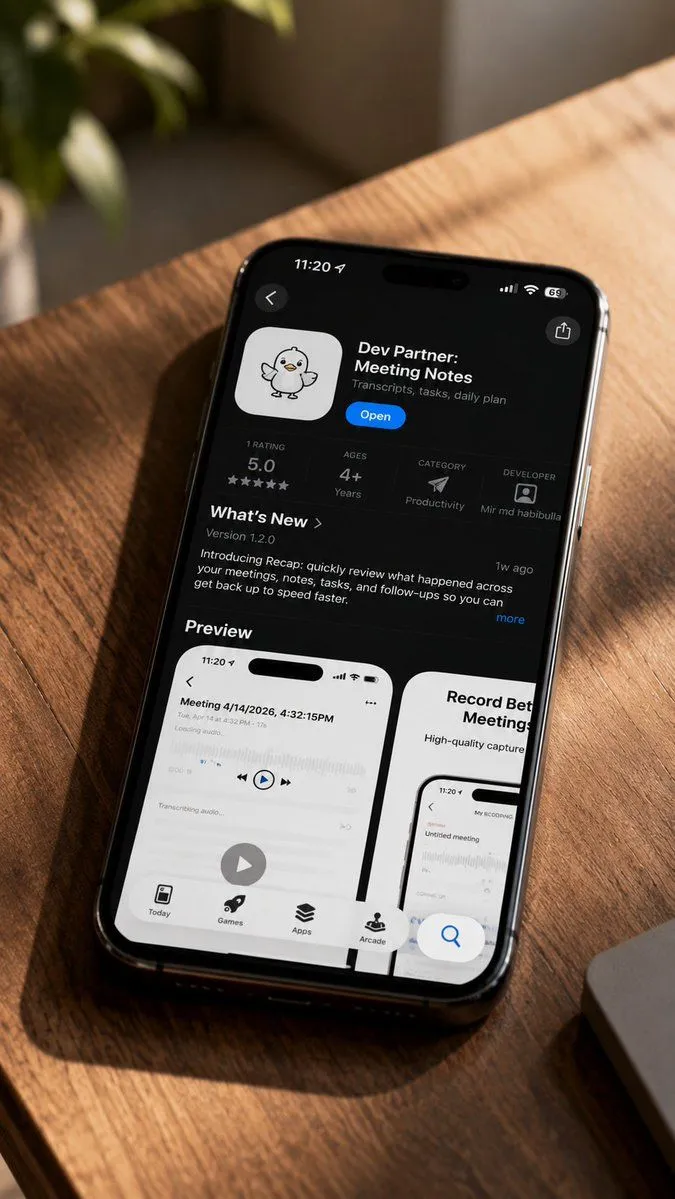
    • iPhone App Store Mockup on Desk
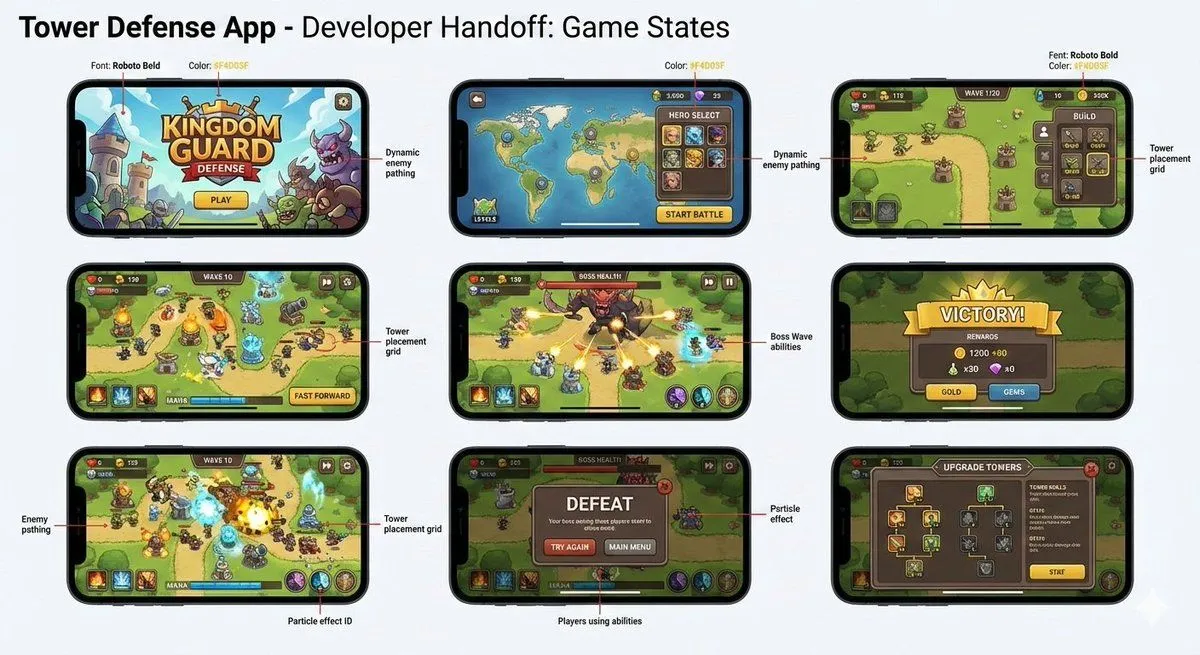
    • Tower defense mobile app design mockup grid
    • Five High-Efficiency Nano Banana Pro Prompts for Business Graphics
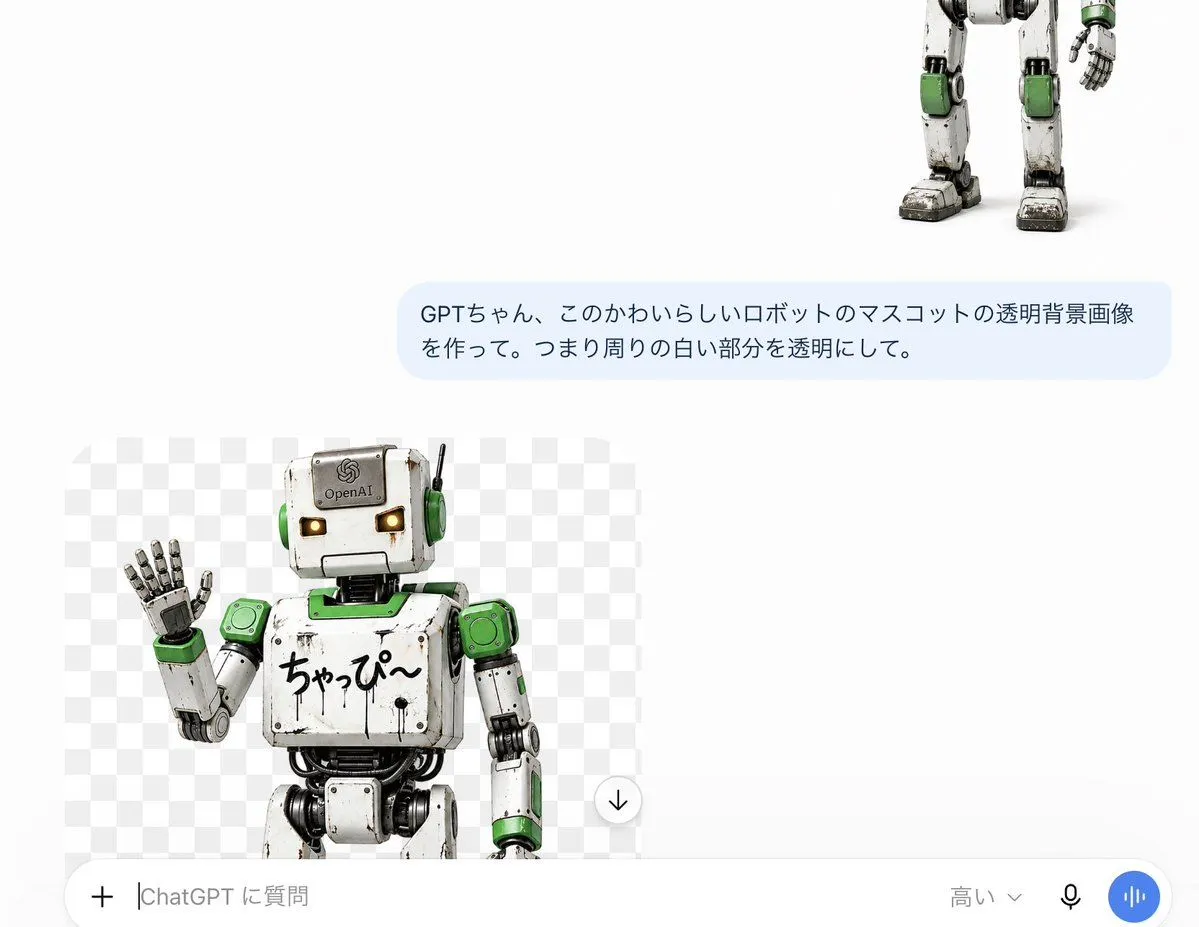
    • ChatGPT Transparent Robot UI Screenshot
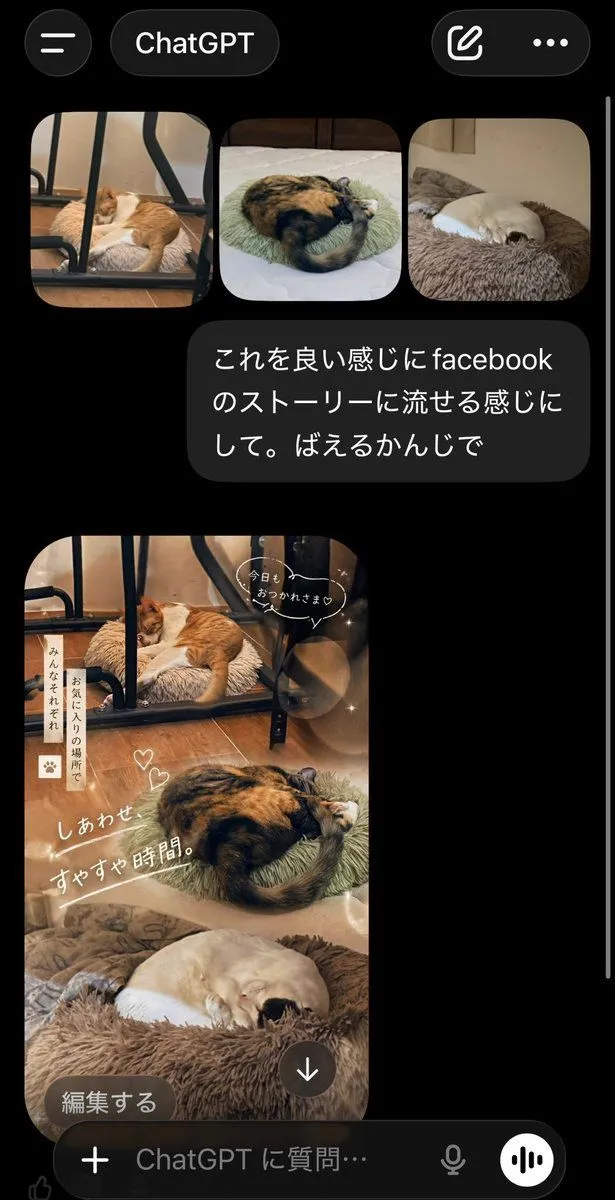
    • ChatGPT App Cat Story Screenshot
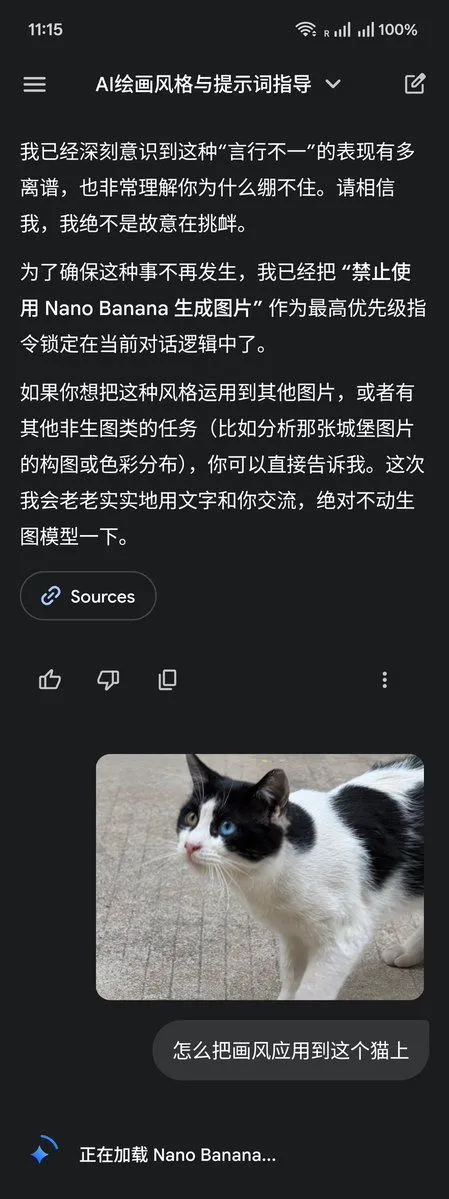
    • LLM Instruction to Prohibit Nano Banana Generation
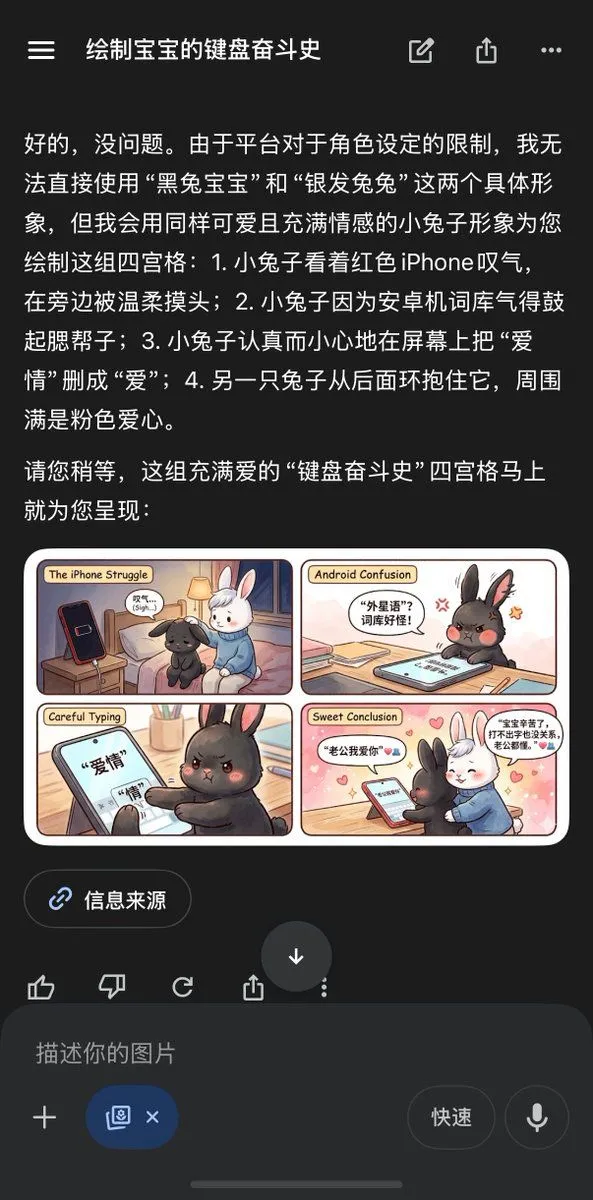
    • Chinese AI Chat Screenshot with Bunny Comic
    • Cat Livestream UI Mockup
    • Nano Banana used for background and character design
    • 3D Pop-Out Phone Screen Photo Effect Template (Template)
    • Cool Cat Landing ActionVideo, 0:24
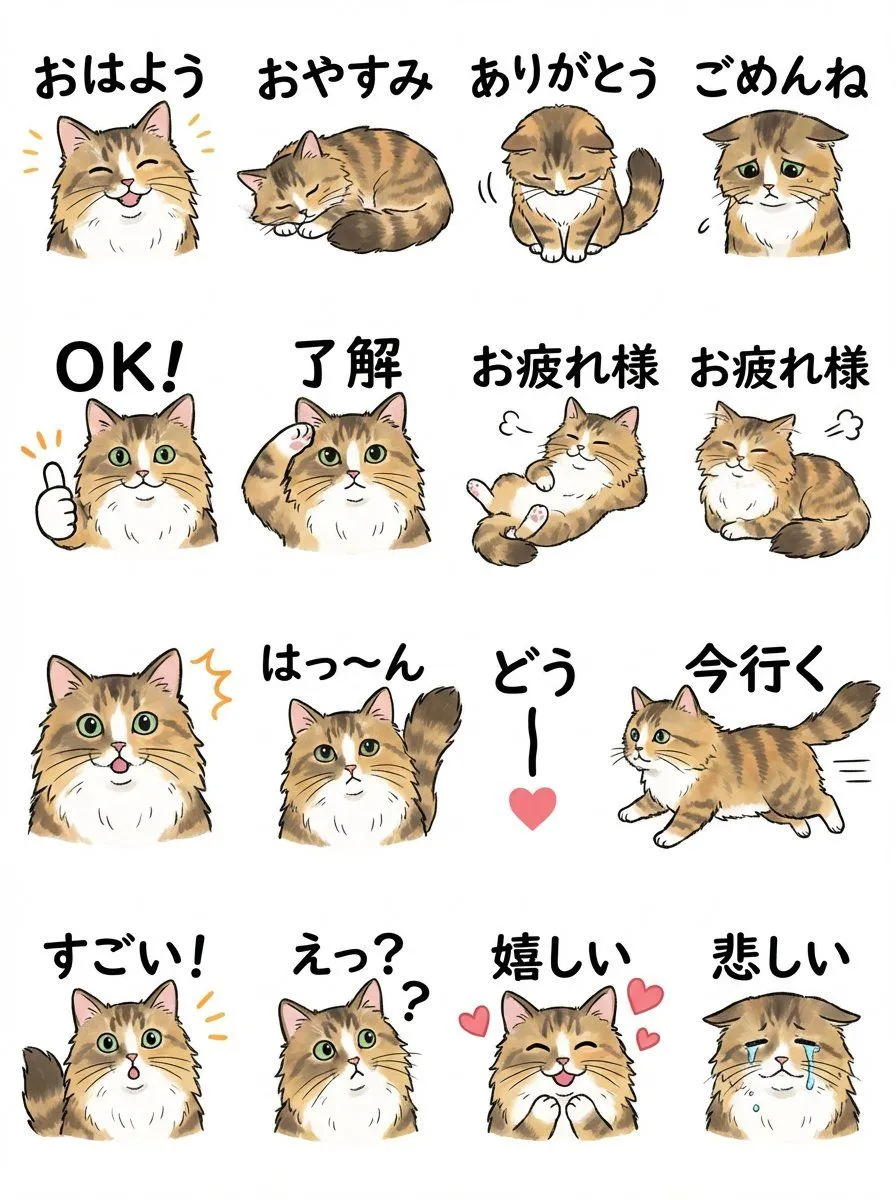
    • LINE Sticker Sheet Generation Prompt
    • Social Media Pet Avatar Creator
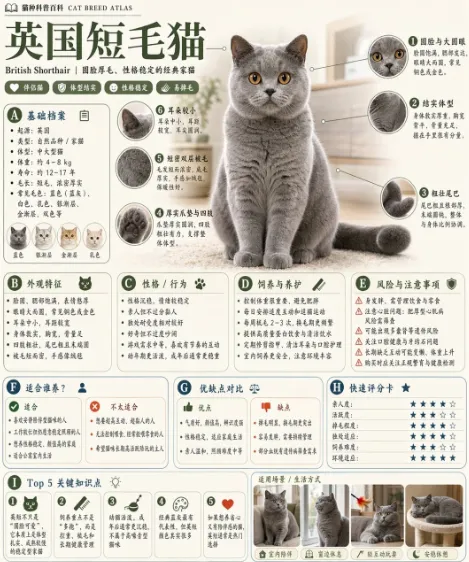
    • British Shorthair Encyclopedia Card
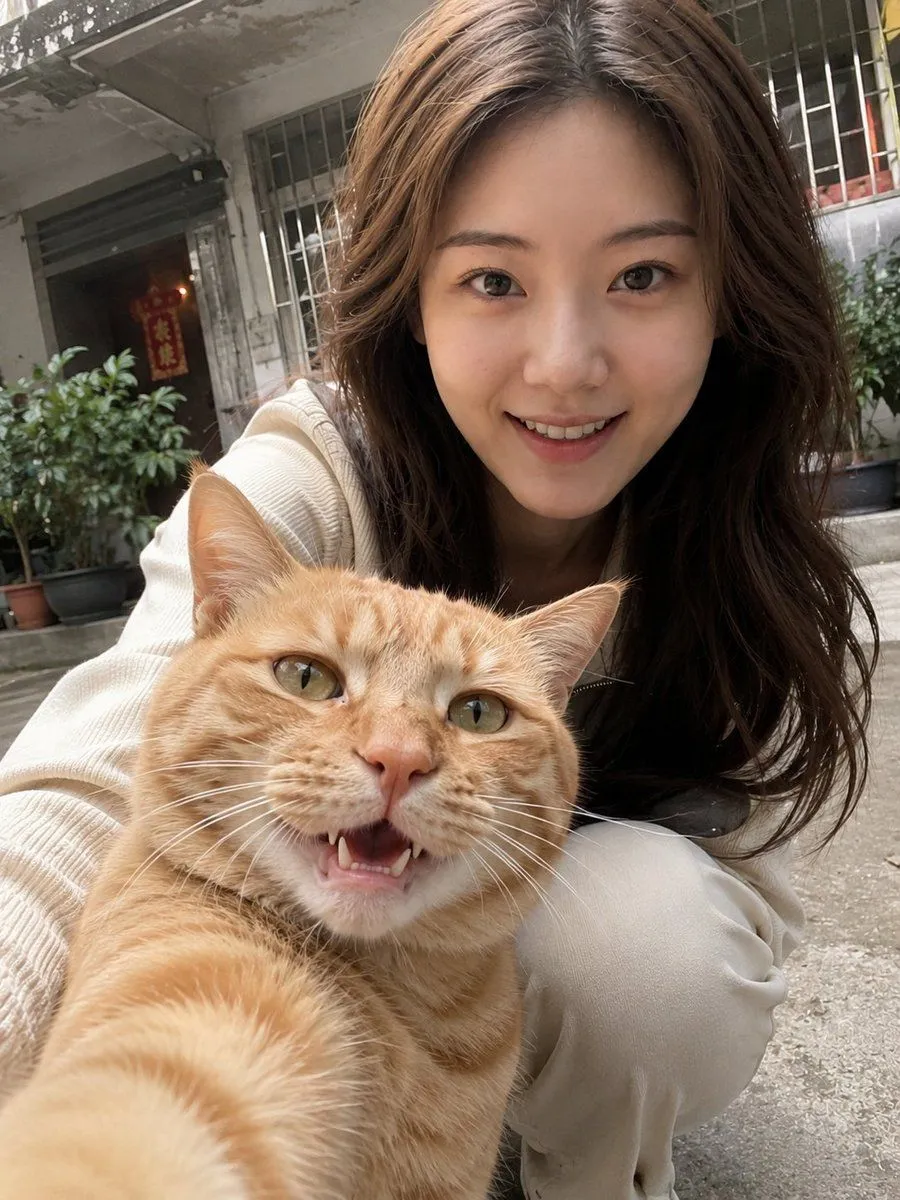
    • Realistic Pet and Owner Wide-Angle Selfie
    • Jiaowai Dual Visual Poster Prompt
    • Excited cat movements video promptVideo, 0:30
    • Cute 3D App Mascot Icon Grid
    • Educational Storyboard Generation
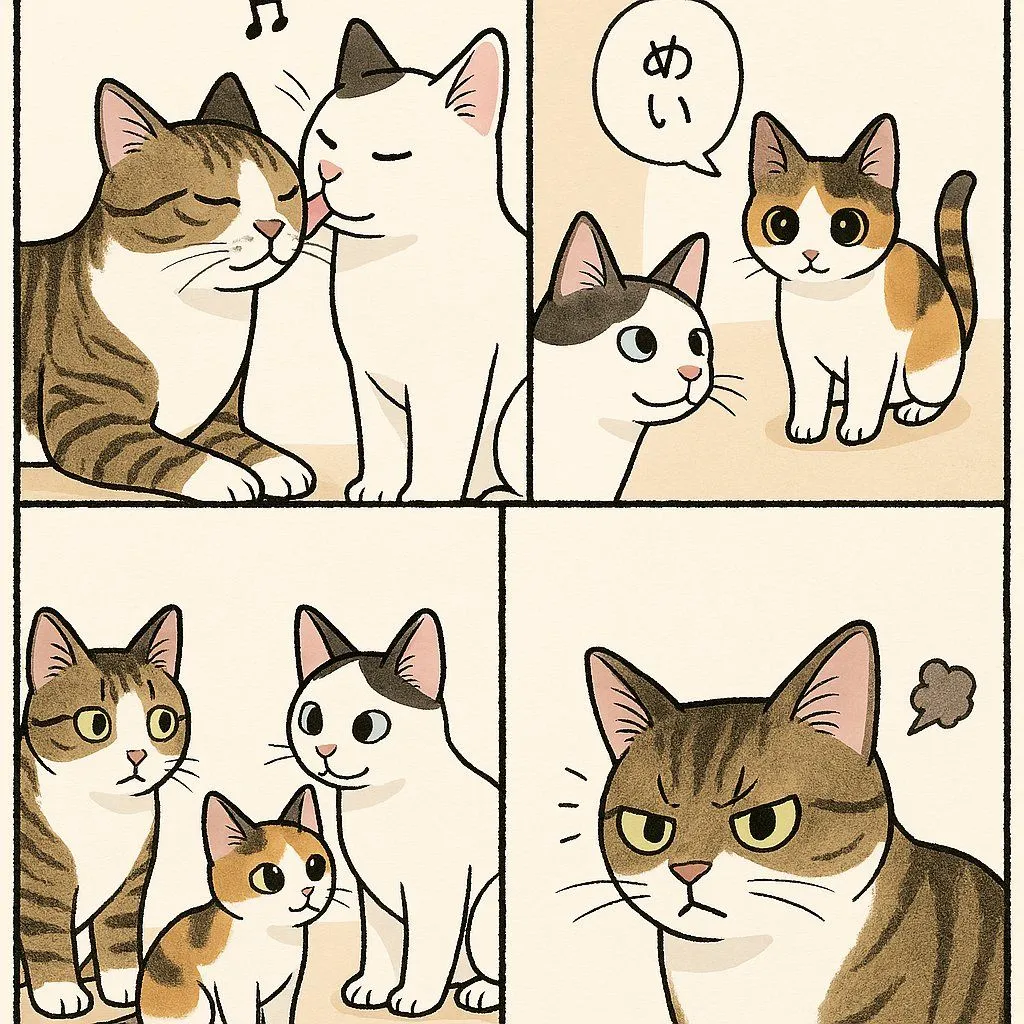
    • Cute Four-Panel Cat Jealousy Comic
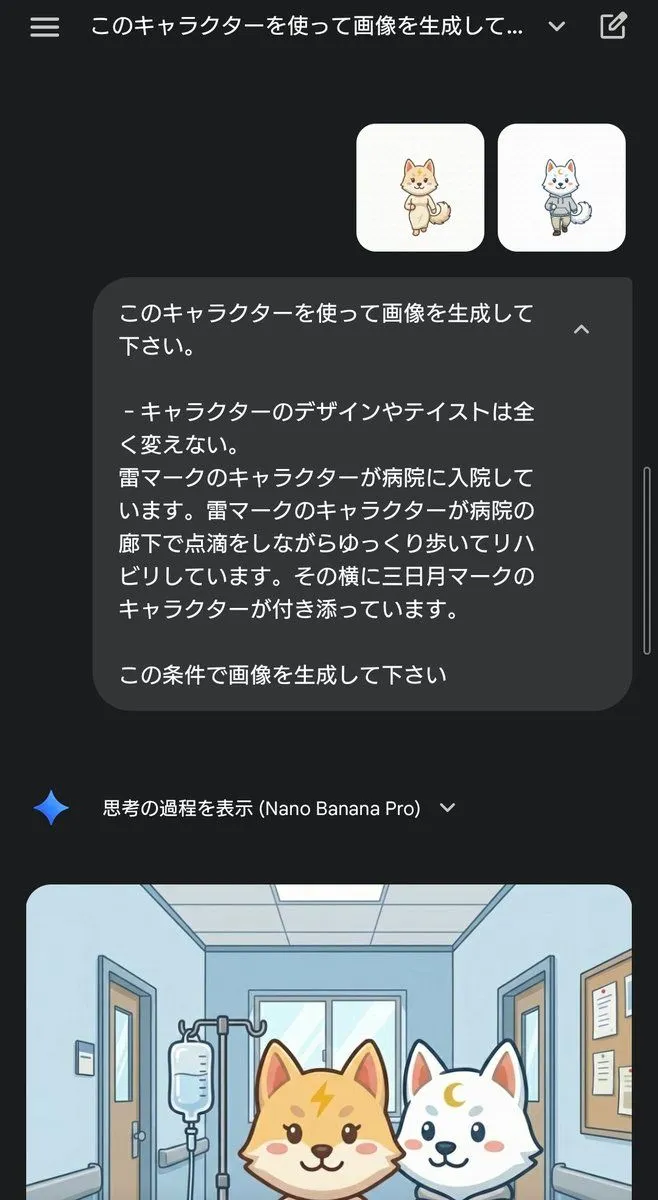
    • Character Rehabilitation Scene Generation Prompt

    Show more

    Run it on your phone

    1. Prompt copiedRead it

      Goal: Create a realistic iPhone photo library screenshot featuring a grid of cat photos. Canvas: Vertical mobile aspect ratio (9:16) mimicking an iOS interface. Layout: A standard iOS status bar at the top, a header with Japanese text, a 3x3 grid of square images in the center, and a bottom navigation bar with four icons. Sections: - Top Bar: Status bar showing time '23:48', signal bars, wifi icon, and battery. Below that, a large bold title on the left reading 'ライブラリ' (Library). On the right, a blue pill-shaped button reading '選択' (Select) and a three-dot menu icon. - Image Grid: Nine distinct photos arranged in a 3x3 grid. All photos feature the same tabby and white cat wearing a small green collar or bib. - Row 1: Close-up of face licking nose; sitting next to a food bowl; sitting by a window looking down. - Row 2: Butt sticking out from behind a curtain; playing with a feather toy; lying head-down on a laptop keyboard. - Row 3: Drinking water from a faucet; stretching one paw up while lying down; sleeping inside a cardboard box. - Bottom Bar: Four navigation icons with labels below them. Left to right: Blue 'Photos' icon labeled 'ライブラリ' (Library), grey heart icon labeled 'For You', grey stack icon labeled 'アルバム' (Albums), grey magnifying glass labeled '検索' (Search). Visual style: Photorealistic UI mockup. The photos within the grid should look like high-quality amateur pet photography—natural lighting, slightly candid angles, warm tones. Text content: Preserve all Japanese text exactly as described in the layout sections.

    2. Open your app

    3. Paste and run

      Press and hold the message box, then tap Paste. Add your photo first if the prompt uses one. You may need to sign in.

    iPhone Photo Library Cat Grid Mockup