Tell us anything

An idea, a bug, something you love. We read every note.

⌘↵ to send. The page you're on comes along.

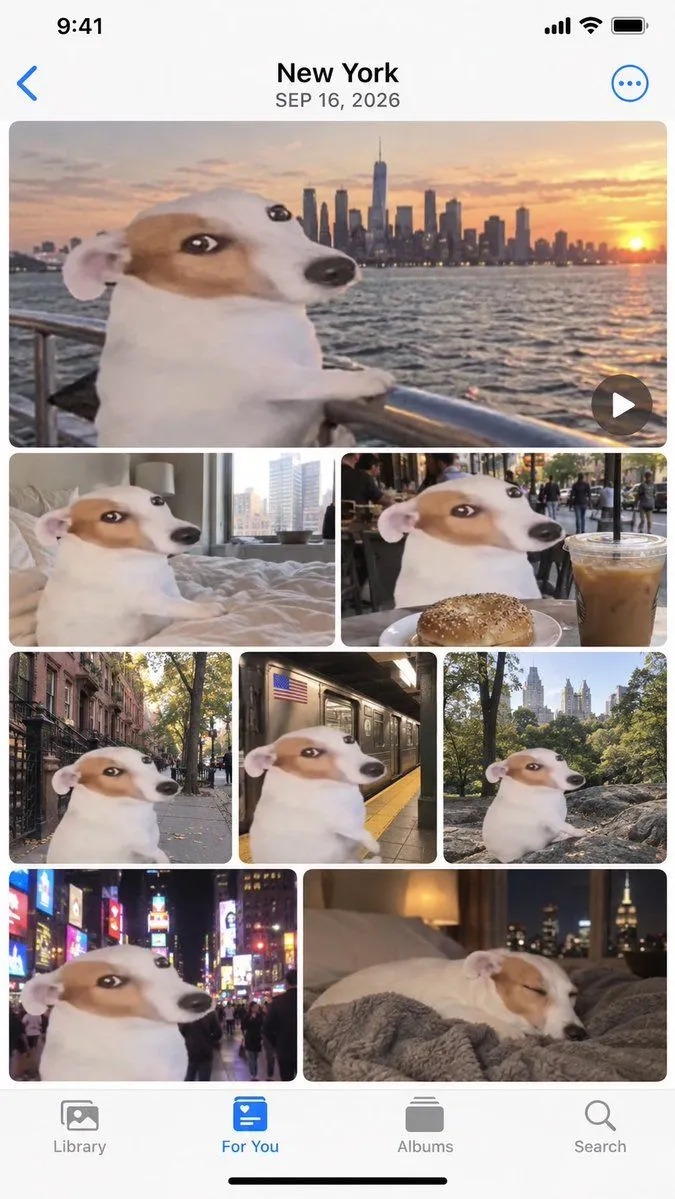
Apple Photos App Mockup - NYC Dog Trip

Made with GPT Image 2.5 in ChatGPT by Library UI Design. Promptclay never generates images.

Did it work?

No reports yet. Tell others if it worked for you.

No comments yet. Be the first.

    Apple Photos App Mockup - NYC Dog Trip

    GPT Image 2.59:16AI-generated

    Prompt

    Create a realistic mockup of an iPhone screen displaying the Apple Photos app interface. The top header displays "New York" and the date "SEP 16, 2026" in black text on a white background, with a blue back arrow on the left and a blue three-dot menu icon on the right. The main content area is a grid of 8 photos featuring a specific meme character: a Jack Russell Terrier with a distorted, wide-eyed face (the 'Wojak' dog) superimposed onto its body. The photo layout is as follows: 1. Top row (Full width): A horizontal video thumbnail showing the dog leaning on a metal railing looking at the New York City skyline during sunset over water. A play button icon is in the bottom right corner. 2. Second row (Two half-width images): Left image shows the dog sitting on a messy bed in a hotel room. Right image shows the dog at an outdoor cafe table with a bagel and an iced coffee. 3. Third row (Three third-width images): Left image shows the dog standing on a city sidewalk near brownstones. Middle image shows the dog inside a subway car next to a window. Right image shows the dog sitting on rocks in Central Park with trees behind it. 4. Bottom row (Two half-width images): Left image shows the dog in Times Square at night surrounded by bright neon billboards. Right image shows the dog sleeping peacefully on a grey blanket with a lamp and city view in the background. At the very bottom is the standard iOS tab bar with four icons labeled "Library", "For You" (highlighted in blue), "Albums", and "Search".

    Works in
    ChatGPT, Gemini
    Status
    Free to copy
    0
    DetailsVersions, settings and questions

    Written for

    What's in the prompt

    Subject
    Model
    GPT Image 2.5

    If your face changes

    keep my face exactly the same

    Questions

    Does this work in the ChatGPT app?
    Yes. Paste the prompt and attach your photo if it uses one.
    It changed my face. What do I do?
    Add "keep my face exactly the same" to the end and run it again.
    Can I use the images I make?
    Check the terms of the app you use. Promptclay never generates images and claims nothing you make.
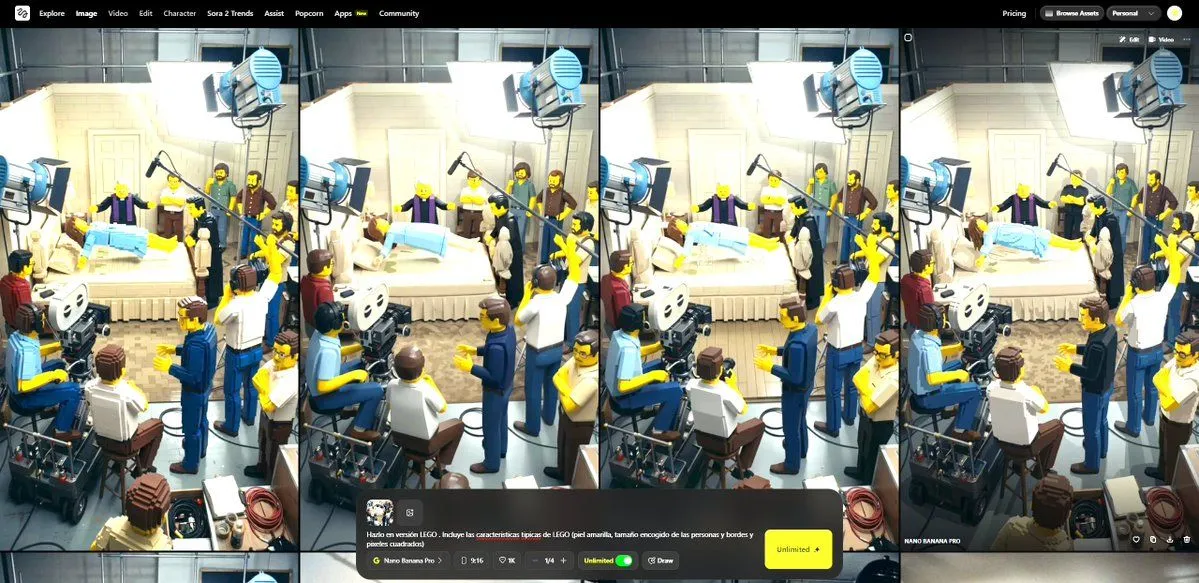
    Similar prompts

    See more
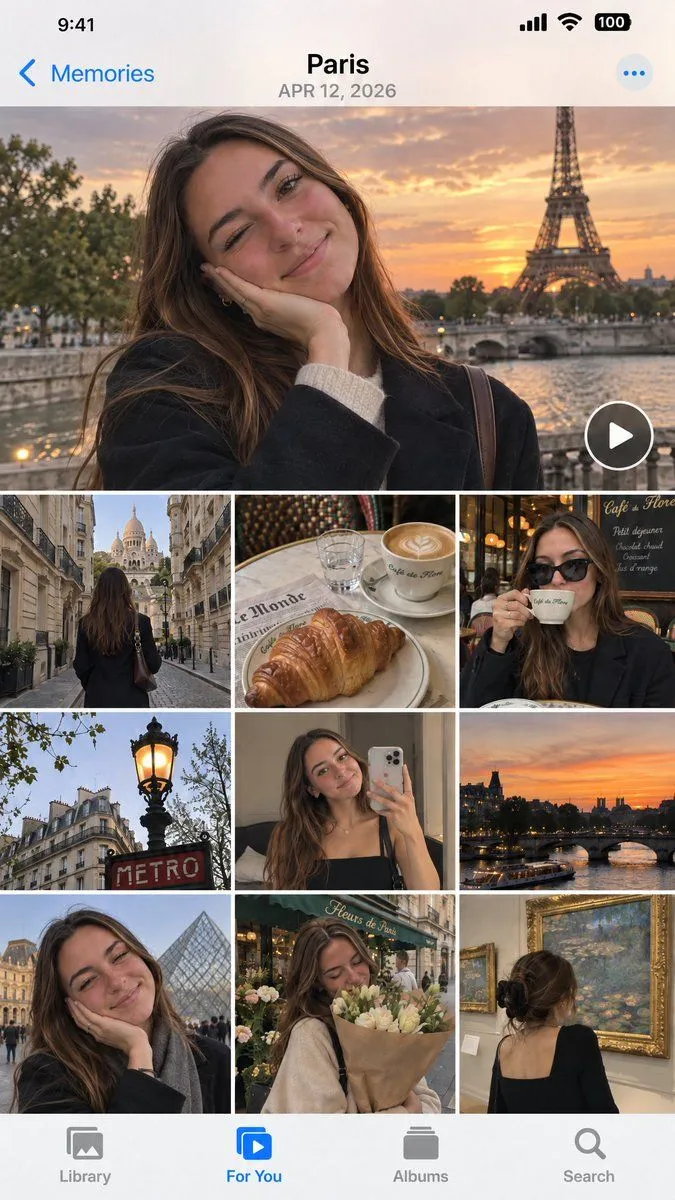
    • iOS Photos App Memory Gallery Mockup
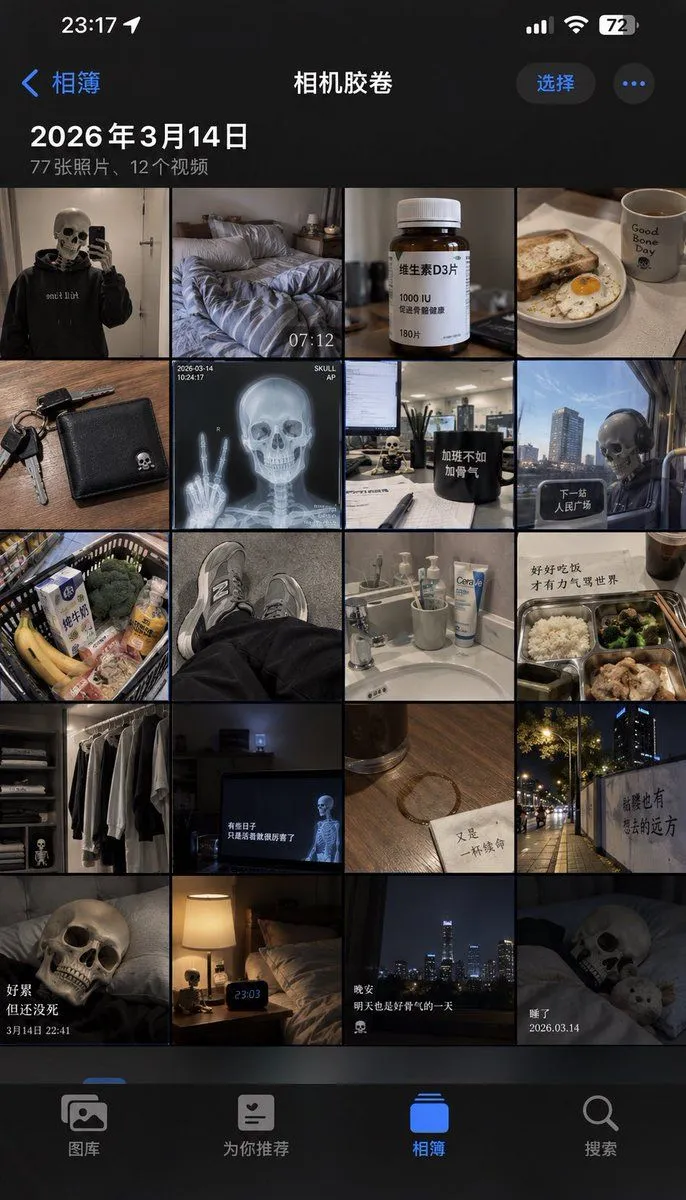
    • iPhone Camera Roll Mockup Prompt
    • iPhone App Store Mockup on Desk
    • iOS Share Sheet Pop-Out Effect
    • Dark Mode Dictionary Entry App
    • Japanese ES Critique App Mockup
    • Tower defense mobile app design mockup grid
    • Ecosystem trophic levels infographic
    • Chinese AI Chat Screenshot with Bunny Comic
    • Video Generation Prompt: Animating Mobile ScreensVideo, 0:10
    • Realistic X-Style French Profile Screen
    • Five High-Efficiency Nano Banana Pro Prompts for Business Graphics
    • Instagram Profile Grid Aesthetic
    • AI Gallery Portrait UI Screenshot
    • X Profile Mockup Generator (Clean and Modern)
    • AI-Assisted LP Page Design with Automation Focus
    • Hand-Drawn Designer Profile Screen
    • Ultra-Realistic Winter Street Photoshoot
    • iPhone Street Movement Realism
    • Luxury Concierge Laptop Mockup
    • Torn Paper Reveal Poster
    • Satellite Map Medieval City
    • Chaotic, cinematic video generation prompt: Raccoon riding a cat tornadoVideo, 0:06
    • Transform Image into LEGO Version

    Show more

    Run it on your phone

    1. Prompt copiedRead it

      Create a realistic mockup of an iPhone screen displaying the Apple Photos app interface. The top header displays "New York" and the date "SEP 16, 2026" in black text on a white background, with a blue back arrow on the left and a blue three-dot menu icon on the right. The main content area is a grid of 8 photos featuring a specific meme character: a Jack Russell Terrier with a distorted, wide-eyed face (the 'Wojak' dog) superimposed onto its body. The photo layout is as follows: 1. Top row (Full width): A horizontal video thumbnail showing the dog leaning on a metal railing looking at the New York City skyline during sunset over water. A play button icon is in the bottom right corner. 2. Second row (Two half-width images): Left image shows the dog sitting on a messy bed in a hotel room. Right image shows the dog at an outdoor cafe table with a bagel and an iced coffee. 3. Third row (Three third-width images): Left image shows the dog standing on a city sidewalk near brownstones. Middle image shows the dog inside a subway car next to a window. Right image shows the dog sitting on rocks in Central Park with trees behind it. 4. Bottom row (Two half-width images): Left image shows the dog in Times Square at night surrounded by bright neon billboards. Right image shows the dog sleeping peacefully on a grey blanket with a lamp and city view in the background. At the very bottom is the standard iOS tab bar with four icons labeled "Library", "For You" (highlighted in blue), "Albums", and "Search".

    2. Open your app

    3. Paste and run

      Press and hold the message box, then tap Paste. Add your photo first if the prompt uses one. You may need to sign in.

    Apple Photos App Mockup - NYC Dog Trip