Tell us anything

An idea, a bug, something you love. We read every note.

⌘↵ to send. The page you're on comes along.

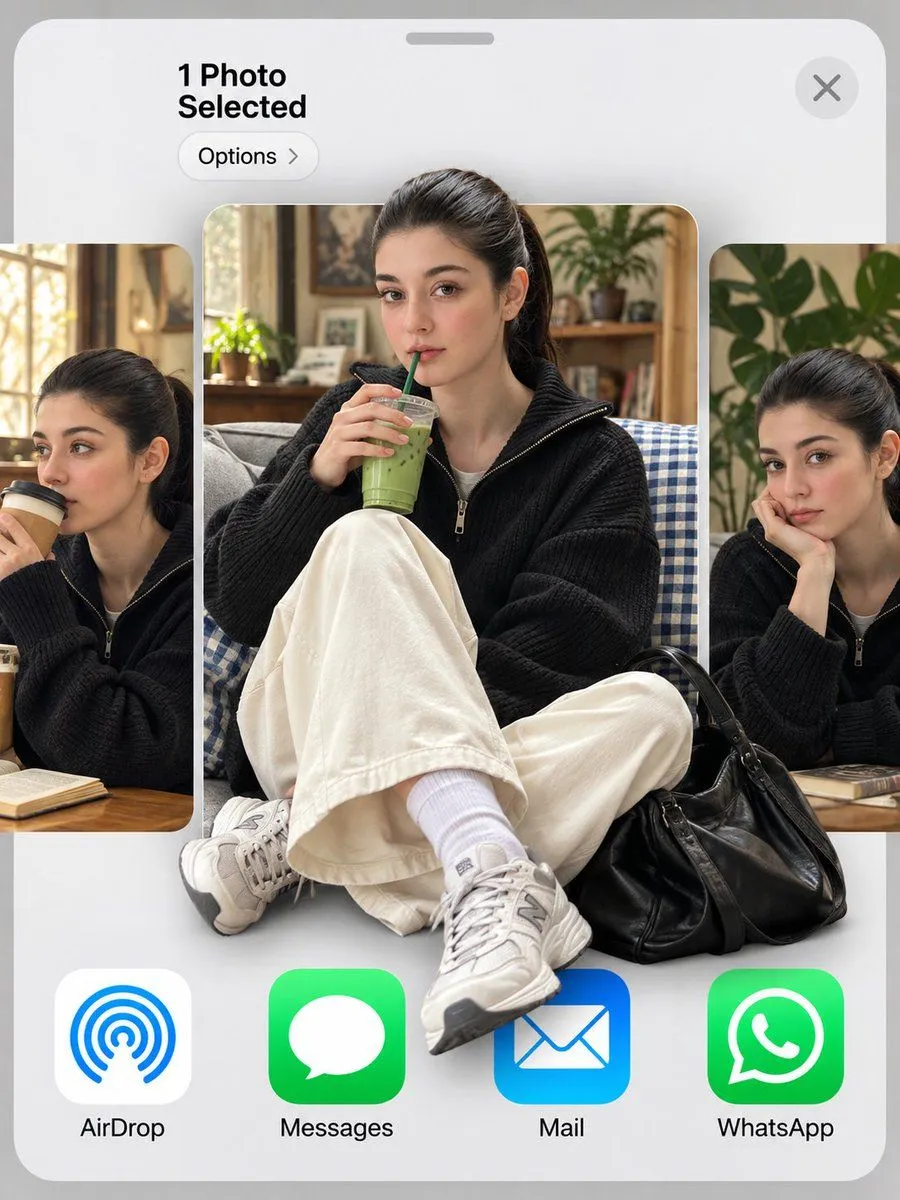
iOS Share Sheet Pop-Out Effect

Made with GPT Image 2.5 in ChatGPT by Library Lifestyle. Promptclay never generates images.

Did it work?

No reports yet. Tell others if it worked for you.

No comments yet. Be the first.

    iOS Share Sheet Pop-Out Effect

    GPT Image 2.53:4Needs your photoAI-generated

    Prompt

    Use my uploaded photo as the face reference. 3:4 vertical. An iOS share sheet on a light grey background: top left reads "1 Photo Selected" with an "Options >" pill below it, a round X close button top right, then a horizontal carousel of three photo thumbnails, and a bottom row of app icons labeled "AirDrop", "Messages", "Mail", "WhatsApp". Center thumbnail: the man in reference, keeping his exact face, hairstyle and identity, sitting cross-legged on a grey couch with a blue gingham blanket, holding an iced matcha latte with a green straw, looking at the camera. He wears a black baseball cap with a white NY logo, thin round gold wire glasses, an oversized cream shirt with a grey knit sweater draped over his shoulders, wide black trousers, white socks and black leather penny loafers, with a red crochet drawstring bag at his feet. 3D pop-out effect: his cap breaks out above the thumbnail's top edge, and his loafers and the red bag spill out over the app icons below. Side thumbnails, partially cropped: the same man sipping a takeaway coffee on the left, and resting his chin on his hand beside a monstera plant on the right. Soft indoor daylight, realistic skin texture.

    Use only photos you have the right to usePhoto tips
    • Your photo stays with your app. You upload it to Gemini, ChatGPT or the app you use. Promptclay never sees or stores it.
    • Crop to what the prompt needs. Your face for a portrait. Leave out other people, house numbers, cards and screens.
    • Check the result before you post. Apps sometimes add things that were not in your photo, like a mole, a tattoo or bare shoulders. Run it again or ask the app to remove them.
    Works in
    ChatGPT, Gemini
    Status
    Free to copy
    0
    DetailsVersions, settings and questions

    Written for

    What's in the prompt

    Subject
    Model
    GPT Image 2.5

    If your face changes

    keep my face exactly the same

    Questions

    Does this work in the ChatGPT app?
    Yes. Paste the prompt and attach your photo if it uses one.
    It changed my face. What do I do?
    Add "keep my face exactly the same" to the end and run it again.
    Can I use the images I make?
    Check the terms of the app you use. Promptclay never generates images and claims nothing you make.
    Similar prompts

    See more
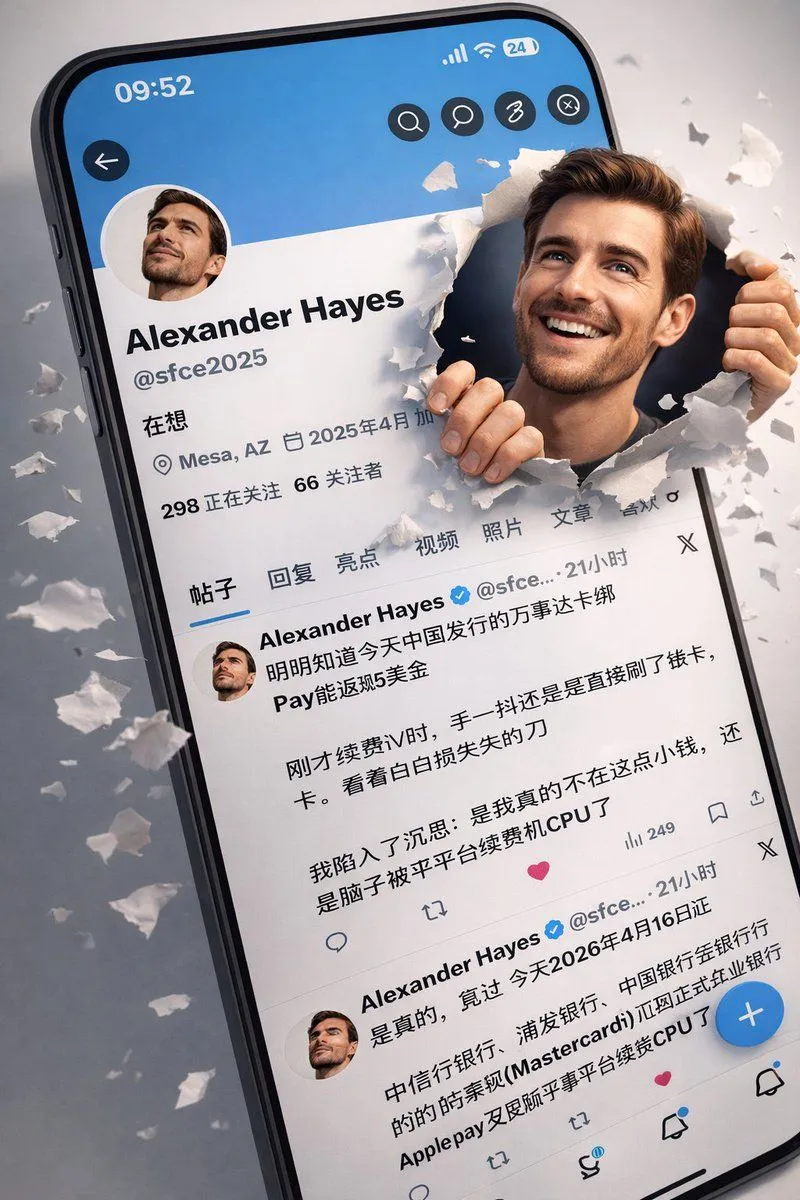
    • 3D Realistic X Profile Interface
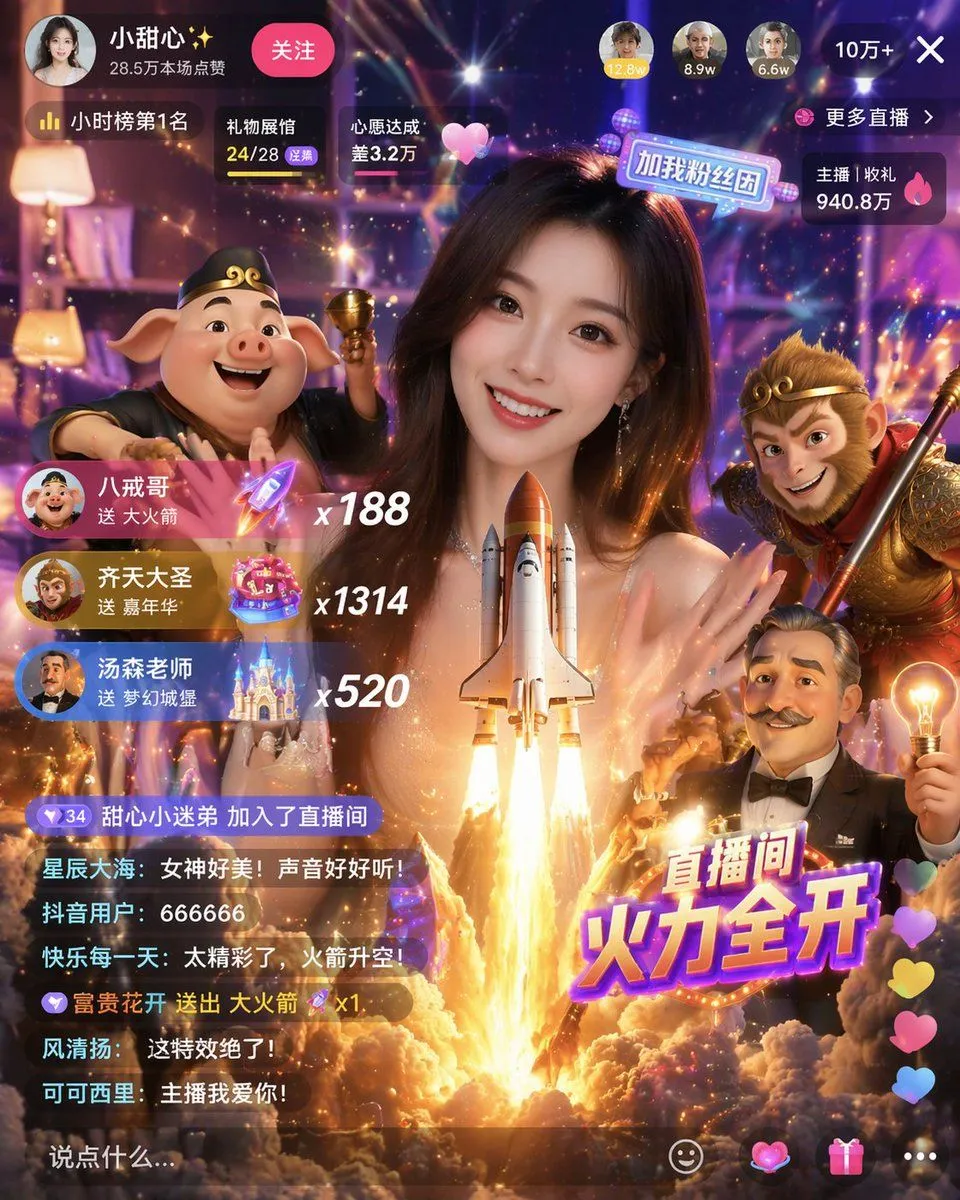
    • Live Stream UI Mockup with 3D Effects
    • Realistic 3D Social Media Profile
    • Live Streaming App UI Mockup
    • E-commerce Livestream UI Mockup
    • Live E-commerce UI Mockup
    • Realistic X-Style French Profile Screen
    • iPhone App Store Mockup on Desk
    • Fluent-style App Ad Generation PromptVideo, 0:15
    • Spotify Discovery UI Concept Poster
    • Historical Social Media Feed Mockup
    • Five High-Efficiency Nano Banana Pro Prompts for Business Graphics
    • Video Generation Prompt: Animating Mobile ScreensVideo, 0:10
    • Structural Image Inpainting Prompt
    • Generating Multiple Runnable Modes/States
    • Hyper-realistic MacBook screen simulation prompt
    • Nano-banana Pro Persona Generation Prompt
    • Japanese ES Critique App Mockup
    • UI/UX Redesign Prompt (Pop Design Style)
    • Multi-Slide Document Generation with Nano Banana and NotebookLM
    • Ecosystem trophic levels infographic
    • Cyberpunk Mythology Movie Poster
    • Post-Apocalyptic Cactus Warrior
    • The Last Photo of Humanity

    Show more

    Run it on your phone

    1. Prompt copiedRead it

      Use my uploaded photo as the face reference. 3:4 vertical. An iOS share sheet on a light grey background: top left reads "1 Photo Selected" with an "Options >" pill below it, a round X close button top right, then a horizontal carousel of three photo thumbnails, and a bottom row of app icons labeled "AirDrop", "Messages", "Mail", "WhatsApp". Center thumbnail: the man in reference, keeping his exact face, hairstyle and identity, sitting cross-legged on a grey couch with a blue gingham blanket, holding an iced matcha latte with a green straw, looking at the camera. He wears a black baseball cap with a white NY logo, thin round gold wire glasses, an oversized cream shirt with a grey knit sweater draped over his shoulders, wide black trousers, white socks and black leather penny loafers, with a red crochet drawstring bag at his feet. 3D pop-out effect: his cap breaks out above the thumbnail's top edge, and his loafers and the red bag spill out over the app icons below. Side thumbnails, partially cropped: the same man sipping a takeaway coffee on the left, and resting his chin on his hand beside a monstera plant on the right. Soft indoor daylight, realistic skin texture.

    2. Open your app

    3. Paste and run

      Press and hold the message box, then tap Paste. Add your photo first if the prompt uses one. You may need to sign in.

    iOS Share Sheet Pop-Out Effect