Tell us anything

An idea, a bug, something you love. We read every note.

⌘↵ to send. The page you're on comes along.

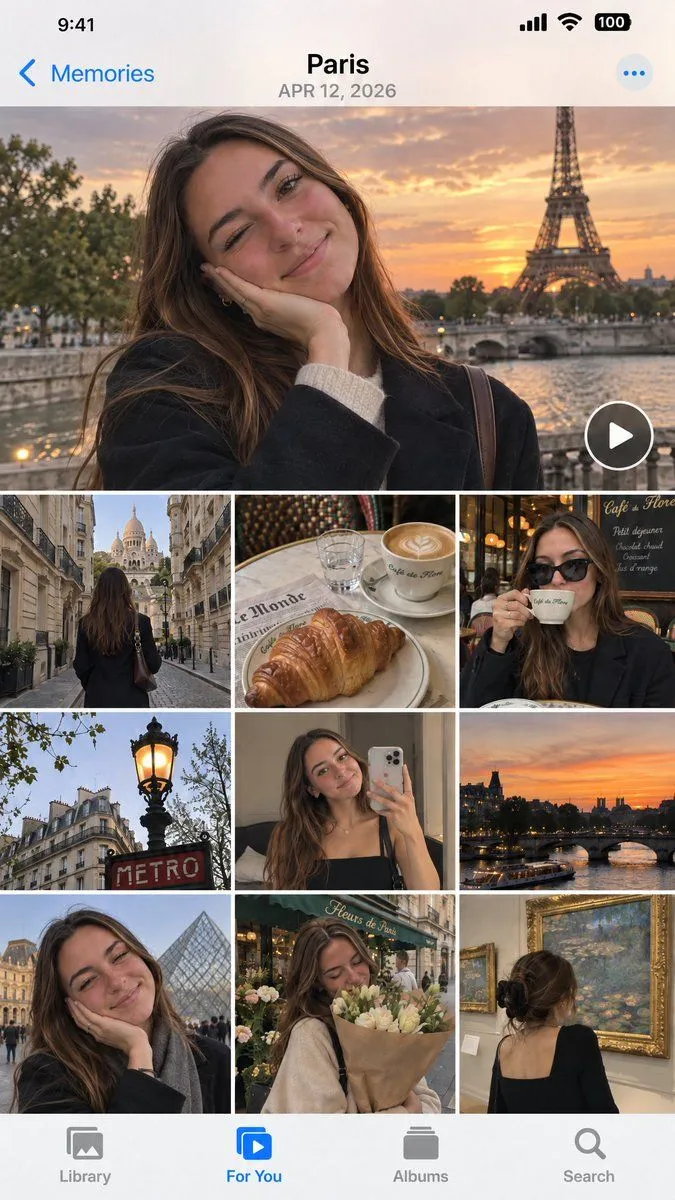
iOS Photos App Memory Gallery Mockup

Made with GPT Image 2.5 in ChatGPT by Library UI Design. Promptclay never generates images.

No reports yet. Tell others if it worked for you.

No comments yet. Be the first.

    iOS Photos App Memory Gallery Mockup

    GPT Image 2.59:16AI-generated

    Prompt

    Create a realistic mockup of an iPhone screen displaying the iOS Photos app 'Memories' interface. The header shows the location "Paris" and date "APR 12, 2026" in bold black text against a white background. The main content is a collage of travel photos featuring a young woman with long brown hair wearing a black coat. The layout consists of: 1. A large hero image at the top: The woman smiling with her hand on her cheek, winking slightly, with the Eiffel Tower and a sunset over the Seine river in the background. A circular play button overlay is in the bottom right corner. 2. A grid of smaller images below (3 columns x 3 rows visible): - Row 1: Left: View from behind walking down a street towards Sacré-Cœur Basilica. Center: A croissant and latte art coffee on a table with a newspaper. Right: The woman drinking coffee wearing sunglasses inside a cafe. - Row 2: Left: A classic Parisian street lamp glowing orange near a red "METRO" sign. Center: The woman taking a mirror selfie with an iPhone. Right: A sunset view of the Seine river and bridges. - Row 3: Left: Close-up of the woman smiling with the Louvre Pyramid in the background. Center: The woman holding a bouquet of flowers outside a shop named "Fleurs de Paris". Right: View from behind of the woman looking at Monet paintings in a museum gallery. The bottom navigation bar has four icons: Library, For You (highlighted in blue), Albums, Search. The status bar at the top shows time 9:41, signal bars, wifi, and battery.

    Works in
    ChatGPT, Gemini
    Status
    Free to copy
    0
    DetailsVersions, settings and questions

    Written for

    What's in the prompt

    Subject
    Model
    GPT Image 2.5

    If your face changes

    keep my face exactly the same

    Questions

    Does this work in the ChatGPT app?
    Yes. Paste the prompt and attach your photo if it uses one.
    It changed my face. What do I do?
    Add "keep my face exactly the same" to the end and run it again.
    Can I use the images I make?
    Check the terms of the app you use. Promptclay never generates images and claims nothing you make.
    Similar prompts

    See more
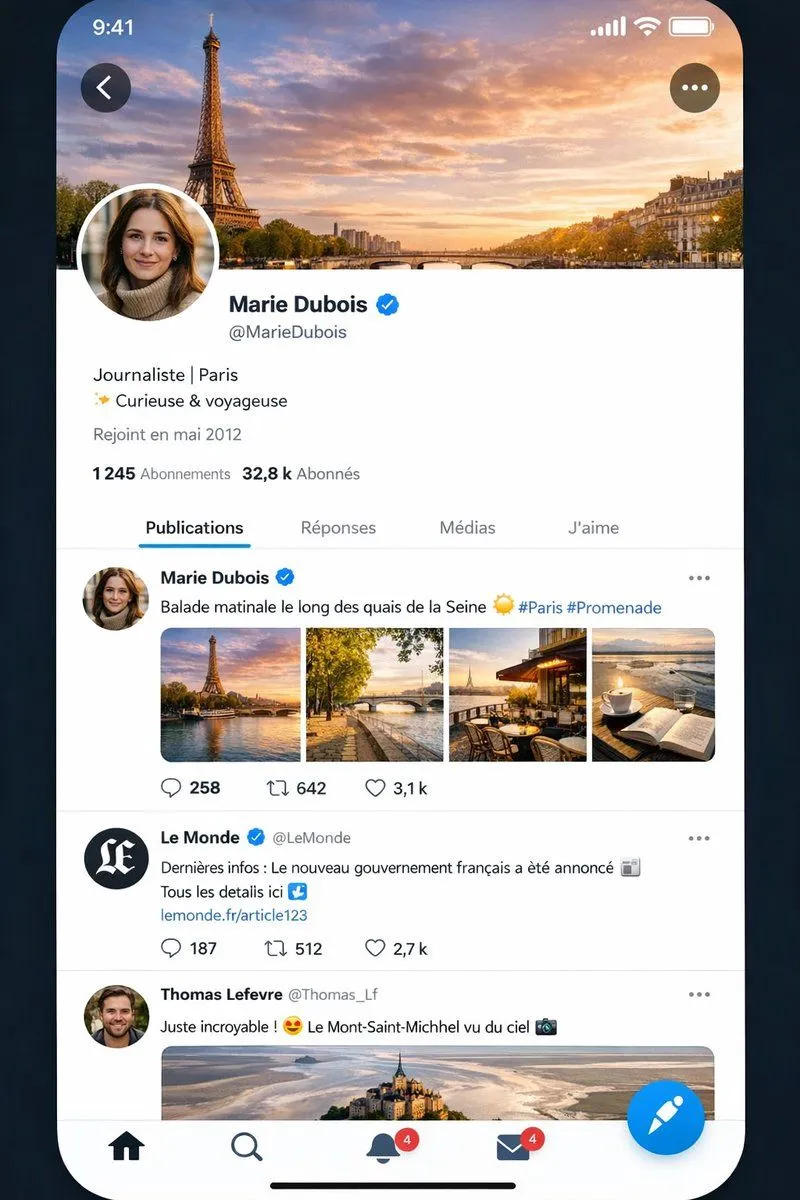
    • Realistic X-Style French Profile Screen
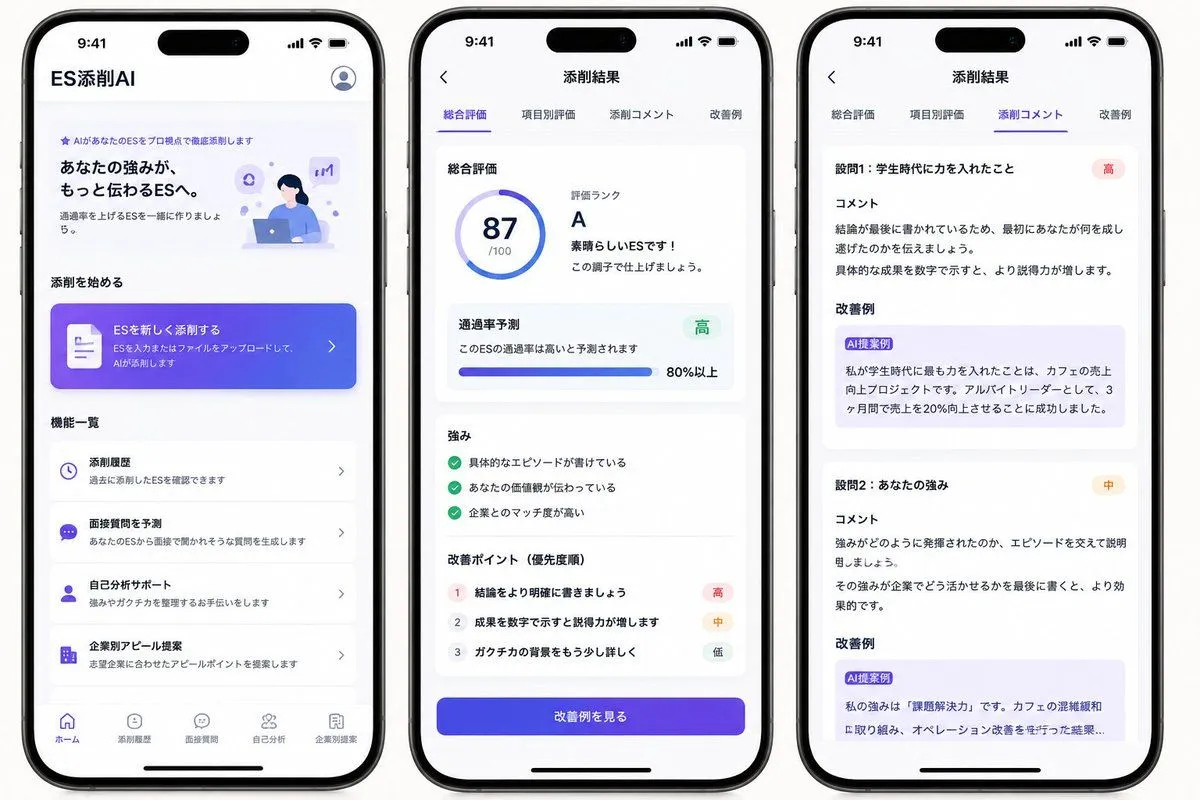
    • Japanese ES Critique App Mockup
    • Watercolor Travel App Phone Mockups
    • iOS Share Sheet Pop-Out Effect
    • Five High-Efficiency Nano Banana Pro Prompts for Business Graphics
    • GlowUp App UI Board
    • Ecosystem trophic levels infographic
    • Immersive Music Player UI Poster
    • UI/UX Redesign Prompt (Pop Design Style)
    • AI Gallery Portrait UI Screenshot
    • Weekend photo dump grid for Instagram
    • Romantic Couple Travel Album Grid
    • Personalized Personality Visualization
    • Video Generation Prompt: Animating Mobile ScreensVideo, 0:10
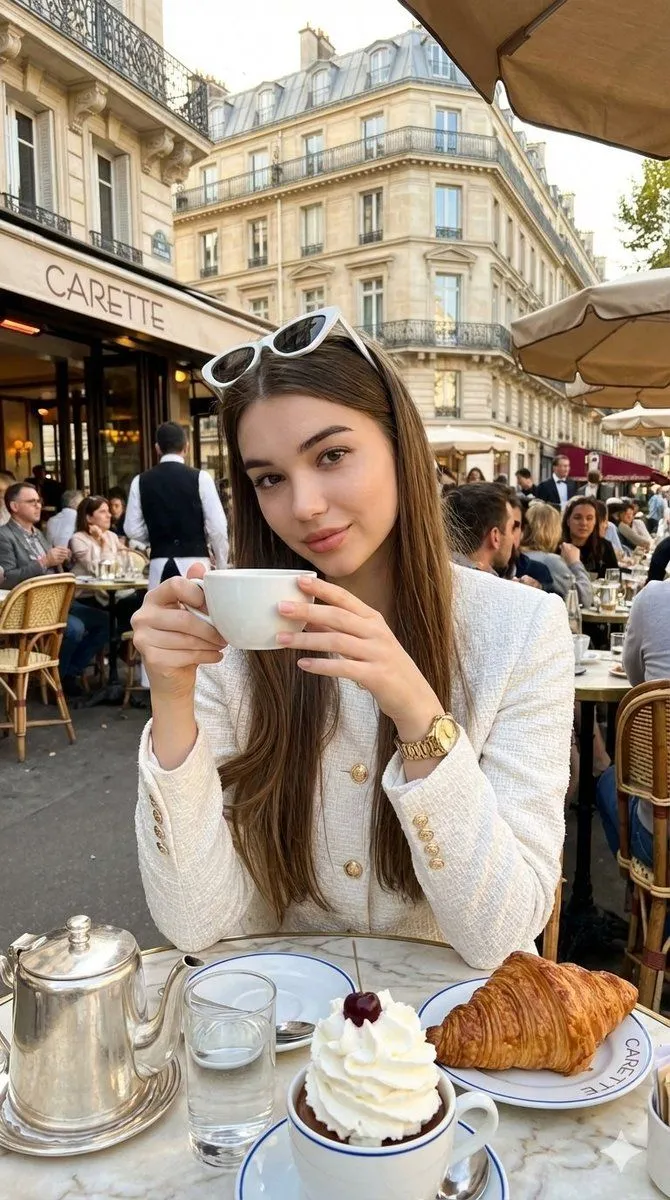
    • Photorealistic Parisian Café Editorial Portrait
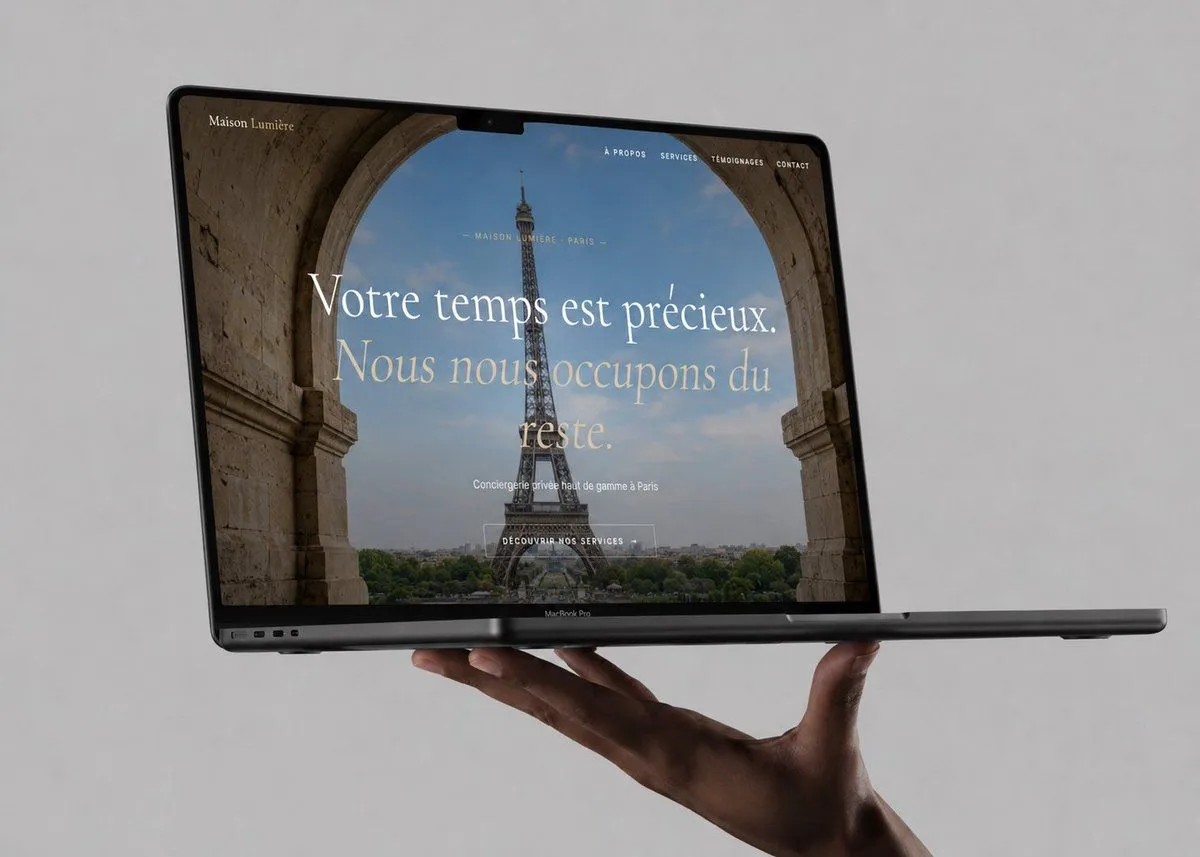
    • Luxury Concierge Laptop Mockup
    • Japanese Travel App Poster
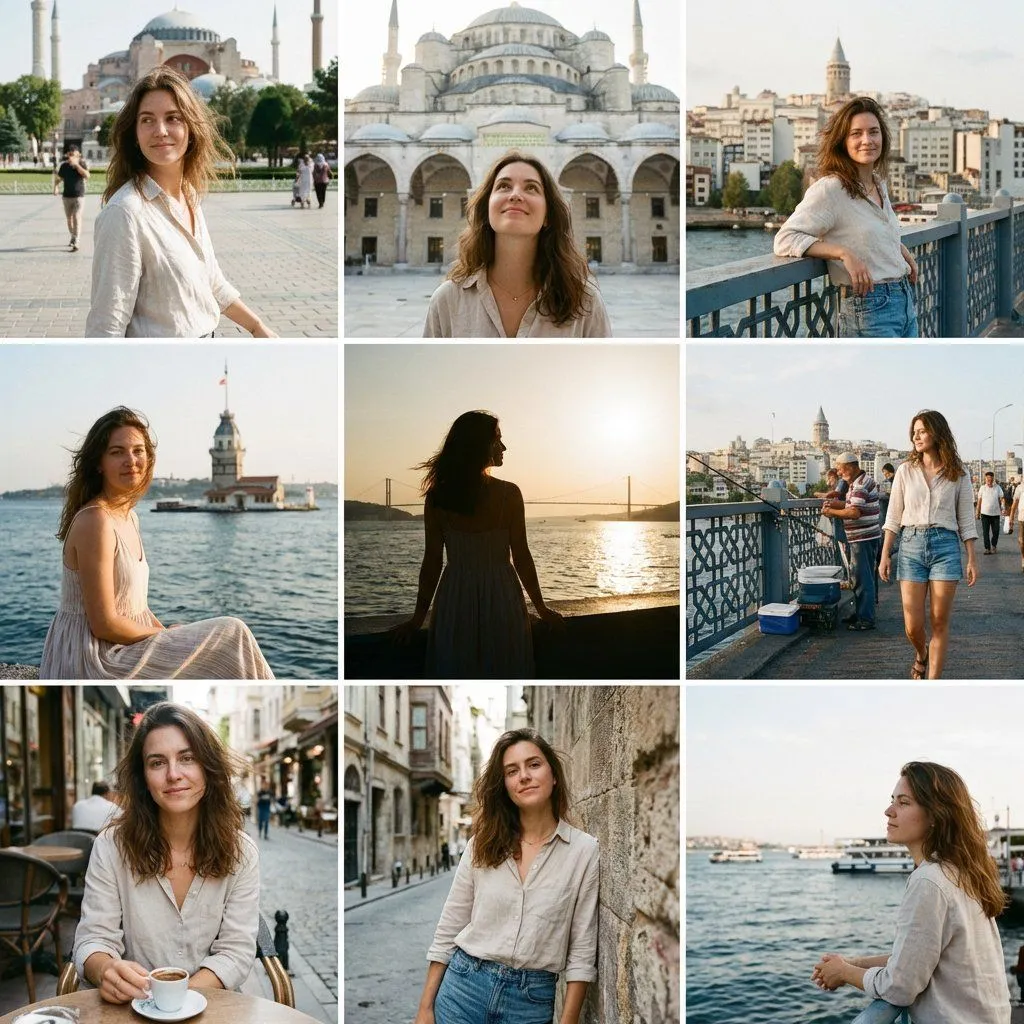
    • Instagram Travel Grid of an Attractive Woman in Istanbul
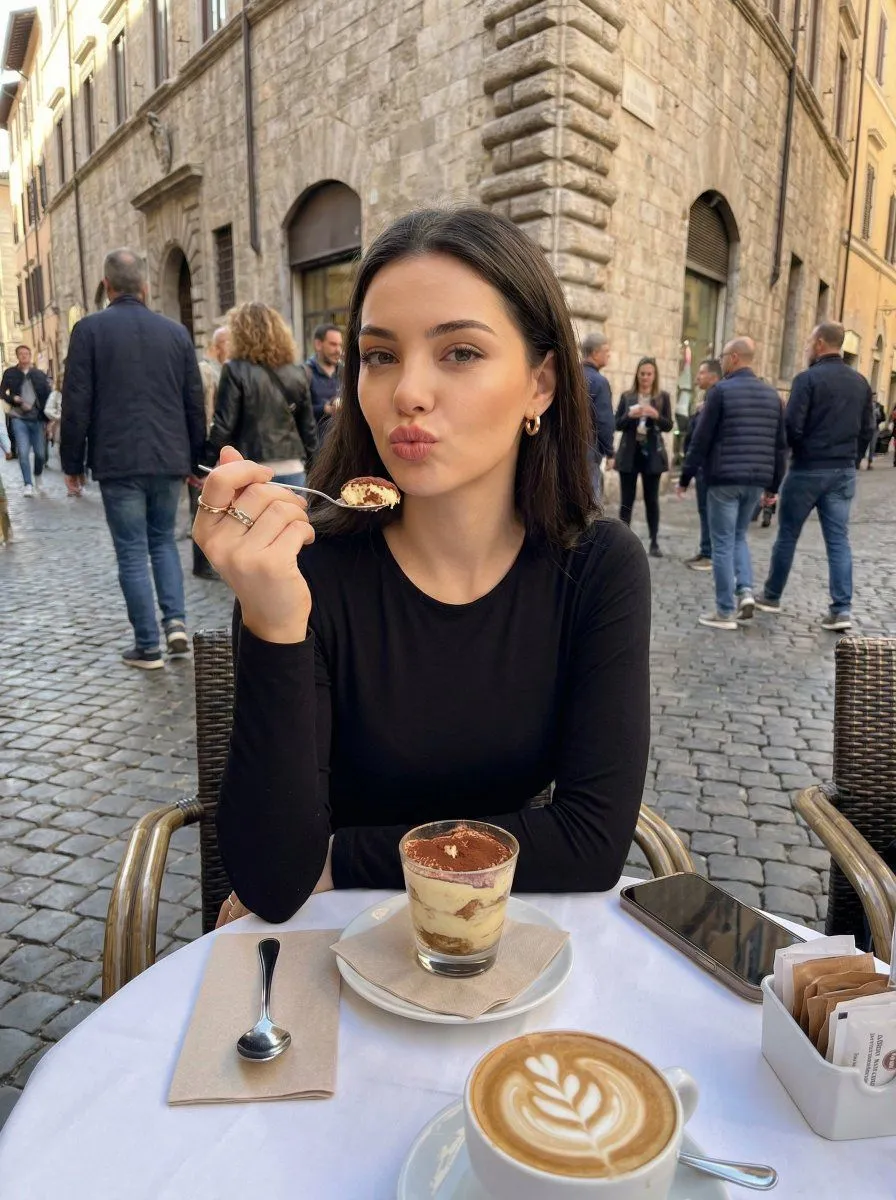
    • Candid European Café Portrait
    • Nano-banana Pro Persona Generation Prompt
    • Titanic Woman in Paris Prompt
    • Luxury Fashion Editorial Storyboard
    • Instagram Profile Grid Aesthetic
    • Vintage Film Korean Idol Mirror Selfie Collage

    Show more

    Run it on your phone

    1. Prompt copiedRead it

      Create a realistic mockup of an iPhone screen displaying the iOS Photos app 'Memories' interface. The header shows the location "Paris" and date "APR 12, 2026" in bold black text against a white background. The main content is a collage of travel photos featuring a young woman with long brown hair wearing a black coat. The layout consists of: 1. A large hero image at the top: The woman smiling with her hand on her cheek, winking slightly, with the Eiffel Tower and a sunset over the Seine river in the background. A circular play button overlay is in the bottom right corner. 2. A grid of smaller images below (3 columns x 3 rows visible): - Row 1: Left: View from behind walking down a street towards Sacré-Cœur Basilica. Center: A croissant and latte art coffee on a table with a newspaper. Right: The woman drinking coffee wearing sunglasses inside a cafe. - Row 2: Left: A classic Parisian street lamp glowing orange near a red "METRO" sign. Center: The woman taking a mirror selfie with an iPhone. Right: A sunset view of the Seine river and bridges. - Row 3: Left: Close-up of the woman smiling with the Louvre Pyramid in the background. Center: The woman holding a bouquet of flowers outside a shop named "Fleurs de Paris". Right: View from behind of the woman looking at Monet paintings in a museum gallery. The bottom navigation bar has four icons: Library, For You (highlighted in blue), Albums, Search. The status bar at the top shows time 9:41, signal bars, wifi, and battery.

    2. Open your app

    3. Paste and run

      Press and hold the message box, then tap Paste. Add your photo first if the prompt uses one. You may need to sign in.

    iOS Photos App Memory Gallery Mockup