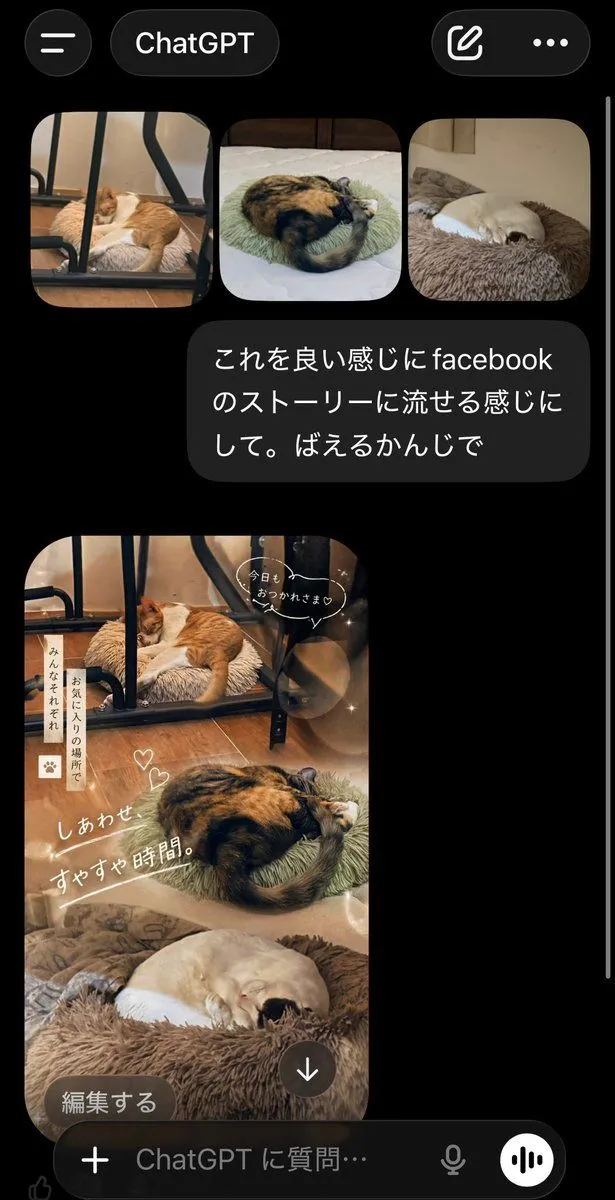
ChatGPT App Cat Story Screenshot
A realistic smartphone screenshot of the ChatGPT mobile app in dark mode, shown on a black background with iOS-style UI. At the top, display a header with a hamburger menu icon on the left, a rounded tab labeled "ChatGPT" in the center, and two icons on the right: a compose icon and a three-dot menu. Below that, show a row of exactly 3 rounded-corner photo thumbnails of sleeping cats: first, an orange-and-white cat sleeping on a fluffy cushion under a black metal chair frame on a wooden floor; second, a calico cat curled tightly on a pale green round cushion on a bed; third, a cream-colored cat curled up asleep in a brown plush pet bed. Under the thumbnails, place a dark gray chat bubble with white Japanese text that says: "これを良い感じにfacebookのストーリーに流せる感じにして。ばえるかんじで". Beneath the message, show the generated image as a tall vertical Facebook-story-style collage using the same 3 cat photos blended into one warm, cozy composition. The top section features the orange-and-white cat under the chair, the middle section features the curled calico cat, and the bottom section features the cream-colored cat in the fluffy bed. Apply soft beige and brown tones, dreamy lighting, light bokeh circles, subtle sparkles, and a gentle lifestyle aesthetic. Add cute handwritten-style Japanese overlay text and stickers across the collage: a speech bubble near the top saying "今日も おつかれさま♡", a vertical note on the left reading "みんなそれぞれ お気に入りの場所で", two small heart doodles near the center, and a large diagonal caption reading "しあわせ すやすや時間。". At the bottom-left of the generated image, overlay a rounded dark button labeled "編集する", and near the bottom-center place a circular download icon with a downward arrow. At the very bottom of the screen, include the ChatGPT input bar with a plus icon, placeholder text "ChatGPT に質問…", a microphone icon, and a circular voice button. Make the overall image look like an authentic captured app screen, vertically oriented, with a thin white scroll bar visible along the right edge.