Tell us anything

An idea, a bug, something you love. We read every note.

⌘↵ to send. The page you're on comes along.

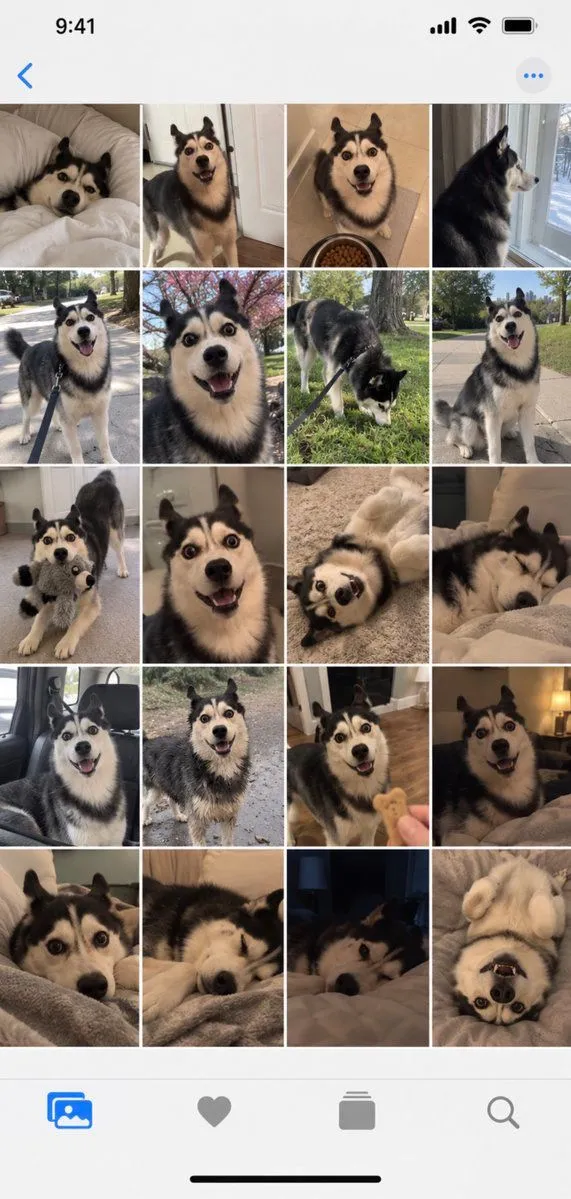
iPhone Gallery Screenshot of Husky Dog Photos

Made with GPT Image 2.5 in ChatGPT by Library UI Design. Promptclay never generates images.

No reports yet. Tell others if it worked for you.

No comments yet. Be the first.

    iPhone Gallery Screenshot of Husky Dog Photos

    GPT Image 2.5AI-generated

    Prompt

    Goal: Create a realistic iPhone photo gallery screenshot showing a grid of 20 photos of a single Siberian Husky dog, capturing various moments and expressions. Canvas: Vertical smartphone aspect ratio (9:16) with iOS interface elements visible at top and bottom. Layout: - Top status bar showing time "9:41", signal bars, WiFi icon, and battery indicator - Navigation bar with back arrow and menu dots - Main content area: 5 rows × 4 columns grid of square photos - Bottom navigation bar with four icons: photo library (selected), favorites heart, albums stack, search magnifying glass Sections - Photo Grid Content: Row 1: Dog lying on white bed looking up | Dog standing in doorway smiling | Dog sitting next to food bowl looking happy | Dog profile view by window Row 2: Dog on leash outdoors walking | Close-up face shot with wide eyes | Dog sniffing grass on leash | Dog sitting outside panting happily Row 3: Dog holding stuffed toy in mouth | Extreme close-up face shot | Dog lying on back playing | Dog sleeping curled up Row 4: Dog in car seat looking out | Dog standing outside alert | Dog receiving treat from hand | Dog lying down relaxed indoors Row 5: Dog peeking over blanket edge | Dog resting head on surface | Dark room shot of dog's face | Dog lying on back with paws up Visual style: Natural home photography aesthetic, candid shots, warm indoor lighting mixed with outdoor daylight. Photos should look authentic and unposed, like real pet owner snapshots. Subject details: Consistent black-and-white Siberian Husky with blue/brown eyes across all photos, showing different moods: playful, sleepy, curious, hungry, content. Various home environments including bedroom, living room, kitchen, backyard, and car interior. Constraints: Maintain realistic iPhone UI proportions, ensure dog appears consistent across all 20 images, use natural color grading typical of phone cameras, no professional studio lighting effects.

    Works in
    ChatGPT, Gemini
    Status
    Free to copy
    0
    DetailsVersions, settings and questions

    Written for

    What's in the prompt

    Subject
    Model
    GPT Image 2.5

    If your face changes

    keep my face exactly the same

    Questions

    Does this work in the ChatGPT app?
    Yes. Paste the prompt and attach your photo if it uses one.
    It changed my face. What do I do?
    Add "keep my face exactly the same" to the end and run it again.
    Can I use the images I make?
    Check the terms of the app you use. Promptclay never generates images and claims nothing you make.
    Similar prompts

    See more
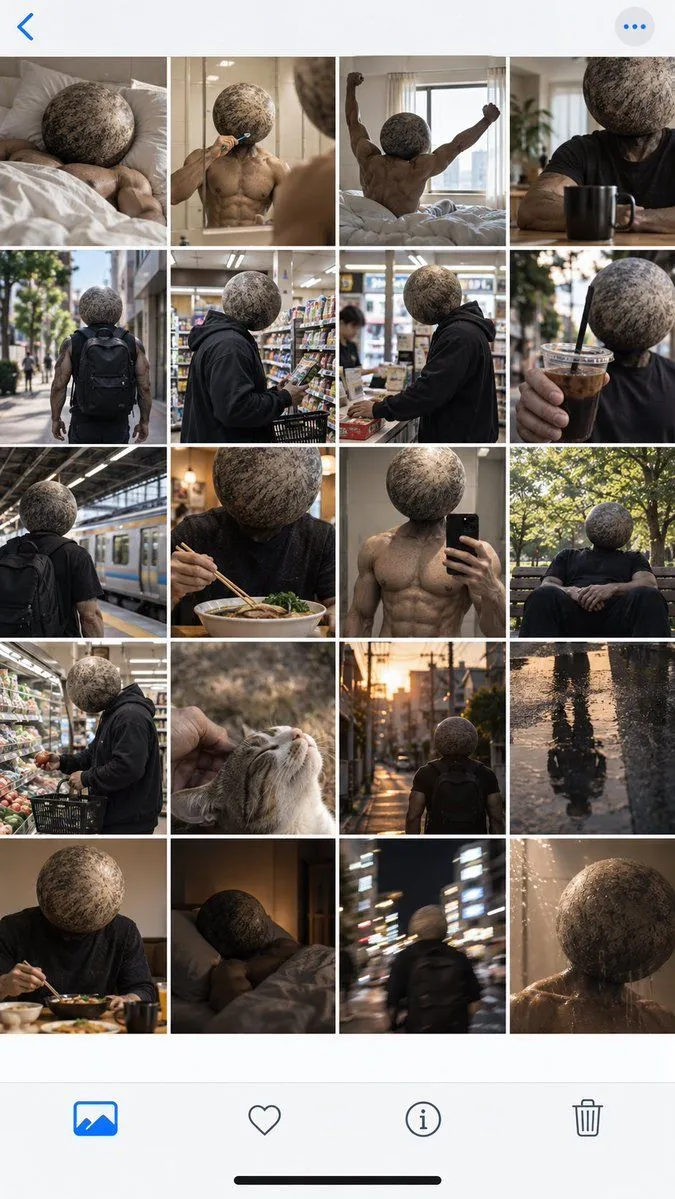
    • Surreal Boulder Head Man Photo Grid
    • Instagram Profile Grid Aesthetic
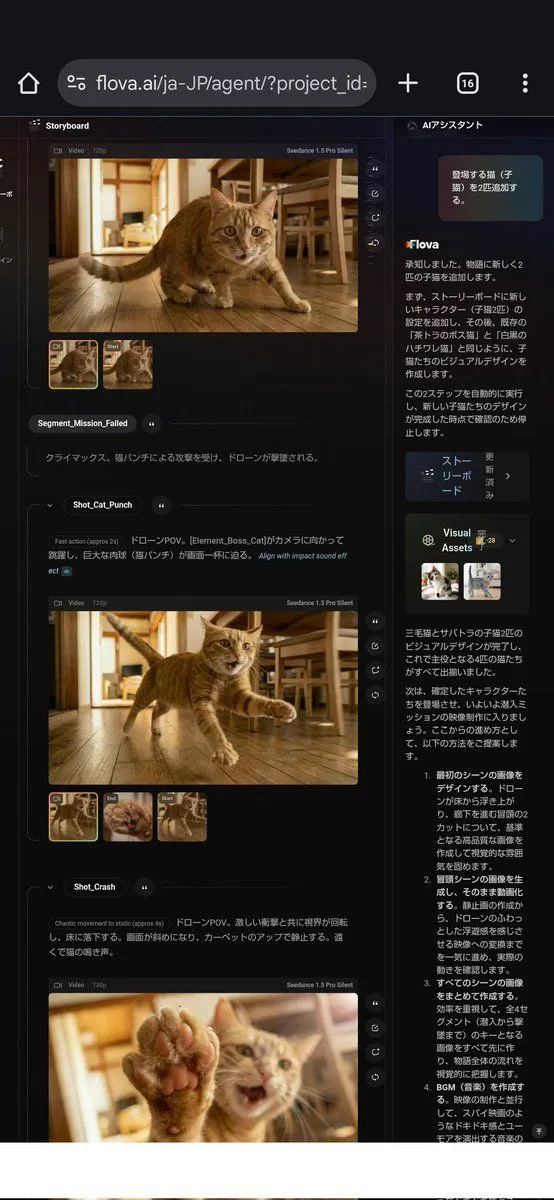
    • ChatGPT App Cat Story Screenshot
    • Cat Livestream UI Mockup
    • Premium Loot App Screenshot Upgrade
    • AI Gallery Portrait UI Screenshot
    • Plug-and-Play Prompt for AI Business Meeting Image
    • Three English Nano Banana 2 test prompts
    • Five High-Efficiency Nano Banana Pro Prompts for Business Graphics
    • Dark Research Figure Gallery UI
    • ChatGPT Hamster Image Screenshot
    • Smartphone Screen Illusion Portrait Template
    • Chinese AI Chat Screenshot with Bunny Comic
    • JSON Prompt to Recreate Image Details
    • LLM Instruction to Prohibit Nano Banana Generation
    • Excited cat movements video promptVideo, 0:30
    • Leo the Cat and Alien Kitten FriendsVideo, 0:10
    • Hard Flash Portrait with Pomeranian Puppy Prompt
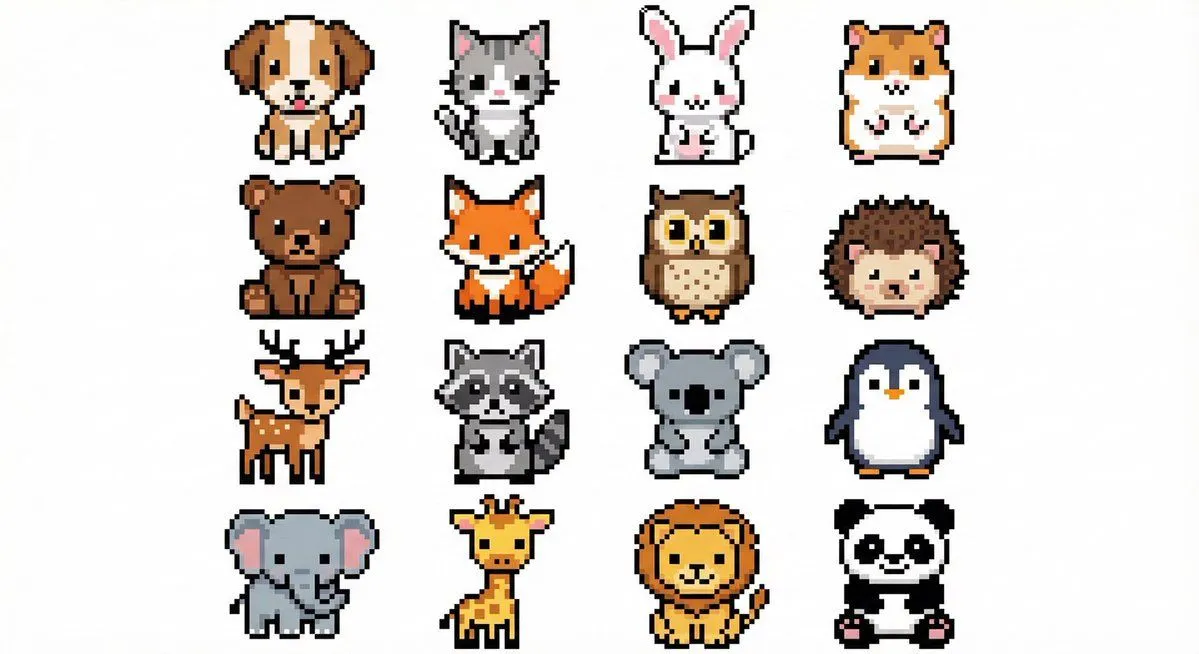
    • Pixel Art Animal Grid for APNG
    • Nano Banana used for background and character design
    • AI-Assisted LP Page Design with Automation Focus
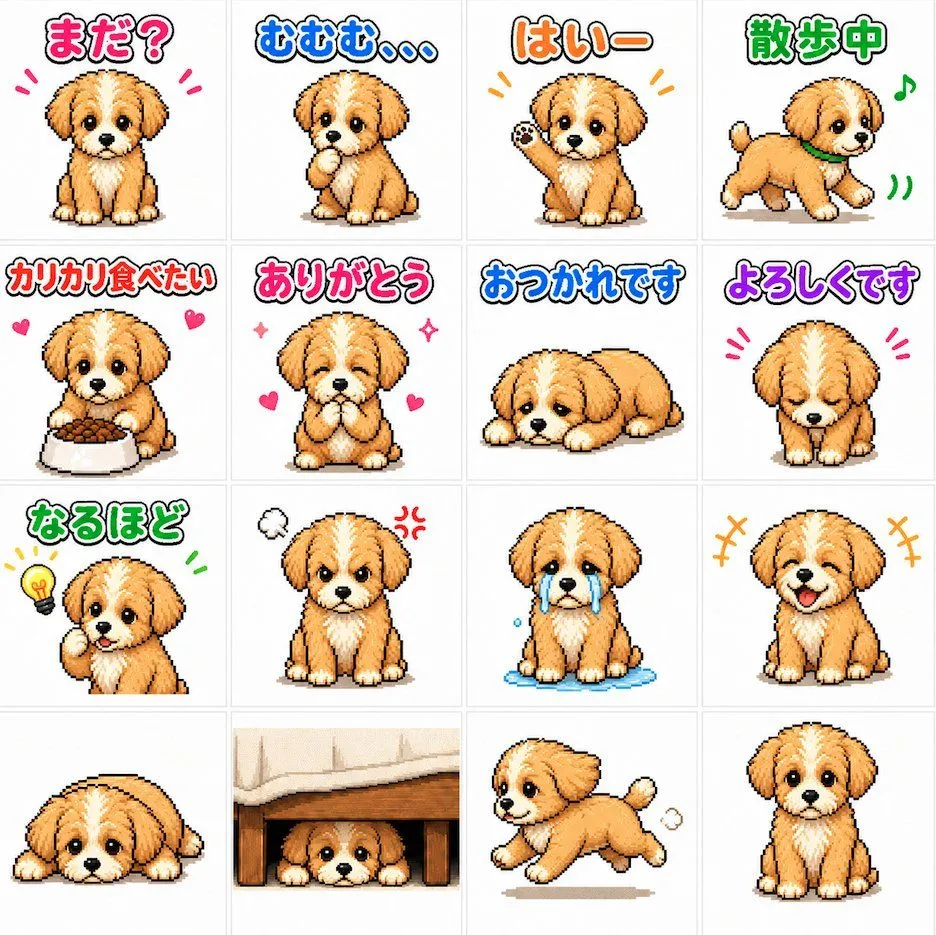
    • Cute Puppy LINE Sticker Grid
    • Cute 3D App Mascot Icon Grid
    • Generate black-and-white storyboards from an image

    Show more

    Run it on your phone

    1. Prompt copiedRead it

      Goal: Create a realistic iPhone photo gallery screenshot showing a grid of 20 photos of a single Siberian Husky dog, capturing various moments and expressions. Canvas: Vertical smartphone aspect ratio (9:16) with iOS interface elements visible at top and bottom. Layout: - Top status bar showing time "9:41", signal bars, WiFi icon, and battery indicator - Navigation bar with back arrow and menu dots - Main content area: 5 rows × 4 columns grid of square photos - Bottom navigation bar with four icons: photo library (selected), favorites heart, albums stack, search magnifying glass Sections - Photo Grid Content: Row 1: Dog lying on white bed looking up | Dog standing in doorway smiling | Dog sitting next to food bowl looking happy | Dog profile view by window Row 2: Dog on leash outdoors walking | Close-up face shot with wide eyes | Dog sniffing grass on leash | Dog sitting outside panting happily Row 3: Dog holding stuffed toy in mouth | Extreme close-up face shot | Dog lying on back playing | Dog sleeping curled up Row 4: Dog in car seat looking out | Dog standing outside alert | Dog receiving treat from hand | Dog lying down relaxed indoors Row 5: Dog peeking over blanket edge | Dog resting head on surface | Dark room shot of dog's face | Dog lying on back with paws up Visual style: Natural home photography aesthetic, candid shots, warm indoor lighting mixed with outdoor daylight. Photos should look authentic and unposed, like real pet owner snapshots. Subject details: Consistent black-and-white Siberian Husky with blue/brown eyes across all photos, showing different moods: playful, sleepy, curious, hungry, content. Various home environments including bedroom, living room, kitchen, backyard, and car interior. Constraints: Maintain realistic iPhone UI proportions, ensure dog appears consistent across all 20 images, use natural color grading typical of phone cameras, no professional studio lighting effects.

    2. Open your app

      This prompt is long, so it is copied instead of sent in the link. Paste it in the app.

    3. Paste and run

      Press and hold the message box, then tap Paste. Add your photo first if the prompt uses one. You may need to sign in.

    iPhone Gallery Screenshot of Husky Dog Photos