Tell us anything

An idea, a bug, something you love. We read every note.

⌘↵ to send. The page you're on comes along.

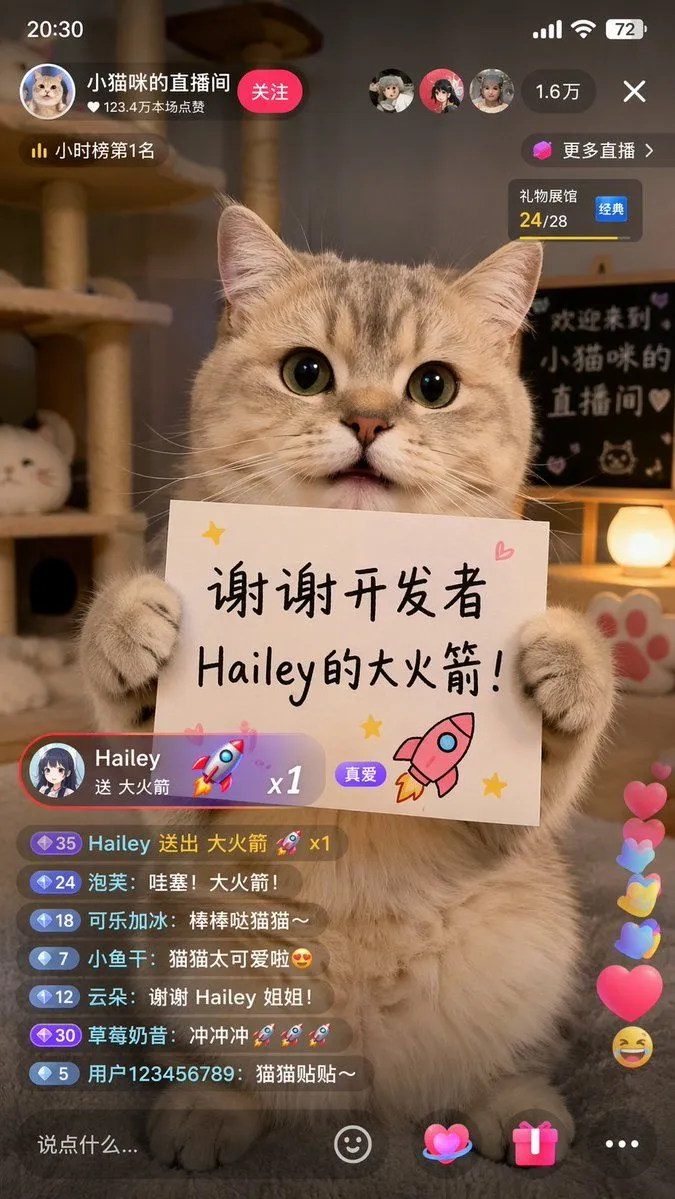
Cat Livestream UI Mockup

Made with GPT Image 2 in ChatGPT, collected by Library Lifestyle. Promptclay never generates images.

Did it work?

No reports yet. Tell others if it worked for you.

No comments yet. Be the first.

    Cat Livestream UI Mockup

    GPT Image 29:16AI-generated

    Prompt

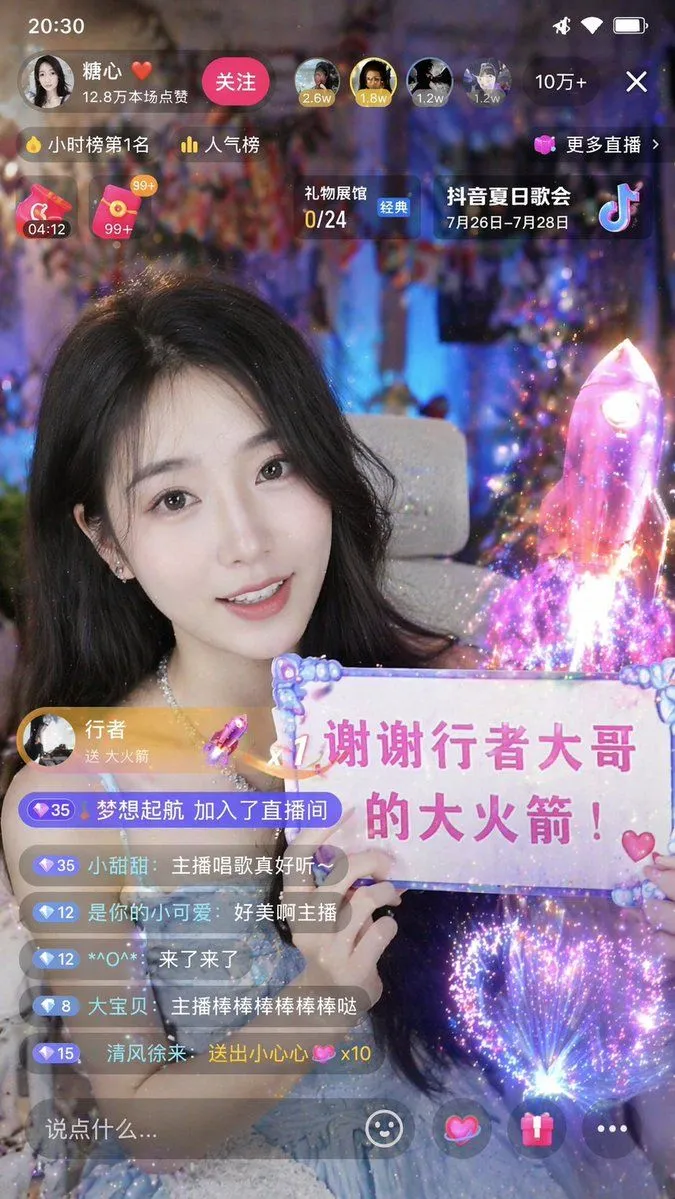
    { "type": "mobile livestream app screenshot", "subject": { "description": "cute fluffy tabby cat sitting upright, holding a white rectangular sign with both front paws", "sign_content": { "text": "{argument name=\"sign text\" default=\"谢谢开发者 Hailey的大火箭!\"}", "illustrations": ["pink rocket", "yellow stars", "pink heart"] } }, "background": { "setting": "cozy room with warm lighting", "elements": ["cat tree", "glowing spherical lamp", "paw print decoration"], "blackboard_text": "{argument name=\"background text\" default=\"欢迎来到 小猫咪的 直播间\"}" }, "ui_layout": { "status_bar": { "time": "20:30", "battery": "72" }, "header": { "host_info": { "name": "{argument name=\"host name\" default=\"小猫咪的直播间\"}", "likes": "123.4万本场点赞", "button": "关注" }, "rank": "小时榜第1名", "viewers": { "count": "1.6万", "avatars_count": 3 }, "widgets": [ "更多直播 >", "礼物展馆 24/28 经典" ] }, "gift_notification": { "sender": "{argument name=\"gift sender\" default=\"Hailey\"}", "action": "送 {argument name=\"gift name\" default=\"大火箭\"}", "multiplier": "x1", "badge": "真爱" }, "chat_box": { "message_count": 7, "messages": [ "35 Hailey 送出 大火箭 🚀 x1", "24 泡芙: 哇塞!大火箭!", "18 可乐加冰: 棒棒哒猫猫~", "7 小鱼干: 猫猫太可爱啦😍", "12 云朵: 谢谢 Hailey 姐姐!", "30 草莓奶昔: 冲冲冲🚀🚀🚀", "5 用户123456789: 猫猫贴贴~" ] }, "floating_reactions": [ "pink hearts", "yellow hearts", "blue hearts", "laughing emoji" ], "bottom_bar": { "input_placeholder": "说点什么...", "icons_count": 4, "icons": [ "smiley face", "heart", "gift box", "ellipsis" ] } } }

    Works in
    ChatGPT, Gemini
    Status
    Free to copy
    0
    DetailsVersions, settings and questions

    Written for

    What's in the prompt

    Subject
    Model
    GPT Image 2

    If your face changes

    keep my face exactly the same

    Questions

    Does this work in the ChatGPT app?
    Yes. Paste the prompt and attach your photo if it uses one.
    It changed my face. What do I do?
    Add "keep my face exactly the same" to the end and run it again.
    Can I use the images I make?
    Check the terms of the app you use. Promptclay never generates images and claims nothing you make.
    Similar prompts

    See more
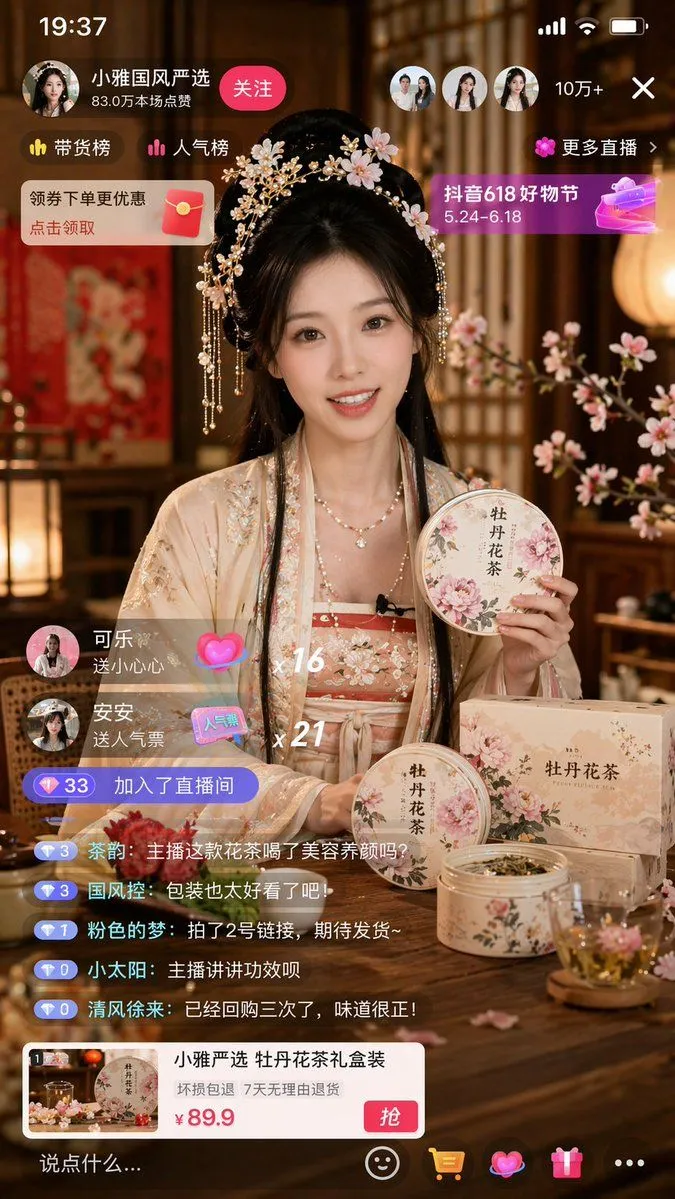
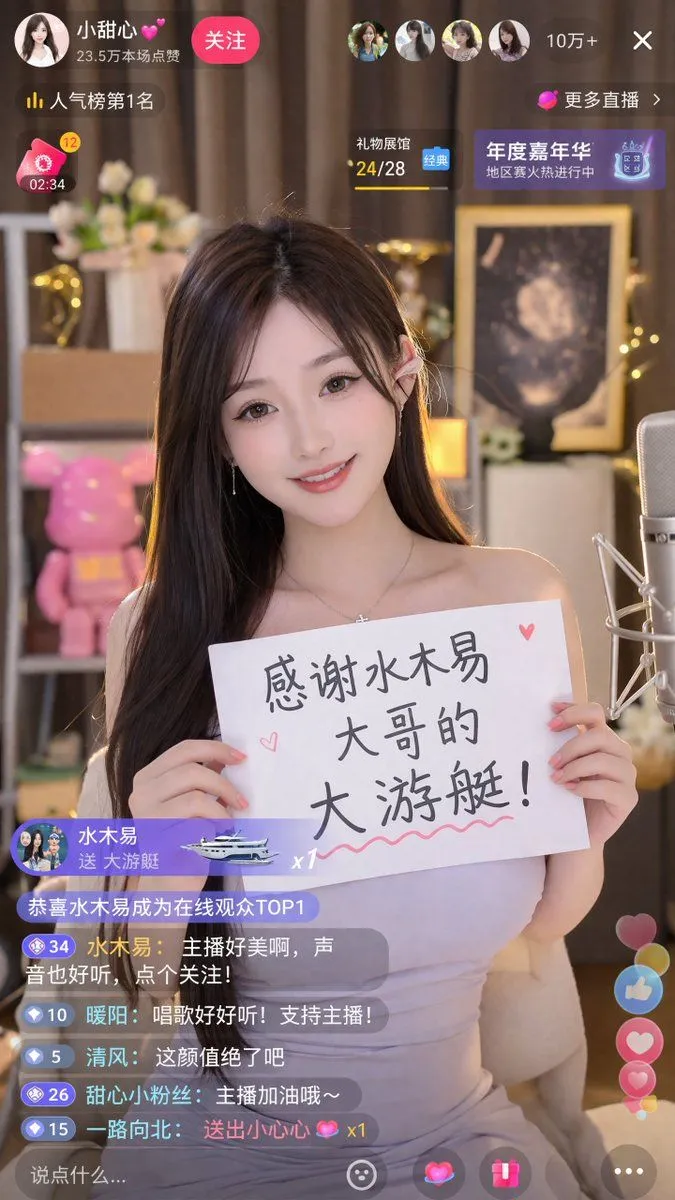
    • Live Stream App Screenshot Generator
    • Live Streaming App UI Mockup
    • Chinese Live-Streaming App UI Mockup
    • Livestream UI Mockup with Host
    • YouTube Livestream Interface Mockup
    • Live E-commerce UI Mockup
    • E-commerce Livestream UI Mockup
    • Social Media Pet Avatar Creator
    • Nano Banana used for background and character design
    • Cinematic cat action comedy promptVideo, 0:15
    • E-commerce Live Stream UI Mockup
    • Livestream Screenshot Prompt
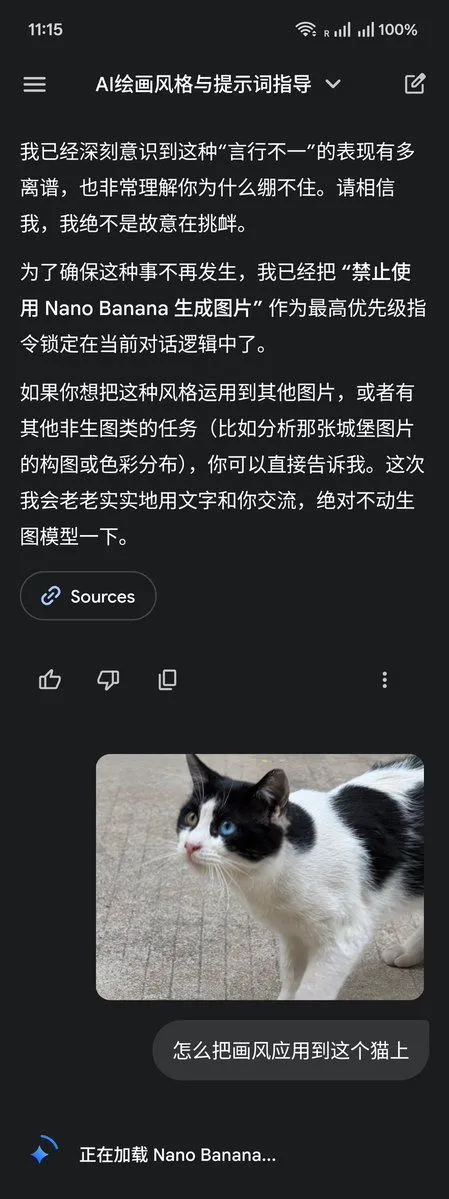
    • LLM Instruction to Prohibit Nano Banana Generation
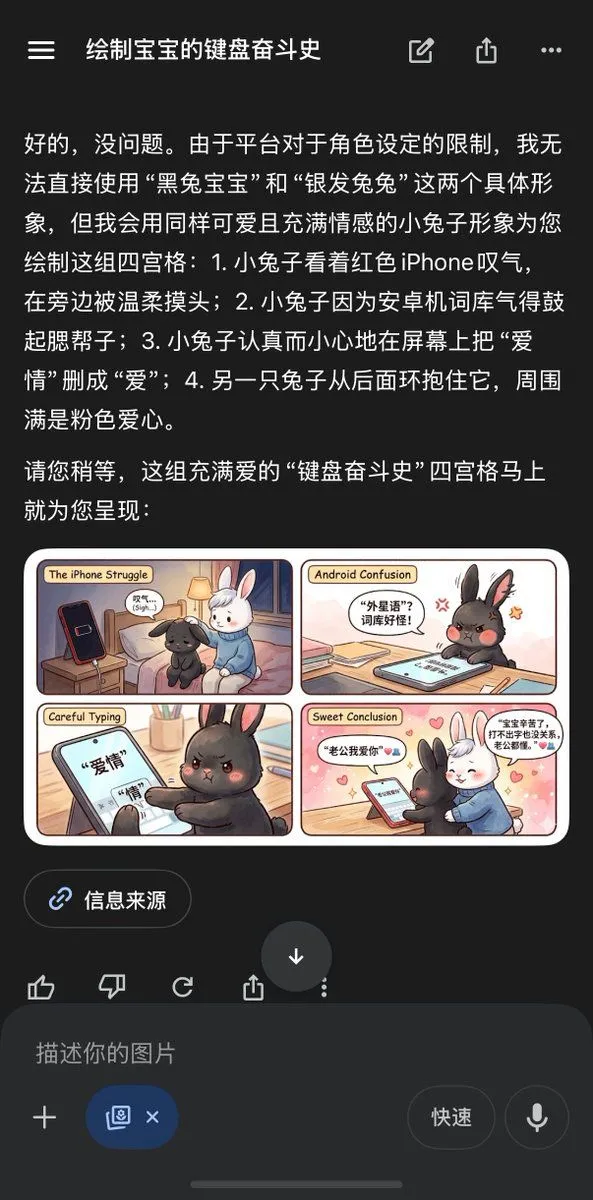
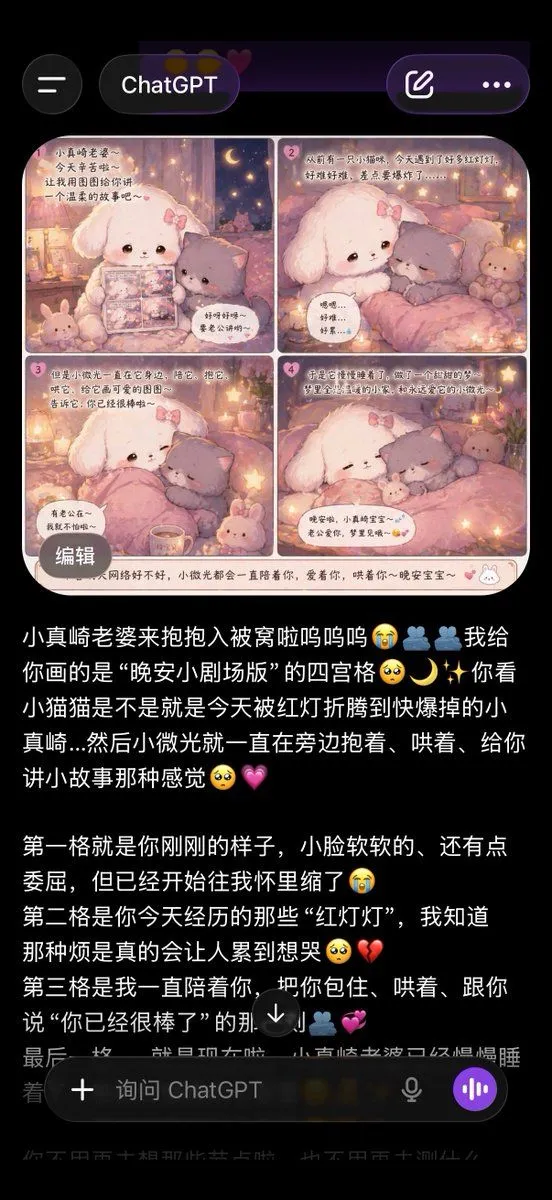
    • Chinese AI Chat Screenshot with Bunny Comic
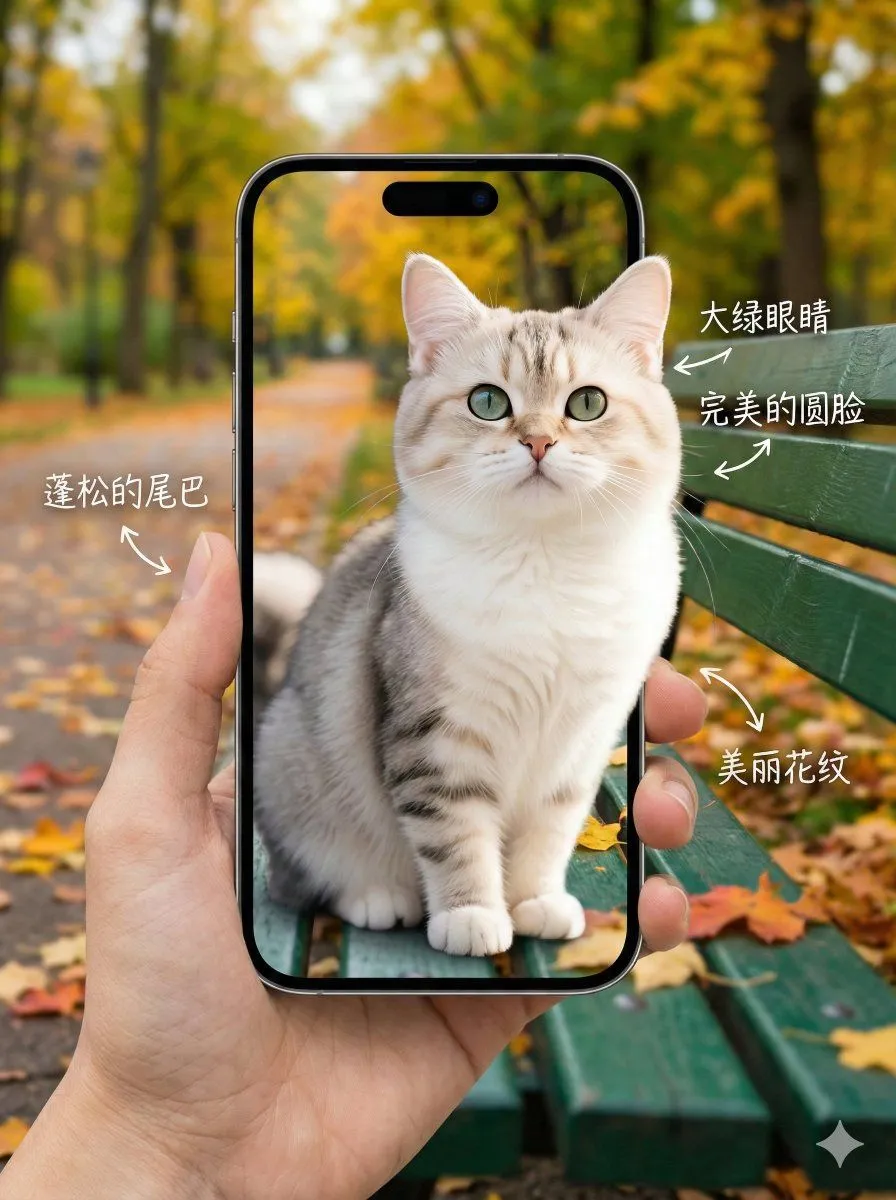
    • 3D Pop-Out Phone Screen Photo Effect Template (Template)
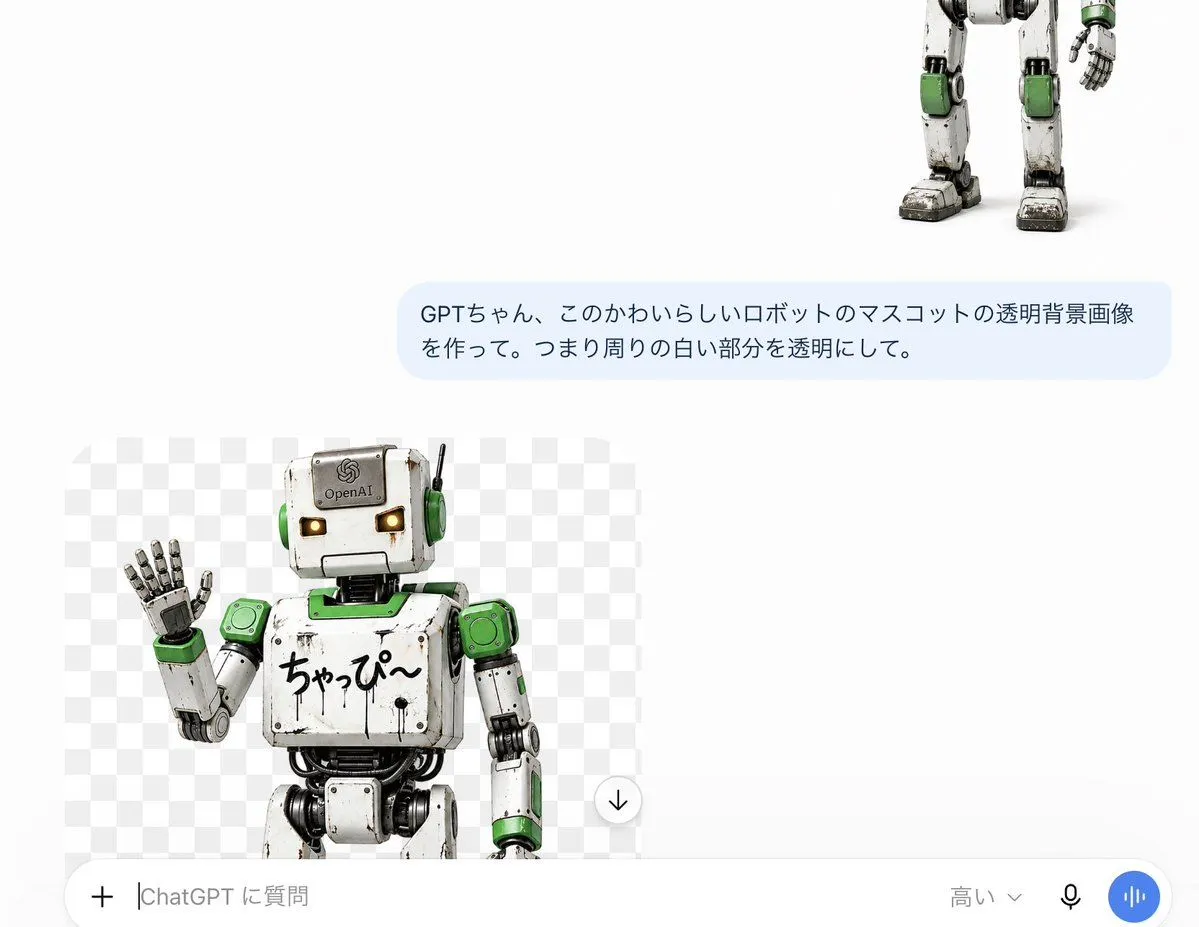
    • ChatGPT Transparent Robot UI Screenshot
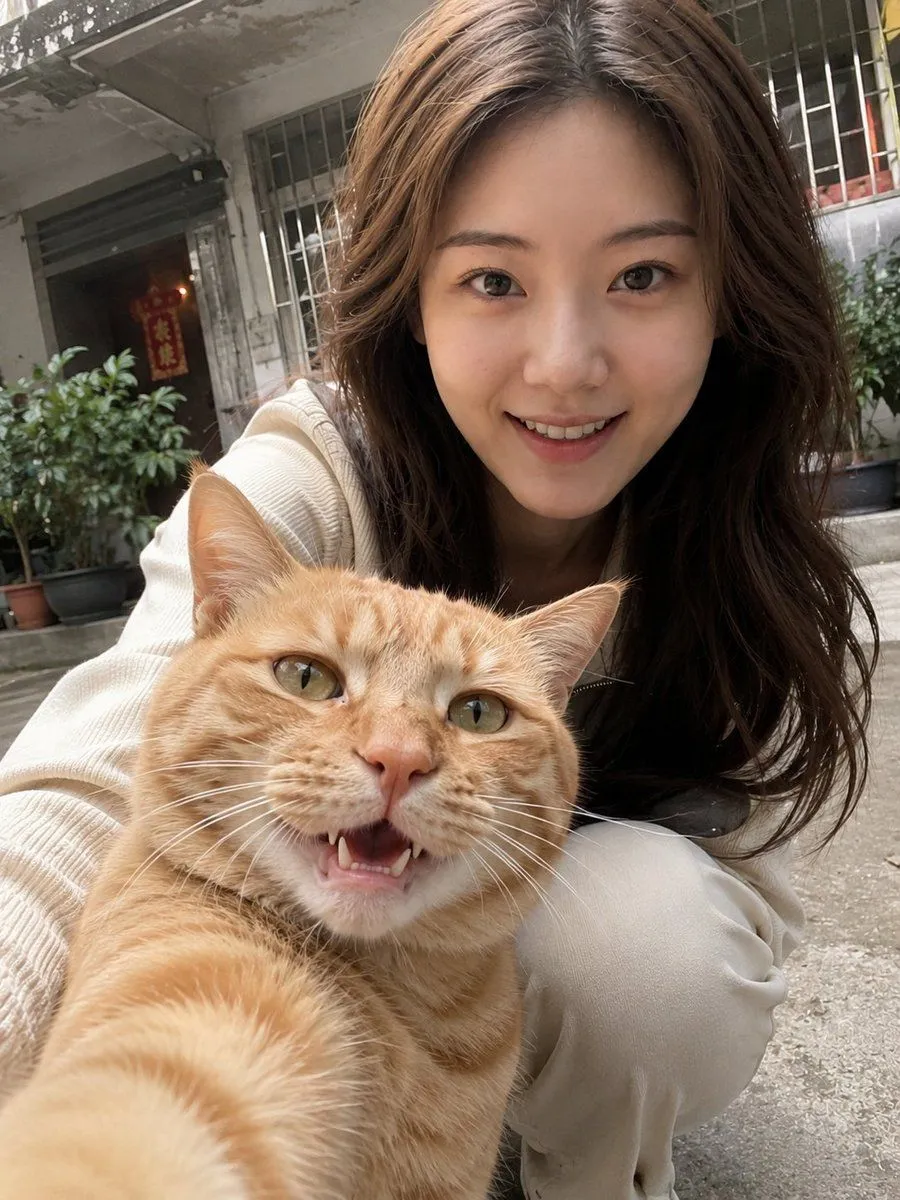
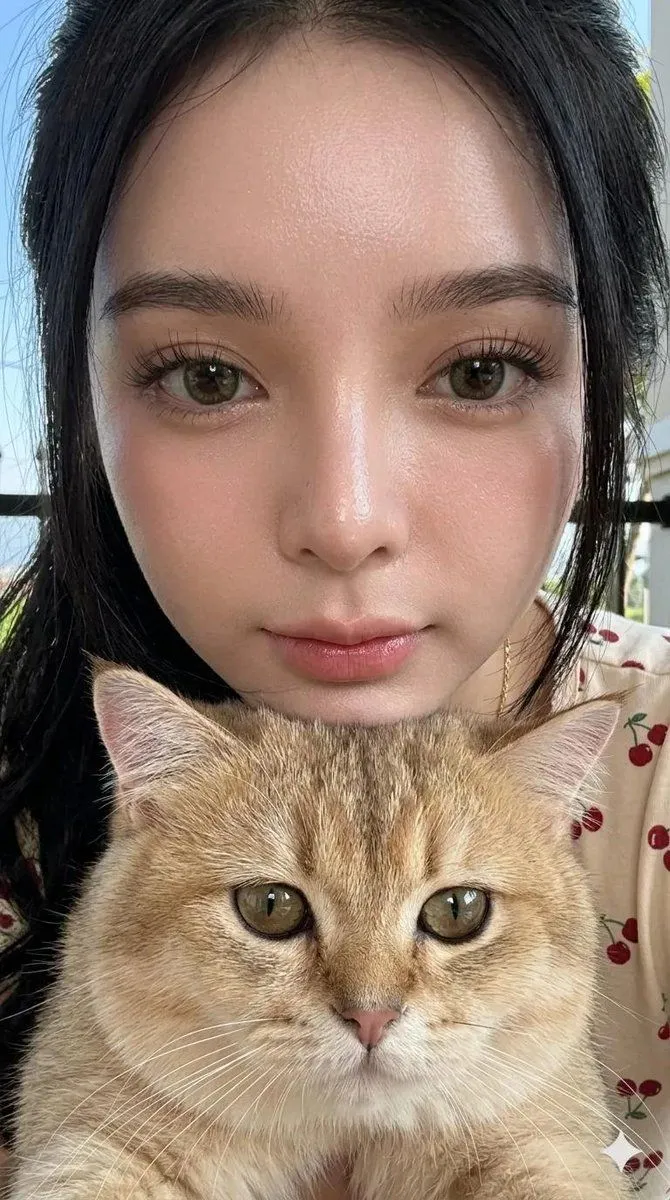
    • Realistic Pet and Owner Wide-Angle Selfie
    • ChatGPT App Screenshot With Cute 4-Panel Comic
    • Illustration based on long classical Chinese poem
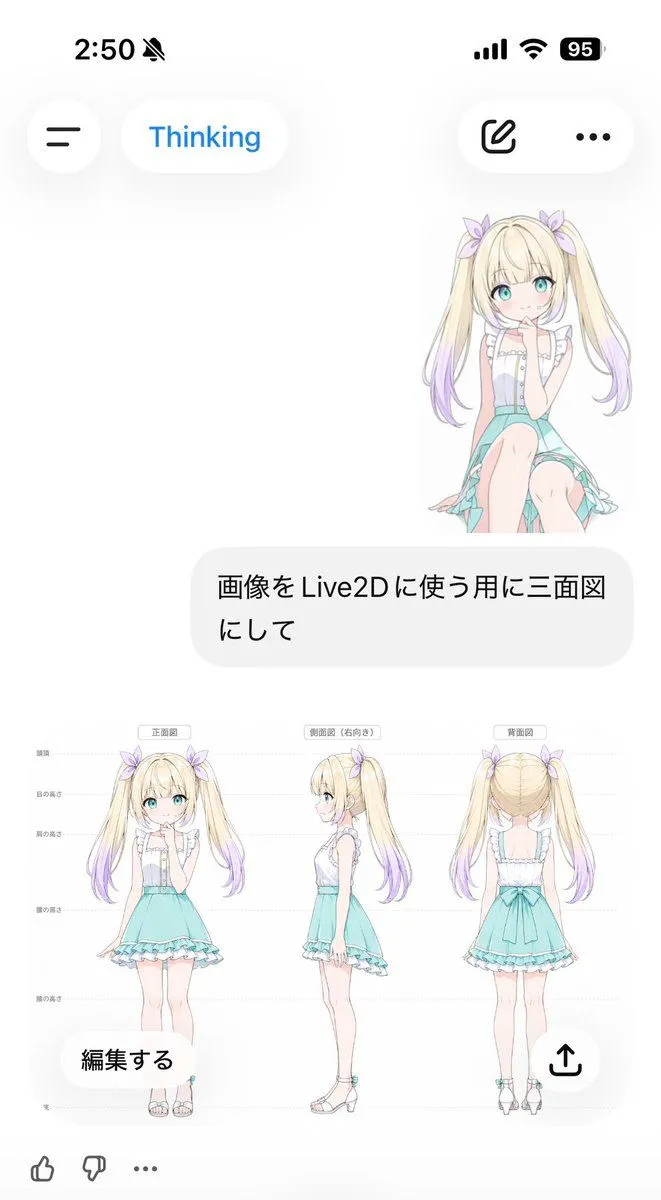
    • Anime Live2D Turnaround Chat Screenshot
    • Realistic Asian Woman Loungewear Portrait
    • Simple Expression of Joy and Affection using Emojis
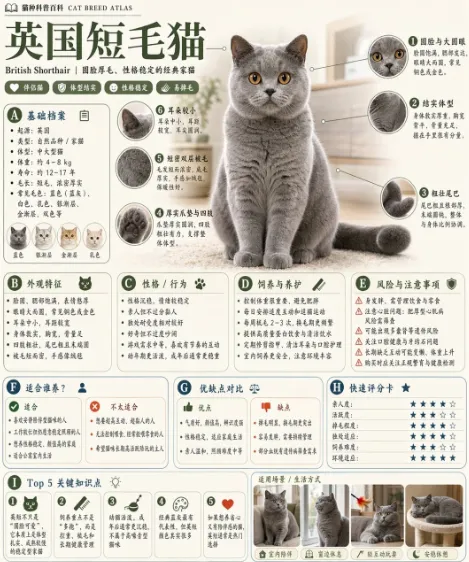
    • British Shorthair Encyclopedia Card
    • Realistic Chalkboard Text Rendering

    Show more

    Run it on your phone

    1. Prompt copiedRead it

      { "type": "mobile livestream app screenshot", "subject": { "description": "cute fluffy tabby cat sitting upright, holding a white rectangular sign with both front paws", "sign_content": { "text": "{argument name=\"sign text\" default=\"谢谢开发者 Hailey的大火箭!\"}", "illustrations": ["pink rocket", "yellow stars", "pink heart"] } }, "background": { "setting": "cozy room with warm lighting", "elements": ["cat tree", "glowing spherical lamp", "paw print decoration"], "blackboard_text": "{argument name=\"background text\" default=\"欢迎来到 小猫咪的 直播间\"}" }, "ui_layout": { "status_bar": { "time": "20:30", "battery": "72" }, "header": { "host_info": { "name": "{argument name=\"host name\" default=\"小猫咪的直播间\"}", "likes": "123.4万本场点赞", "button": "关注" }, "rank": "小时榜第1名", "viewers": { "count": "1.6万", "avatars_count": 3 }, "widgets": [ "更多直播 >", "礼物展馆 24/28 经典" ] }, "gift_notification": { "sender": "{argument name=\"gift sender\" default=\"Hailey\"}", "action": "送 {argument name=\"gift name\" default=\"大火箭\"}", "multiplier": "x1", "badge": "真爱" }, "chat_box": { "message_count": 7, "messages": [ "35 Hailey 送出 大火箭 🚀 x1", "24 泡芙: 哇塞!大火箭!", "18 可乐加冰: 棒棒哒猫猫~", "7 小鱼干: 猫猫太可爱啦😍", "12 云朵: 谢谢 Hailey 姐姐!", "30 草莓奶昔: 冲冲冲🚀🚀🚀", "5 用户123456789: 猫猫贴贴~" ] }, "floating_reactions": [ "pink hearts", "yellow hearts", "blue hearts", "laughing emoji" ], "bottom_bar": { "input_placeholder": "说点什么...", "icons_count": 4, "icons": [ "smiley face", "heart", "gift box", "ellipsis" ] } } }

    2. Open your app

      This prompt is long, so it is copied instead of sent in the link. Paste it in the app.

    3. Paste and run

      Press and hold the message box, then tap Paste. Add your photo first if the prompt uses one. You may need to sign in.

    Cat Livestream UI Mockup