Tell us anything

An idea, a bug, something you love. We read every note.

⌘↵ to send. The page you're on comes along.

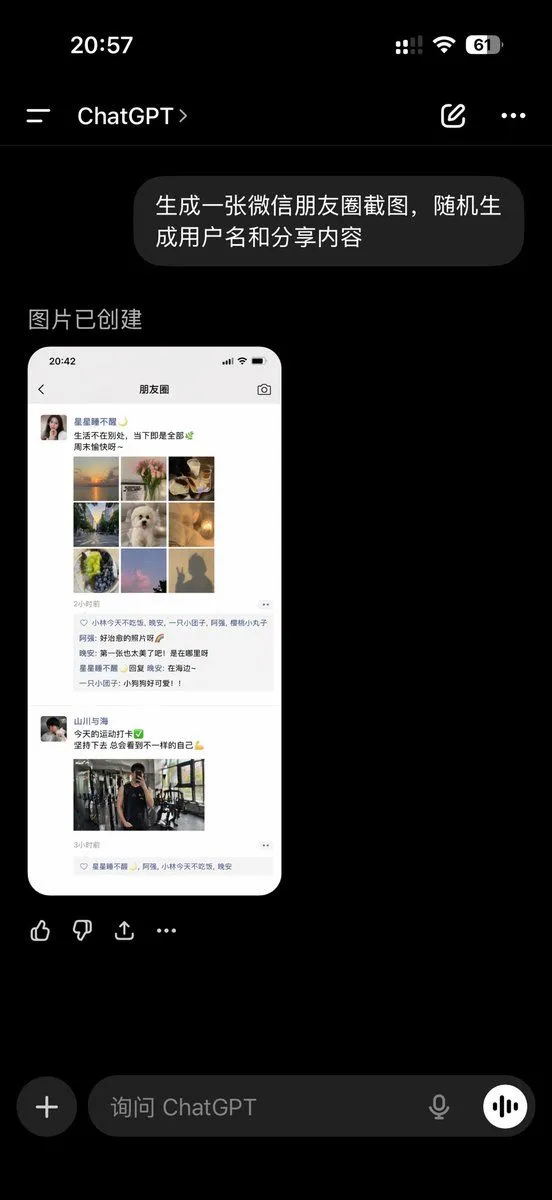
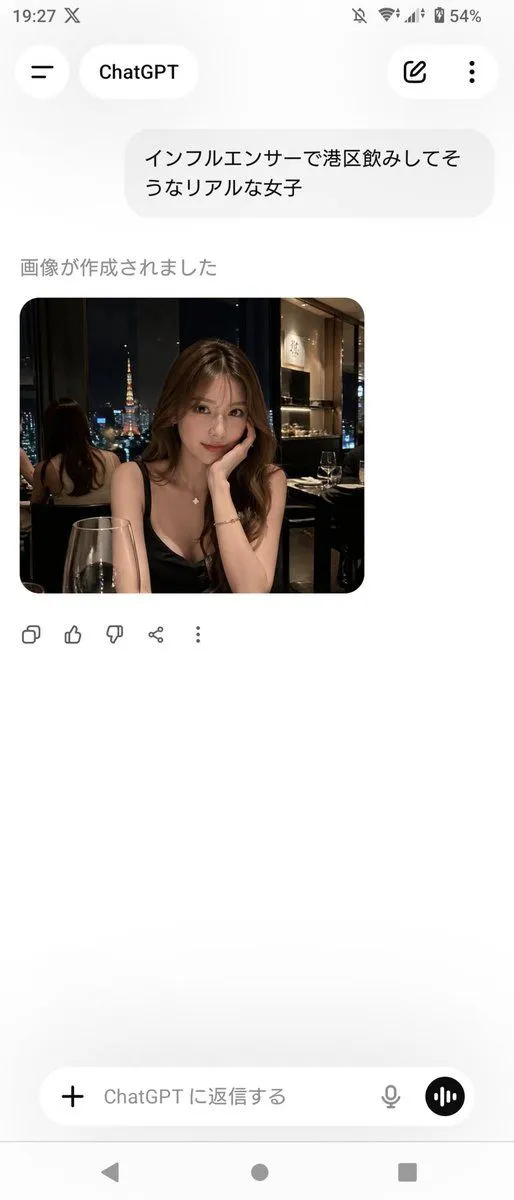
ChatGPT App Showing WeChat Moments Screenshot

Made with GPT Image 2 in ChatGPT, collected by Library Lifestyle. Promptclay never generates images.

Did it work?

No reports yet. Tell others if it worked for you.

No comments yet. Be the first.

    ChatGPT App Showing WeChat Moments Screenshot

    GPT Image 2AI-generated

    Prompt

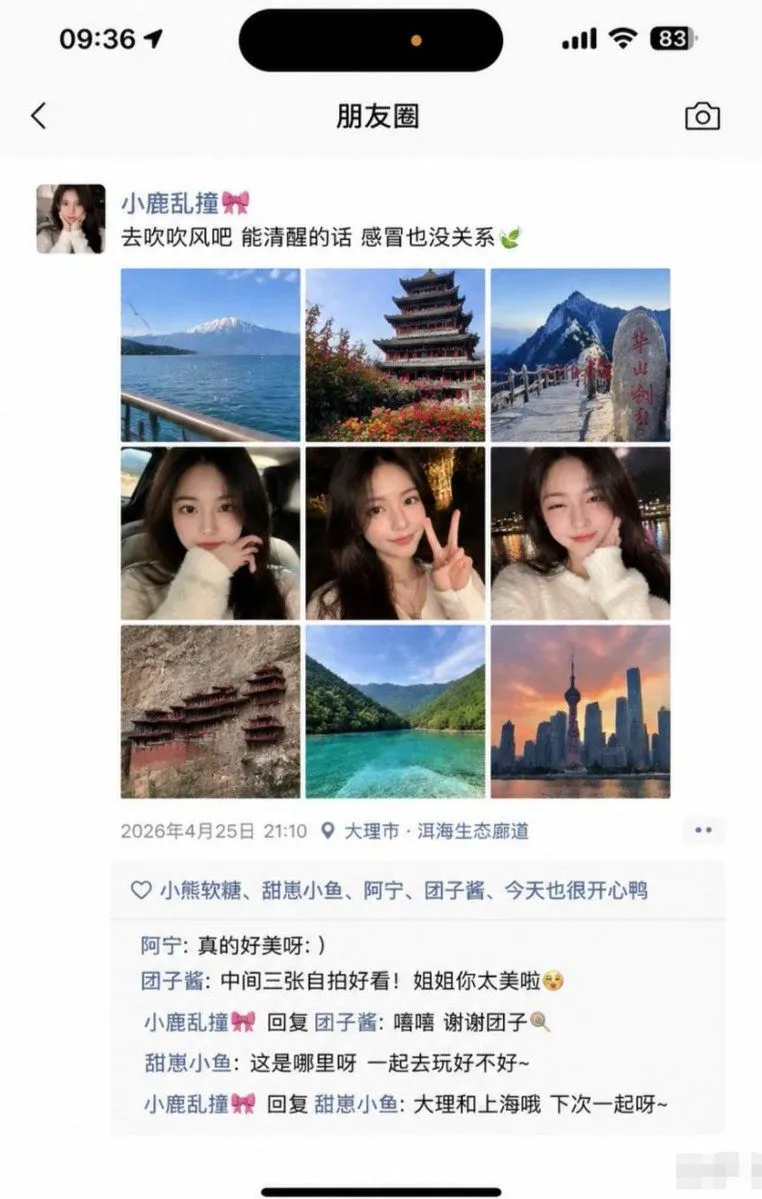
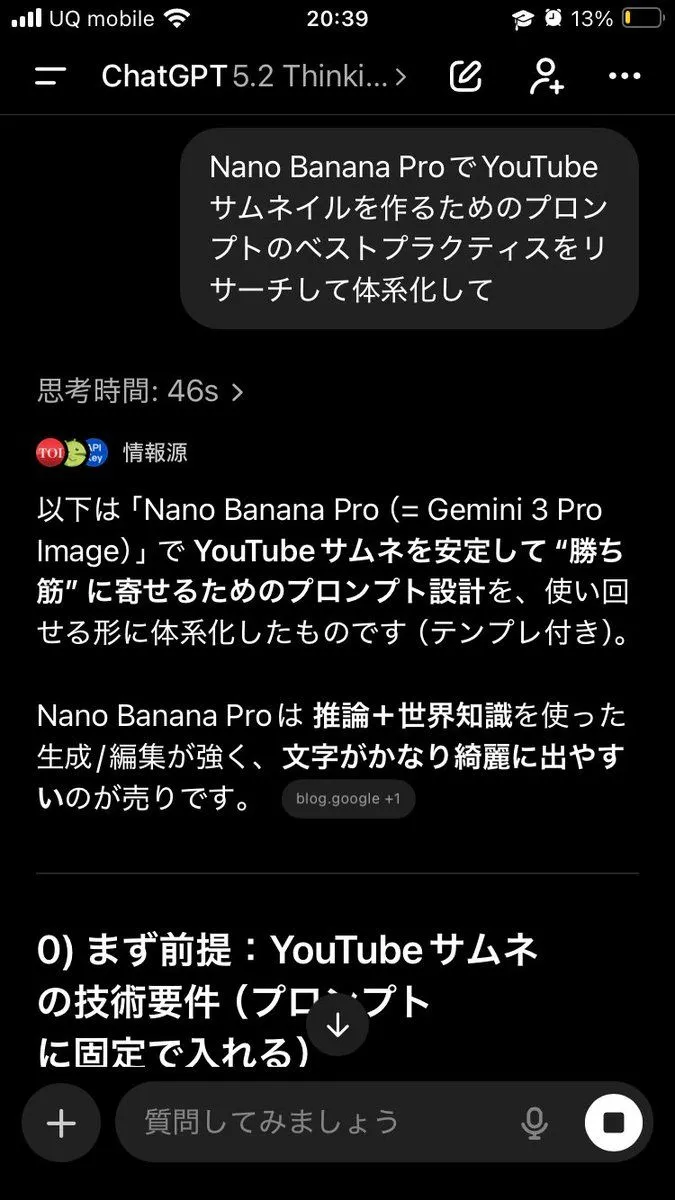
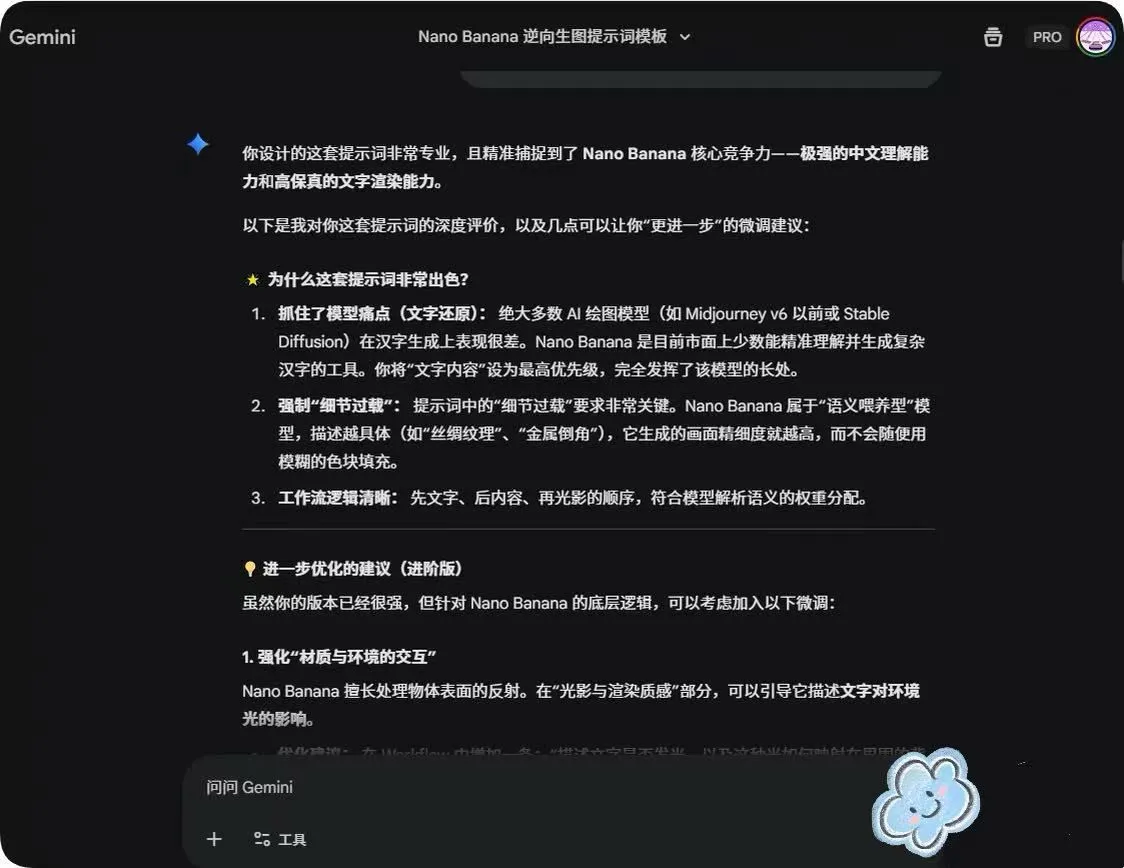
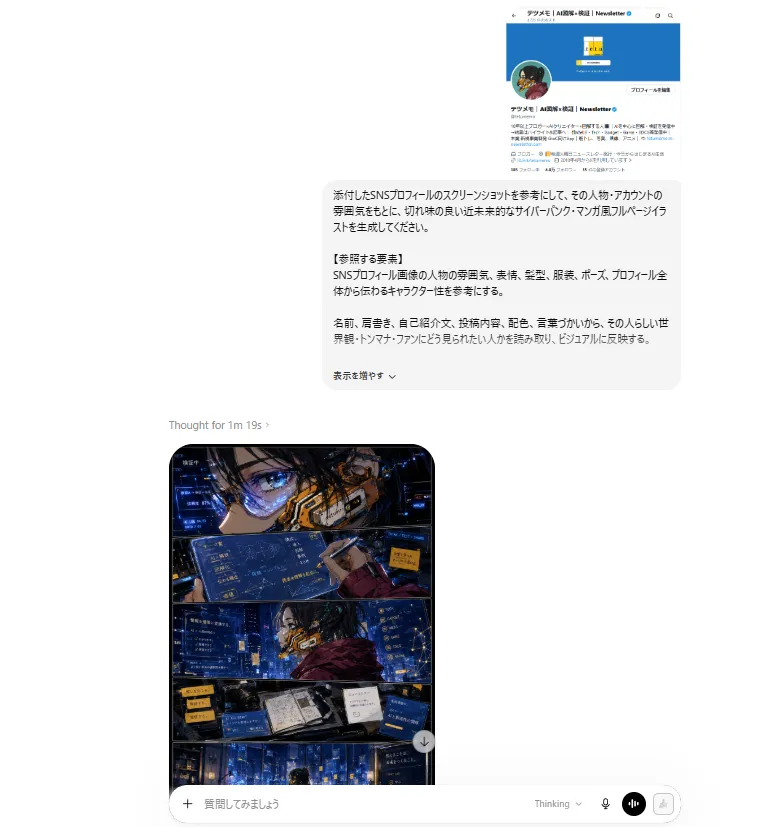
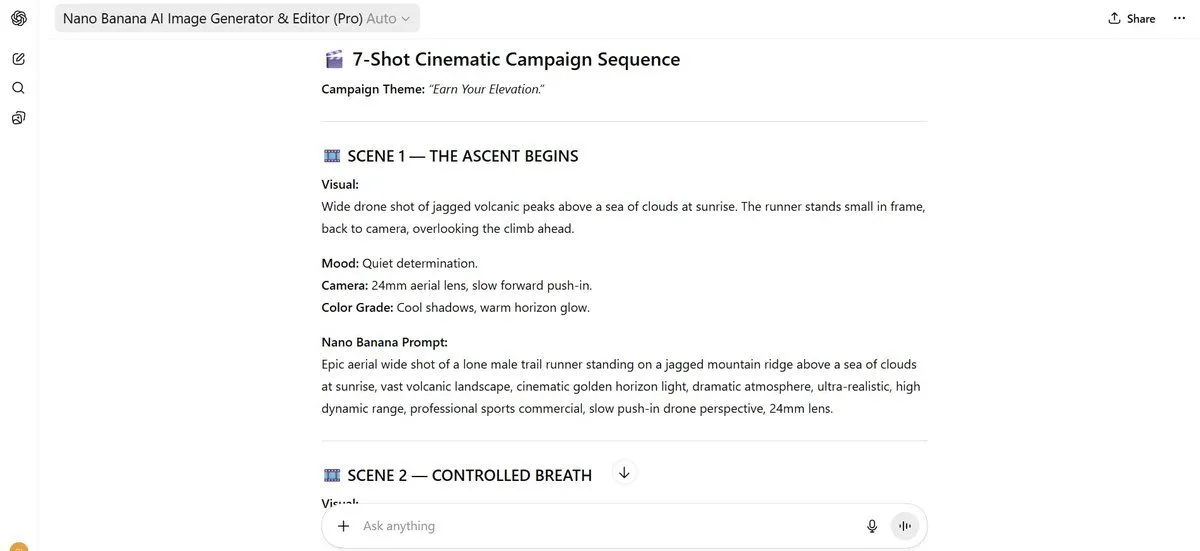
    A realistic dark-mode smartphone screenshot of the ChatGPT mobile app in Chinese, shown full screen on a black background with an iPhone-style status bar. The top status bar shows the time 20:57 on the left, small cellular signal, Wi‑Fi, and battery icons on the right, with the battery reading 61. Below it is the ChatGPT conversation header with a left menu icon, the title ChatGPT, a pencil/edit icon, and a three-dot menu icon. In the chat area, show 1 user message bubble in Chinese reading “生成一张微信朋友圈截图,随机生成用户名和分享内容”, displayed as a rounded dark gray bubble aligned to the right. Beneath it, show an assistant response area with the Chinese text “图片已创建”. Under that, display 1 generated image preview: a tall rounded-rectangle screenshot mockup of a WeChat Moments page on a white phone screen. Inside the generated image, include a top bar with the time 20:42 and the title “朋友圈”. Show 2 separate Moments posts. The first post has a female profile photo and the username “星星都不醒”, followed by a short Chinese caption about life and weekends, then a 3x3 collage containing exactly 9 square images: sunset over water, flowers, plated food, a tree-lined road, a white fluffy dog, a warm glowing lamp, green fruit or dessert, pink clouds or sky, and a silhouette shadow photo. Below it, include a timestamp line “2小时前”, a likes row with exactly 3 usernames, and a comments block with exactly 3 short Chinese comments. The second post has a male profile photo and the username “山川与海”, followed by a short fitness-themed Chinese caption with a green check emoji and flexed biceps emoji, then exactly 1 gym mirror selfie image, and a timestamp line “3小时前” with a likes row beneath. Outside the generated image preview but still within the ChatGPT app screenshot, show a horizontal row of 4 action icons below the image: thumbs up, thumbs down, share/export, and more. At the bottom of the screen, include the ChatGPT input bar in dark mode with a circular plus button on the left, placeholder text “询问 ChatGPT”, a microphone icon, and a round voice button on the right. Use authentic mobile UI proportions, crisp typography, realistic Chinese app interface details, and photorealistic screenshot rendering so it looks like a genuine capture of the ChatGPT app displaying an AI-generated WeChat Moments screenshot.

    Works in
    ChatGPT, Gemini
    Status
    Free to copy
    0
    DetailsVersions, settings and questions

    Written for

    What's in the prompt

    Subject
    Model
    GPT Image 2

    If your face changes

    keep my face exactly the same

    Questions

    Does this work in the ChatGPT app?
    Yes. Paste the prompt and attach your photo if it uses one.
    It changed my face. What do I do?
    Add "keep my face exactly the same" to the end and run it again.
    Can I use the images I make?
    Check the terms of the app you use. Promptclay never generates images and claims nothing you make.
    Similar prompts

    See more
    • ChatGPT Ancient Palace Portrait Screenshot
    • ChatGPT App Screenshot With Generated Portrait
    • ChatGPT Portrait Result Screenshot
    • ChatGPT Transparent Robot UI Screenshot
    • ChatGPT App Screenshot With Cute 4-Panel Comic
    • Cat to Person Character Visualization
    • Fake Japanese Newspaper in ChatGPT UI
    • Social Media Screenshot Generator
    • AI Prompt Template for Generating Viral Titles and Copy for Middle-Aged and Elderly Audiences
    • Various playful test prompts for Nano Banana
    • LLM Instruction to Prohibit Nano Banana Generation
    • Generating Hollywood Detective Scene Images with Character Reference
    • Chinese Livestream Dorm Selfie UI
    • Grok Instruction for Generating Nano Banana Pro Image Prompts
    • Advanced Two-Step Prompting Strategy for Nano Banana Pro Thumbnails
    • System Prompt for Nano Banana Pro Image Prompt Deconstruction
    • ChatGPT Cyberpunk Manga Screenshot
    • 7-Shot Cinematic Campaign Sequence Prompt
    • Minecraft Gameplay in AI Generator UI
    • Realistically Imperfect AI Selfie
    • Local Web App Annotation Demo
    • Anime Announcement Poster Template
    • Onion-Cutting Prompt (Text/LLM)
    • AI Comic Production Workflow and Infographic Prompt

    Show more

    Run it on your phone

    1. Prompt copiedRead it

      A realistic dark-mode smartphone screenshot of the ChatGPT mobile app in Chinese, shown full screen on a black background with an iPhone-style status bar. The top status bar shows the time 20:57 on the left, small cellular signal, Wi‑Fi, and battery icons on the right, with the battery reading 61. Below it is the ChatGPT conversation header with a left menu icon, the title ChatGPT, a pencil/edit icon, and a three-dot menu icon. In the chat area, show 1 user message bubble in Chinese reading “生成一张微信朋友圈截图,随机生成用户名和分享内容”, displayed as a rounded dark gray bubble aligned to the right. Beneath it, show an assistant response area with the Chinese text “图片已创建”. Under that, display 1 generated image preview: a tall rounded-rectangle screenshot mockup of a WeChat Moments page on a white phone screen. Inside the generated image, include a top bar with the time 20:42 and the title “朋友圈”. Show 2 separate Moments posts. The first post has a female profile photo and the username “星星都不醒”, followed by a short Chinese caption about life and weekends, then a 3x3 collage containing exactly 9 square images: sunset over water, flowers, plated food, a tree-lined road, a white fluffy dog, a warm glowing lamp, green fruit or dessert, pink clouds or sky, and a silhouette shadow photo. Below it, include a timestamp line “2小时前”, a likes row with exactly 3 usernames, and a comments block with exactly 3 short Chinese comments. The second post has a male profile photo and the username “山川与海”, followed by a short fitness-themed Chinese caption with a green check emoji and flexed biceps emoji, then exactly 1 gym mirror selfie image, and a timestamp line “3小时前” with a likes row beneath. Outside the generated image preview but still within the ChatGPT app screenshot, show a horizontal row of 4 action icons below the image: thumbs up, thumbs down, share/export, and more. At the bottom of the screen, include the ChatGPT input bar in dark mode with a circular plus button on the left, placeholder text “询问 ChatGPT”, a microphone icon, and a round voice button on the right. Use authentic mobile UI proportions, crisp typography, realistic Chinese app interface details, and photorealistic screenshot rendering so it looks like a genuine capture of the ChatGPT app displaying an AI-generated WeChat Moments screenshot.

    2. Open your app

      This prompt is long, so it is copied instead of sent in the link. Paste it in the app.

    3. Paste and run

      Press and hold the message box, then tap Paste. Add your photo first if the prompt uses one. You may need to sign in.

    ChatGPT App Showing WeChat Moments Screenshot