Advanced Two-Step Prompting Strategy for Nano Banana Pro Thumbnails
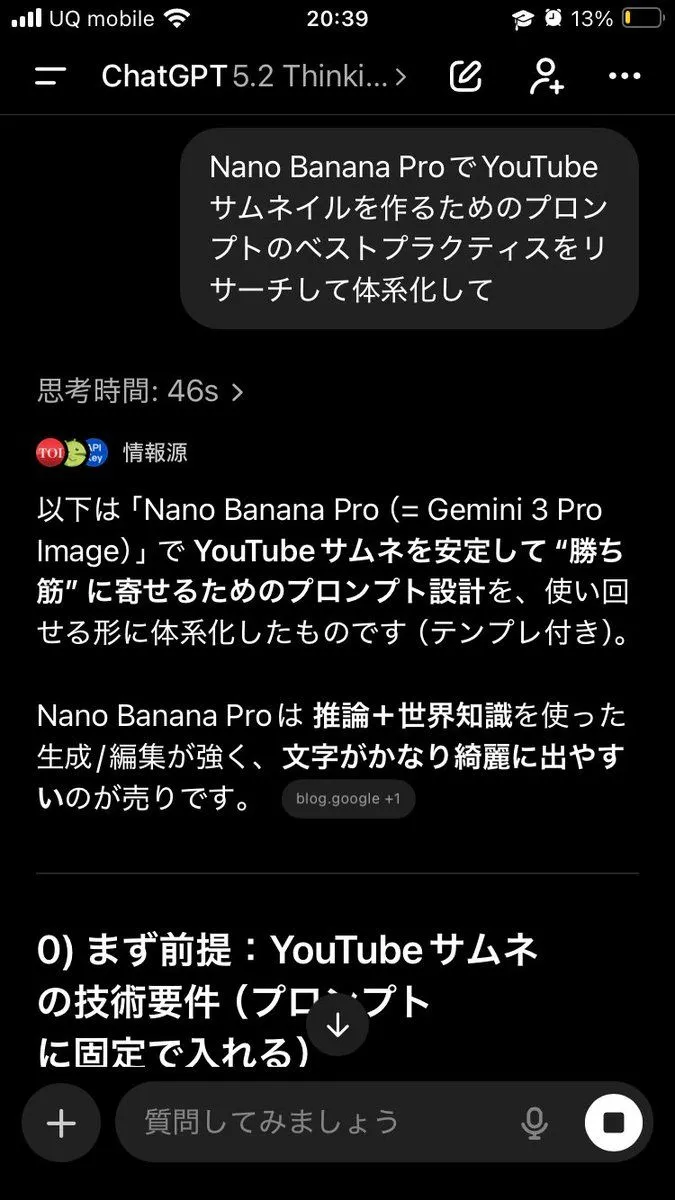
Actually, there's a trickier way to use this. First, have it systematically summarize the information → Then, based on that, have it create the output/deepen the discussion Just doing this makes the quality of the output completely different. This is because if you first create a blueprint in the AI's mind—including "terminology," "judgment criteria," "prohibited items," "patterns," and "priorities"— The next instructions will be output according to that blueprint, making it less likely to deviate. For example, if you want Nano Banana Pro to create a thumbnail: ① First, ask GPT-5.2: "Thoroughly research and systematize the best practices for creating prompts for YouTube thumbnails using Nano Banana Pro. Include common mistakes as well." ② After that, ask: "Based on the current system, create a prompt for making a YouTube thumbnail on the theme of theme using Nano Banana Pro. The video content is like this, and I want to include wording." Then, input the completed prompt into Nano Banana Pro. It becomes much easier to get the desired output. If you just ask it to "create" every time, the AI outputs based on the moment, leading to inconsistent results. But if you create a map (system) first, it's powerful. Moreover, this method works for side business strategies, sales copy, and video scripts. The versatility is insane. I highly recommend having the AI organize how to create good output before having it perform the task, and then having it think based on that organization. By the way, the thumbnail created this time is the third image. Since the first attempt was mediocre, I had it systematize how to create attractive YouTube thumbnails before generating the prompt.