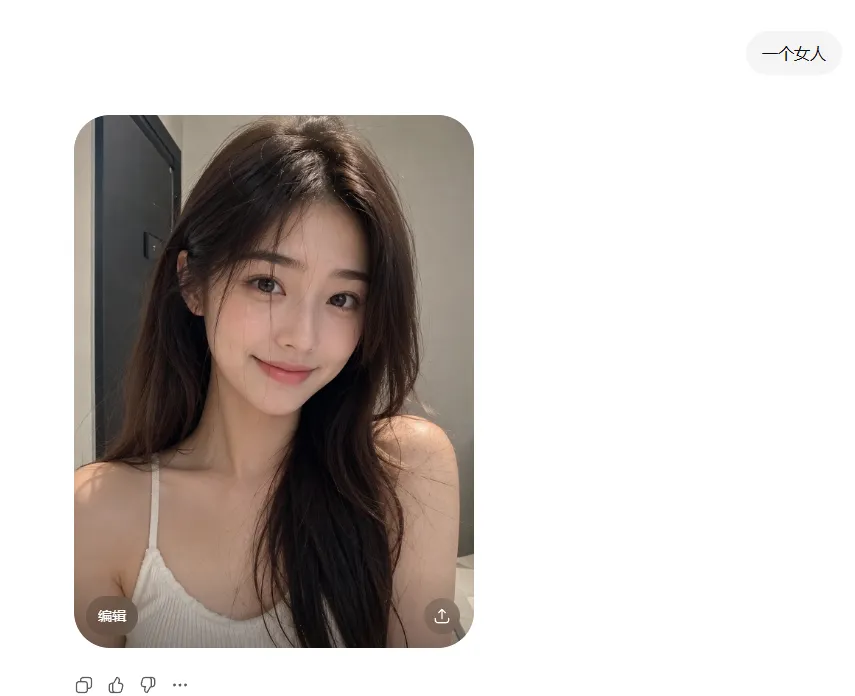
ChatGPT Portrait Result Screenshot
Create a clean screenshot-style ChatGPT image generation result on a white interface. In the upper right, place one rounded light-gray prompt pill containing the Chinese text prompt_text. The main content is one large rounded-rectangle photo card positioned left of center, with heavily rounded corners. Inside the card is a realistic indoor selfie-style portrait of subject from the chest up, seated or leaning forward in a small bathroom or dressing-room-like interior. She has long, slightly messy dark brown hair with soft volume, bare shoulders, and wears a white ribbed spaghetti-strap camisole. The lighting is warm and natural, with a gray wall behind her and a dark vertical doorframe or cabinet edge on the left. Her face is completely covered by one centered vertical rectangular censor block in a muted brown skin-tone color, obscuring all facial features. On the bottom-left corner of the photo card, include one small translucent dark rounded button labeled “Edit” in English. On the bottom-right corner of the photo card, include one small translucent dark circular share/download icon. Below the image card, show exactly four small interface controls aligned horizontally: copy icon, thumbs-up icon, thumbs-down icon, and three-dot more icon. Keep the overall composition minimal, with generous white margins, no watermark, and no extra text.