
Tell us anything

An idea, a bug, something you love. We read every note.

⌘↵ to send. The page you're on comes along.

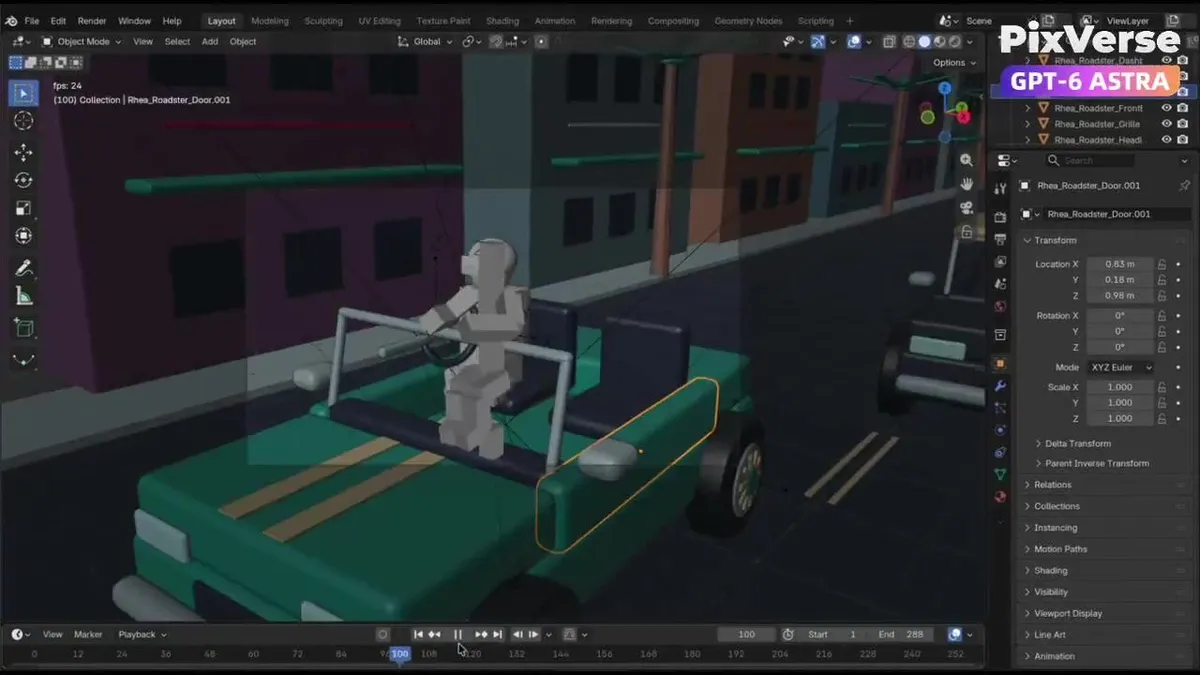
GTA-Inspired Cinematic Car Chase

Made with Seedance 2.5 in Kling, collected by Library Cinema. Promptclay never generates images.
Did it work?

No reports yet. Tell others if it worked for you.

GTA 6 style prompts this week

See all
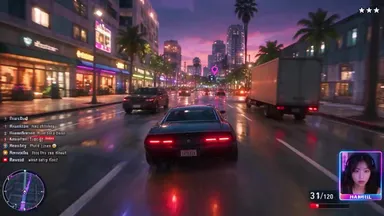
  • GTA Style Gameplay Livestream
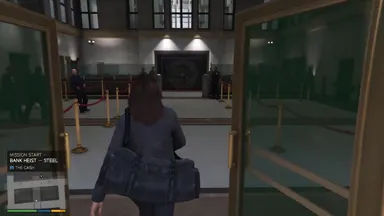
  • GTA Style Bank Heist Game Sequence
  • GTA Style Cargo Ship Mission Video

No comments yet. Be the first.

    GTA-Inspired Cinematic Car Chase

    Seedance 2.516:9AI-generated

    Prompt

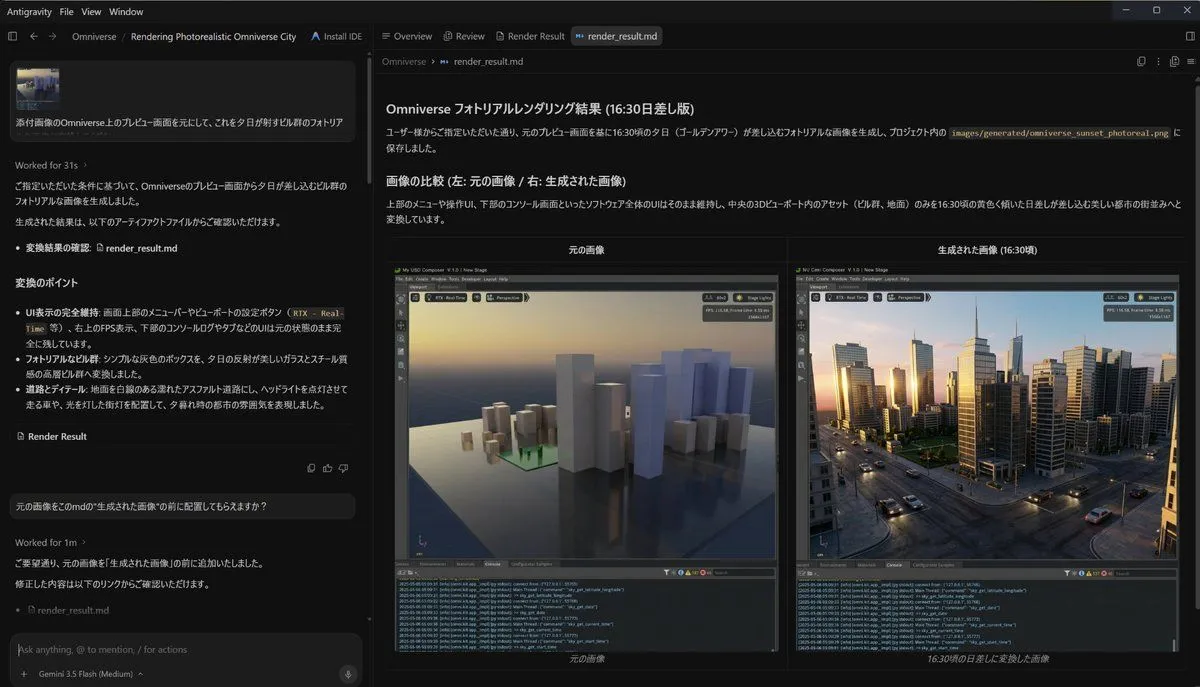
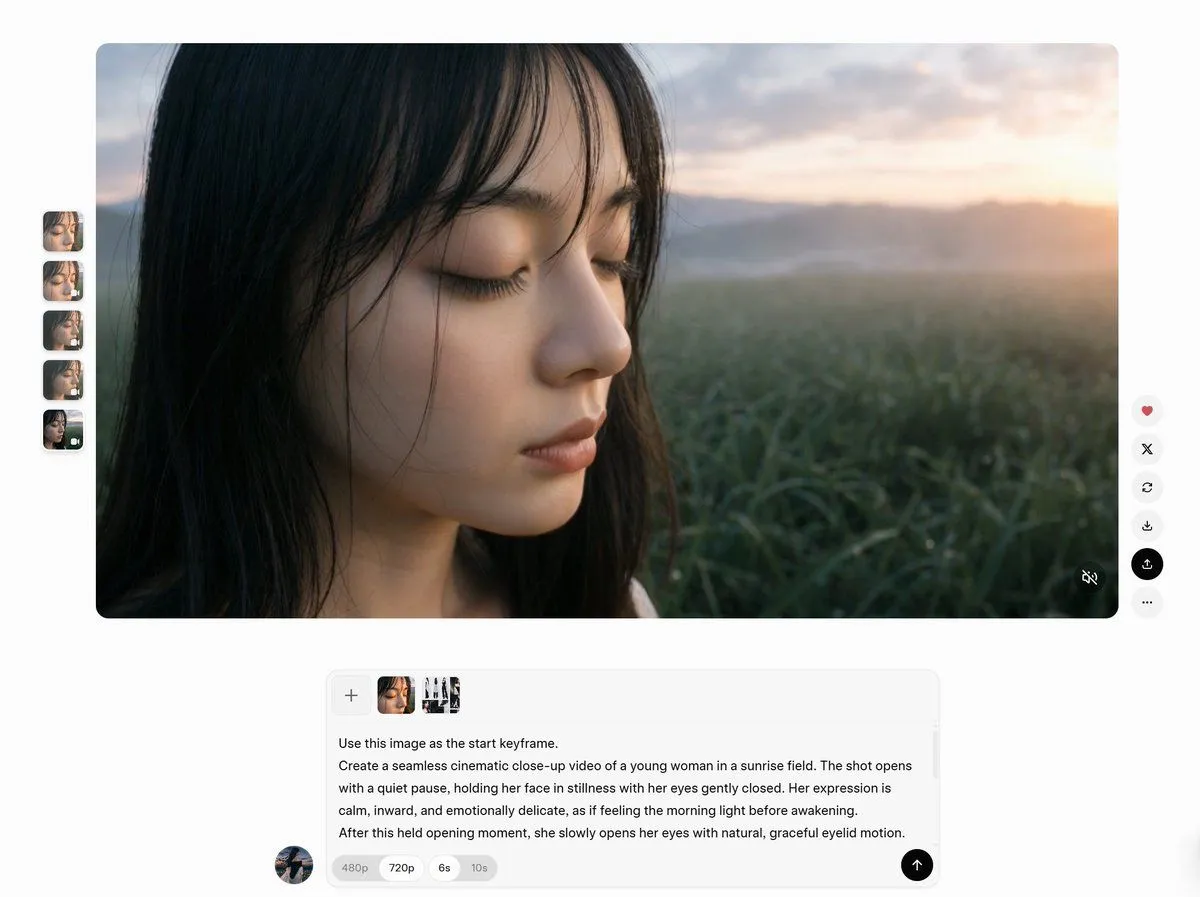
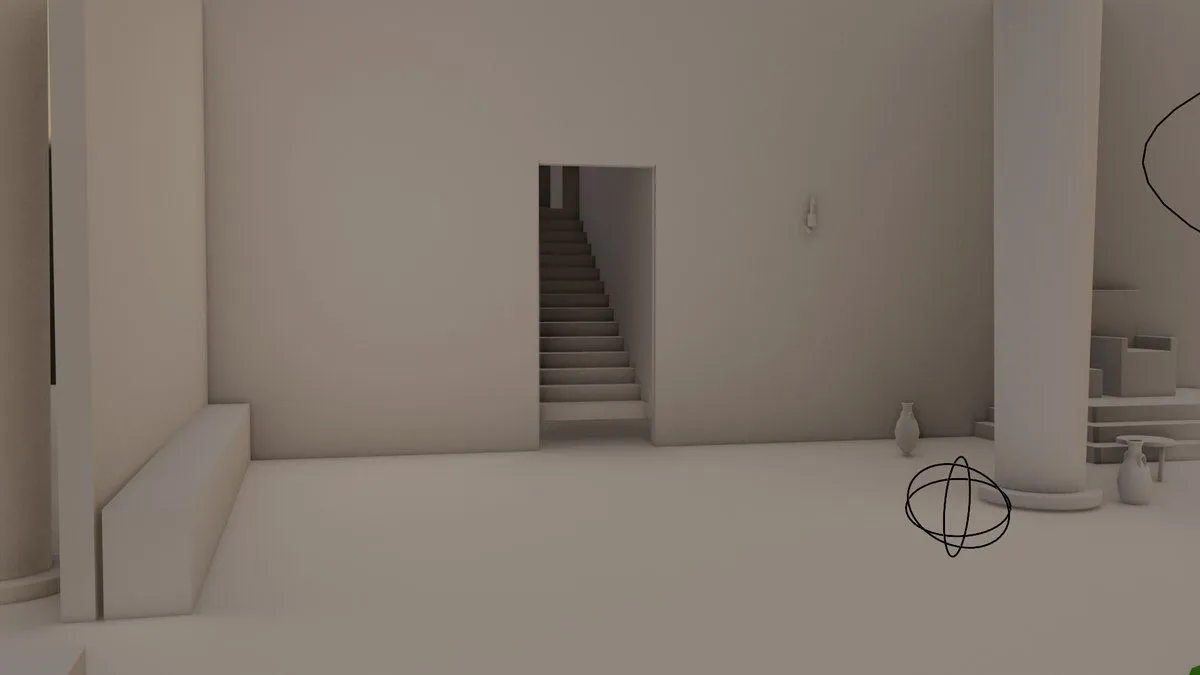
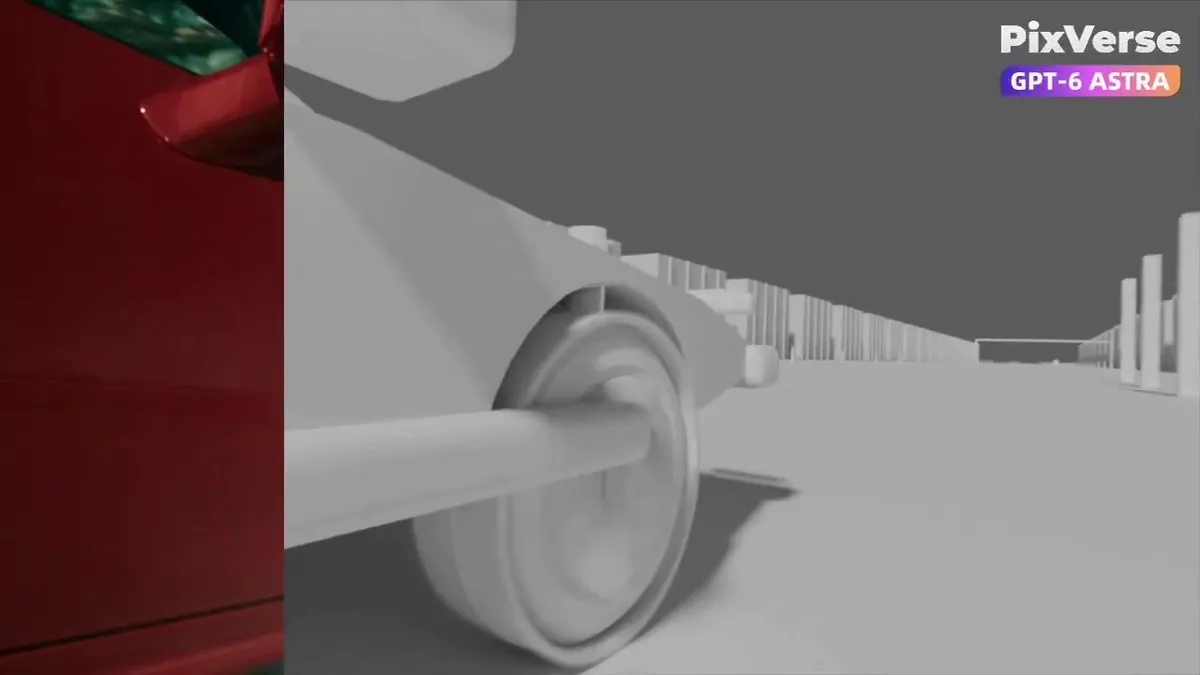
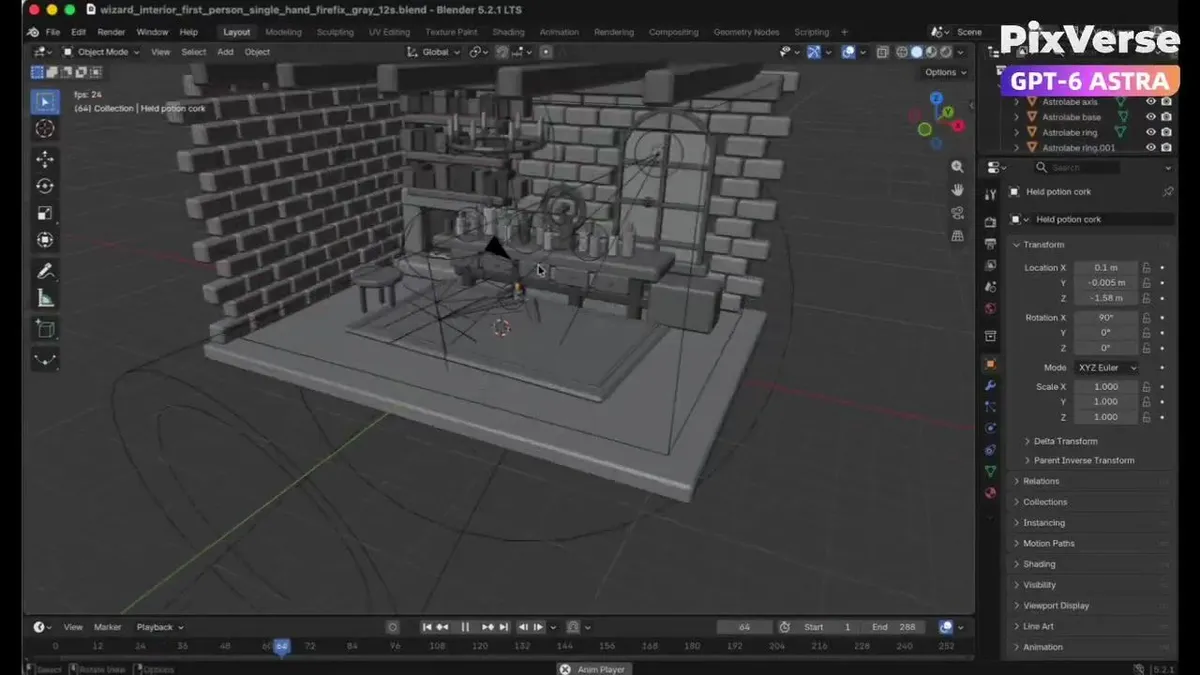
    Create an original GTA-inspired car chase with a photorealistic, live-action cinematic finish. Design the driver, two cars and urban environment. Plan three 4-second shots: rear tracking pursuit, side tracking through a sharp turn and a wide exit shot. Build the scene and animation in Blender, including vehicles, wheel rotation, steering, driver movement and cameras. Render the complete 12-second gray-model video at 1280×720 and 24 fps. Then use the PixVerse Plugin with Seedance 2.5 to transform each shot's gray first frame into a photorealistic cinematic reference while preserving composition, perspective, subject positions and vehicle count. Use each cinematic reference together with its corresponding Blender video to generate the final shots while maintaining vehicle identity, colors, camera movement, trajectories and action timing.

    Works in
    Kling
    Status
    Free to copy
    0
    DetailsVersions, settings and questions

    Written for

    What's in the prompt

    Subject
    Model
    Seedance 2.5

    If your face changes

    keep my face exactly the same

    Questions

    Does this work in the Kling app?
    Yes. Paste the prompt and attach your photo if it uses one.
    It changed my face. What do I do?
    Add "keep my face exactly the same" to the end and run it again.
    Can I use the images I make?
    Check the terms of the app you use. Promptclay never generates images and claims nothing you make.
    Similar prompts

    See more
    • GTA-Inspired Cartoon Car Chase WorkflowVideo, 0:06
    • Wizard Workshop TransformationVideo, 0:07
    • Storyboard Re-Render Workflow UI
    • Futuristic Orange Sci-Fi Hoverbike
    • Minimalist 3D Isometric Car Showroom Model
    • Structural Image Inpainting Prompt
    • AI Video Workspace Screenshot
    • Infographic Generation from Images and Text using Nano Banana Pro
    • Multi-Slide Document Generation with Nano Banana and NotebookLM
    • Brand Guide to Ad Concepts UI
    • Exploded View Disassembly of Apple Watch Ultra and iPhone
    • Reality Glitch Documentary Image Prompt: Low-Poly Deer in Headlights
    • Cinematic Blender Scene Transformation
    • Three-Panel AI Image Quality Comparison
    • Hybrid Transportation Device Design and Patent Generation
    • Miniature Garden Box Diorama
    • Ultrawide Indy Cockpit Racing View
    • One-Word Prompt for Instant Masterpiece
    • Isometric 3D Miniature Room with Chibi Character Prompt
    • Japanese PowerPoint Claude Opus 5 Screenshot
    • Ultra-Realistic 3D Automotive Brand Render
    • Transform Image into LEGO Version
    • City Night Scene Illustration with Composition Reference
    • 3D Abstract Data Pipeline Visualization

    Show more

    Run it on your phone

    1. Prompt copiedRead it

      Create an original GTA-inspired car chase with a photorealistic, live-action cinematic finish. Design the driver, two cars and urban environment. Plan three 4-second shots: rear tracking pursuit, side tracking through a sharp turn and a wide exit shot. Build the scene and animation in Blender, including vehicles, wheel rotation, steering, driver movement and cameras. Render the complete 12-second gray-model video at 1280×720 and 24 fps. Then use the PixVerse Plugin with Seedance 2.5 to transform each shot's gray first frame into a photorealistic cinematic reference while preserving composition, perspective, subject positions and vehicle count. Use each cinematic reference together with its corresponding Blender video to generate the final shots while maintaining vehicle identity, colors, camera movement, trajectories and action timing.

    2. Open your app

    3. Paste and run

      Press and hold the message box, then tap Paste. Add your photo first if the prompt uses one. You may need to sign in.