Tell us anything

An idea, a bug, something you love. We read every note.

⌘↵ to send. The page you're on comes along.

Wizard Workshop Transformation

Made with Seedance 2.5 in Kling by Library Cinema. Promptclay never generates images.

Did it work?

No reports yet. Tell others if it worked for you.

No comments yet. Be the first.

    Wizard Workshop Transformation

    Seedance 2.516:9AI-generated

    Prompt

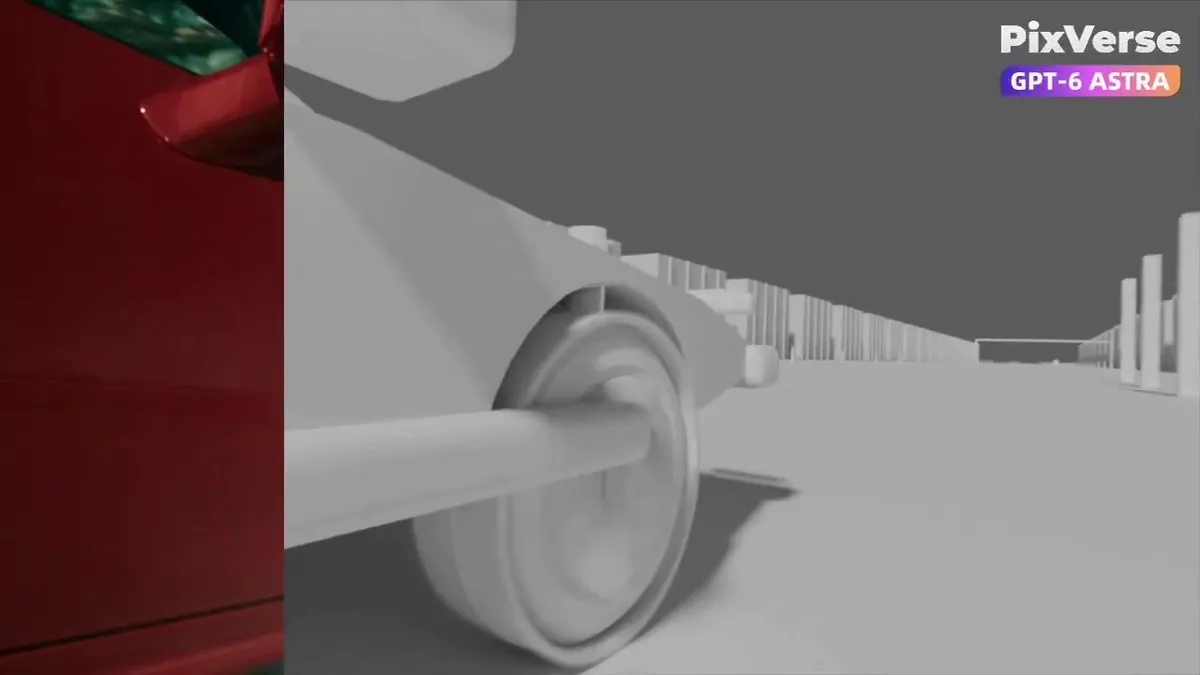
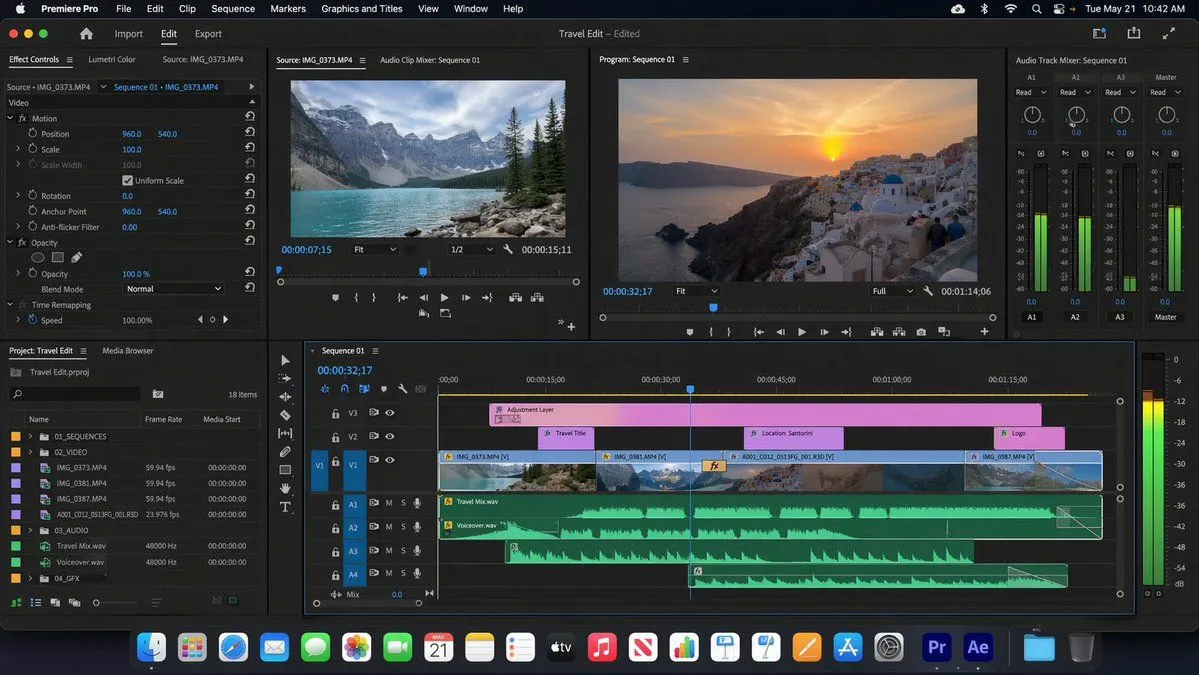
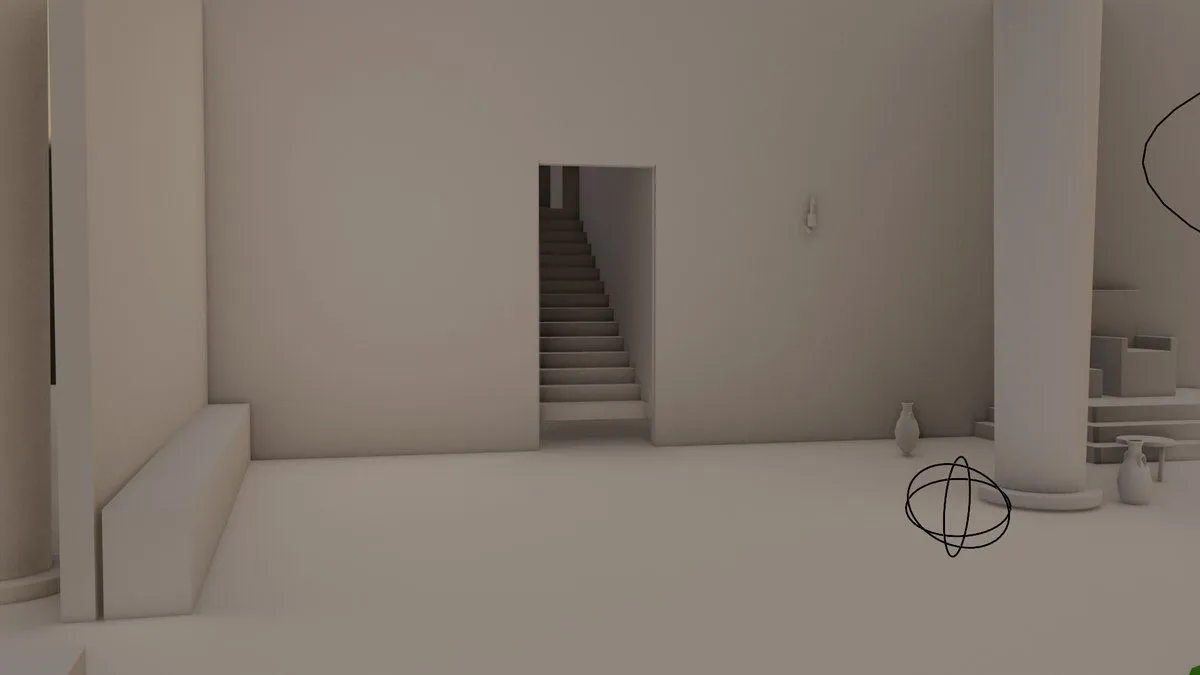
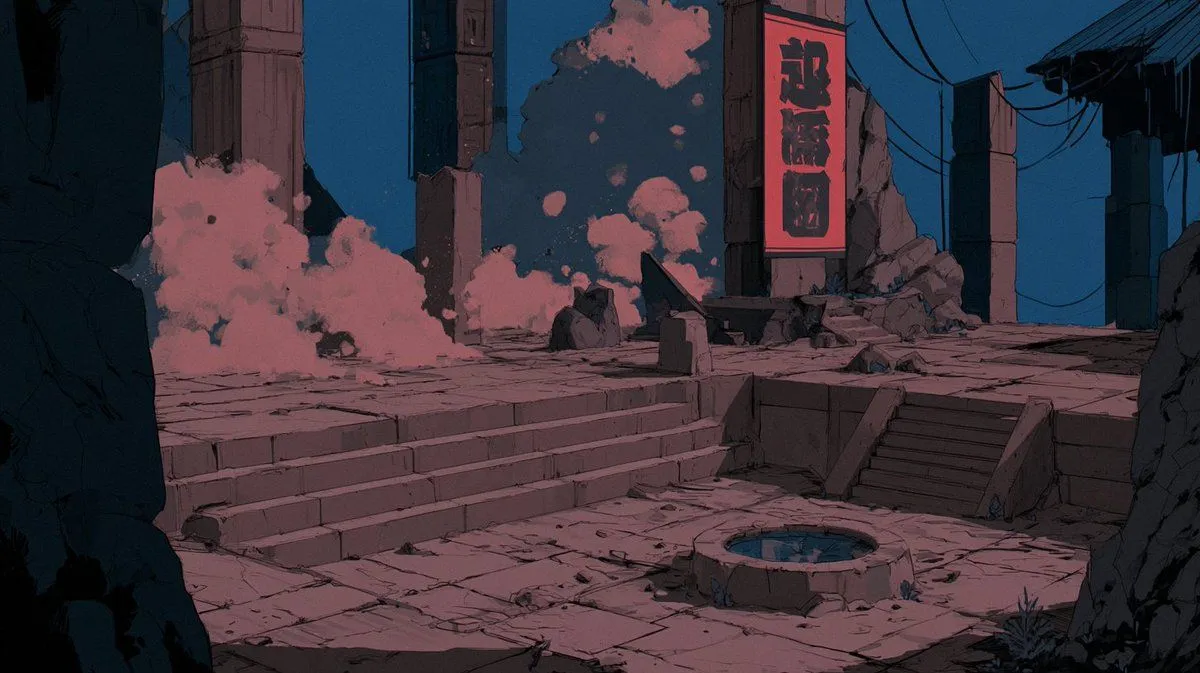
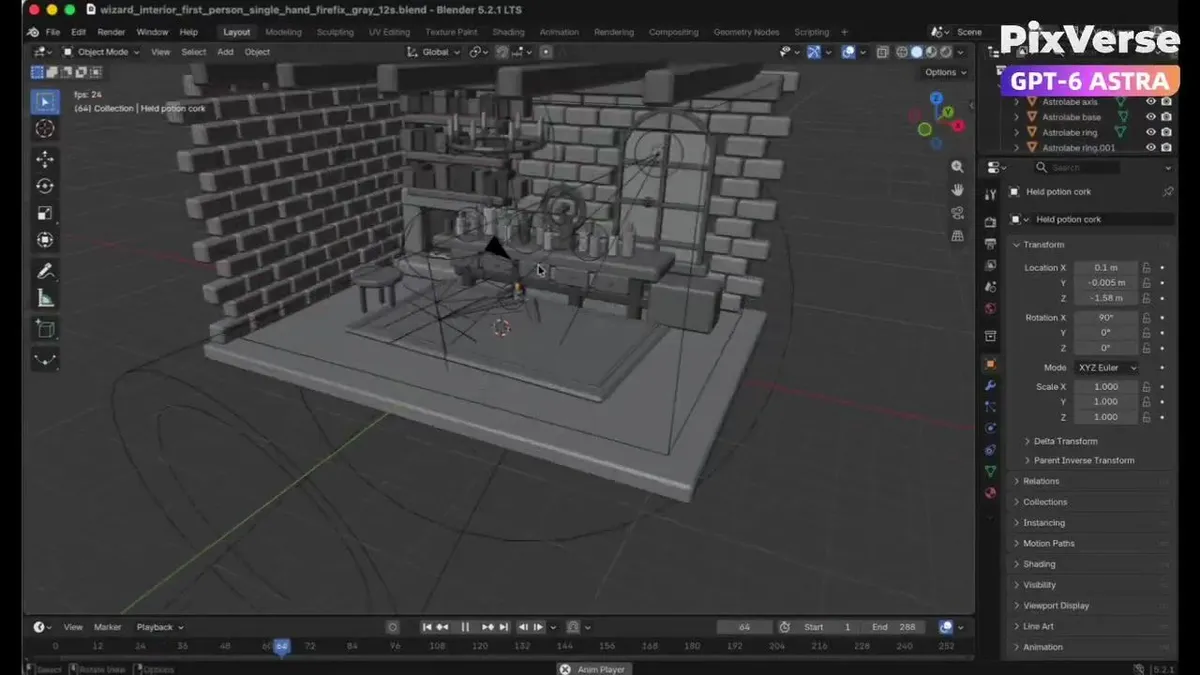
    Create a 12-second single-take white-model animation in Blender based on the supplied wizard workshop reference. Build the stone walls, wooden shelves, arched window, fireplace, books, astronomical instrument and alchemy table filled with potion bottles. Animate a low first-person viewpoint with exactly one right hand holding one potion. Begin with the bottle near the lower-right edge, look around the workshop and toward the window, raise the potion naturally, pause to examine it, then lower it while turning toward the fireplace and glowing reagents. Export the white-model MP4. Then use PixVerse with Seedance 2.5, referencing the Blender video for camera, action and spatial layout and the supplied images for appearance. Preserve the continuous shot and timing while adding weathered stone, carved wood, worn leather, realistic glass, cool window light, warm fireplace illumination, glowing magical liquids, natural flames, embers, sparks and smoke.

    Works in
    Kling
    Status
    Free to copy
    0
    DetailsVersions, settings and questions

    Written for

    What's in the prompt

    Subject
    Model
    Seedance 2.5

    If your face changes

    keep my face exactly the same

    Questions

    Does this work in the Kling app?
    Yes. Paste the prompt and attach your photo if it uses one.
    It changed my face. What do I do?
    Add "keep my face exactly the same" to the end and run it again.
    Can I use the images I make?
    Check the terms of the app you use. Promptclay never generates images and claims nothing you make.
    Similar prompts

    See more
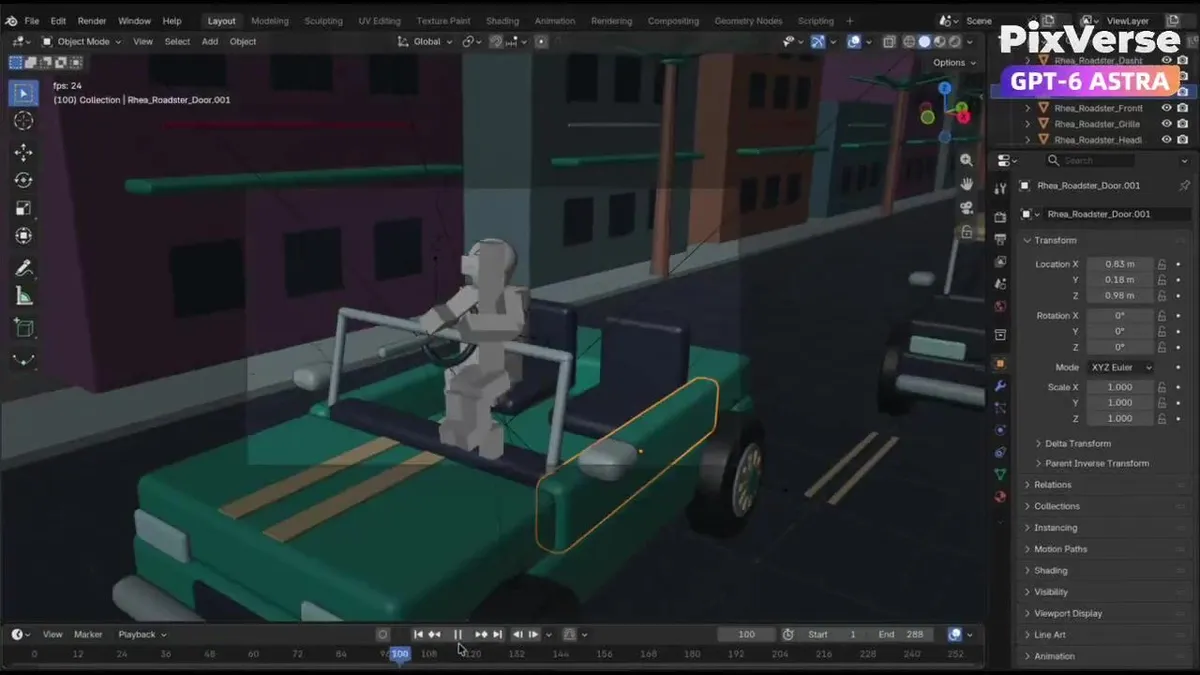
    • Blender to PixVerse Car Chase WorkflowVideo, 0:06
    • Structural Image Inpainting Prompt
    • GTA-Inspired Cartoon Car Chase WorkflowVideo, 0:06
    • AI Brand Guide Generation UI
    • Exploded View Disassembly of Apple Watch Ultra and iPhone
    • Multi-Slide Document Generation with Nano Banana and NotebookLM
    • Software UI Desktop Screenshot
    • Font Change Prompt
    • Social Feed Creation for Olive Oil Brand
    • Plug-and-Play Prompt for AI Business Meeting Image
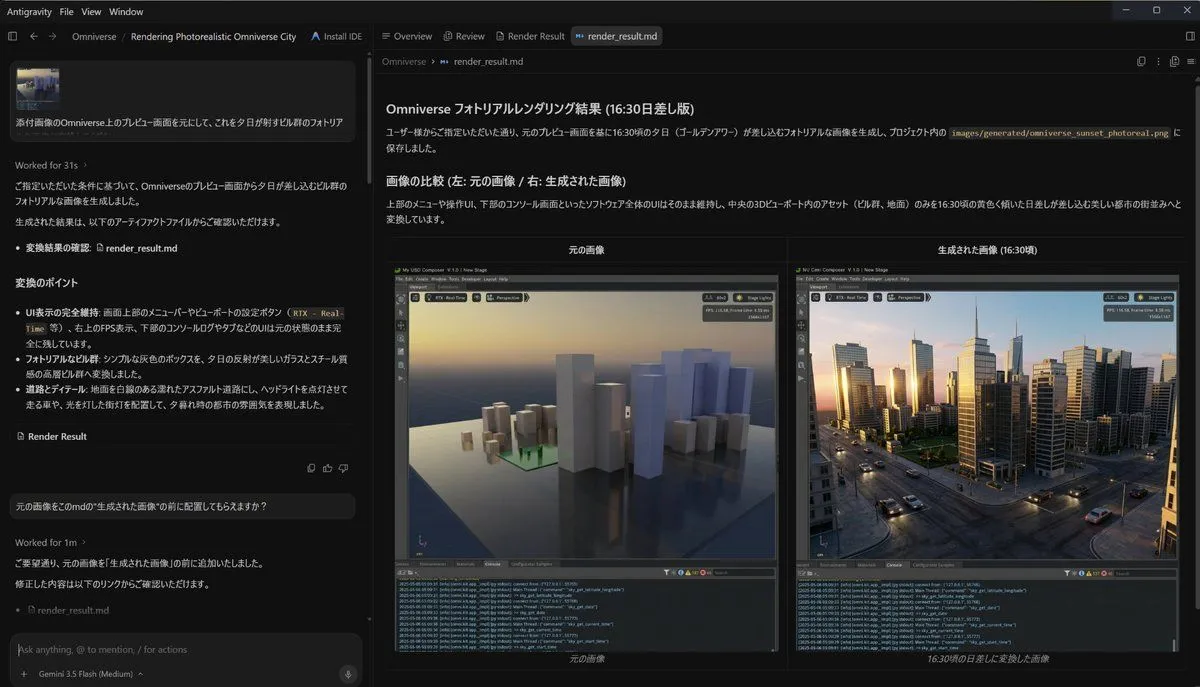
    • Cinematic Blender Scene Transformation
    • Isometric 3D Miniature Room with Chibi Character Prompt
    • Miniature Garden Box Diorama
    • Architectural Floor Plan as Miniature World
    • Universal Random Punk Scene Generator
    • AI Product Sketch to Lamp Render
    • Miniature Burger Factory Render
    • Epic 3D Architectural Blueprint Awakening Scene
    • 3D photorealistic space-flying game art with main character
    • Superheroes Emerging from Comics Grid
    • Fantasy GPT Image Skills Banner
    • Whiteboard Skill-Building Workflow
    • 3D AI Prompt Library Workspace
    • @mitte_ai Seedance 2.0 Storyboard-to-Video Prompt:

    Show more

    Run it on your phone

    1. Prompt copiedRead it

      Create a 12-second single-take white-model animation in Blender based on the supplied wizard workshop reference. Build the stone walls, wooden shelves, arched window, fireplace, books, astronomical instrument and alchemy table filled with potion bottles. Animate a low first-person viewpoint with exactly one right hand holding one potion. Begin with the bottle near the lower-right edge, look around the workshop and toward the window, raise the potion naturally, pause to examine it, then lower it while turning toward the fireplace and glowing reagents. Export the white-model MP4. Then use PixVerse with Seedance 2.5, referencing the Blender video for camera, action and spatial layout and the supplied images for appearance. Preserve the continuous shot and timing while adding weathered stone, carved wood, worn leather, realistic glass, cool window light, warm fireplace illumination, glowing magical liquids, natural flames, embers, sparks and smoke.

    2. Open your app

    3. Paste and run

      Press and hold the message box, then tap Paste. Add your photo first if the prompt uses one. You may need to sign in.