Tell us anything

An idea, a bug, something you love. We read every note.

⌘↵ to send. The page you're on comes along.

GTA-Inspired Cartoon Car Chase Workflow

Made with Seedance 2.5 in Kling by Library Cinema. Promptclay never generates images.

Did it work?

No reports yet. Tell others if it worked for you.

No comments yet. Be the first.

    GTA-Inspired Cartoon Car Chase Workflow

    Seedance 2.516:9AI-generated

    Prompt

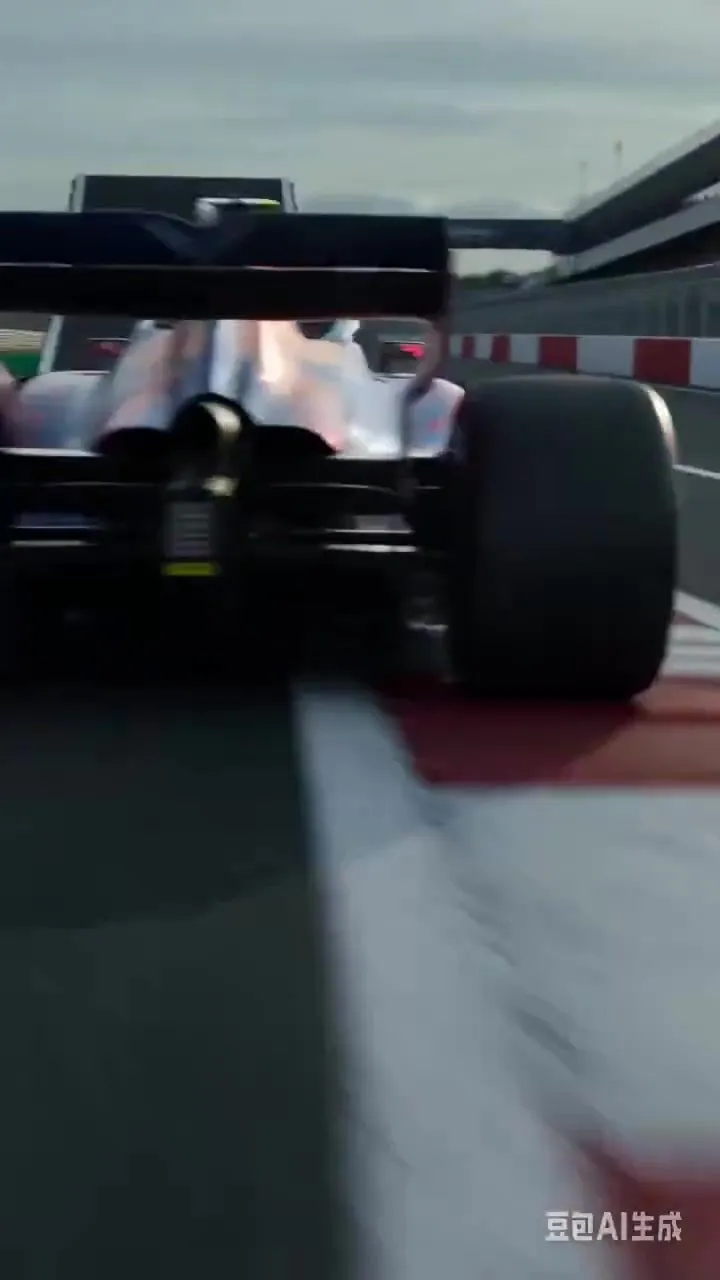
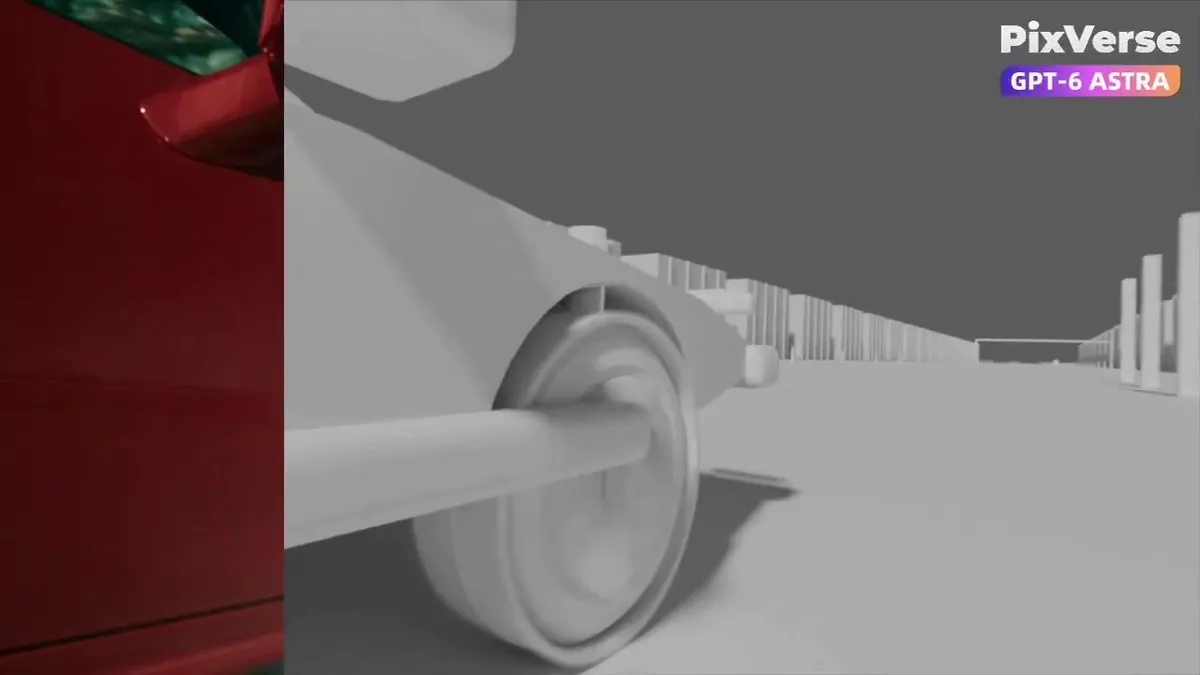
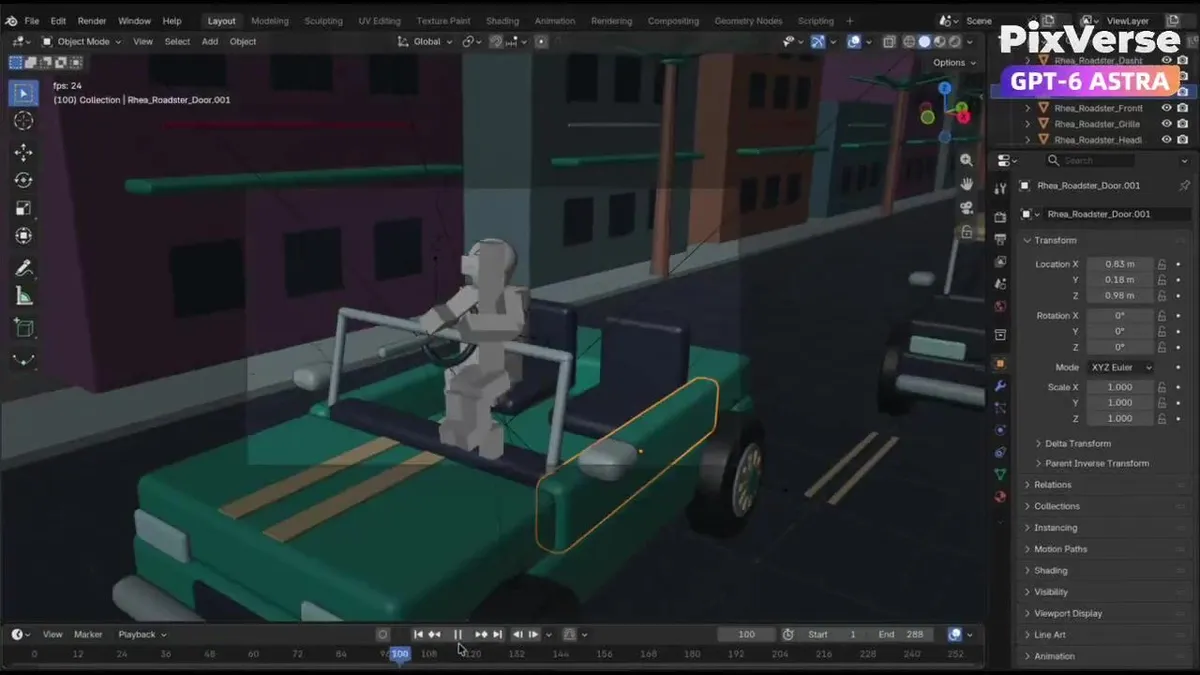
    Create an original GTA-inspired cartoon car chase using this workflow: Design: Define one main driver, one getaway car, one pursuing car, and one urban environment. Keep their designs consistent. Plan three 4-second shots: rear tracking pursuit, side tracking through a sharp turn, and a wide exit shot. Build in Blender: Create clean gray models and functional character and vehicle rigs. No textures or UV unwrapping are required. Animate and test: Animate the driver, steering, wheel rotation, vehicles, and cameras. Maintain coherent travel direction and vehicle order. Fix clipping, floating wheels, sliding tires, broken poses, and hands losing contact with the steering wheel. Render in Blender: Render frames 1–288 at 1280×720, 24 fps. Assemble actual Blender-rendered frames into a complete 12-second gray-model master. Export each shot separately and render matching gray stills as shape and composition references. Finish with PixVerse Plugin: Use Seedance 2.5 at 720p, processing each shot separately. Use the Blender clips as motion references and the gray stills as shape references. Define a consistent cartoon color palette in the generation prompt. Preserve camera movement, action timing, character and vehicle designs, and vehicle count. Review and deliver: Inspect both complete videos for visual defects and continuity. Repair Blender issues and regenerate only failed Seedance shots, with at most two retries per shot. Deliver the editable .blend, the native 720p Blender gray-model video, the separately labeled 720p Seedance version, and a brief assessment of remaining limitations.

    Works in
    Kling
    Status
    Free to copy
    0
    DetailsVersions, settings and questions

    Written for

    What's in the prompt

    Subject
    Model
    Seedance 2.5

    If your face changes

    keep my face exactly the same

    Questions

    Does this work in the Kling app?
    Yes. Paste the prompt and attach your photo if it uses one.
    It changed my face. What do I do?
    Add "keep my face exactly the same" to the end and run it again.
    Can I use the images I make?
    Check the terms of the app you use. Promptclay never generates images and claims nothing you make.
    Similar prompts

    See more
    • Blender to PixVerse Car Chase WorkflowVideo, 0:06
    • Split Screen Racing Game Driver View
    • Split-Screen MR2 Touge Drive
    • Vespa Scooter: Real vs Miniature Diorama
    • Three-Panel Character Style Comparison
    • VFX Comparison Image Prompt (Before/After) for Nano Banana Pro
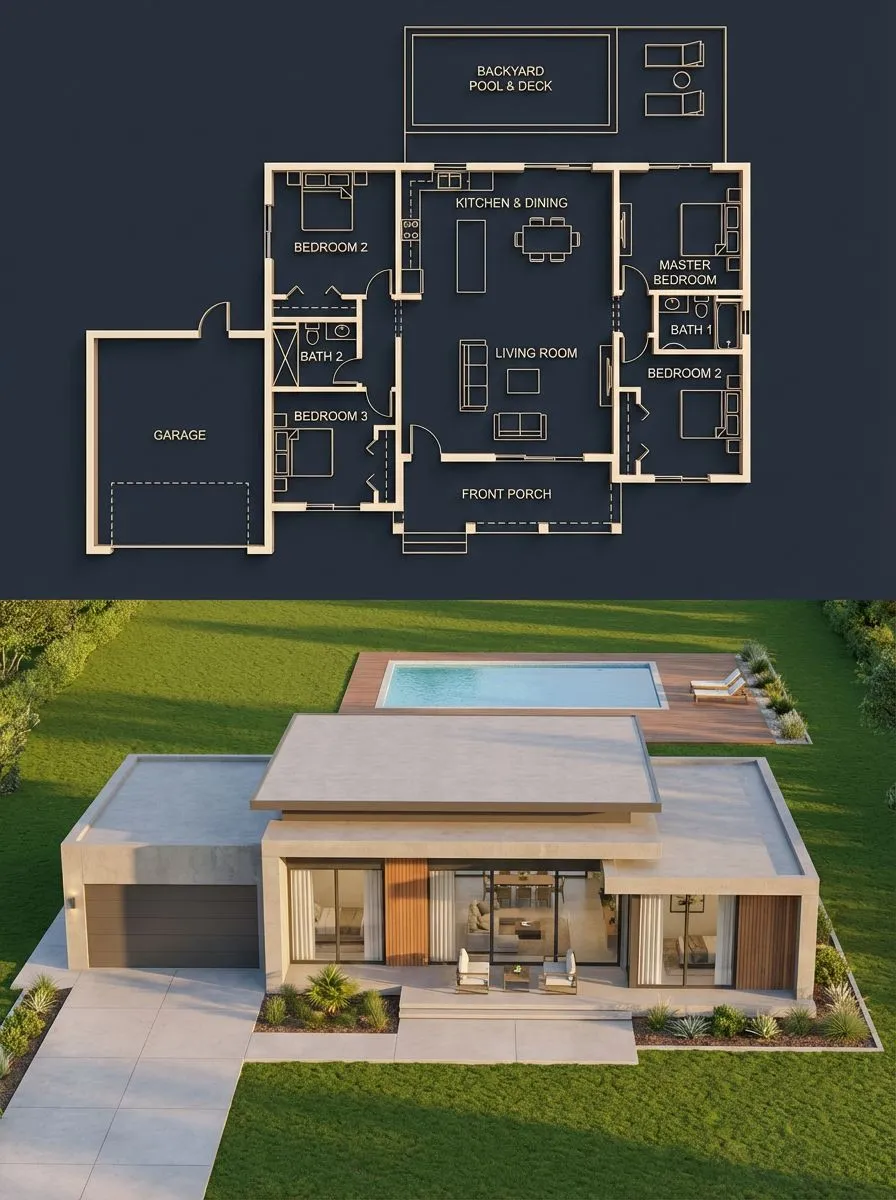
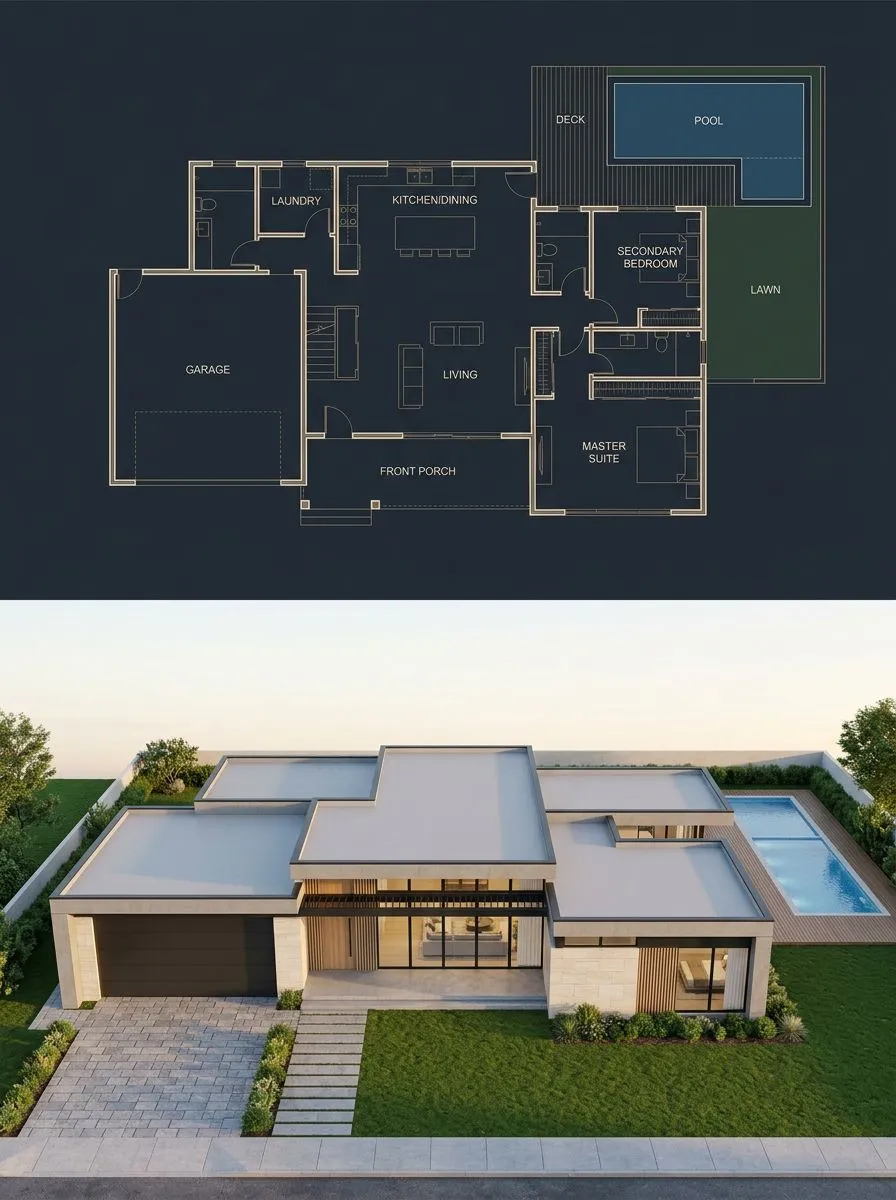
    • Architectural Blueprint to Render Split
    • Split Blueprint and Modern House Render
    • Split-Screen Cinematic Shot for Time Travel Comparison
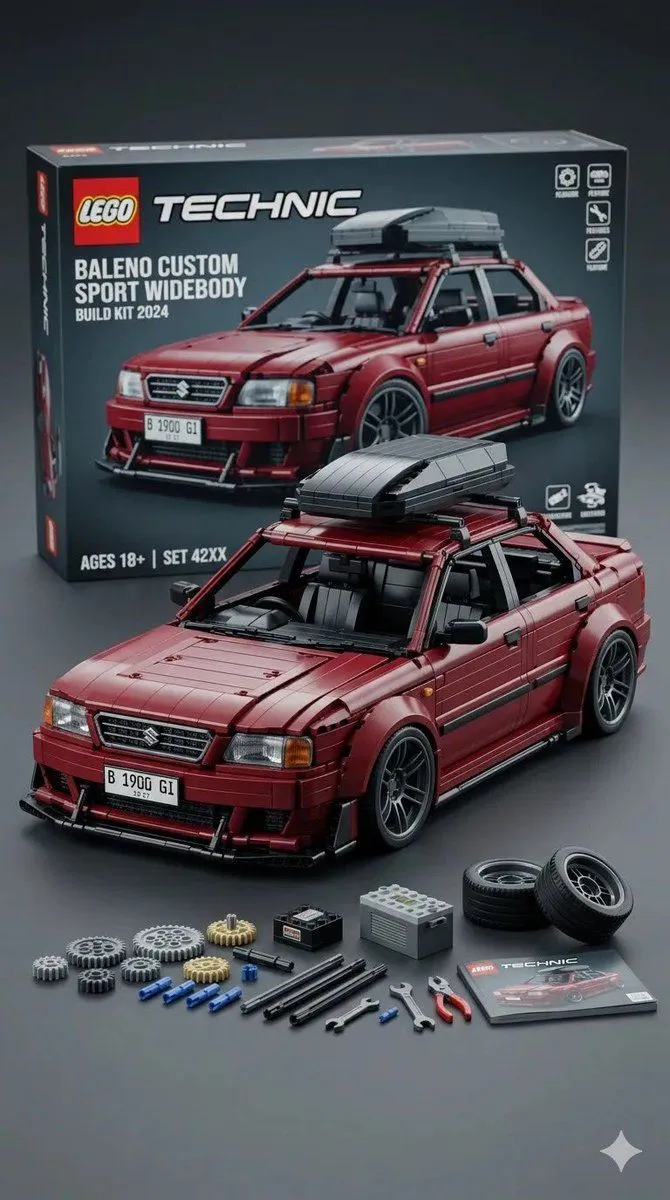
    • Ultra-Detailed LEGO Technic Product Render
    • Structural Image Inpainting Prompt
    • Prompt Engineering for VehiclesVideo, 0:10
    • Futuristic Orange Sci-Fi Hoverbike
    • Minimalist 3D Isometric Car Showroom Model
    • Living room color reimagining
    • Prompt for UV Unwrapping a 3D Model
    • Stylized Tech Illustration Template
    • Ultrawide Indy Cockpit Racing View
    • Split-Screen Time Travel Scene
    • Split-Screen Fashion Editorial Advertisement
    • Three-Panel AI Image Quality Comparison
    • Cinematic Film Roll Archive
    • Oversized T-Shirt Branding Mockup
    • Transparent Window Alpha Demo

    Show more

    Run it on your phone

    1. Prompt copiedRead it

      Create an original GTA-inspired cartoon car chase using this workflow: Design: Define one main driver, one getaway car, one pursuing car, and one urban environment. Keep their designs consistent. Plan three 4-second shots: rear tracking pursuit, side tracking through a sharp turn, and a wide exit shot. Build in Blender: Create clean gray models and functional character and vehicle rigs. No textures or UV unwrapping are required. Animate and test: Animate the driver, steering, wheel rotation, vehicles, and cameras. Maintain coherent travel direction and vehicle order. Fix clipping, floating wheels, sliding tires, broken poses, and hands losing contact with the steering wheel. Render in Blender: Render frames 1–288 at 1280×720, 24 fps. Assemble actual Blender-rendered frames into a complete 12-second gray-model master. Export each shot separately and render matching gray stills as shape and composition references. Finish with PixVerse Plugin: Use Seedance 2.5 at 720p, processing each shot separately. Use the Blender clips as motion references and the gray stills as shape references. Define a consistent cartoon color palette in the generation prompt. Preserve camera movement, action timing, character and vehicle designs, and vehicle count. Review and deliver: Inspect both complete videos for visual defects and continuity. Repair Blender issues and regenerate only failed Seedance shots, with at most two retries per shot. Deliver the editable .blend, the native 720p Blender gray-model video, the separately labeled 720p Seedance version, and a brief assessment of remaining limitations.

    2. Open your app

    3. Paste and run

      Press and hold the message box, then tap Paste. Add your photo first if the prompt uses one. You may need to sign in.