Tell us anything

An idea, a bug, something you love. We read every note.

⌘↵ to send. The page you're on comes along.

GTA Style Cargo Ship Mission Video

Made with Seedance 2.5 in Kling by Library Cinema. Promptclay never generates images.

Did it work?

No reports yet. Tell others if it worked for you.

No comments yet. Be the first.

    GTA Style Cargo Ship Mission Video

    Seedance 2.516:9AI-generated

    Prompt

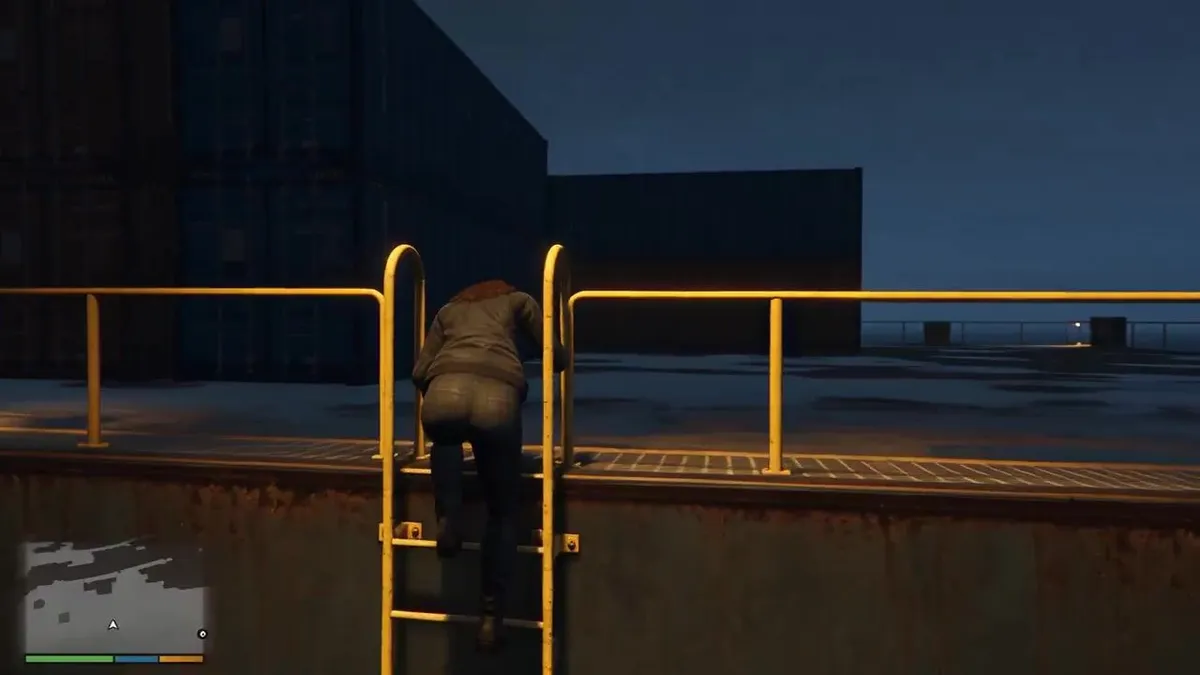
    Create a 30-second ultra-realistic AAA open-world third-person action game mission, fully rendered as authentic GTA-style gameplay from beginning to end. Generate the female player character yourself: a stylish young woman with long dark hair, dark fitted jacket, dark pants and practical boots, keeping her appearance perfectly consistent throughout. Set the mission at a massive modern cargo ship at night, surrounded by dark ocean, shipping containers, cranes, realistic water, rain and distant city lights. Use a true third-person gameplay camera, realistic game physics, detailed game-engine graphics and a complete GTA-style HUD with minimap, mission objectives and notifications. At 0–4 seconds, the character quietly climbs onto the cargo ship and the HUD shows MISSION START — CARGO SHIP — FIND THE PACKAGE. At 4–9 seconds, she moves between stacked containers while avoiding security guards and reaches the marked container; HUD changes to CONTAINER LOCATED. At 9–14 seconds, she opens the container, retrieves a mysterious package and the HUD shows PACKAGE SECURED. At 14–18 seconds, an alarm suddenly activates, red warning lights flash and security begins searching the ship; HUD changes to ALARM TRIGGERED — ESCAPE. At 18–24 seconds, she runs through the container area toward the edge of the ship while security follows, then reaches a waiting speedboat below. At 24–27 seconds, she jumps into the speedboat and rapidly drives away across the ocean as the cargo ship recedes behind her. At 27 seconds, make exactly one hard cut to a natural third-person gameplay continuation showing her speedboat racing toward distant city lights, with the HUD displaying MISSION PASSED — PACKAGE SECURED — ESCAPE SUCCESSFUL — RANK S. Make the entire video look like high-budget GTA gameplay, including authentic HUD, minimap, NPC behavior, camera movement, water physics, vehicle physics, lighting and reflections. No live-action look, anime, cartoon, random cuts, teleportation or graphic gore.

    Works in
    Kling
    Status
    Free to copy
    0
    DetailsVersions, settings and questions

    Written for

    What's in the prompt

    Subject
    Model
    Seedance 2.5

    If your face changes

    keep my face exactly the same

    Questions

    Does this work in the Kling app?
    Yes. Paste the prompt and attach your photo if it uses one.
    It changed my face. What do I do?
    Add "keep my face exactly the same" to the end and run it again.
    Can I use the images I make?
    Check the terms of the app you use. Promptclay never generates images and claims nothing you make.
    Similar prompts

    See more
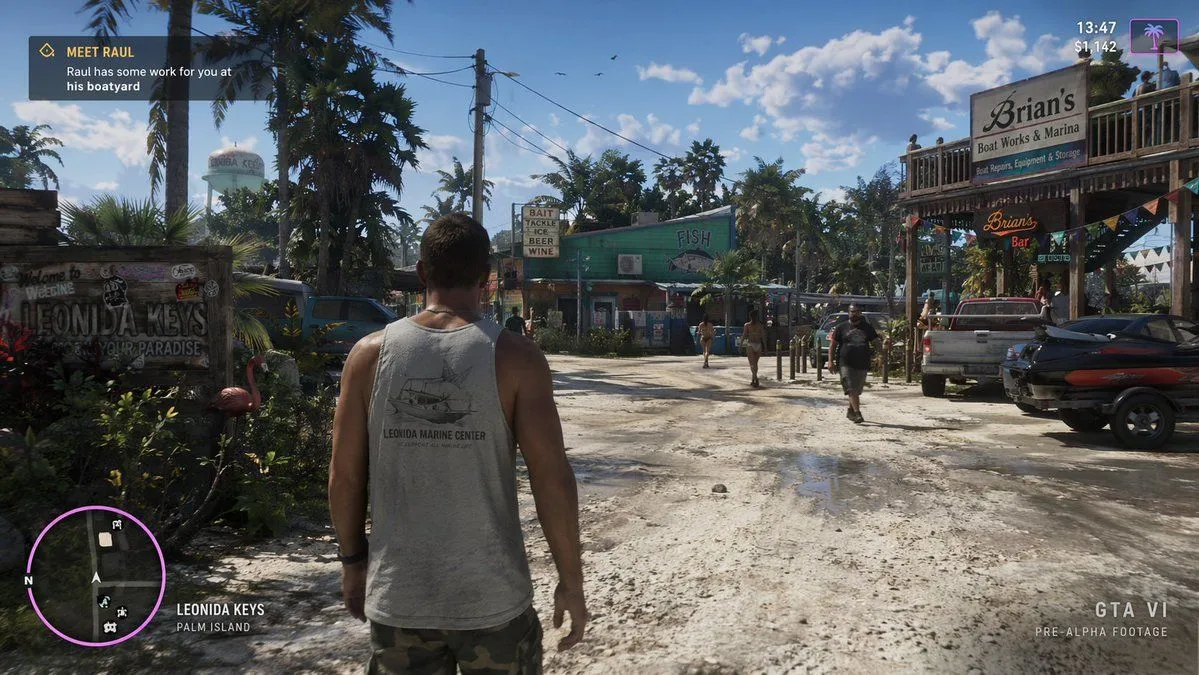
    • GTA Anyang Concept Screenshot
    • GTA 6 CJ and Lucia crossover
    • Open-World Game Screenshot Mockup
    • Recreate Screenshot as Next-Gen Video Game
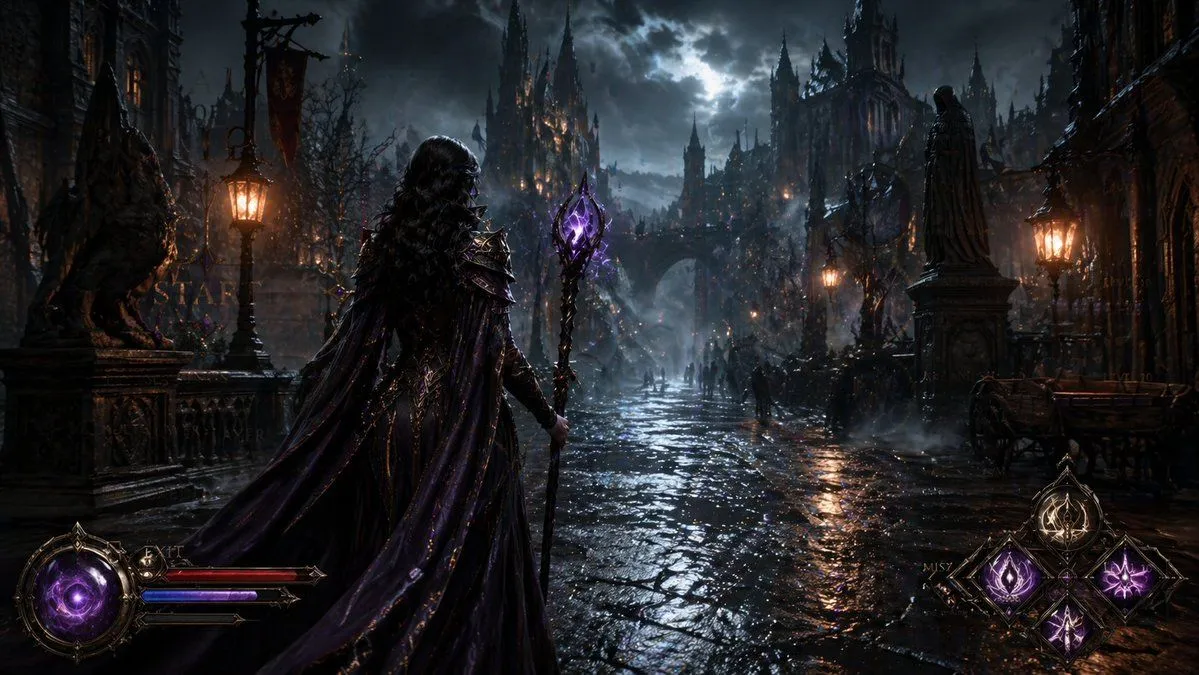
    • Dark Medieval Sorceress Scene
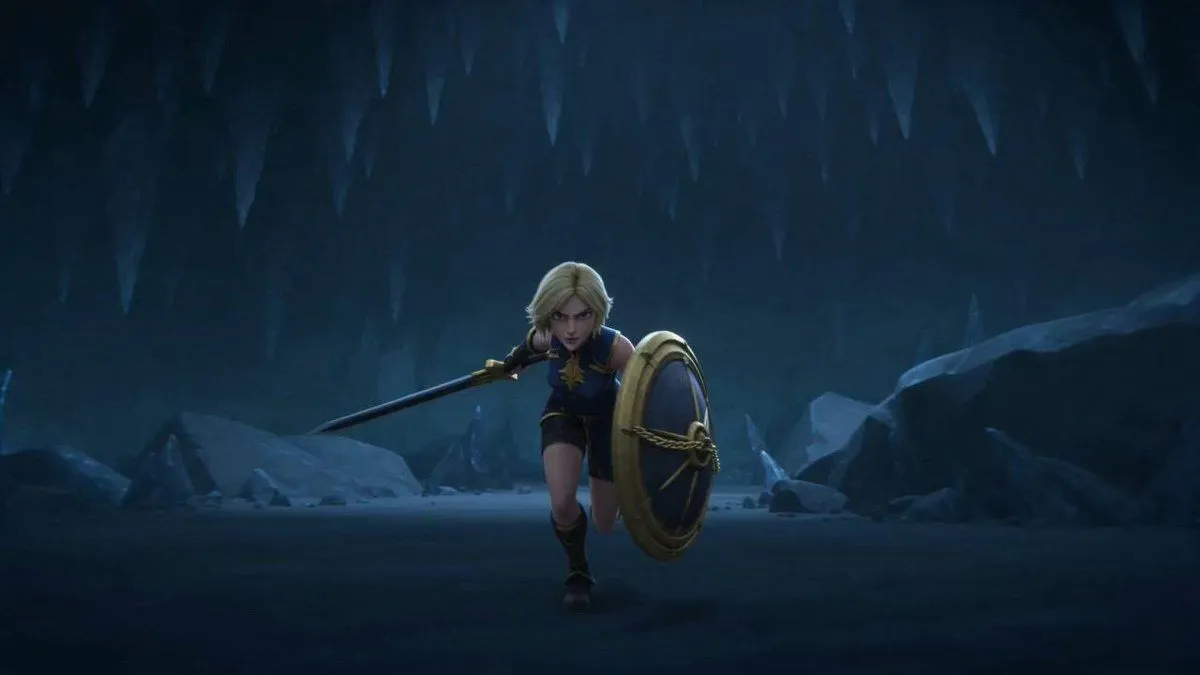
    • Blonde Warrior in an Icy Cavern
    • 8-Bit Tech Container Ship
    • Need for Speed Style Drifting Video Prompt (Two Segments)Video, 0:30
    • Dark Urban Katana Fashion Portrait
    • Model Climbing Slope Behind GrassesVideo, 0:06
    • Next-Gen Voxel Game Screenshot
    • Updated Luxury Night Shot Prompt with Skin Texture
    • 3D Gaming Character Sheet Prompt
    • Futuristic Arachnid Gamer Persona
    • Action Video Game Character Cosplay Selfie Prompt
    • Miniature Diorama Style Image Prompt
    • Advanced 10-Page Manga Generation Prompt (LLM System Prompt)
    • Cinematic Game UI Mockup
    • Cinematic poster with movie characters
    • Claymation day phases infographic for kids
    • Fan Reaction Sticker Set
    • Four-Panel Guide for Drawing a Cartoon Duck
    • Multi-Step Comic Generation with MJ and Nano Banana Pro
    • Ship Girl Daily Schedule Poster

    Show more

    Run it on your phone

    1. Prompt copiedRead it

      Create a 30-second ultra-realistic AAA open-world third-person action game mission, fully rendered as authentic GTA-style gameplay from beginning to end. Generate the female player character yourself: a stylish young woman with long dark hair, dark fitted jacket, dark pants and practical boots, keeping her appearance perfectly consistent throughout. Set the mission at a massive modern cargo ship at night, surrounded by dark ocean, shipping containers, cranes, realistic water, rain and distant city lights. Use a true third-person gameplay camera, realistic game physics, detailed game-engine graphics and a complete GTA-style HUD with minimap, mission objectives and notifications. At 0–4 seconds, the character quietly climbs onto the cargo ship and the HUD shows MISSION START — CARGO SHIP — FIND THE PACKAGE. At 4–9 seconds, she moves between stacked containers while avoiding security guards and reaches the marked container; HUD changes to CONTAINER LOCATED. At 9–14 seconds, she opens the container, retrieves a mysterious package and the HUD shows PACKAGE SECURED. At 14–18 seconds, an alarm suddenly activates, red warning lights flash and security begins searching the ship; HUD changes to ALARM TRIGGERED — ESCAPE. At 18–24 seconds, she runs through the container area toward the edge of the ship while security follows, then reaches a waiting speedboat below. At 24–27 seconds, she jumps into the speedboat and rapidly drives away across the ocean as the cargo ship recedes behind her. At 27 seconds, make exactly one hard cut to a natural third-person gameplay continuation showing her speedboat racing toward distant city lights, with the HUD displaying MISSION PASSED — PACKAGE SECURED — ESCAPE SUCCESSFUL — RANK S. Make the entire video look like high-budget GTA gameplay, including authentic HUD, minimap, NPC behavior, camera movement, water physics, vehicle physics, lighting and reflections. No live-action look, anime, cartoon, random cuts, teleportation or graphic gore.

    2. Open your app

    3. Paste and run

      Press and hold the message box, then tap Paste. Add your photo first if the prompt uses one. You may need to sign in.