Tell us anything

An idea, a bug, something you love. We read every note.

⌘↵ to send. The page you're on comes along.

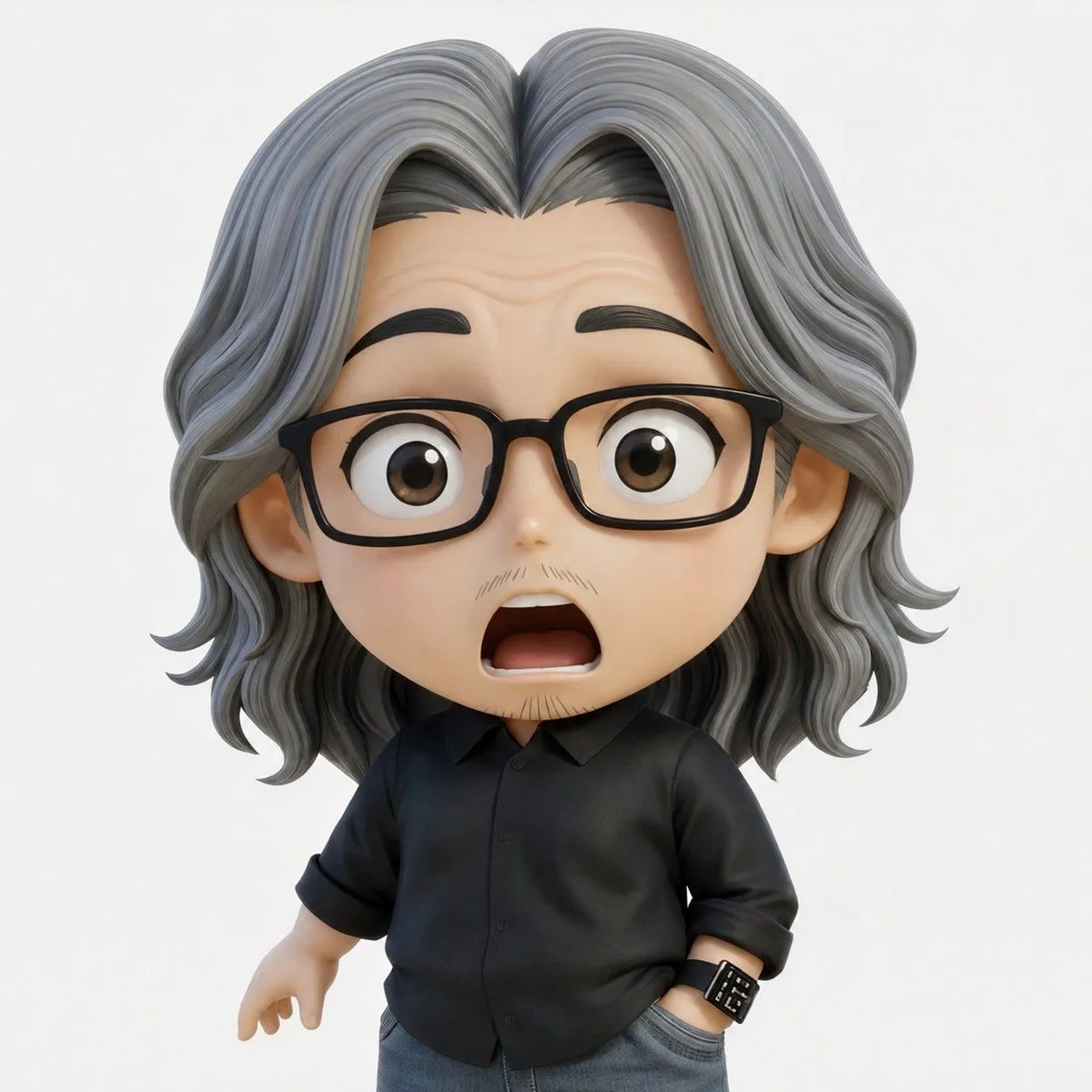
FACS Expression Edit

Made with GPT Image 2 in ChatGPT by Library Avatars. Promptclay never generates images.

FACS Expression Edit

GPT Image 21:1AI-generated

Prompt

1 blank to fill

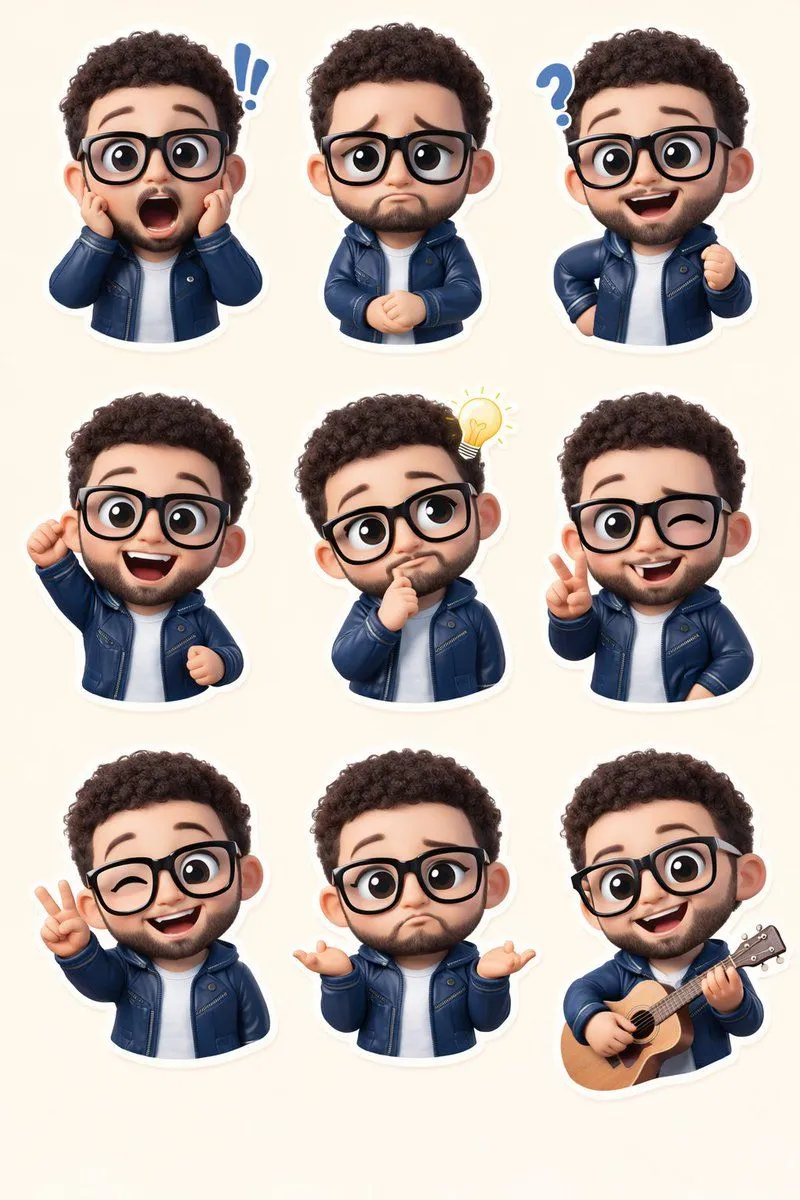
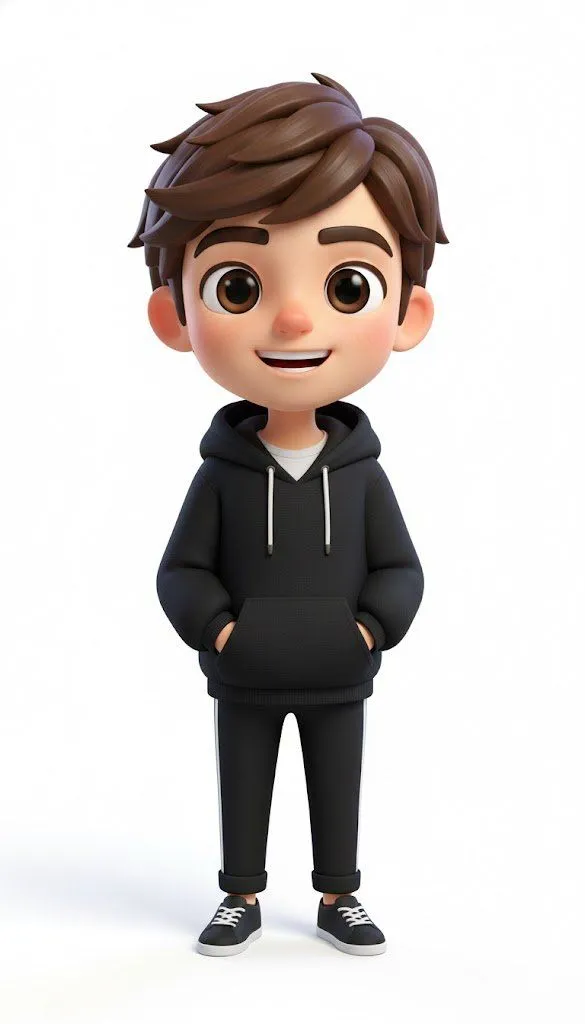
Using the provided reference image as the character base, keep the same chibi 3D figure, outfit, hairstyle, lighting, plain white background, and overall composition unchanged, but modify only the facial expression according to FACS action units: {facs_action_units}. Preserve the reference image’s square face-obscuring block in the same central position and regenerate the image cleanly with the same toy-like render quality.

Opens in a new tab with the prompt filled in or copied, ready to paste.

Works in
ChatGPT, Gemini
Status
Free to copy
DetailsVersions, settings and questions

Written for

What's in the prompt

Subject
Model
GPT Image 2

If your face changes

keep my face exactly the same

Questions

Does this work in the ChatGPT app?
Yes. Paste the prompt and attach your photo if it uses one.
It changed my face. What do I do?
Add "keep my face exactly the same" to the end and run it again.
Can I use the images I make?
Check the terms of the app you use. Promptclay never generates images and claims nothing you make.
0

Did it work?

No reports yet. Tell others if it worked for you.
No comments yet. Be the first.

    More like this

    See more
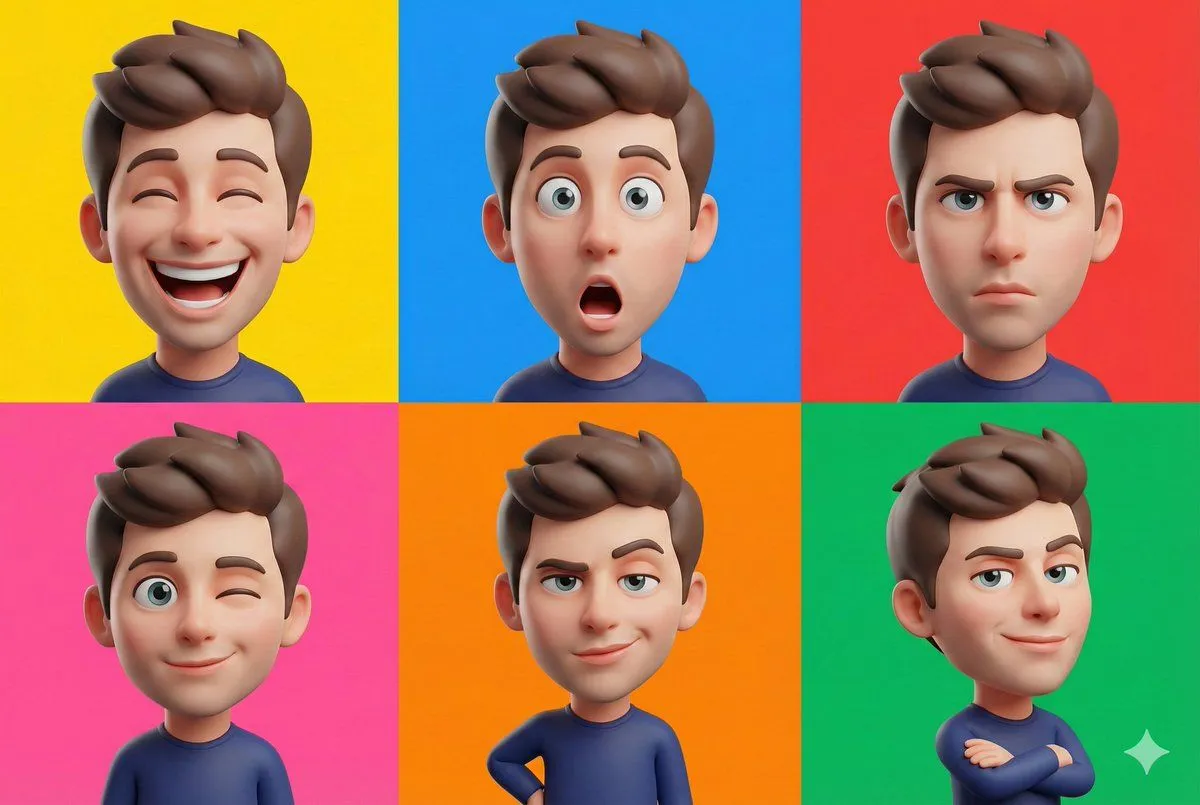
    • Pixar-Style 3D Chibi Boy Character
    • 3D Caricature Style Transfer Prompt
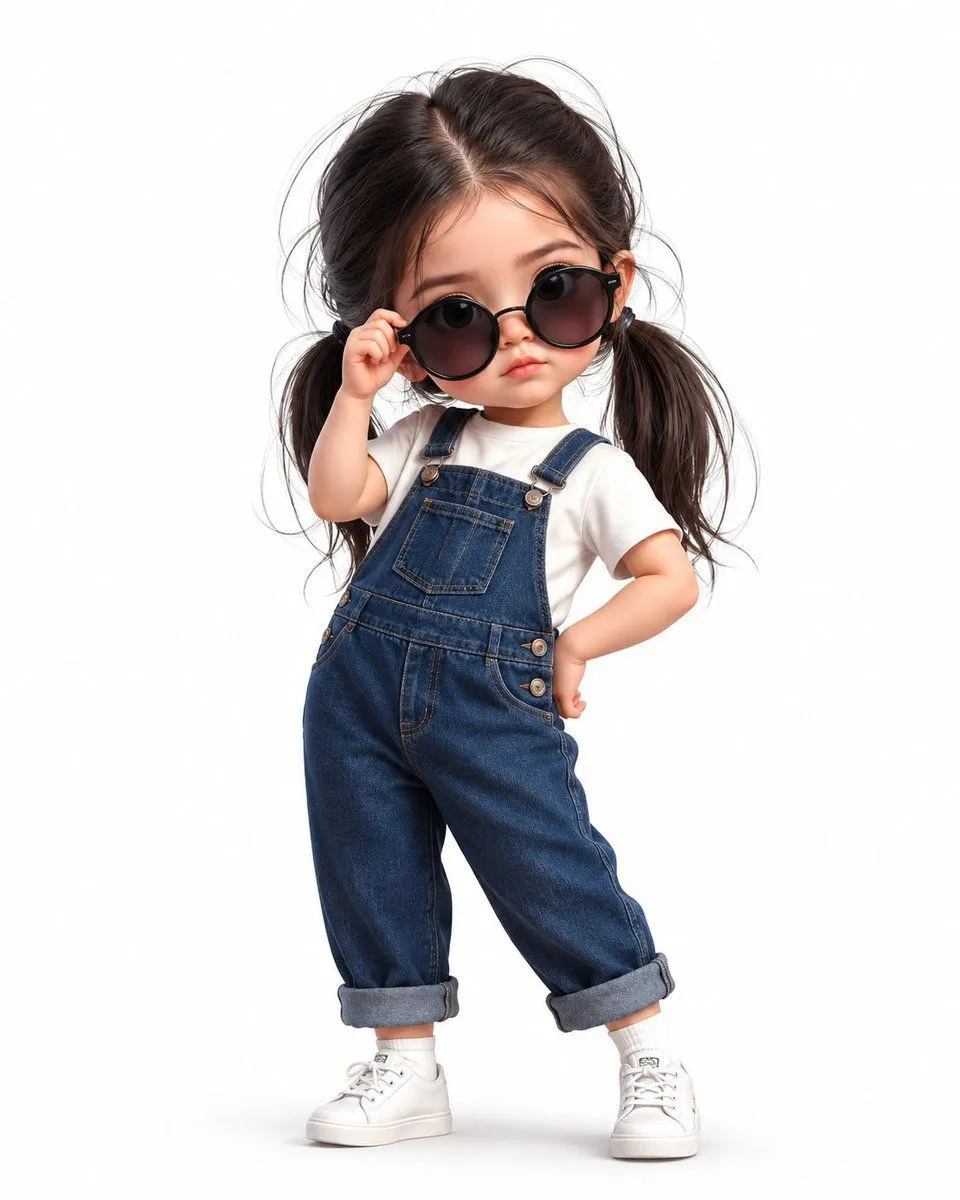
    • Chibi Girl in Denim Overalls
    • 2D Anime to 3D Toy Avatar
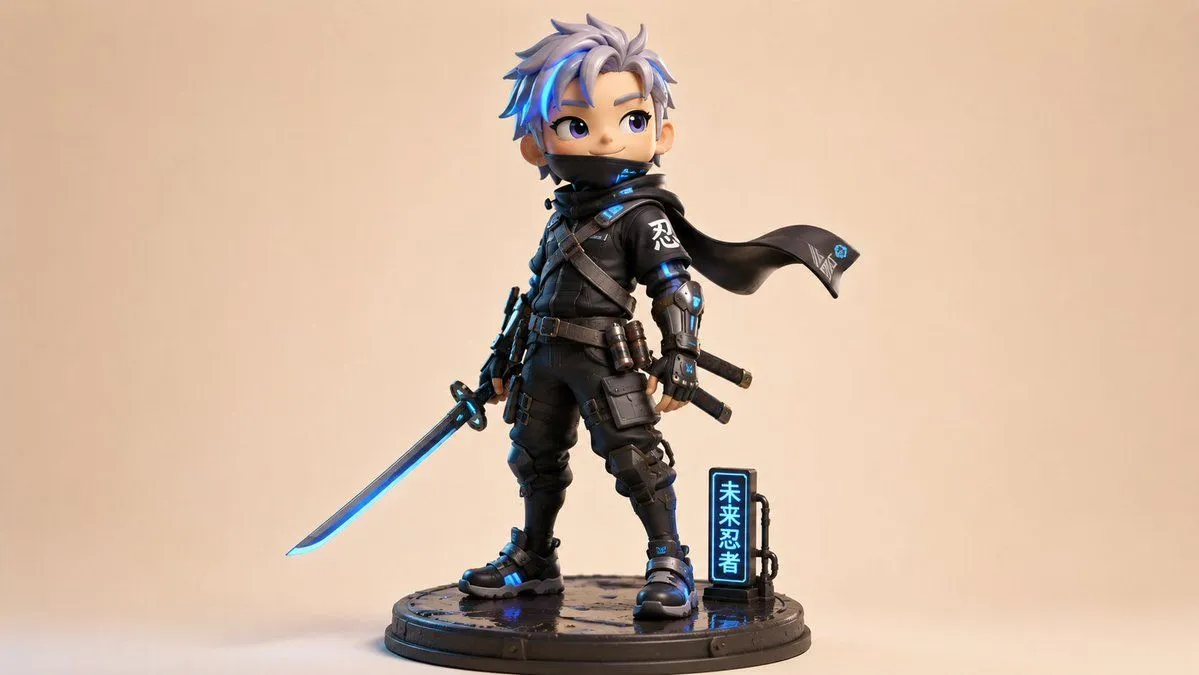
    • Chibi Cyber Ninja Figurine
    • Chibi Streetwear Collectible Toy
    • 3D Chibi Sticker Set with Customizable Jacket Color
    • 3D Chibi Character Transformation Prompt for Nano Banana 2
    • Chibi Expression Sticker Pack
    • Chibi-Style Character Transformation
    • Pixar-Style Chibi Character Prompt
    • Pixar-Style 3D Avatar Generation Prompt
    • Voxel Chibi Cat-Ear Girl
    • 3D Pixar Chibi Character Transformation
    • Image-to-SD Papercraft Conversion Prompt
    • Day in My Life Chibi Video Generation PromptVideo, 0:30
    • Chibi sticker set prompt for Nano Banana Pro
    • Pixar-Style American Passerby Prompt
    • Transform subjects into cute anime chibi charactersVideo, 0:06
    • Pixar Style Cool Boy Illustration
    • 2D to 3D Illustration Conversion Prompt
    • Editorial Caricature Illustration of a Man
    • Boy With Werewolf Shadow
    • Minimalist 3D Clay Render

    Show more

    Run it on your phone

    1. Prompt copiedRead it

      Using the provided reference image as the character base, keep the same chibi 3D figure, outfit, hairstyle, lighting, plain white background, and overall composition unchanged, but modify only the facial expression according to FACS action units: {facs_action_units}. Preserve the reference image’s square face-obscuring block in the same central position and regenerate the image cleanly with the same toy-like render quality.

    2. Open your app

    3. Paste and run

      Press and hold the message box, then tap Paste. Add your photo first if the prompt uses one. You may need to sign in.

    FACS Expression Edit