Tell us anything

An idea, a bug, something you love. We read every note.

⌘↵ to send. The page you're on comes along.

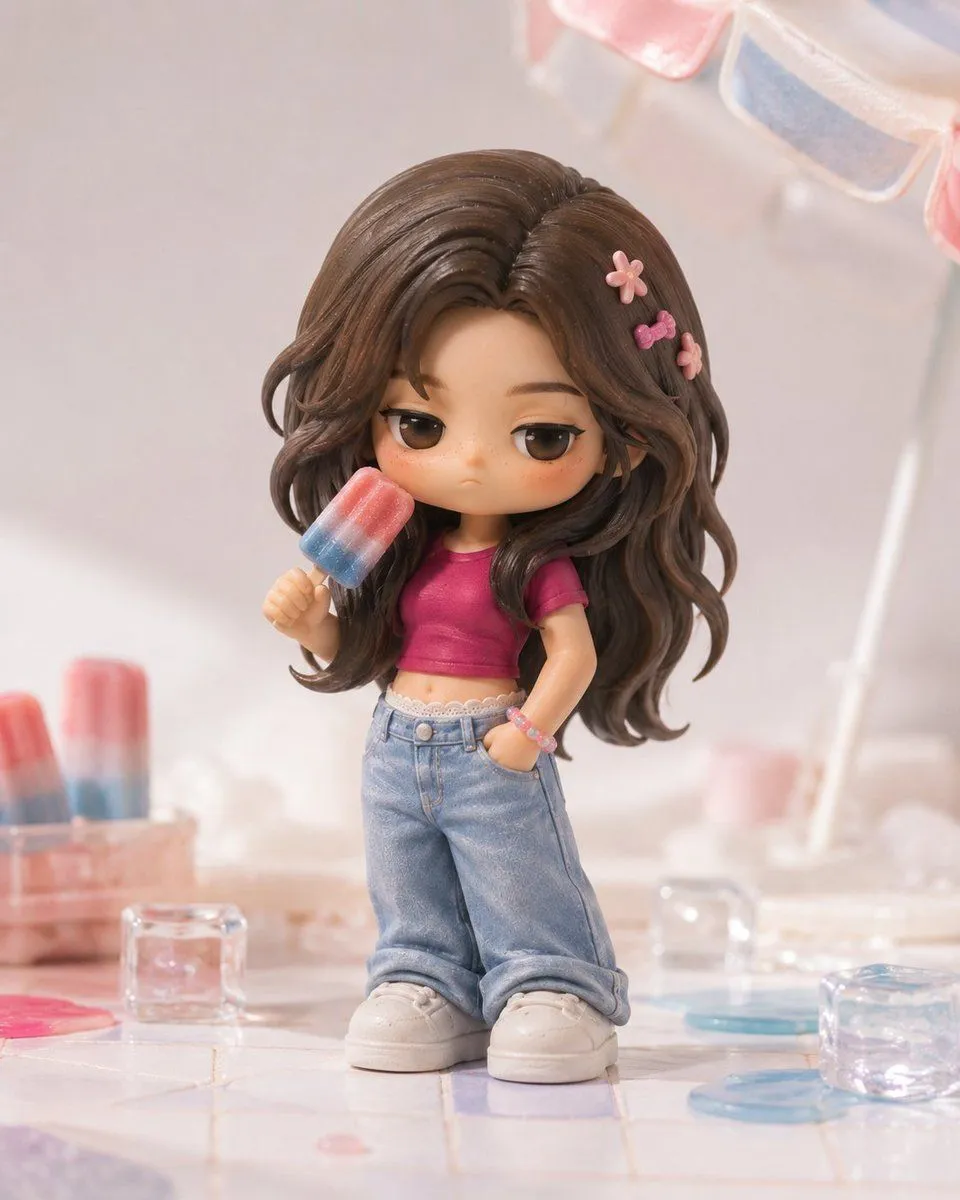
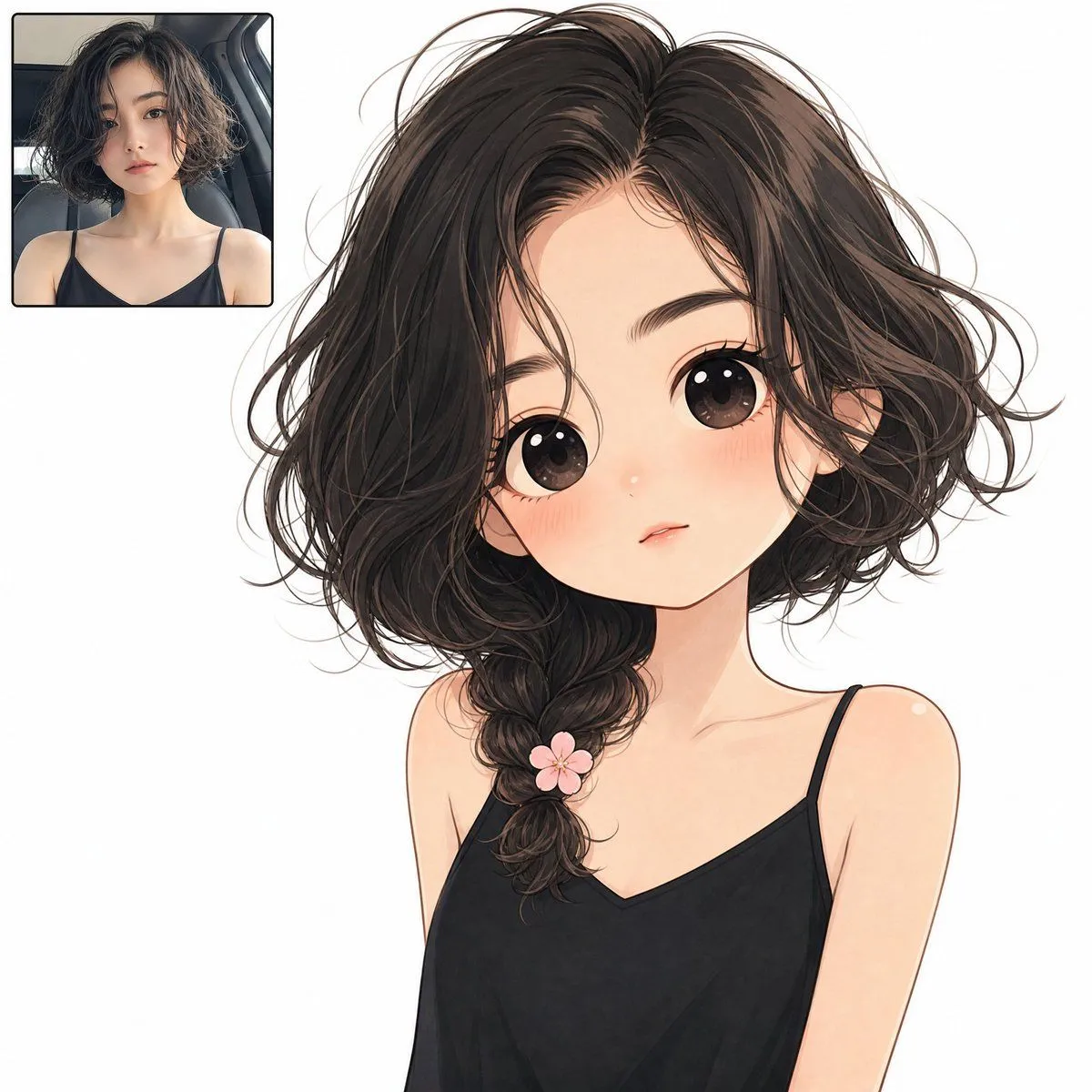
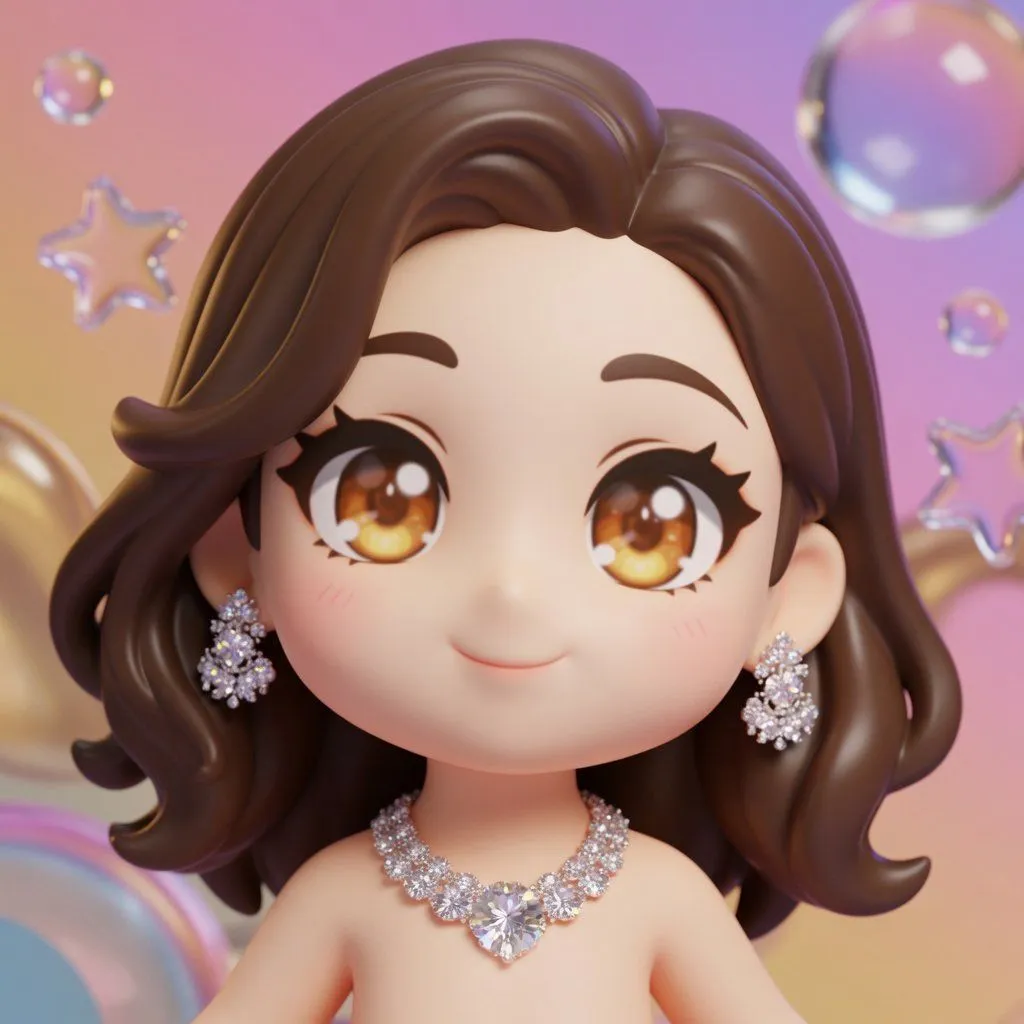
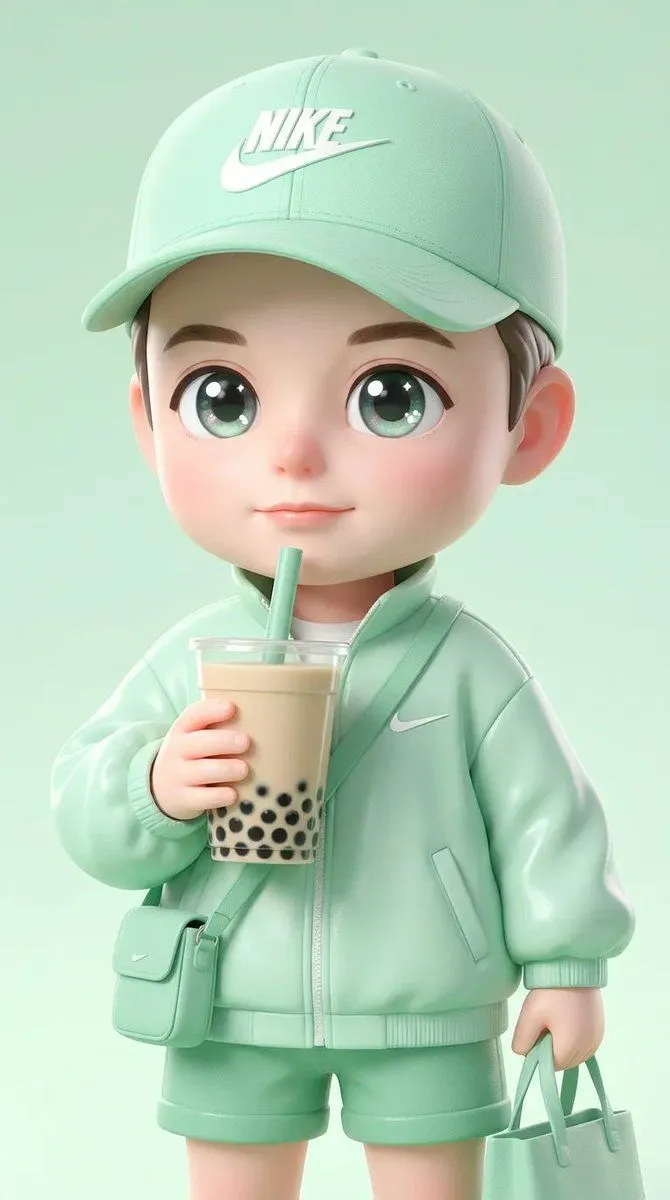
3D Chibi Character Transformation Prompt for Nano Banana 2

Made with Nano Banana Pro in Gemini by Library Portraits. Promptclay never generates images.

Did it work?

No reports yet. Tell others if it worked for you.

No comments yet. Be the first.

    3D Chibi Character Transformation Prompt for Nano Banana 2

    Nano Banana Pro1:1AI-generated

    Prompt

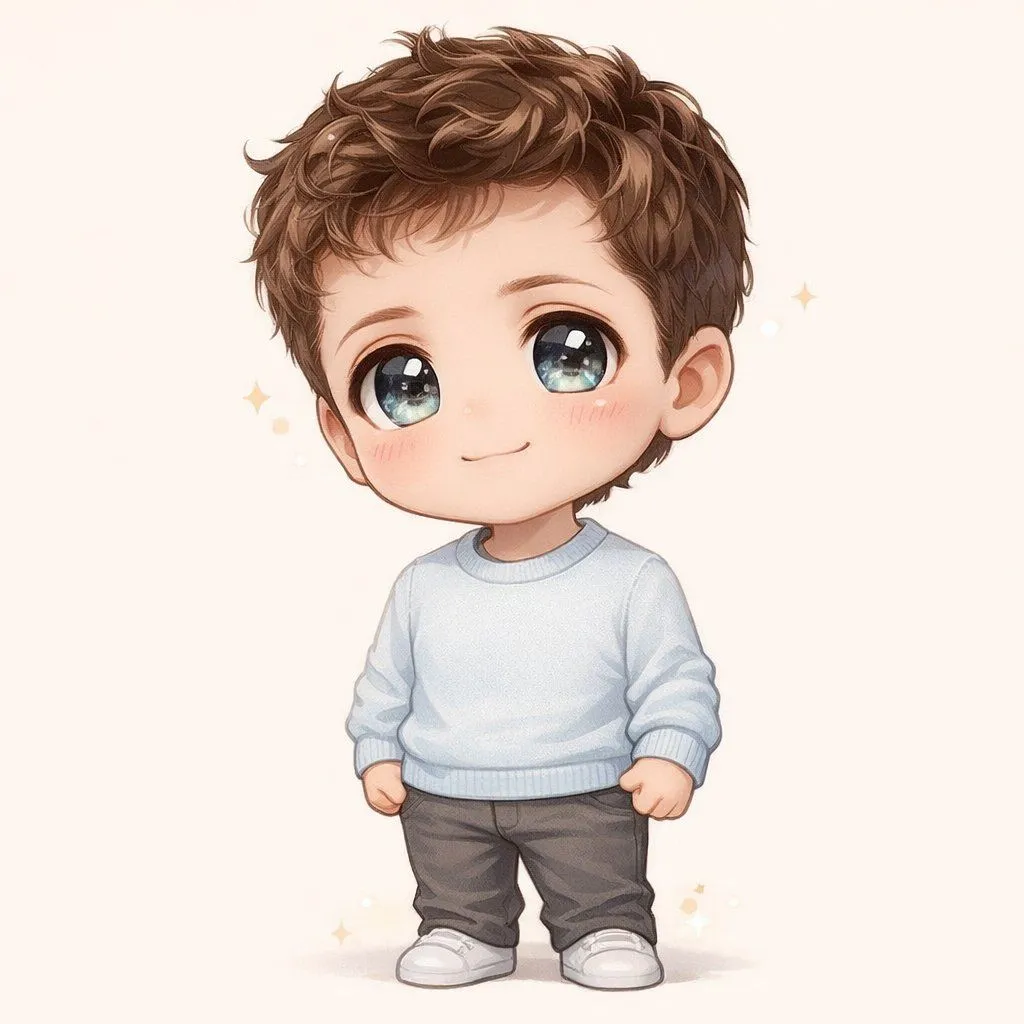
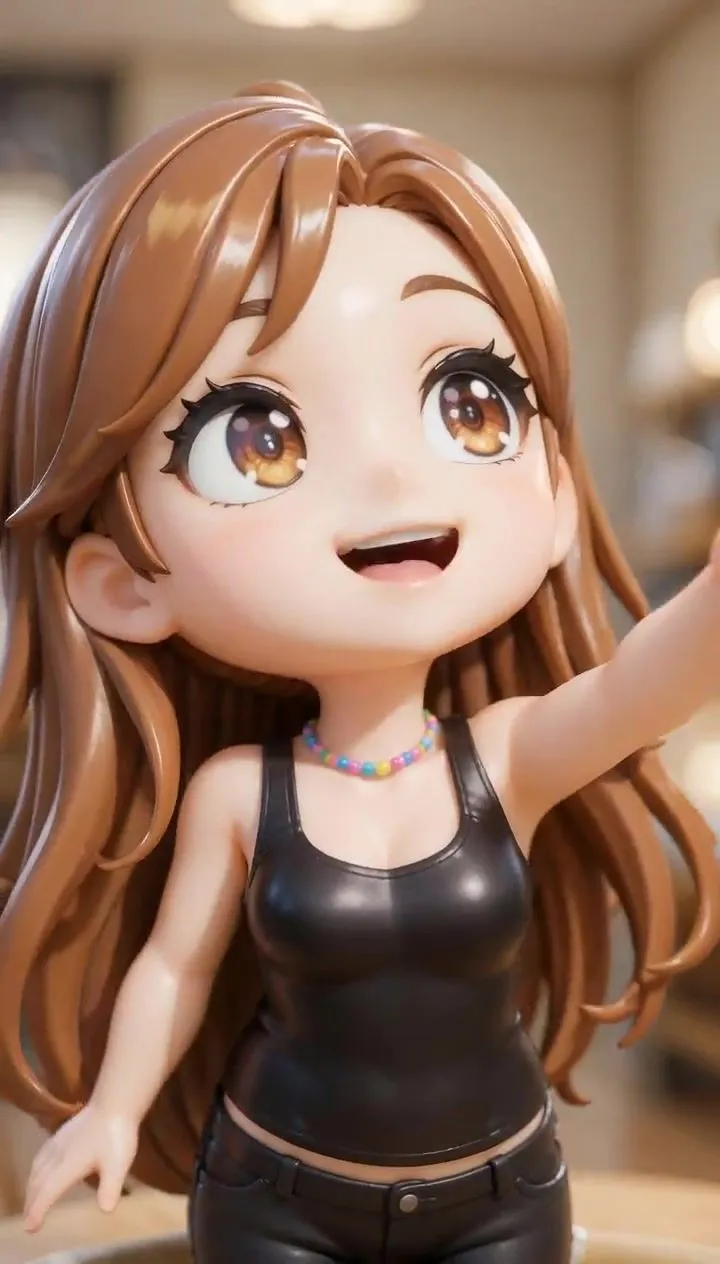
    Transform the subjects into a cute anime chibi characters rendered as a clean 3D model, while preserving the subject's original race, ethnicity, skin tone, and recognizable facial likeness, including hairstyle, hair color, and clothing colors. The character must remain clearly the same person with the same skin tone and ethnic appearance as the original input, translated into a chibi form. The character should have classic chibi proportions: a very large head, small torso, simplified cute facial features, and large expressive anime-style eyes. Translate the subject's facial features into a chibi style while keeping their recognizable likeness. Frame the character from the torso up, with the camera slightly closer and cropped in, so the upper body and head fill most of the frame. The character should be looking directly into the camera, with an energetic and expressive anime-style pose. Use a slightly dynamic camera angle, such as a subtle tilt or off-axis perspective, similar to modern anime promotional artwork. The camera can be slightly lower than the character's face, creating a playful upward Tr angle that makes the character feel lively and engaging. Render the character as a high-quality glossy 3D anime-style model, similar to a polished Blender render or premium collectible figure. The materials should be smooth, reflective, and toy-like, with strong highlights, soft reflections, and shiny surfaces. The overall look should clearly resemble a 3D rendered character, not a flat 2D illustration. Use bright anime-style shading with vibrant but polished colors, giving the character a premium anime aesthetic. Place the character in front of a colorful gradient background. Behind the character, include a small number of large, translucent decorative shapes such as bubbles, stars, or rounded forms. These shapes should appear semi-transparent, glossy, and subtle, similar to clear acrylic or glass, softly floating in the background without drawing attention away from the character. The background elements should remain light, minimal, and softly visible, acting as stylish accents rather than prominent objects. The final image should look like a dynamic, glossy 3D chibi character render, with polished materials, vibrant colors, and a premium collectible aesthetic,while clearly maintaining the subject's original race, skin tone, and recognizable identity.

    Works in
    Gemini, ChatGPT
    Status
    Free to copy
    0
    DetailsVersions, settings and questions

    Written for

    What's in the prompt

    Subject
    Model
    Nano Banana Pro

    If your face changes

    keep my face exactly the same

    Questions

    Does this work in the Gemini app?
    Yes. Gemini runs Nano Banana, so paste the prompt and attach your photo if it uses one.
    It changed my face. What do I do?
    Add "keep my face exactly the same" to the end and run it again.
    Can I use the images I make?
    Check the terms of the app you use. Promptclay never generates images and claims nothing you make.
    Similar prompts

    See more
    • Character Generation from Google Slides Shapes
    • Ultra-Cute Chibi Character Prompt
    • 2D Anime to 3D Toy Avatar
    • Pixar-Style Avatar Stickers with Identity Lock
    • Chibi Cyber Ninja Figurine
    • Resin Charm Illustration Prompt
    • Cinematic 3D Render Conversion
    • 3D Pixar Chibi Character Transformation
    • Pop Mart Hirono Style Custom Figure Prompt
    • Character Image Transformation Prompt
    • Anime Twin Chibi Portrait
    • Three Blurred-Face 3D Dancing Girls
    • Chibi-Style Character Transformation
    • Character Robotization and Technical Diagram Prompt
    • Singing Anime Chibi VideoVideo, 0:10
    • Nano Banana Pro Image Generation Failure Example
    • High-Speed Female Warrior Combat Sequence (Simplified Chinese)Video, 0:15
    • Cinematic Action Video Prompt: Banana Fairy vs. Zombies
    • New Year's Card Illustration with Seven Lucky Gods Costume Swap
    • Kawaii Brick Moon Chibi Diorama
    • Pixar-Style Chibi Sticker Sheet
    • Clean Illustration Smoothing Filter
    • Anime Prize Variety Show Poster
    • Final Episode Realization Scene

    Show more

    Run it on your phone

    1. Prompt copiedRead it

      Transform the subjects into a cute anime chibi characters rendered as a clean 3D model, while preserving the subject's original race, ethnicity, skin tone, and recognizable facial likeness, including hairstyle, hair color, and clothing colors. The character must remain clearly the same person with the same skin tone and ethnic appearance as the original input, translated into a chibi form. The character should have classic chibi proportions: a very large head, small torso, simplified cute facial features, and large expressive anime-style eyes. Translate the subject's facial features into a chibi style while keeping their recognizable likeness. Frame the character from the torso up, with the camera slightly closer and cropped in, so the upper body and head fill most of the frame. The character should be looking directly into the camera, with an energetic and expressive anime-style pose. Use a slightly dynamic camera angle, such as a subtle tilt or off-axis perspective, similar to modern anime promotional artwork. The camera can be slightly lower than the character's face, creating a playful upward Tr angle that makes the character feel lively and engaging. Render the character as a high-quality glossy 3D anime-style model, similar to a polished Blender render or premium collectible figure. The materials should be smooth, reflective, and toy-like, with strong highlights, soft reflections, and shiny surfaces. The overall look should clearly resemble a 3D rendered character, not a flat 2D illustration. Use bright anime-style shading with vibrant but polished colors, giving the character a premium anime aesthetic. Place the character in front of a colorful gradient background. Behind the character, include a small number of large, translucent decorative shapes such as bubbles, stars, or rounded forms. These shapes should appear semi-transparent, glossy, and subtle, similar to clear acrylic or glass, softly floating in the background without drawing attention away from the character. The background elements should remain light, minimal, and softly visible, acting as stylish accents rather than prominent objects. The final image should look like a dynamic, glossy 3D chibi character render, with polished materials, vibrant colors, and a premium collectible aesthetic,while clearly maintaining the subject's original race, skin tone, and recognizable identity.

    2. Open your app

    3. Paste and run

      Press and hold the message box, then tap Paste. Add your photo first if the prompt uses one. You may need to sign in.

    3D Chibi Character Transformation Prompt for Nano Banana 2