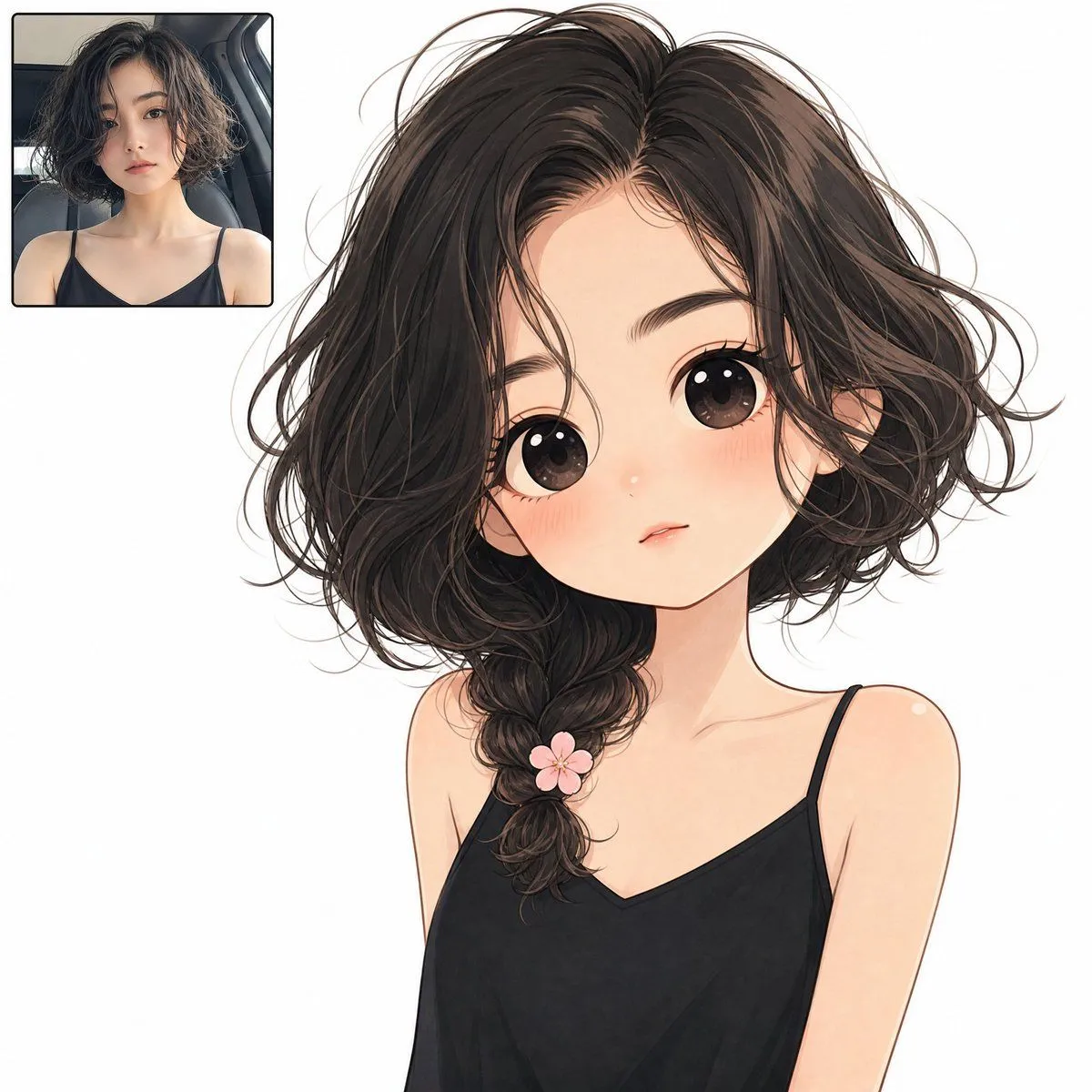
Anime Twin Chibi Portrait
Create a square full-bleed digital illustration on a plain solid white background showing an anime twin transformation layout. The main subject is a cute minimalist chibi anime girl occupying the center and right side of the canvas from head to upper torso, with an oversized head, tiny shoulders, very large glossy dark brown eyes, soft peach skin, rosy blushing cheeks, a small nose highlight, and a tiny slightly parted neutral mouth. She has hair_color messy short wavy bob hair with loose flyaway strands, parted near the center, with one thick loose side braid falling over her left shoulder. Add exactly 1 small pink five-petal flower clip attached near the lower part of the braid. She wears top_color minimalist spaghetti-strap camisole top with exactly 2 thin shoulder straps and a shallow V neckline. The expression should feel shy, calm, and doll-like, with delicate clean line art, soft watercolor-like shading, subtle blush gradients, and polished anime rendering. In the upper-left corner, include exactly 1 small rounded-rectangle inset photo frame with a thin dark border, showing a realistic portrait of the same young woman as the source look: short tousled dark wavy hair, natural makeup, black spaghetti-strap top, seated in a car interior, facing the camera with a neutral expression. The inset should be about one quarter of the canvas width, placed with a small margin from the top and left edges. Keep the background completely white, with no text, no watermark, no extra accessories, and no additional characters. Use a clean high-resolution social-media avatar style that makes the realistic inset and the larger anime version visually match in hairstyle, outfit, and mood.