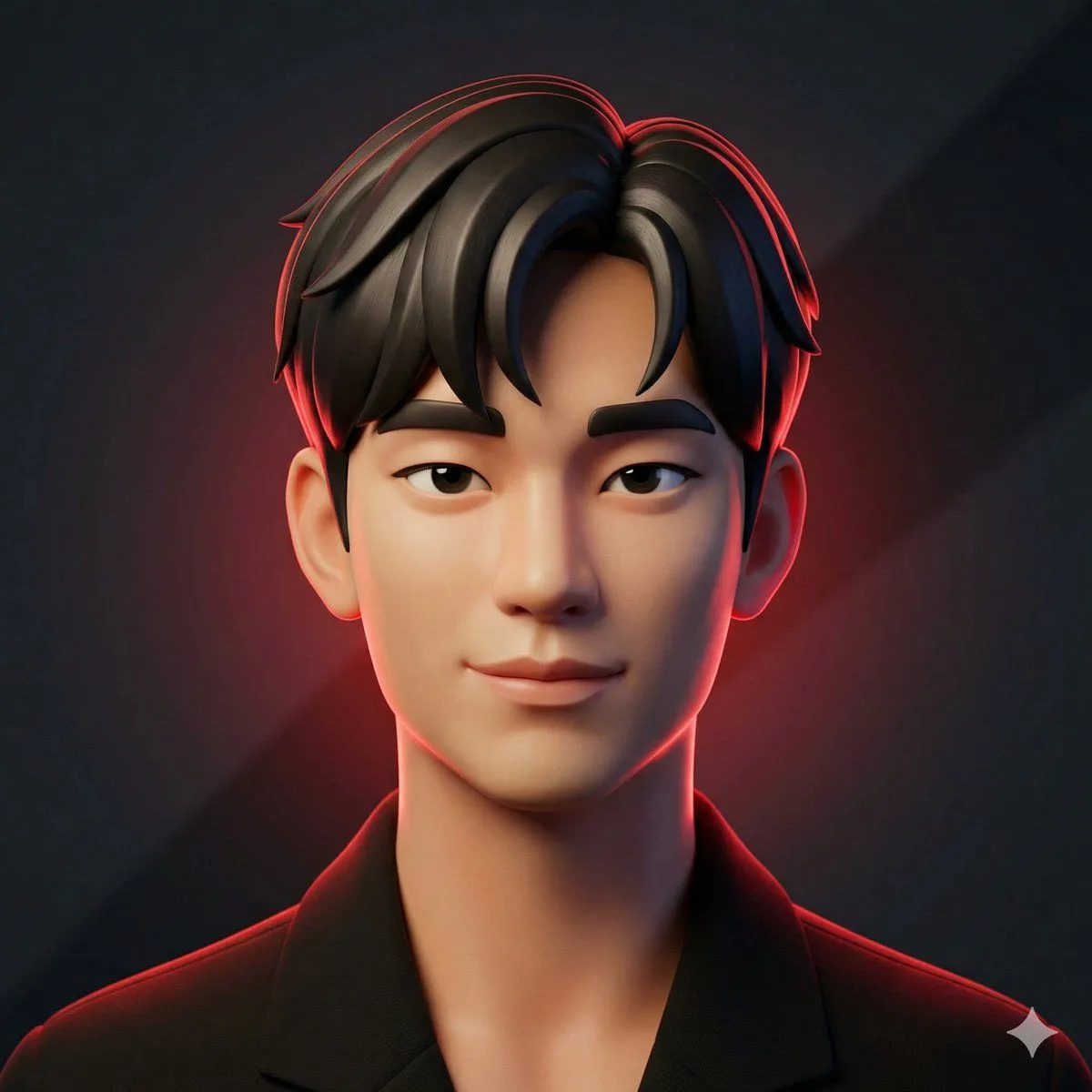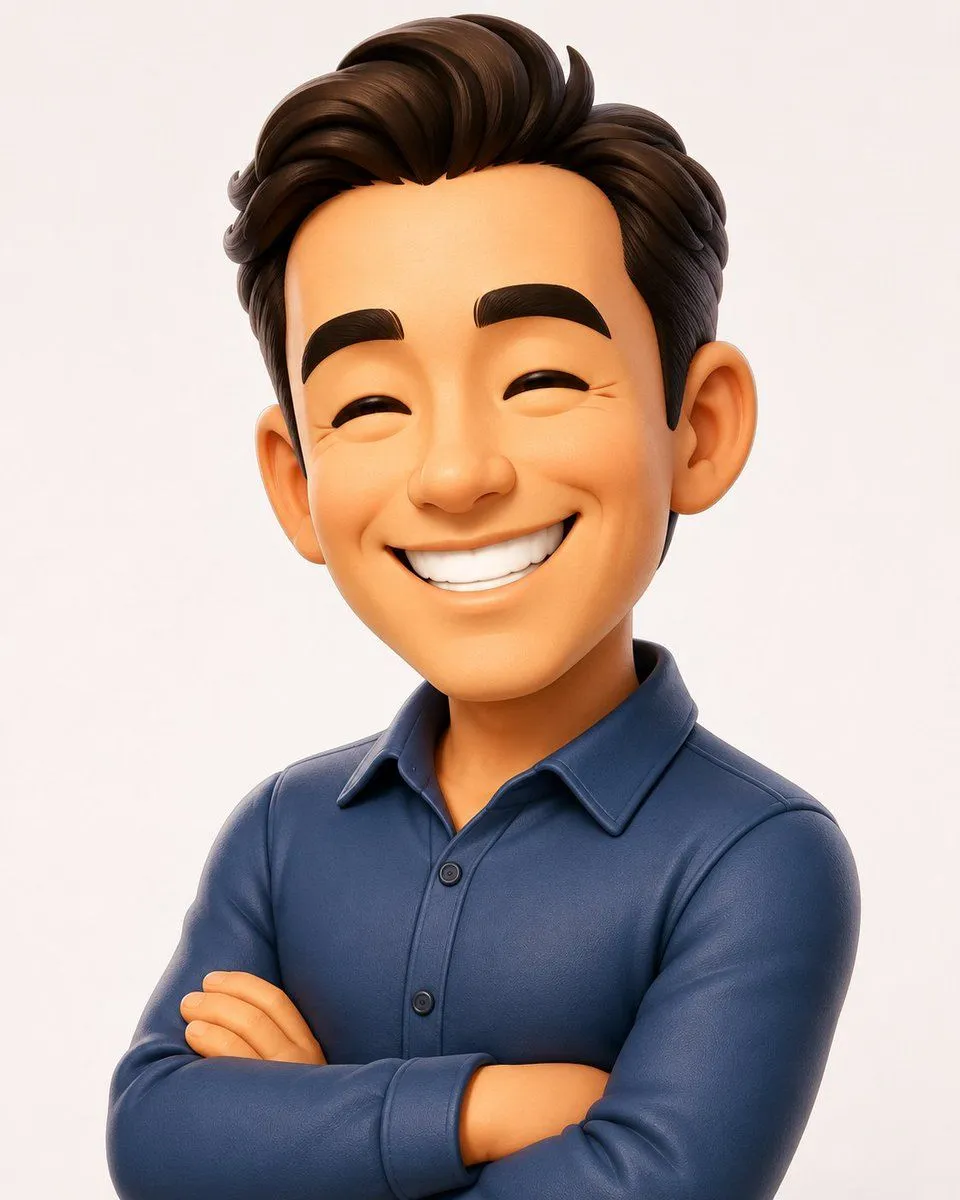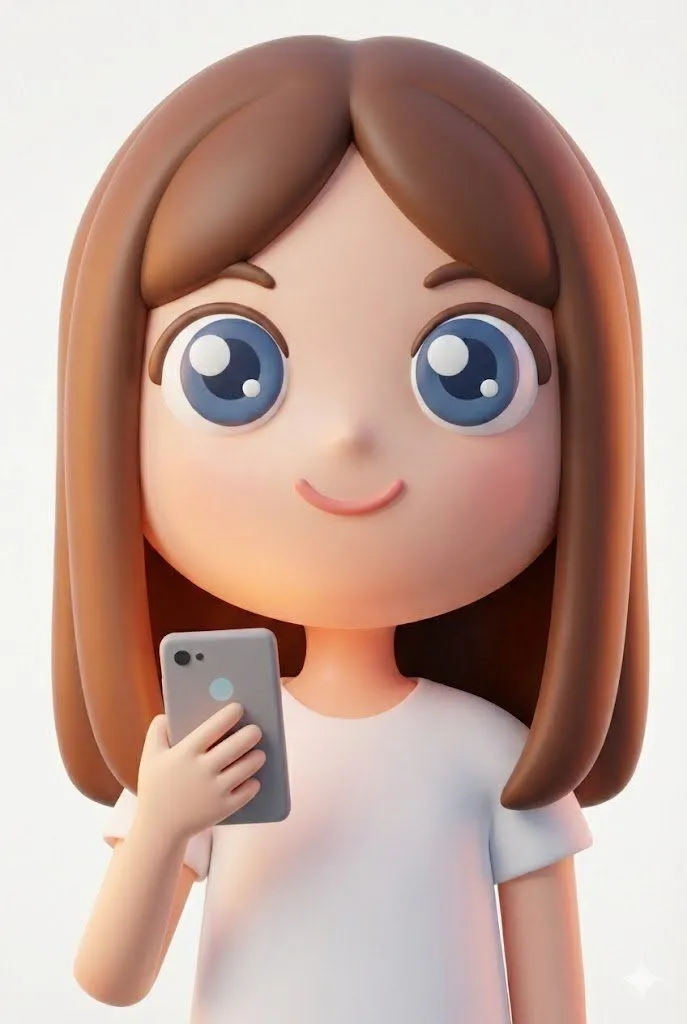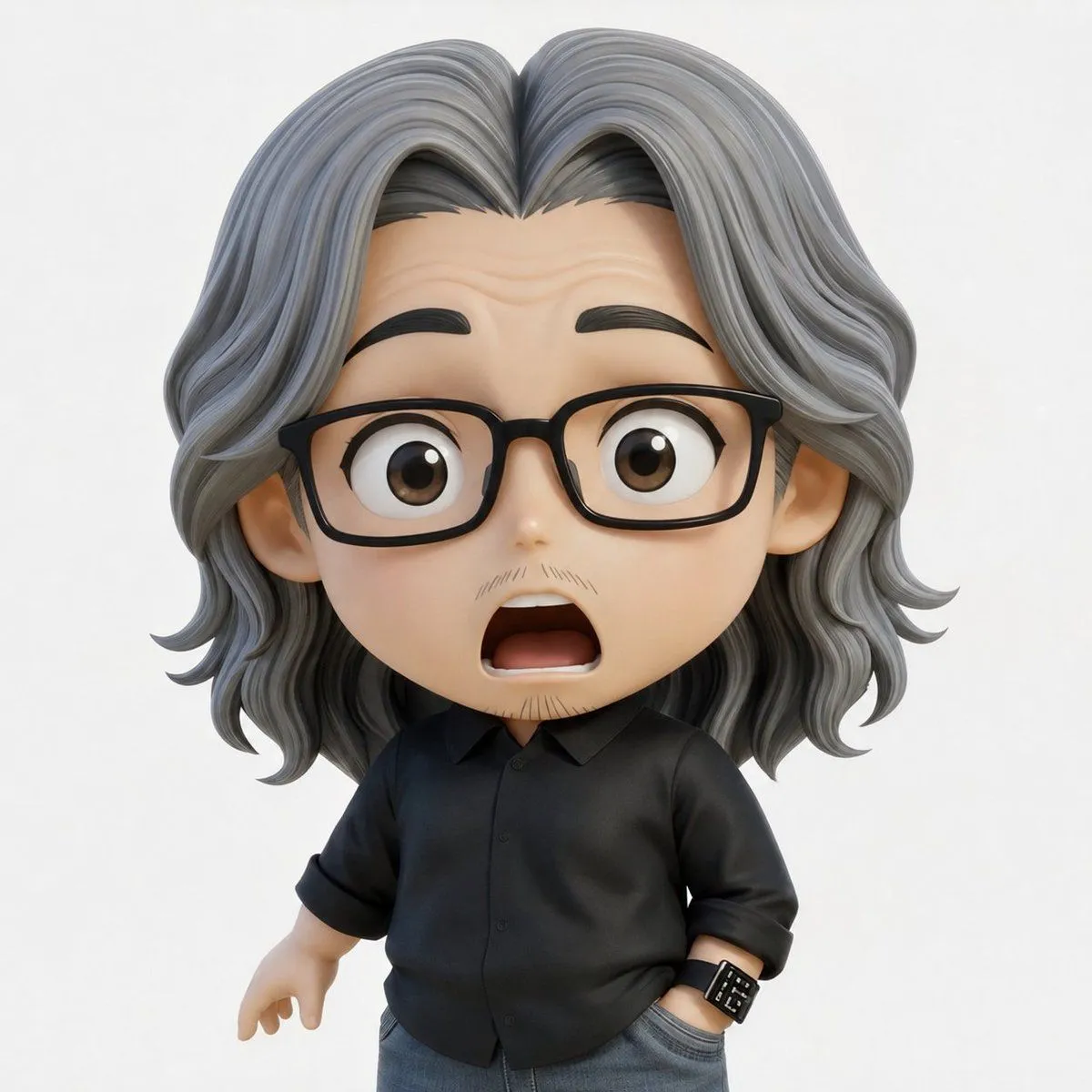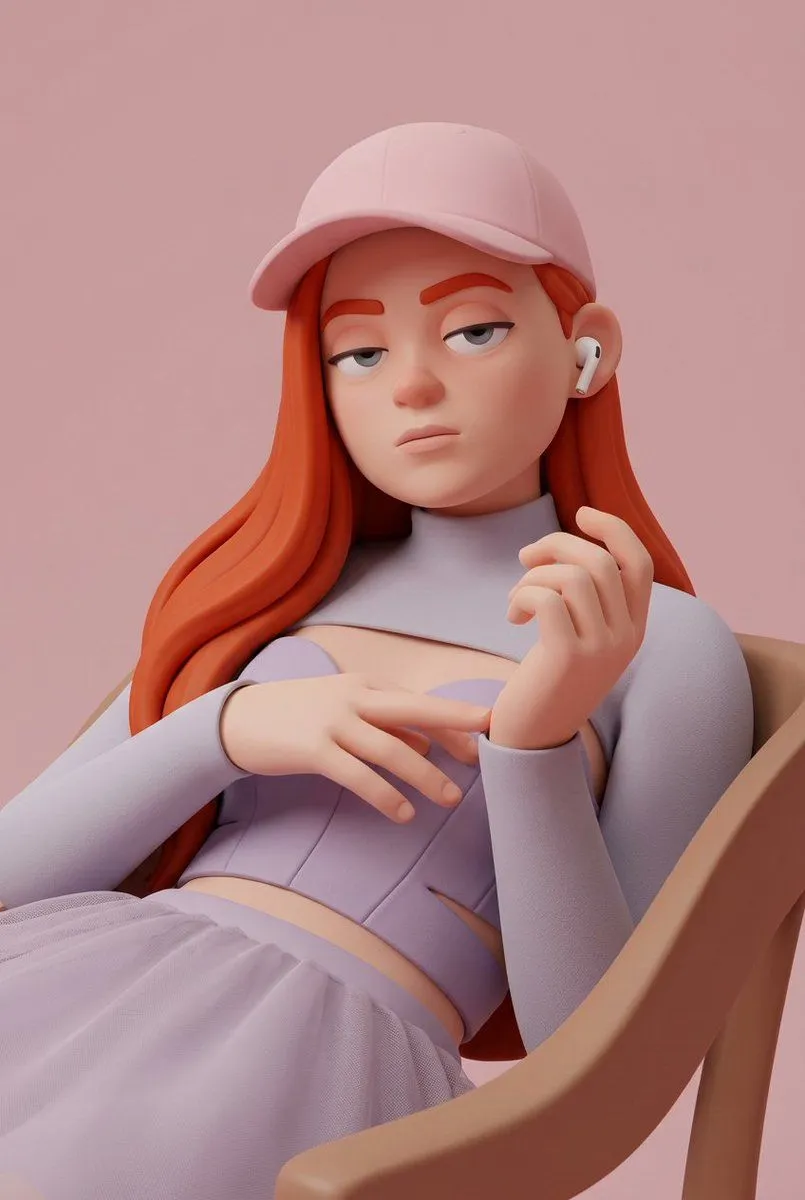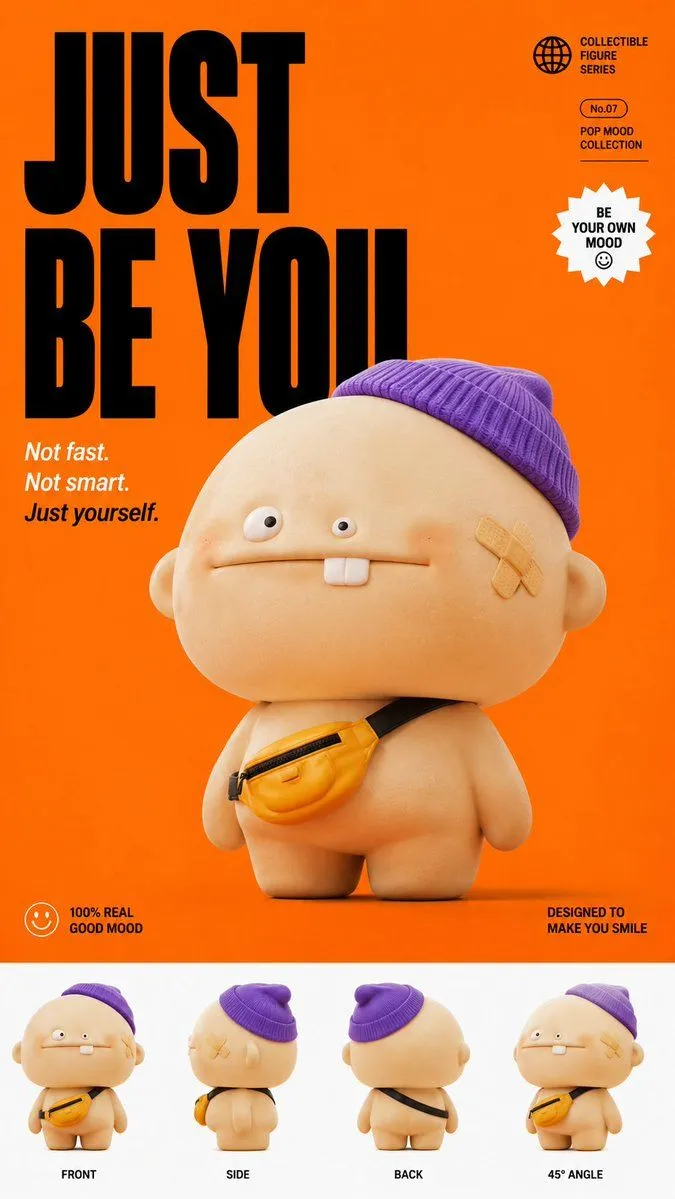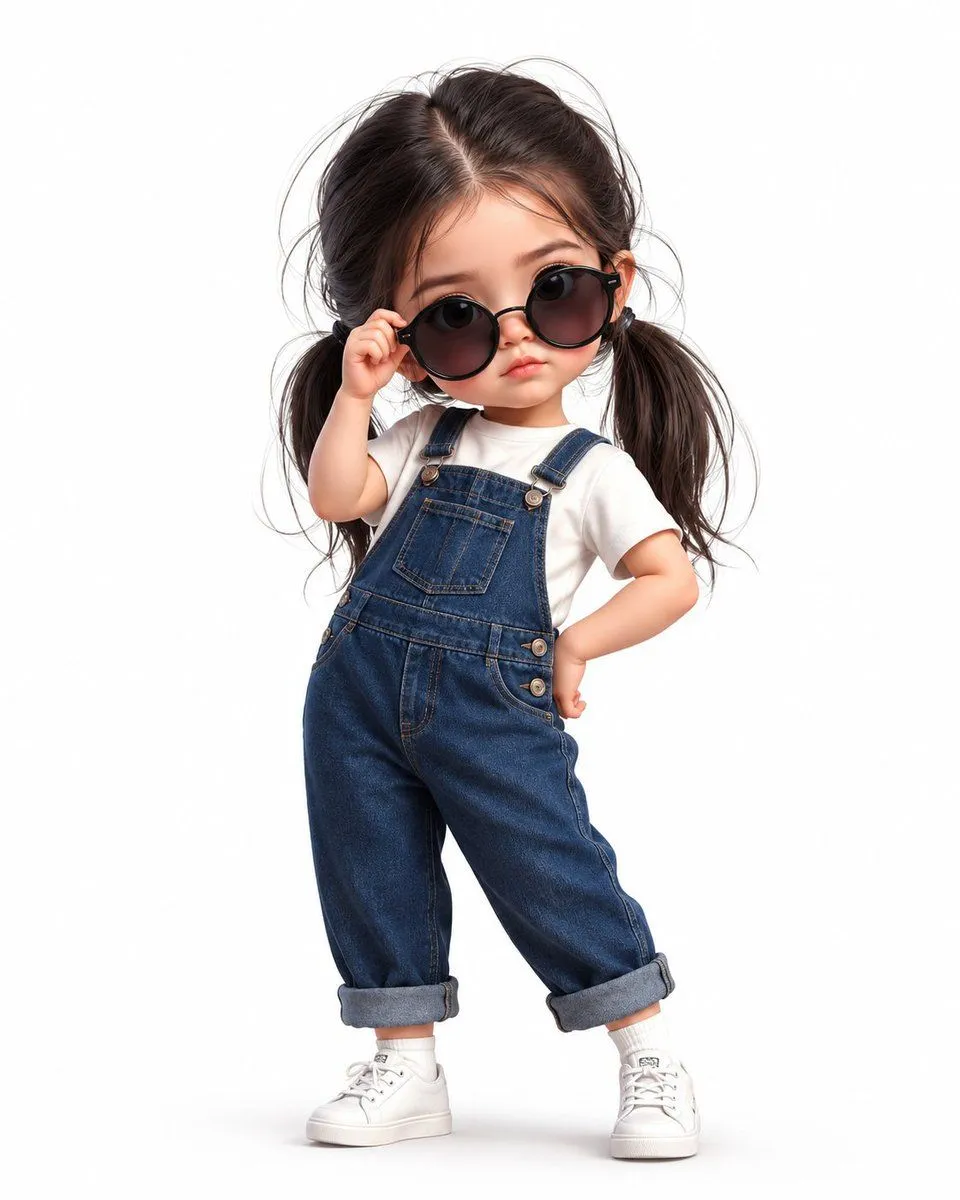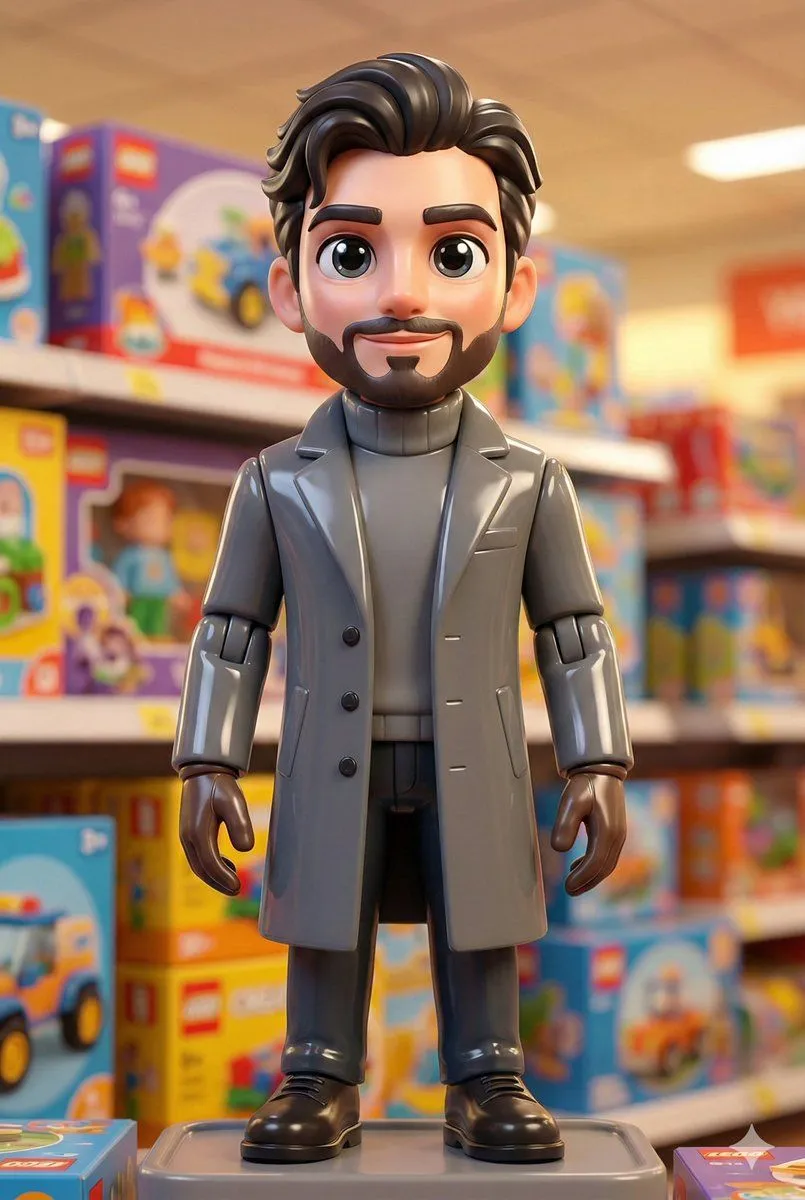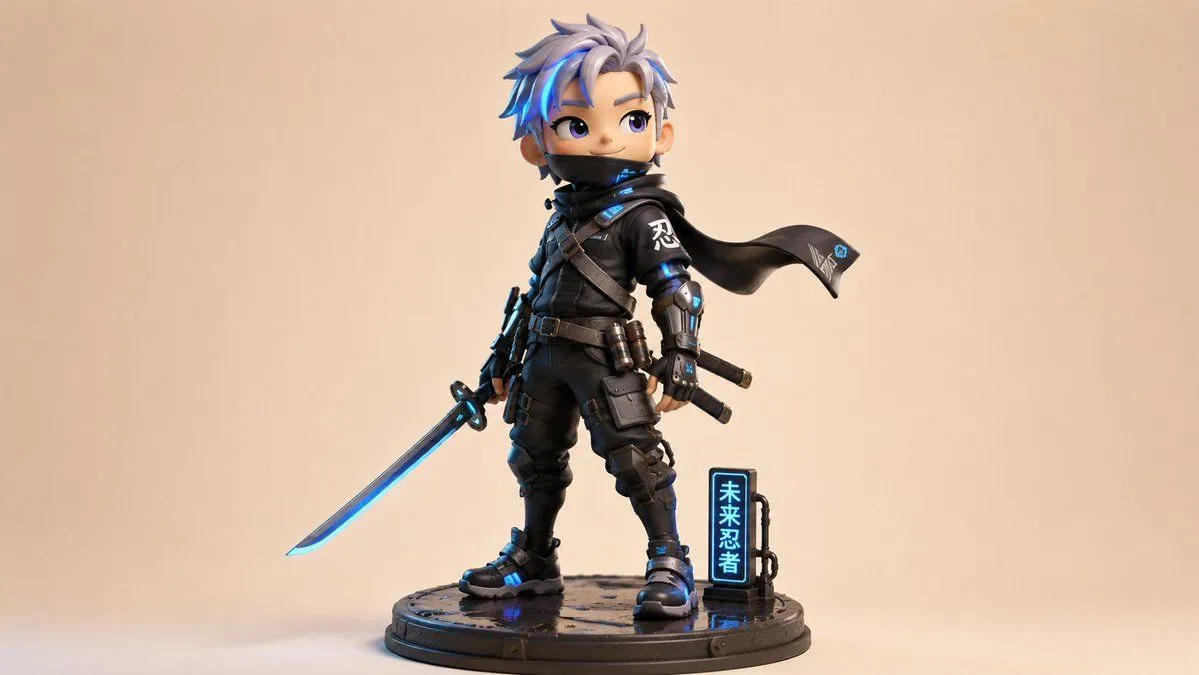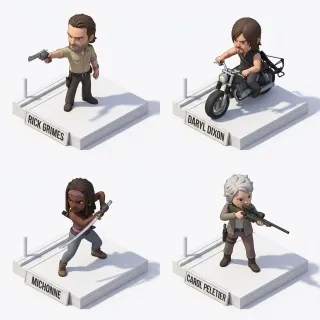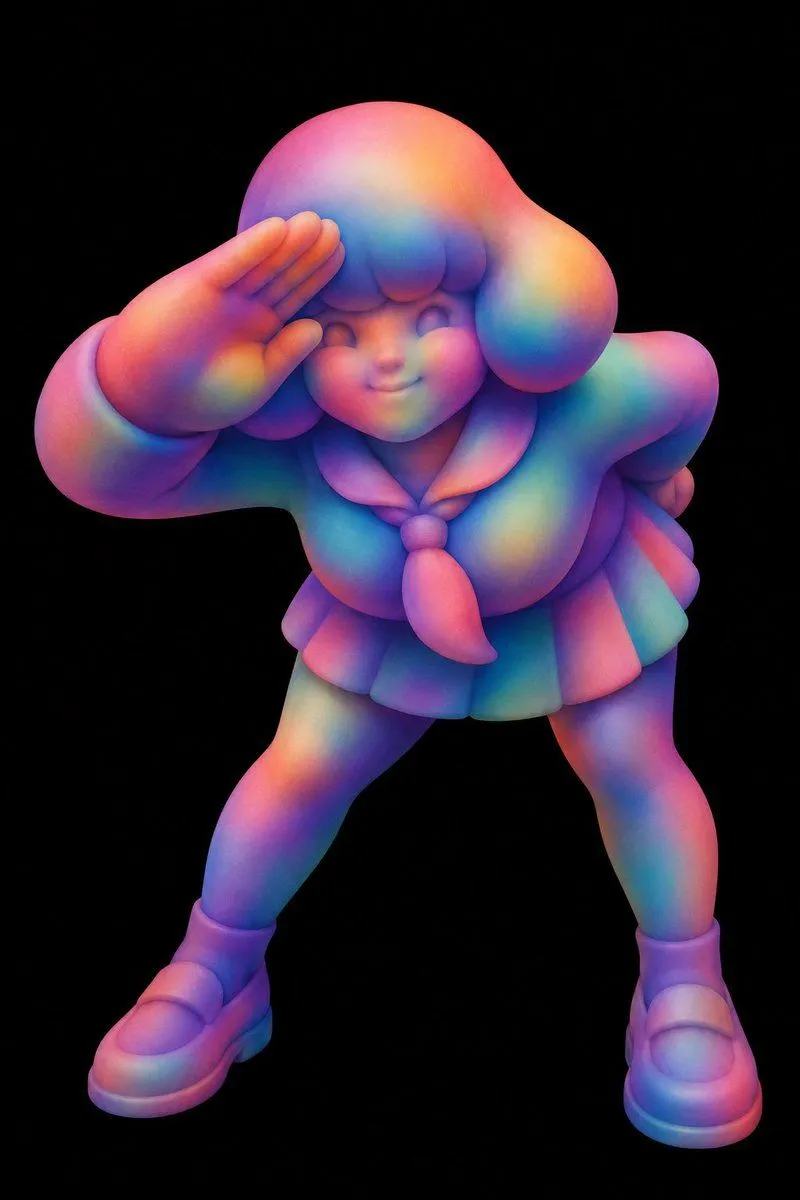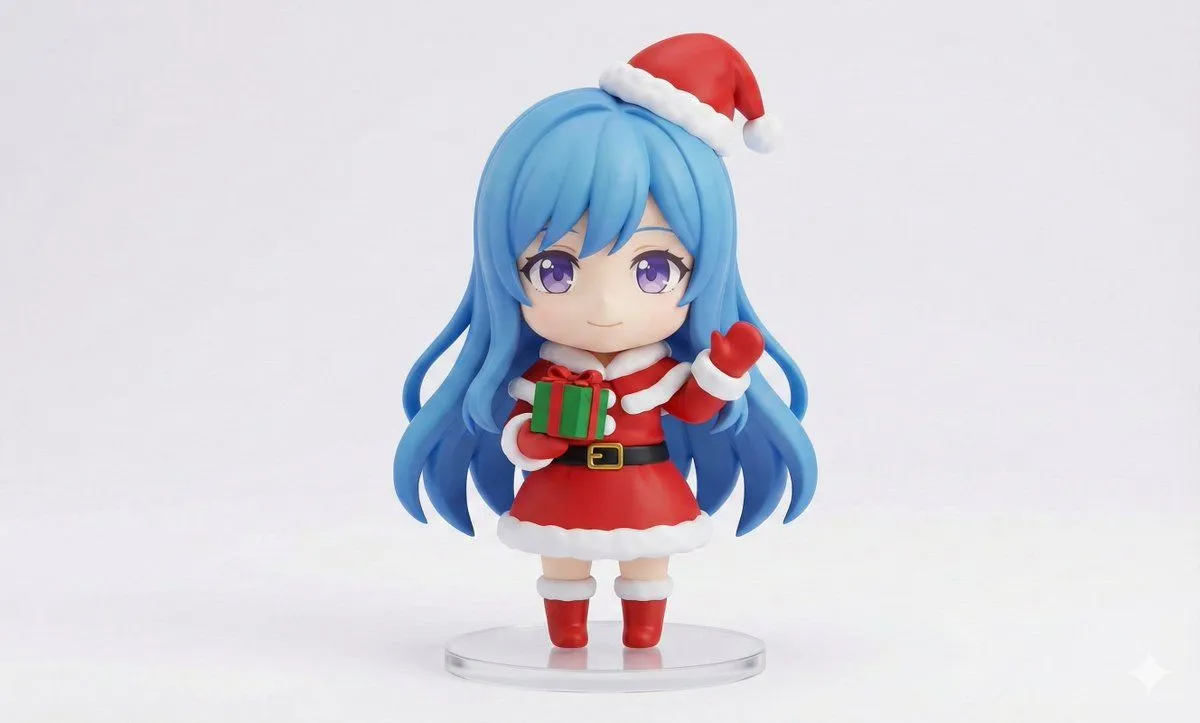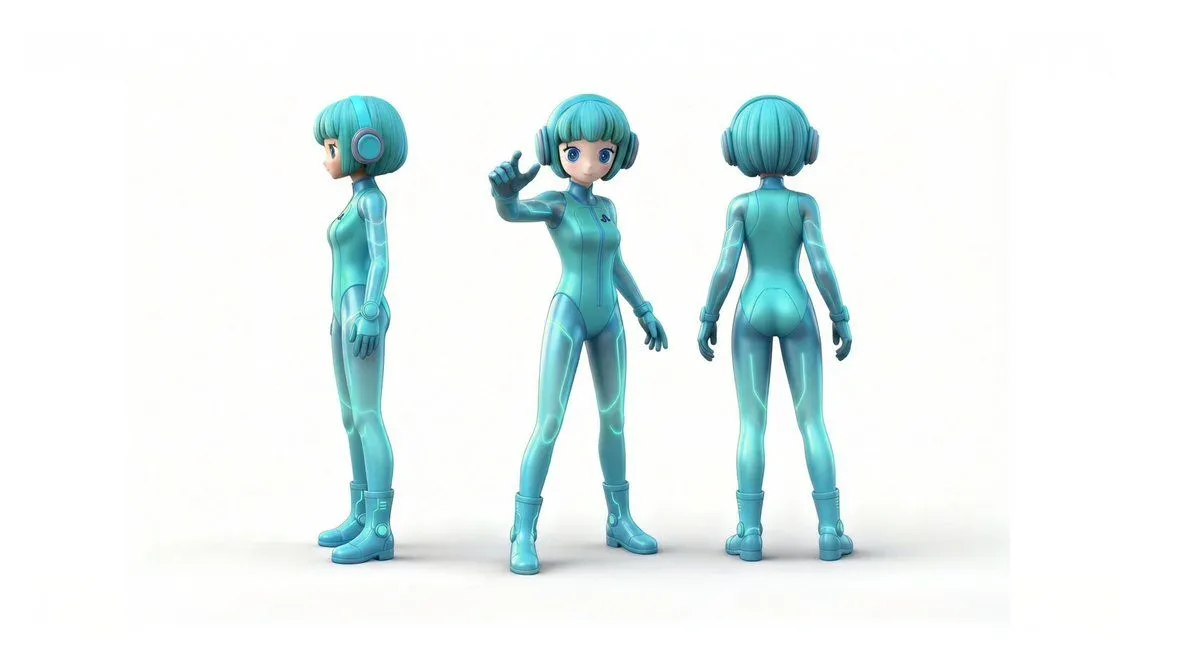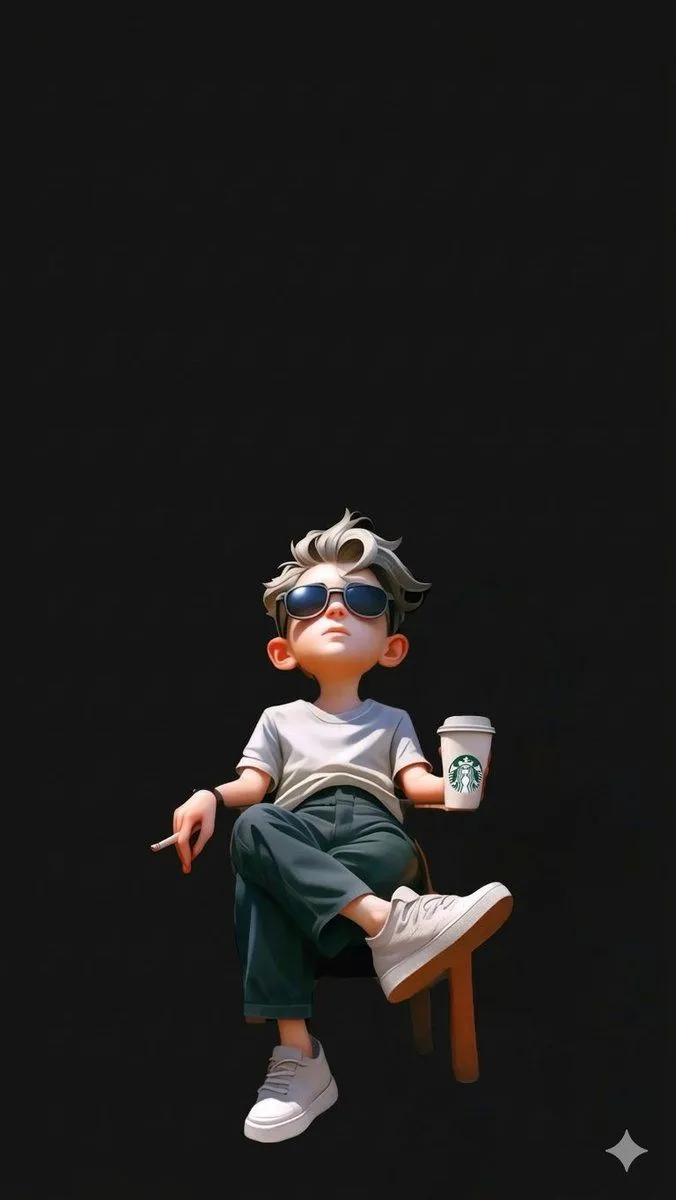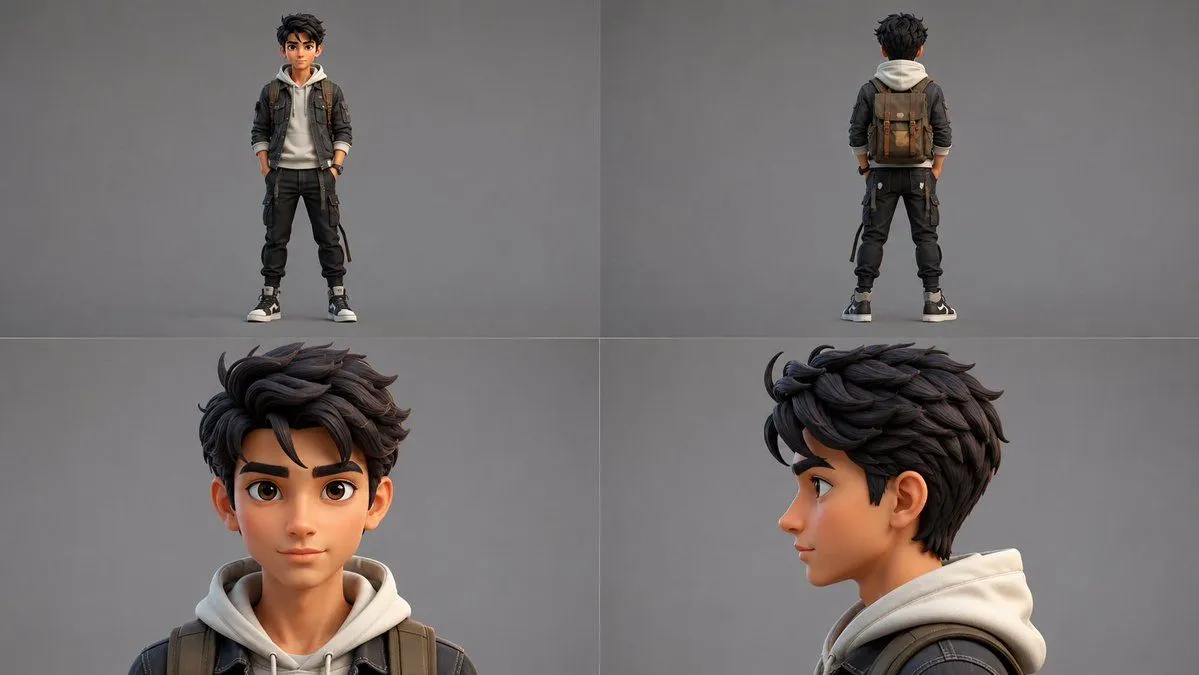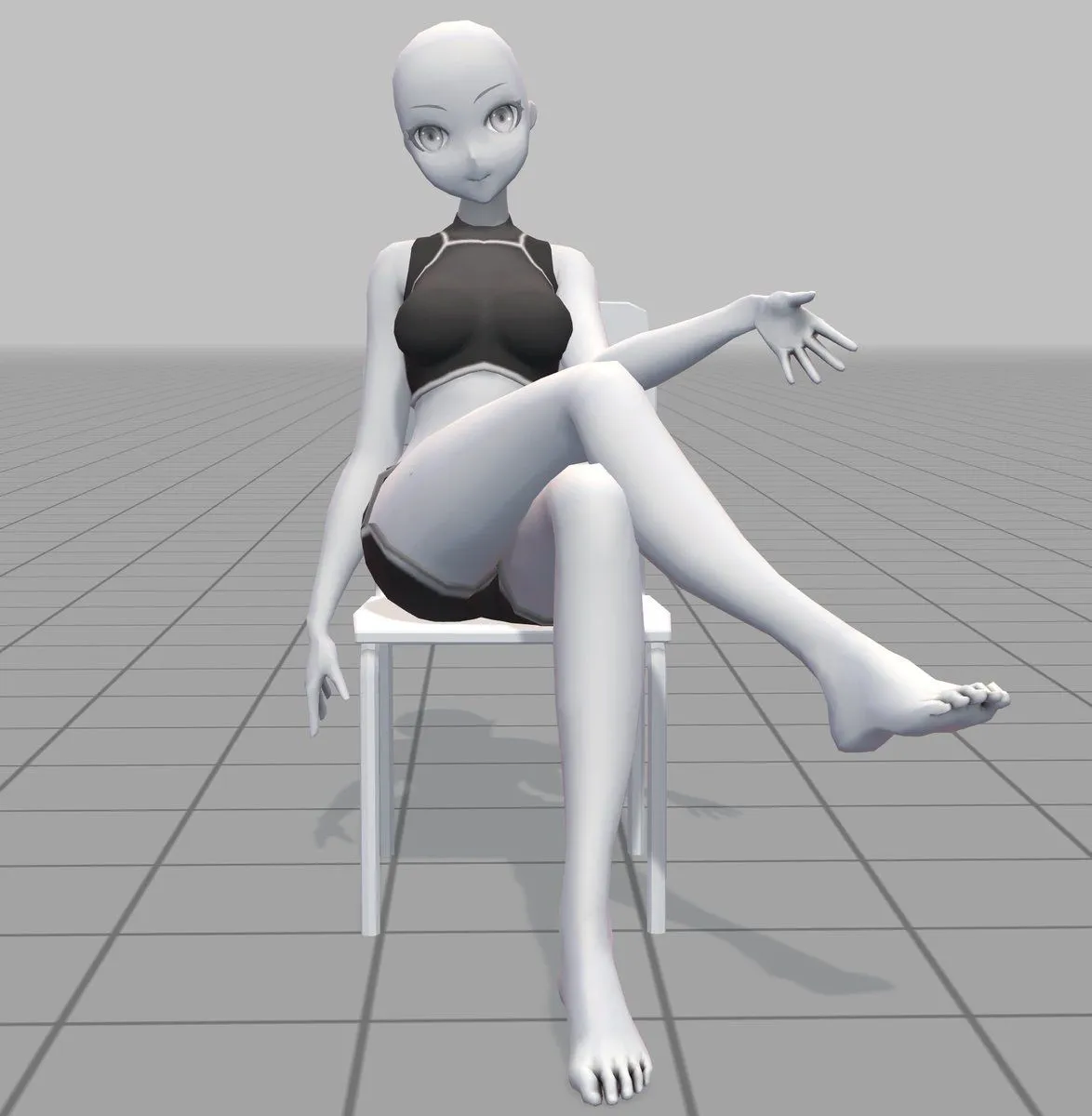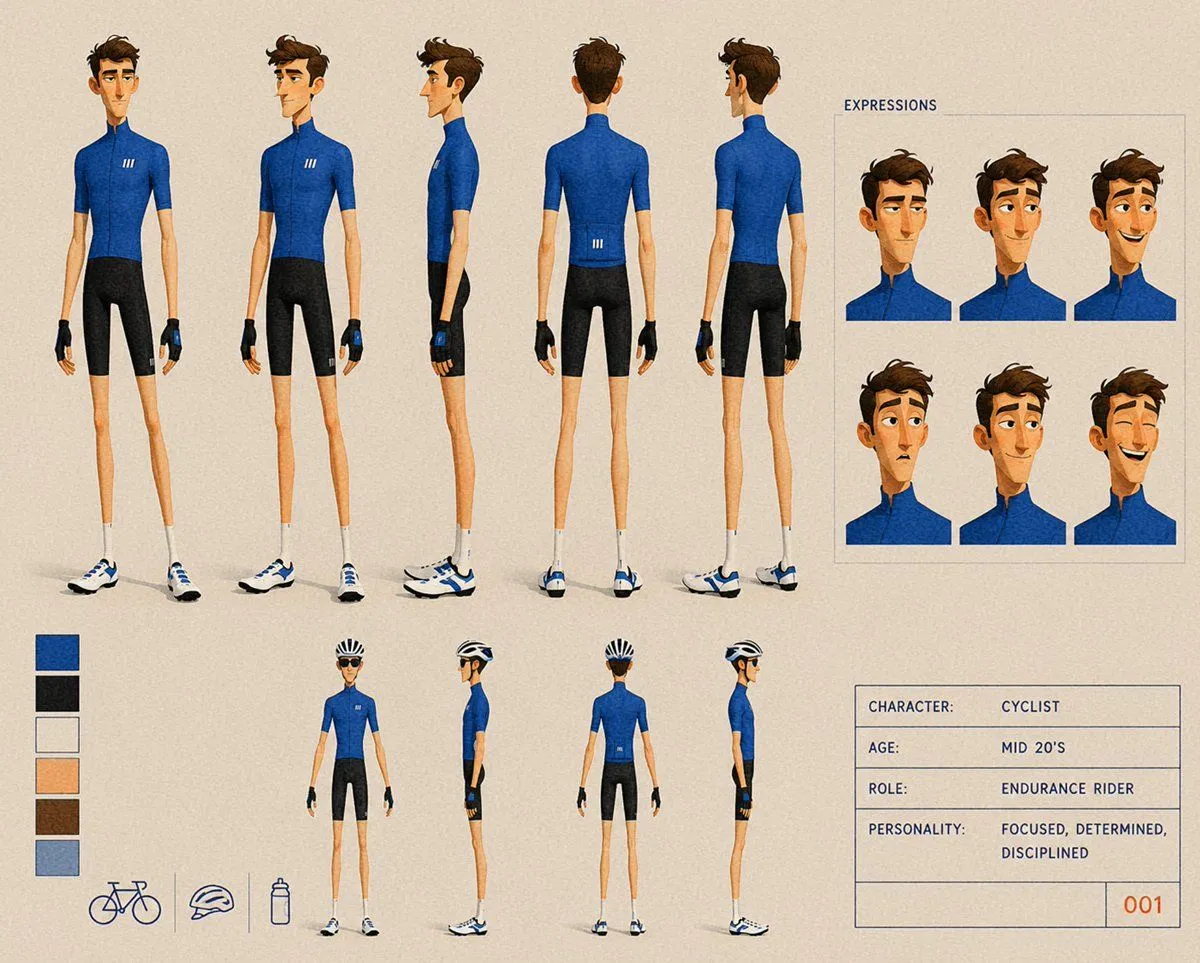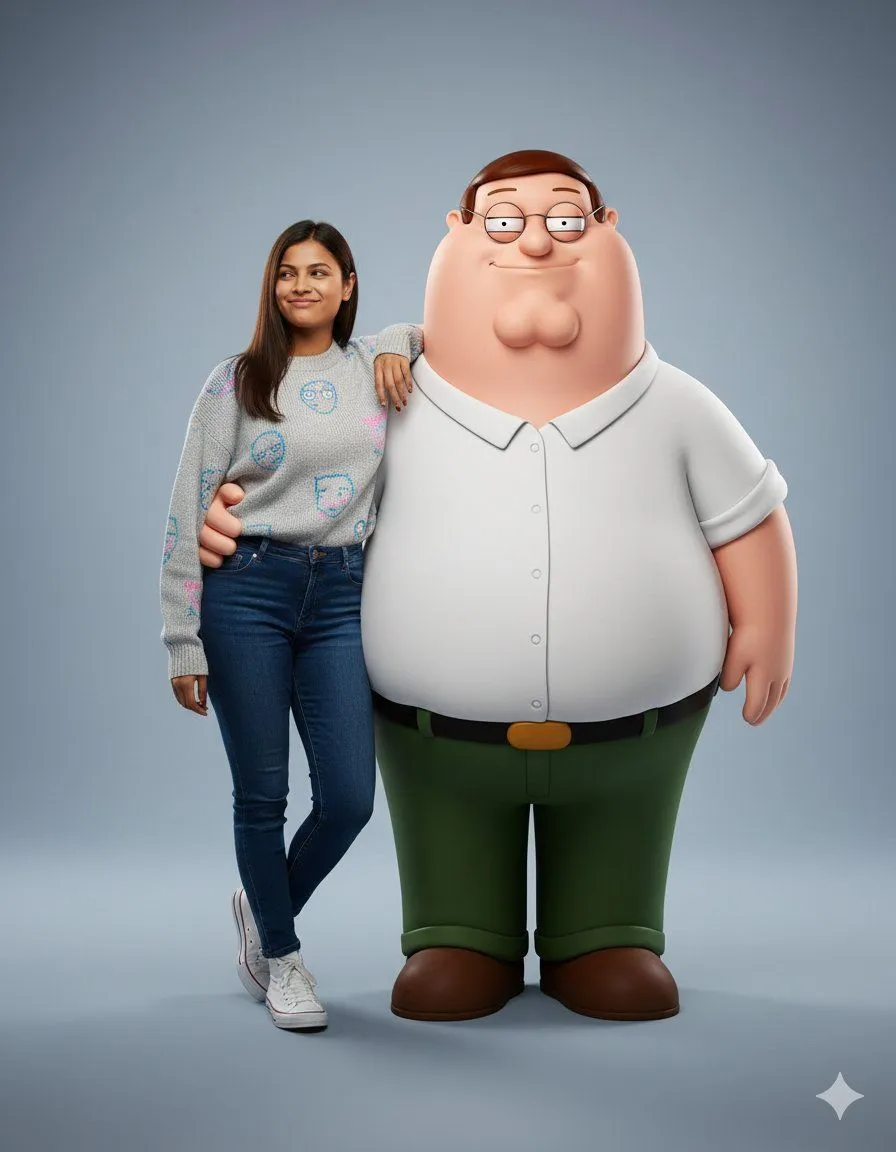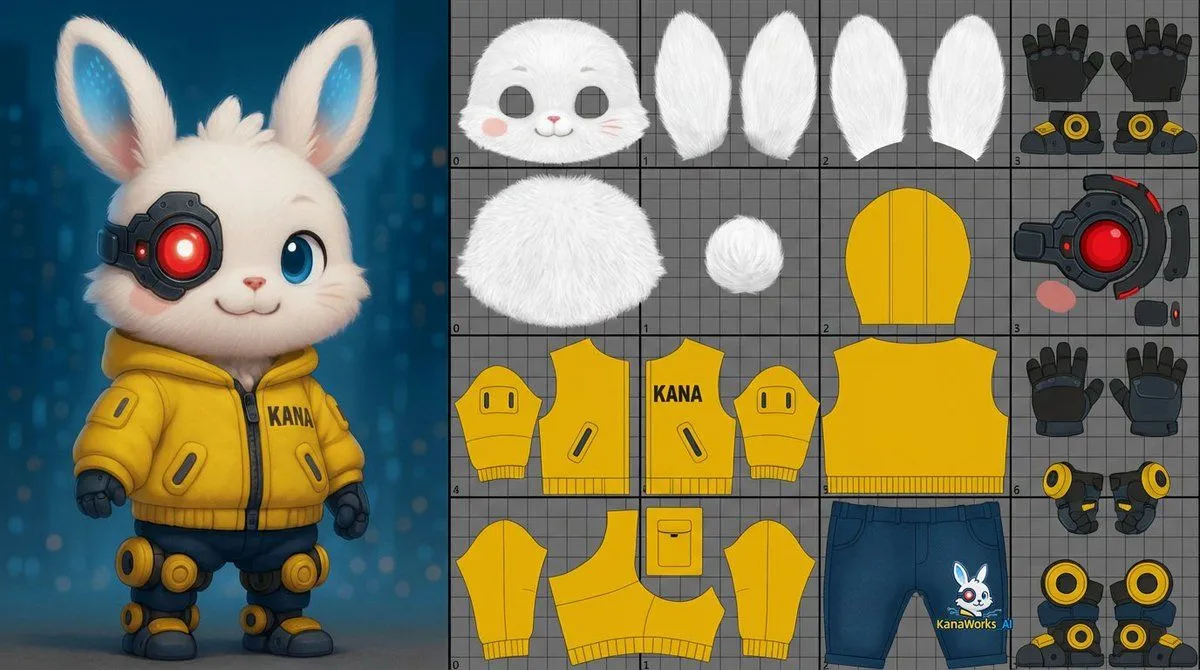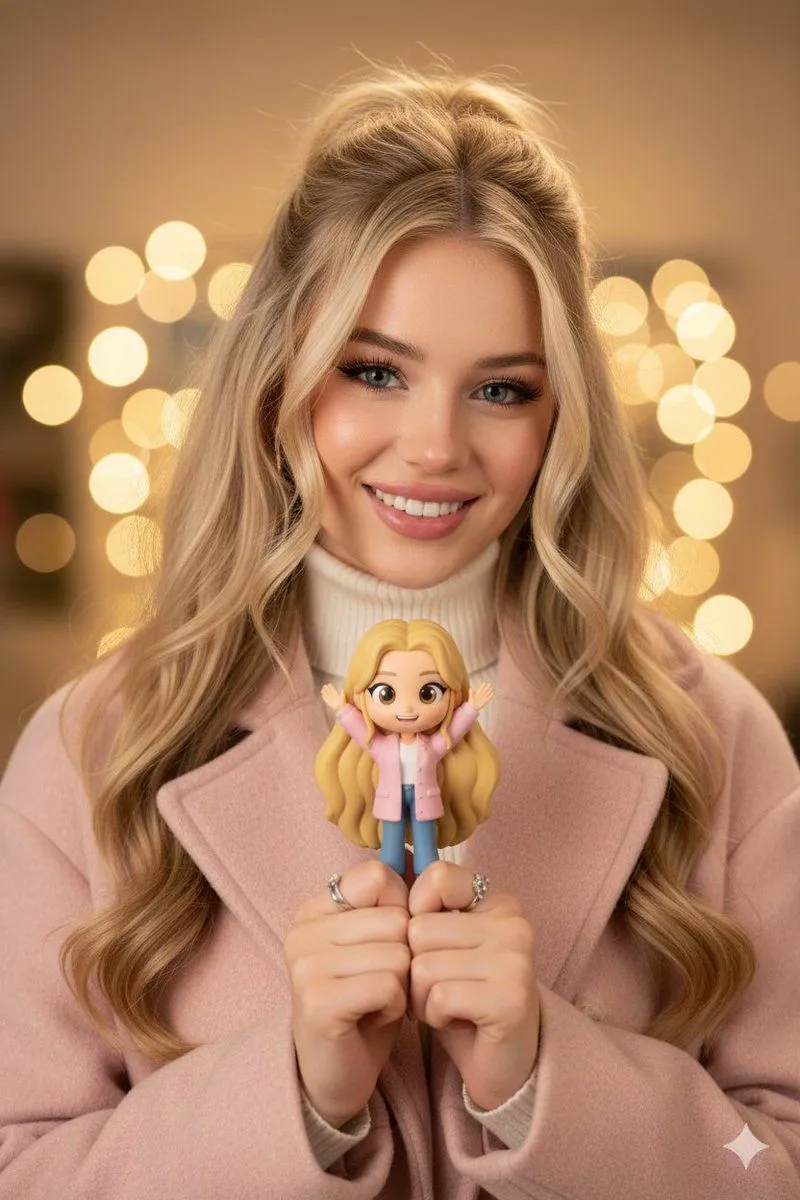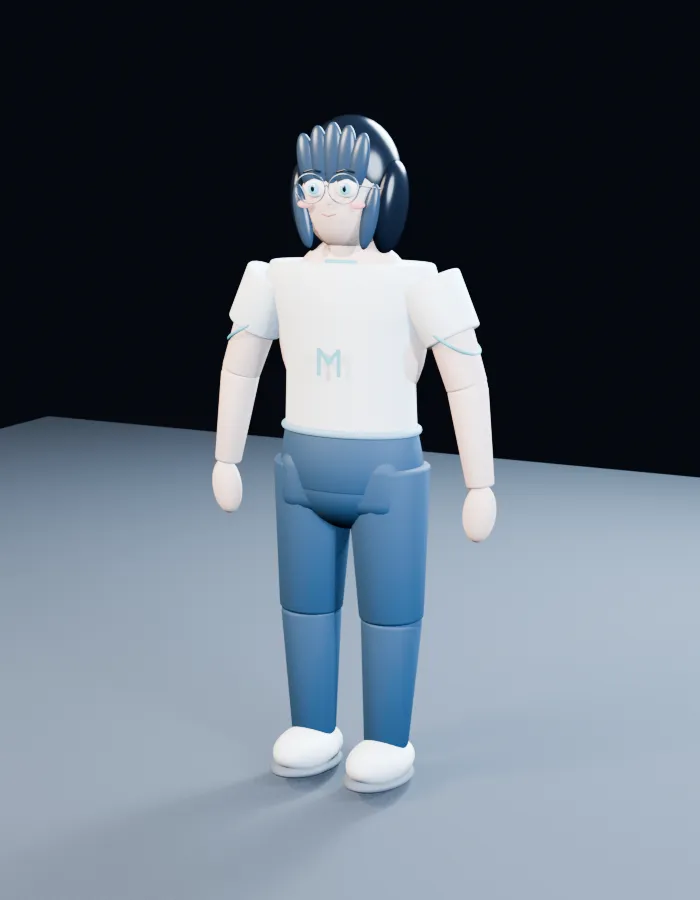
Made with GPT Image 2 in ChatGPT by Library Avatars. Promptclay never generates images.
Did it work?
No reports yet. Tell others if it worked for you.
2D Anime to 3D Toy Avatar
Prompt
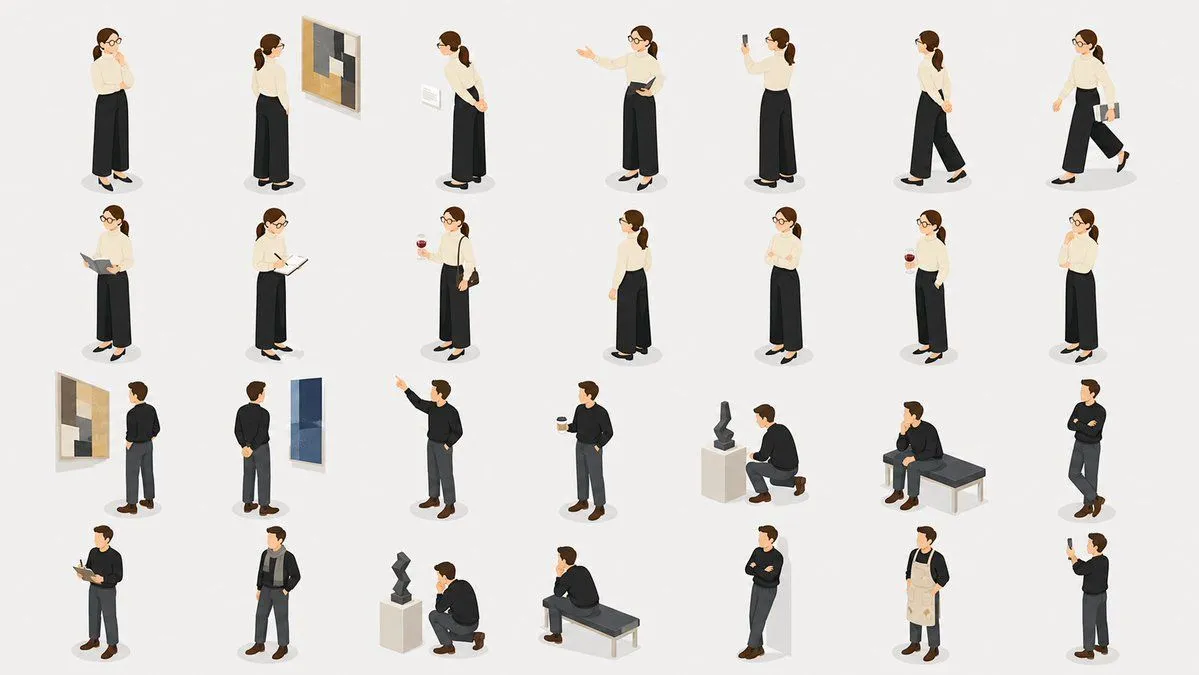
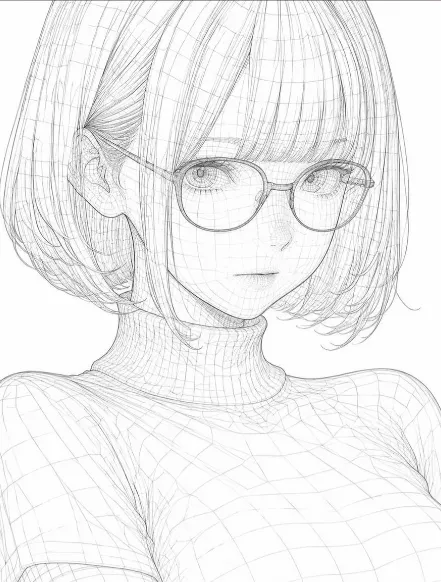
3 blanks to fillUsing REFERENCE_0 as the character base, transform the anime character into a simple stylized 3D toy/avatar model while preserving the recognizable face cues, round glasses, short dark bob haircut, and gentle expression. Change the result from a 2D illustration lineup into a single full-body 3D render in a neutral standing pose, viewed slightly from above and slightly three-quarter front. Style: soft, glossy plastic / clay-like 3D character with simplified anatomy, rounded forms, segmented doll-like limbs, and minimal facial detail. Make the hair into chunky sculpted pieces rather than painted strands. New outfit and body design: replace the original exposed/censored body with a modest toy outfit made of exactly 5 visible components: 1 oversized white T-shirt, 1 pale blue letter “M” on the shirt front, 1 blue shorts/hip piece, 2 blue leg pieces, and 2 rounded white shoes. Use simple cylindrical arms with mitten-like hands and blocky shoulder pieces. Scene: place the character alone on a pale blue-gray studio floor plane against a dark nearly black background, with soft overhead lighting, gentle shadows, and a clean 3D preview/render look. Constraints: do not include the original multi-view lineup, censor mosaic, or reference sheet layout. Do not add text other than the single shirt letter {shirt_letter}. Keep the model cute, non-realistic, and clearly toy-like. Use {character_style} and {background}.
Preview of your prompt
Using REFERENCE_0 as the character base, transform the anime character into a simple stylized 3D toy/avatar model while preserving the recognizable face cues, round glasses, short dark bob haircut, and gentle expression. Change the result from a 2D illustration lineup into a single full-body 3D render in a neutral standing pose, viewed slightly from above and slightly three-quarter front. Style: soft, glossy plastic / clay-like 3D character with simplified anatomy, rounded forms, segmented doll-like limbs, and minimal facial detail. Make the hair into chunky sculpted pieces rather than painted strands. New outfit and body design: replace the original exposed/censored body with a modest toy outfit made of exactly 5 visible components: 1 oversized white T-shirt, 1 pale blue letter “M” on the shirt front, 1 blue shorts/hip piece, 2 blue leg pieces, and 2 rounded white shoes. Use simple cylindrical arms with mitten-like hands and blocky shoulder pieces. Scene: place the character alone on a pale blue-gray studio floor plane against a dark nearly black background, with soft overhead lighting, gentle shadows, and a clean 3D preview/render look. Constraints: do not include the original multi-view lineup, censor mosaic, or reference sheet layout. Do not add text other than the single shirt letter M. Keep the model cute, non-realistic, and clearly toy-like. Use soft glossy plastic 3D avatar and dark studio backdrop with pale blue-gray floor.
DetailsVersions, settings and questions
Written for
What's in the prompt
- Subject
- Model
- GPT Image 2
If your face changes
keep my face exactly the sameQuestions
- Does this work in the ChatGPT app?
- Yes. Paste the prompt and attach your photo if it uses one.
- It changed my face. What do I do?
- Add "keep my face exactly the same" to the end and run it again.
- Can I use the images I make?
- Check the terms of the app you use. Promptclay never generates images and claims nothing you make.