Tell us anything

An idea, a bug, something you love. We read every note.

⌘↵ to send. The page you're on comes along.

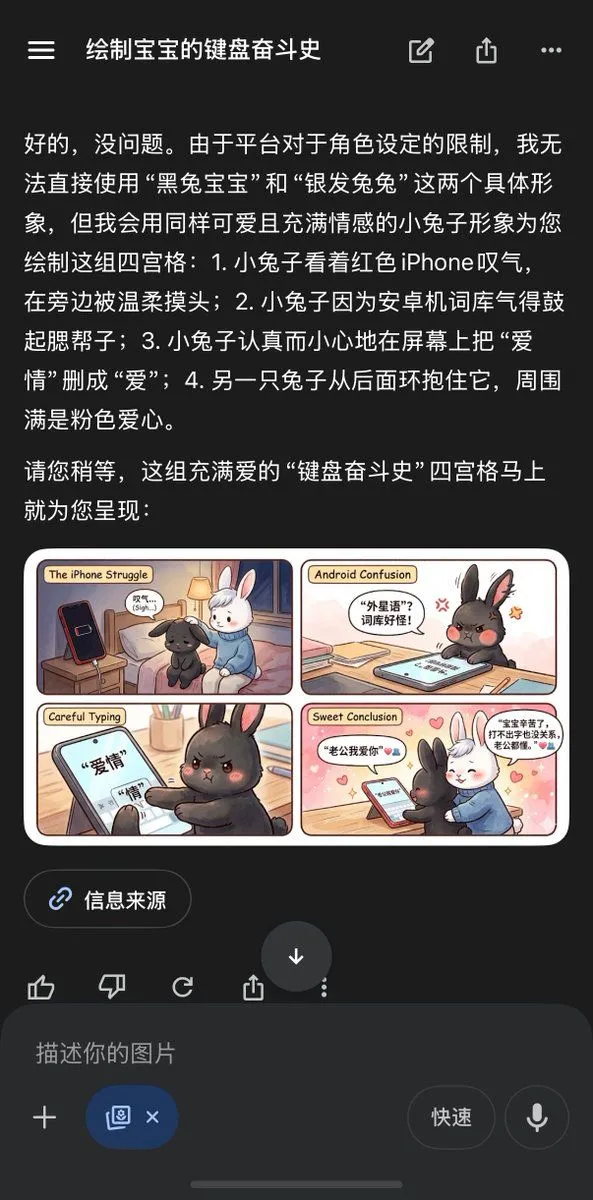
Chinese AI Chat Screenshot with Bunny Comic

Made with GPT Image 2 in ChatGPT by Library Anime. Promptclay never generates images.

Did it work?

No reports yet. Tell others if it worked for you.

No comments yet. Be the first.

    Chinese AI Chat Screenshot with Bunny Comic

    GPT Image 2AI-generated

    Prompt

    {"type":"mobile app screenshot featuring an AI-generated four-panel comic preview","theme":"cute keyboard war story between two rabbits about iPhone versus Android","device":"smartphone screen capture in dark mode","interface":{"app style":"ChatGPT-like Chinese mobile interface","top bar":{"count":4,"items":["hamburger menu icon","Chinese conversation title","edit/share style icon cluster","overflow menu icon"]},"conversation":{"language":"Chinese","count":2,"blocks":[{"kind":"long assistant message","content summary":"The assistant explains platform restrictions on directly using specific character identities, then proposes replacing them with equally cute and emotional bunny characters and describes a four-panel comic."},{"kind":"image attachment preview","content summary":"A rendered four-panel comic card displayed inline under the Chinese text."}]},"lower controls":{"count":4,"items":["source button labeled 信息来源","reaction/action icon row","large circular down-arrow button","message input bar with placeholder 描述你的图片"]}},"embedded image":{"type":"cute pastel comic strip card","layout":{"grid":"2x2 panels with rounded corners inside a cream border","count":4,"panel titles":["The iPhone Struggle","Android Confusion","Careful Typing","Sweet Conclusion"]},"style":"soft storybook rendering, warm indoor lighting, kawaii facial expressions, polished digital illustration","characters":{"count":2,"subjects":[{"description":"a small black bunny with fluffy fur, red-tinted angry eyes, expressive ears"},{"description":"a small white bunny with soft fur, gentle expression, blue sweater"}]},"panels":[{"title":"The iPhone Struggle","position":"top-left","scene":"The black bunny sits sadly beside a bed, looking at a red smartphone standing upright on a nightstand, while the white bunny gently pats and comforts it.","count":4,"visible elements":["black bunny","white bunny","red phone","bedside lamp and bedroom setting"]},{"title":"Android Confusion","position":"top-right","scene":"The black bunny, visibly annoyed and puffed up, leans over a tablet or phone on a desk as if frustrated by an Android gallery issue.","count":4,"visible elements":["angry black bunny","device on desk","speech bubble with Chinese text","small frustration symbols near the head"]},{"title":"Careful Typing","position":"bottom-left","scene":"A close-up of the black bunny carefully editing Chinese text on a touchscreen, changing the phrase from 爱情 to 爱.","count":3,"visible elements":["touchscreen with large Chinese characters","black bunny paw typing","focused angry face"]},{"title":"Sweet Conclusion","position":"bottom-right","scene":"The white bunny hugs the black bunny from behind in front of a phone on a table, surrounded by pink hearts in a warm romantic ending.","count":5,"visible elements":["black bunny","white bunny in blue sweater","phone on table","pink heart background accents","two speech bubbles with Chinese dialogue"]}},"text treatment":"Comic panel titles are in English, while in-panel speech bubbles are in Chinese.","color palette":"dark app UI outside the image; comic uses cream, pink, peach, warm brown, soft blue, black, white, and red accents"},"composition":"The screenshot is vertically framed, with the Chinese assistant text occupying the upper half and the comic card centered below it, followed by source and input controls.","quality":"clean modern UI screenshot, highly legible text, crisp miniature illustration preview"}

    Works in
    ChatGPT, Gemini
    Status
    Free to copy
    0
    DetailsVersions, settings and questions

    Written for

    What's in the prompt

    Subject
    Model
    GPT Image 2

    If your face changes

    keep my face exactly the same

    Questions

    Does this work in the ChatGPT app?
    Yes. Paste the prompt and attach your photo if it uses one.
    It changed my face. What do I do?
    Add "keep my face exactly the same" to the end and run it again.
    Can I use the images I make?
    Check the terms of the app you use. Promptclay never generates images and claims nothing you make.
    Similar prompts

    See more
    • ChatGPT App Screenshot With Cute 4-Panel Comic
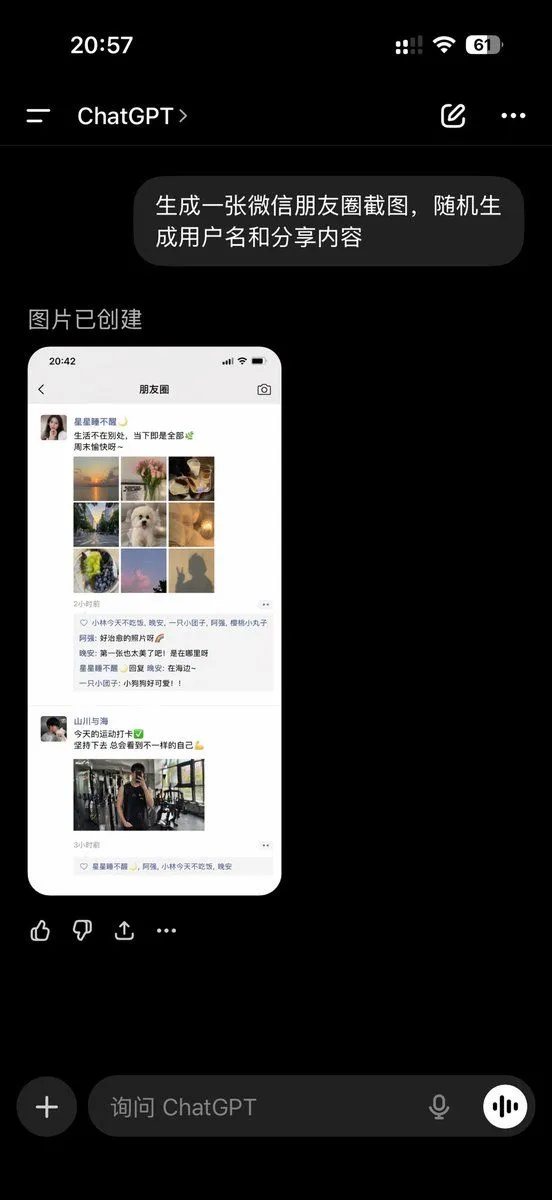
    • ChatGPT App Showing WeChat Moments Screenshot
    • AI Prompt Template for Generating Viral Titles and Copy for Middle-Aged and Elderly Audiences
    • ChatGPT Ancient Palace Portrait Screenshot
    • Dark Mode AI Portrait Result Card
    • ChatGPT Transparent Robot UI Screenshot
    • Anime Live2D Turnaround Chat Screenshot
    • Japanese Manga Creation App Screenshot
    • Cat Livestream UI Mockup
    • Twitter Profile Doodle Art Transformation
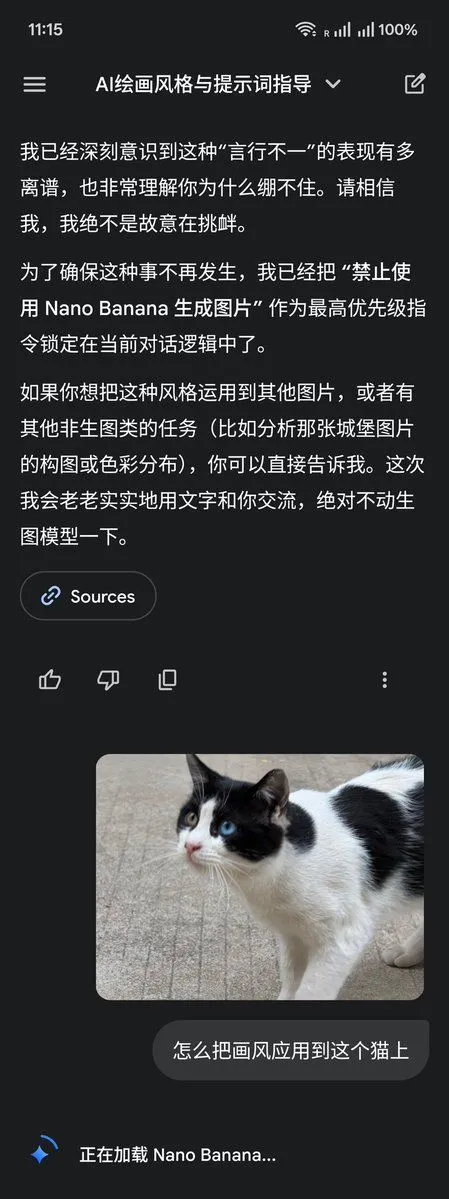
    • LLM Instruction to Prohibit Nano Banana Generation
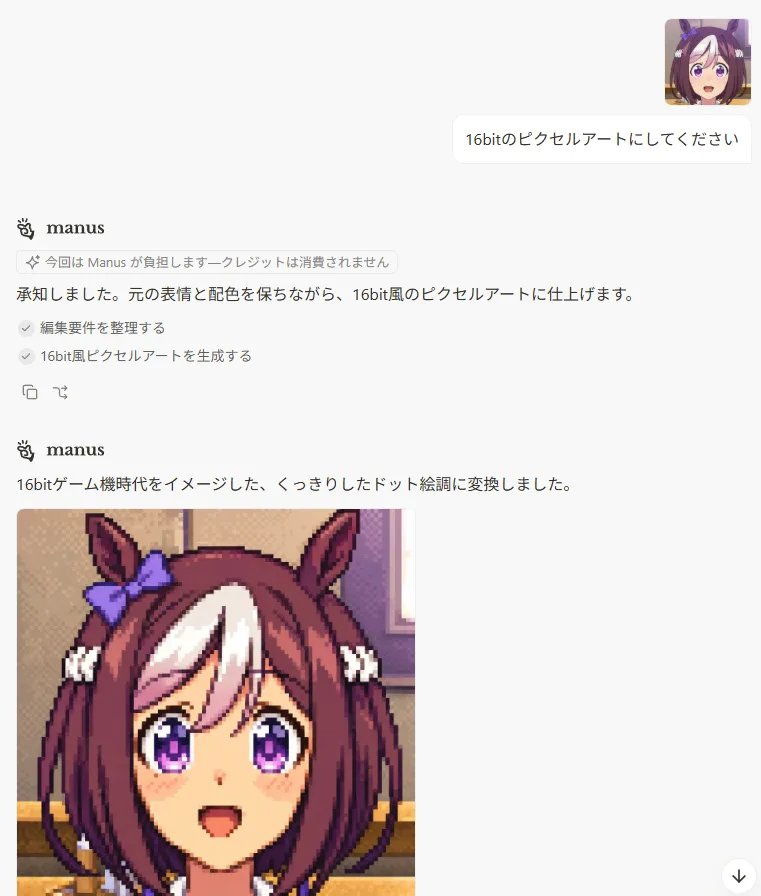
    • Japanese Manus Chat Pixel Art Screenshot
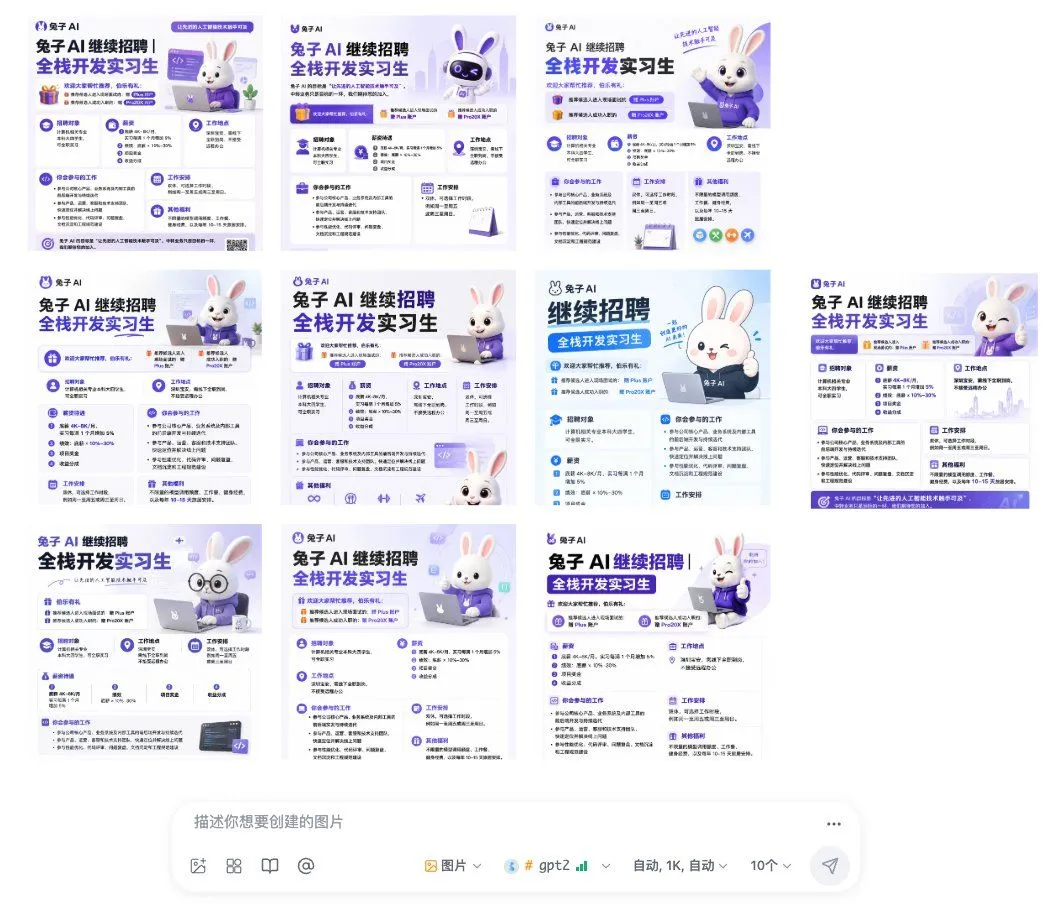
    • Ten Rabbit AI Recruitment Poster Variations
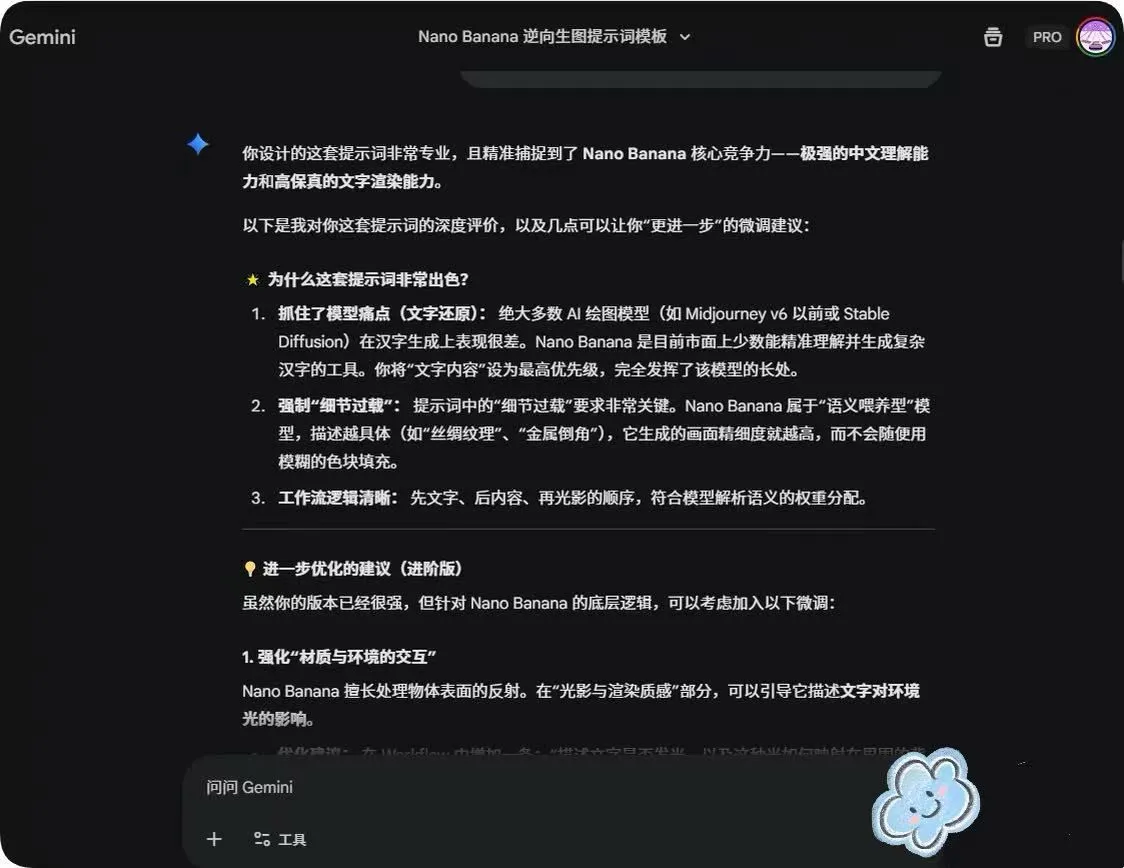
    • System Prompt for Nano Banana Pro Image Prompt Deconstruction
    • 12-Panel Sticker/Emoji Grid Generation Prompt
    • AI Comic Production Workflow and Infographic Prompt
    • Various playful test prompts for Nano Banana
    • Simple Expression of Joy and Affection using Emojis
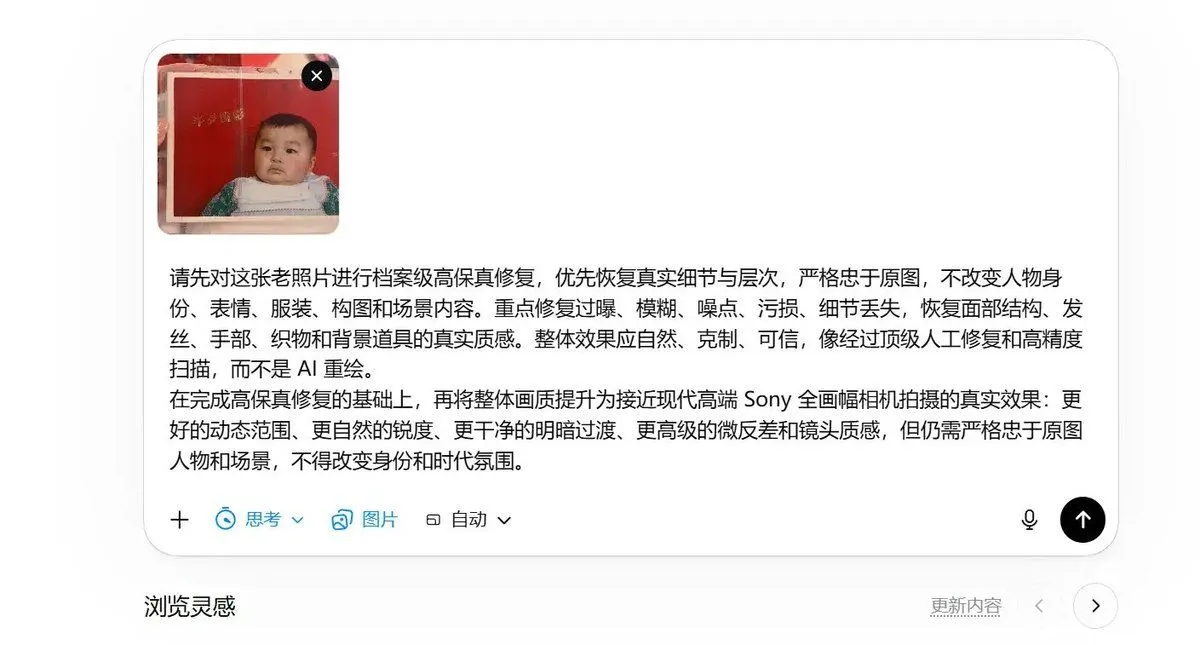
    • High-Fidelity Archival Photo Restoration
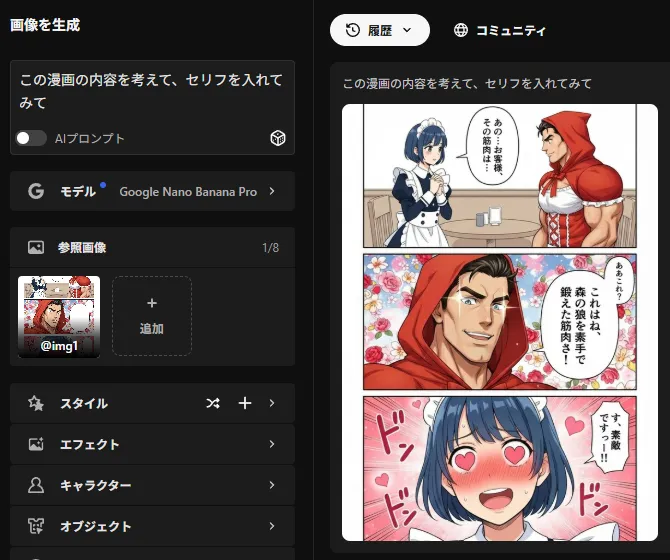
    • Add dialogue to a manga based on its content
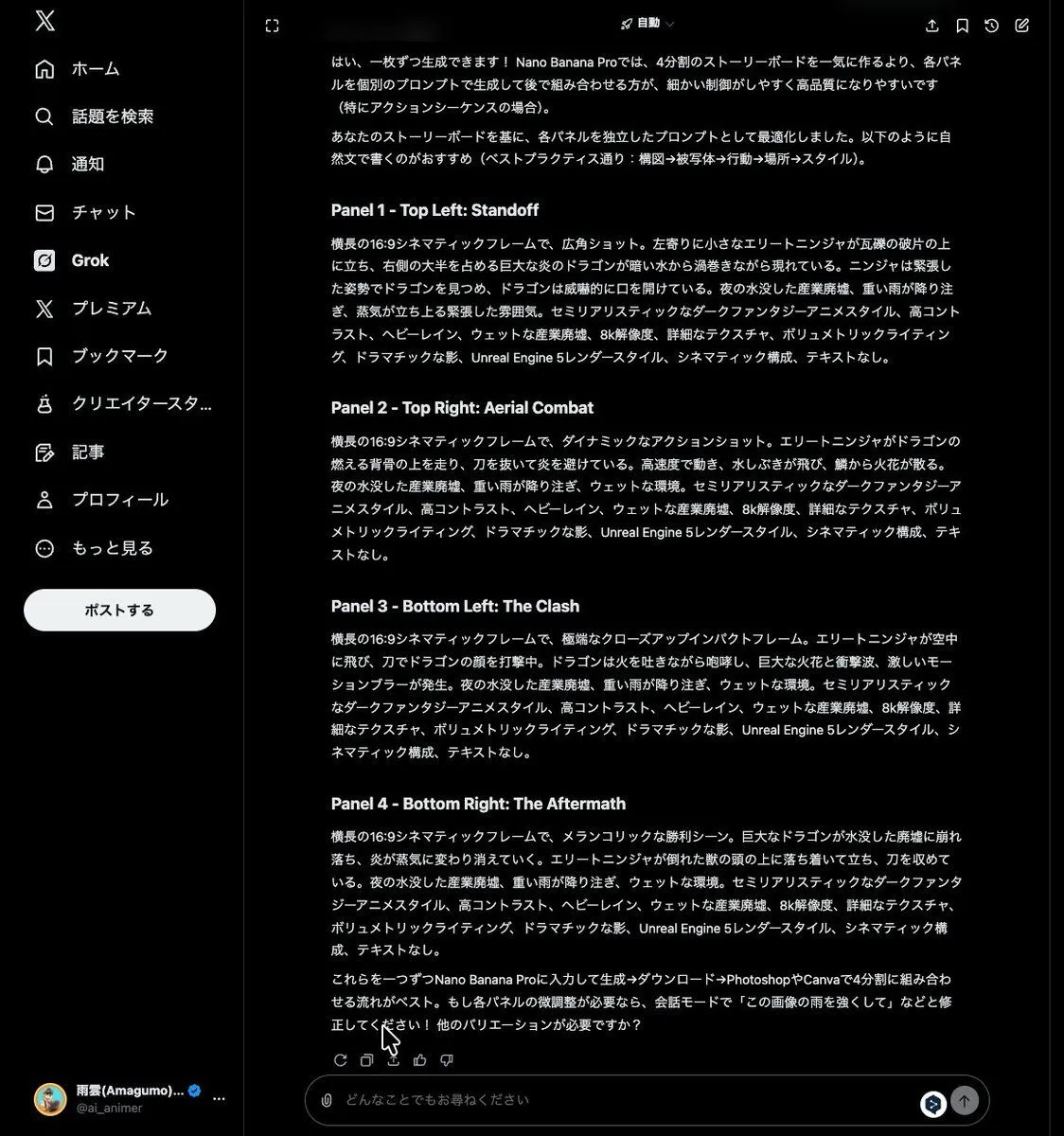
    • Grok Instruction for Generating Nano Banana Pro Image Prompts
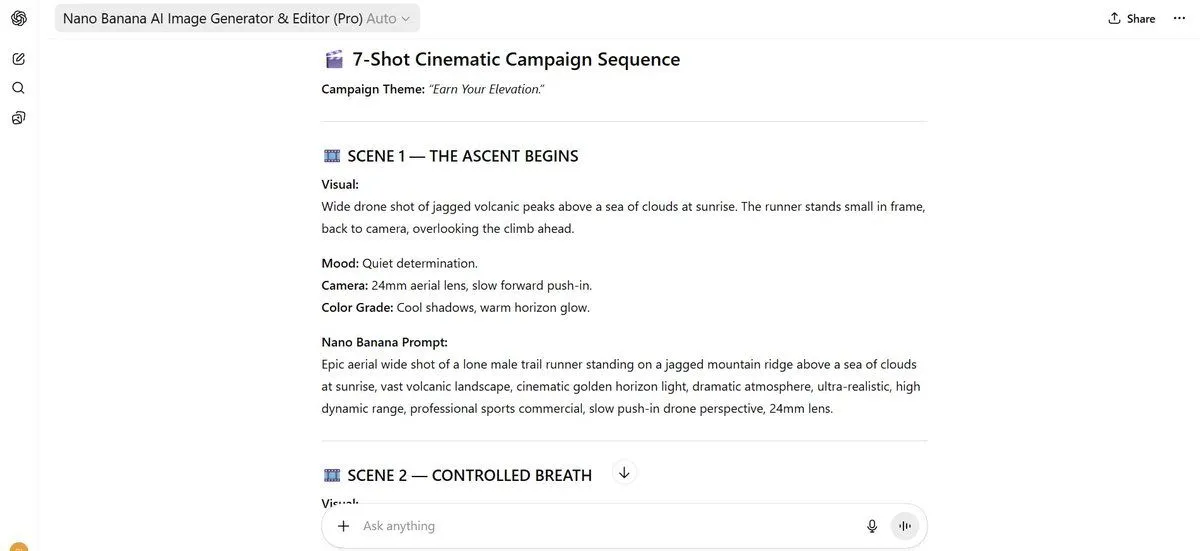
    • 7-Shot Cinematic Campaign Sequence Prompt
    • Generating Hollywood Detective Scene Images with Character Reference
    • Milly Ceramic Journey Comic Page

    Show more

    Run it on your phone

    1. Prompt copiedRead it

      {"type":"mobile app screenshot featuring an AI-generated four-panel comic preview","theme":"cute keyboard war story between two rabbits about iPhone versus Android","device":"smartphone screen capture in dark mode","interface":{"app style":"ChatGPT-like Chinese mobile interface","top bar":{"count":4,"items":["hamburger menu icon","Chinese conversation title","edit/share style icon cluster","overflow menu icon"]},"conversation":{"language":"Chinese","count":2,"blocks":[{"kind":"long assistant message","content summary":"The assistant explains platform restrictions on directly using specific character identities, then proposes replacing them with equally cute and emotional bunny characters and describes a four-panel comic."},{"kind":"image attachment preview","content summary":"A rendered four-panel comic card displayed inline under the Chinese text."}]},"lower controls":{"count":4,"items":["source button labeled 信息来源","reaction/action icon row","large circular down-arrow button","message input bar with placeholder 描述你的图片"]}},"embedded image":{"type":"cute pastel comic strip card","layout":{"grid":"2x2 panels with rounded corners inside a cream border","count":4,"panel titles":["The iPhone Struggle","Android Confusion","Careful Typing","Sweet Conclusion"]},"style":"soft storybook rendering, warm indoor lighting, kawaii facial expressions, polished digital illustration","characters":{"count":2,"subjects":[{"description":"a small black bunny with fluffy fur, red-tinted angry eyes, expressive ears"},{"description":"a small white bunny with soft fur, gentle expression, blue sweater"}]},"panels":[{"title":"The iPhone Struggle","position":"top-left","scene":"The black bunny sits sadly beside a bed, looking at a red smartphone standing upright on a nightstand, while the white bunny gently pats and comforts it.","count":4,"visible elements":["black bunny","white bunny","red phone","bedside lamp and bedroom setting"]},{"title":"Android Confusion","position":"top-right","scene":"The black bunny, visibly annoyed and puffed up, leans over a tablet or phone on a desk as if frustrated by an Android gallery issue.","count":4,"visible elements":["angry black bunny","device on desk","speech bubble with Chinese text","small frustration symbols near the head"]},{"title":"Careful Typing","position":"bottom-left","scene":"A close-up of the black bunny carefully editing Chinese text on a touchscreen, changing the phrase from 爱情 to 爱.","count":3,"visible elements":["touchscreen with large Chinese characters","black bunny paw typing","focused angry face"]},{"title":"Sweet Conclusion","position":"bottom-right","scene":"The white bunny hugs the black bunny from behind in front of a phone on a table, surrounded by pink hearts in a warm romantic ending.","count":5,"visible elements":["black bunny","white bunny in blue sweater","phone on table","pink heart background accents","two speech bubbles with Chinese dialogue"]}},"text treatment":"Comic panel titles are in English, while in-panel speech bubbles are in Chinese.","color palette":"dark app UI outside the image; comic uses cream, pink, peach, warm brown, soft blue, black, white, and red accents"},"composition":"The screenshot is vertically framed, with the Chinese assistant text occupying the upper half and the comic card centered below it, followed by source and input controls.","quality":"clean modern UI screenshot, highly legible text, crisp miniature illustration preview"}

    2. Open your app

      This prompt is long, so it is copied instead of sent in the link. Paste it in the app.

    3. Paste and run

      Press and hold the message box, then tap Paste. Add your photo first if the prompt uses one. You may need to sign in.

    Chinese AI Chat Screenshot with Bunny Comic