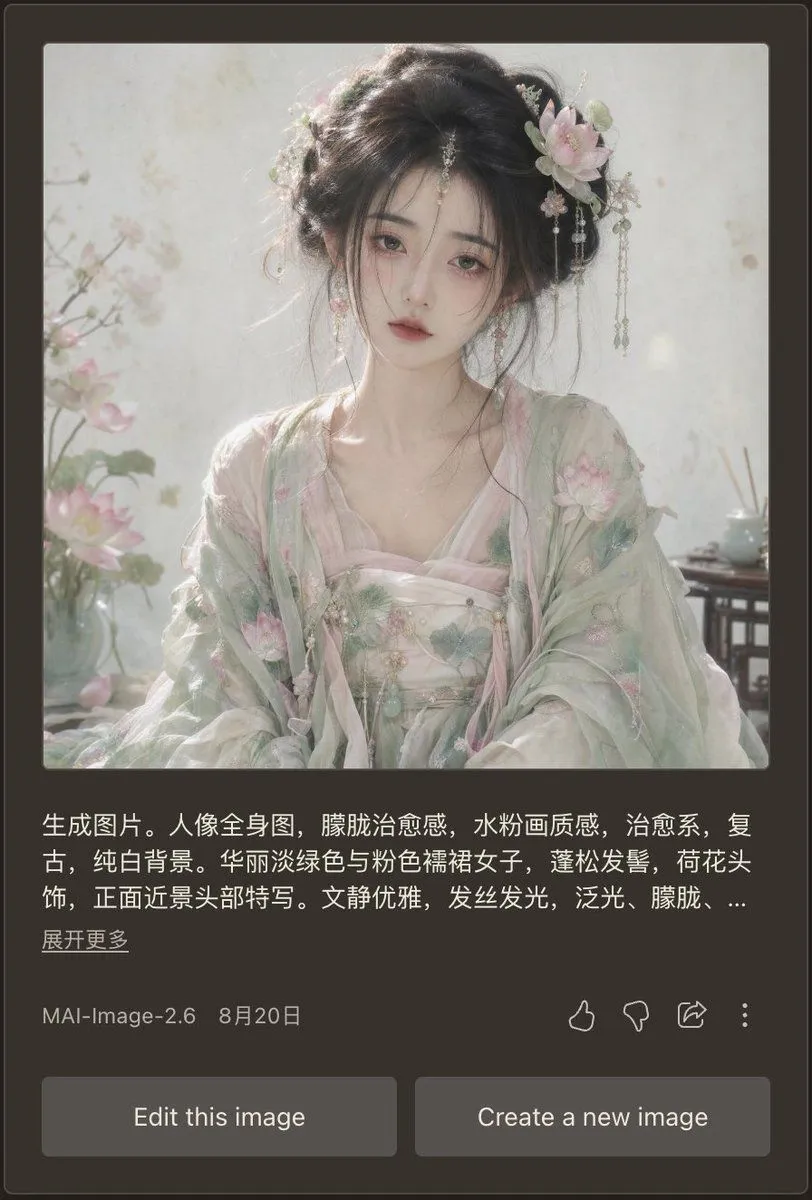
Dark Mode AI Portrait Result Card
Goal: Create a realistic mobile app screenshot showing an AI image generation result card in dark mode, featuring a soft vintage Chinese-style portrait and the surrounding interface. Canvas: Vertical smartphone screenshot, approximately 9:16 ratio. Use a dark charcoal brown app background with rounded card edges and subtle borders. The main content is centered with generous margins. Main generated image: At the top of the card, place one large square portrait image with slightly rounded corners. The portrait shows character_description. Style the portrait as ethereal, therapeutic, vintage, pale watercolor-like, with soft diffused daylight, glowing hair strands, translucent fabric, pure white background, pastel lotus blossoms, misty atmosphere, shallow depth of field, and a refined elegant mood. Include exactly 3 visible floral/environment details in the portrait: lotus flowers on the left foreground, a pale blossom hair ornament on the right side of her hair, and a small tea table or vase detail on the right background. Text block under image: Add a Chinese prompt preview in white text, left aligned, spanning about three lines, ending with an ellipsis. Use this exact visible text: prompt_preview_text. Below it, place a smaller underlined-style Chinese link reading expand_link_text. Metadata row: Under the prompt preview, show one metadata row with the model name model_label on the left and the date date_label beside it. On the right side of the same row, include exactly 4 outline action icons: thumbs up, thumbs down, share arrow, and vertical three-dot menu. Bottom controls: Add exactly 2 large rounded rectangular gray buttons at the bottom, side by side with a small gap. The left button says “Edit this image”; the right button says “Create a new image”. Visual style: Make the UI look like a real mobile app screenshot, clean and slightly compressed, with crisp white and gray typography. The portrait should be much brighter than the surrounding interface, with dreamy pastel lighting and delicate realistic facial rendering. No extra panels, no watermark, no browser chrome.