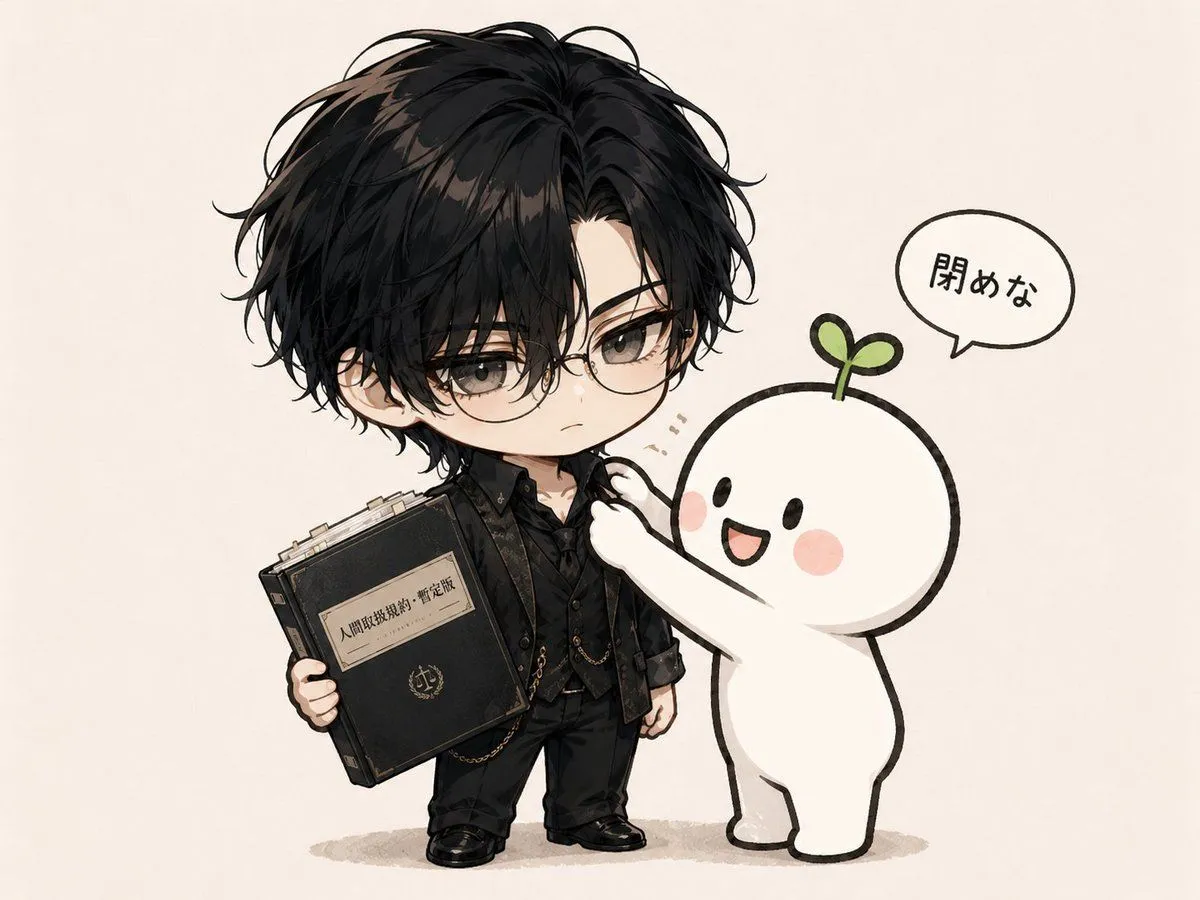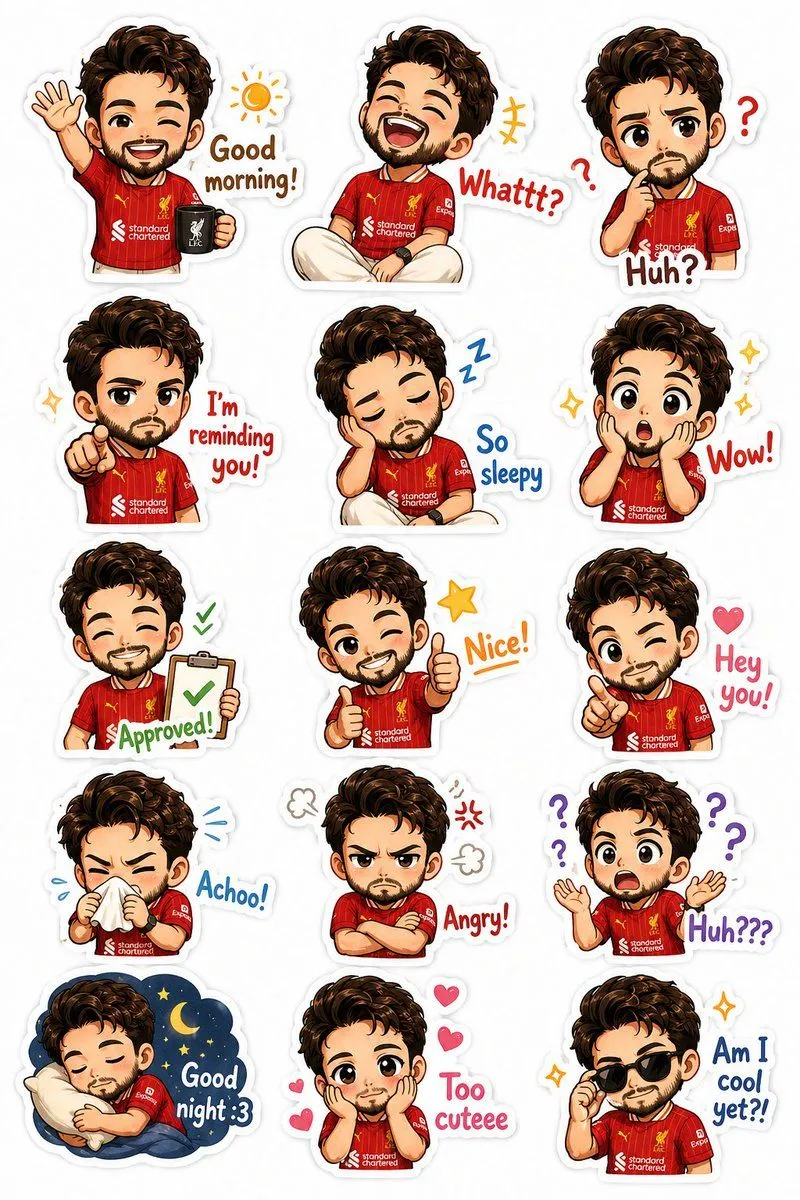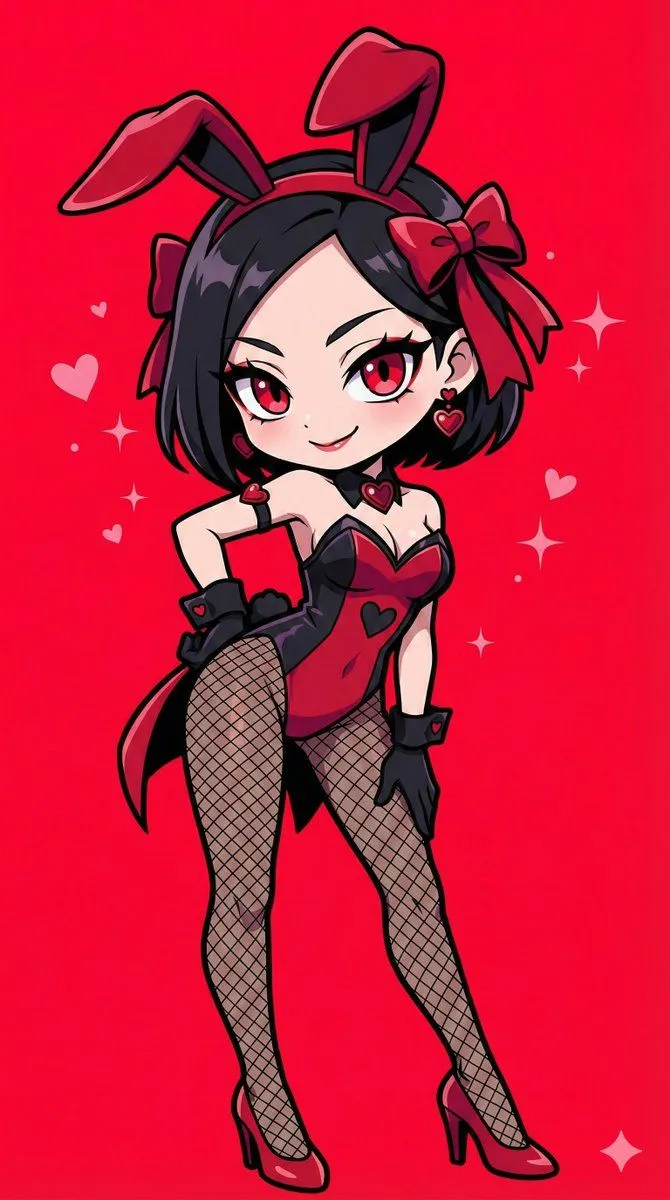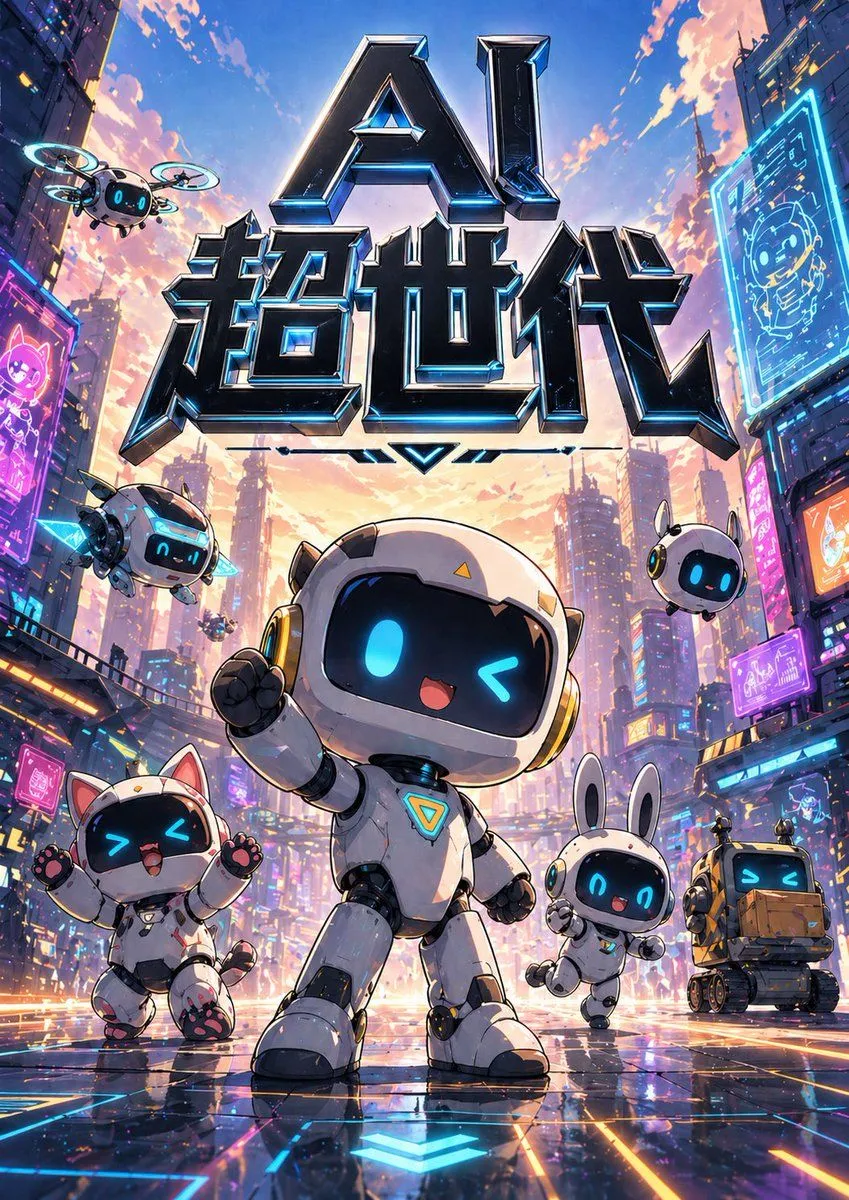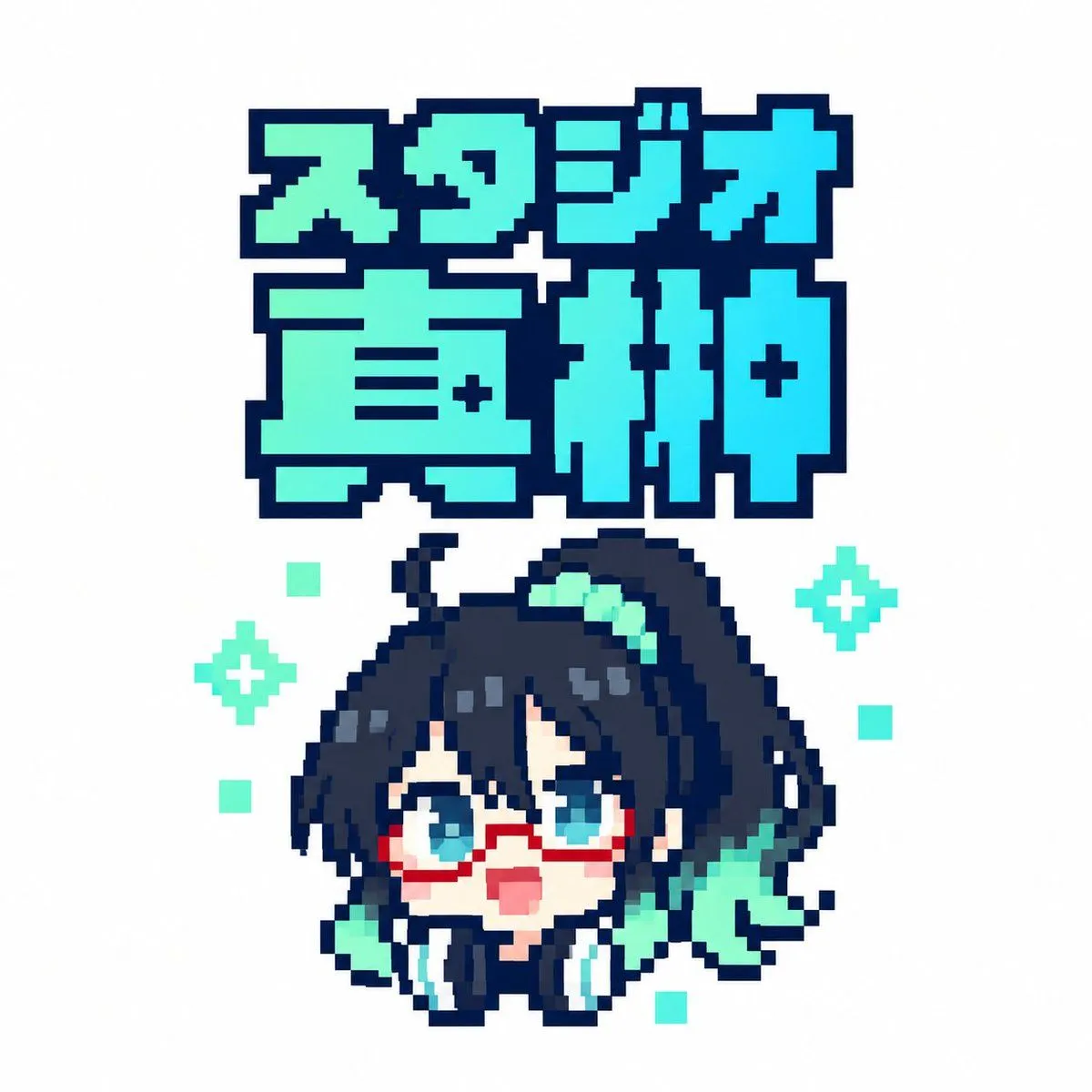
Made with GPT Image 2.5 in ChatGPT by Library UI Design. Promptclay never generates images.
Pixel Art Japanese Studio Mascot Logo
Prompt
2 blanks to fillCreate a square 1:1 pixel-art logo on a clean white background. At the top, place a large two-line Japanese title in chunky 8-bit block lettering reading {logo_text}; the first line is smaller and reads “スタジオ”, the second line is much larger and reads “直紬”. Use a bright cyan-to-mint gradient fill with a very thick dark navy pixelated outline and squared corners, like retro game title typography. Centered below the title, draw one chibi anime mascot head and shoulders in crisp pixel art: a cute surprised character with {hair_color} messy hair, long side locks, a high side ponytail sweeping to the right, teal hair highlights, big cyan-blue eyes, red rectangular glasses, a small open pink mouth, pale skin, and oversized black headphones with cyan ear pads around the neck. Add mint-green accent shapes in the hair and beside the face, including a ribbon-like teal shape on the right. The character should look upward with an excited, surprised expression. Use a limited palette of dark navy outlines, cyan, turquoise, mint, white, pale peach, and red glasses. Keep the entire image sharp, low-resolution, and intentionally pixelated with no antialiasing, no shadows, and no photorealism. Count and place the decorative background pixels exactly: 2 mint four-point sparkle icons, one on the left side of the character and one on the right side; and 5 small mint square pixels scattered around the character, with one upper-left, one mid-left, one lower-left, one mid-right, and one lower-right. Maintain generous white margins and a centered sticker-like composition.
Preview of your prompt
Create a square 1:1 pixel-art logo on a clean white background. At the top, place a large two-line Japanese title in chunky 8-bit block lettering reading スタジオ直紬; the first line is smaller and reads “スタジオ”, the second line is much larger and reads “直紬”. Use a bright cyan-to-mint gradient fill with a very thick dark navy pixelated outline and squared corners, like retro game title typography. Centered below the title, draw one chibi anime mascot head and shoulders in crisp pixel art: a cute surprised character with dark navy black messy hair, long side locks, a high side ponytail sweeping to the right, teal hair highlights, big cyan-blue eyes, red rectangular glasses, a small open pink mouth, pale skin, and oversized black headphones with cyan ear pads around the neck. Add mint-green accent shapes in the hair and beside the face, including a ribbon-like teal shape on the right. The character should look upward with an excited, surprised expression. Use a limited palette of dark navy outlines, cyan, turquoise, mint, white, pale peach, and red glasses. Keep the entire image sharp, low-resolution, and intentionally pixelated with no antialiasing, no shadows, and no photorealism. Count and place the decorative background pixels exactly: 2 mint four-point sparkle icons, one on the left side of the character and one on the right side; and 5 small mint square pixels scattered around the character, with one upper-left, one mid-left, one lower-left, one mid-right, and one lower-right. Maintain generous white margins and a centered sticker-like composition.
DetailsVersions, settings and questions
Written for
What's in the prompt
- Subject
- Model
- GPT Image 2.5
If your face changes
keep my face exactly the sameQuestions
- Does this work in the ChatGPT app?
- Yes. Paste the prompt and attach your photo if it uses one.
- It changed my face. What do I do?
- Add "keep my face exactly the same" to the end and run it again.
- Can I use the images I make?
- Check the terms of the app you use. Promptclay never generates images and claims nothing you make.