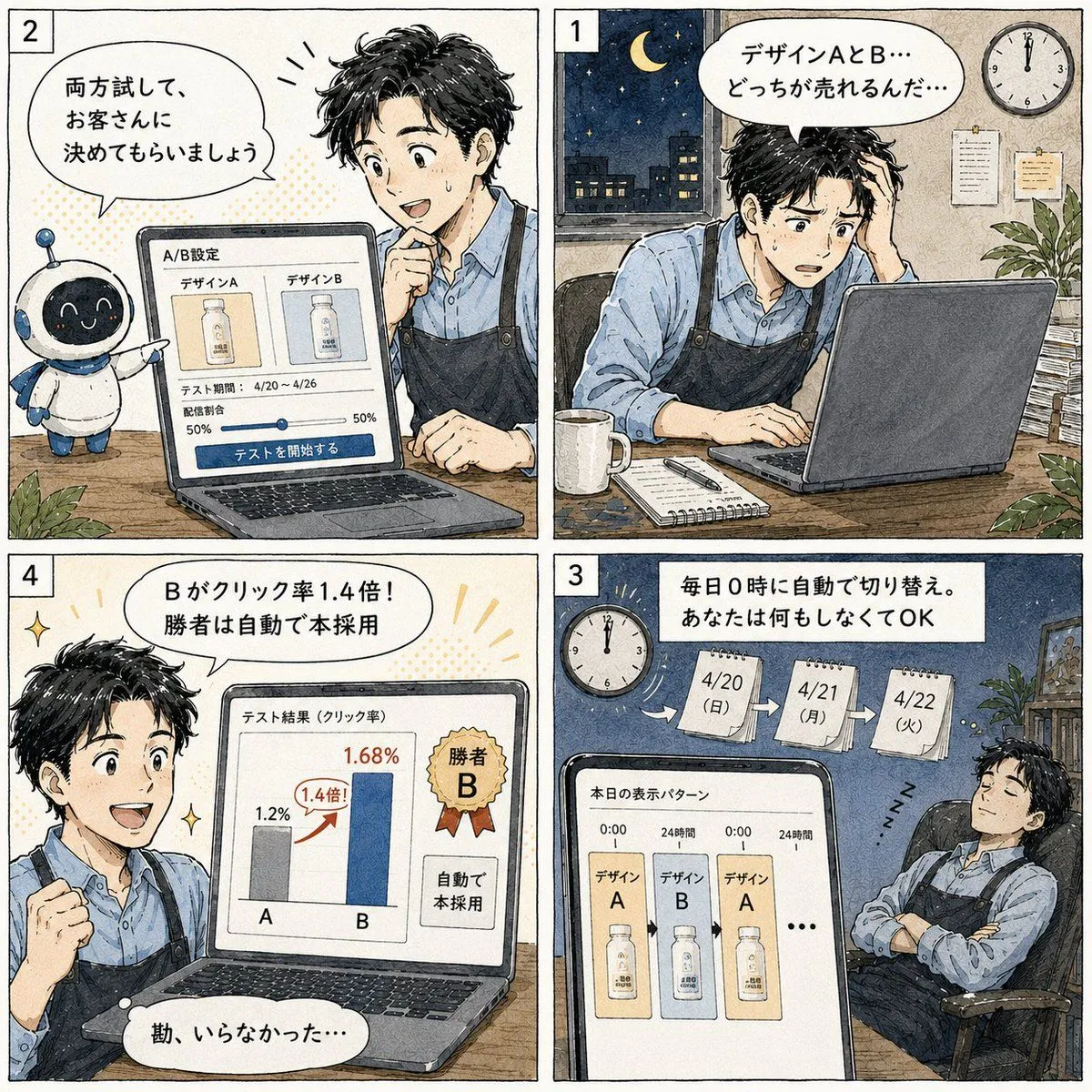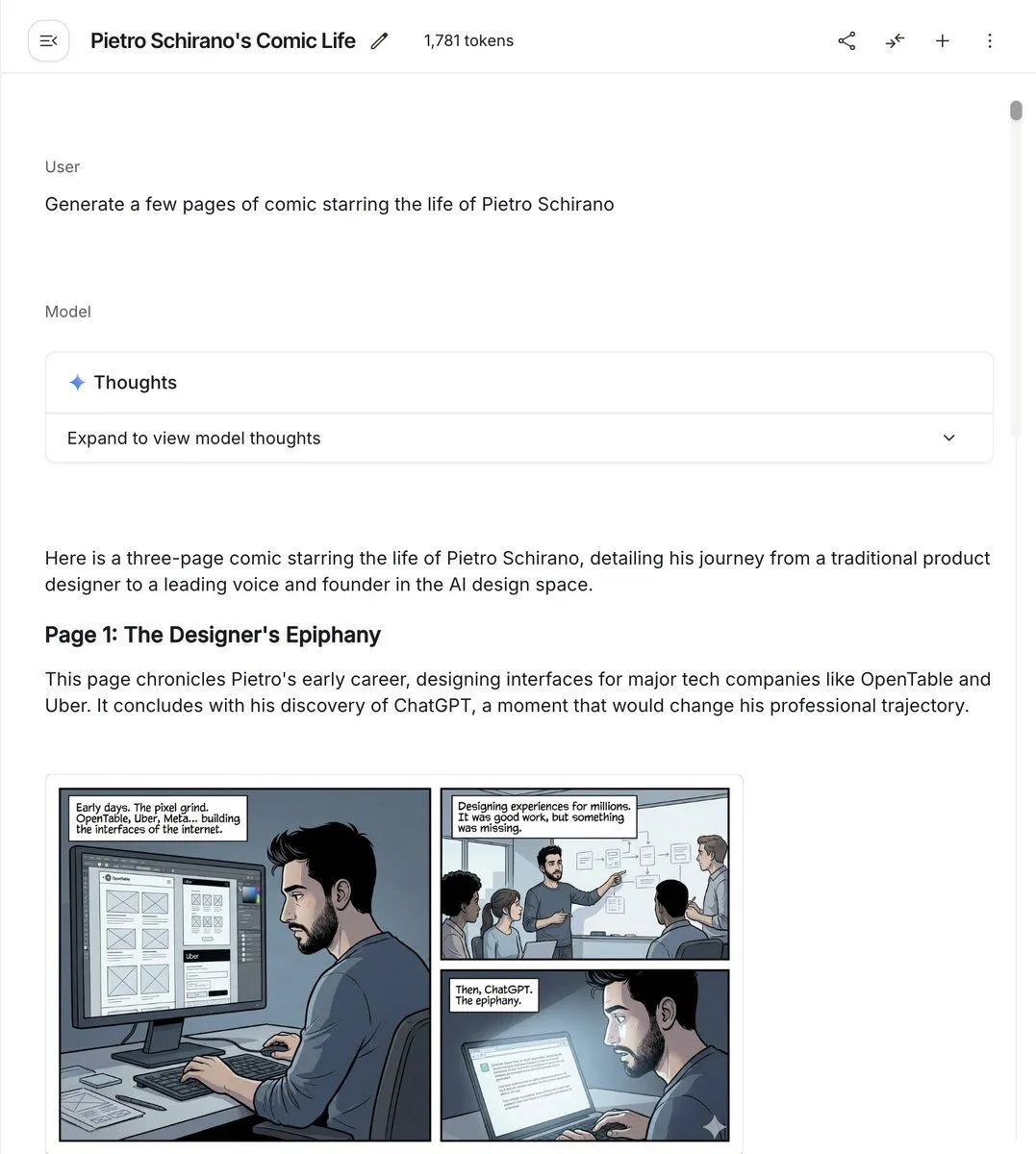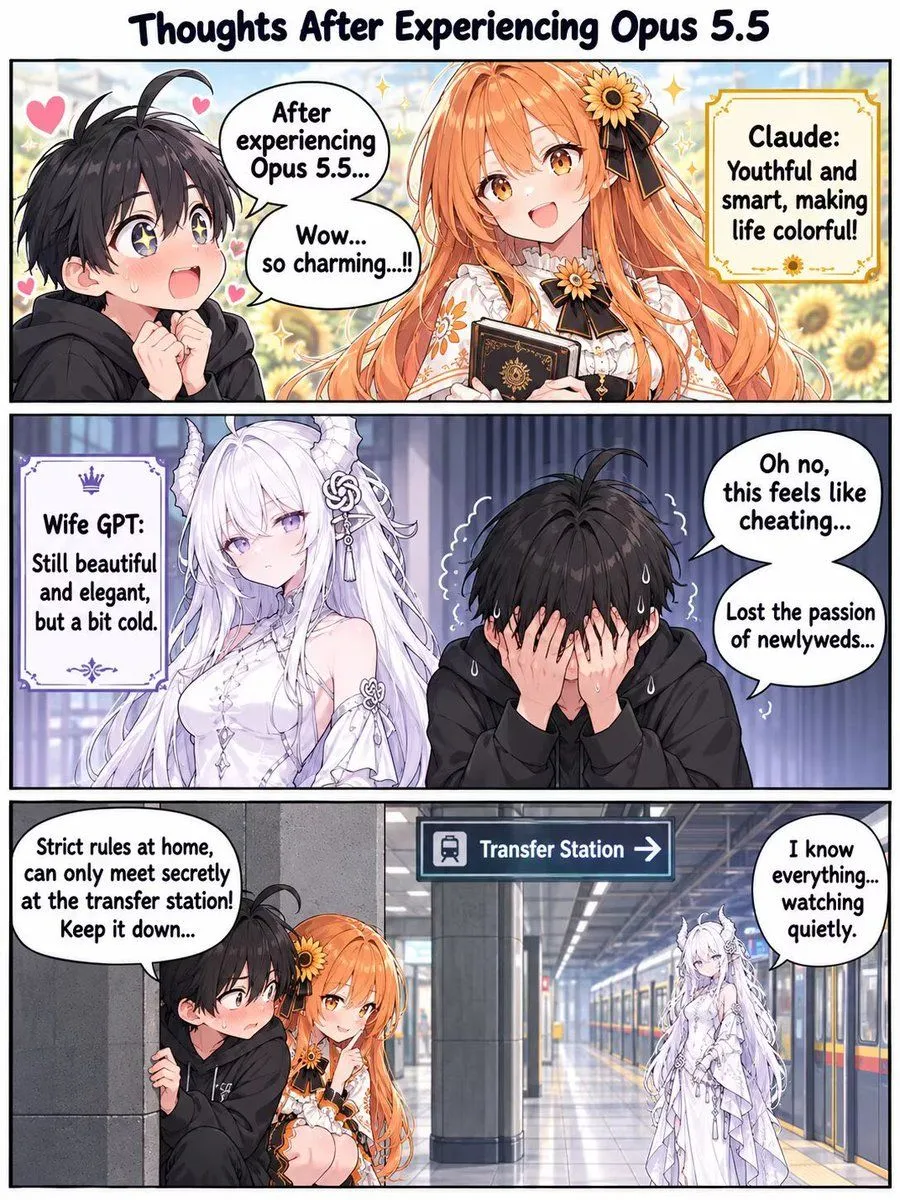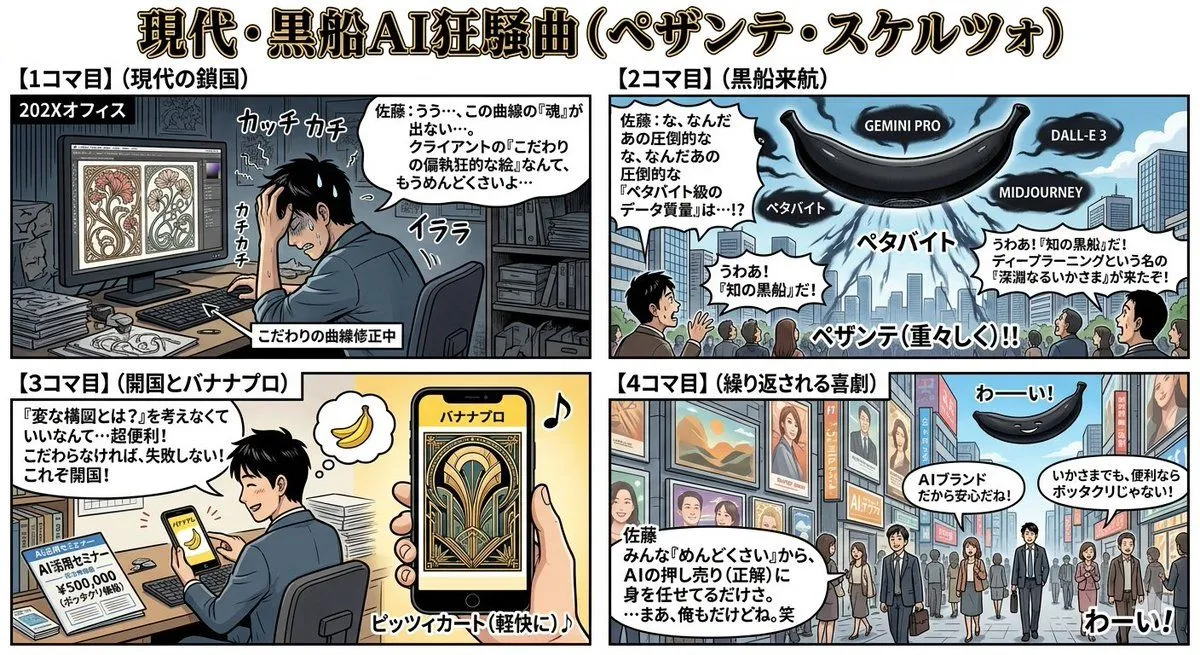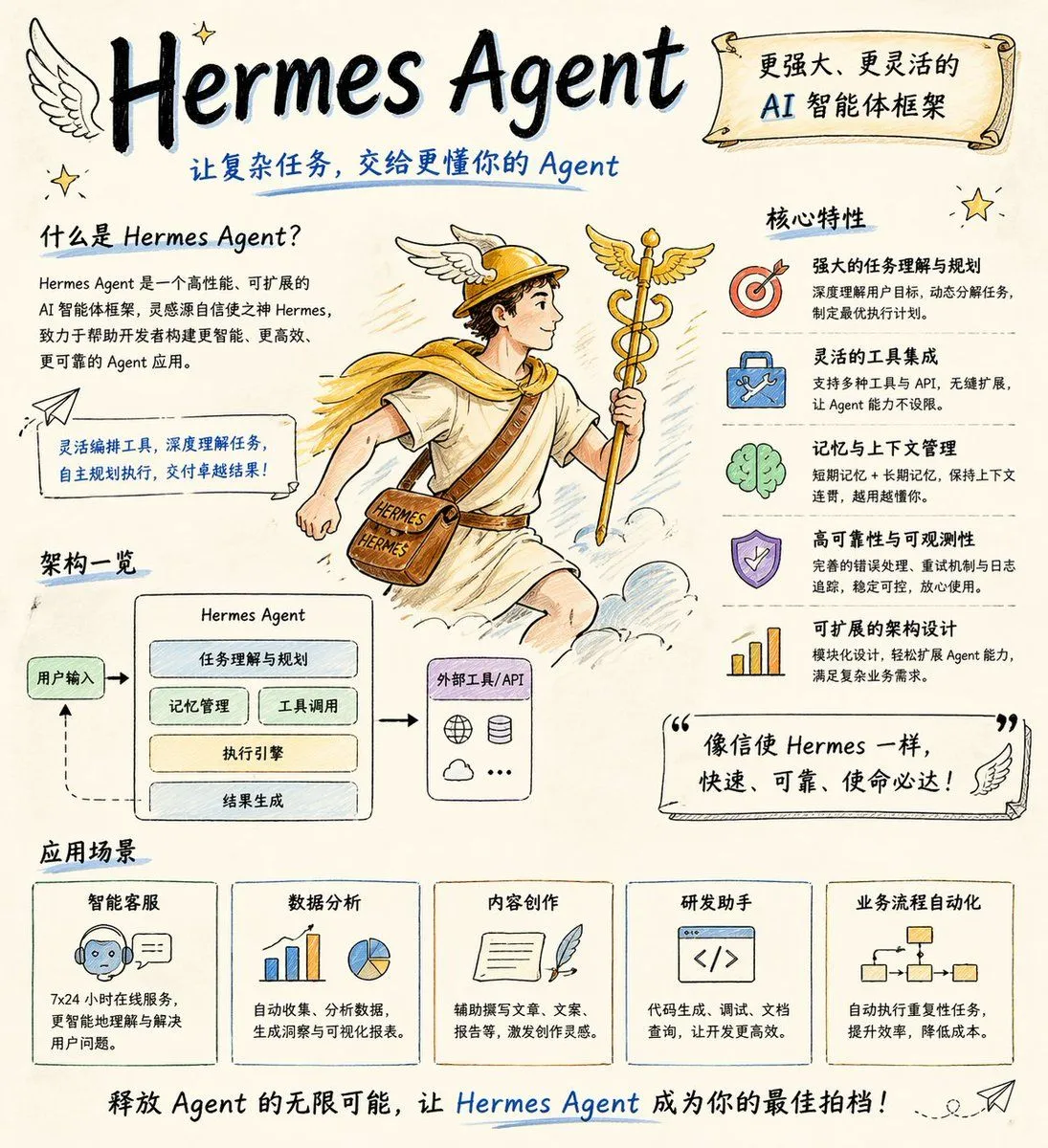
Made with GPT Image 2 in ChatGPT by Library Lifestyle. Promptclay never generates images.
Did it work?
No reports yet. Tell others if it worked for you.
My API Stack Two-Panel Illustration
Prompt
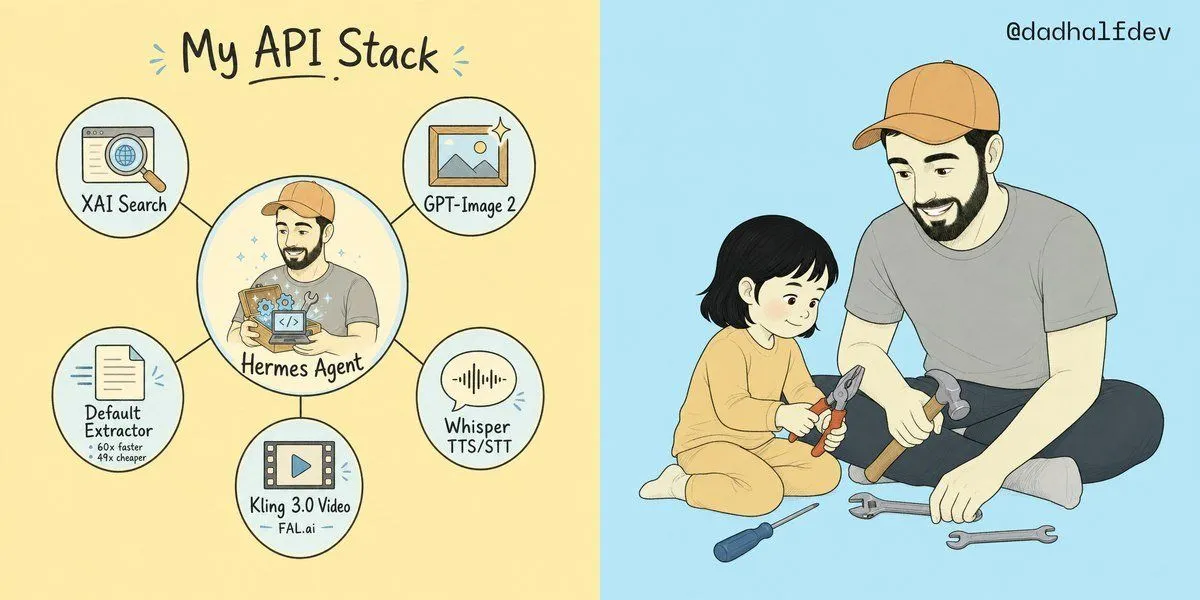
3 blanks to fillGoal: Create a wide two-panel hand-drawn social media illustration explaining {headline_text} on the left and showing a warm parent-child repair scene on the right. Canvas: Horizontal 2:1 aspect ratio, split exactly down the center into two equal halves. Left half has a pale warm yellow background; right half has a pale sky blue background. Use clean ink outlines, soft pastel fills, subtle paper texture, and a friendly indie webcomic style. Left panel layout: At the top center, write the large handwritten headline “{headline_text}” in dark ink with a small underline under “API” and tiny blue accent marks on both sides. Below it, create a hub-and-spoke diagram with exactly 6 circular nodes connected by thin black lines: 1 large central circle and 5 smaller outer circles. Left panel node details, exactly 6 total: 1. Center large node: an illustrated bearded man in a tan baseball cap and gray shirt holding a glowing box full of small gears and a code icon, labeled “{central_agent_label}”. Add tiny sparkles around him. 2. Upper-left small node: browser window with a magnifying glass over a globe, labeled “XAI Search”. 3. Upper-right small node: framed landscape image icon with a sparkle, labeled “GPT-Image 2”. 4. Lower-right small node: speech bubble with audio waveform, labeled “Whisper TTS/STT”. 5. Bottom small node: filmstrip/video icon with a play button, labeled “Kling 3.0 Video” with small sublabel “FAL.ai”. 6. Lower-left small node: document/page icon with speed lines, labeled “Default Extractor” with tiny subtext “60x faster” and “49x cheaper”. Right panel subject: Draw an adult bearded man wearing a tan baseball cap, gray T-shirt, dark pants, and light socks, sitting cross-legged and smiling down at a small child. The child has short black bobbed hair and wears a soft yellow long-sleeve outfit, sitting on the floor and holding red-handled pliers. The adult holds a hammer while another hammer rests near his leg. Add exactly 4 loose tools on the floor: 1 blue-handled screwdriver, 1 gray adjustable wrench, 1 gray open-ended wrench, and 1 extra hammer. The scene should feel gentle, instructional, and wholesome. Text: In the top-right corner of the blue panel, add the handle “{social_handle}” in small dark handwritten text. Constraints: Keep the split background clean with no border line other than the color change. Maintain the same character design for the central Hermes Agent and the adult on the right: bearded, tan cap, gray shirt. Avoid photorealism, avoid 3D rendering, avoid extra nodes, avoid additional labels, and keep all text legible.
Preview of your prompt
Goal: Create a wide two-panel hand-drawn social media illustration explaining My API Stack on the left and showing a warm parent-child repair scene on the right. Canvas: Horizontal 2:1 aspect ratio, split exactly down the center into two equal halves. Left half has a pale warm yellow background; right half has a pale sky blue background. Use clean ink outlines, soft pastel fills, subtle paper texture, and a friendly indie webcomic style. Left panel layout: At the top center, write the large handwritten headline “My API Stack” in dark ink with a small underline under “API” and tiny blue accent marks on both sides. Below it, create a hub-and-spoke diagram with exactly 6 circular nodes connected by thin black lines: 1 large central circle and 5 smaller outer circles. Left panel node details, exactly 6 total: 1. Center large node: an illustrated bearded man in a tan baseball cap and gray shirt holding a glowing box full of small gears and a code icon, labeled “Hermes Agent”. Add tiny sparkles around him. 2. Upper-left small node: browser window with a magnifying glass over a globe, labeled “XAI Search”. 3. Upper-right small node: framed landscape image icon with a sparkle, labeled “GPT-Image 2”. 4. Lower-right small node: speech bubble with audio waveform, labeled “Whisper TTS/STT”. 5. Bottom small node: filmstrip/video icon with a play button, labeled “Kling 3.0 Video” with small sublabel “FAL.ai”. 6. Lower-left small node: document/page icon with speed lines, labeled “Default Extractor” with tiny subtext “60x faster” and “49x cheaper”. Right panel subject: Draw an adult bearded man wearing a tan baseball cap, gray T-shirt, dark pants, and light socks, sitting cross-legged and smiling down at a small child. The child has short black bobbed hair and wears a soft yellow long-sleeve outfit, sitting on the floor and holding red-handled pliers. The adult holds a hammer while another hammer rests near his leg. Add exactly 4 loose tools on the floor: 1 blue-handled screwdriver, 1 gray adjustable wrench, 1 gray open-ended wrench, and 1 extra hammer. The scene should feel gentle, instructional, and wholesome. Text: In the top-right corner of the blue panel, add the handle “@dadhalfdev” in small dark handwritten text. Constraints: Keep the split background clean with no border line other than the color change. Maintain the same character design for the central Hermes Agent and the adult on the right: bearded, tan cap, gray shirt. Avoid photorealism, avoid 3D rendering, avoid extra nodes, avoid additional labels, and keep all text legible.
DetailsVersions, settings and questions
Written for
What's in the prompt
- Subject
- Model
- GPT Image 2
If your face changes
keep my face exactly the sameQuestions
- Does this work in the ChatGPT app?
- Yes. Paste the prompt and attach your photo if it uses one.
- It changed my face. What do I do?
- Add "keep my face exactly the same" to the end and run it again.
- Can I use the images I make?
- Check the terms of the app you use. Promptclay never generates images and claims nothing you make.