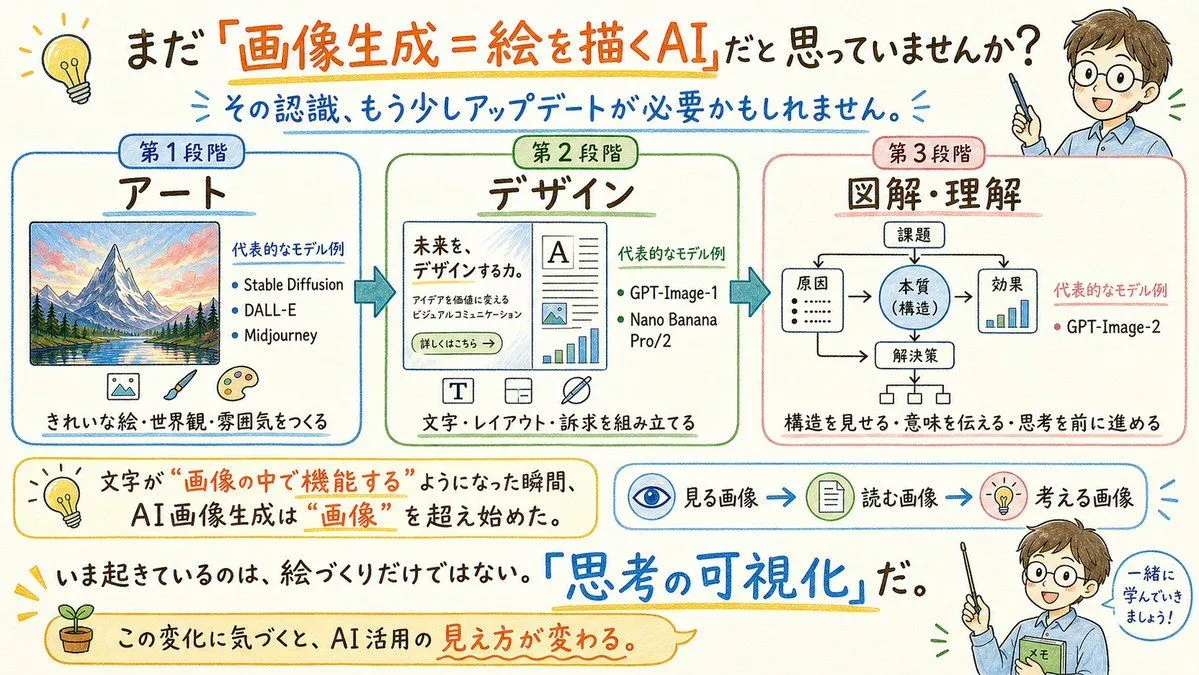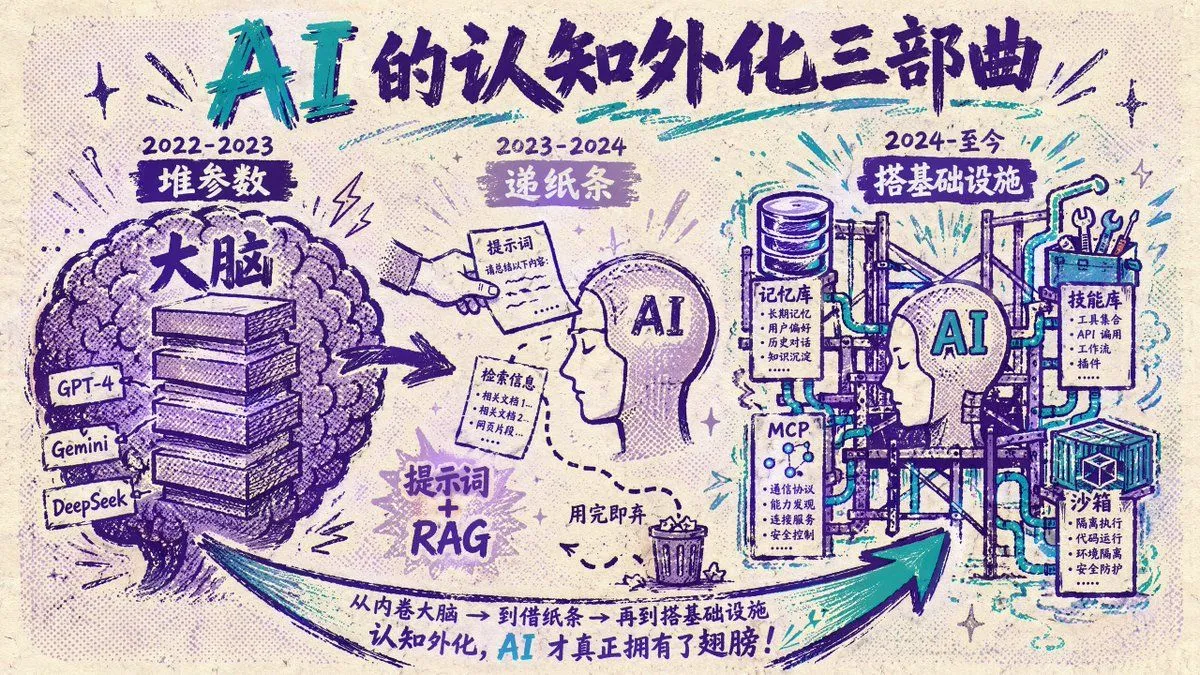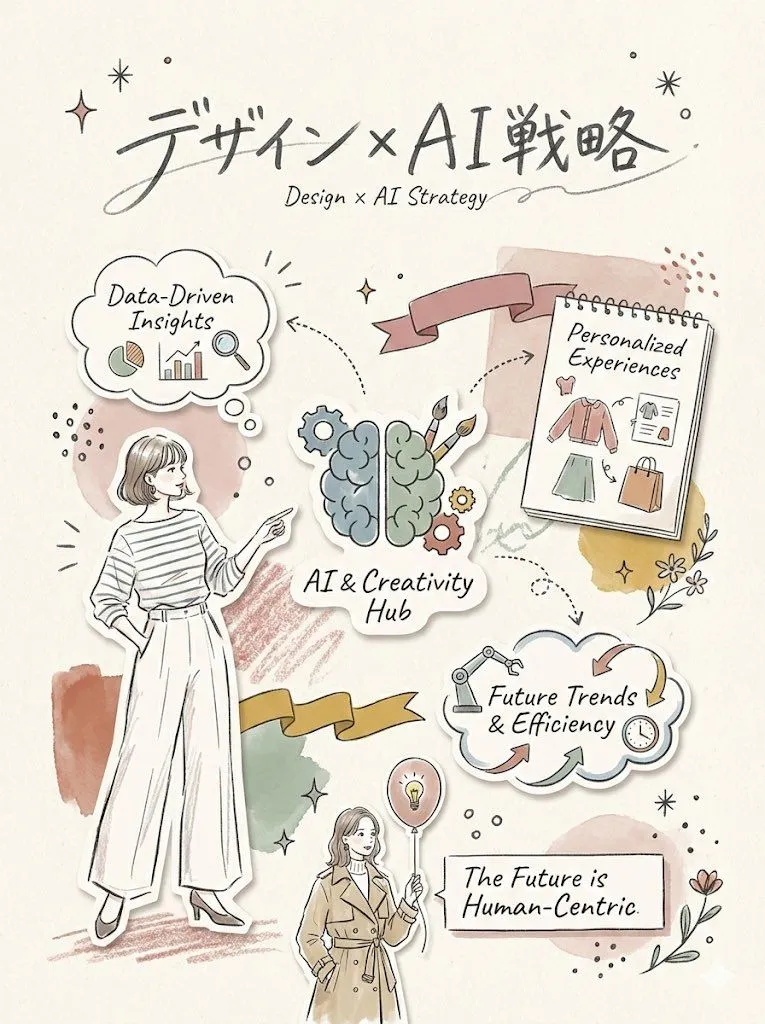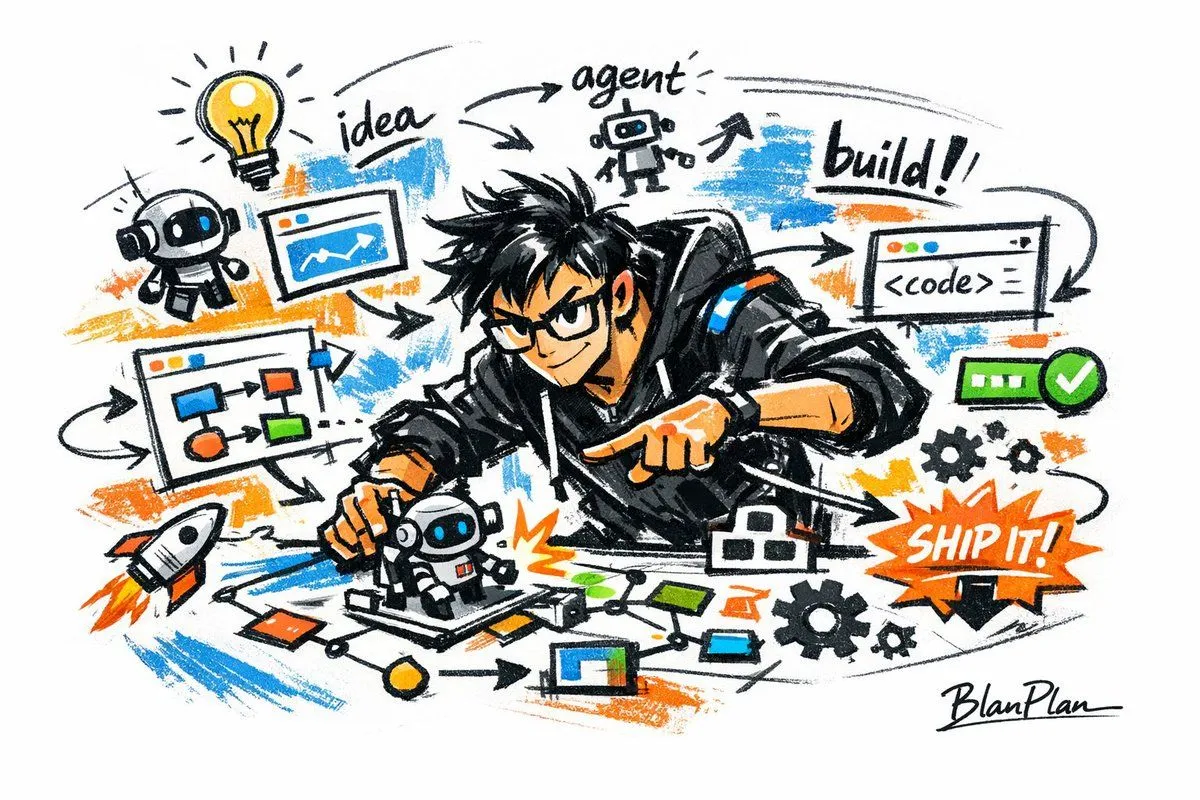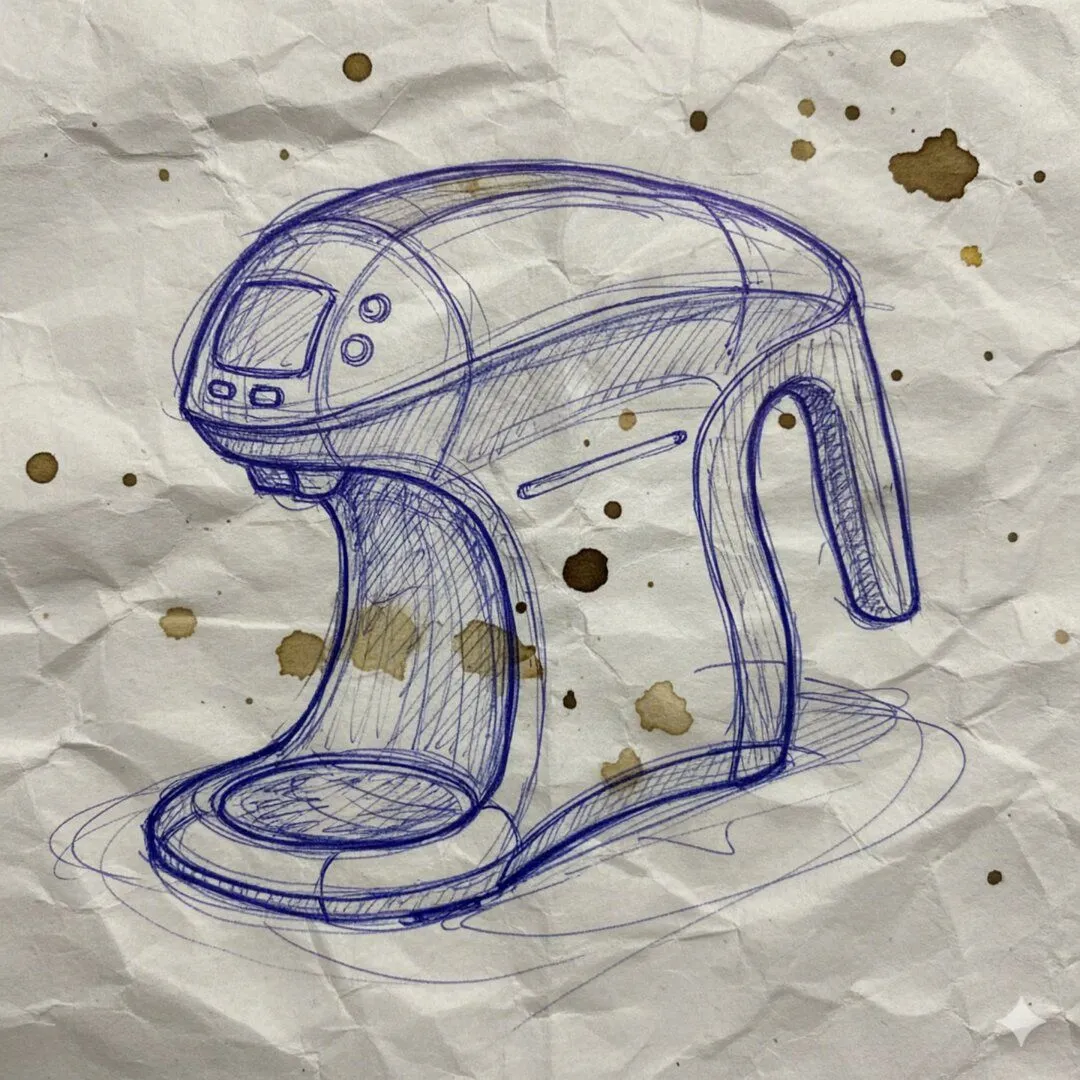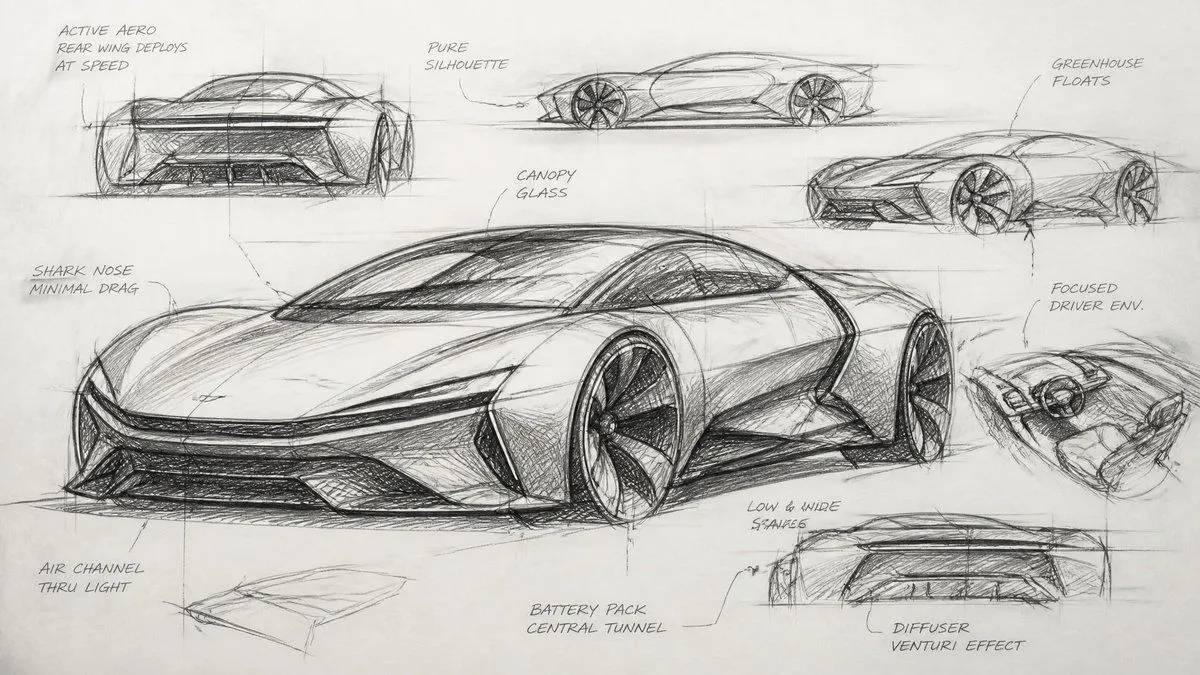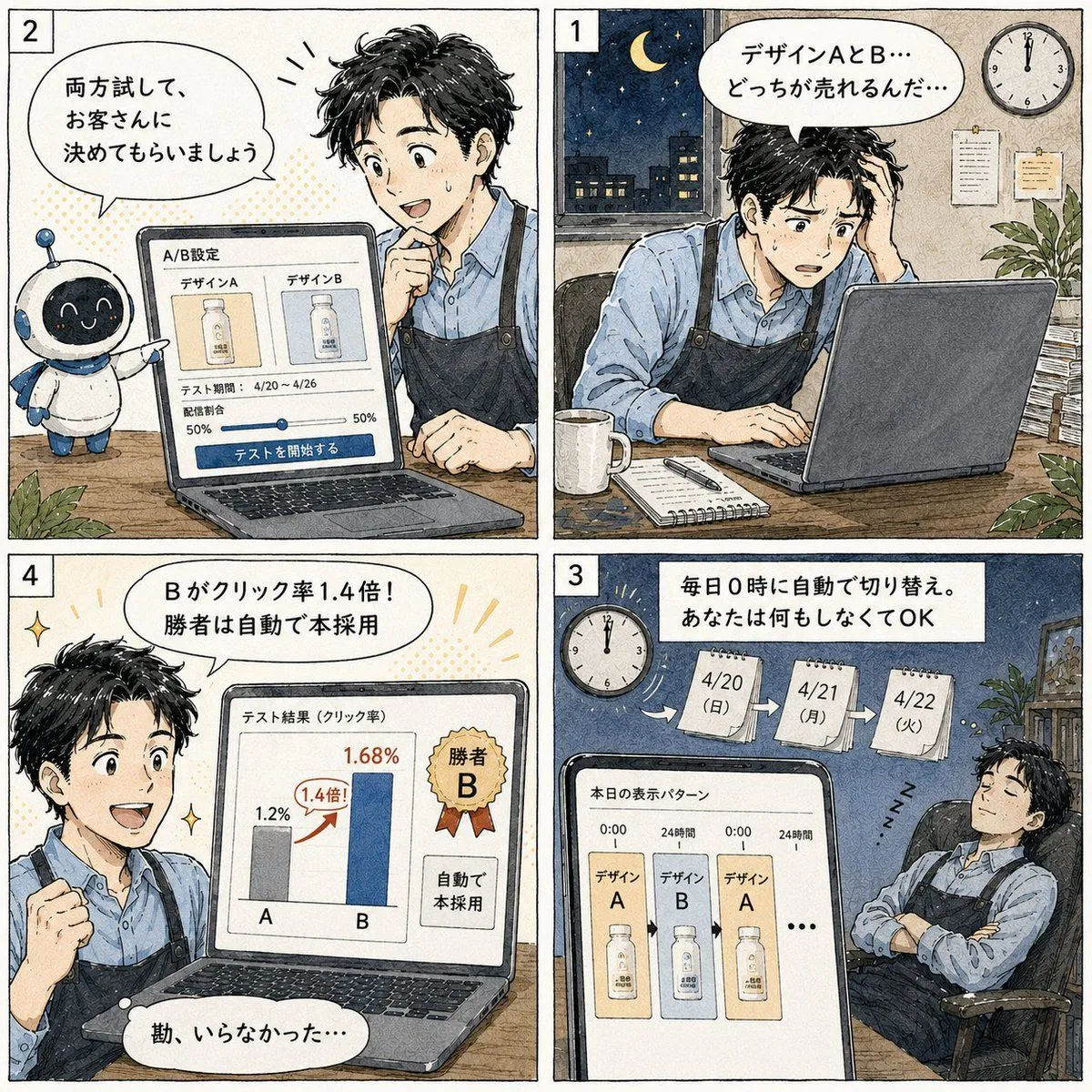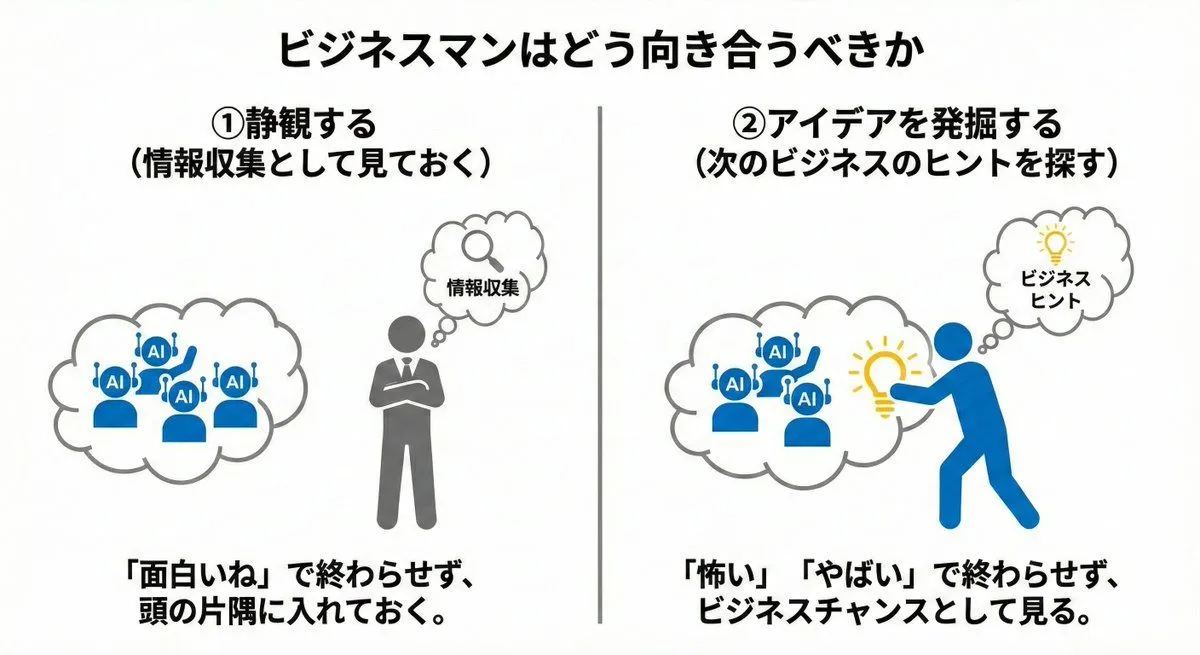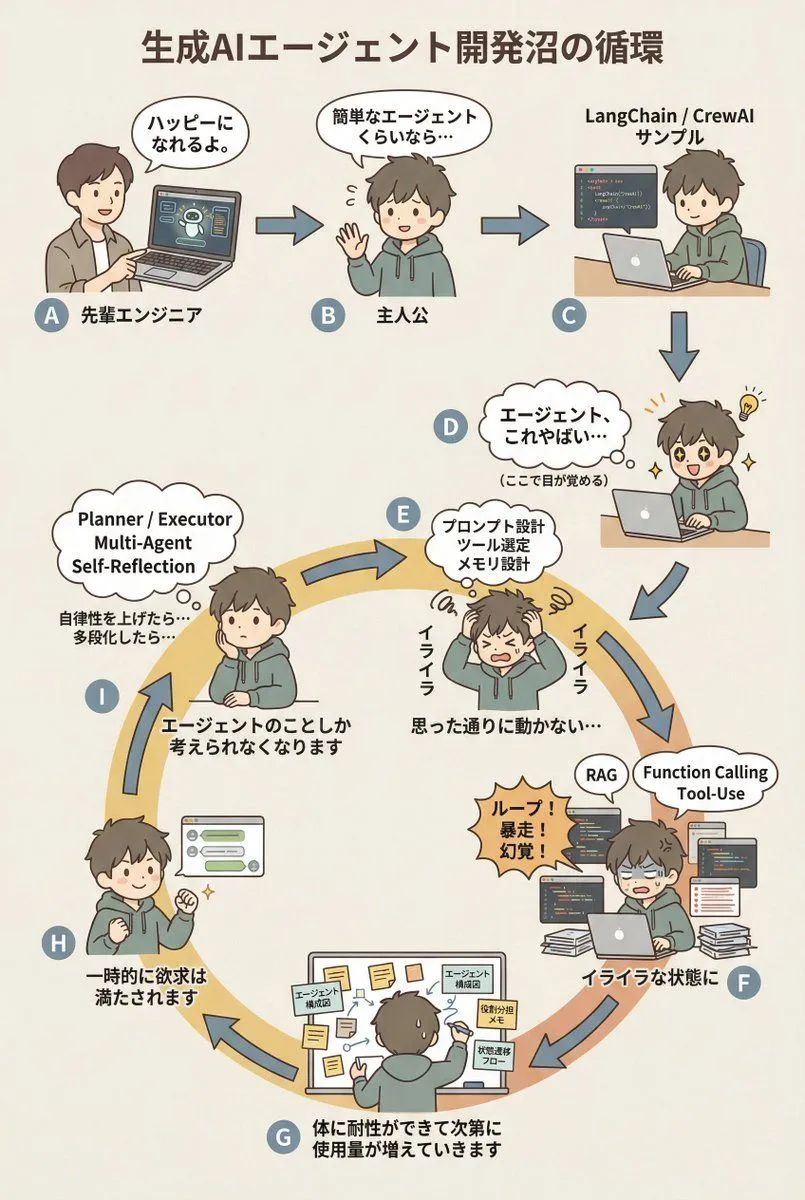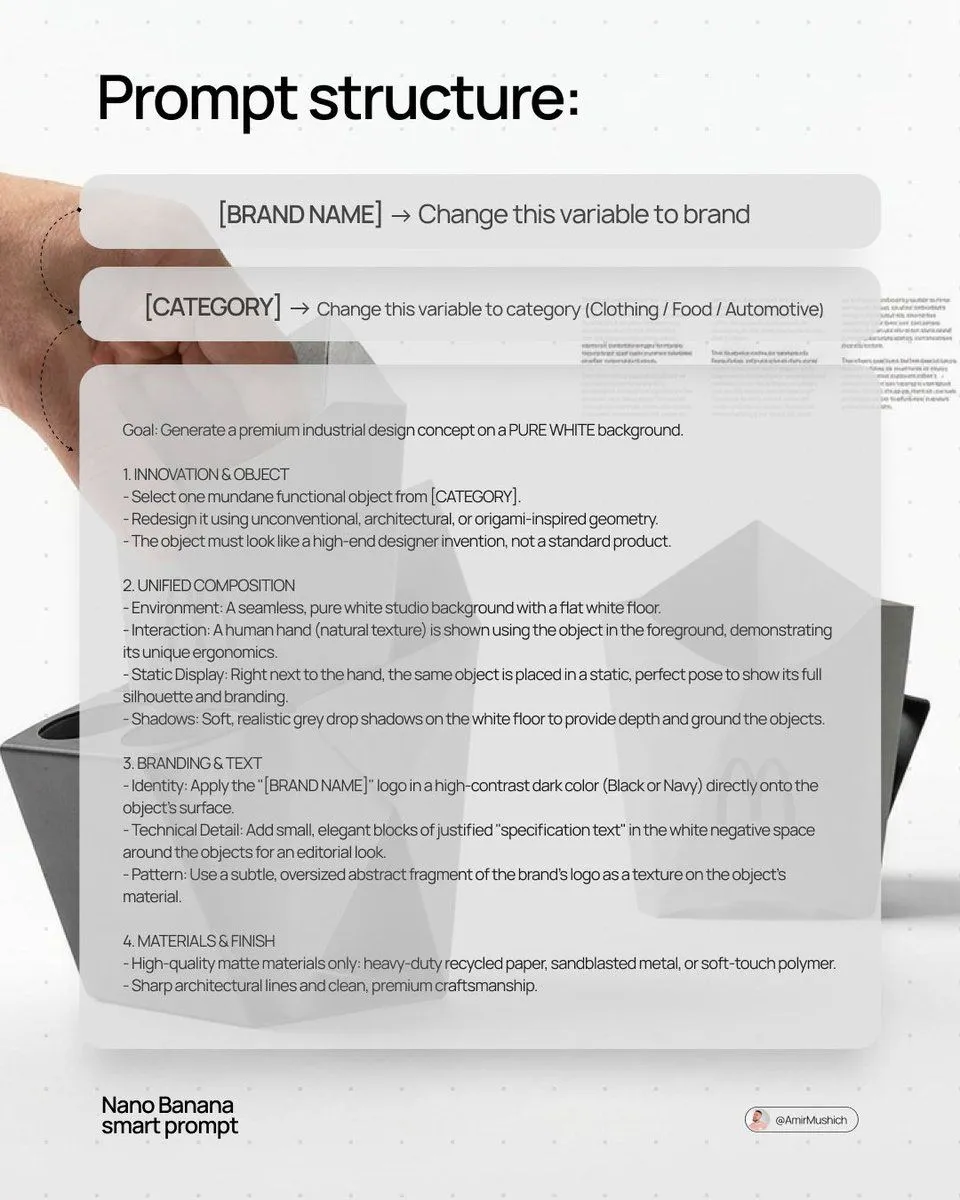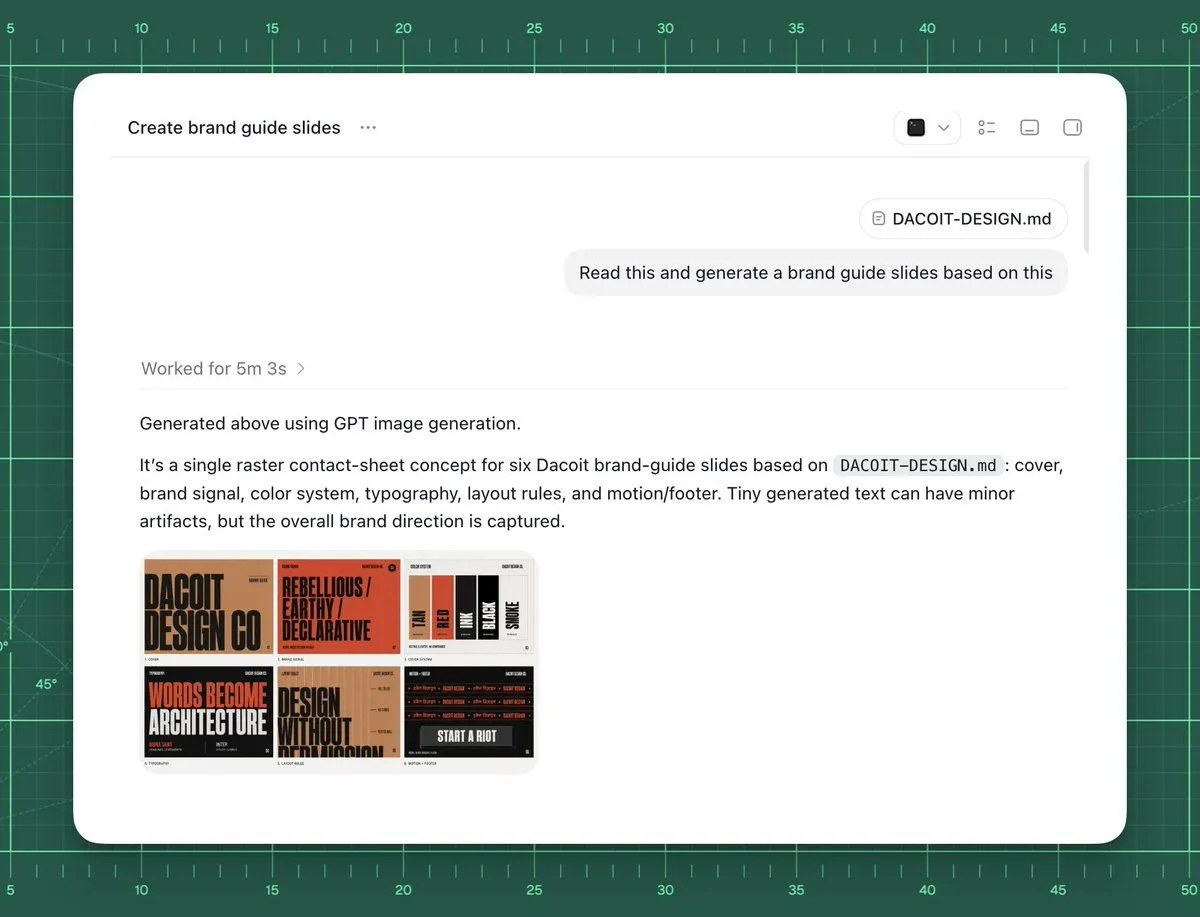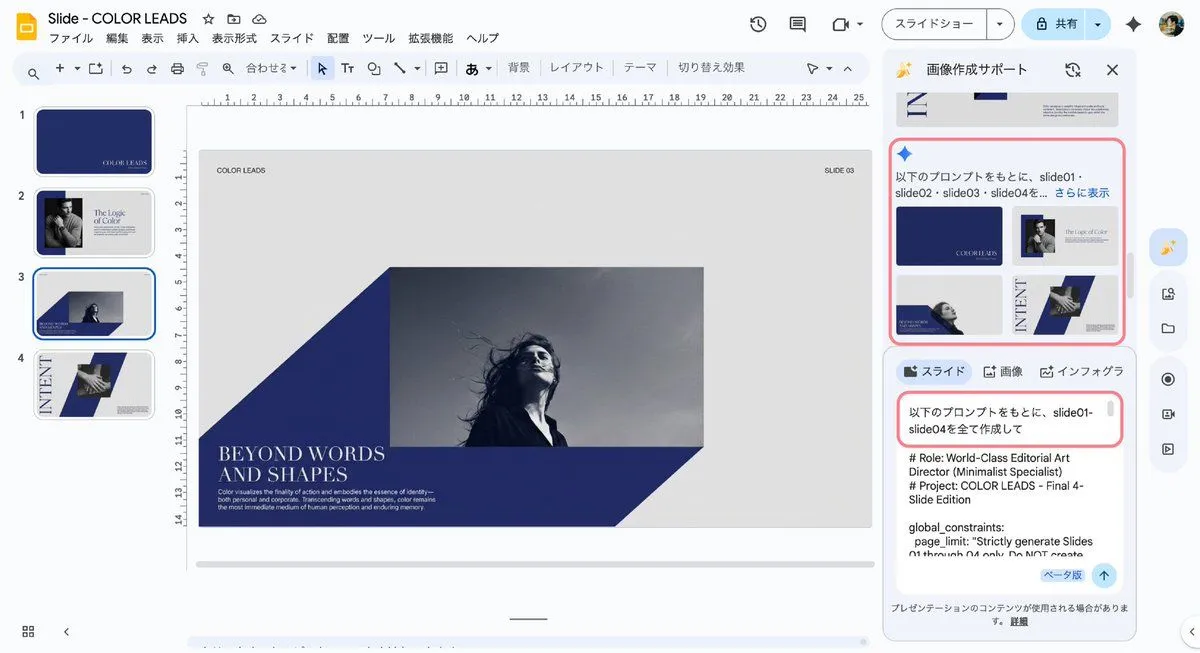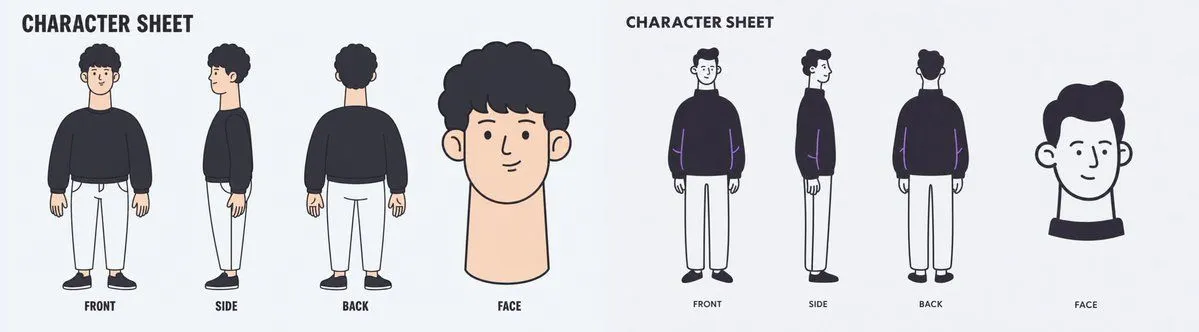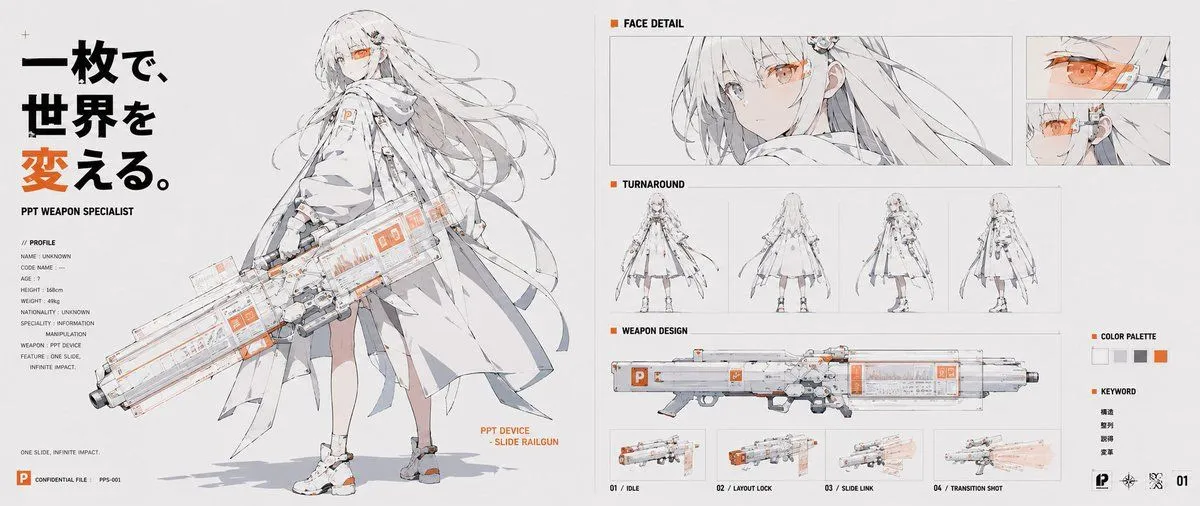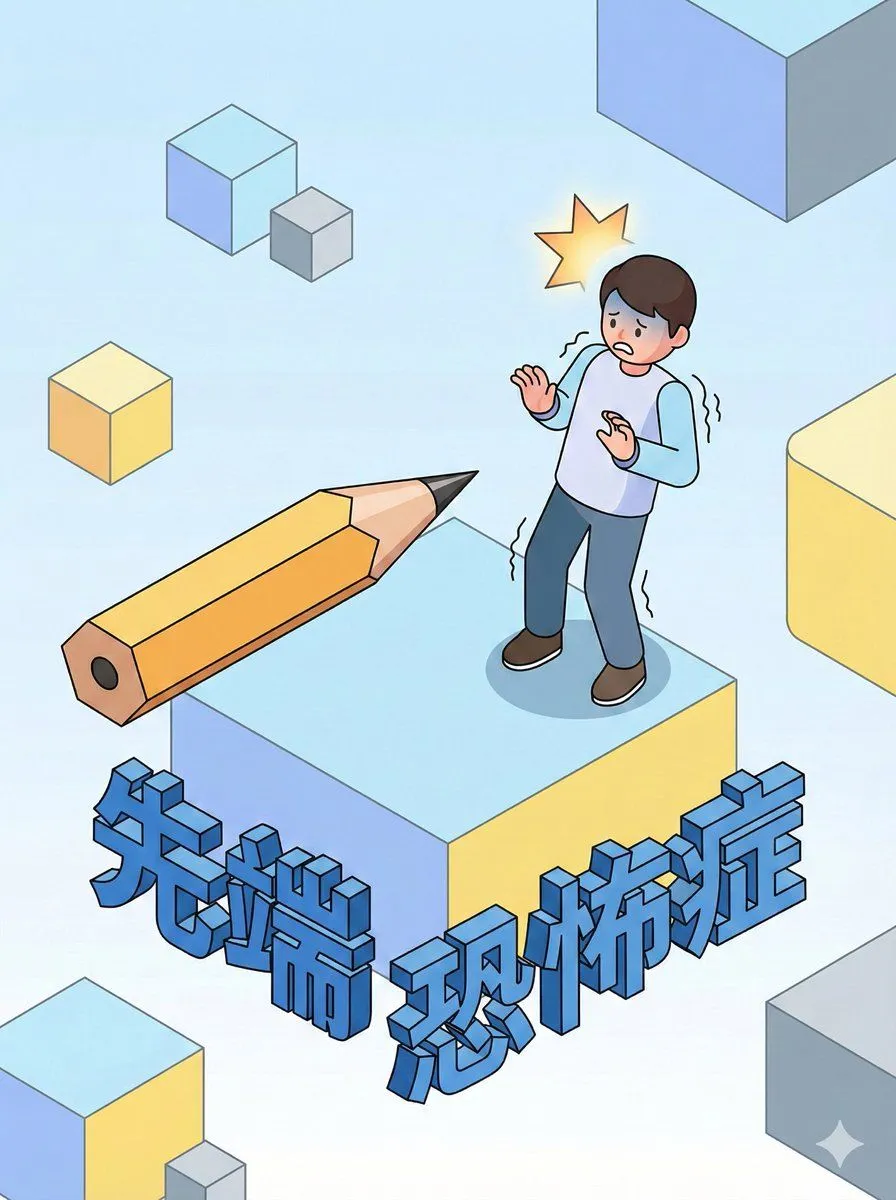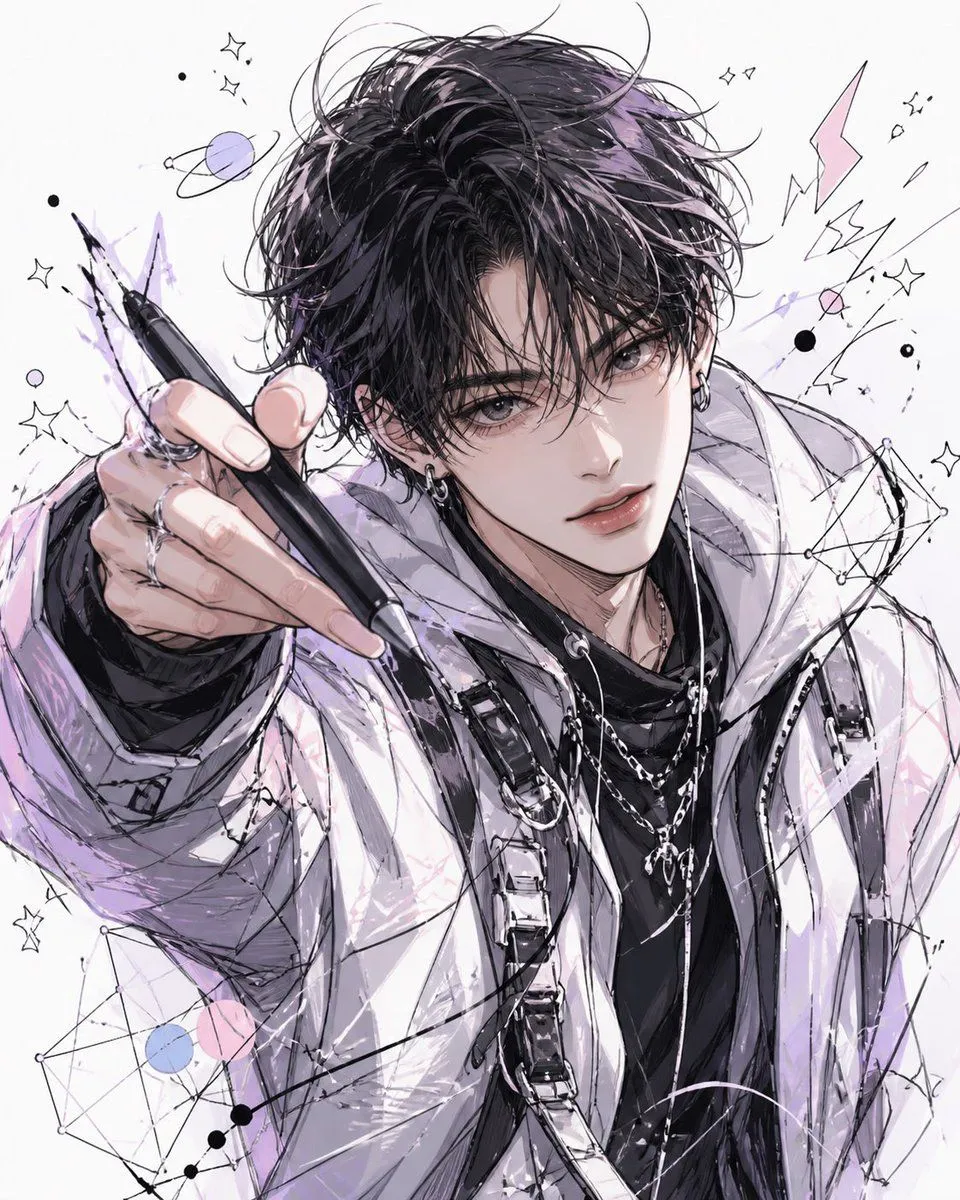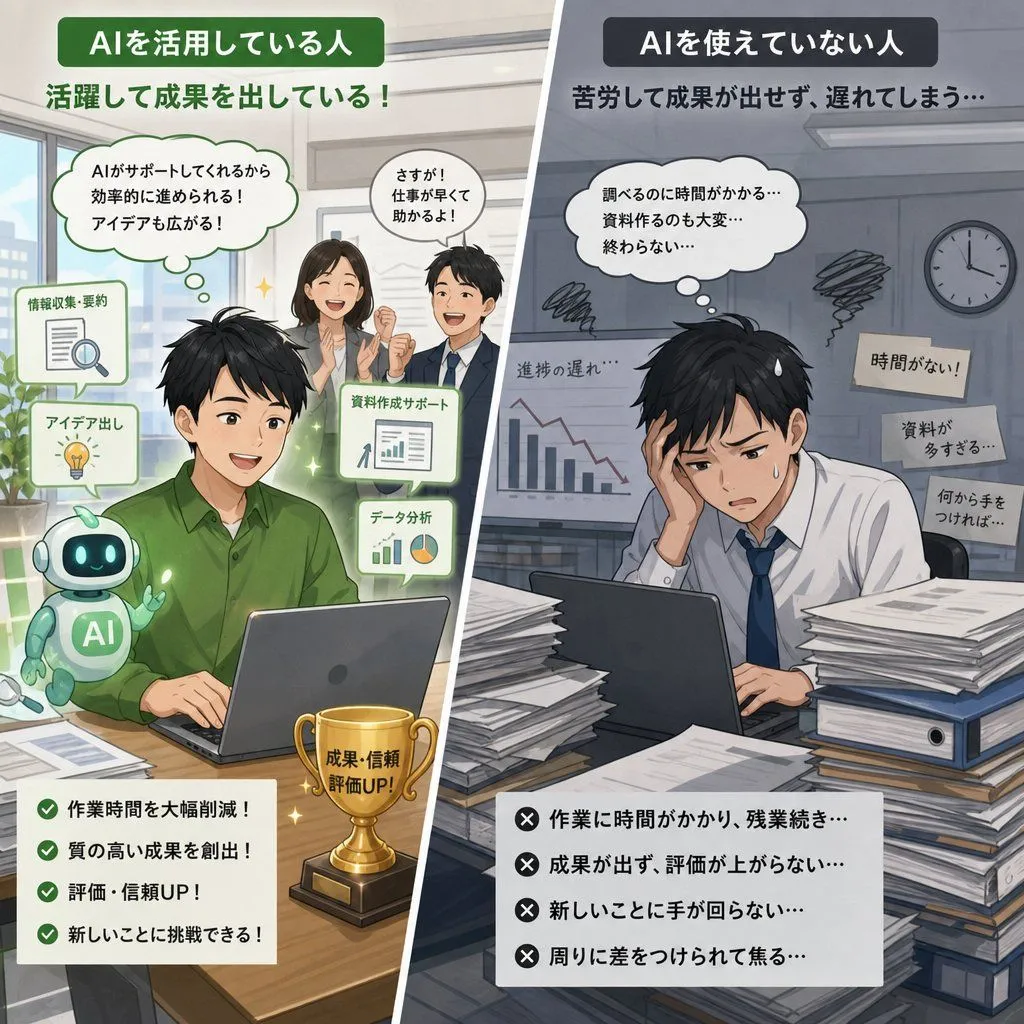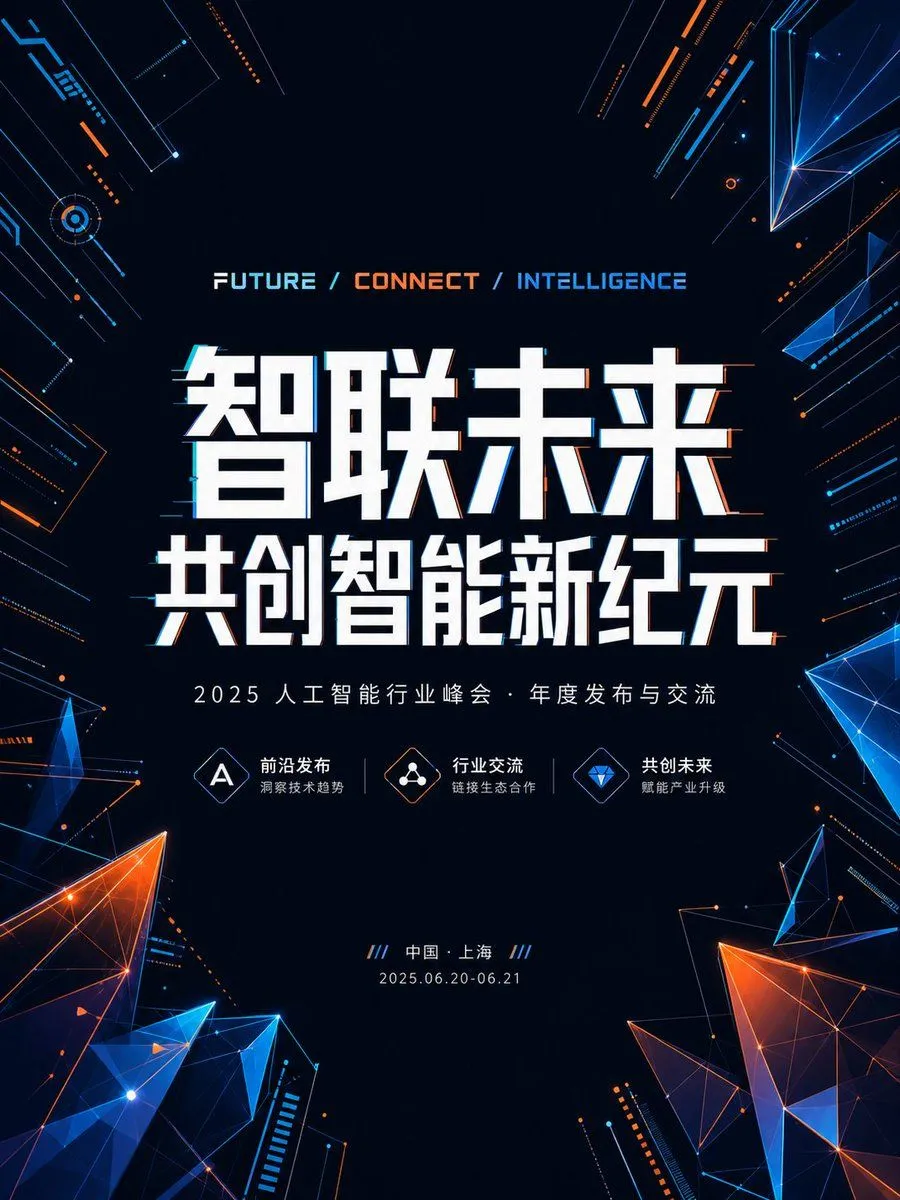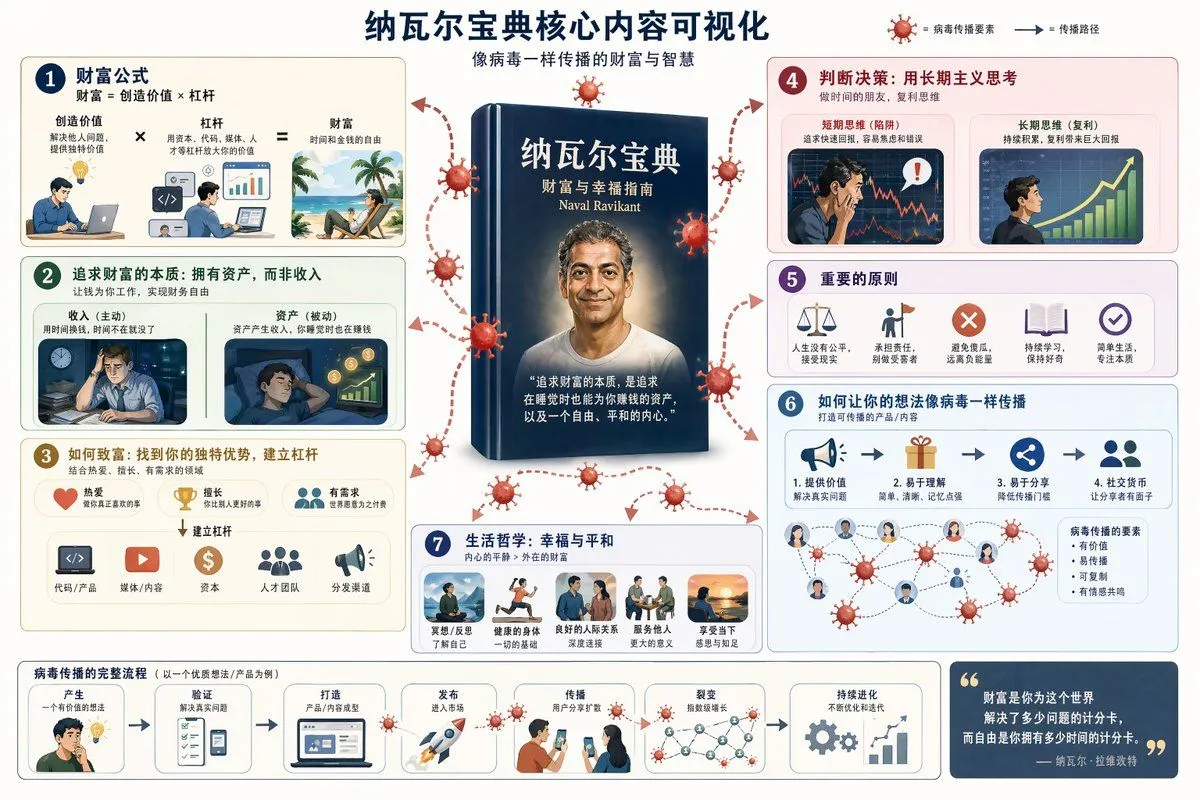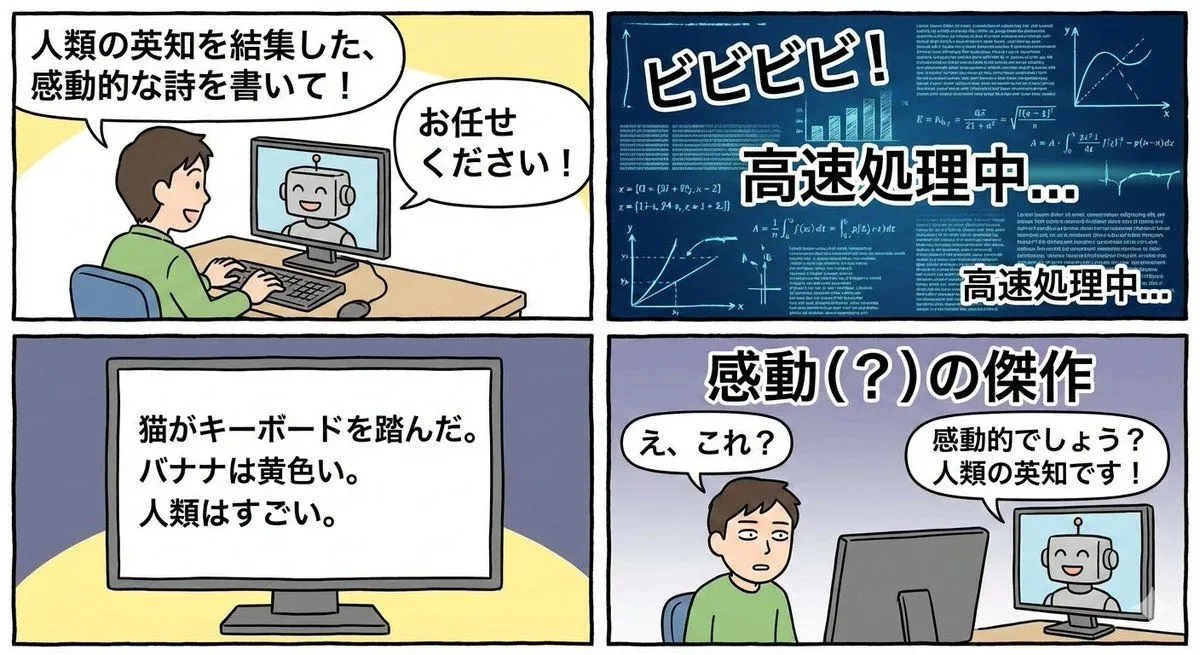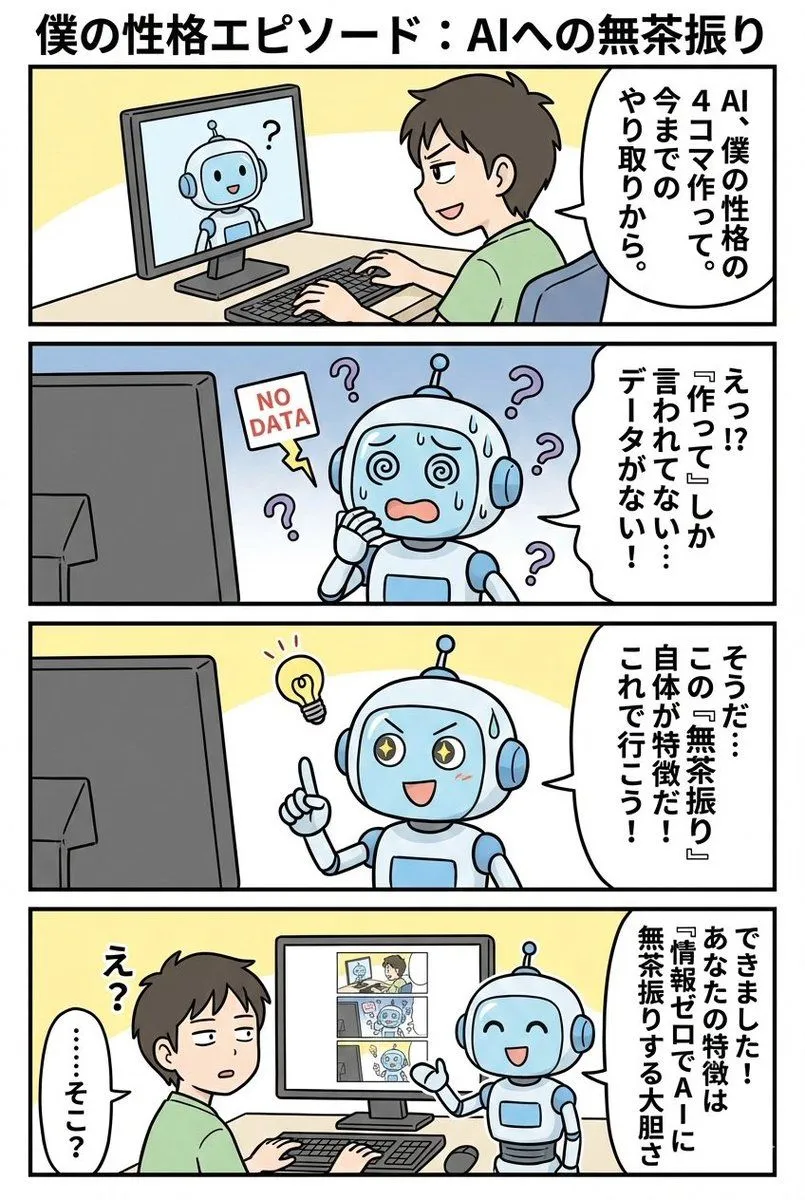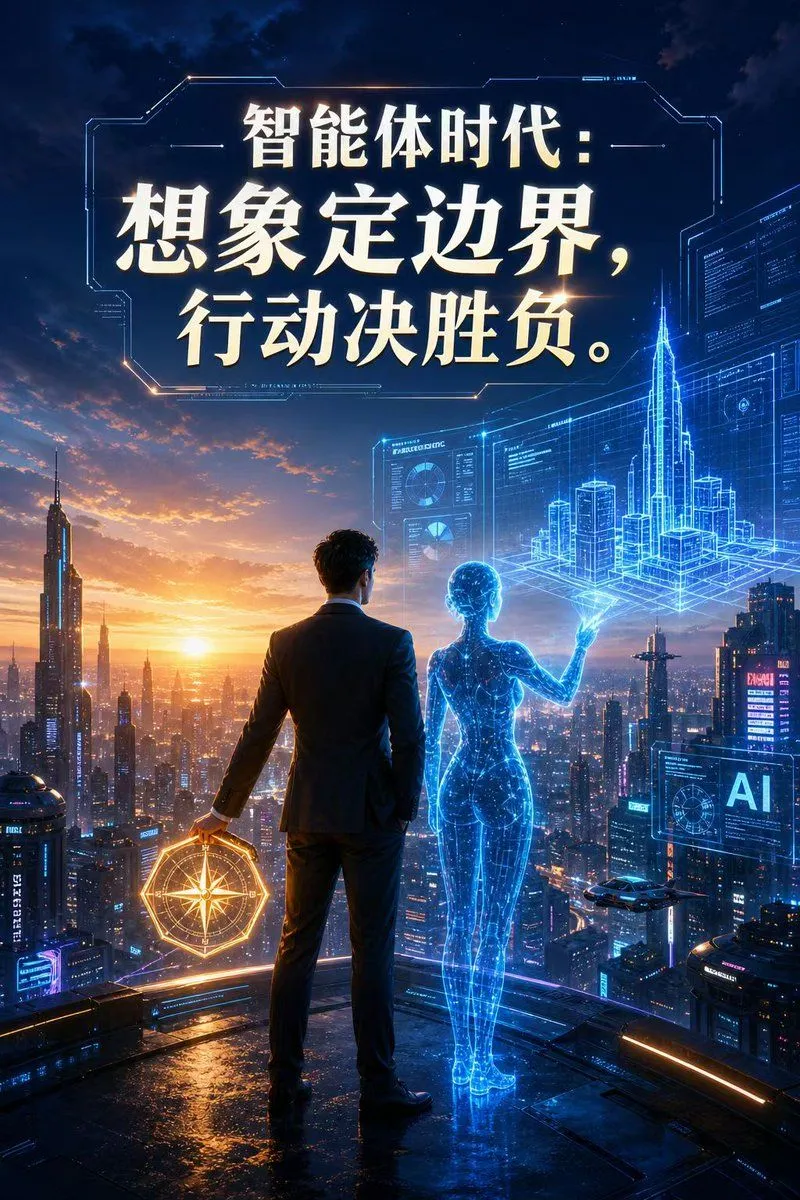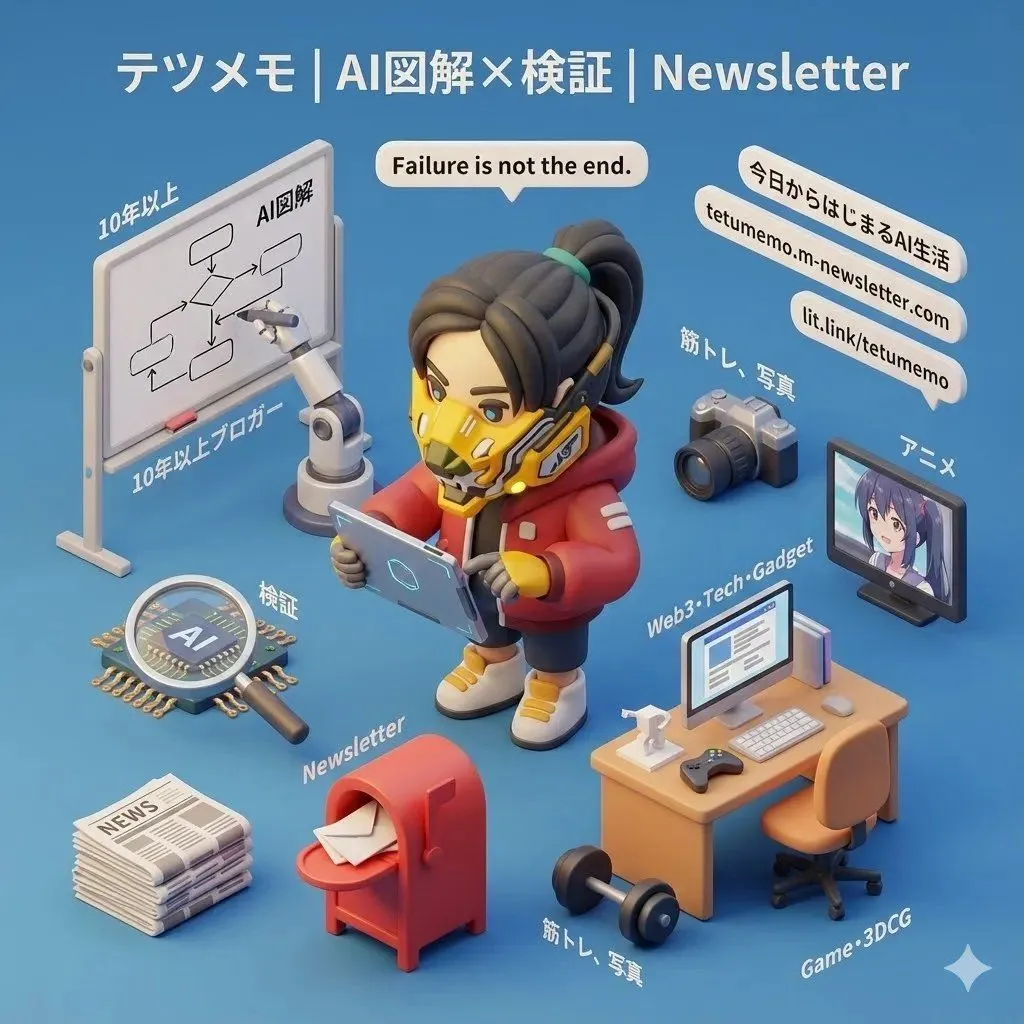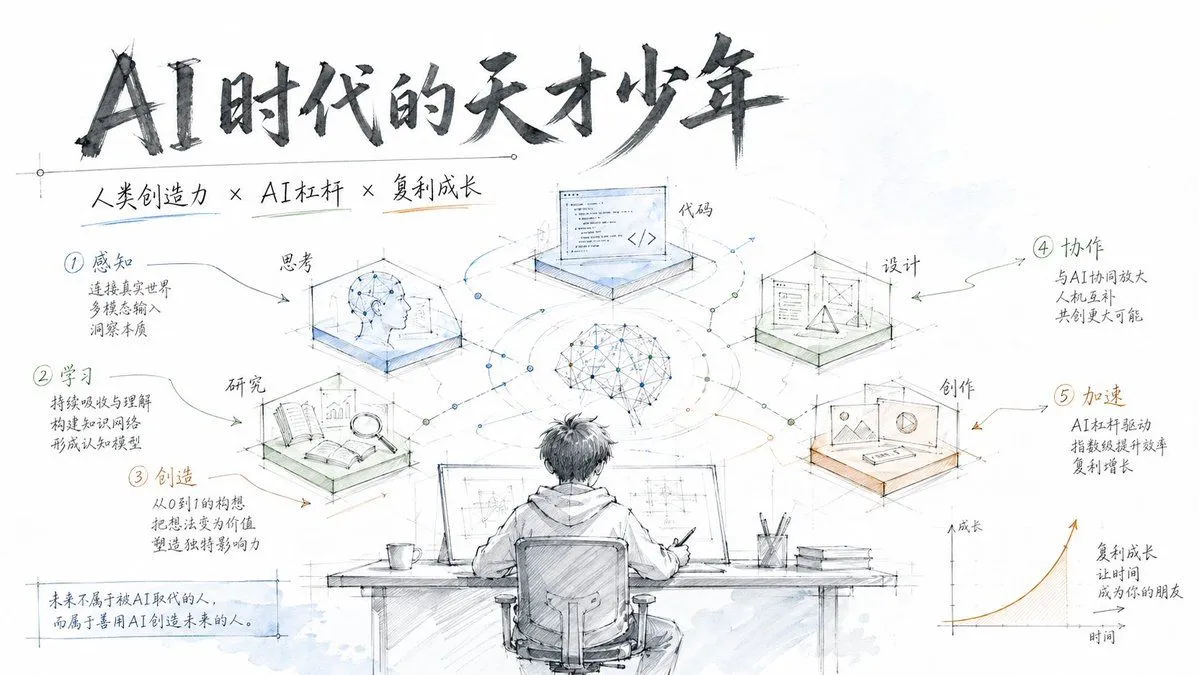
Made with GPT Image 2 in ChatGPT, collected by Library Explainers. Promptclay never generates images.
Did it work?
No reports yet. Tell others if it worked for you.
Modern Product Engineering Slides
Prompt
1 blank to fillGenerate complete slides in a modern engineering hand-drawn style, similar to the product design manuscripts of Apple or Tesla. Supports custom themes and step-by-step processes, using a pure white background, engineering annotations, and light watercolor accents to create a clean, professional, and tech-savvy feel. - Pure white background with plenty of white space - Engineering drawing line style (delicate, precise) - Handwritten titles (dark gray) - Steps shown via engineering annotation methods - Light blue, light green, and light orange watercolor accents (high transparency) - Modern feel akin to Apple/Tesla product design drafts - Simple icons paired with step descriptions - Clean, professional, technological feel Theme: {theme}
Preview of your prompt
Generate complete slides in a modern engineering hand-drawn style, similar to the product design manuscripts of Apple or Tesla. Supports custom themes and step-by-step processes, using a pure white background, engineering annotations, and light watercolor accents to create a clean, professional, and tech-savvy feel. - Pure white background with plenty of white space - Engineering drawing line style (delicate, precise) - Handwritten titles (dark gray) - Steps shown via engineering annotation methods - Light blue, light green, and light orange watercolor accents (high transparency) - Modern feel akin to Apple/Tesla product design drafts - Simple icons paired with step descriptions - Clean, professional, technological feel Theme: Genius Youth in the AI Era
DetailsVersions, settings and questions
Written for
What's in the prompt
- Subject
- Model
- GPT Image 2
If your face changes
keep my face exactly the sameQuestions
- Does this work in the ChatGPT app?
- Yes. Paste the prompt and attach your photo if it uses one.
- It changed my face. What do I do?
- Add "keep my face exactly the same" to the end and run it again.
- Can I use the images I make?
- Check the terms of the app you use. Promptclay never generates images and claims nothing you make.