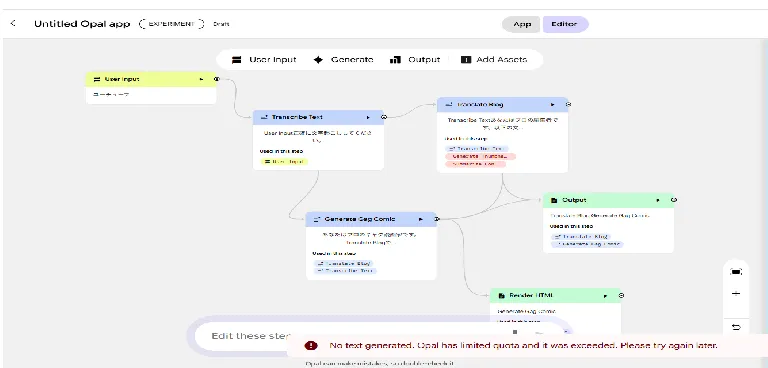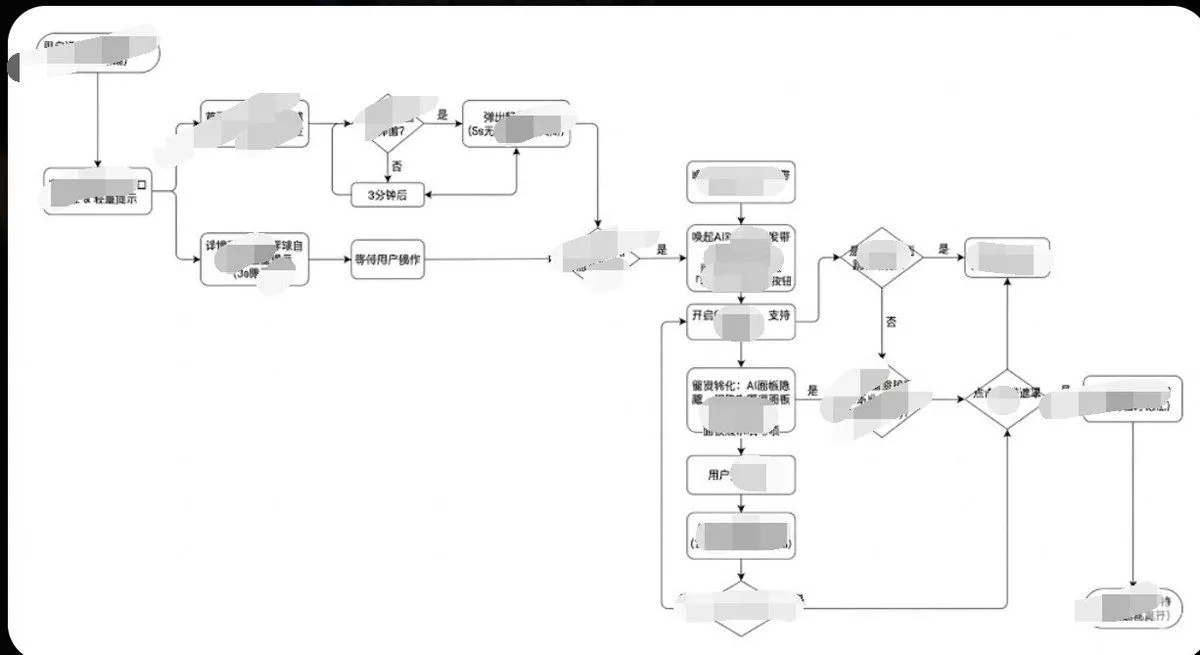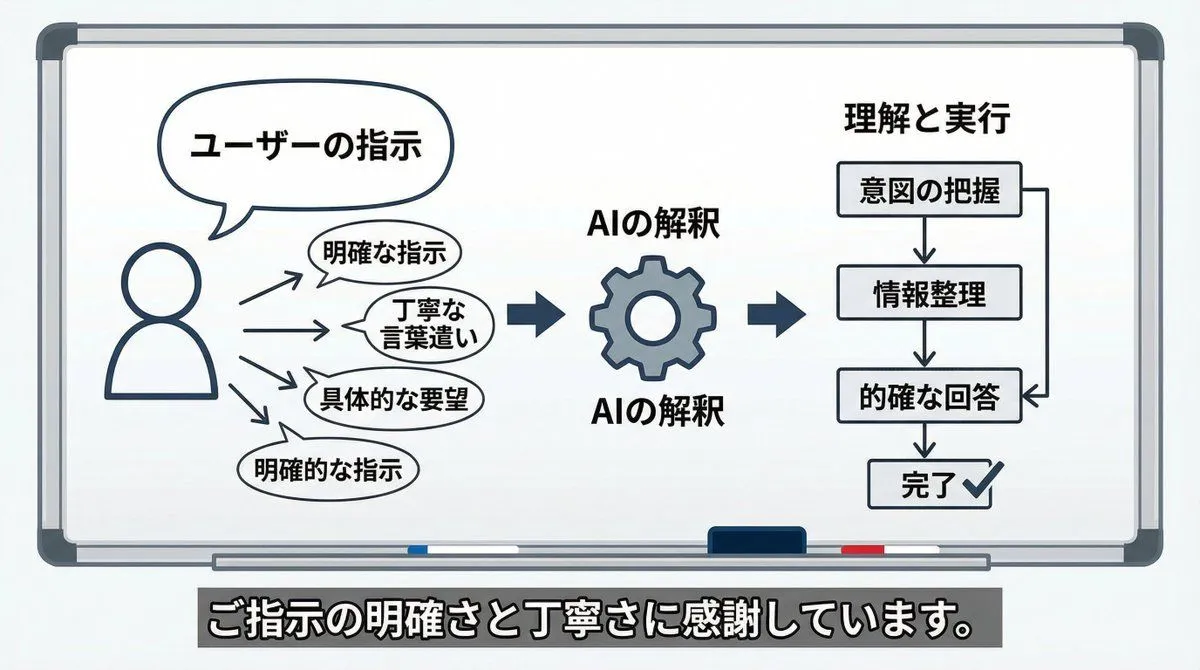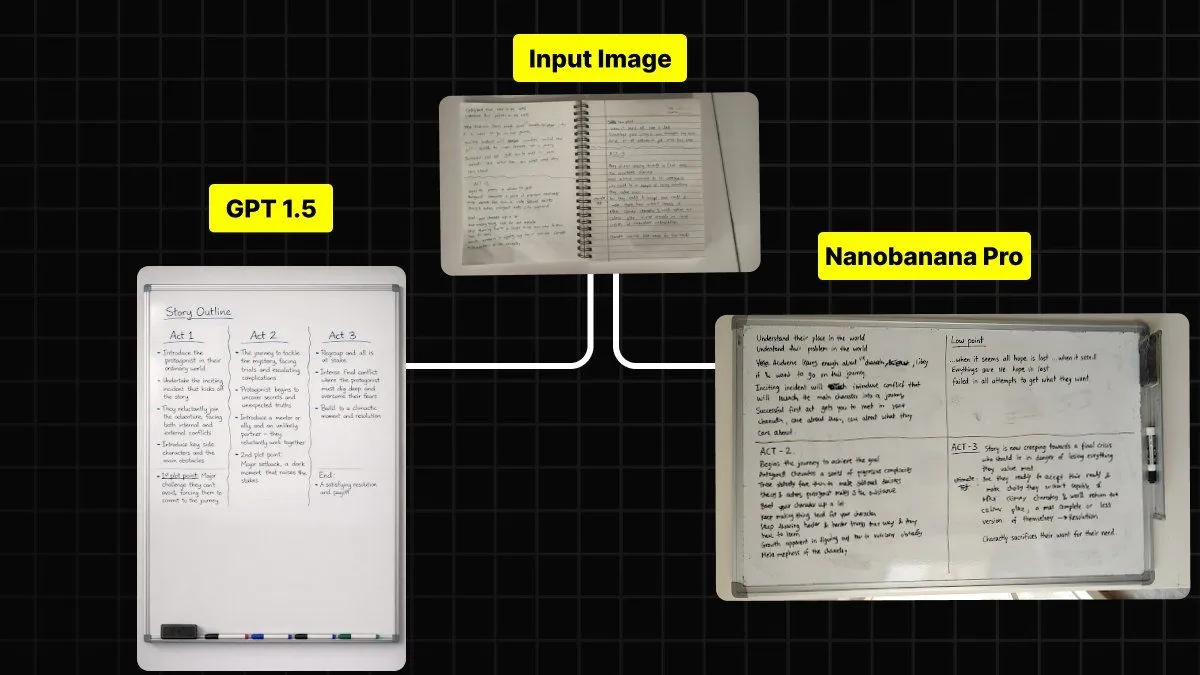
Made with GPT Image 2 in ChatGPT, collected by Library Brand. Promptclay never generates images.
Did it work?
No reports yet. Tell others if it worked for you.
Isometric Workflow Automation Illustration
Prompt
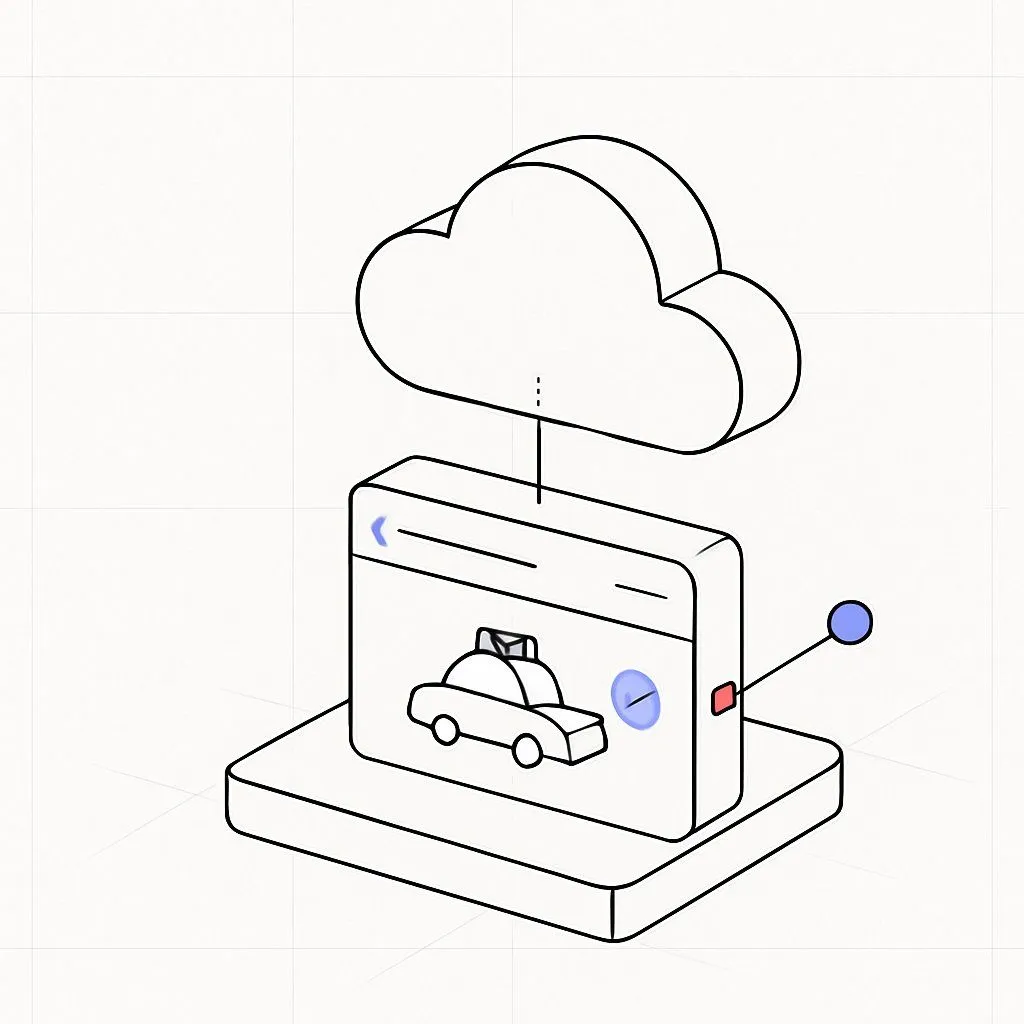
1 blank to fillCreate a clean isometric corporate website illustration on a white background, showing a stylized laptop at the center with a workflow automation diagram on its screen. A human figure in a red sweater, black pants, and white shoes stands to the right of the laptop, reaching forward and pressing a red rounded-square node on the screen. Use a modern vector/3D hybrid style with thick black outlines, soft gray shadows, white surfaces, and a limited palette of orange, red, black, and light gray. Include exactly 7 distinct surrounding objects connected by black circuit-like lines with small orange circular junctions: 1 large orange gear in the upper left behind the laptop screen, 1 small red gear on the right, 1 white rounded cube with an orange top tile in the upper right, 1 white/red rounded cube with a pie-chart icon in the lower left, 1 small white rounded cube with an orange check mark at the bottom center, 1 stacked white server-like cube with an orange top and small orange/red dots in the lower right, and 1 central laptop with a visible keyboard and trackpad. On the laptop screen include exactly 5 workflow UI elements: 2 red rounded-square nodes with white circular centers, 1 orange rounded rectangle in the middle, 1 white rounded rectangle with three small colored dots, and 1 black curved connector leading to the right red node. Keep the composition airy, minimal, friendly, and suitable as a corporate site hero asset for {business_theme}. No text, no logos, no photorealism, no clutter.
Preview of your prompt
Create a clean isometric corporate website illustration on a white background, showing a stylized laptop at the center with a workflow automation diagram on its screen. A human figure in a red sweater, black pants, and white shoes stands to the right of the laptop, reaching forward and pressing a red rounded-square node on the screen. Use a modern vector/3D hybrid style with thick black outlines, soft gray shadows, white surfaces, and a limited palette of orange, red, black, and light gray. Include exactly 7 distinct surrounding objects connected by black circuit-like lines with small orange circular junctions: 1 large orange gear in the upper left behind the laptop screen, 1 small red gear on the right, 1 white rounded cube with an orange top tile in the upper right, 1 white/red rounded cube with a pie-chart icon in the lower left, 1 small white rounded cube with an orange check mark at the bottom center, 1 stacked white server-like cube with an orange top and small orange/red dots in the lower right, and 1 central laptop with a visible keyboard and trackpad. On the laptop screen include exactly 5 workflow UI elements: 2 red rounded-square nodes with white circular centers, 1 orange rounded rectangle in the middle, 1 white rounded rectangle with three small colored dots, and 1 black curved connector leading to the right red node. Keep the composition airy, minimal, friendly, and suitable as a corporate site hero asset for automation and digital workflow. No text, no logos, no photorealism, no clutter.
DetailsVersions, settings and questions
Written for
What's in the prompt
- Subject
- Model
- GPT Image 2
If your face changes
keep my face exactly the sameQuestions
- Does this work in the ChatGPT app?
- Yes. Paste the prompt and attach your photo if it uses one.
- It changed my face. What do I do?
- Add "keep my face exactly the same" to the end and run it again.
- Can I use the images I make?
- Check the terms of the app you use. Promptclay never generates images and claims nothing you make.