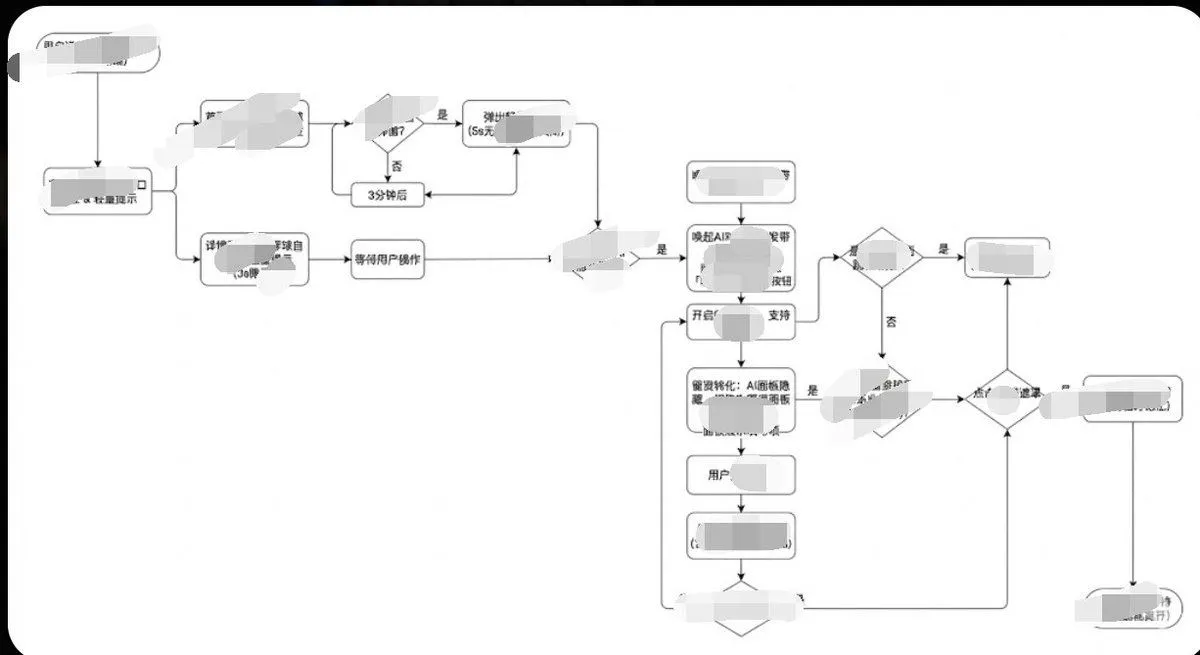
Minimalist Flowchart/Diagram Generation Style Guide
Generate image, 1. Style Core Parameter Extraction (Style Guide) Please refer to the following parameters: Color Palette: Background: Pure white (#FFFFFF) Lines/Borders: Dark gray or pure black (#333333 or #000000) Text: Dark gray (#333333), regular weight, no bold. Fill: No fill (transparent) or pure white fill, to cover lines behind. Lines/Connectors: Type: Orthogonal/Elbow lines, meaning only vertical and horizontal lines, with right-angle corners. Thickness: Extremely thin (1px). Arrow: Solid small triangle (Solid Arrowhead), black. Shapes: Normal Node: Rounded Rectangle, very small corner radius (approx. 4px - 8px). Decision Node: Diamond. Start/End: Capsule shape or rectangle with larger rounded corners. Typography: Alignment: Center aligned. Font: Sans-serif font, such as Arial, Roboto, or Source Han Sans. Small font size (approx. 12px-14px). Apply the style above along with your user journey/process to Gemini, and it will present the corresponding effect without needing adjustments.