Tell us anything

An idea, a bug, something you love. We read every note.

⌘↵ to send. The page you're on comes along.

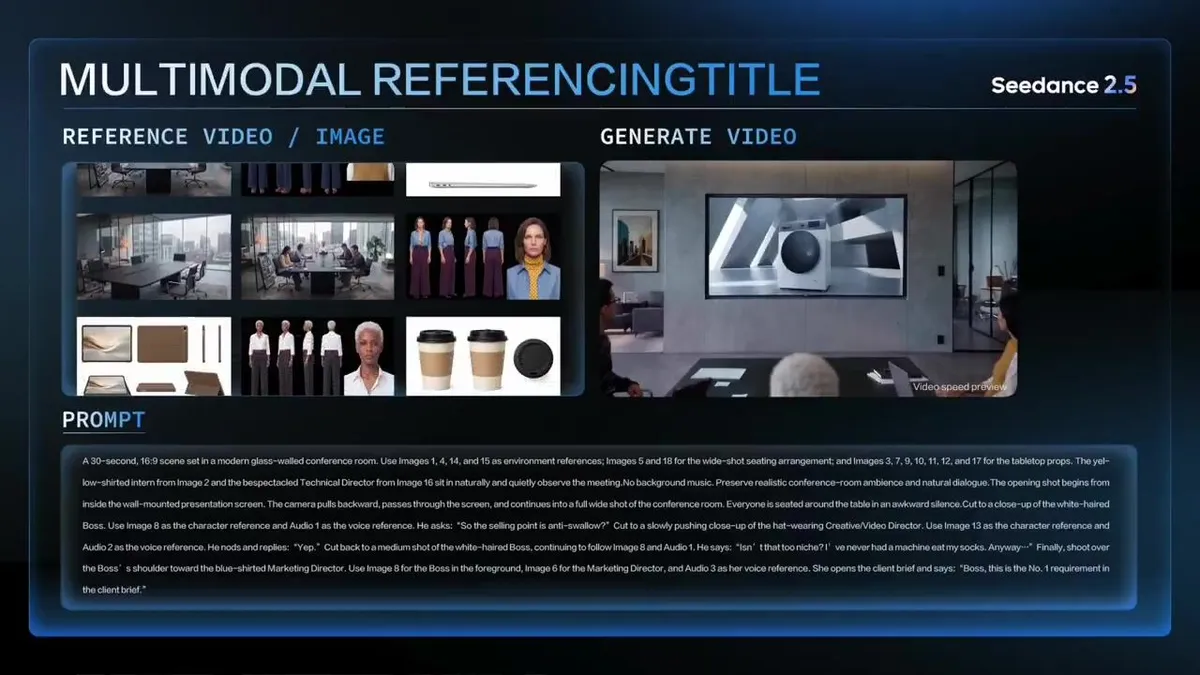
Multi-Asset Office Meeting Scene

Made with Seedance 2.5 in Kling, collected by Library Cinema. Promptclay never generates images.

Did it work?

No reports yet. Tell others if it worked for you.

No comments yet. Be the first.

    Multi-Asset Office Meeting Scene

    Seedance 2.516:9AI-generated

    Prompt

    A 30-second, 16:9 scene set in a modern glass-walled conference room. Use Images 1, 4, 14, and 15 as environment references; Images 5 and 18 for the wide-shot seating arrangement; and Images 3, 7, 9, 10, 11, 12, and 17 for the tabletop props. The yellow-shirted intern from Image 2 and the bespectacled Technical Director from Image 16 sit in naturally and quietly observe the meeting. No background music. Preserve realistic conference-room ambience and natural dialogue.The opening shot begins from inside the wall-mounted presentation screen. The camera pulls backward, passes through the screen, and continues into a full wide shot of the conference room. Everyone is seated around the table in an awkward silence.Cut to a close-up of the white-haired Boss. Use Image 8 as the character reference and Audio 1 as the voice reference. He asks: “So the selling point is anti-swallow?”Cut to a slowly pushing close-up of the hat-wearing Creative/Video Director. Use Image 13 as the character reference and Audio 2 as the voice reference. He nods and replies: “Yep.”Cut back to a medium shot of the white-haired Boss, continuing to follow Image 8 and Audio 1. He says: “Isn’t that too niche? I’ve never had a machine eat my socks. Anyway…”Finally, shoot over the Boss’s shoulder toward the blue-shirted Marketing Director. Use Image 8 for the Boss in the foreground, Image 6 for the Marketing Director, and Audio 3 as her voice reference. She opens the client brief and says: “Boss, this is the No. 1 requirement in the client brief.”

    Works in
    Kling
    Status
    Free to copy
    0
    DetailsVersions, settings and questions

    Written for

    What's in the prompt

    Subject
    Model
    Seedance 2.5

    If your face changes

    keep my face exactly the same

    Questions

    Does this work in the Kling app?
    Yes. Paste the prompt and attach your photo if it uses one.
    It changed my face. What do I do?
    Add "keep my face exactly the same" to the end and run it again.
    Can I use the images I make?
    Check the terms of the app you use. Promptclay never generates images and claims nothing you make.
    Similar prompts

    See more
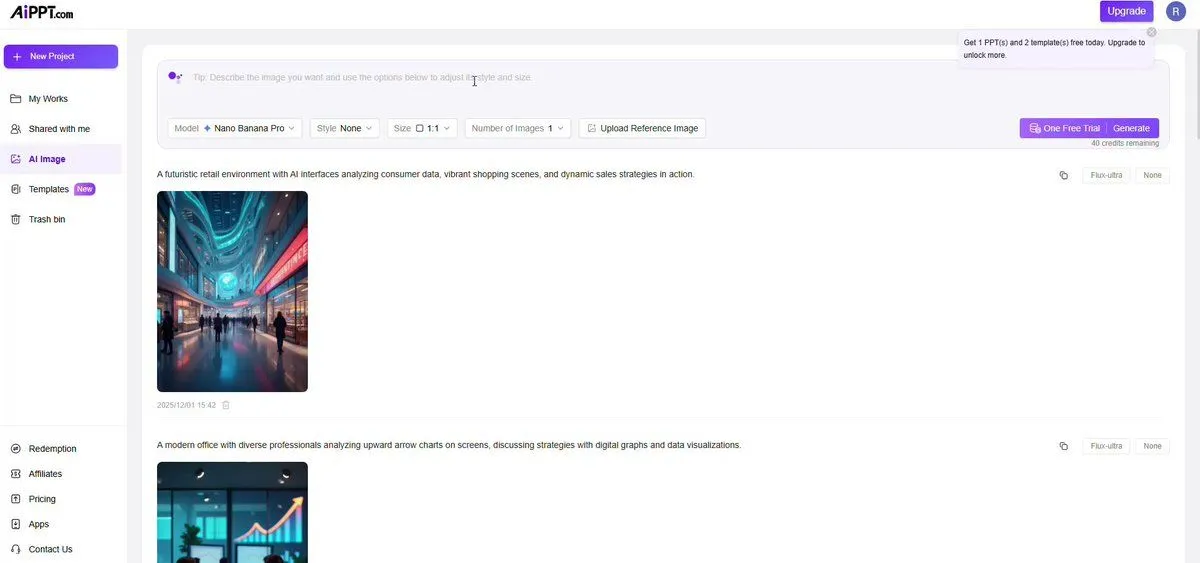
    • AI Video Workspace Screenshot
    • Generating Hollywood Detective Scene Images with Character Reference
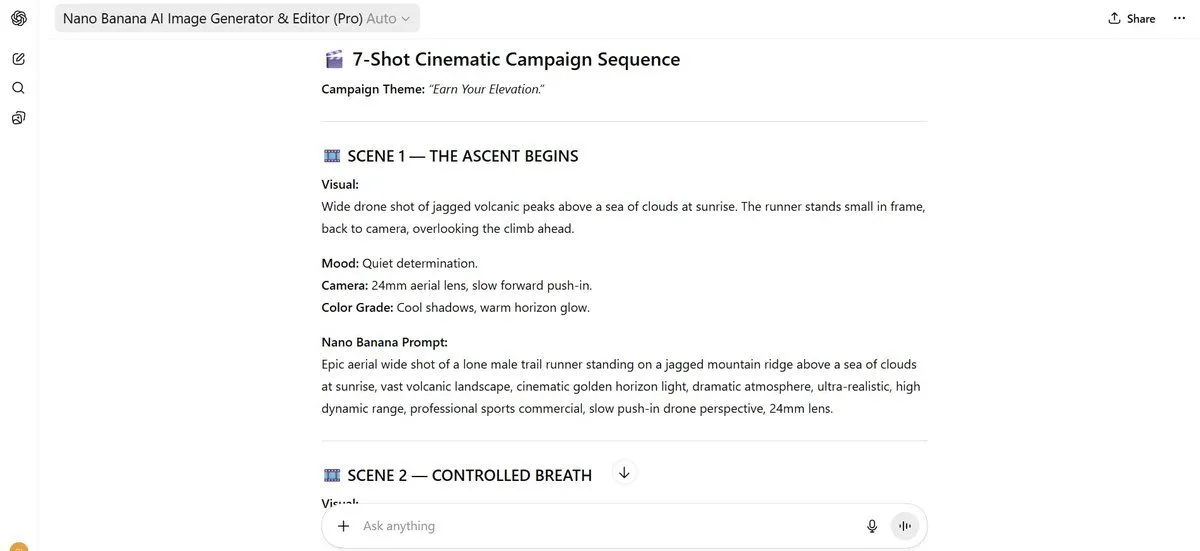
    • 7-Shot Cinematic Campaign Sequence Prompt
    • Plug-and-Play Prompt for AI Business Meeting Image
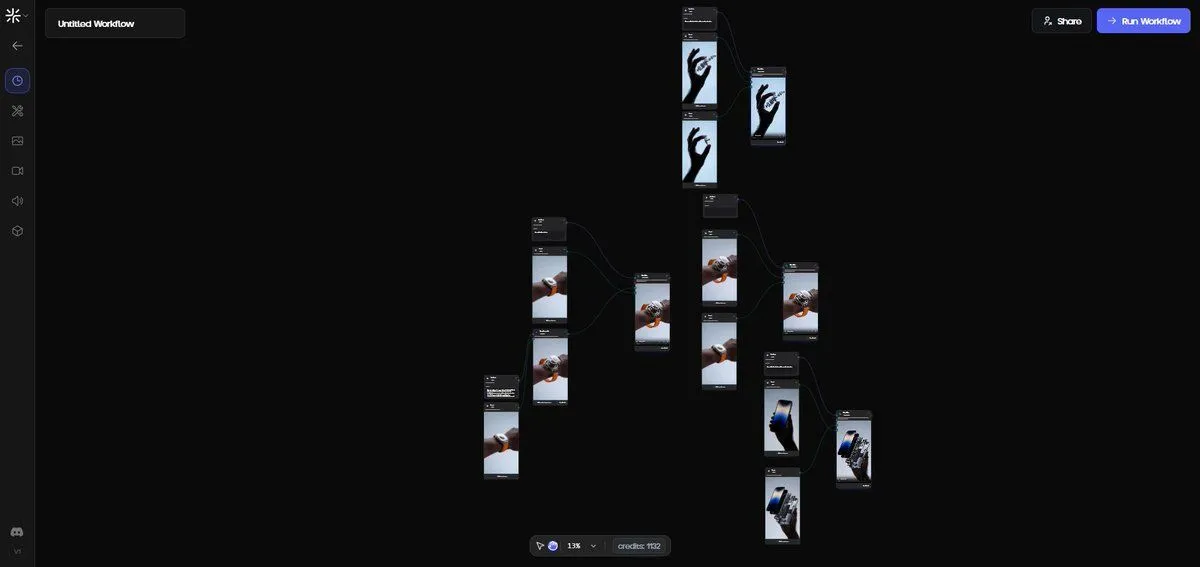
    • Exploded View Disassembly of Apple Watch Ultra and iPhone
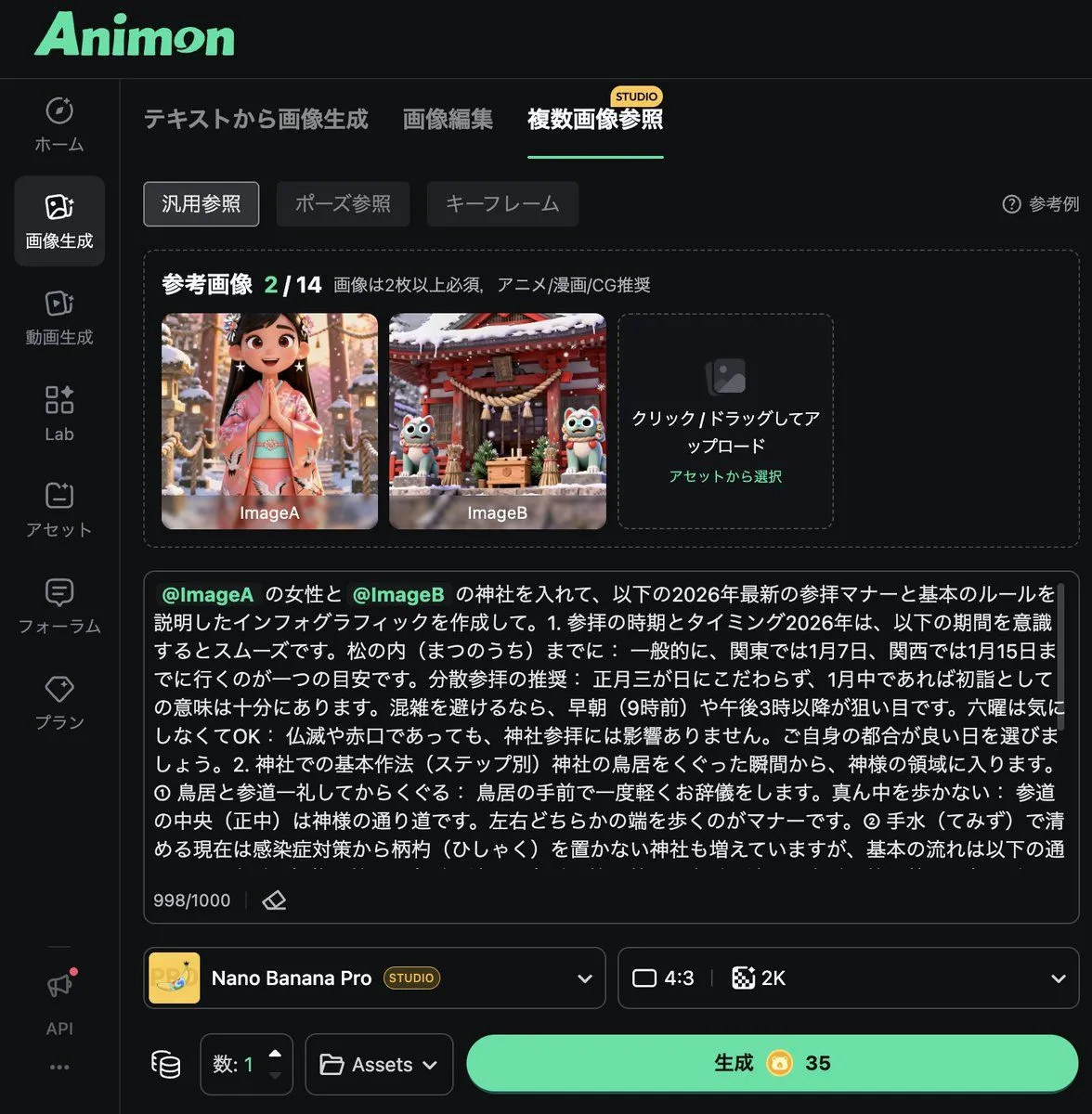
    • Infographic Generation from Images and Text using Nano Banana Pro
    • Anime Announcement Poster Template
    • AI Brand Guide Generation UI
    • AI Artifact Removal Instruction
    • Wildlife documentary animal sequenceVideo, 0:08
    • Model Posing with Multiple OutfitsVideo, 0:10
    • Generating Prompts from Reference Images with Nano Banana Pro
    • AI Filmmaking Prompt Workflow Infographic
    • Various playful test prompts for Nano Banana
    • AI Inspiration Gallery Grid
    • Multi-Scenario Image Generation Prompt
    • Generating Purikura-style Photos with Animals using GPT Image 1.5
    • Structural Image Inpainting Prompt
    • LartAI Download Step Tutorial
    • Grok Instruction for Generating Nano Banana Pro Image Prompts
    • 12-Panel Sticker/Emoji Grid Generation Prompt
    • Panoramic Tech Event Atrium Scene
    • Cinematic Storyboard Production Board
    • Structured 5-Slot Generation Template

    Show more

    Run it on your phone

    1. Prompt copiedRead it

      A 30-second, 16:9 scene set in a modern glass-walled conference room. Use Images 1, 4, 14, and 15 as environment references; Images 5 and 18 for the wide-shot seating arrangement; and Images 3, 7, 9, 10, 11, 12, and 17 for the tabletop props. The yellow-shirted intern from Image 2 and the bespectacled Technical Director from Image 16 sit in naturally and quietly observe the meeting. No background music. Preserve realistic conference-room ambience and natural dialogue.The opening shot begins from inside the wall-mounted presentation screen. The camera pulls backward, passes through the screen, and continues into a full wide shot of the conference room. Everyone is seated around the table in an awkward silence.Cut to a close-up of the white-haired Boss. Use Image 8 as the character reference and Audio 1 as the voice reference. He asks: “So the selling point is anti-swallow?”Cut to a slowly pushing close-up of the hat-wearing Creative/Video Director. Use Image 13 as the character reference and Audio 2 as the voice reference. He nods and replies: “Yep.”Cut back to a medium shot of the white-haired Boss, continuing to follow Image 8 and Audio 1. He says: “Isn’t that too niche? I’ve never had a machine eat my socks. Anyway…”Finally, shoot over the Boss’s shoulder toward the blue-shirted Marketing Director. Use Image 8 for the Boss in the foreground, Image 6 for the Marketing Director, and Audio 3 as her voice reference. She opens the client brief and says: “Boss, this is the No. 1 requirement in the client brief.”

    2. Open your app

    3. Paste and run

      Press and hold the message box, then tap Paste. Add your photo first if the prompt uses one. You may need to sign in.