Panoramic Tech Event Atrium Scene
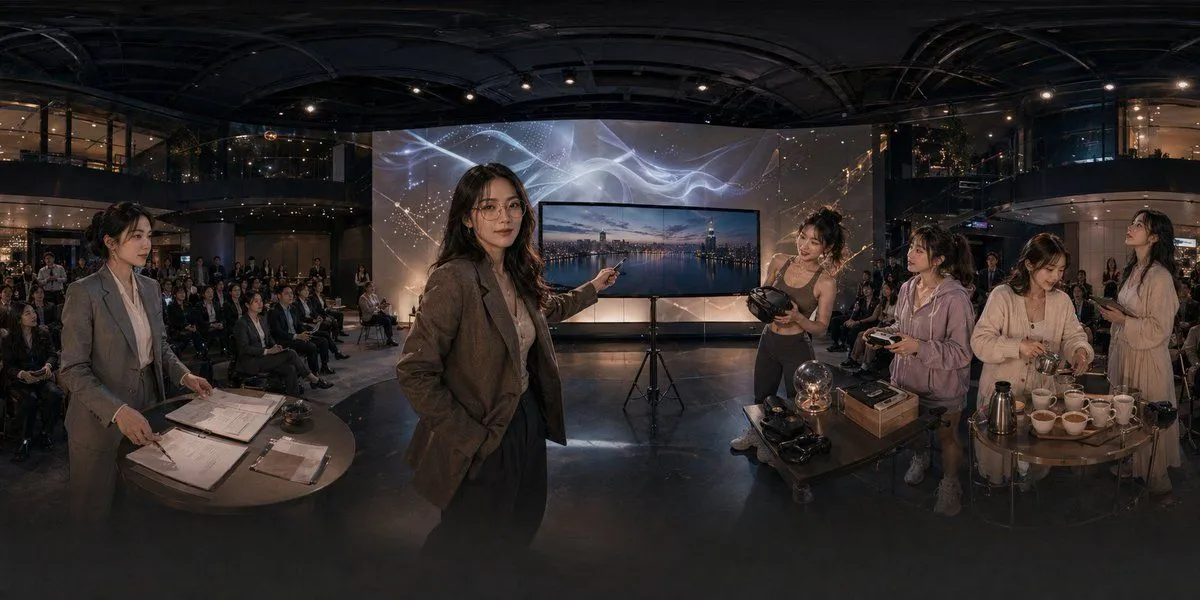
A cinematic ultra-wide panoramic scene inside a modern multi-story event atrium at night, photographed like a 360-degree conference showcase with dramatic warm low-key lighting and glossy dark architectural surfaces. In the center foreground, a professional woman in a brown blazer and dark trousers stands confidently and points toward a large flat-screen display on a tripod; the screen shows a twilight city skyline over water. Behind the display is a tall illuminated backdrop with abstract flowing white light ribbons and faint constellation-like gold sparkles. The venue is filled with a seated audience arranged in rows across the background, watching the presentation. On the left foreground, 1 woman in a gray business suit stands beside a round table covered with paperwork, clipboards, a pen, and a small service bell, as if handling registration or event administration. On the right foreground, there are 4 women gathered around two small round tables demonstrating products and hospitality items: 1 athletic woman in a fitted top holds a VR headset, 1 casually dressed woman in a light hoodie holds a controller, 1 woman in a cream cardigan works with cups and utensils, and 1 woman in a light dress stands nearby holding a phone or small object. The right-side tables contain exactly 11 visible items of note: 1 glowing glass orb lamp, 2 VR headsets, 1 rectangular product box, 1 metallic thermos or coffee pot, and 6 white teacups arranged in a row. The scene should feel like an upscale tech lifestyle launch, blending business presentation, immersive gadgets, and cafe service in one space. Use realistic human proportions, documentary-style staging, polished corporate event photography, subtle reflections on the floor, deep depth, and a seamless extra-wide panorama composition.