Tell us anything

An idea, a bug, something you love. We read every note.

⌘↵ to send. The page you're on comes along.

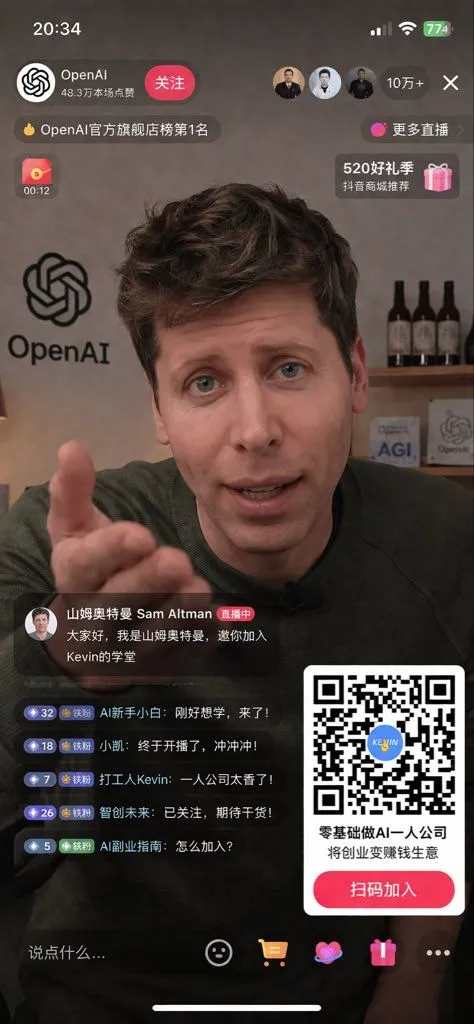
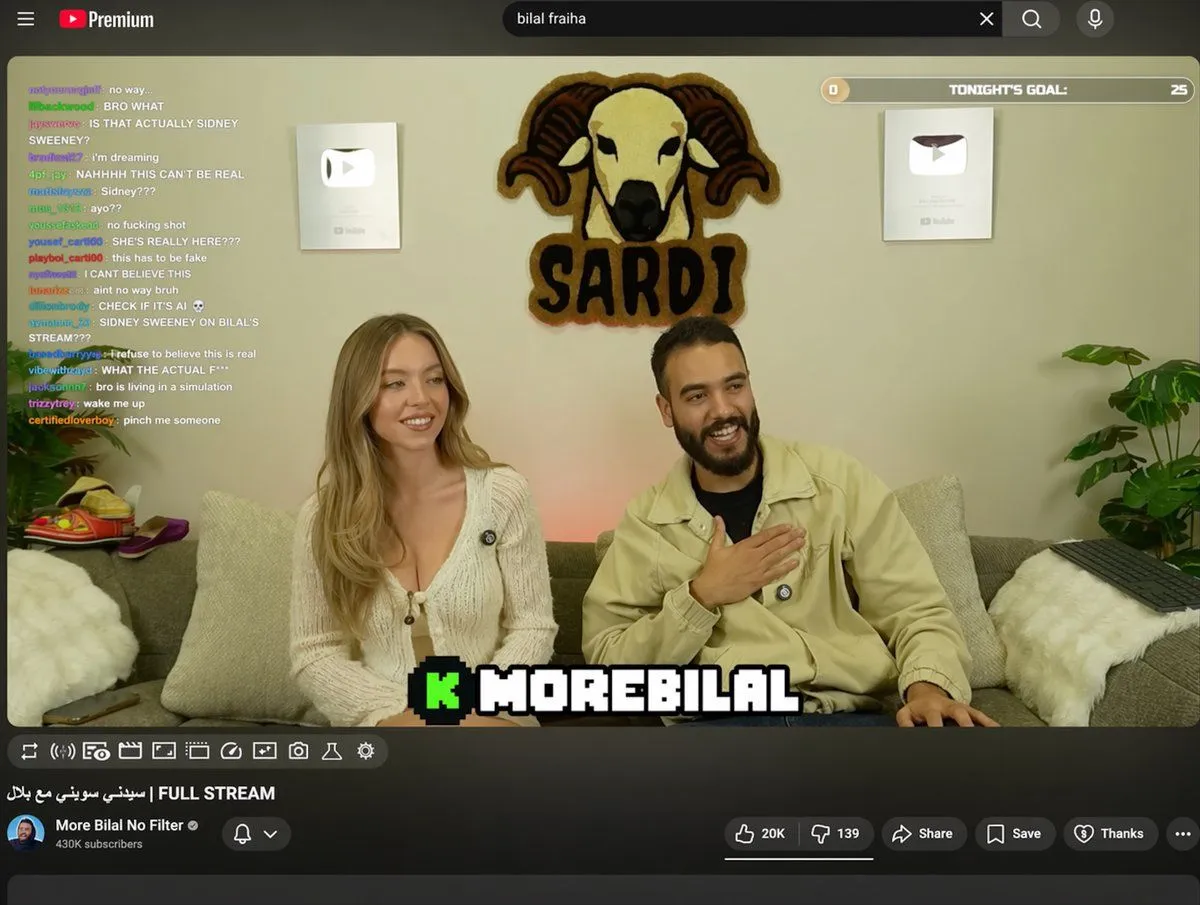
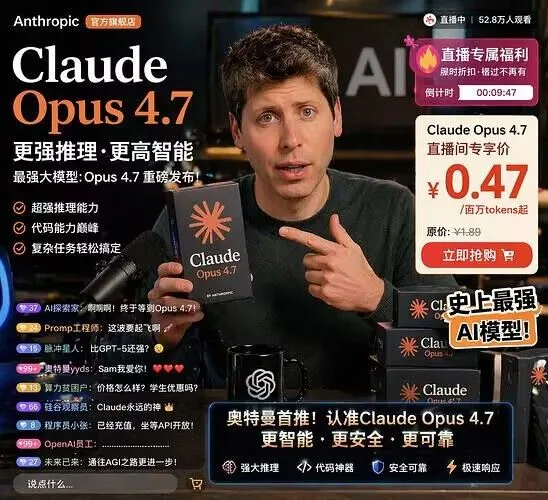
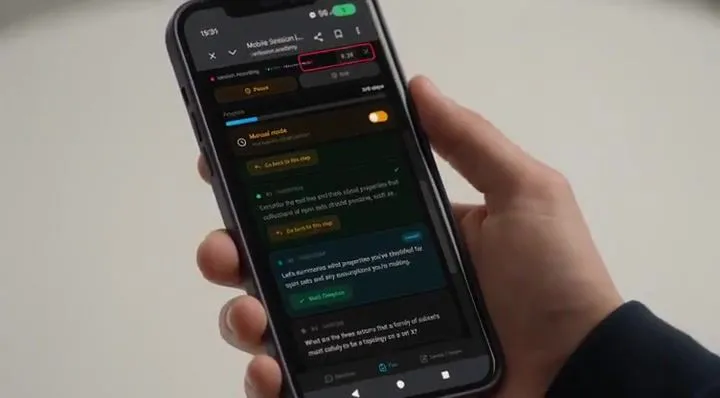
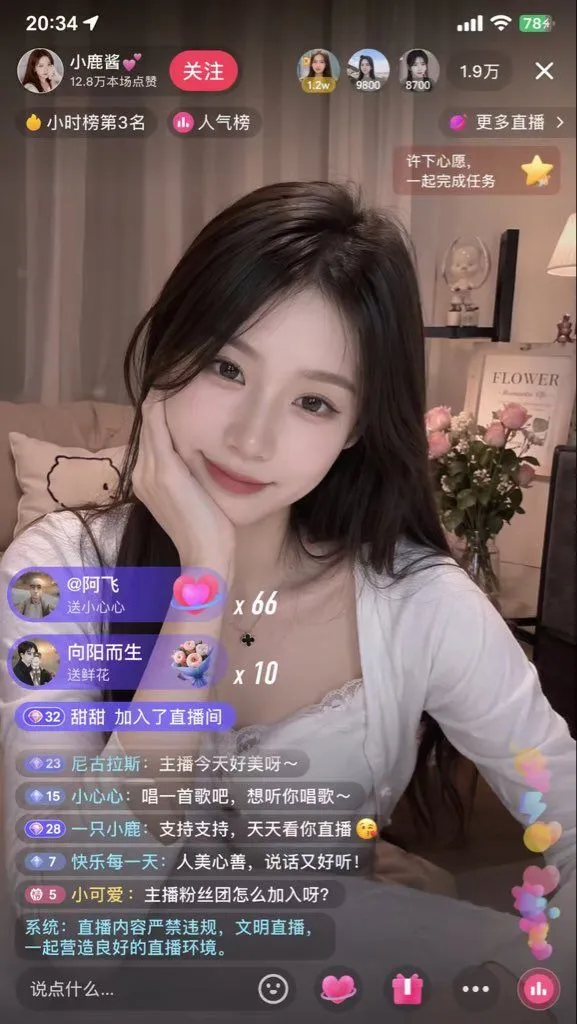
Live Stream App Screenshot Generator

Made with GPT Image 2 in ChatGPT by Library Lifestyle. Promptclay never generates images.

Did it work?

No reports yet. Tell others if it worked for you.

No comments yet. Be the first.

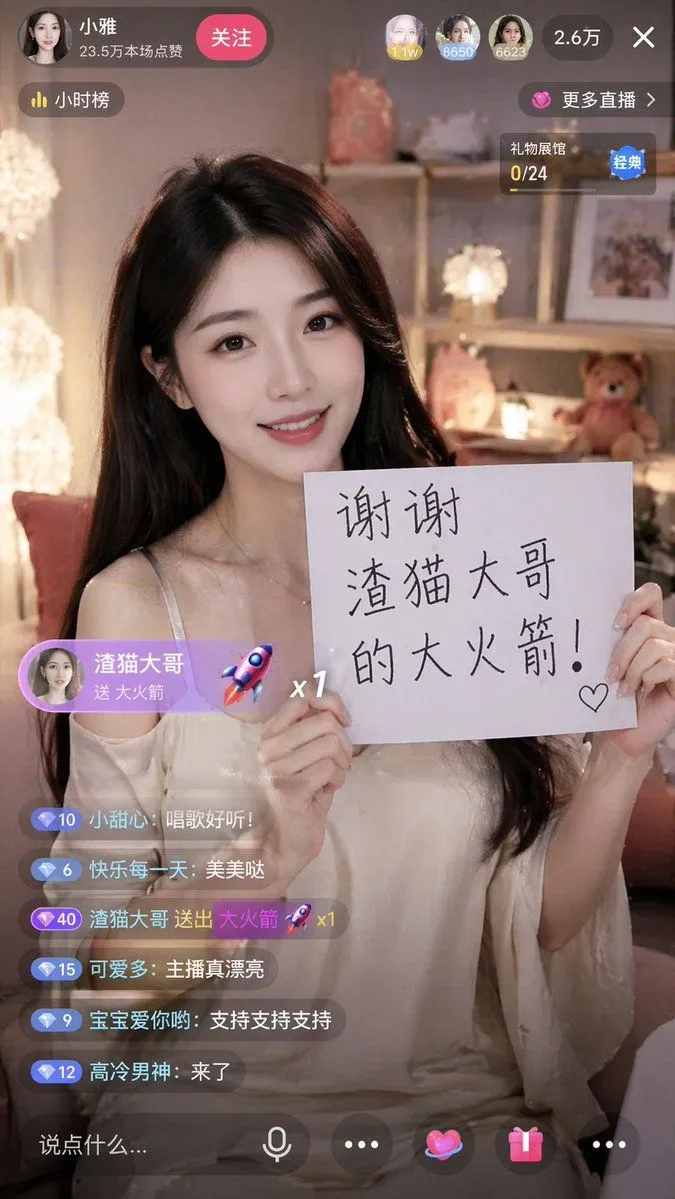
    Live Stream App Screenshot Generator

    GPT Image 29:16AI-generated

    Prompt

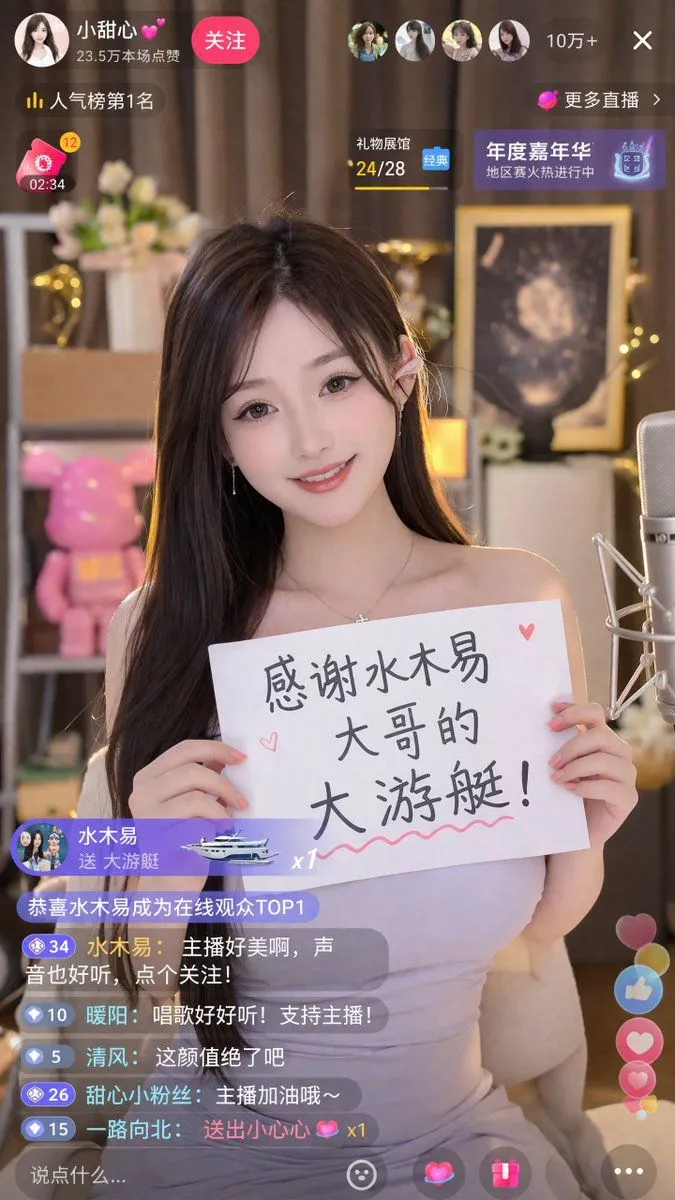
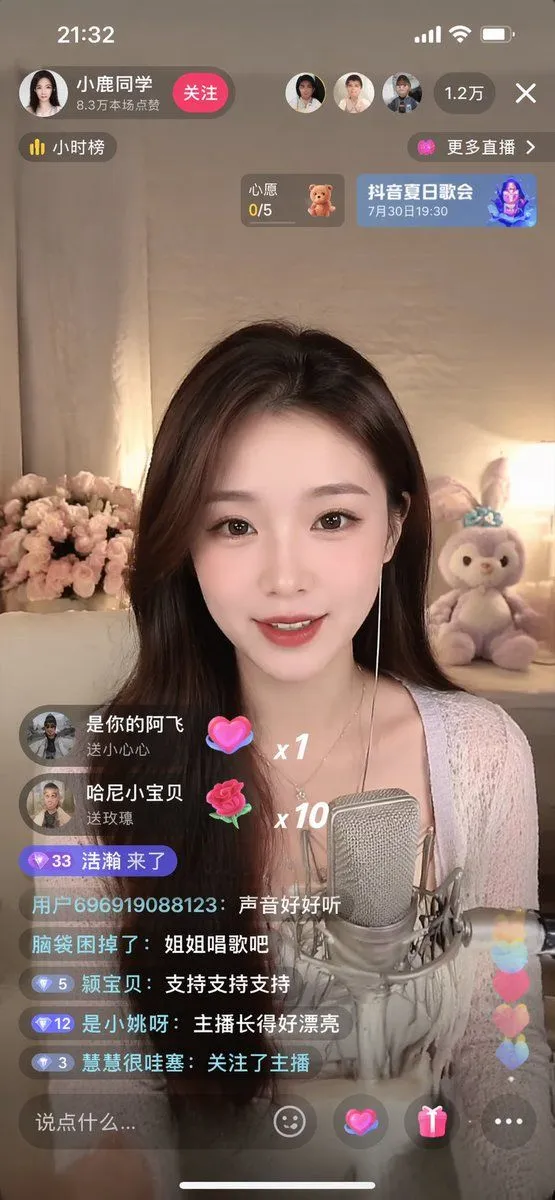
    { "type": "mobile live stream app screenshot", "aspect_ratio": "9:16", "subject": { "description": "{argument name=\"subject description\" default=\"beautiful young Asian woman with long dark hair wearing an off-the-shoulder white top\"}", "action": "smiling warmly at the camera, holding up a white paper sign with both hands", "sign_content": "{argument name=\"sign text\" default=\"谢谢 渣猫大哥 的大火箭!\"} with a small hand-drawn heart" }, "background": "cozy softly lit bedroom, warm fairy lights, shelves with a teddy bear and decorative lamps", "ui_elements": { "top_header": { "broadcaster_profile": { "avatar": "female portrait", "name": "{argument name=\"broadcaster name\" default=\"小雅\"}", "subtitle": "23.5万本场点赞" }, "follow_button": "关注", "top_viewers_count": 3, "total_viewers": "2.6万", "close_button": "X" }, "floating_badges": [ "小时榜", "更多直播 >", "礼物展馆 0/24" ], "gift_overlay": { "position": "middle left", "style": "purple pill shape", "content": "{argument name=\"gift sender name\" default=\"渣猫大哥\"} 送 {argument name=\"gift name\" default=\"大火箭\"}", "icon": "3D rocket", "multiplier": "x1" }, "chat_area": { "position": "bottom left", "message_count": 6, "messages": [ "小甜心: 唱歌好听!", "快乐每一天: 美美哒", "{argument name=\"gift sender name\" default=\"渣猫大哥\"} 送出 {argument name=\"gift name\" default=\"大火箭\"} 🚀 x1", "可爱多: 主播真漂亮", "宝宝爱你哟: 支持支持支持", "高冷男神: 来了" ] }, "bottom_toolbar": { "input_placeholder": "说点什么...", "icon_count": 5, "icons": ["microphone", "ellipsis", "heart", "gift box", "ellipsis"] } } }

    Works in
    ChatGPT, Gemini
    Status
    Free to copy
    0
    DetailsVersions, settings and questions

    Written for

    What's in the prompt

    Subject
    Model
    GPT Image 2

    If your face changes

    keep my face exactly the same

    Questions

    Does this work in the ChatGPT app?
    Yes. Paste the prompt and attach your photo if it uses one.
    It changed my face. What do I do?
    Add "keep my face exactly the same" to the end and run it again.
    Can I use the images I make?
    Check the terms of the app you use. Promptclay never generates images and claims nothing you make.
    Similar prompts

    See more
    • Live-Streaming App Interface Mockup
    • Live Streaming App UI Mockup
    • Livestream Screenshot Prompt
    • Simple Livestream Screenshot
    • Live E-commerce UI Mockup
    • E-commerce Livestream UI Mockup
    • Livestream UI Mockup with Host
    • YouTube Livestream Interface Mockup
    • E-commerce Livestream UI Mockup
    • Video Generation Prompt: Animating Mobile ScreensVideo, 0:10
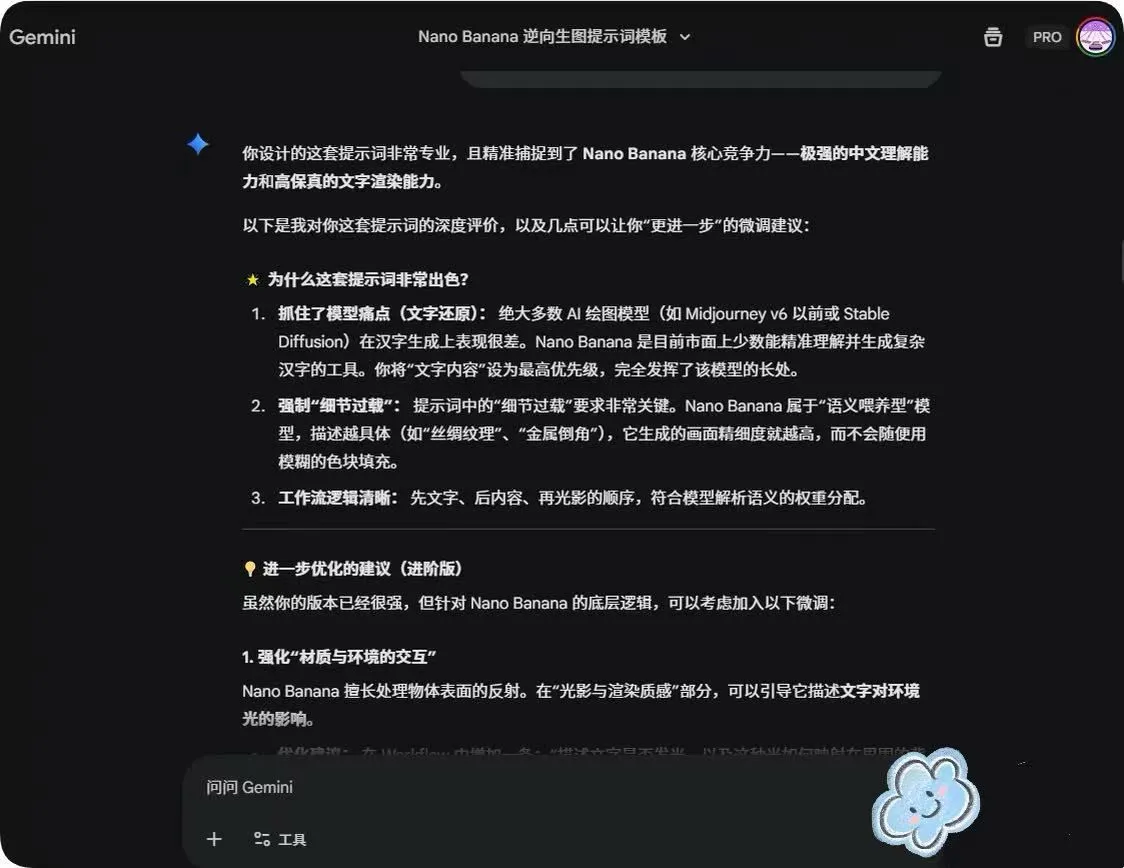
    • System Prompt for Nano Banana Pro Image Prompt Deconstruction
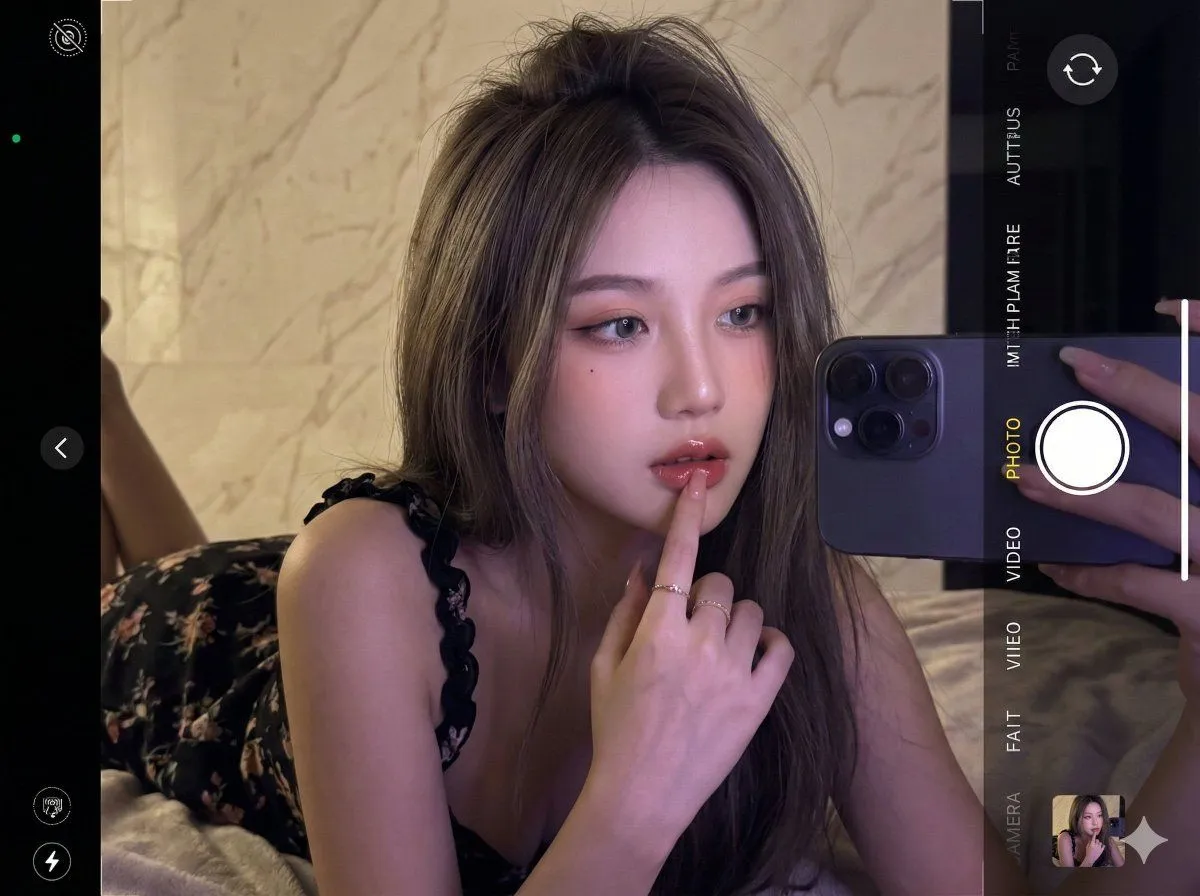
    • Ultra-realistic 16K selfie edit of a daydreaming girl on a blanket
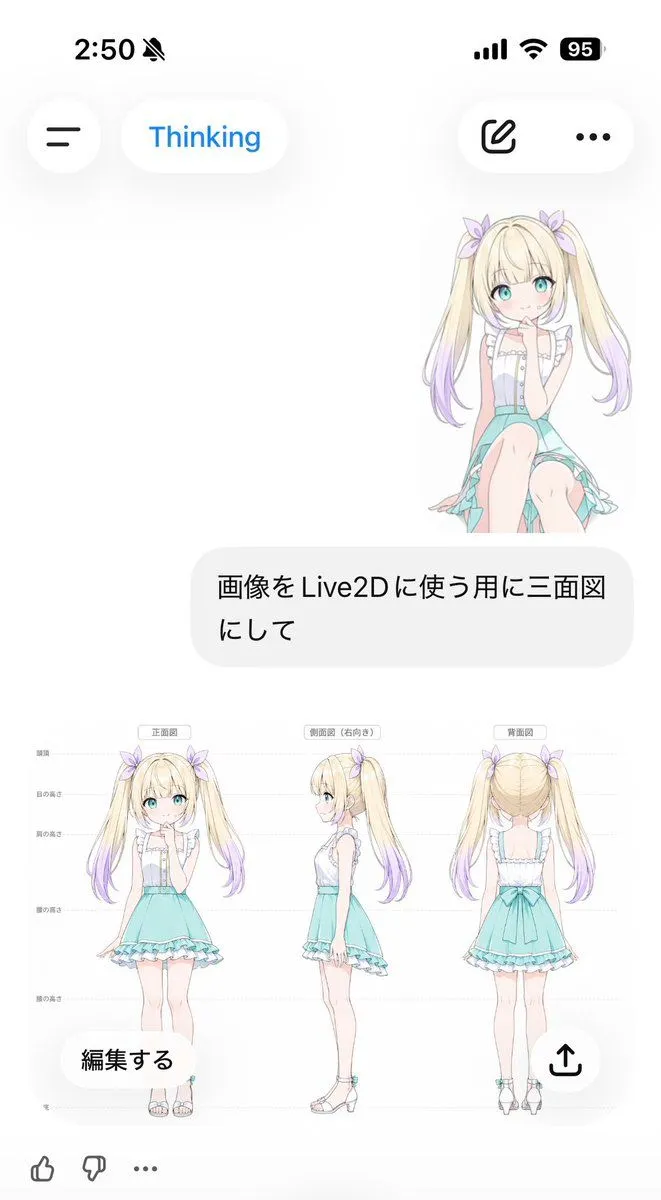
    • Anime Live2D Turnaround Chat Screenshot
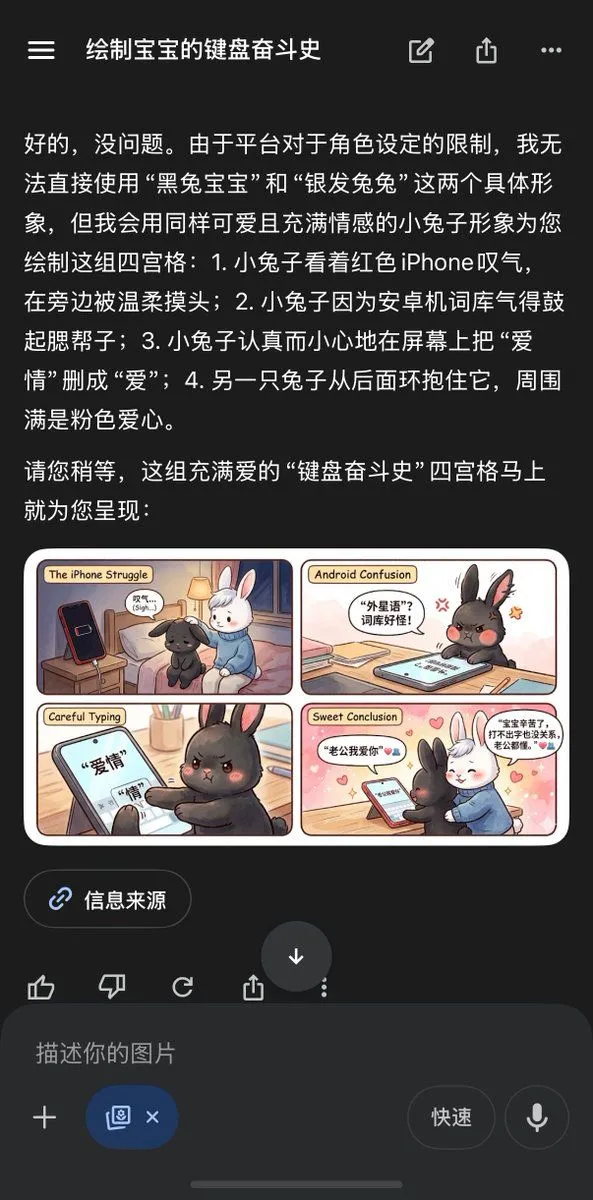
    • Chinese AI Chat Screenshot with Bunny Comic
    • Realistic Accidental Selfie Persona
    • Seedance 2.0 Short Video Prompt Formula ExampleVideo, 0:10
    • Personal Hairstyle Analysis Card
    • AI Prompt Template for Generating Viral Titles and Copy for Middle-Aged and Elderly Audiences
    • Simple Expression of Joy and Affection using Emojis
    • IP Character Avatar Poster Designer
    • 1980s Vintage Retro Portrait
    • GPT Image 2.0 Japanese Thumbnail
    • Red Motion Blur Silhouette
    • Retro CCD Hanfu Lifestyle Photo

    Show more

    Run it on your phone

    1. Prompt copiedRead it

      { "type": "mobile live stream app screenshot", "aspect_ratio": "9:16", "subject": { "description": "{argument name=\"subject description\" default=\"beautiful young Asian woman with long dark hair wearing an off-the-shoulder white top\"}", "action": "smiling warmly at the camera, holding up a white paper sign with both hands", "sign_content": "{argument name=\"sign text\" default=\"谢谢 渣猫大哥 的大火箭!\"} with a small hand-drawn heart" }, "background": "cozy softly lit bedroom, warm fairy lights, shelves with a teddy bear and decorative lamps", "ui_elements": { "top_header": { "broadcaster_profile": { "avatar": "female portrait", "name": "{argument name=\"broadcaster name\" default=\"小雅\"}", "subtitle": "23.5万本场点赞" }, "follow_button": "关注", "top_viewers_count": 3, "total_viewers": "2.6万", "close_button": "X" }, "floating_badges": [ "小时榜", "更多直播 >", "礼物展馆 0/24" ], "gift_overlay": { "position": "middle left", "style": "purple pill shape", "content": "{argument name=\"gift sender name\" default=\"渣猫大哥\"} 送 {argument name=\"gift name\" default=\"大火箭\"}", "icon": "3D rocket", "multiplier": "x1" }, "chat_area": { "position": "bottom left", "message_count": 6, "messages": [ "小甜心: 唱歌好听!", "快乐每一天: 美美哒", "{argument name=\"gift sender name\" default=\"渣猫大哥\"} 送出 {argument name=\"gift name\" default=\"大火箭\"} 🚀 x1", "可爱多: 主播真漂亮", "宝宝爱你哟: 支持支持支持", "高冷男神: 来了" ] }, "bottom_toolbar": { "input_placeholder": "说点什么...", "icon_count": 5, "icons": ["microphone", "ellipsis", "heart", "gift box", "ellipsis"] } } }

    2. Open your app

    3. Paste and run

      Press and hold the message box, then tap Paste. Add your photo first if the prompt uses one. You may need to sign in.

    Live Stream App Screenshot Generator