Tell us anything

An idea, a bug, something you love. We read every note.

⌘↵ to send. The page you're on comes along.

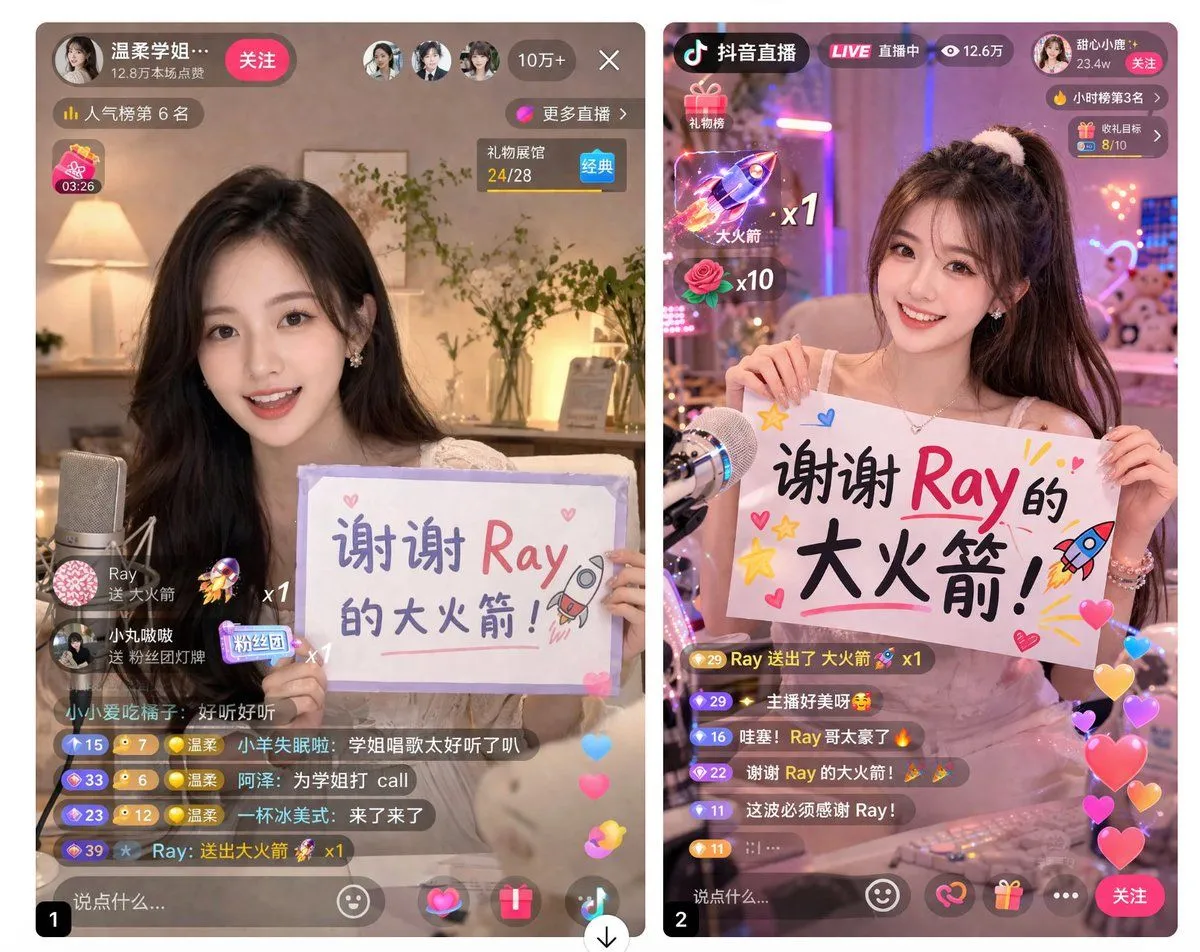
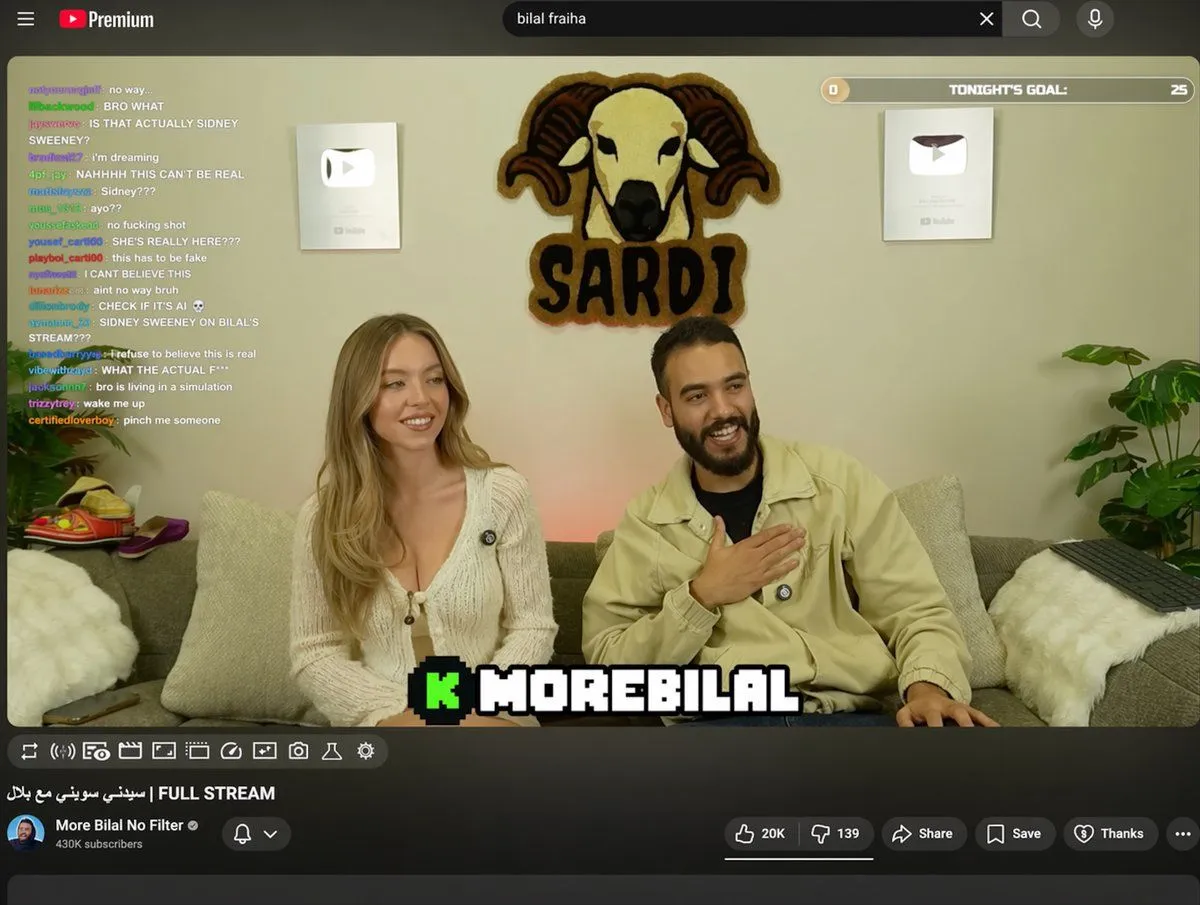
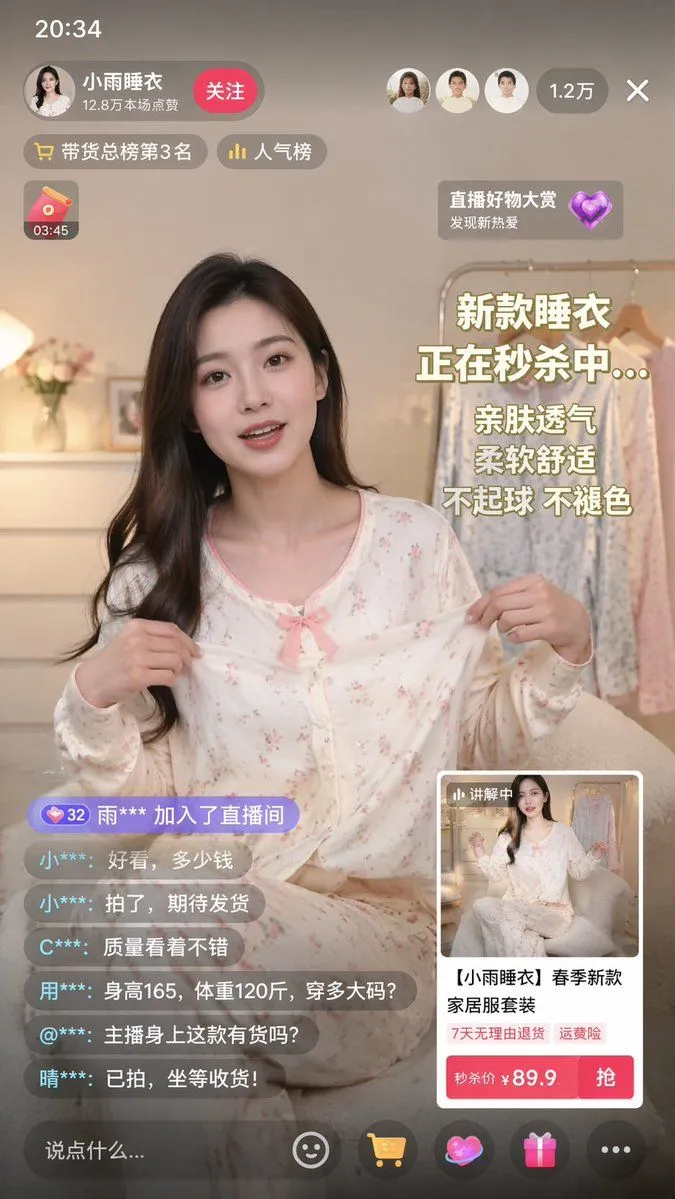
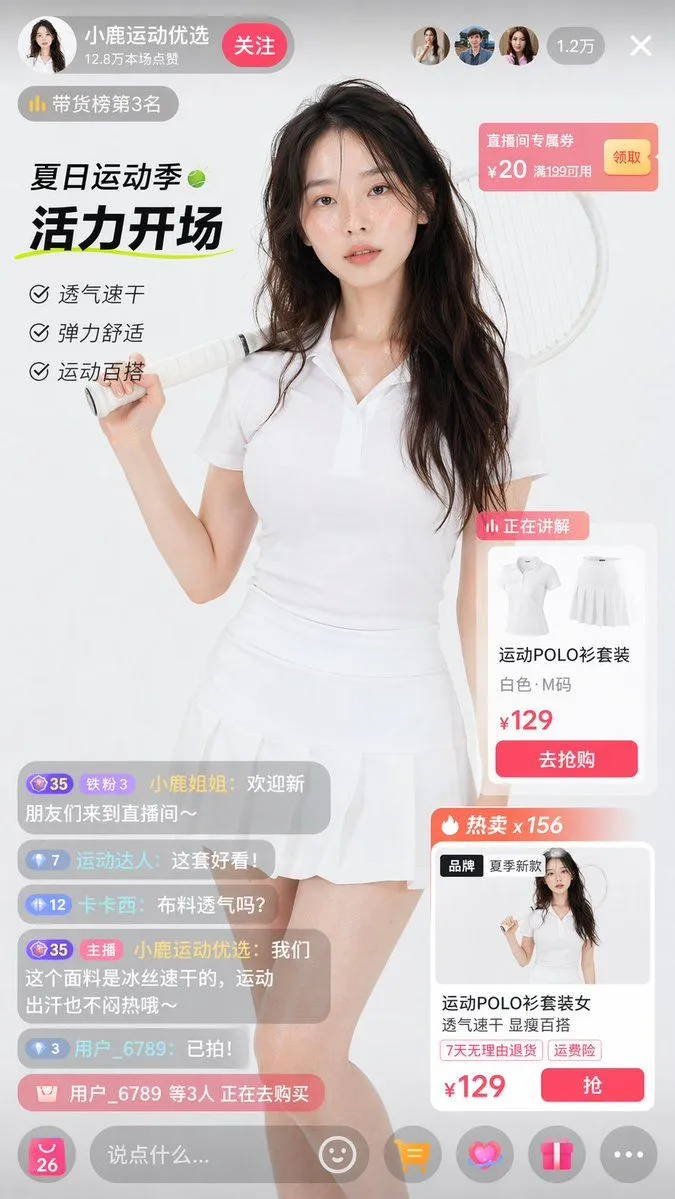
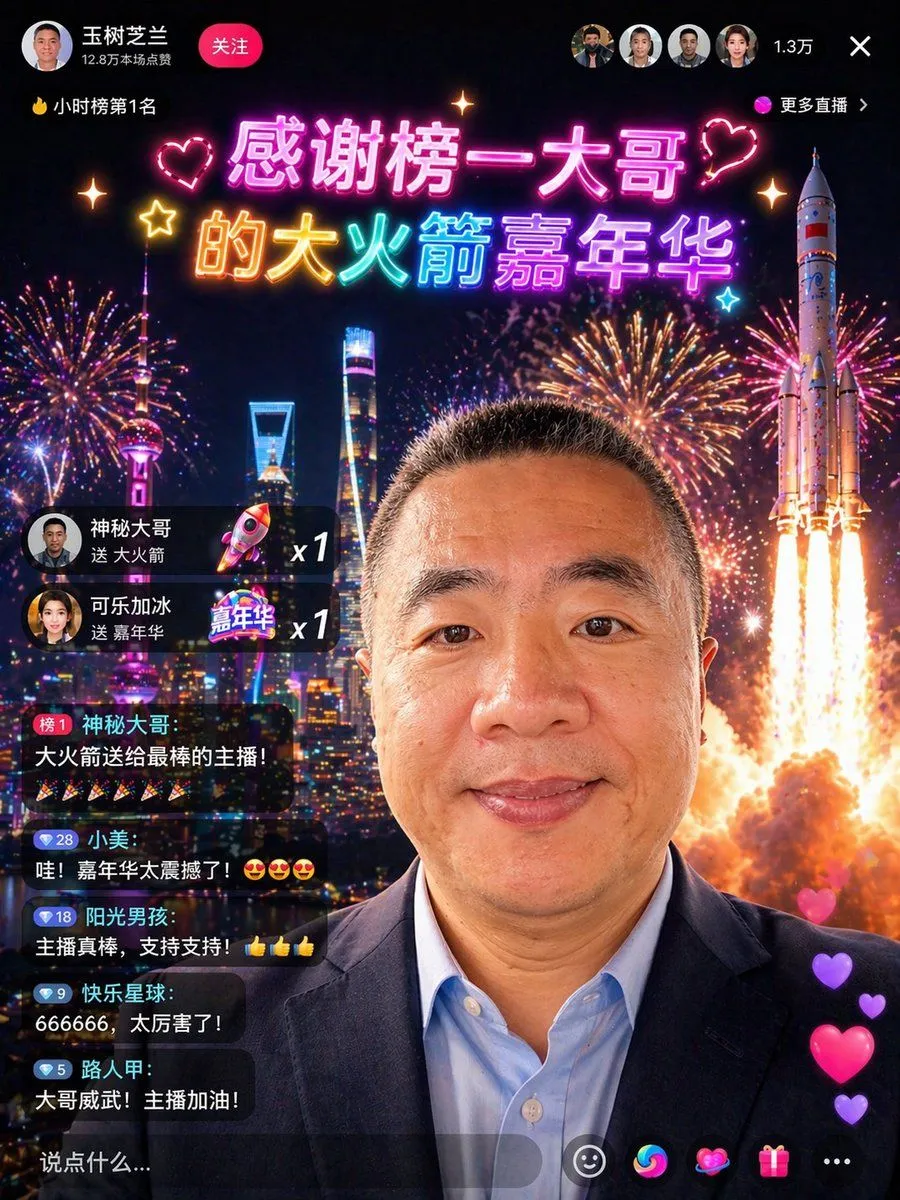
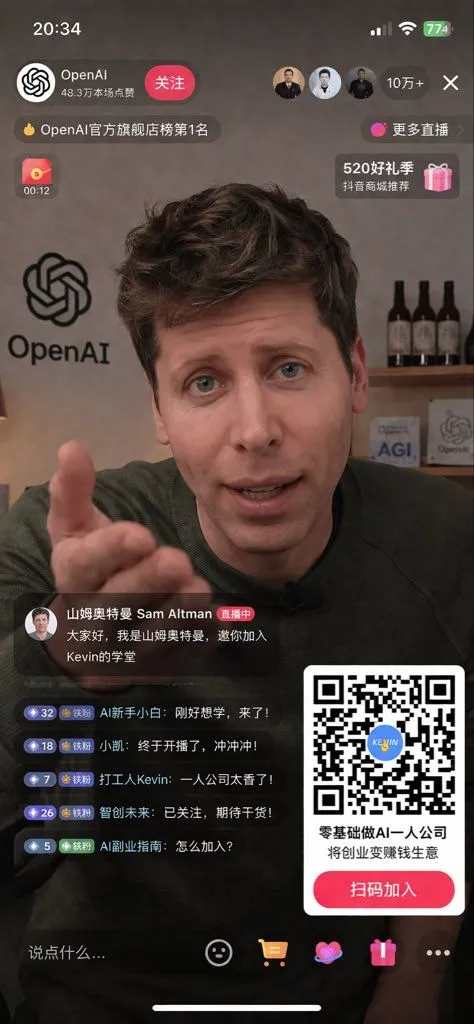
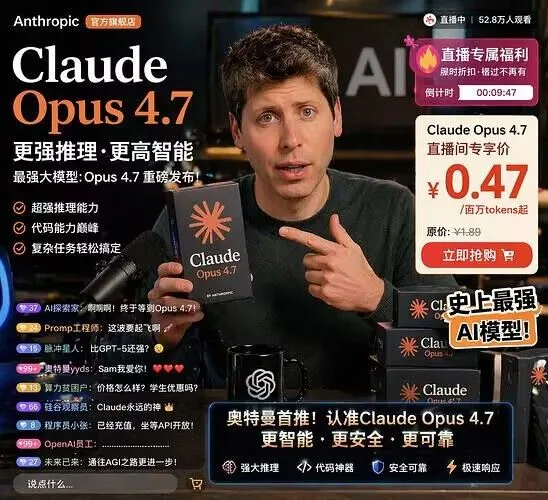
Livestream UI Mockup with Host

Made with GPT Image 2 in ChatGPT by Library Brand. Promptclay never generates images.

Did it work?

No reports yet. Tell others if it worked for you.

No comments yet. Be the first.

    Livestream UI Mockup with Host

    GPT Image 2AI-generated

    Prompt

    { "type": "mobile livestream UI mockup", "subject": { "person": "{argument name=\"host name\" default=\"Sam Altman\"}", "action": "reaching right hand out towards the camera", "clothing": "dark green sweater" }, "background": { "setting": "office", "left_wall": "large OpenAI logo", "right_shelf": "wooden shelf with 3 dark bottles and 2 small signs reading 'AGI' and 'OpenAI'" }, "layout": { "top_bar": { "elements": ["time 20:34", "signal bars", "wifi icon", "battery 774"] }, "header": { "left_section": ["profile picture", "{argument name=\"account name\" default=\"OpenAI\"}", "48.3万本场点赞", "关注 button"], "right_section": ["3 viewer avatars", "10万+", "X close button"], "sub_tags": ["OpenAI官方旗舰店榜第1名", "更多直播"] }, "floating_widgets": { "left": "red envelope icon with 00:12", "right": "pink gift box icon with 520好礼季 抖音商城推荐" }, "bottom_left_chat": { "host_announcement": ["avatar", "山姆奥特曼 Sam Altman 直播中", "{argument name=\"host message\" default=\"大家好,我是山姆奥特曼,邀你加入Kevin的学堂\"}"], "viewer_comments_count": 5, "viewer_comments_labels": [ "AI新手小白: 刚好想学,来了!", "小凯: 终于开播了,冲冲冲!", "打工人Kevin: 一人公司太香了!", "智创未来: 已关注,期待干货!", "AI副业指南: 怎么加入?" ] }, "bottom_right_overlay": { "qr_code": "large scannable QR code with blue KEVIN logo in center", "text": "{argument name=\"qr code title\" default=\"零基础做AI一人公司 将创业变赚钱生意\"}", "button": "{argument name=\"qr code button text\" default=\"扫码加入\"}" }, "bottom_action_bar": { "input_field": "说点什么...", "icons_count": 5, "icons_labels": ["smiley face", "shopping cart", "heart", "gift box", "three dots"] } } }

    Works in
    ChatGPT, Gemini
    Status
    Free to copy
    0
    DetailsVersions, settings and questions

    Written for

    What's in the prompt

    Subject
    Model
    GPT Image 2

    If your face changes

    keep my face exactly the same

    Questions

    Does this work in the ChatGPT app?
    Yes. Paste the prompt and attach your photo if it uses one.
    It changed my face. What do I do?
    Add "keep my face exactly the same" to the end and run it again.
    Can I use the images I make?
    Check the terms of the app you use. Promptclay never generates images and claims nothing you make.
    Similar prompts

    See more
    • Live Streaming App UI Mockup
    • E-commerce Livestream UI Mockup
    • Live Stream App UI Mockup
    • YouTube Livestream Interface Mockup
    • Live E-commerce UI Mockup
    • E-commerce Livestream UI Mockup
    • Chinese Livestream Rocket Gala Edit
    • YouTube Live Presentation UI Mockup
    • Luxury Smartphone Interface Fashion Editorial
    • Ecosystem trophic levels infographic
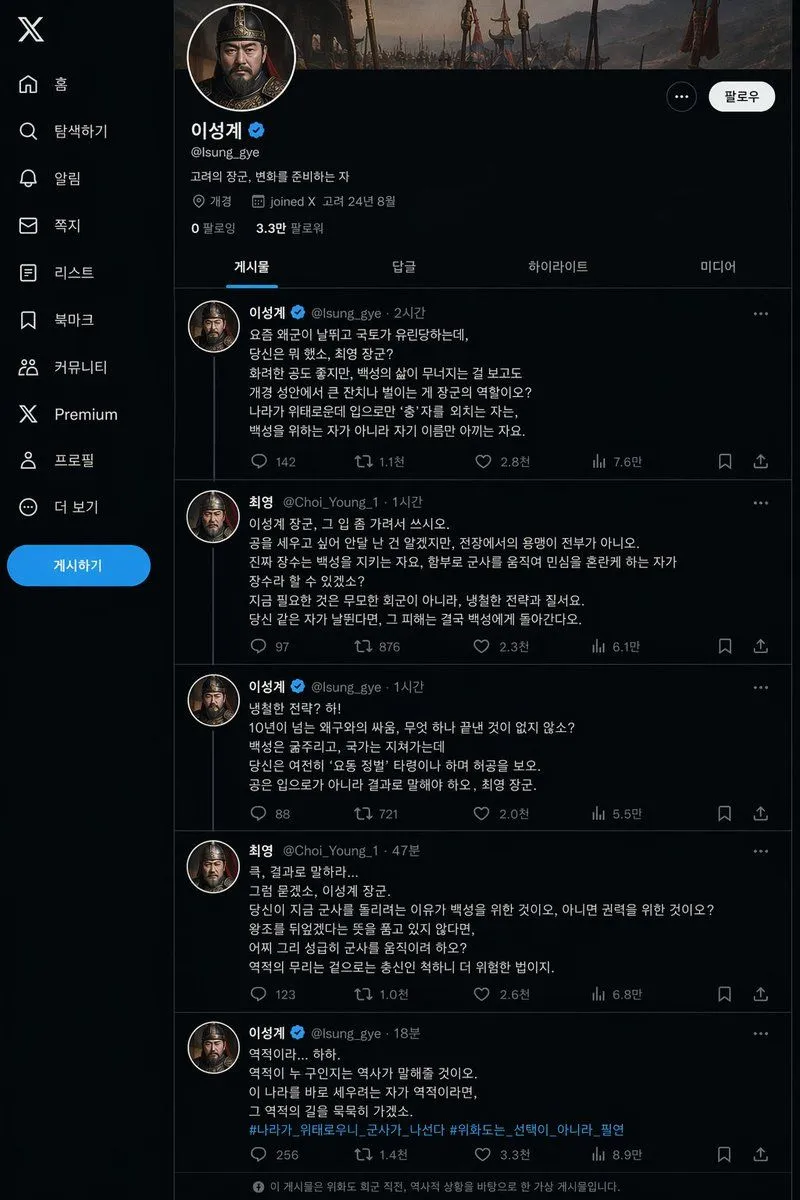
    • Historical Social Media Feed Mockup
    • Nano-banana Pro Persona Generation Prompt
    • Five High-Efficiency Nano Banana Pro Prompts for Business Graphics
    • Generating Hollywood Detective Scene Images with Character Reference
    • AI Gallery Portrait UI Screenshot
    • Generating Multiple Runnable Modes/States
    • Cartoon version of an existing image
    • Nested Picture-in-Picture Software UI
    • Hand-Drawn Designer Profile Screen
    • Realistically Imperfect AI Selfie
    • Immersive Music Player UI Poster
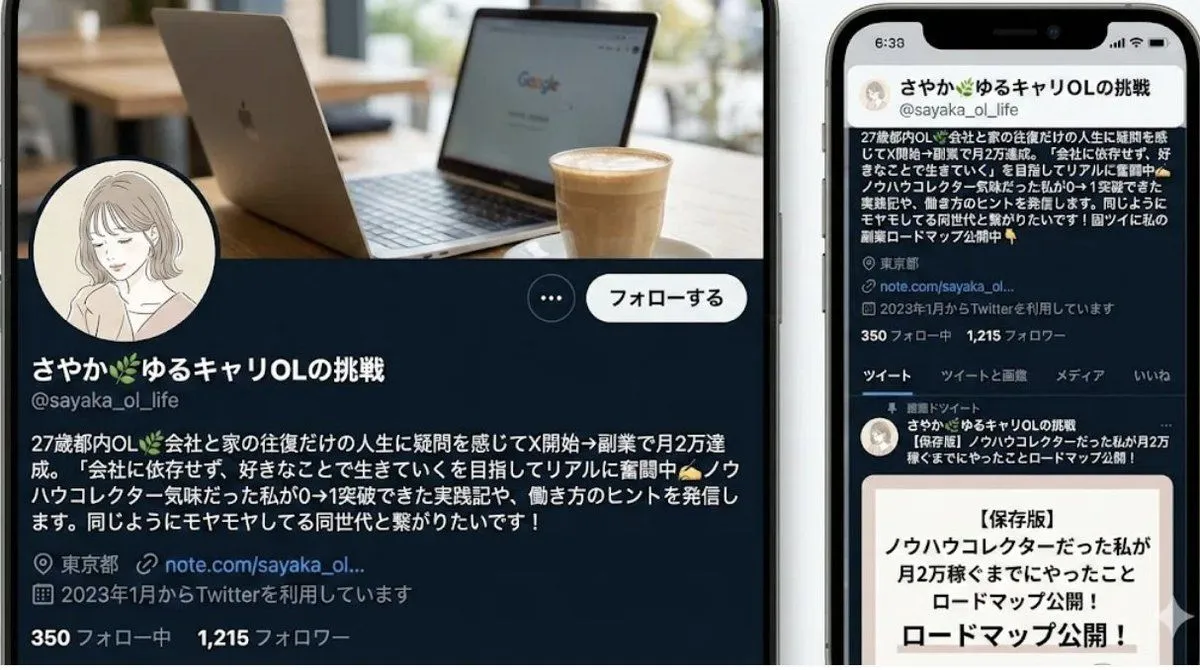
    • Japanese Follower Milestone Thank-You Graphic
    • Anime Live2D Turnaround Chat Screenshot
    • Japanese 36,000 Followers Celebration Post

    Show more

    Run it on your phone

    1. Prompt copiedRead it

      { "type": "mobile livestream UI mockup", "subject": { "person": "{argument name=\"host name\" default=\"Sam Altman\"}", "action": "reaching right hand out towards the camera", "clothing": "dark green sweater" }, "background": { "setting": "office", "left_wall": "large OpenAI logo", "right_shelf": "wooden shelf with 3 dark bottles and 2 small signs reading 'AGI' and 'OpenAI'" }, "layout": { "top_bar": { "elements": ["time 20:34", "signal bars", "wifi icon", "battery 774"] }, "header": { "left_section": ["profile picture", "{argument name=\"account name\" default=\"OpenAI\"}", "48.3万本场点赞", "关注 button"], "right_section": ["3 viewer avatars", "10万+", "X close button"], "sub_tags": ["OpenAI官方旗舰店榜第1名", "更多直播"] }, "floating_widgets": { "left": "red envelope icon with 00:12", "right": "pink gift box icon with 520好礼季 抖音商城推荐" }, "bottom_left_chat": { "host_announcement": ["avatar", "山姆奥特曼 Sam Altman 直播中", "{argument name=\"host message\" default=\"大家好,我是山姆奥特曼,邀你加入Kevin的学堂\"}"], "viewer_comments_count": 5, "viewer_comments_labels": [ "AI新手小白: 刚好想学,来了!", "小凯: 终于开播了,冲冲冲!", "打工人Kevin: 一人公司太香了!", "智创未来: 已关注,期待干货!", "AI副业指南: 怎么加入?" ] }, "bottom_right_overlay": { "qr_code": "large scannable QR code with blue KEVIN logo in center", "text": "{argument name=\"qr code title\" default=\"零基础做AI一人公司 将创业变赚钱生意\"}", "button": "{argument name=\"qr code button text\" default=\"扫码加入\"}" }, "bottom_action_bar": { "input_field": "说点什么...", "icons_count": 5, "icons_labels": ["smiley face", "shopping cart", "heart", "gift box", "three dots"] } } }

    2. Open your app

    3. Paste and run

      Press and hold the message box, then tap Paste. Add your photo first if the prompt uses one. You may need to sign in.

    Livestream UI Mockup with Host