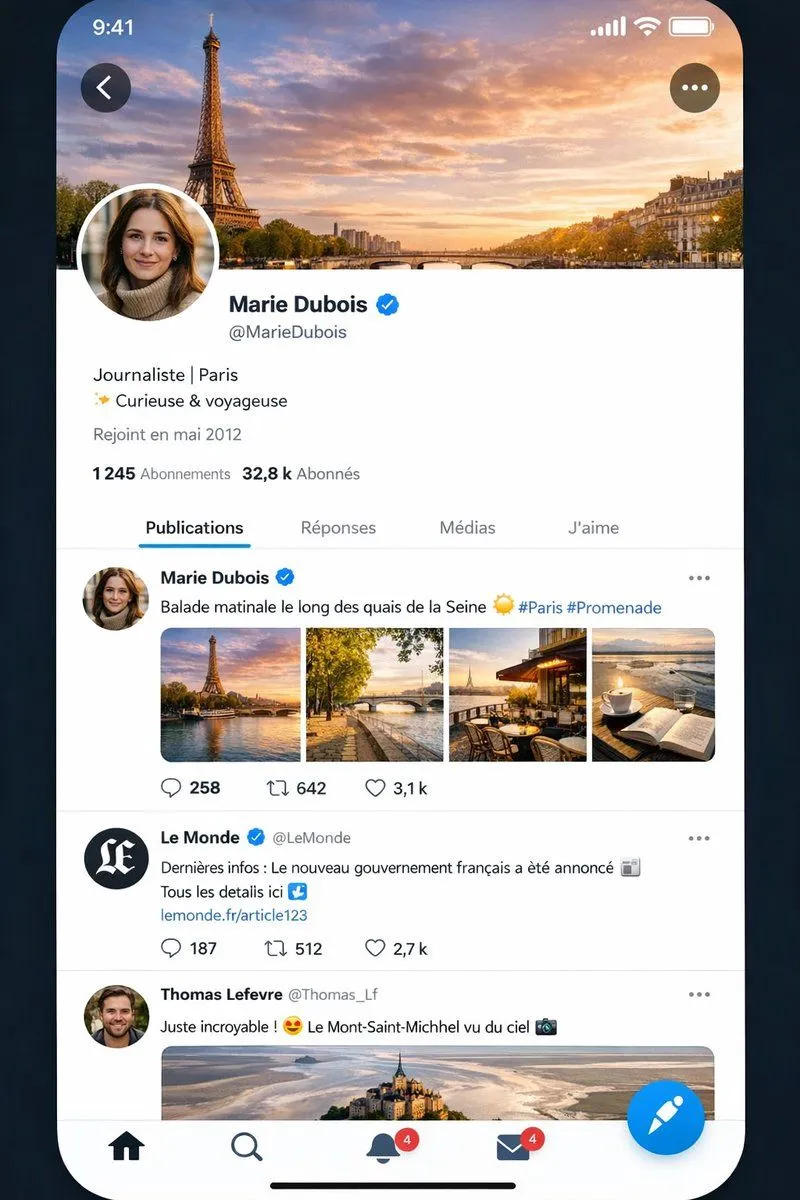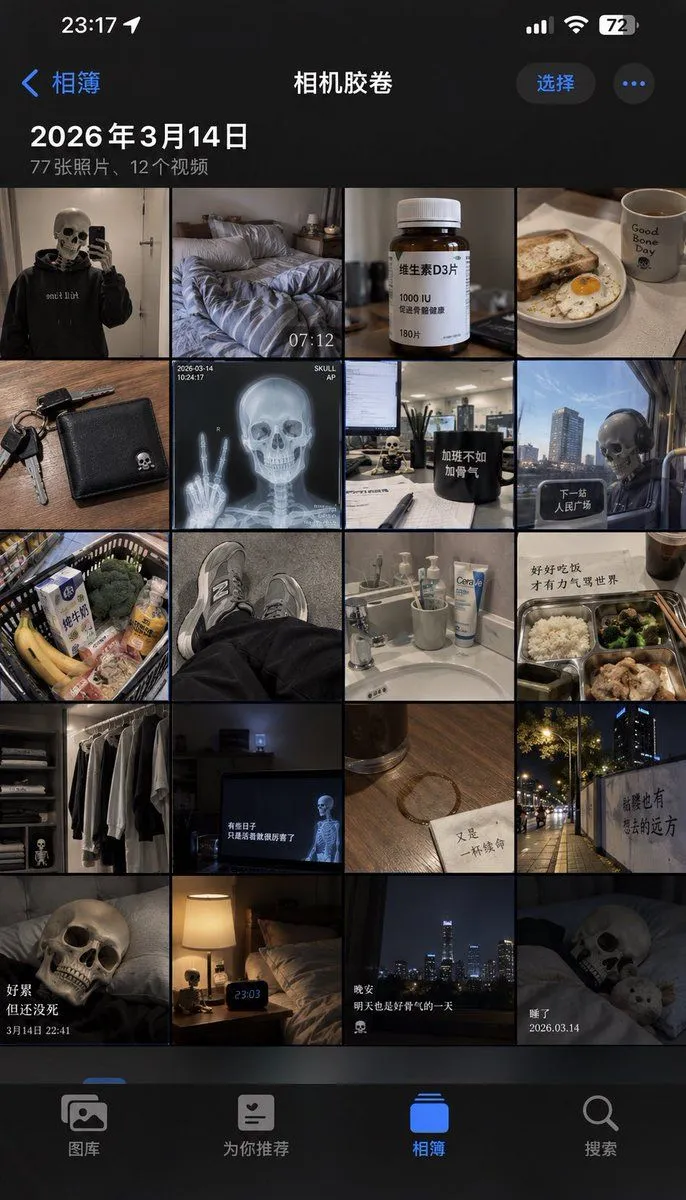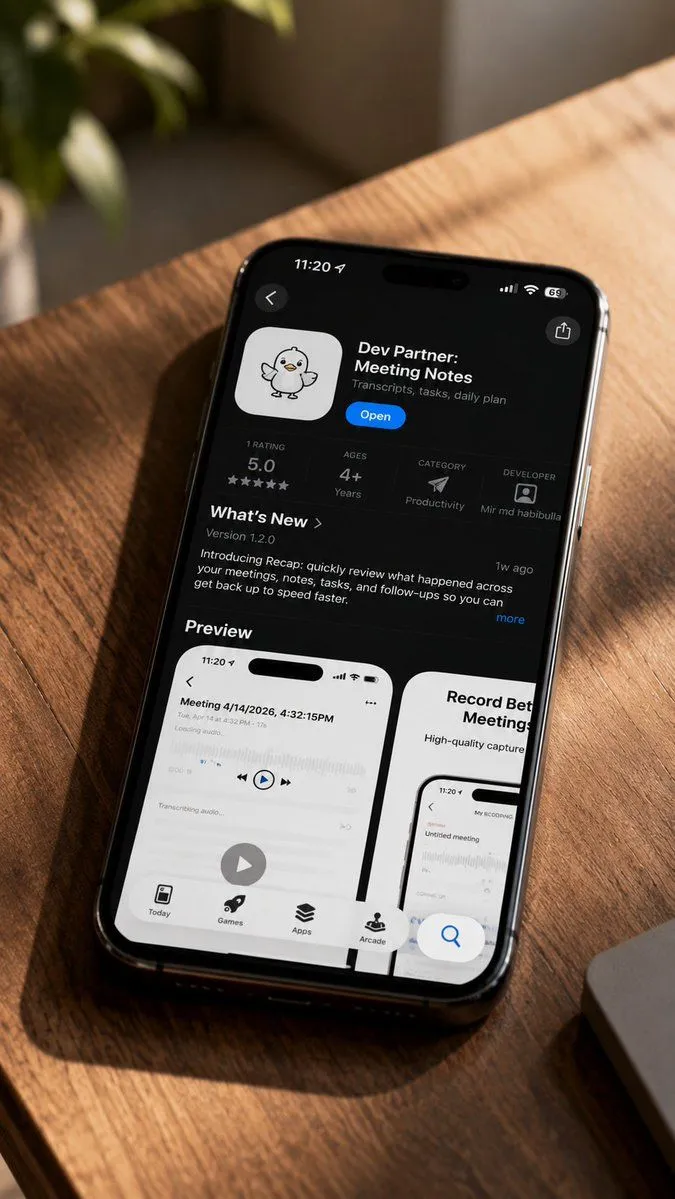
Made with GPT Image 2.5 in ChatGPT by Library UI Design. Promptclay never generates images.
Did it work?
No reports yet. Tell others if it worked for you.
iPhone Memories Mockup with Green Alien Cat
Prompt
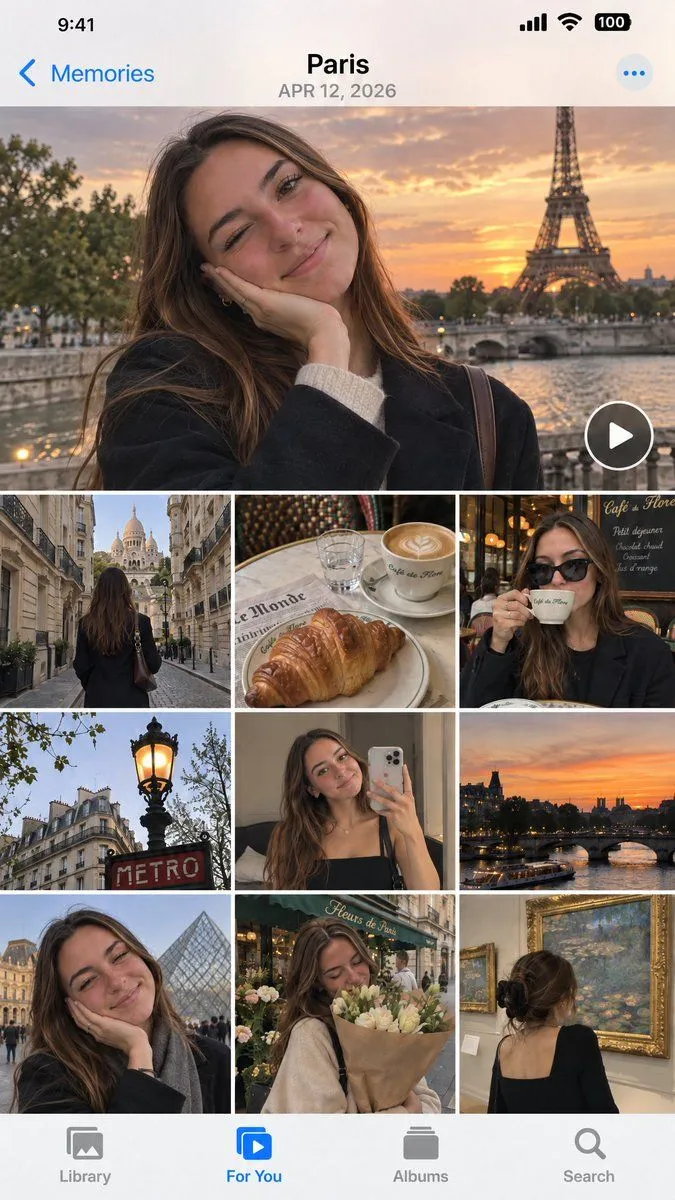
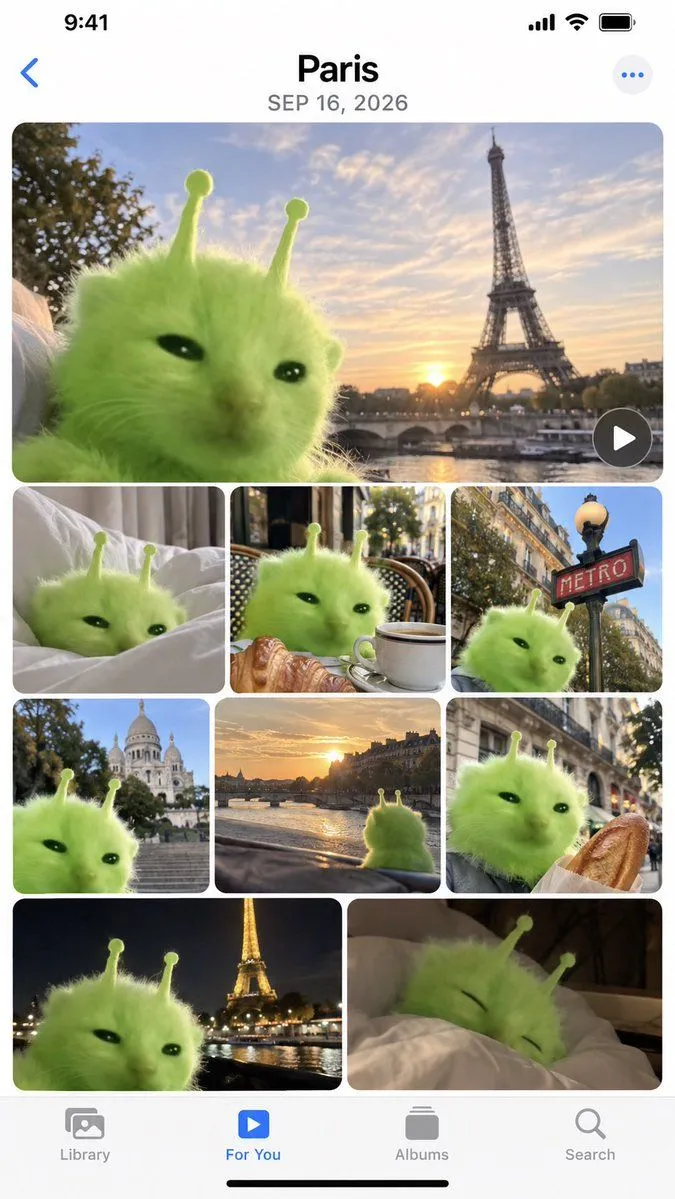
2 blanks to fillCreate a high-fidelity mockup of an iPhone 'Memories' album page. The interface should feature the standard iOS status bar at the top (9:41, signal bars, Wi-Fi, battery) and a bottom navigation bar with icons for Library, For You, Albums, and Search. The main content area displays a photo grid titled {location} with the date {date}. The photos in the grid all feature a fluffy, bright green alien cat creature with two antennae as the central subject. The layout consists of one large hero image at the top showing the cat against a sunset backdrop with the Eiffel Tower. Below this is a row of three smaller square images: the cat on white bed sheets, the cat sitting at a cafe table with a croissant and coffee, and the cat next to a red 'METRO' sign. The next row contains three more squares: the cat with Sacré-Cœur Basilica in the background, a view from inside a car looking at a river sunset, and the cat holding a baguette. The final visible row shows two larger rectangles: the cat with the illuminated Eiffel Tower at night, and the cat sleeping under a duvet.
Preview of your prompt
Create a high-fidelity mockup of an iPhone 'Memories' album page. The interface should feature the standard iOS status bar at the top (9:41, signal bars, Wi-Fi, battery) and a bottom navigation bar with icons for Library, For You, Albums, and Search. The main content area displays a photo grid titled Paris with the date SEP 16, 2026. The photos in the grid all feature a fluffy, bright green alien cat creature with two antennae as the central subject. The layout consists of one large hero image at the top showing the cat against a sunset backdrop with the Eiffel Tower. Below this is a row of three smaller square images: the cat on white bed sheets, the cat sitting at a cafe table with a croissant and coffee, and the cat next to a red 'METRO' sign. The next row contains three more squares: the cat with Sacré-Cœur Basilica in the background, a view from inside a car looking at a river sunset, and the cat holding a baguette. The final visible row shows two larger rectangles: the cat with the illuminated Eiffel Tower at night, and the cat sleeping under a duvet.
DetailsVersions, settings and questions
Written for
What's in the prompt
- Subject
- Model
- GPT Image 2.5
If your face changes
keep my face exactly the sameQuestions
- Does this work in the ChatGPT app?
- Yes. Paste the prompt and attach your photo if it uses one.
- It changed my face. What do I do?
- Add "keep my face exactly the same" to the end and run it again.
- Can I use the images I make?
- Check the terms of the app you use. Promptclay never generates images and claims nothing you make.