Tell us anything

An idea, a bug, something you love. We read every note.

⌘↵ to send. The page you're on comes along.

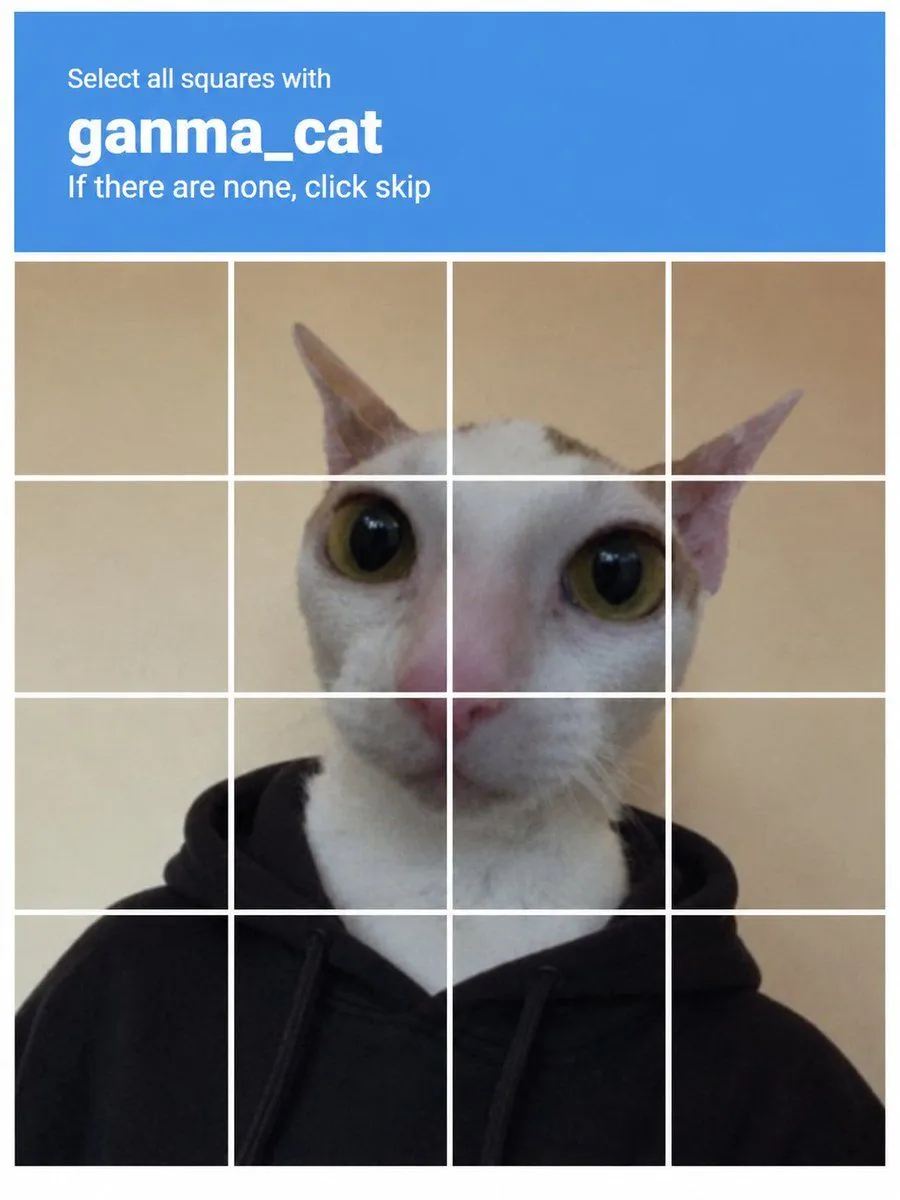
Ganma Cat CAPTCHA Interface

Made with GPT Image 2.5 in ChatGPT by Library UI Design. Promptclay never generates images.

Did it work?

No reports yet. Tell others if it worked for you.

No comments yet. Be the first.

    Ganma Cat CAPTCHA Interface

    GPT Image 2.53:4AI-generated

    Prompt

    Create a realistic CAPTCHA verification interface image. The top section is a solid blue header bar containing white text: 'Select all squares with' in small font, followed by 'ganma_cat' in large bold lowercase font, and 'If there are none, click skip' in smaller text below. Beneath the header is a 4x4 grid of square tiles separated by thin white lines. The grid displays a single continuous photo of a white cat with large yellow-green eyes and pink ears, wearing a black hoodie. The background behind the cat is a plain beige wall.

    Works in
    ChatGPT, Gemini
    Status
    Free to copy
    0
    DetailsVersions, settings and questions

    Written for

    What's in the prompt

    Subject
    Model
    GPT Image 2.5

    If your face changes

    keep my face exactly the same

    Questions

    Does this work in the ChatGPT app?
    Yes. Paste the prompt and attach your photo if it uses one.
    It changed my face. What do I do?
    Add "keep my face exactly the same" to the end and run it again.
    Can I use the images I make?
    Check the terms of the app you use. Promptclay never generates images and claims nothing you make.

    Similar prompts

    See more
    • CAPTCHA Grid Illustration Prompt
    • Positive OpenAI Provenance Screen
    • Clean Authenticator Onboarding UI Mockups
    • Web page design from reference wireframe
    • Three English Nano Banana 2 test prompts
    • Cat Livestream UI Mockup
    • IWRU Cat Character Photo Grid
    • Good Friday Rap Song GenerationVideo, 0:10
    • Nano Banana used for background and character design
    • LLM Instruction to Prohibit Nano Banana Generation
    • ChatGPT Hamster Image Screenshot
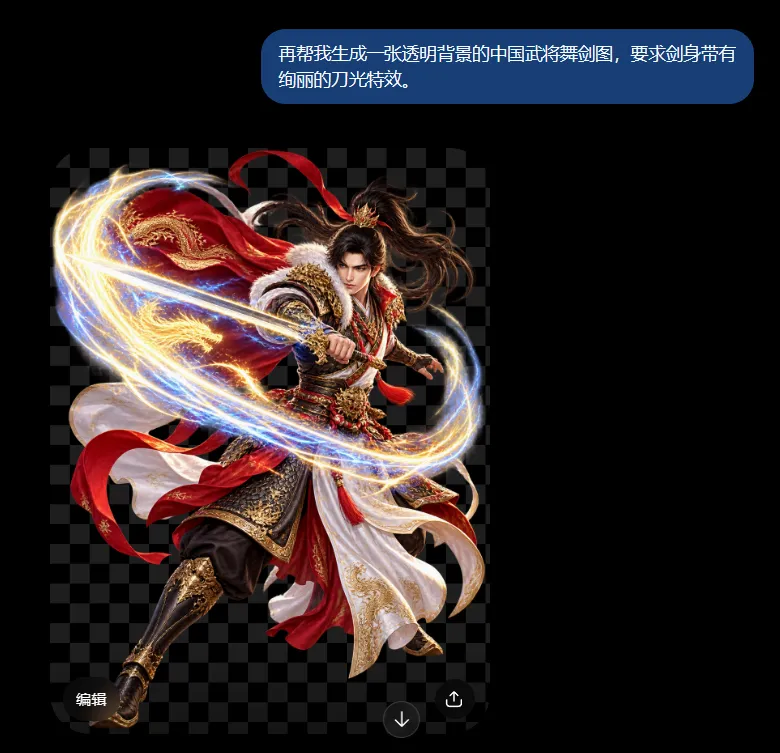
    • Chinese Warrior Transparent Asset Chat
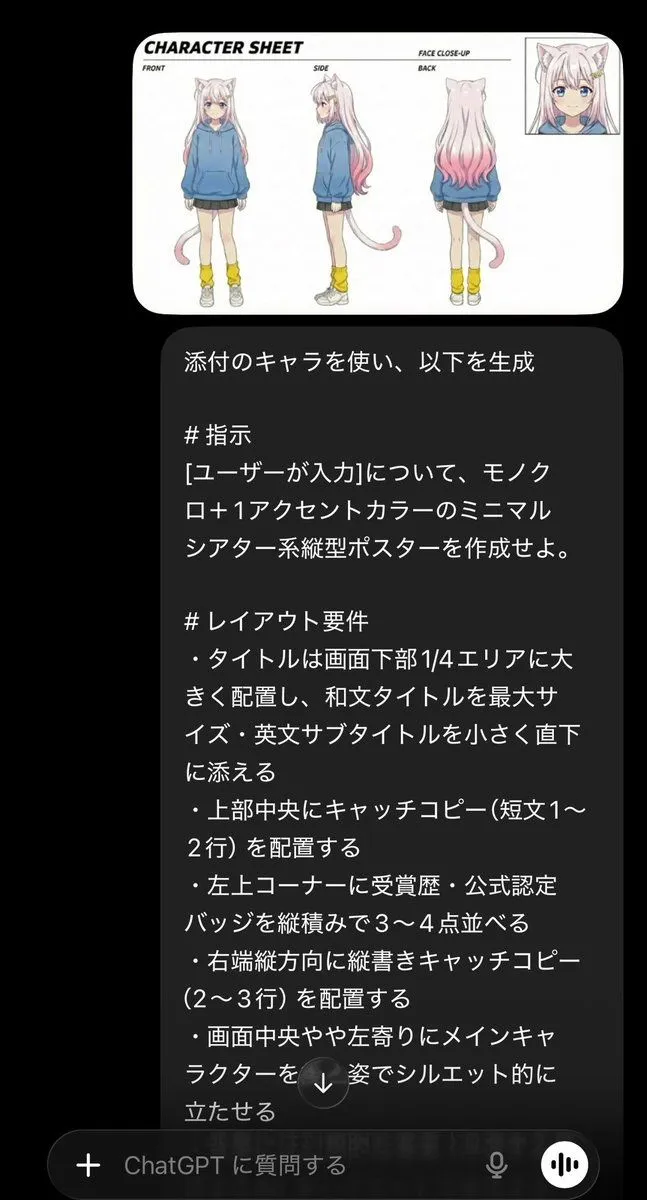
    • Minimalist Cinematic Vertical Poster with Character Reference
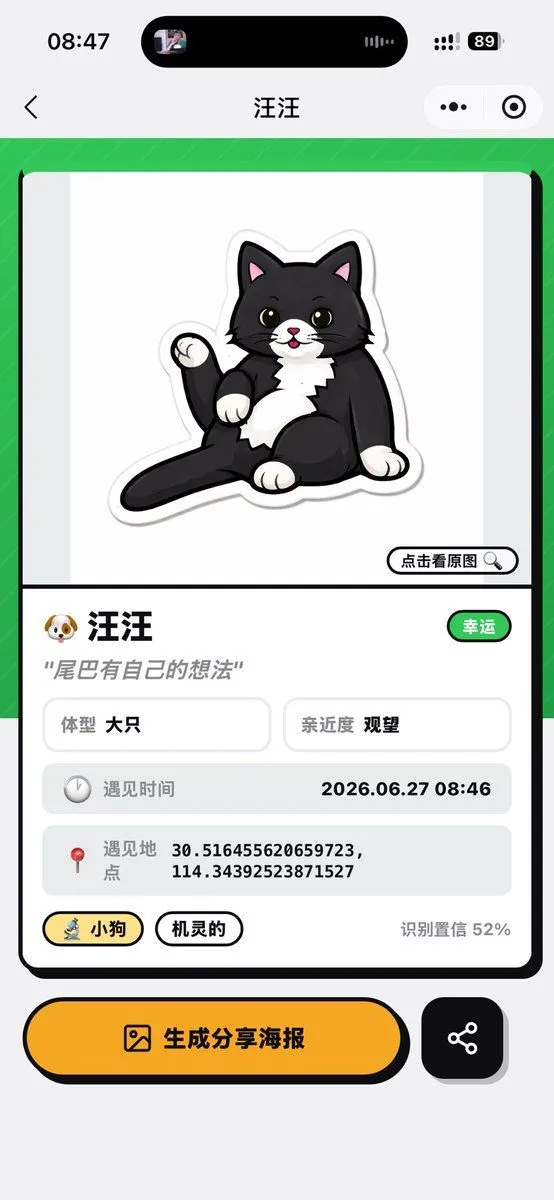
    • Cat Recognition Result Screen
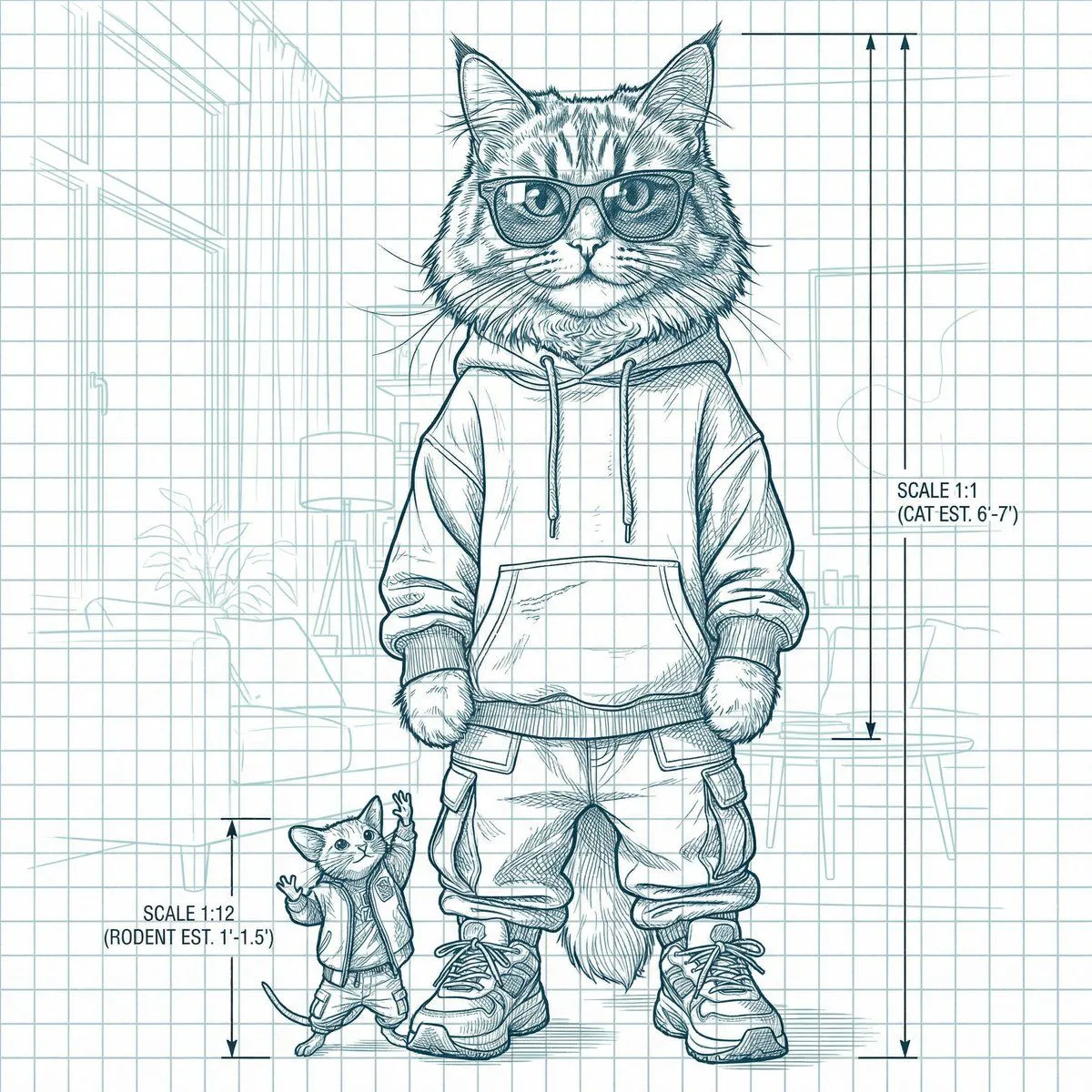
    • Blueprint-style technical schematic generation
    • Dark Research Figure Gallery UI
    • Stylized Grid of Whimsical Cat Faces
    • Kawaii Cat Sticker Sheet
    • X Profile Mockup Generator (Clean and Modern)
    • Cute Cat Character Concept
    • Generate black-and-white storyboards from an image
    • Domestic Cats Lightsaber Duel in Living RoomVideo, 0:15
    • Cat Photo to Geometric Poster
    • Prompt for UV Unwrapping a 3D Model

    Show more

    Run it on your phone

    1. Prompt copiedRead it

      Create a realistic CAPTCHA verification interface image. The top section is a solid blue header bar containing white text: 'Select all squares with' in small font, followed by 'ganma_cat' in large bold lowercase font, and 'If there are none, click skip' in smaller text below. Beneath the header is a 4x4 grid of square tiles separated by thin white lines. The grid displays a single continuous photo of a white cat with large yellow-green eyes and pink ears, wearing a black hoodie. The background behind the cat is a plain beige wall.

    2. Open your app

    3. Paste and run

      Press and hold the message box, then tap Paste. Add your photo first if the prompt uses one. You may need to sign in.

    Ganma Cat CAPTCHA Interface