Tell us anything

An idea, a bug, something you love. We read every note.

⌘↵ to send. The page you're on comes along.

Educational Kids Video Prompt

Made with Seedance 2.5 in Kling by Library Cinema. Promptclay never generates images.

Did it work?

No reports yet. Tell others if it worked for you.

No comments yet. Be the first.

    Educational Kids Video Prompt

    Seedance 2.59:16AI-generated

    Prompt

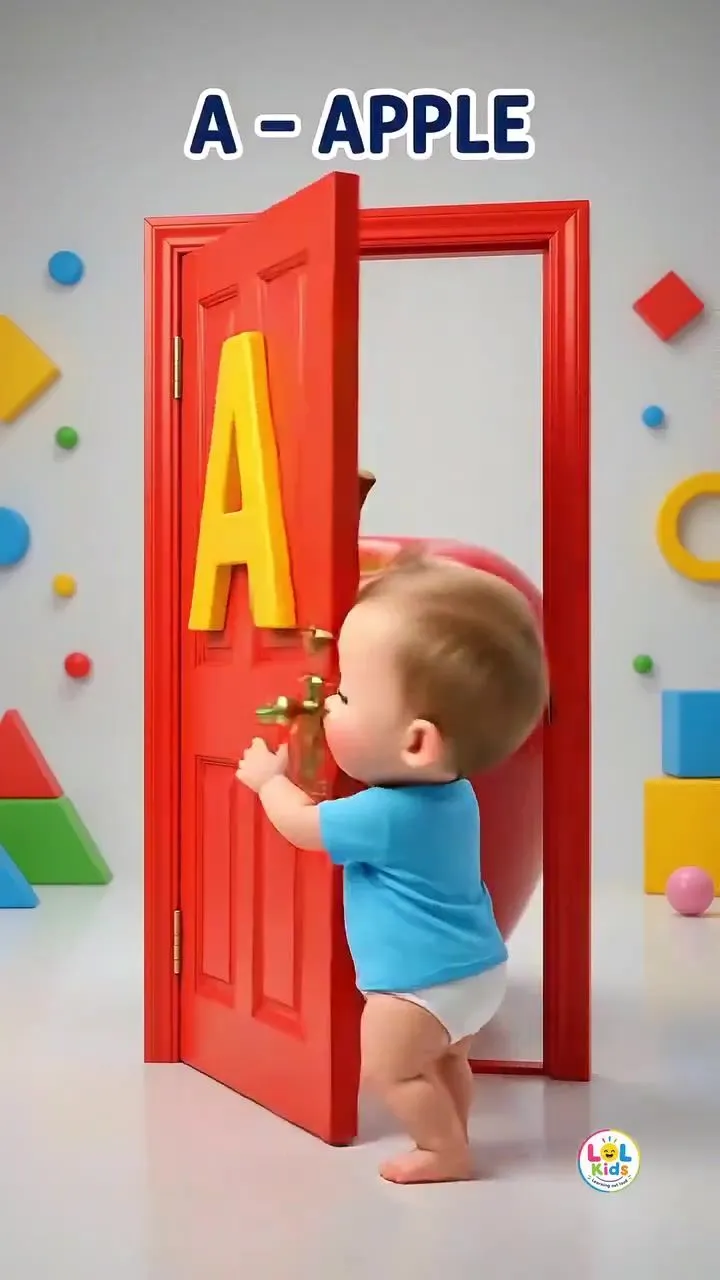
    Create a high-quality vertical 9:16 3D animated educational kids video in a bright, colorful, cute nursery-rhyme style. Main character: A cute adorable toddler boy, around 2 years old, with chubby cheeks, big expressive eyes, short light-brown hair, wearing a bright blue T-shirt with a playful “LOL Kids” style graphic and matching diaper/shorts. Keep the child’s appearance consistent throughout the entire video. Environment: A clean, bright indoor children's learning room with a glossy white floor, colorful geometric shapes scattered around the background, playful decorations, and a series of colorful doors. Use vibrant red, blue, yellow and green doors. Soft studio lighting, cheerful atmosphere, polished 3D cartoon animation, smooth reflections, high-quality Pixar-like children's animation aesthetic. VIDEO SEQUENCE: Scene 1 — A for Apple: The toddler stands in front of a bright red door with a large bold yellow letter “A” on it. He reaches toward the door handle and opens the door with excitement. Behind the door is a colorful apple-themed environment with red apples. Show the text “A - APPLE” at the top. The child looks surprised and happy. Scene 2 — B for Banana: Cut to a bright blue door with a large yellow “B”. The toddler walks toward it, reaches for the handle and opens the door. Reveal a playful collection of bright yellow bananas behind the door. Display “B - BANANA” at the top. Scene 3 — C for Cat: Show a yellow/orange door with a large red “C”. The toddler opens the door and a cute friendly cat appears behind it. The child reacts with excitement and curiosity. Display “C - CAT”. Scene 4 — D for Dog: Show a red door with a large yellow “D”. The toddler opens it and reveal a cute friendly brown-and-white puppy standing behind the door. The puppy happily looks toward the child. Display “D - DOG”. Scene 5 — E for Elephant: Show a blue door with a large yellow “E”. The toddler opens the door and a cute baby elephant appears. The elephant playfully raises its trunk while the child reacts happily. Display “E - ELEPHANT”. Scene 6 — F for Fish: Transition to a bright underwater-themed aquarium area. Show colorful orange fish swimming inside a large glass aquarium. The toddler stands beside it and looks excitedly at the fish. Display “F - FISH”. Scene 7 — G for Grapes: Show a green door with a large yellow “G”. The toddler opens the door and discovers a huge bunch of shiny purple grapes behind it. He points toward the grapes with excitement. Display “G - GRAPES”. Scene 8 — I for Ice: Show a red door with a large yellow “I”. The toddler stands beside the closed door, reaches for the handle and opens it. Reveal a playful icy environment. Display “I - ICE”. Scene 9 — J for Jelly: Show a blue door with a large yellow “J”. The toddler opens the door and reveal colorful jelly/jelly dessert behind it. The child points toward it happily. Display “J - JELLY”. Scene 10 — K for Kite: Show a red door with a la

    Works in
    Kling
    Status
    Free to copy
    0
    DetailsVersions, settings and questions

    Written for

    What's in the prompt

    Subject
    Model
    Seedance 2.5

    If your face changes

    keep my face exactly the same

    Questions

    Does this work in the Kling app?
    Yes. Paste the prompt and attach your photo if it uses one.
    It changed my face. What do I do?
    Add "keep my face exactly the same" to the end and run it again.
    Can I use the images I make?
    Check the terms of the app you use. Promptclay never generates images and claims nothing you make.
    Similar prompts

    See more
    • Educational Body Parts Video for ToddlersVideo, 0:58
    • Educational Kids Animation Fruit HuntVideo, 0:15
    • Aiko 3D Character Sheet
    • Toddler Clones With Stacked Name Letters
    • Colorful 'ABC of Jobs' Educational Poster
    • Whimsical 3D Toddler Bathroom Illustration
    • Cinematic 3D Illustration of Imagination Coming to Life
    • 3D Animated Boy Portrait
    • 3D Render of Boy and Furry Monster on Scooter
    • Pixar/Disney Style 3D Animated Character Slides
    • Cute Tiger Cub Wall Doodle
    • 3D Jungle Adventure Poster
    • Puppy and Robot Dog Ice Cream Scene
    • Pixar Style 3D Avatar Generation Prompt
    • 3D Render of Childlike Character in Puzzle Sweater
    • Pixar Style 3D Character Portrait
    • Stylized 3D Animated Mother Portrait
    • Kids Bath Product Advertisement Poster
    • Spherical Character Meme Template
    • 3D Retro Futurism Space Poster
    • Minimalist 3D Clay Illustration Template
    • Cozy Vintage Hallway Dance Scene
    • Handmade Pop-up Storybook Fairytale Diorama
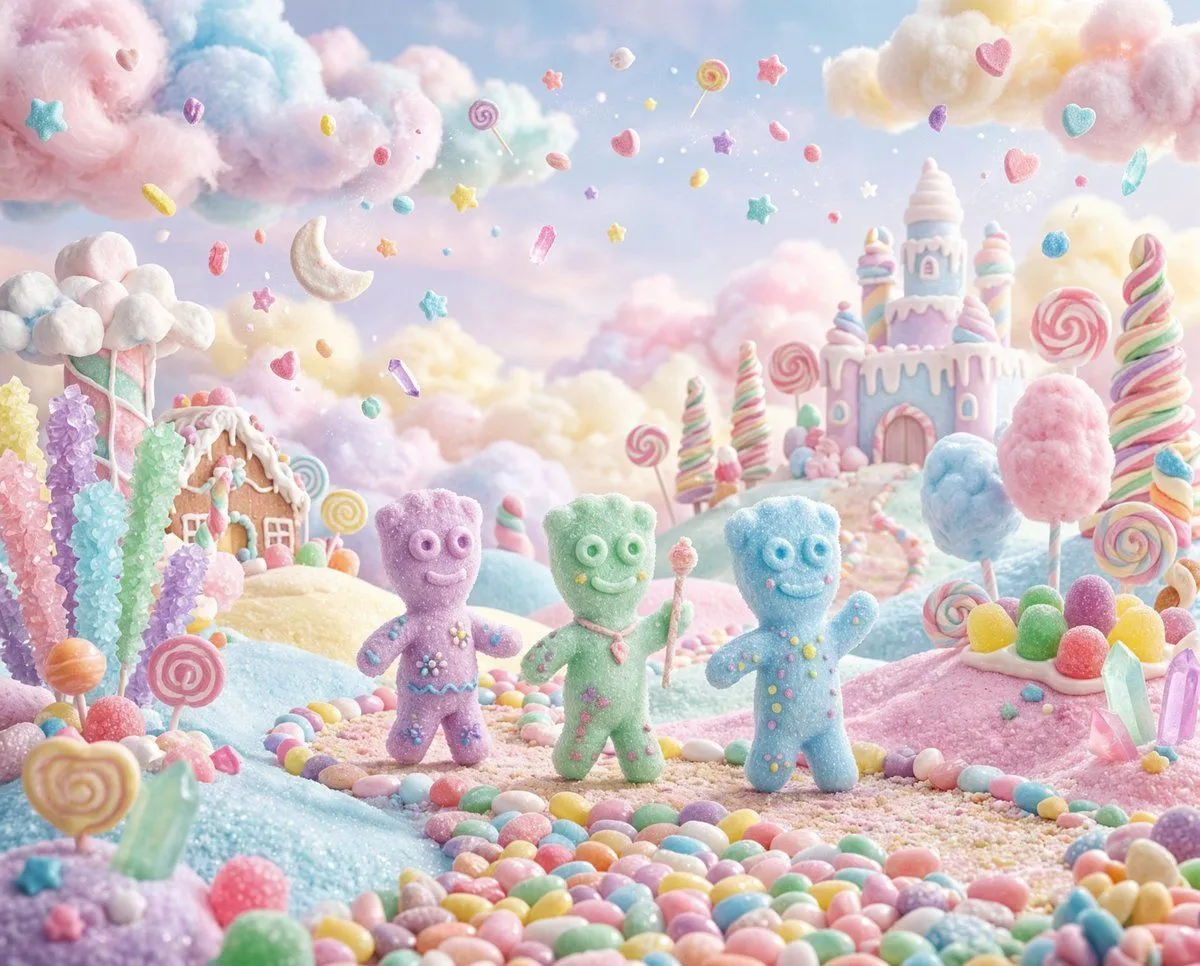
    • Pastel Painted Sour Patch Kids in Whimsical Candyland

    Show more

    Run it on your phone

    1. Prompt copiedRead it

      Create a high-quality vertical 9:16 3D animated educational kids video in a bright, colorful, cute nursery-rhyme style. Main character: A cute adorable toddler boy, around 2 years old, with chubby cheeks, big expressive eyes, short light-brown hair, wearing a bright blue T-shirt with a playful “LOL Kids” style graphic and matching diaper/shorts. Keep the child’s appearance consistent throughout the entire video. Environment: A clean, bright indoor children's learning room with a glossy white floor, colorful geometric shapes scattered around the background, playful decorations, and a series of colorful doors. Use vibrant red, blue, yellow and green doors. Soft studio lighting, cheerful atmosphere, polished 3D cartoon animation, smooth reflections, high-quality Pixar-like children's animation aesthetic. VIDEO SEQUENCE: Scene 1 — A for Apple: The toddler stands in front of a bright red door with a large bold yellow letter “A” on it. He reaches toward the door handle and opens the door with excitement. Behind the door is a colorful apple-themed environment with red apples. Show the text “A - APPLE” at the top. The child looks surprised and happy. Scene 2 — B for Banana: Cut to a bright blue door with a large yellow “B”. The toddler walks toward it, reaches for the handle and opens the door. Reveal a playful collection of bright yellow bananas behind the door. Display “B - BANANA” at the top. Scene 3 — C for Cat: Show a yellow/orange door with a large red “C”. The toddler opens the door and a cute friendly cat appears behind it. The child reacts with excitement and curiosity. Display “C - CAT”. Scene 4 — D for Dog: Show a red door with a large yellow “D”. The toddler opens it and reveal a cute friendly brown-and-white puppy standing behind the door. The puppy happily looks toward the child. Display “D - DOG”. Scene 5 — E for Elephant: Show a blue door with a large yellow “E”. The toddler opens the door and a cute baby elephant appears. The elephant playfully raises its trunk while the child reacts happily. Display “E - ELEPHANT”. Scene 6 — F for Fish: Transition to a bright underwater-themed aquarium area. Show colorful orange fish swimming inside a large glass aquarium. The toddler stands beside it and looks excitedly at the fish. Display “F - FISH”. Scene 7 — G for Grapes: Show a green door with a large yellow “G”. The toddler opens the door and discovers a huge bunch of shiny purple grapes behind it. He points toward the grapes with excitement. Display “G - GRAPES”. Scene 8 — I for Ice: Show a red door with a large yellow “I”. The toddler stands beside the closed door, reaches for the handle and opens it. Reveal a playful icy environment. Display “I - ICE”. Scene 9 — J for Jelly: Show a blue door with a large yellow “J”. The toddler opens the door and reveal colorful jelly/jelly dessert behind it. The child points toward it happily. Display “J - JELLY”. Scene 10 — K for Kite: Show a red door with a la

    2. Open your app

    3. Paste and run

      Press and hold the message box, then tap Paste. Add your photo first if the prompt uses one. You may need to sign in.