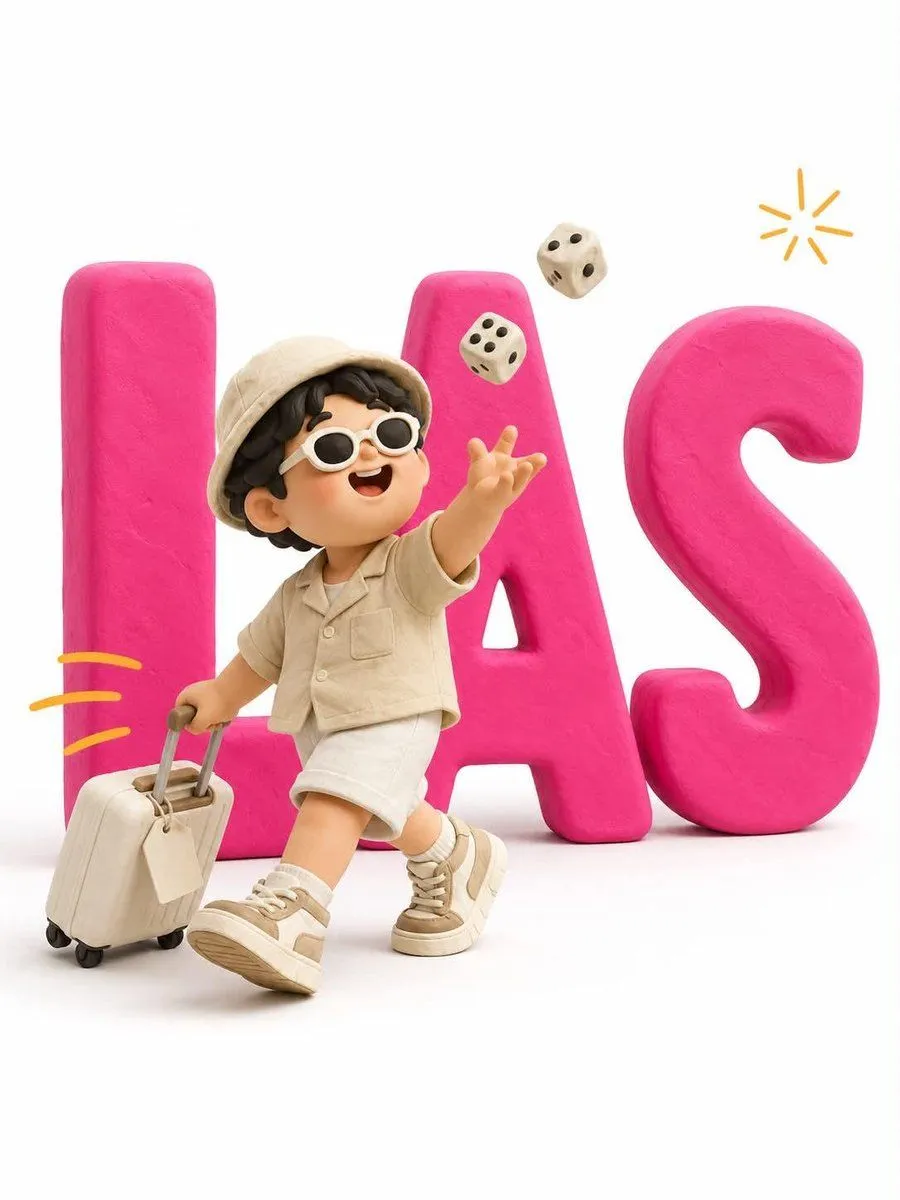
Minimalist 3D Clay Illustration Template
Minimalist 3D clay illustration. Giant bold typography reading "text" stands flat against a pure white background — thick chunky extruded letterforms in matte letter_color plasticine (a single solid saturated color across all letters), soft rounded edges and bevels, subtle fingerprint texture, no gloss, a faint soft drop shadow beneath. A cute stylized clay character stands IN FRONT of the letters, overlapping them, full body visible from head to sneakers. The letters remain fully readable behind — the character never sits on, climbs, or merges into them. CHARACTER: chubby handmade proportions, oversized round head, big glossy black dot eyes, tiny smiling mouth, soft blush cheeks, mitten hands. character_description. NOTE: the character wears NO colors matching the letters — use contrasting colors only, so the character separates cleanly from the typography. ACTION: [ACTION DESCRIPTION]. Body overlaps the first and middle letters; the final letter stays clear on the right. SCALE: character height about 65% of the letter height, centered slightly left. ACCENTS: [NUMBER] small hand-drawn [ACCENT COLOR] motion dashes trailing behind the character, one tiny doodled [ACCENT ELEMENT] arcing in the upper right — thin flat 2D marks, not 3D. RENDER: soft diffused studio light from upper left, gentle ambient occlusion, matte clay surfaces throughout, clean white seamless backdrop, slightly elevated eye-level camera, vertical 3:4. NEGATIVE: glossy plastic, metallic sheen, gradients on the letters, letters obscured or broken, character standing on or inside the letters, extra text, readable text on props, misspelled words, brand or commercial logos, realistic skin, harsh shadows, colored background.