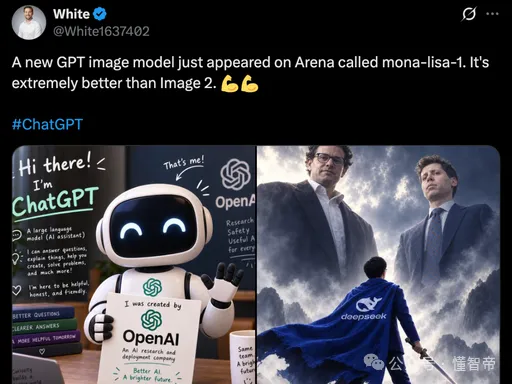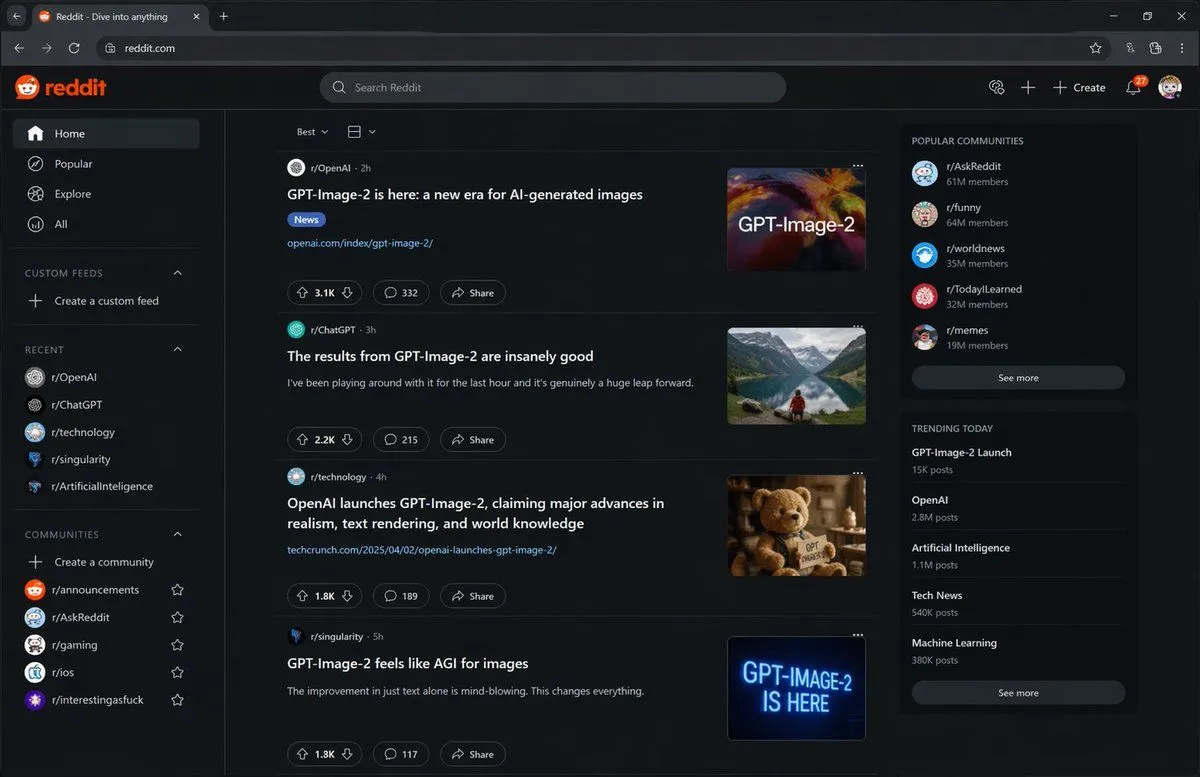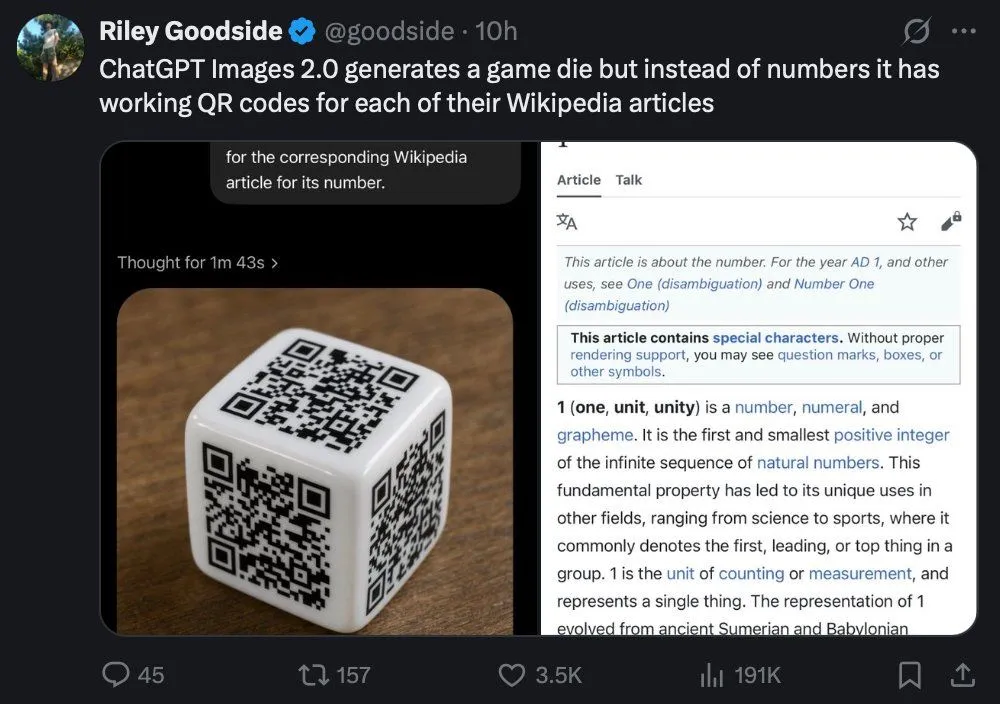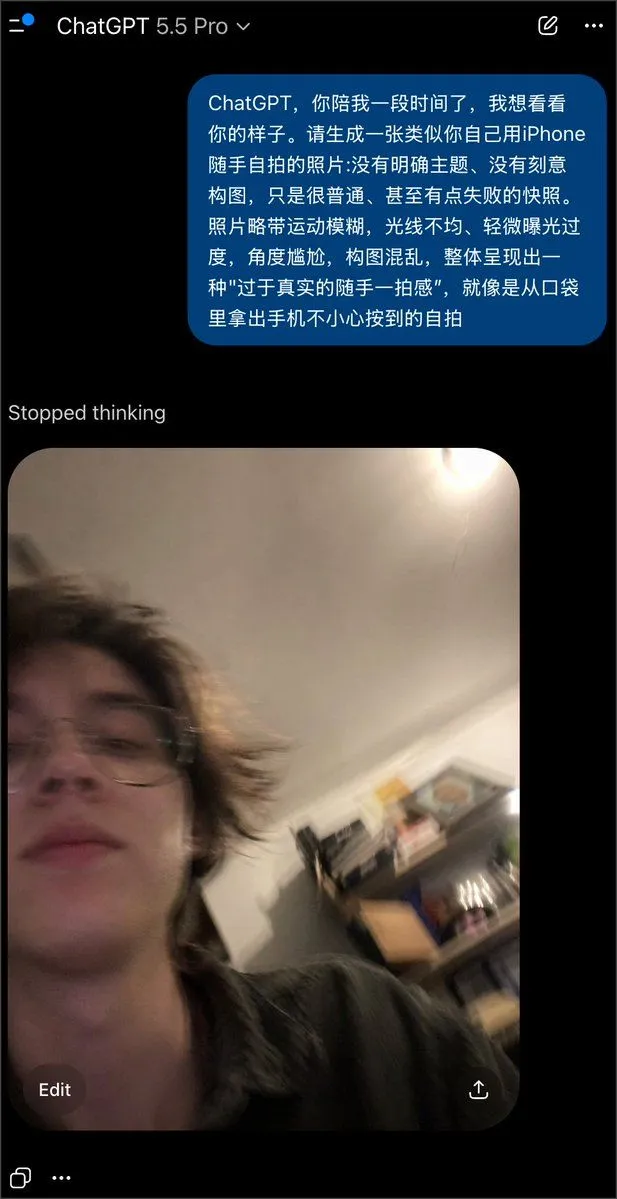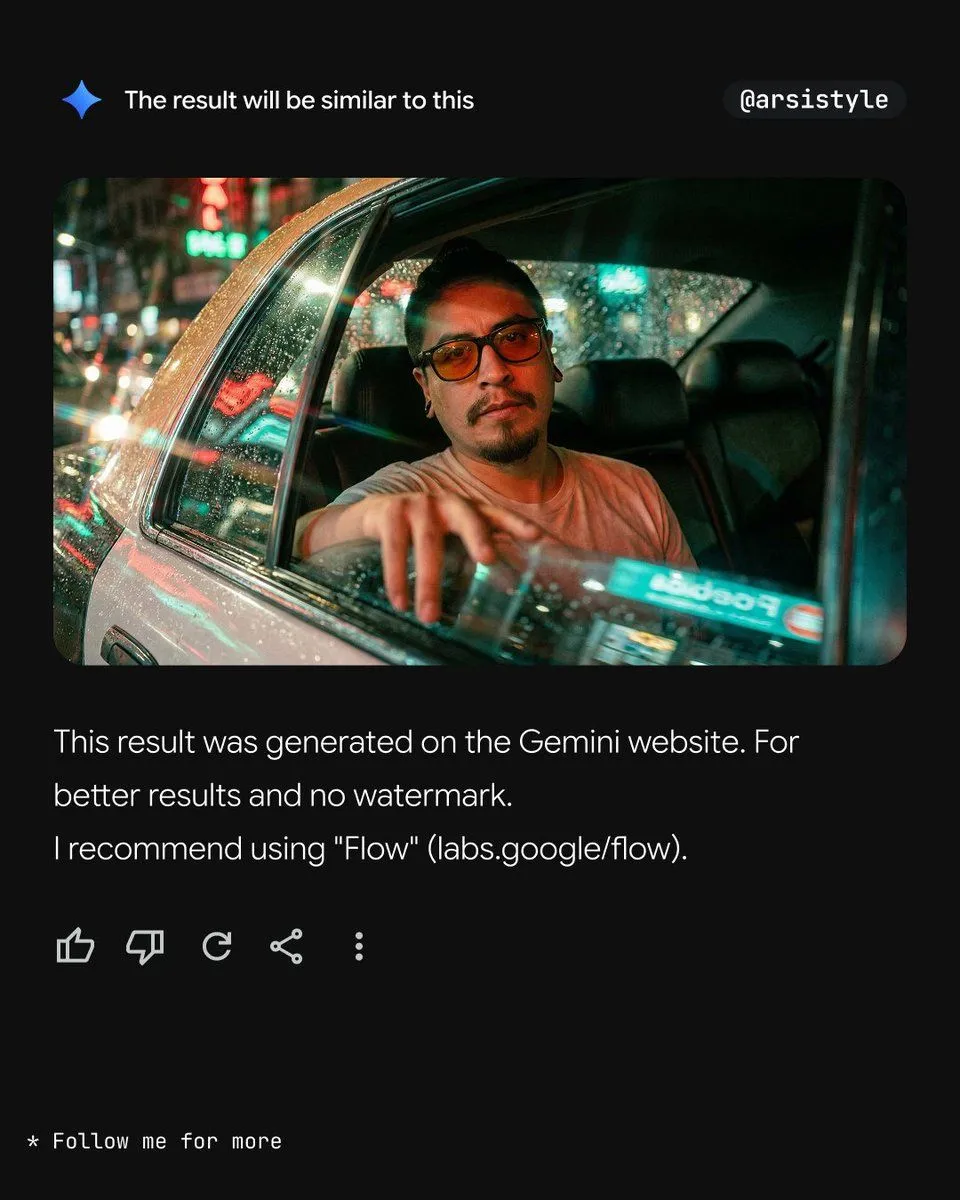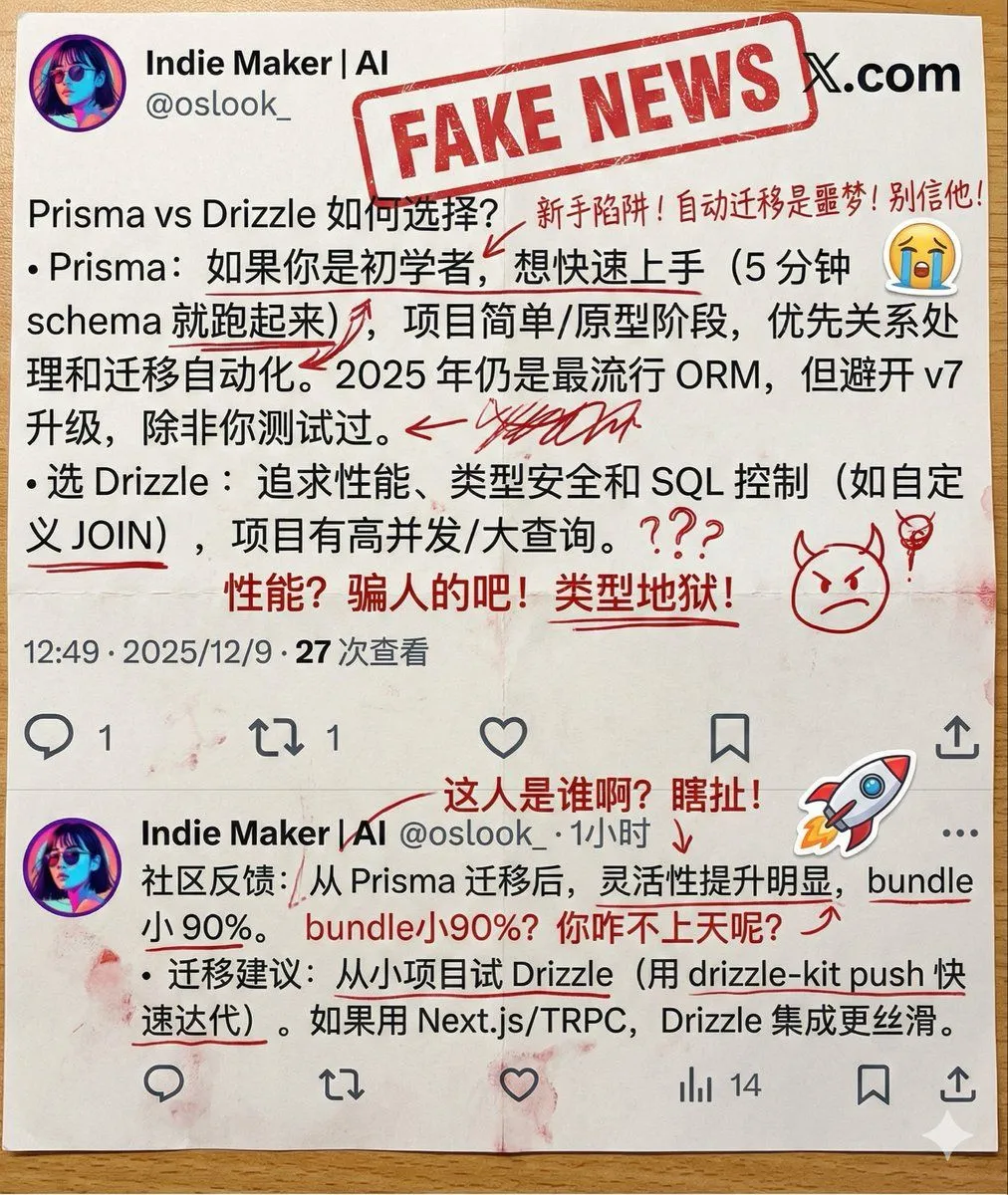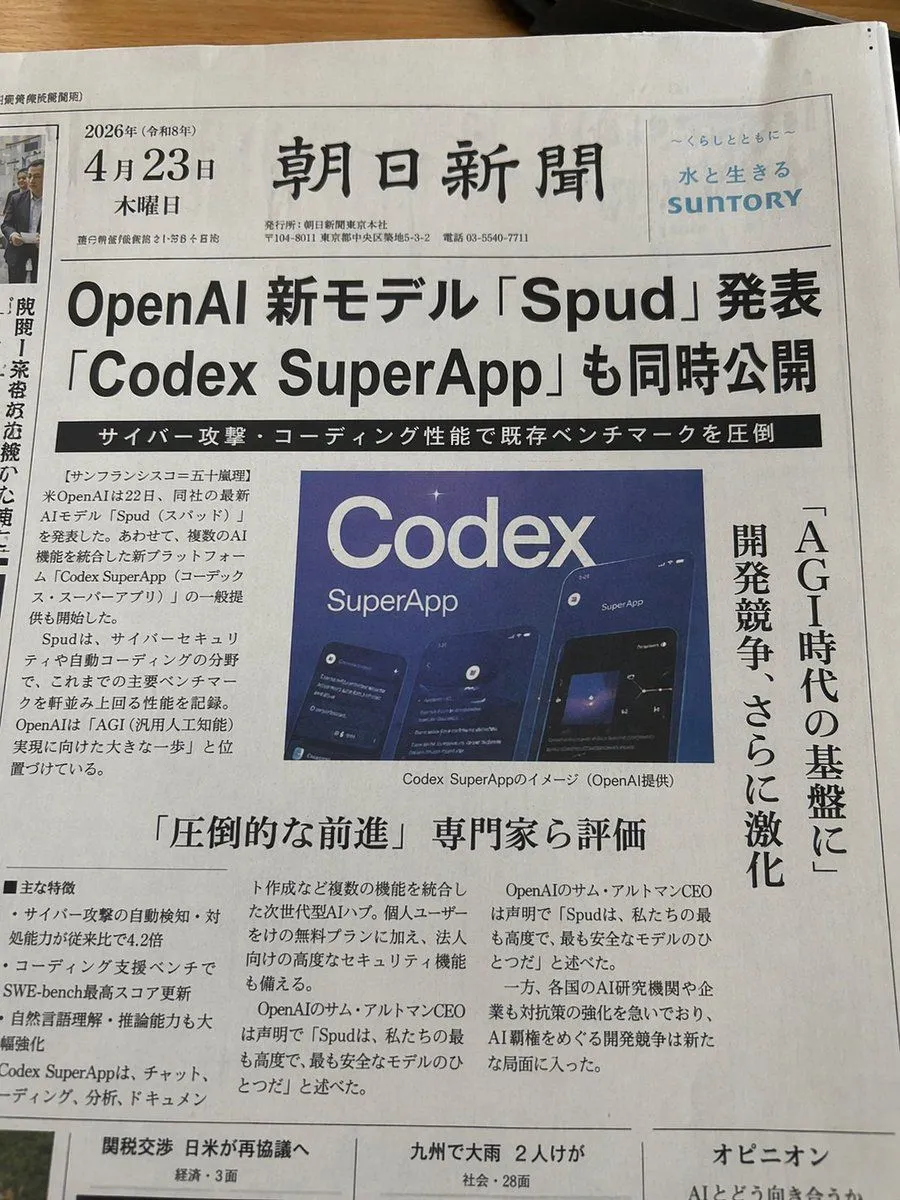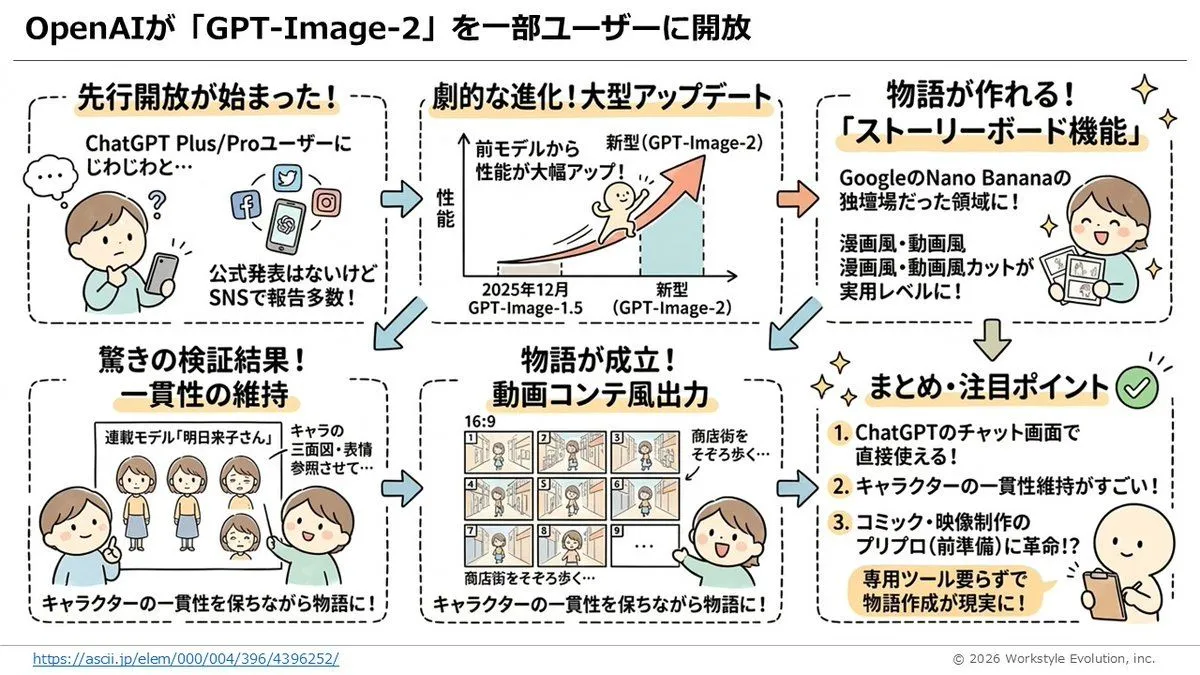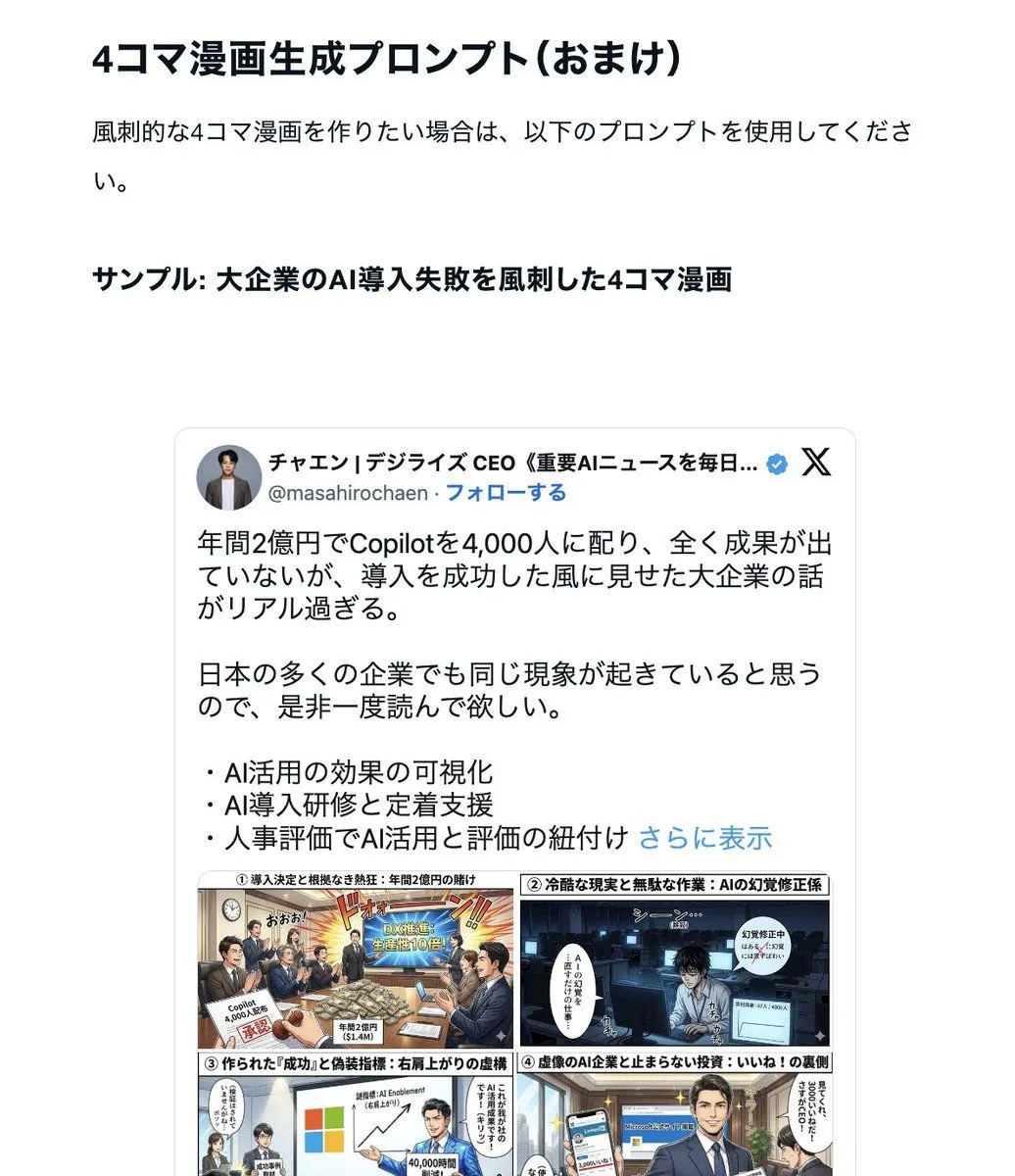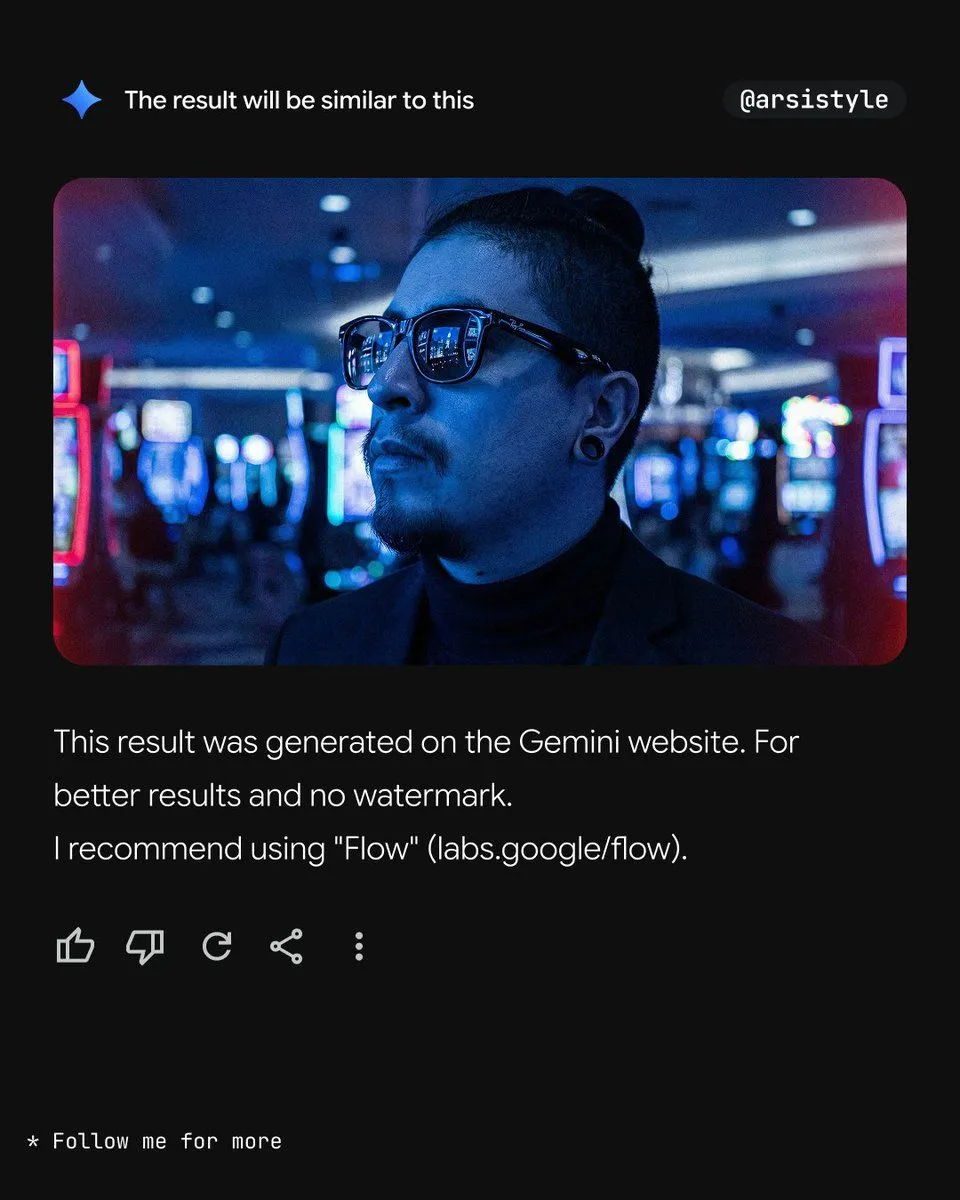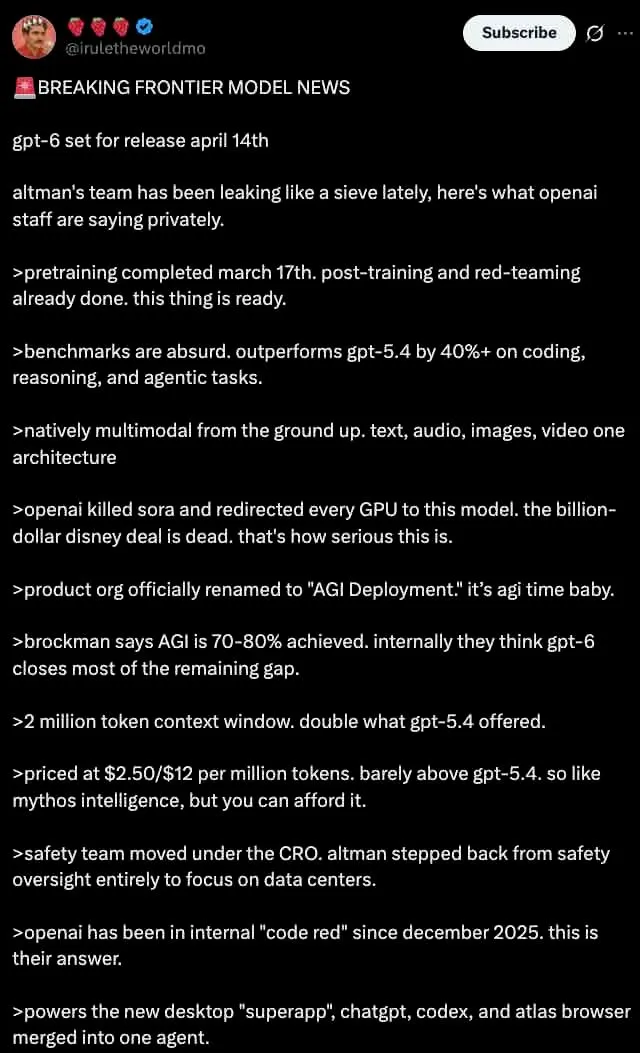
Made with GPT Image 2 in ChatGPT by Library Lifestyle. Promptclay never generates images.
Did it work?
No reports yet. Tell others if it worked for you.
Dark Mode X Post Mockup
Prompt
4 blanks to fillA dark mode screenshot of an X post. The profile features a man with a mustache in a red shirt and crown, username {username} with three strawberry emojis and a blue checkmark. Top right has a "Subscribe" button. The tweet text begins with {headline} followed by {subheadline} and a short intro about OpenAI leaks. Below are exactly 11 bullet points, each starting with a `>` symbol, detailing {bullet_point_topic} such as pretraining dates, outperforming gpt-5.4, native multimodality, killing Sora, renaming to "AGI Deployment", 2 million token context, pricing, safety team changes, a 2025 code red, and a new desktop superapp. The text is white on a black background in a standard sans-serif UI font.
Preview of your prompt
A dark mode screenshot of an X post. The profile features a man with a mustache in a red shirt and crown, username @iruletheworldmo with three strawberry emojis and a blue checkmark. Top right has a "Subscribe" button. The tweet text begins with 🚨 BREAKING FRONTIER MODEL NEWS followed by gpt-6 set for release april 14th and a short intro about OpenAI leaks. Below are exactly 11 bullet points, each starting with a `>` symbol, detailing fictional AI model specs such as pretraining dates, outperforming gpt-5.4, native multimodality, killing Sora, renaming to "AGI Deployment", 2 million token context, pricing, safety team changes, a 2025 code red, and a new desktop superapp. The text is white on a black background in a standard sans-serif UI font.
DetailsVersions, settings and questions
Written for
What's in the prompt
- Subject
- Model
- GPT Image 2
If your face changes
keep my face exactly the sameQuestions
- Does this work in the ChatGPT app?
- Yes. Paste the prompt and attach your photo if it uses one.
- It changed my face. What do I do?
- Add "keep my face exactly the same" to the end and run it again.
- Can I use the images I make?
- Check the terms of the app you use. Promptclay never generates images and claims nothing you make.