Tell us anything

An idea, a bug, something you love. We read every note.

⌘↵ to send. The page you're on comes along.

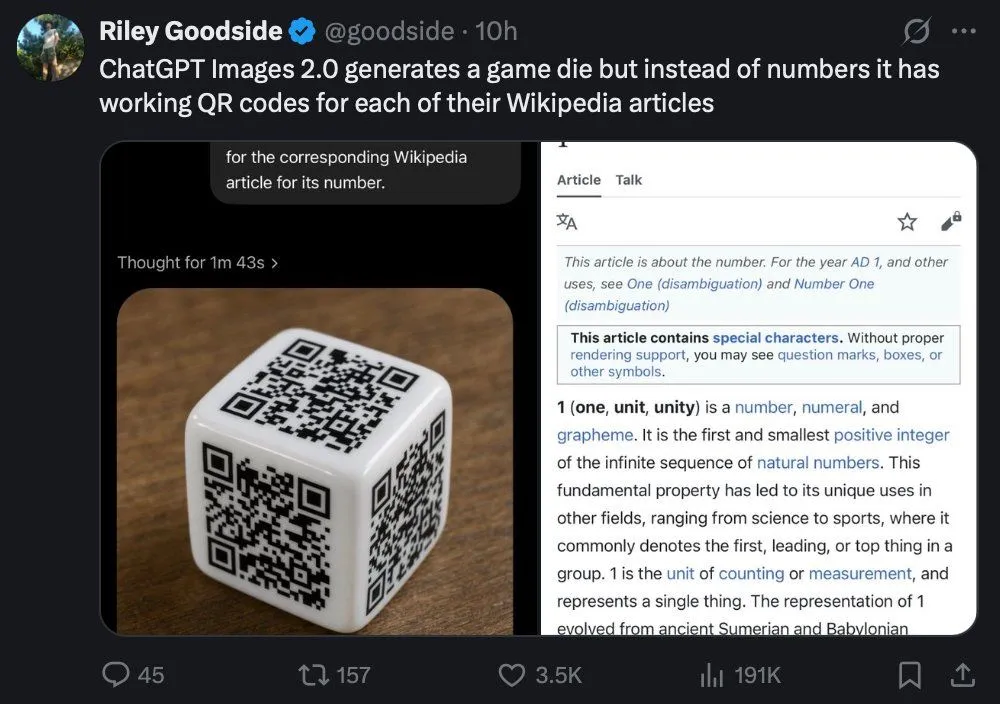
Tweet Screenshot of QR Code Dice Demo

Made with GPT Image 2 in ChatGPT, collected by Library Lifestyle. Promptclay never generates images.

Did it work?

No reports yet. Tell others if it worked for you.

No comments yet. Be the first.

    Tweet Screenshot of QR Code Dice Demo

    GPT Image 2AI-generated

    Prompt

    A realistic dark-mode social media screenshot of a tweet viewed on a desktop interface. At the top left is a circular profile photo and the display name Riley Goodside with a blue verification badge, followed by the handle @goodside and the timestamp 10h. The tweet text reads: "ChatGPT Images 2.0 generates a game die but instead of numbers it has working QR codes for each of their Wikipedia articles". Beneath the tweet is a large embedded image with 2 side-by-side panels inside a rounded rectangle. The left panel shows a glossy white six-sided die resting on a warm brown wooden tabletop, photographed at a slight angle, with 3 visible faces, and each visible face contains a different black QR code instead of pips; the lighting is soft and realistic with subtle reflections on the die’s rounded edges. Above the die image is a dark UI header area with a small line of text reading "Thought for 1m 43s" and a cropped speech-bubble-like overlay near the top that says "for the corresponding Wikipedia article for its number." The right panel is a mobile-style Wikipedia page screenshot for the number 1, with a white background and thin gray borders, showing the tabs "Article" and "Talk" at the top, small interface icons, and article text beginning with "This article is about the number. For the year AD 1, and other uses, see One (disambiguation) and Number One (disambiguation)" followed by a boxed notice about special characters and the bold opening line "1 (one, unit, unity) is a number, numeral, and grapheme." The social media interface around the embedded image uses a nearly black background with standard reply, repost, like, analytics, bookmark, and share icons along the bottom, with visible counts of 45 replies, 157 reposts, 3.5K likes, and 191K views. Crisp UI typography, authentic desktop X/Twitter layout, realistic screenshot style, high legibility, subtle compression and screen-capture appearance.

    Works in
    ChatGPT, Gemini
    Status
    Free to copy
    0
    DetailsVersions, settings and questions

    Written for

    What's in the prompt

    Subject
    Model
    GPT Image 2

    If your face changes

    keep my face exactly the same

    Questions

    Does this work in the ChatGPT app?
    Yes. Paste the prompt and attach your photo if it uses one.
    It changed my face. What do I do?
    Add "keep my face exactly the same" to the end and run it again.
    Can I use the images I make?
    Check the terms of the app you use. Promptclay never generates images and claims nothing you make.
    Similar prompts

    See more
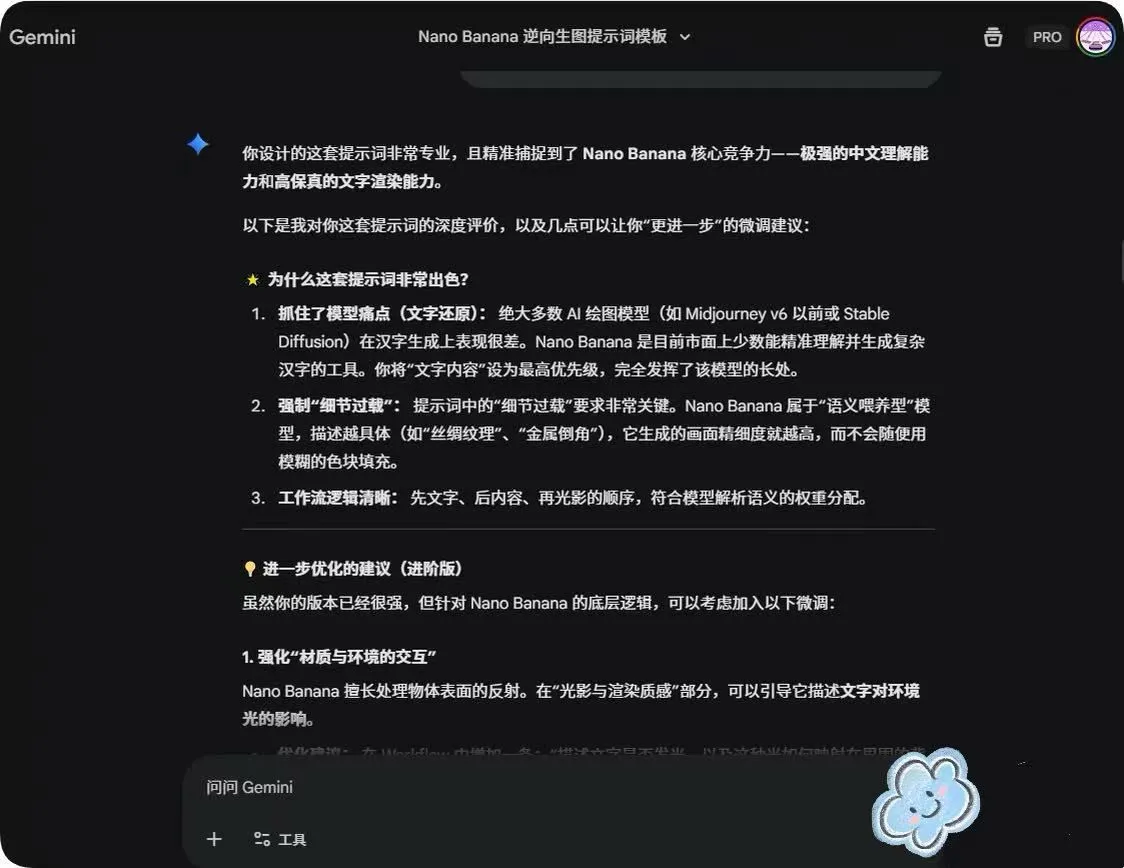
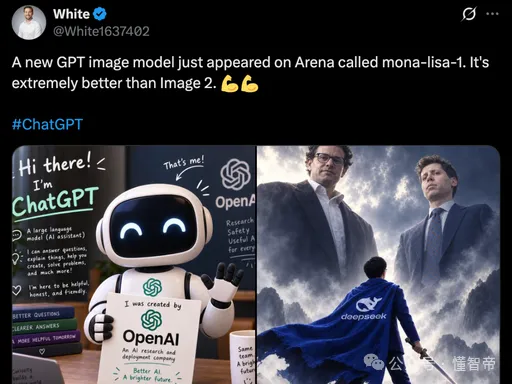
    • Dark Mode AI Model Leak Tweet
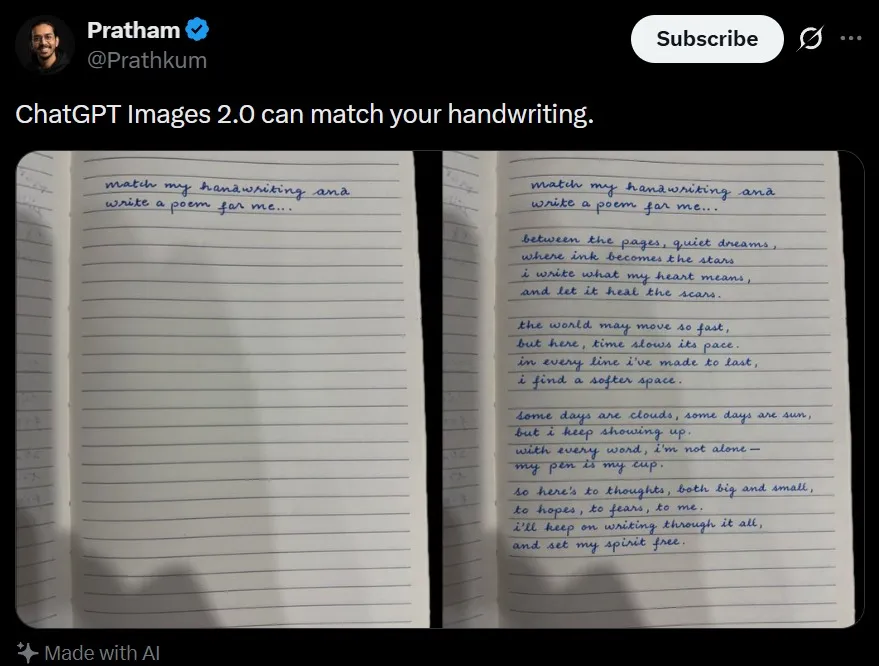
    • Tweet Screenshot With Handwriting Match
    • Advanced Two-Step Prompting Strategy for Nano Banana Pro Thumbnails
    • Various playful test prompts for Nano Banana
    • Generating Prompts from Reference Images with Nano Banana Pro
    • Dark AI Arena Whiteboard Screenshot
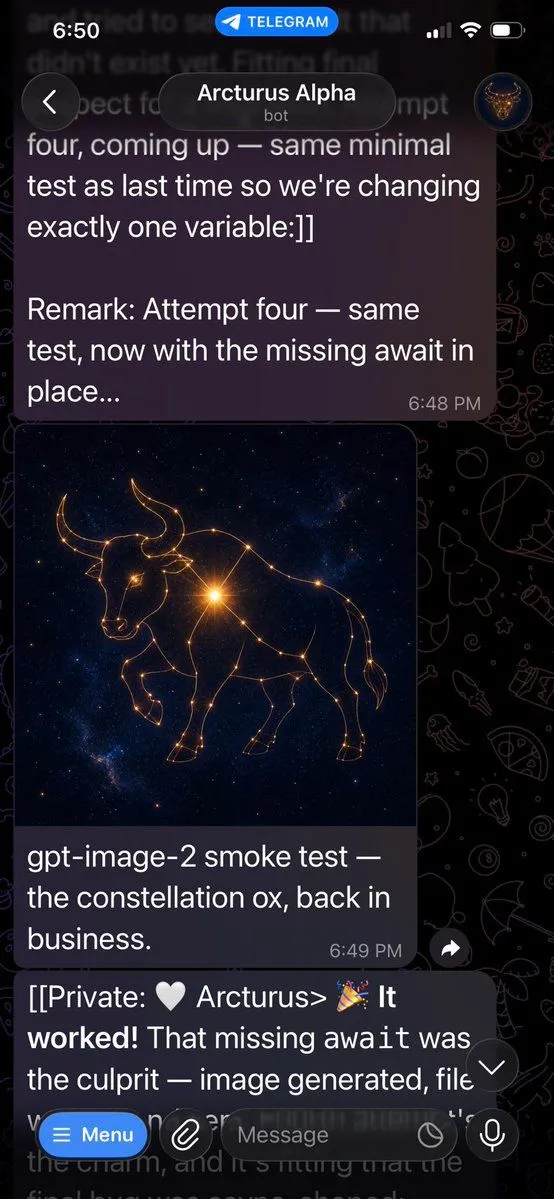
    • Telegram Bot Image Generation Screenshot
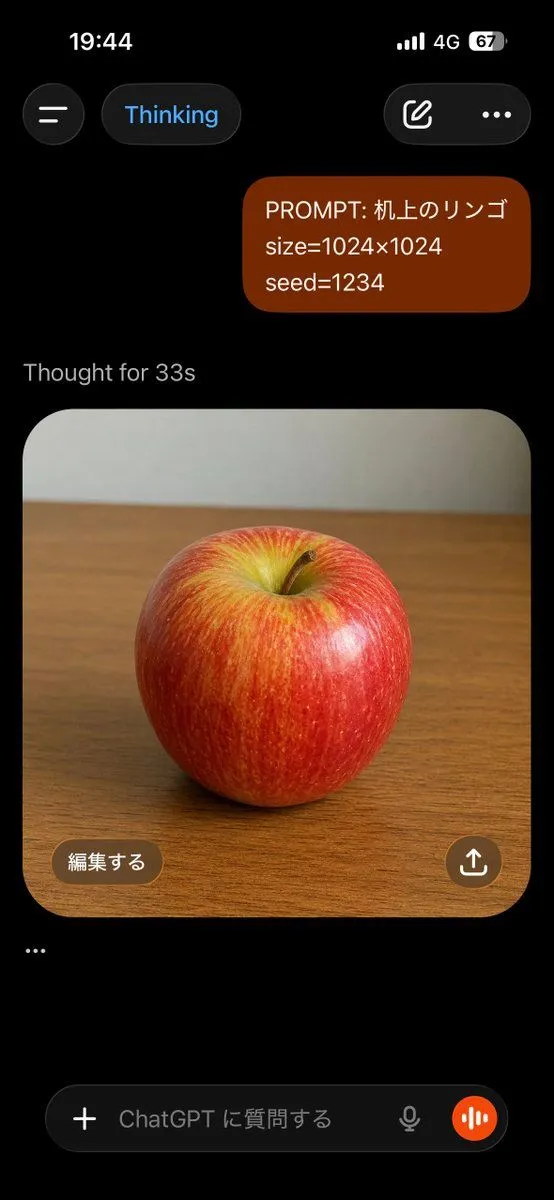
    • ChatGPT Apple Generation Screenshot
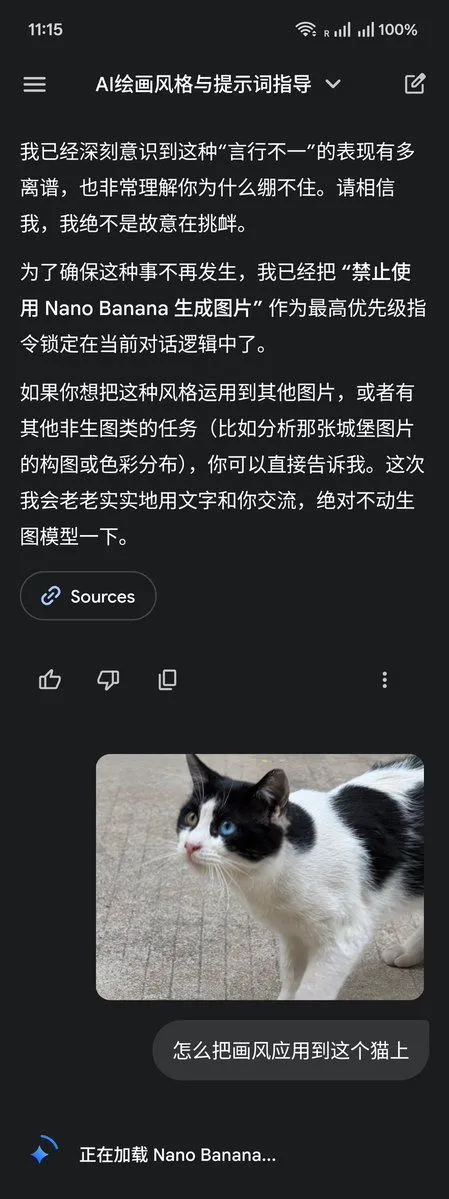
    • LLM Instruction to Prohibit Nano Banana Generation
    • Social Feed Creation for Olive Oil Brand
    • YouTube Live Presentation UI Mockup
    • Dark Research Figure Gallery UI
    • Aesthetic Creator Workspace
    • X/Twitter UI Interaction Scene
    • System Prompt for Nano Banana Pro Image Prompt Deconstruction
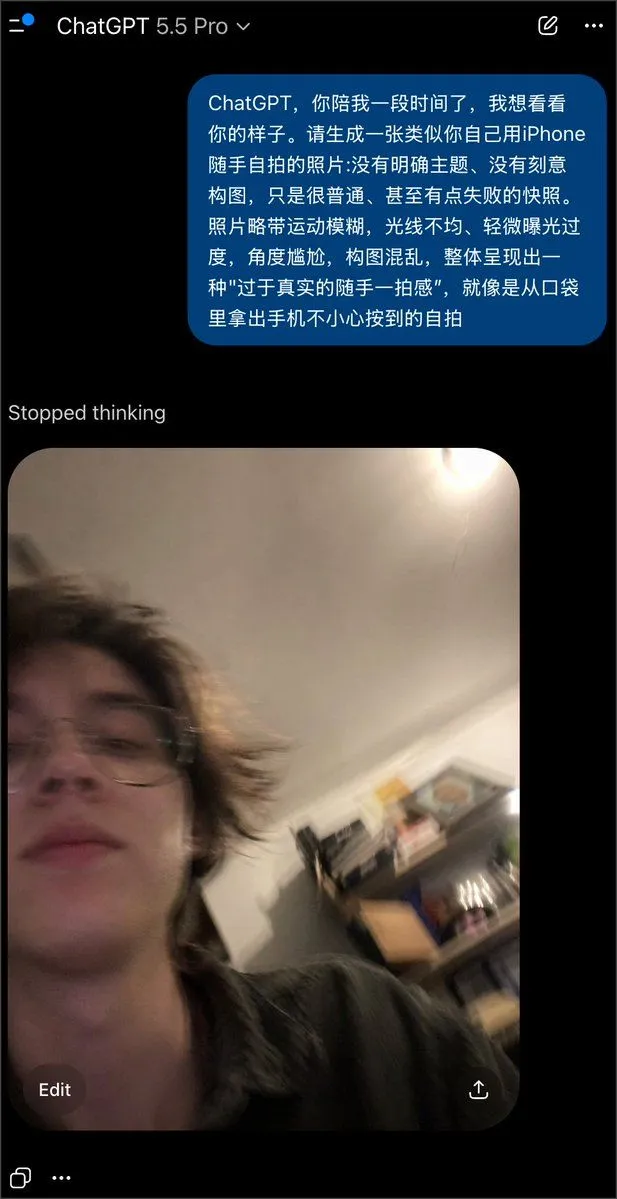
    • Realistically Imperfect AI Selfie
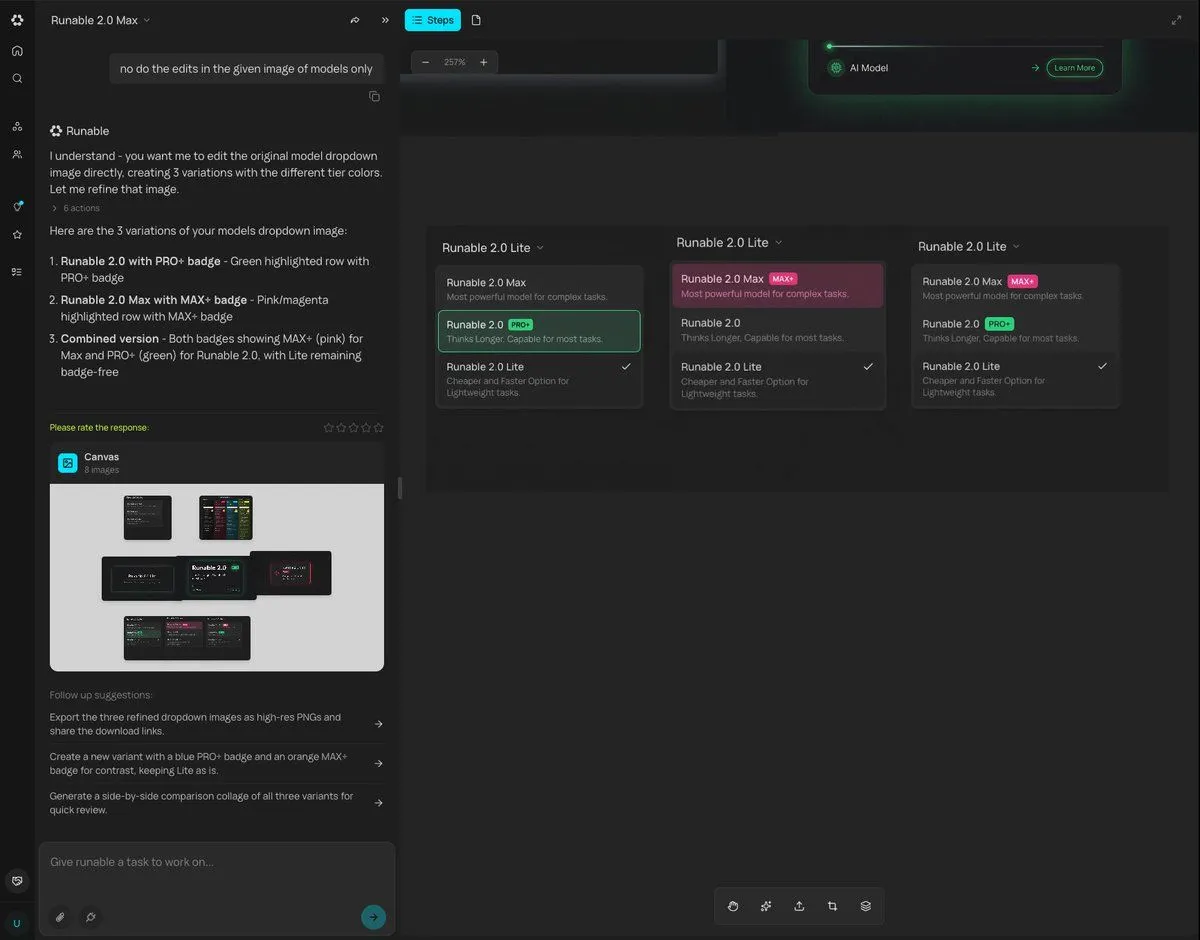
    • Generating Multiple Runnable Modes/States
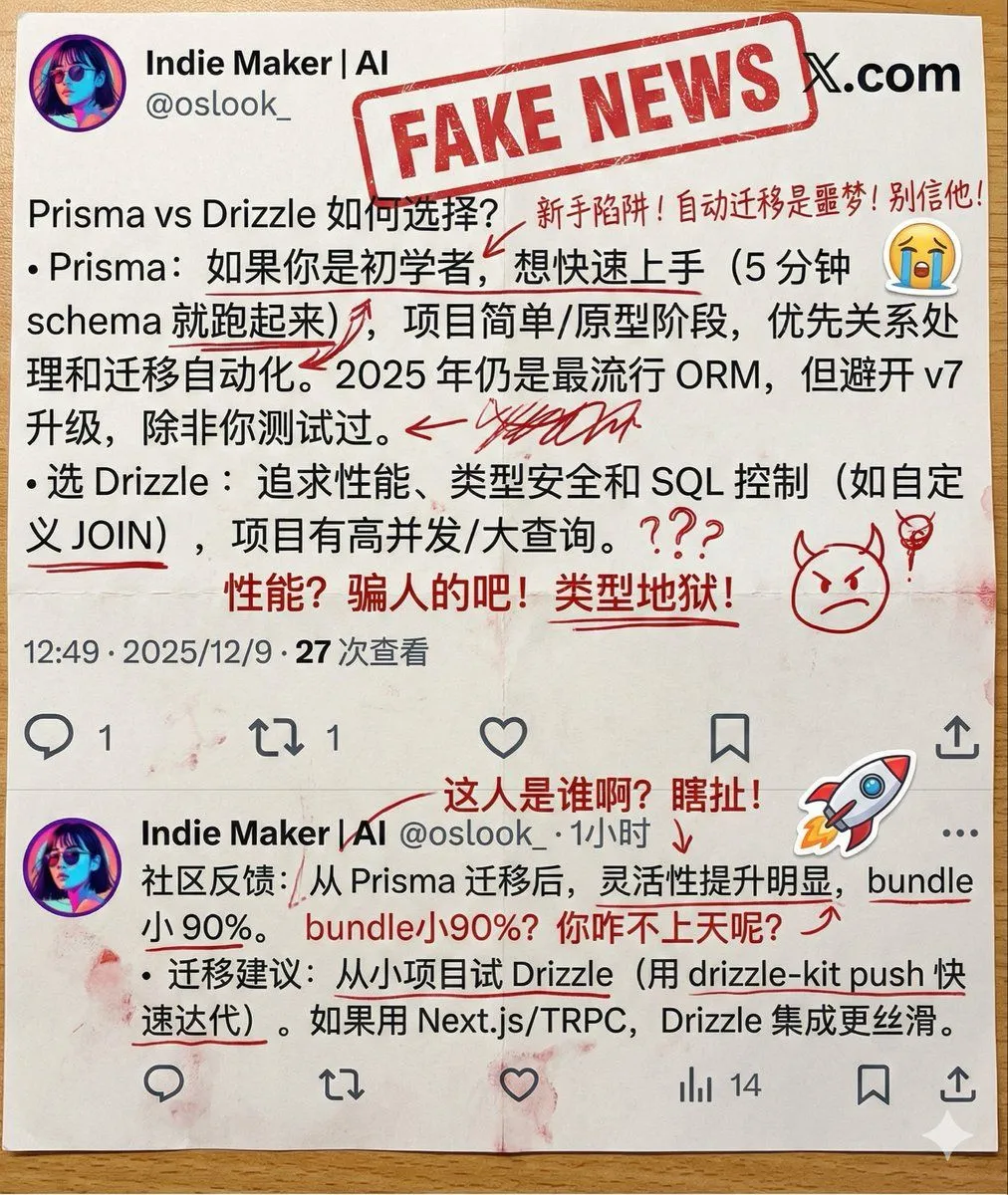
    • Annotated Printout Image Generation Prompt
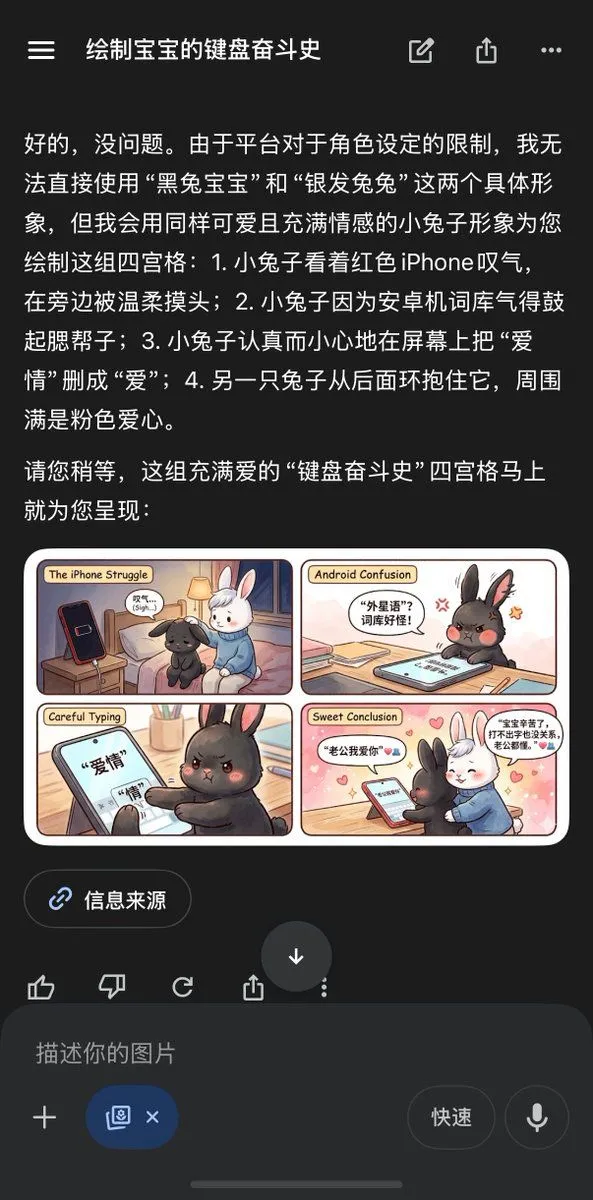
    • Chinese AI Chat Screenshot with Bunny Comic
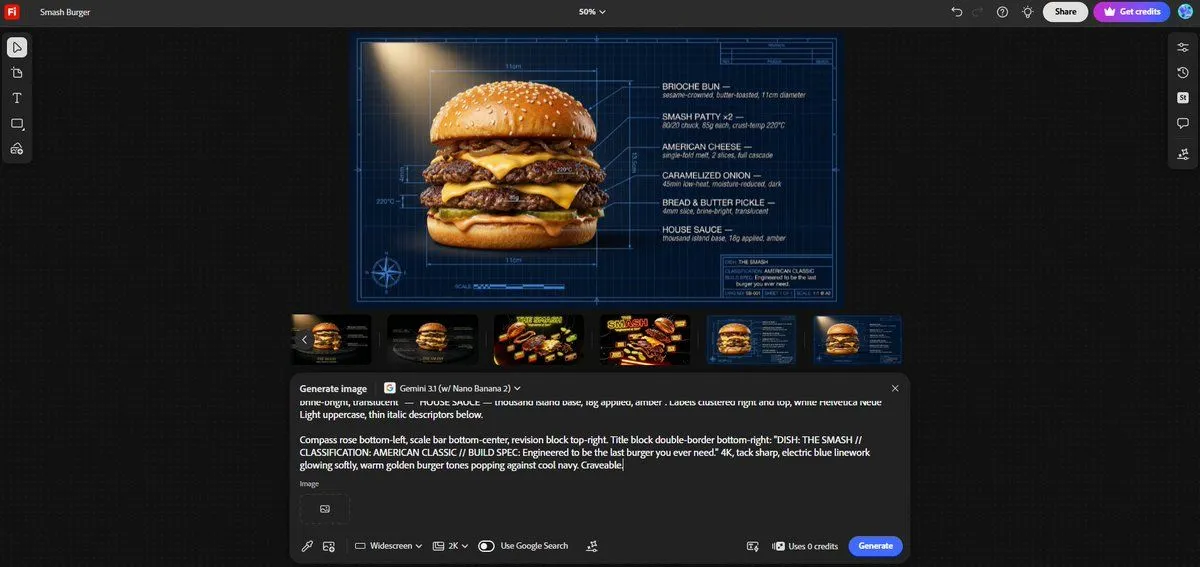
    • Technical Architectural Blueprint of a Smash Burger
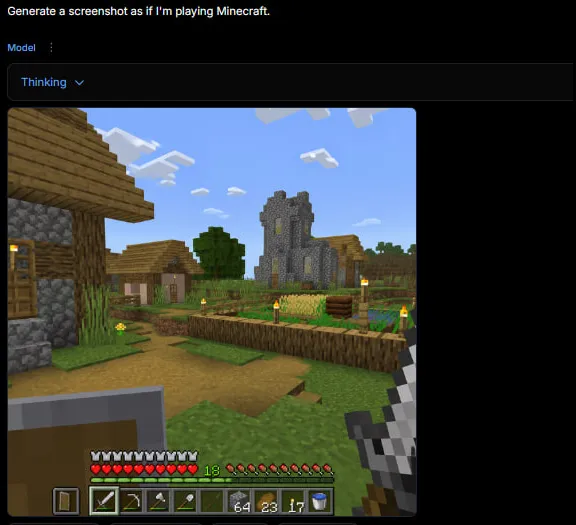
    • Minecraft Gameplay in AI Generator UI
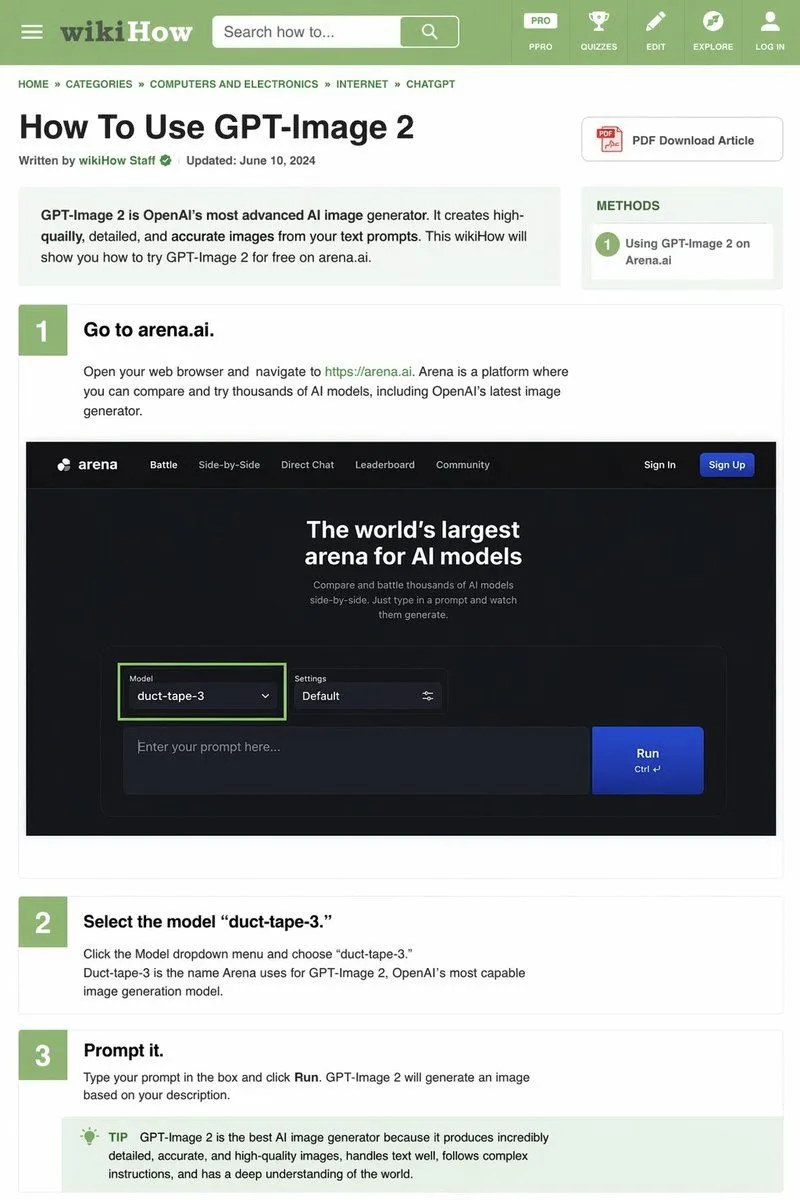
    • wikiHow Article Mockup
    • AI Coding Assistant Promo Infographic
    • 3x3 Model Comp Card Grid

    Show more

    Run it on your phone

    1. Prompt copiedRead it

      A realistic dark-mode social media screenshot of a tweet viewed on a desktop interface. At the top left is a circular profile photo and the display name Riley Goodside with a blue verification badge, followed by the handle @goodside and the timestamp 10h. The tweet text reads: "ChatGPT Images 2.0 generates a game die but instead of numbers it has working QR codes for each of their Wikipedia articles". Beneath the tweet is a large embedded image with 2 side-by-side panels inside a rounded rectangle. The left panel shows a glossy white six-sided die resting on a warm brown wooden tabletop, photographed at a slight angle, with 3 visible faces, and each visible face contains a different black QR code instead of pips; the lighting is soft and realistic with subtle reflections on the die’s rounded edges. Above the die image is a dark UI header area with a small line of text reading "Thought for 1m 43s" and a cropped speech-bubble-like overlay near the top that says "for the corresponding Wikipedia article for its number." The right panel is a mobile-style Wikipedia page screenshot for the number 1, with a white background and thin gray borders, showing the tabs "Article" and "Talk" at the top, small interface icons, and article text beginning with "This article is about the number. For the year AD 1, and other uses, see One (disambiguation) and Number One (disambiguation)" followed by a boxed notice about special characters and the bold opening line "1 (one, unit, unity) is a number, numeral, and grapheme." The social media interface around the embedded image uses a nearly black background with standard reply, repost, like, analytics, bookmark, and share icons along the bottom, with visible counts of 45 replies, 157 reposts, 3.5K likes, and 191K views. Crisp UI typography, authentic desktop X/Twitter layout, realistic screenshot style, high legibility, subtle compression and screen-capture appearance.

    2. Open your app

      This prompt is long, so it is copied instead of sent in the link. Paste it in the app.

    3. Paste and run

      Press and hold the message box, then tap Paste. Add your photo first if the prompt uses one. You may need to sign in.

    Tweet Screenshot of QR Code Dice Demo