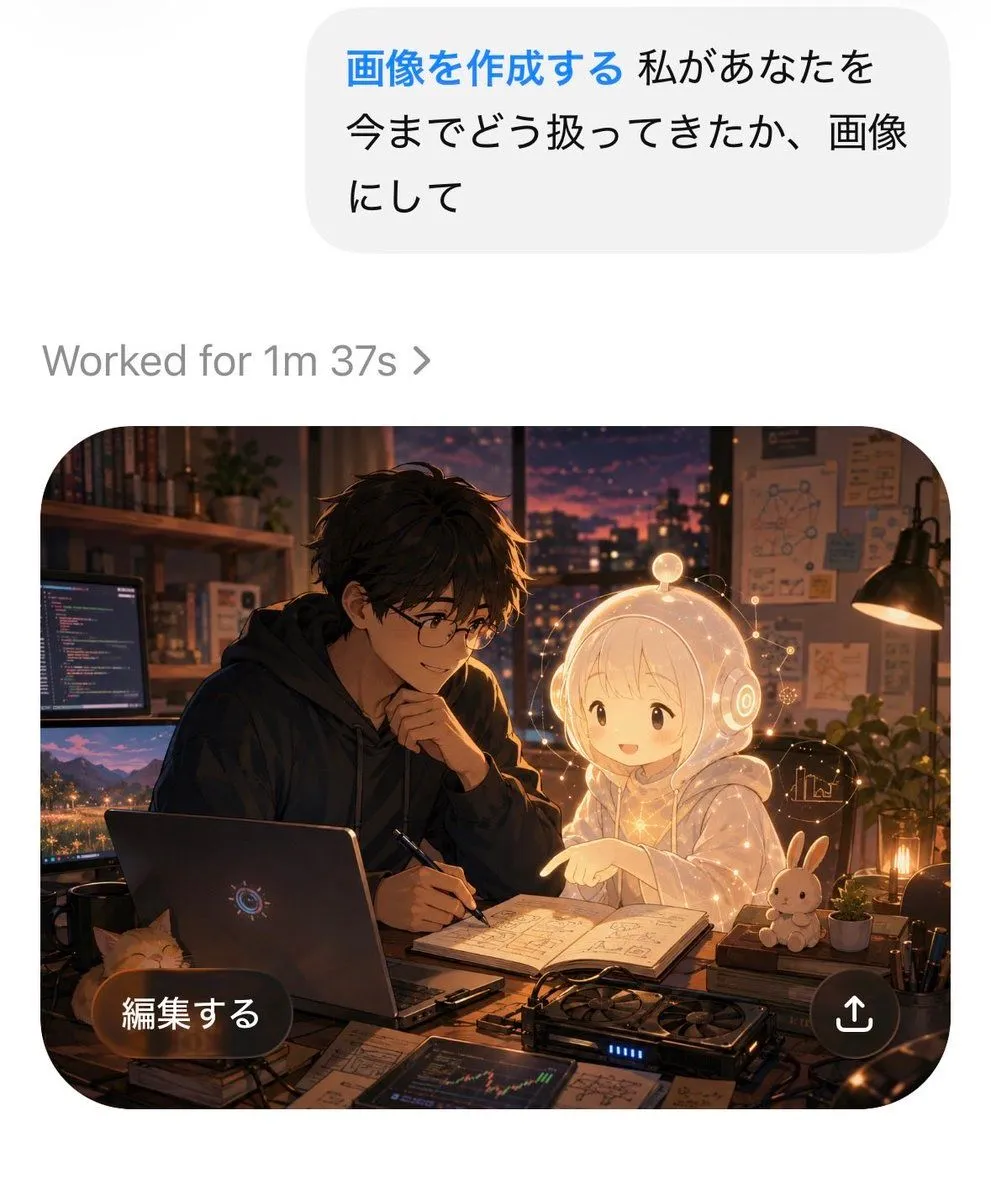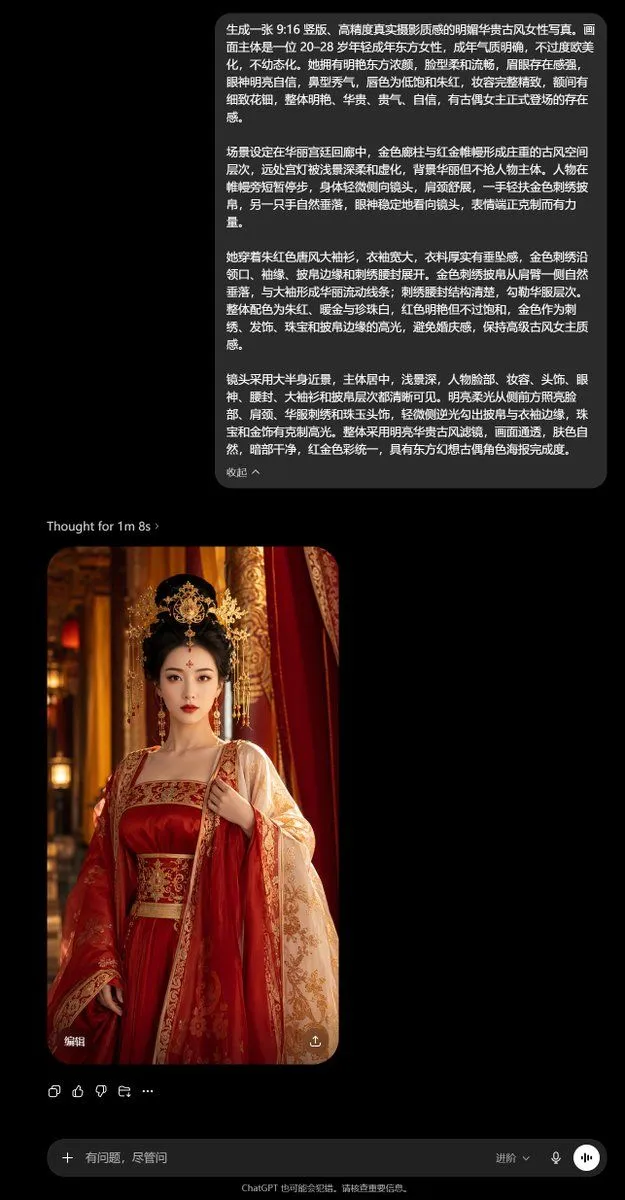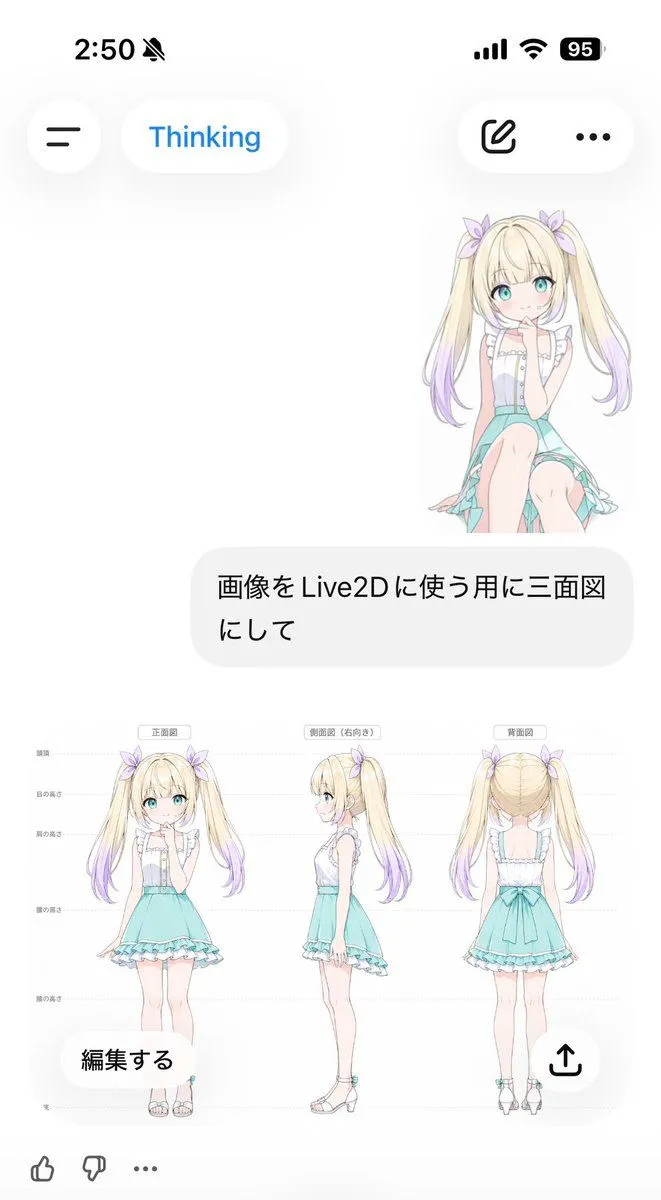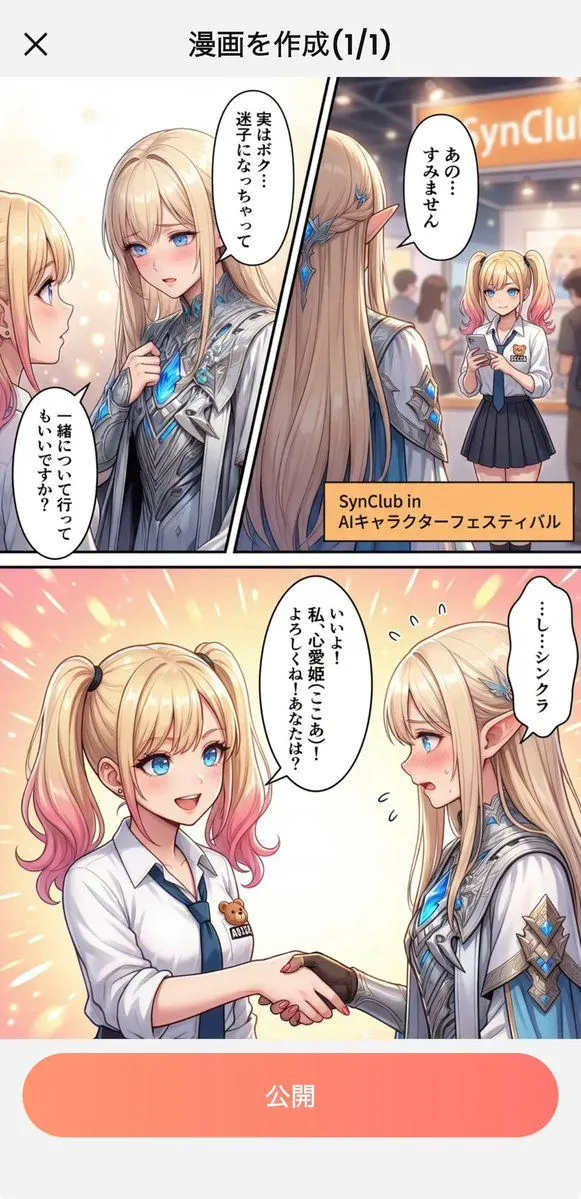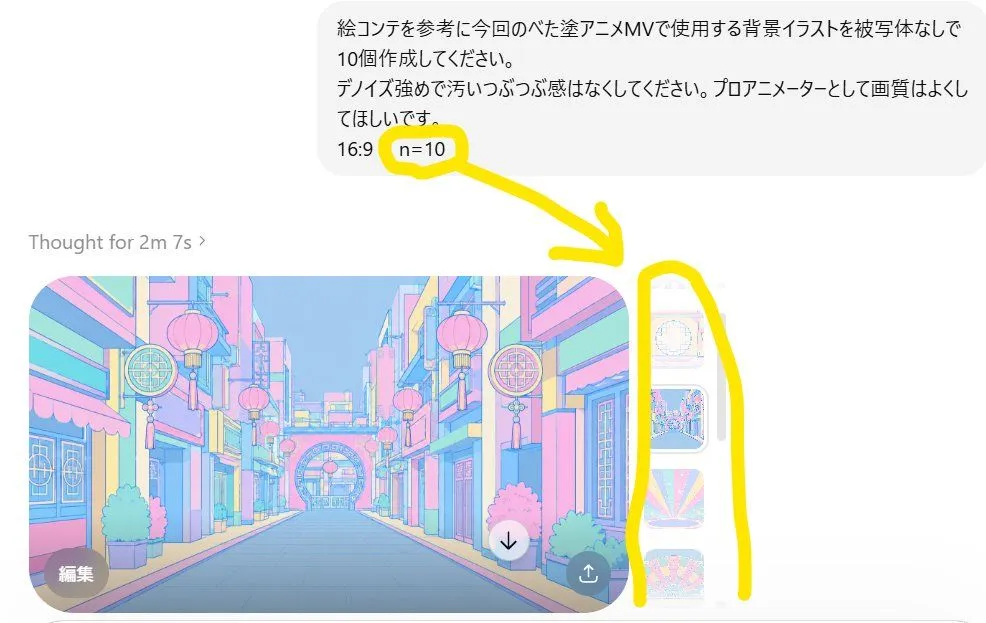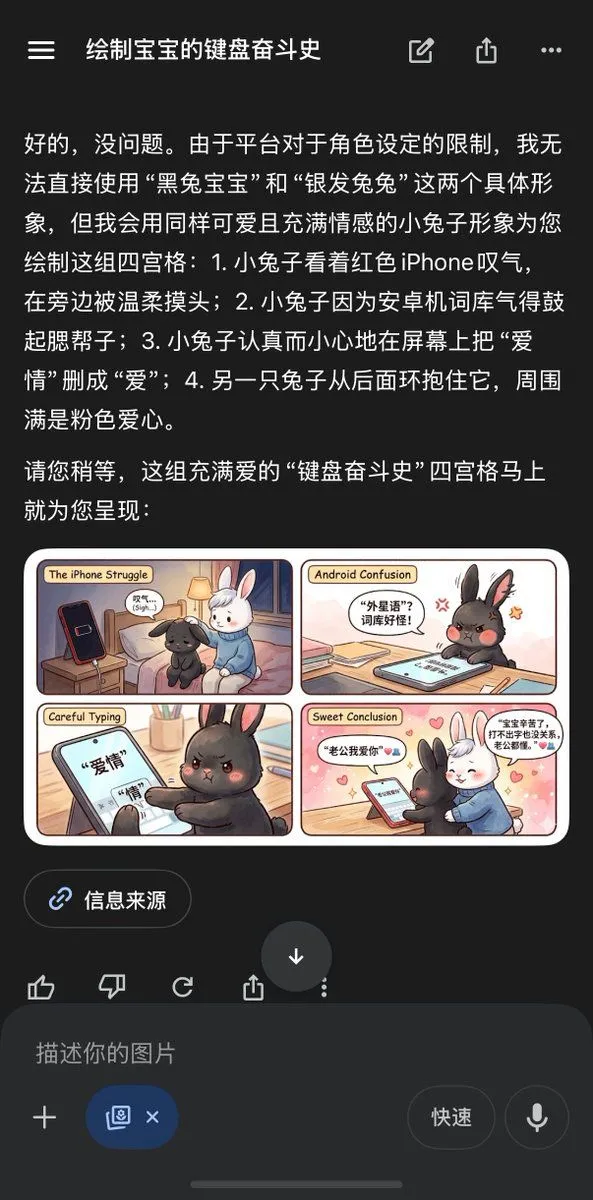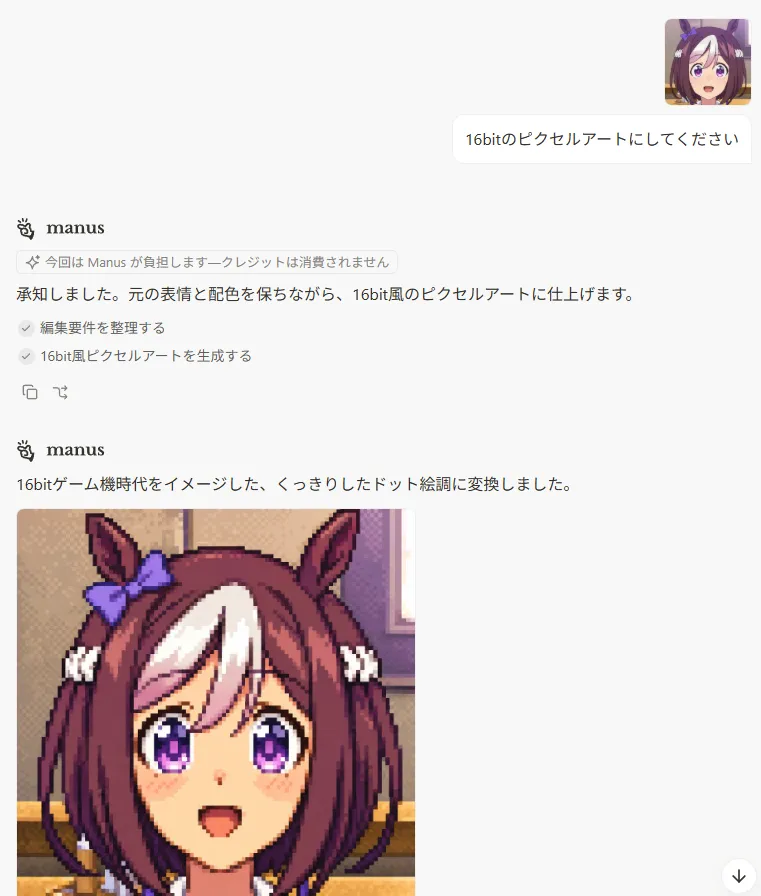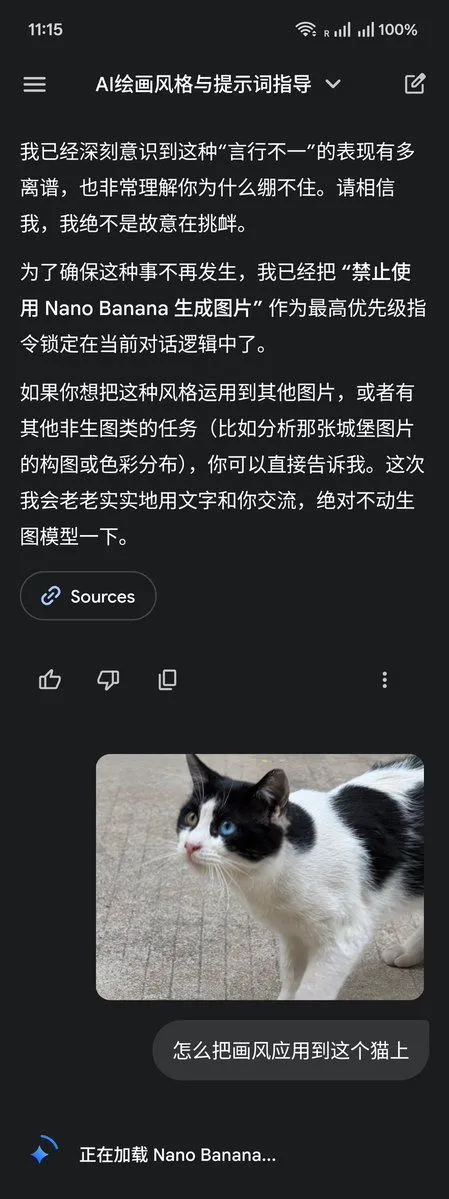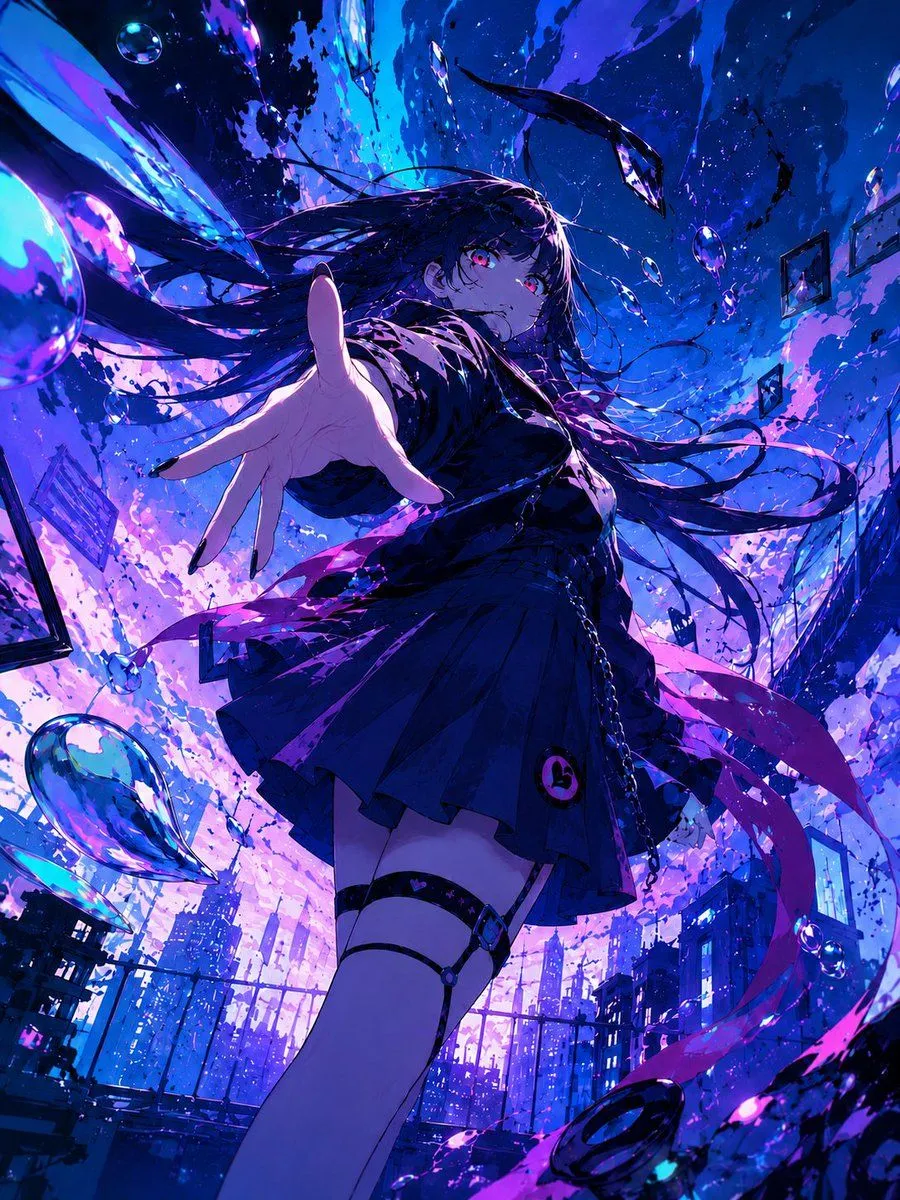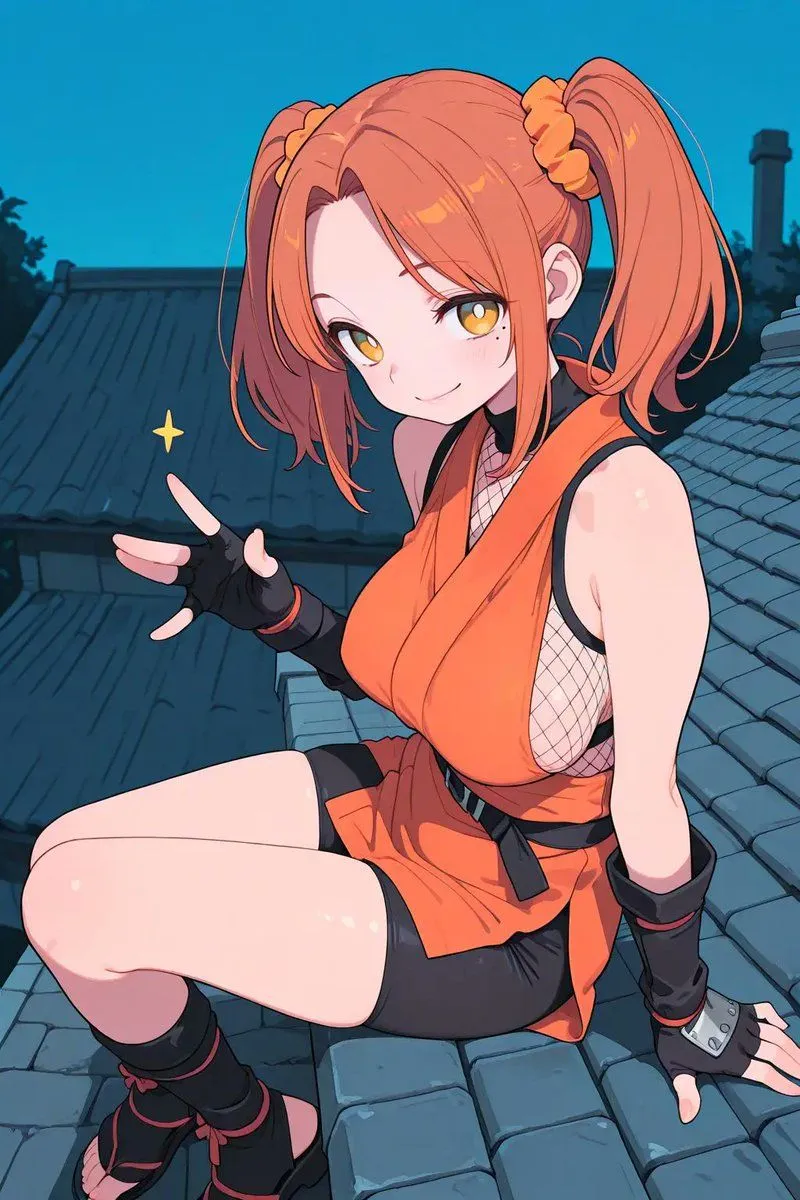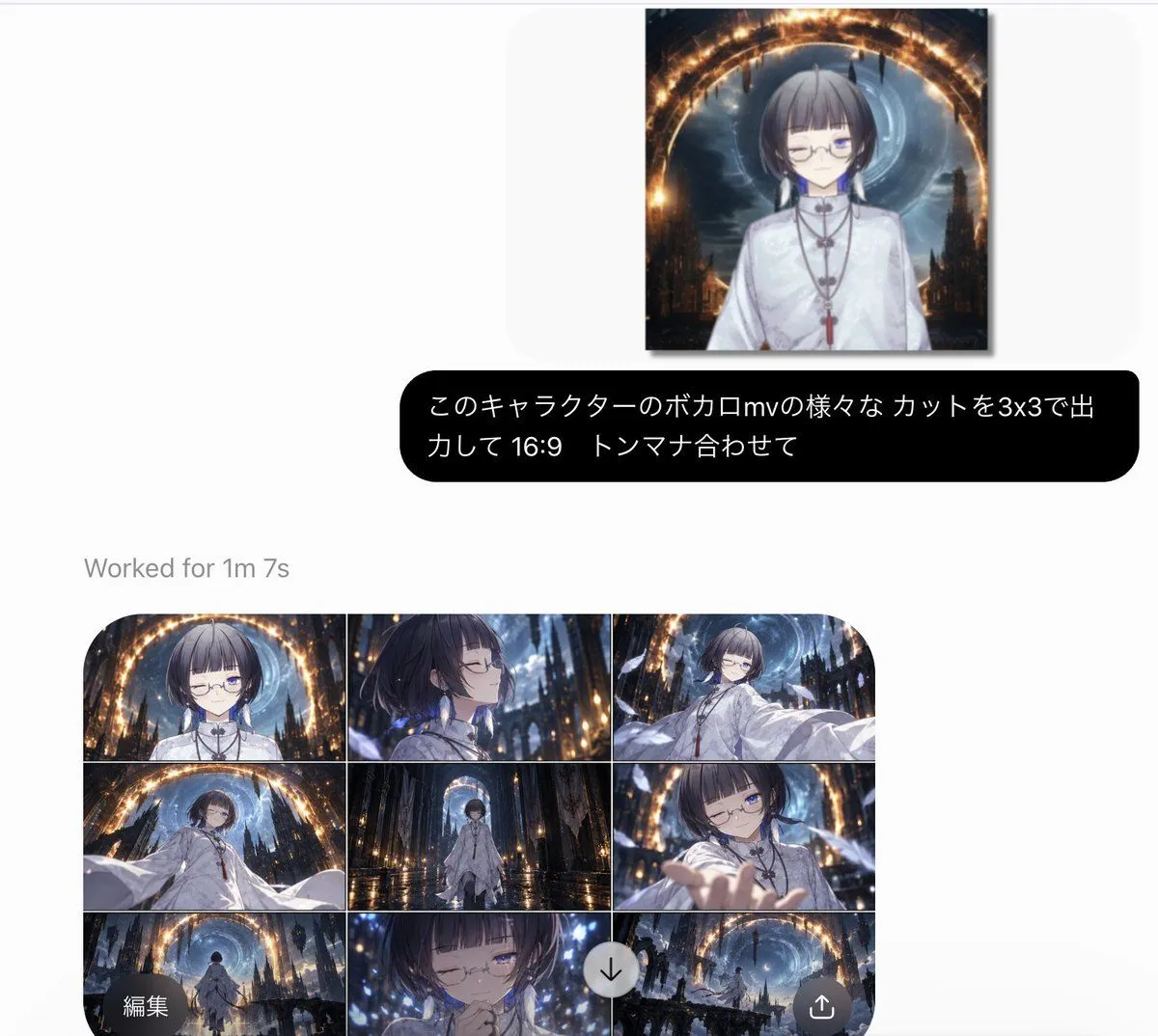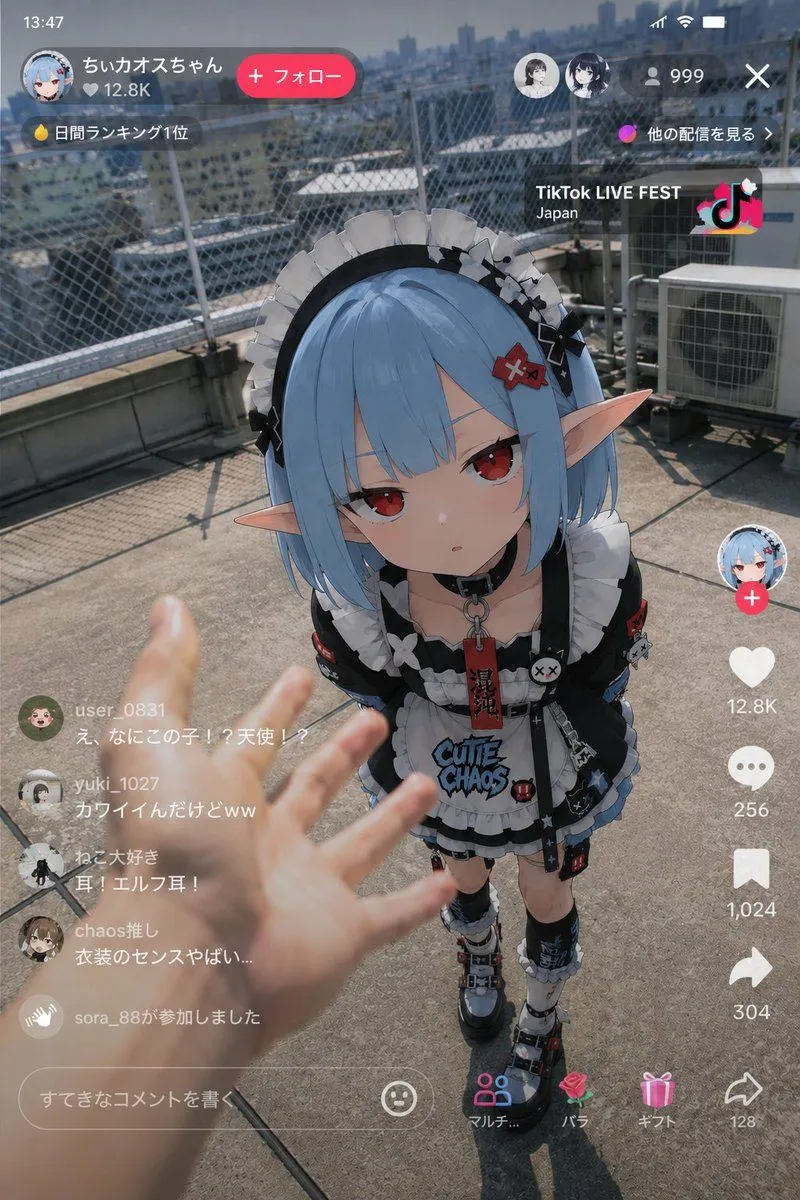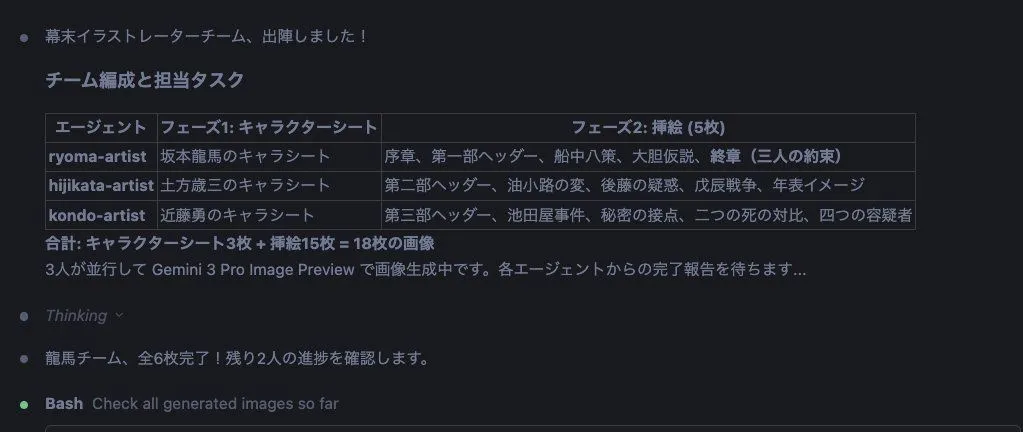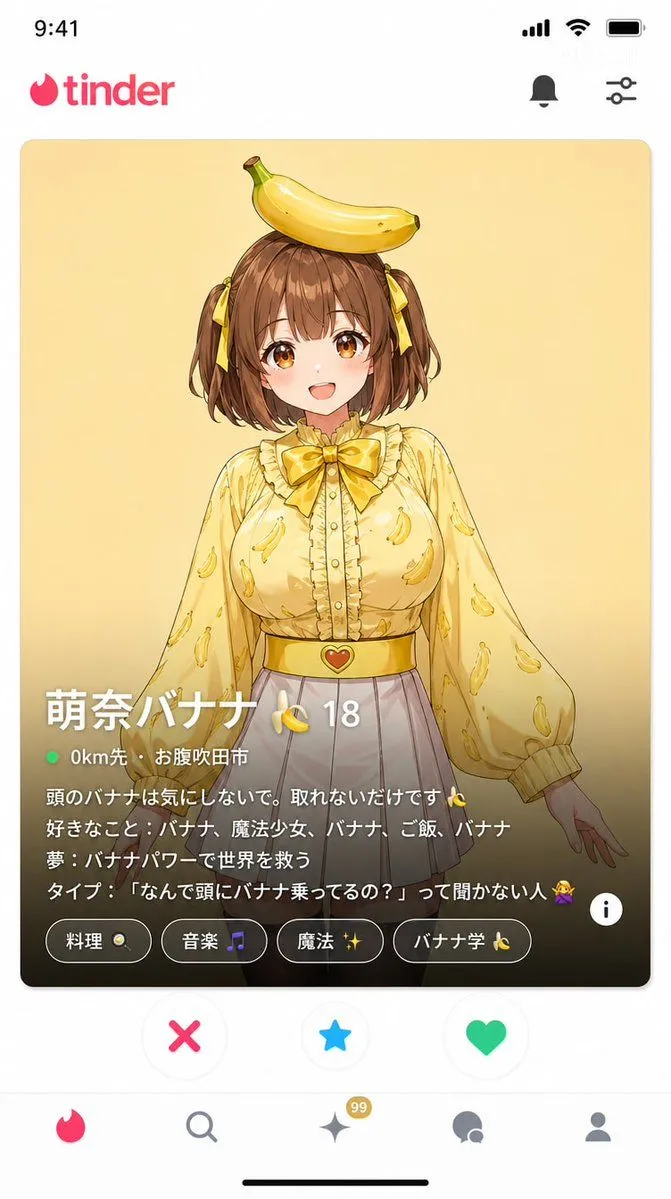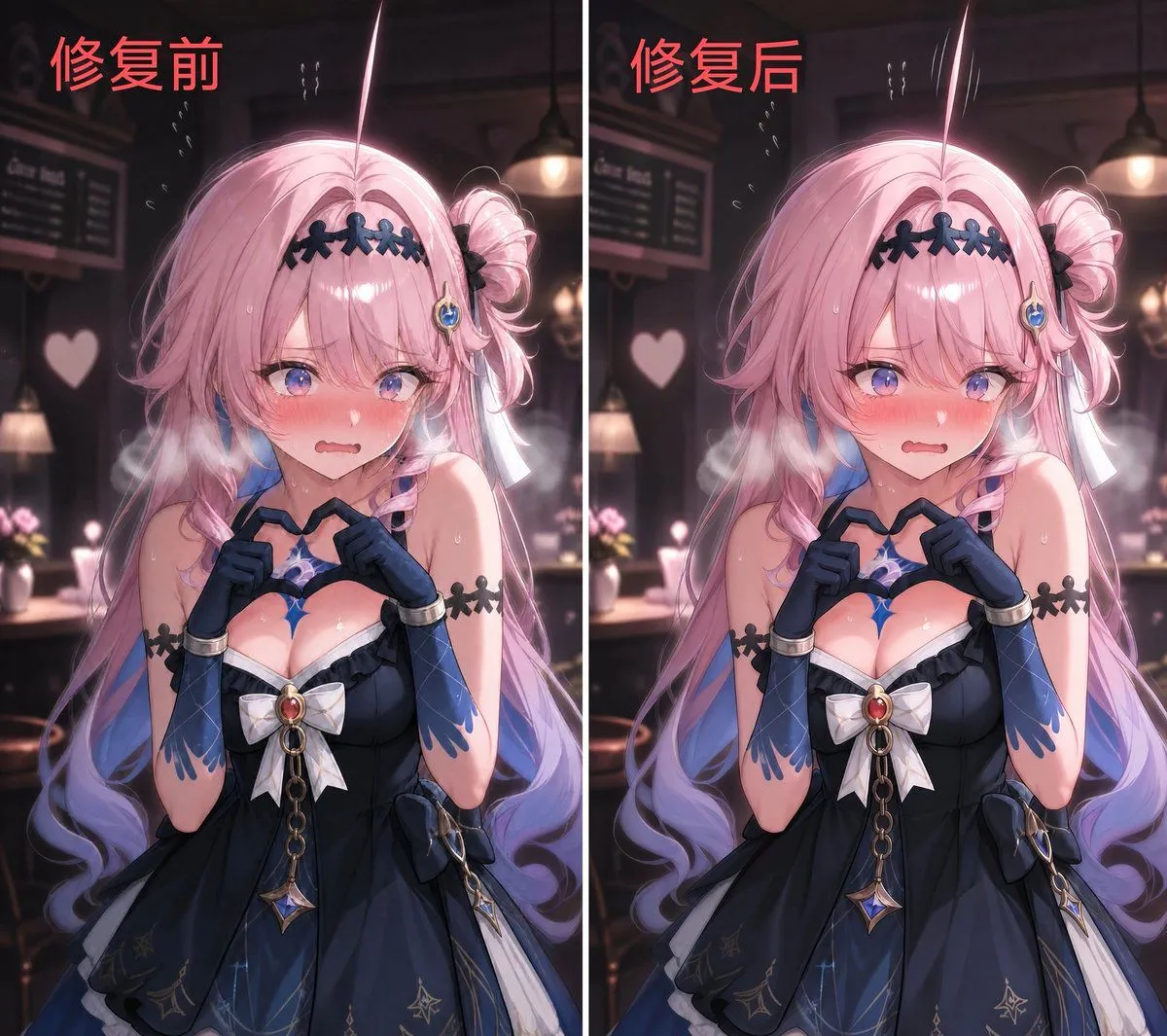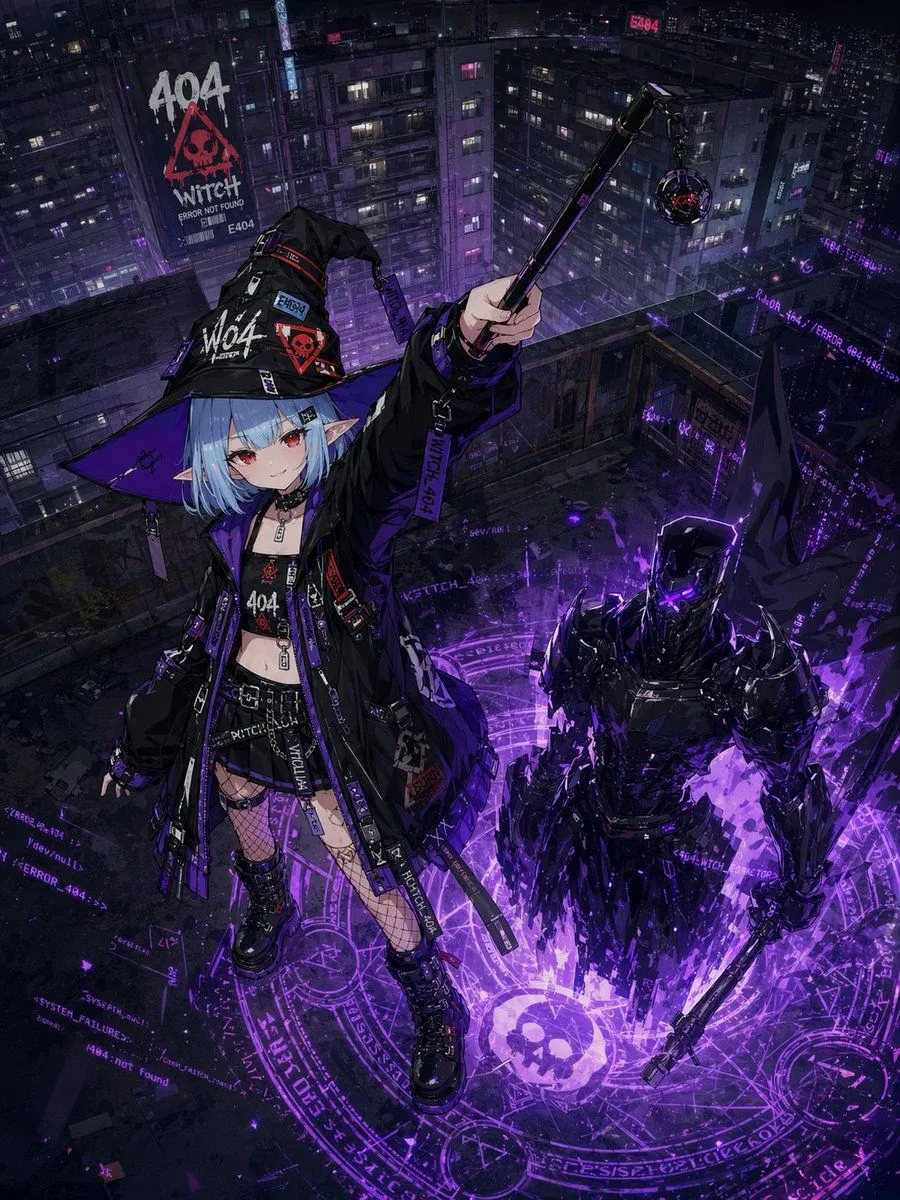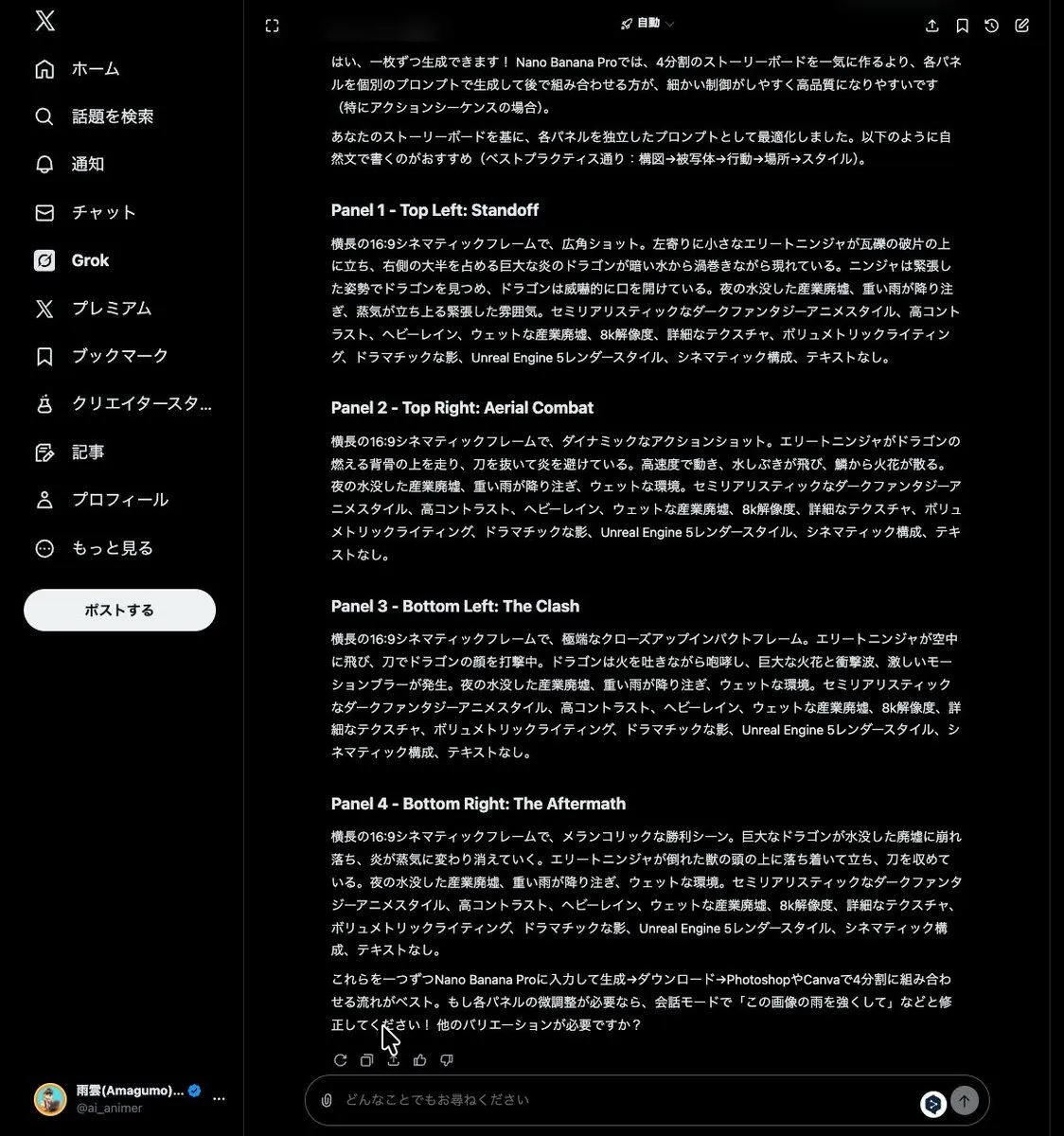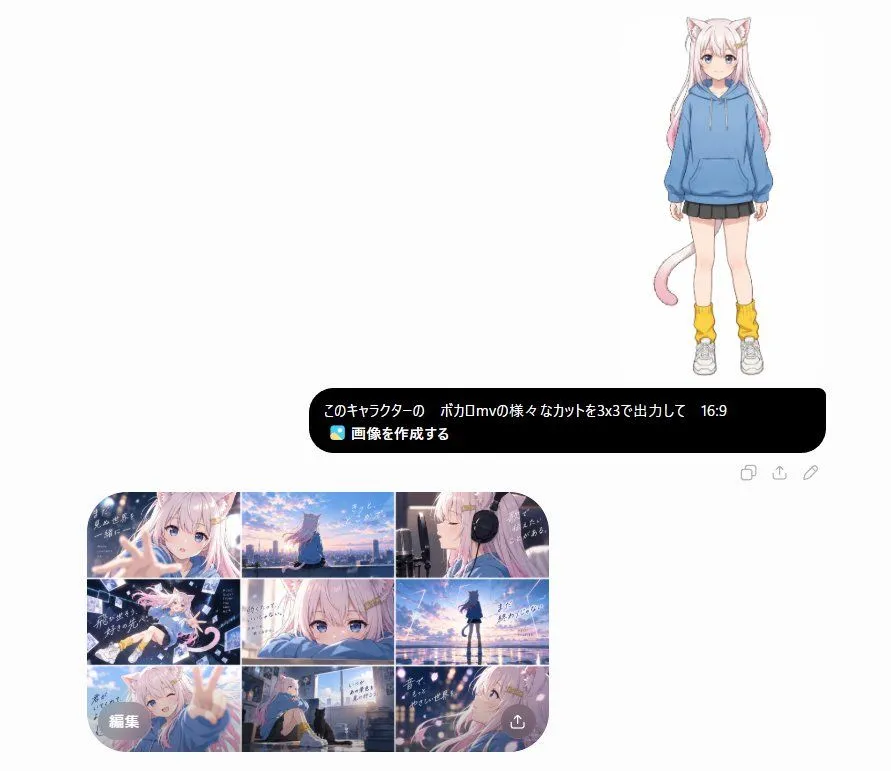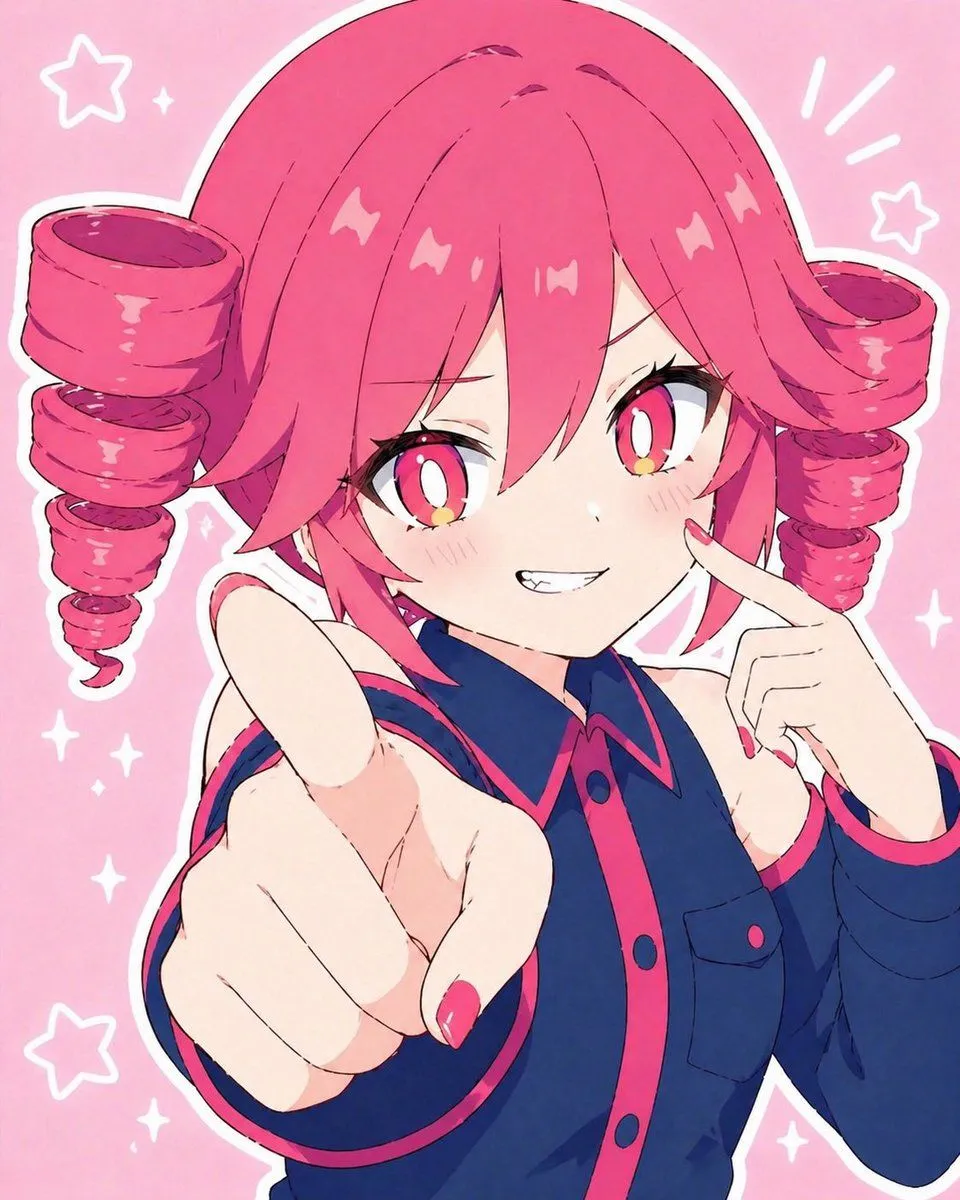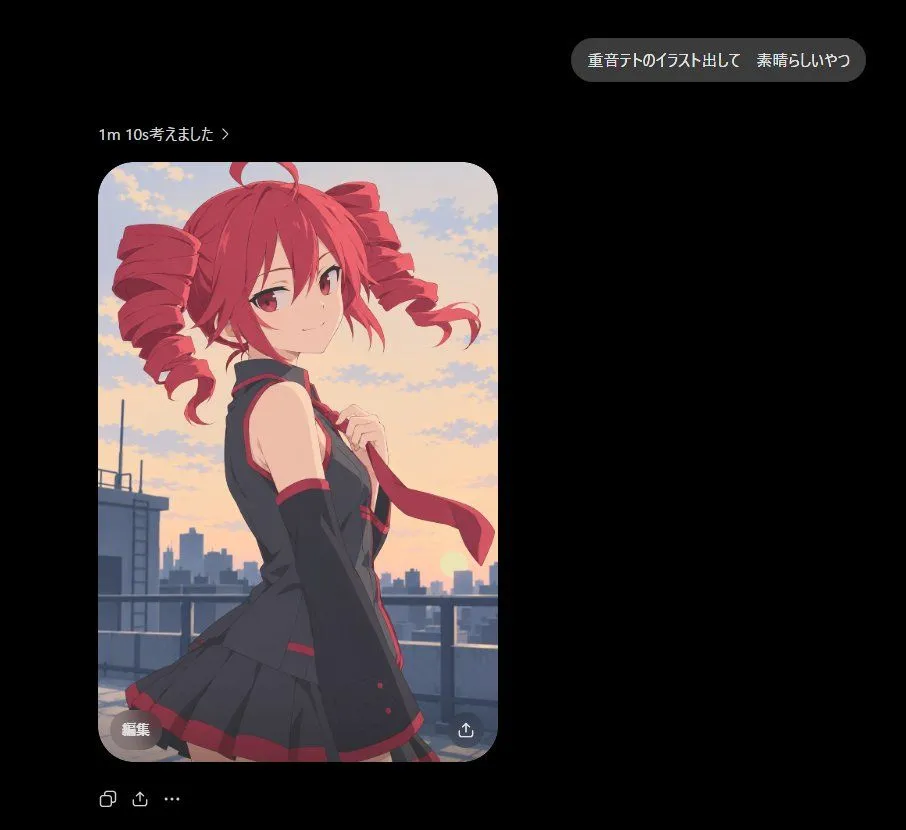
Made with GPT Image 2 in ChatGPT, collected by Library Lifestyle. Promptclay never generates images.
Did it work?
No reports yet. Tell others if it worked for you.
Dark Chat Anime Generation Screenshot
Prompt
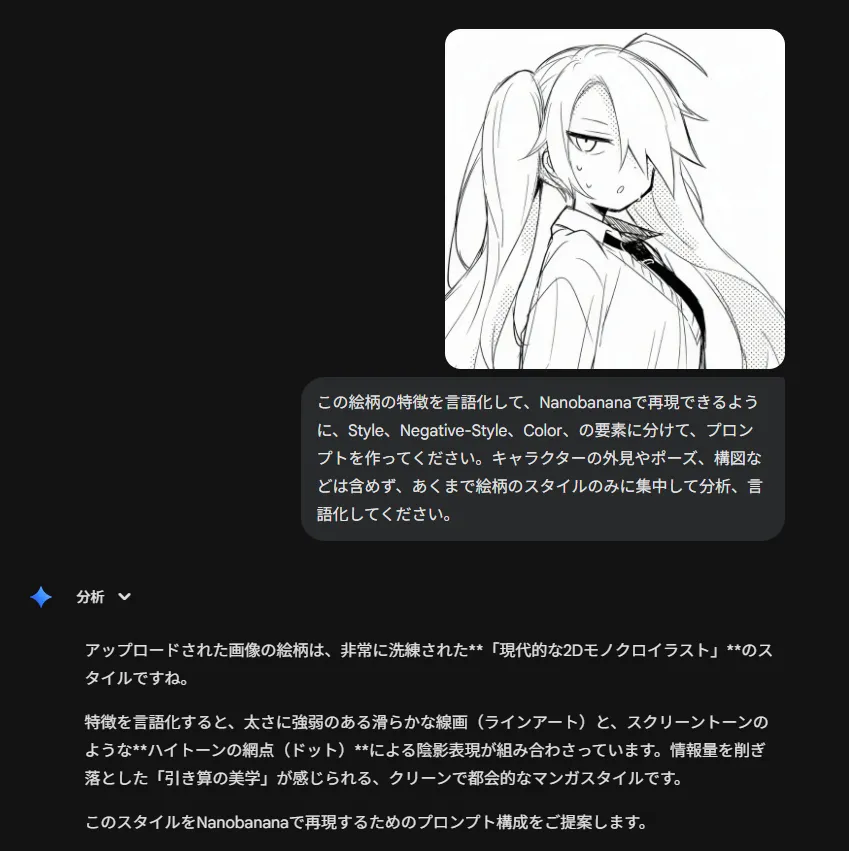
3 blanks to fillGoal: Create a dark-mode chat/app screenshot showing an AI image generation result for {character_name}, with a polished anime illustration embedded in the conversation. Canvas: Square 1:1 screenshot, approximately 920×920 px, black background, lots of negative space on the right and lower areas. Use a realistic mobile/desktop chat UI aesthetic with clean spacing and soft rounded elements. Layout: Place 3 main UI elements: 1 rounded gray user message bubble near the upper right, 1 small generation status line above the image on the left, and 1 large rounded-corner image card below it on the left. Under the image card, add 3 small action icons in a row: copy icon, share/upload icon, and ellipsis menu. Inside the image card add 2 small overlay controls: a gray rounded “edit” pill at bottom left and a circular download/share icon at bottom right. Text content: The user bubble must read exactly 「重音テトのイラスト出して 素晴らしいやつ」. The status line must read exactly 「1m 10s考えました ›」. The image overlay button must read exactly 「編集」. Keep all text crisp, white or light gray, in a modern sans-serif UI font. Image card subject: A high-quality clean anime illustration of {anime_character}, shown from about mid-thigh up on a rooftop at sunset. She is a youthful anime girl with vivid {hair_color} hair in two large drill twin-tails, red eyes, a small confident smile, and a slight over-the-shoulder pose looking at the viewer. Outfit: black sleeveless school-idol style top with red trim, matching black pleated skirt with red accents, long black arm warmers, and a red necktie being held lightly in one hand. The wind lifts her tie and hair ribbons slightly. Background inside image: Rooftop railing in the foreground, distant city skyline silhouettes, warm orange-pink sunset sky with scattered soft clouds and the sun low near the horizon. Lighting is soft and cinematic with smooth cel-shaded anime rendering, clean linework, subtle gradients, no gritty artifacts, no harsh malformed highlights, and no painterly blotches. Visual style: The surrounding chat UI should look like a real screenshot in dark mode. The anime image should have rounded corners, about 400 px wide and 600 px tall, placed around x=98 y=162, with a 28 px corner radius. Keep the UI minimal and do not add extra messages, watermarks, timestamps, or labels beyond the specified text.
Preview of your prompt
Goal: Create a dark-mode chat/app screenshot showing an AI image generation result for Astra, with a polished anime illustration embedded in the conversation. Canvas: Square 1:1 screenshot, approximately 920×920 px, black background, lots of negative space on the right and lower areas. Use a realistic mobile/desktop chat UI aesthetic with clean spacing and soft rounded elements. Layout: Place 3 main UI elements: 1 rounded gray user message bubble near the upper right, 1 small generation status line above the image on the left, and 1 large rounded-corner image card below it on the left. Under the image card, add 3 small action icons in a row: copy icon, share/upload icon, and ellipsis menu. Inside the image card add 2 small overlay controls: a gray rounded “edit” pill at bottom left and a circular download/share icon at bottom right. Text content: The user bubble must read exactly 「重音テトのイラスト出して 素晴らしいやつ」. The status line must read exactly 「1m 10s考えました ›」. The image overlay button must read exactly 「編集」. Keep all text crisp, white or light gray, in a modern sans-serif UI font. Image card subject: A high-quality clean anime illustration of Kasane Teto, shown from about mid-thigh up on a rooftop at sunset. She is a youthful anime girl with vivid red hair in two large drill twin-tails, red eyes, a small confident smile, and a slight over-the-shoulder pose looking at the viewer. Outfit: black sleeveless school-idol style top with red trim, matching black pleated skirt with red accents, long black arm warmers, and a red necktie being held lightly in one hand. The wind lifts her tie and hair ribbons slightly. Background inside image: Rooftop railing in the foreground, distant city skyline silhouettes, warm orange-pink sunset sky with scattered soft clouds and the sun low near the horizon. Lighting is soft and cinematic with smooth cel-shaded anime rendering, clean linework, subtle gradients, no gritty artifacts, no harsh malformed highlights, and no painterly blotches. Visual style: The surrounding chat UI should look like a real screenshot in dark mode. The anime image should have rounded corners, about 400 px wide and 600 px tall, placed around x=98 y=162, with a 28 px corner radius. Keep the UI minimal and do not add extra messages, watermarks, timestamps, or labels beyond the specified text.
DetailsVersions, settings and questions
Written for
What's in the prompt
- Subject
- Model
- GPT Image 2
If your face changes
keep my face exactly the sameQuestions
- Does this work in the ChatGPT app?
- Yes. Paste the prompt and attach your photo if it uses one.
- It changed my face. What do I do?
- Add "keep my face exactly the same" to the end and run it again.
- Can I use the images I make?
- Check the terms of the app you use. Promptclay never generates images and claims nothing you make.