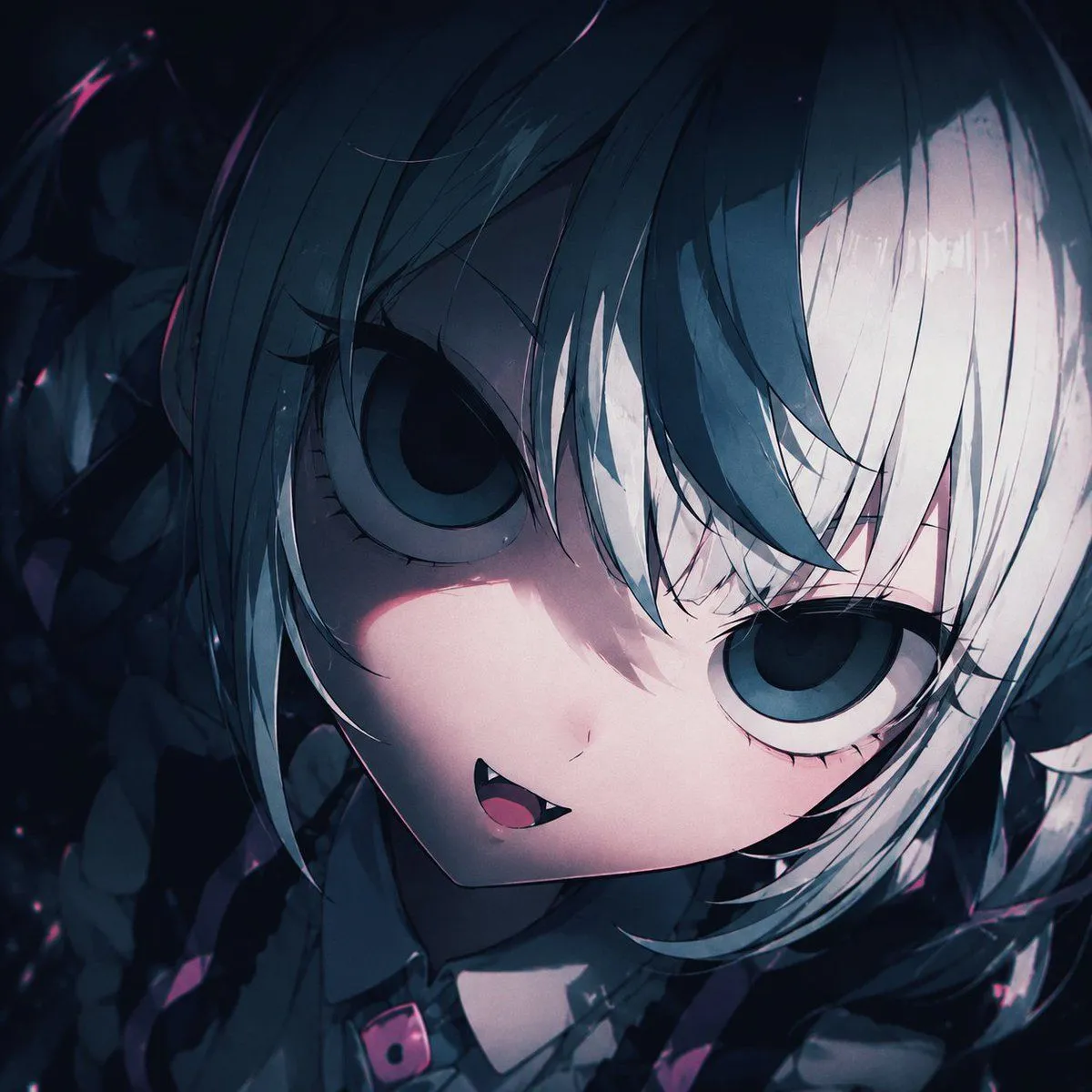
Gothic Chibi Vampire Album Cover
Create a square 1:1 anime album-cover artwork for Suno music art, featuring an extreme close-up portrait of a cute gothic chibi vampire girl named character_name. The camera is very close to her face, slightly above and tilted, with her head angled diagonally across the frame. She has enormous round dark blue-gray eyes, pale porcelain skin, a tiny nose, a small open smiling mouth with one sharp visible fang, and a mischievous yet eerie expression. Her hair is hair_color, short and messy with long layered bangs falling over her eyes; one side is deep blue-black and the other side is icy white, with glossy strand highlights. Add dark gothic twin-tail or braid-like hair shapes and shadowy ribbon details around the edges, mostly obscured by darkness. She wears a dark frilly gothic outfit with a small collar and a black choker or strap featuring a vivid pink buckle accent near the bottom center. Use a moody night palette of navy, charcoal, black, icy white, muted cyan, and small magenta-pink highlights. Lighting should be dramatic and cinematic: strong diagonal shadow across the face, soft pinkish rim light on the cheek and mouth, high contrast, glossy eyes, deep background darkness, subtle grain, bloom, and painterly anime cel-shading. Background is abstract, dark, and crowded with indistinct gothic shapes, ribbons, hair, and faint sparkles, with no readable text. Composition should feel intimate, mysterious, cute, and slightly unsettling, like dark J-pop / gothic electronic music cover art. Keep the face filling most of the canvas, crop the hair and outfit at the edges, avoid realism, avoid extra characters, and do not add logos, watermark, or text.