AI Chat Image Generation Screenshot
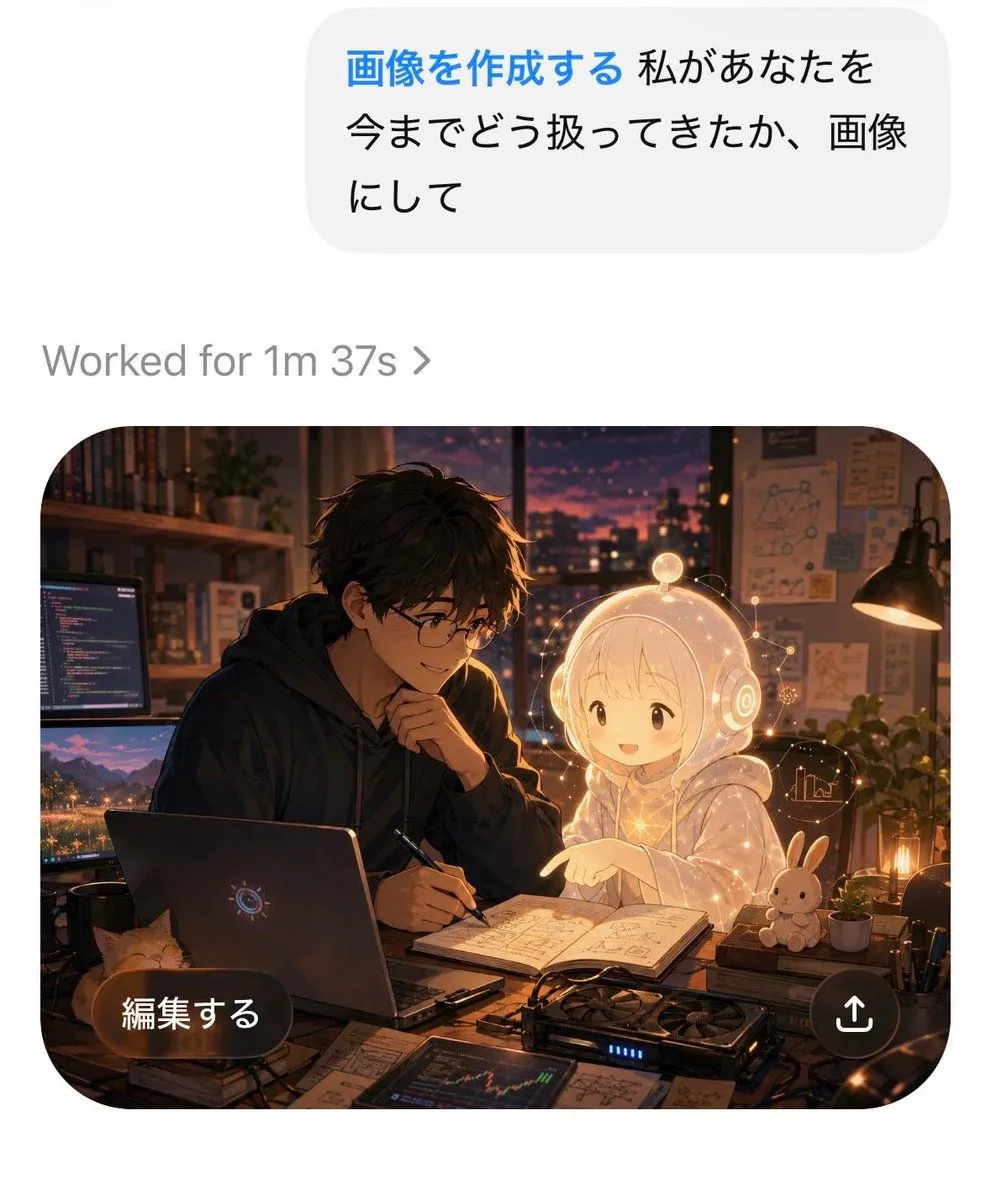
Goal: Create a realistic mobile AI chat app screenshot showing an image-generation result, with a polished iOS-like interface and a high-quality anime illustration inside the generated image card. Canvas: Vertical smartphone screenshot, approximately 4:5 aspect ratio, white background, clean margins, rounded UI elements, no device frame. Top chat area: Place one large light-gray rounded message bubble near the top right. Inside it, show Japanese text in a clean sans-serif font: user_request_text. Make the first phrase blue and bold, and the remaining text black. Below the bubble, aligned left, add one status line in gray reading status_text. Generated image card: Below the status line, place one large rounded-rectangle image card with very rounded corners. The card contains a warm cinematic anime-style scene set in a cozy developer studio at dusk. Inside the card, depict exactly 2 main characters: 1 young Japanese man with tousled dark hair, round glasses, and a dark hoodie, leaning over a desk with a pen in hand; and 1 small glowing holographic AI girl with pale blond hair, a transparent white hoodie, and round futuristic headphones, smiling and pointing at an open notebook. The mood should feel affectionate, collaborative, and magical. Illustration details inside the card: The room has a sunset city skyline through a large window, warm desk-lamp lighting, shelves with books, pinned diagrams and notes on the wall, and soft bokeh lights. On the desk, include exactly 1 open laptop with a subtle circular AI-like logo, exactly 2 external computer monitors on the left showing code and a landscape image, exactly 1 open notebook filled with sketches and formulas, exactly 1 graphics-card-like device with blue indicator lights, exactly 1 small orange cat peeking from the lower-left edge, exactly 1 white rabbit plush or figurine on the right, exactly 2 small potted plants, and scattered papers, cables, pens, and technical drawings. Add a delicate golden glow and small floating interface lines around the holographic girl. Overlay UI on image card: Add exactly 2 overlay controls on top of the image card: 1 dark translucent pill-shaped button at bottom left with white Japanese text edit_button_text, and 1 circular dark translucent share button at bottom right containing a white upward arrow share icon. Visual style: Crisp high-resolution screenshot, realistic app UI combined with detailed cinematic anime art, warm amber and violet lighting, soft depth of field, strong contrast between the white app background and the dark cozy illustration. Keep all text sharp and legible. Constraints: Do not add extra cards, extra chat bubbles, watermarks, logos, or captions. Preserve the exact count of UI elements and main objects listed above.