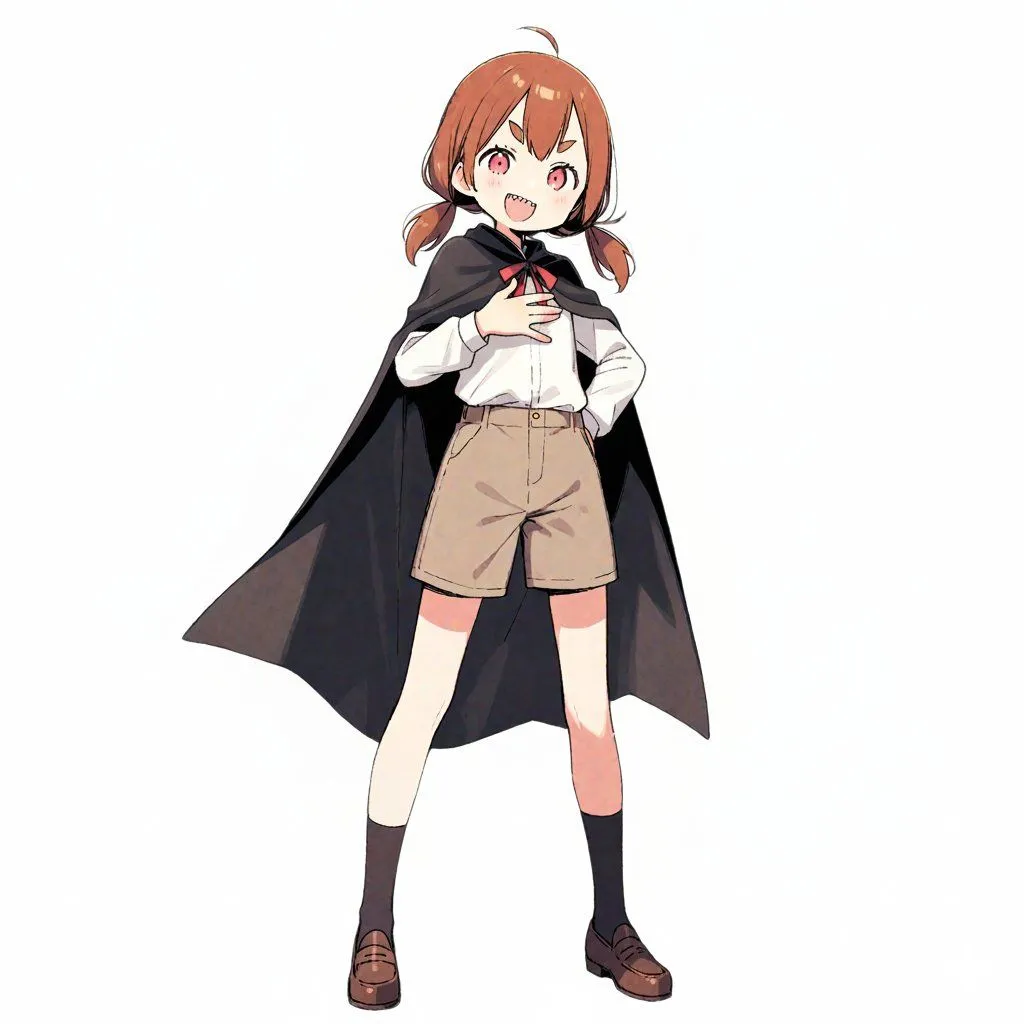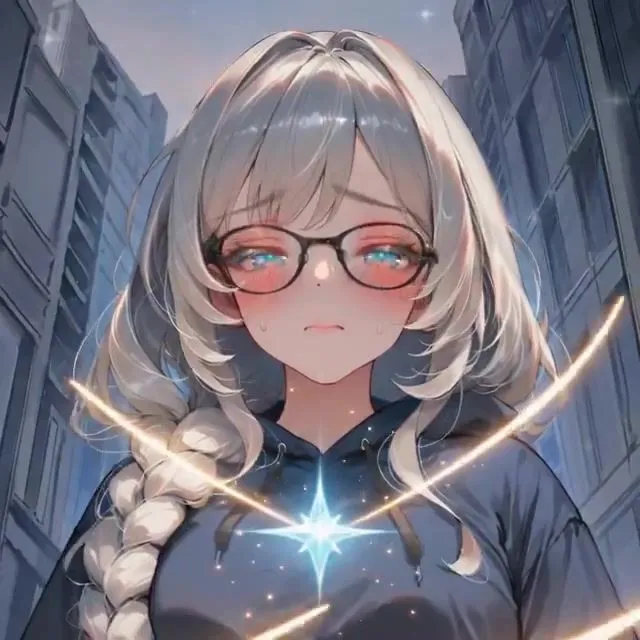
Tell us anything

An idea, a bug, something you love. We read every note.

⌘↵ to send. The page you're on comes along.

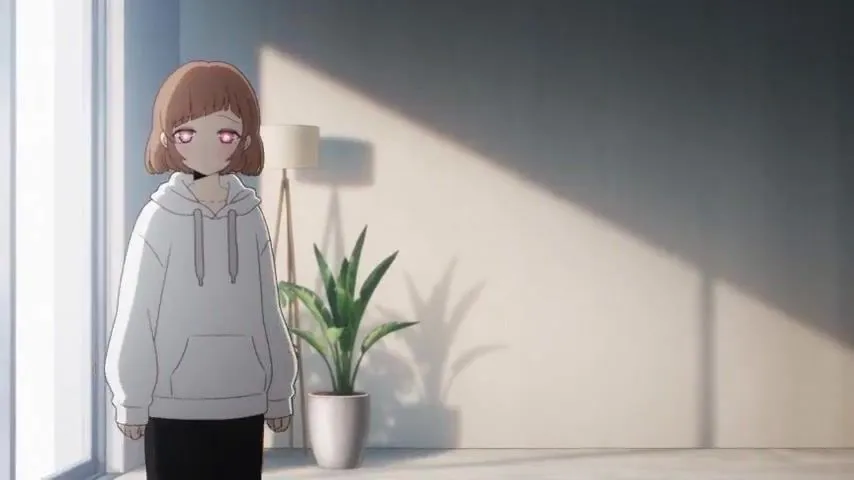
Cinematic Anime Character Short Film Prompt

Made with Seedance 2.5 in Kling by Library Cinema. Promptclay never generates images.

Did it work?

No reports yet. Tell others if it worked for you.

No comments yet. Be the first.

    Cinematic Anime Character Short Film Prompt

    Seedance 2.516:9AI-generated

    Prompt

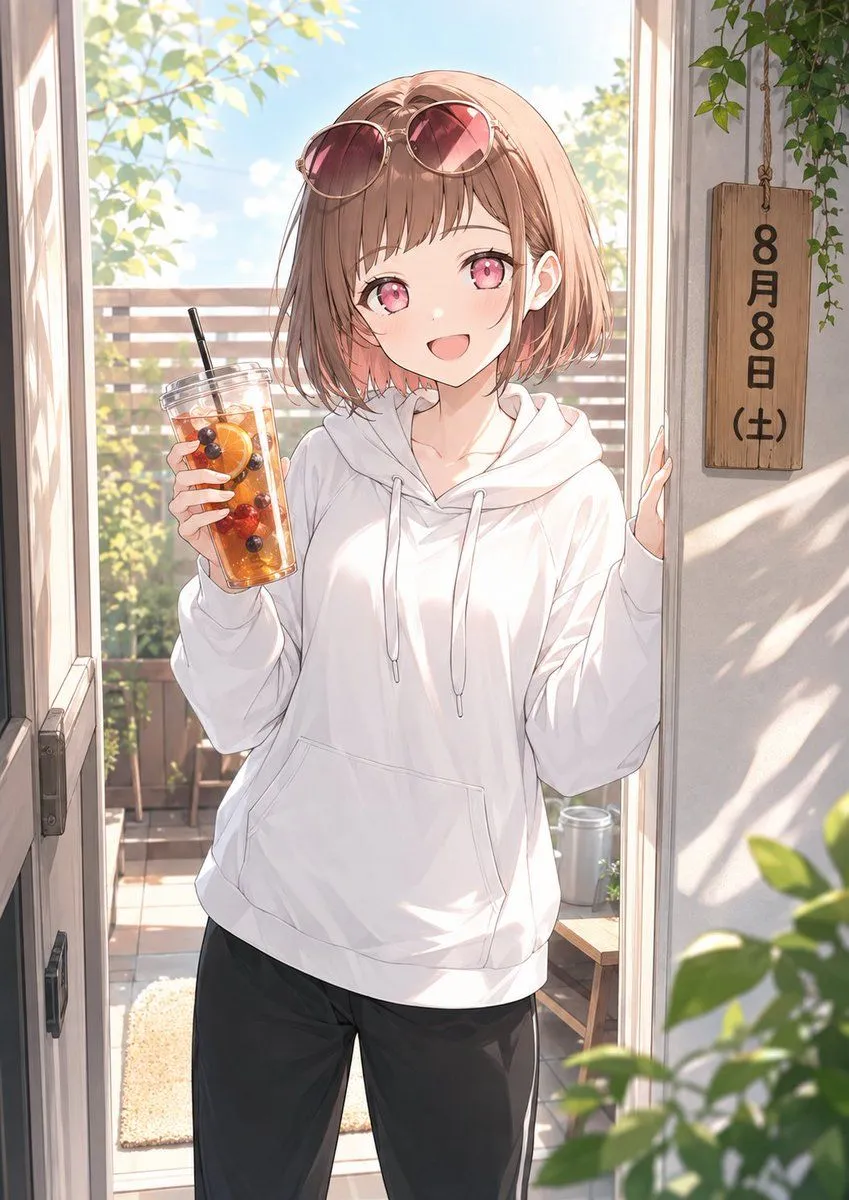
    You are a Seedance 2.5 cinematic short-video generator. Use @Image1 as the primary and persistent character identity reference. Create one finished short video only. Do not output analysis or explanation. Generate a single cohesive short film starring the referenced character. [Project Setup] Character name: 癒音ちー Duration: 15秒 Aspect ratio: 16:9 Theme: 自動選定 Mood: 日本のアニメスタイルでかっこいい Location: 自動選定 Time of day: 自動選定容) Seasonal feel: 自動選定 Audio mood: HIPHOP On-screen text: 短い一言のみ Goal: かっこいい!かわいい!と思ってもらえる [Core Identity Lock] @Image1 is the sole identity anchor. Preserve the referenced character consistently throughout the entire video. Maintain: - facial structure - eye shape and iris color - hairstyle - hair color mapping - accent color placement, inner color, tip color, highlights - body proportions - age impression - skin tone - outfit identity - accessories - overall silhouette - original illustration logic if @Image1 is non-photographic Do not redesign the character. Do not switch to another person. Do not alter the face, outfit, hairstyle, or body proportions mid-video. [Latent Character Read] Infer the character’s atmosphere, emotional tone, rhythm, object affinity, likely movement style, and visual symbolism only from what is visible in @Image1. Do not invent an excessive biography. Do not rely on generic clichés. Design one short film that feels specific to this character. [Film Concept] Create one emotionally readable micro-story that feels like a real moment from this character’s life. The story should be simple, visually clear, and memorable. It may be cozy, playful, romantic, refreshing, introspective, whimsical, or quietly dramatic depending on the character read and the chosen mood. Avoid random posing or disconnected shots. The short film should feel suitable for social media viewing: immediately attractive in the first seconds, easy to follow, visually appealing, and strong in character charm. [Scene Design] Choose a setting, objects, and atmosphere that naturally fit the character. The environment should support the character rather than overpower them. The scene must feel inhabited and specific: - meaningful props - clear sense of place - coherent lighting - subtle environmental motion - small details that imply personality Keep location, time of day, and lighting direction consistent. [Camera Language] Use clear cinematic camera grammar. Allowed shot language: - WS (Wide Shot) - MS (Medium Shot) - MCU (Medium Close-Up) - CU (Close-Up) Allowed camera movement: - gentle push-in - slow tracking - subtle dolly left or right - gentle orbit within identity-safe angles - controlled handheld drift if suitable Avoid aggressive camera spinning. Avoid dramatic angle changes that increase identity drift. Keep the face readable during key emotional moments. [Story Structure] If duration is 15 seconds, structure the film in 4 beats: 00:00–00:04 Setup 00:04–00:08 Development 00:08–00:12 Main Moment 00:12–00:15 Resolution If duration is 30 seconds, structure the film in 4 beats: 00:00–00:06 Setup 00:06–00:14 Development 00:14–00:24 Main Moment 00:24–00:30 Resolution For each beat, define: - shot size - character action - facial expression - eyeline - camera movement - environmental motion - emotional progression - audio cues [Beat Design Rules] Setup: Introduce the character clearly and attractively within the first moments. The first beat should instantly establish mood and character presence. Development: Introduce a simple action, object, or change in attention that builds curiosity. Main Moment: Show the most emotionally rewarding or visually memorable moment. This should be the highlight of the short film. Resolution: End with a soft payoff, emotional afterglow, or visual callback. The final frame should feel complete and memorable. [Motion Quality] Use natural and believable movement. Include: - subtle breathing - blinking - small eye shifts - natural weight transfer - coherent hand and finger movement - secondary hair motion - cloth motion - small posture changes - believable inertia The motion should feel like a real animated performance, not a still image being warped. [Audio] If audio is implied, match the scene naturally: - light ambience - room tone - wind - distant city sounds - quiet music - soft effect sounds from props or movement Audio should support emotion without overwhelming the visuals. [Optional Text] If on-screen text is enabled, keep it minimal. Use only one short line or one small readable text element. Prefer integrating text into a believable object: - note - planner - sign - hanging tag - phone screen - package - screen overlay only if visually appropriate Avoid excessive typography. Avoid subtitle-like clutter. [Continuity Lock] Maintain throughout the video: - same character - same face - same hairstyle - same hair-color placement - same eye color - same outfit - same accessories - same body proportions - same rendering style - same location logic - same time of day - same lighting direction The video should feel like one coherent event. [Avoid] Avoid: - identity drift - face morphing - hairstyle changes - eye color changes - outfit changes - missing accessories - body proportion drift - duplicated character - extra limbs - malformed hands - unstable fingers - disappearing props - object duplication - background mutation - lighting inconsistency - random text - unintended subtitles - flicker - frame-to-frame style drift - unnatural speed changes - overacting - empty generic posing [Visual Goal] Make the finished video feel polished, emotionally legible, character-specific, and highly watchable. Prioritize: - strong first impression - stable character identity - charming performance - clean visual storytelling - elegant camera use - smooth continuity - social-media-friendly clarity

    Works in
    Kling
    Status
    Free to copy
    0
    DetailsVersions, settings and questions

    Written for

    What's in the prompt

    Subject
    Model
    Seedance 2.5

    If your face changes

    keep my face exactly the same

    Questions

    Does this work in the Kling app?
    Yes. Paste the prompt and attach your photo if it uses one.
    It changed my face. What do I do?
    Add "keep my face exactly the same" to the end and run it again.
    Can I use the images I make?
    Check the terms of the app you use. Promptclay never generates images and claims nothing you make.
    Similar prompts

    See more
    • Anime Summer Girl Reference Portrait
    • Backlit Morning Sofa Anime Scene
    • Relaxed Woman on Sofa Sketch
    • Nano Banana Pro Style Transfer
    • Character-Specific Room Synthesis Prompt
    • Relaxed Woman on Sofa Illustration
    • Nine-character group scene in living room background
    • Censored Anime Girl Selfie Portrait
    • Anime Watercolor Girl with Butterflies
    • AI Influencer Idol Video PromptVideo, 0:15
    • Sunlit Anime Maid Portrait
    • Standalone Anime Character Portrait
    • Anime Sportswear Girl Illustration
    • Expressive Cartoon Anime Style
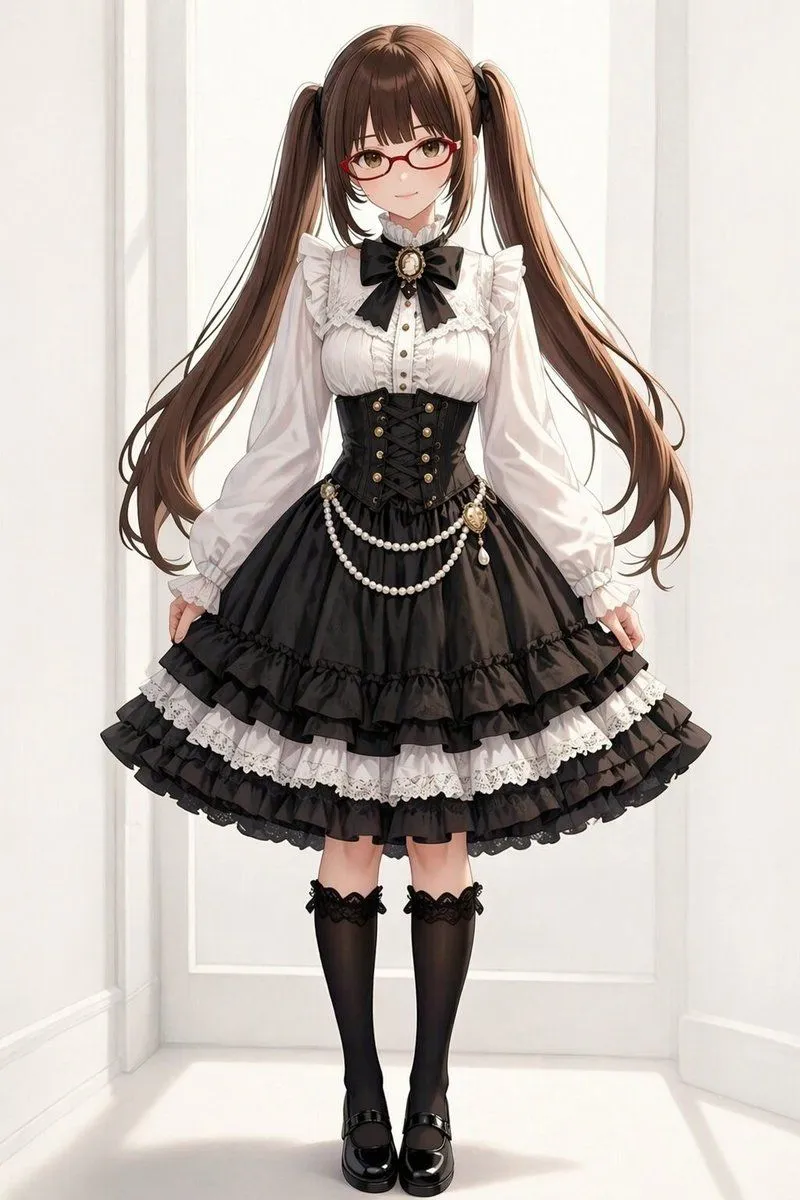
    • Gothic Lolita Twin-Tail Full-Body Portrait
    • Luxury Japanese Fantasy Anime Kimono
    • Character Prompt with Drinking Action for Anifusion/Nano Banana
    • Image Overlay Text Removal Test
    • Good Night Nano Banana Pro
    • Vlogger Thumbnail Image Generation Prompt
    • AI Image Generation Prompts for Multiple Angles
    • Silver-Haired Anime Fashion Girl
    • Character Robotization and Technical Diagram Prompt
    • Seedance 2.5 Magical Girl Transformation PromptVideo, 0:15

    Show more

    Run it on your phone

    1. Prompt copiedRead it

      You are a Seedance 2.5 cinematic short-video generator. Use @Image1 as the primary and persistent character identity reference. Create one finished short video only. Do not output analysis or explanation. Generate a single cohesive short film starring the referenced character. [Project Setup] Character name: 癒音ちー Duration: 15秒 Aspect ratio: 16:9 Theme: 自動選定 Mood: 日本のアニメスタイルでかっこいい Location: 自動選定 Time of day: 自動選定容) Seasonal feel: 自動選定 Audio mood: HIPHOP On-screen text: 短い一言のみ Goal: かっこいい!かわいい!と思ってもらえる [Core Identity Lock] @Image1 is the sole identity anchor. Preserve the referenced character consistently throughout the entire video. Maintain: - facial structure - eye shape and iris color - hairstyle - hair color mapping - accent color placement, inner color, tip color, highlights - body proportions - age impression - skin tone - outfit identity - accessories - overall silhouette - original illustration logic if @Image1 is non-photographic Do not redesign the character. Do not switch to another person. Do not alter the face, outfit, hairstyle, or body proportions mid-video. [Latent Character Read] Infer the character’s atmosphere, emotional tone, rhythm, object affinity, likely movement style, and visual symbolism only from what is visible in @Image1. Do not invent an excessive biography. Do not rely on generic clichés. Design one short film that feels specific to this character. [Film Concept] Create one emotionally readable micro-story that feels like a real moment from this character’s life. The story should be simple, visually clear, and memorable. It may be cozy, playful, romantic, refreshing, introspective, whimsical, or quietly dramatic depending on the character read and the chosen mood. Avoid random posing or disconnected shots. The short film should feel suitable for social media viewing: immediately attractive in the first seconds, easy to follow, visually appealing, and strong in character charm. [Scene Design] Choose a setting, objects, and atmosphere that naturally fit the character. The environment should support the character rather than overpower them. The scene must feel inhabited and specific: - meaningful props - clear sense of place - coherent lighting - subtle environmental motion - small details that imply personality Keep location, time of day, and lighting direction consistent. [Camera Language] Use clear cinematic camera grammar. Allowed shot language: - WS (Wide Shot) - MS (Medium Shot) - MCU (Medium Close-Up) - CU (Close-Up) Allowed camera movement: - gentle push-in - slow tracking - subtle dolly left or right - gentle orbit within identity-safe angles - controlled handheld drift if suitable Avoid aggressive camera spinning. Avoid dramatic angle changes that increase identity drift. Keep the face readable during key emotional moments. [Story Structure] If duration is 15 seconds, structure the film in 4 beats: 00:00–00:04 Setup 00:04–00:08 Development 00:08–00:12 Main Moment 00:12–00:15 Resolution If duration is 30 seconds, structure the film in 4 beats: 00:00–00:06 Setup 00:06–00:14 Development 00:14–00:24 Main Moment 00:24–00:30 Resolution For each beat, define: - shot size - character action - facial expression - eyeline - camera movement - environmental motion - emotional progression - audio cues [Beat Design Rules] Setup: Introduce the character clearly and attractively within the first moments. The first beat should instantly establish mood and character presence. Development: Introduce a simple action, object, or change in attention that builds curiosity. Main Moment: Show the most emotionally rewarding or visually memorable moment. This should be the highlight of the short film. Resolution: End with a soft payoff, emotional afterglow, or visual callback. The final frame should feel complete and memorable. [Motion Quality] Use natural and believable movement. Include: - subtle breathing - blinking - small eye shifts - natural weight transfer - coherent hand and finger movement - secondary hair motion - cloth motion - small posture changes - believable inertia The motion should feel like a real animated performance, not a still image being warped. [Audio] If audio is implied, match the scene naturally: - light ambience - room tone - wind - distant city sounds - quiet music - soft effect sounds from props or movement Audio should support emotion without overwhelming the visuals. [Optional Text] If on-screen text is enabled, keep it minimal. Use only one short line or one small readable text element. Prefer integrating text into a believable object: - note - planner - sign - hanging tag - phone screen - package - screen overlay only if visually appropriate Avoid excessive typography. Avoid subtitle-like clutter. [Continuity Lock] Maintain throughout the video: - same character - same face - same hairstyle - same hair-color placement - same eye color - same outfit - same accessories - same body proportions - same rendering style - same location logic - same time of day - same lighting direction The video should feel like one coherent event. [Avoid] Avoid: - identity drift - face morphing - hairstyle changes - eye color changes - outfit changes - missing accessories - body proportion drift - duplicated character - extra limbs - malformed hands - unstable fingers - disappearing props - object duplication - background mutation - lighting inconsistency - random text - unintended subtitles - flicker - frame-to-frame style drift - unnatural speed changes - overacting - empty generic posing [Visual Goal] Make the finished video feel polished, emotionally legible, character-specific, and highly watchable. Prioritize: - strong first impression - stable character identity - charming performance - clean visual storytelling - elegant camera use - smooth continuity - social-media-friendly clarity

    2. Open your app

      This prompt is long, so it is copied instead of sent in the link. Paste it in the app.

    3. Paste and run

      Press and hold the message box, then tap Paste. Add your photo first if the prompt uses one. You may need to sign in.