Tell us anything

An idea, a bug, something you love. We read every note.

⌘↵ to send. The page you're on comes along.

Seedance 2.5 Magical Girl Transformation Prompt

Made with Seedance 2.5 in Kling by Library Cinema. Promptclay never generates images.

Did it work?

No reports yet. Tell others if it worked for you.

No comments yet. Be the first.

    Seedance 2.5 Magical Girl Transformation Prompt

    Seedance 2.51:1AI-generated

    Prompt

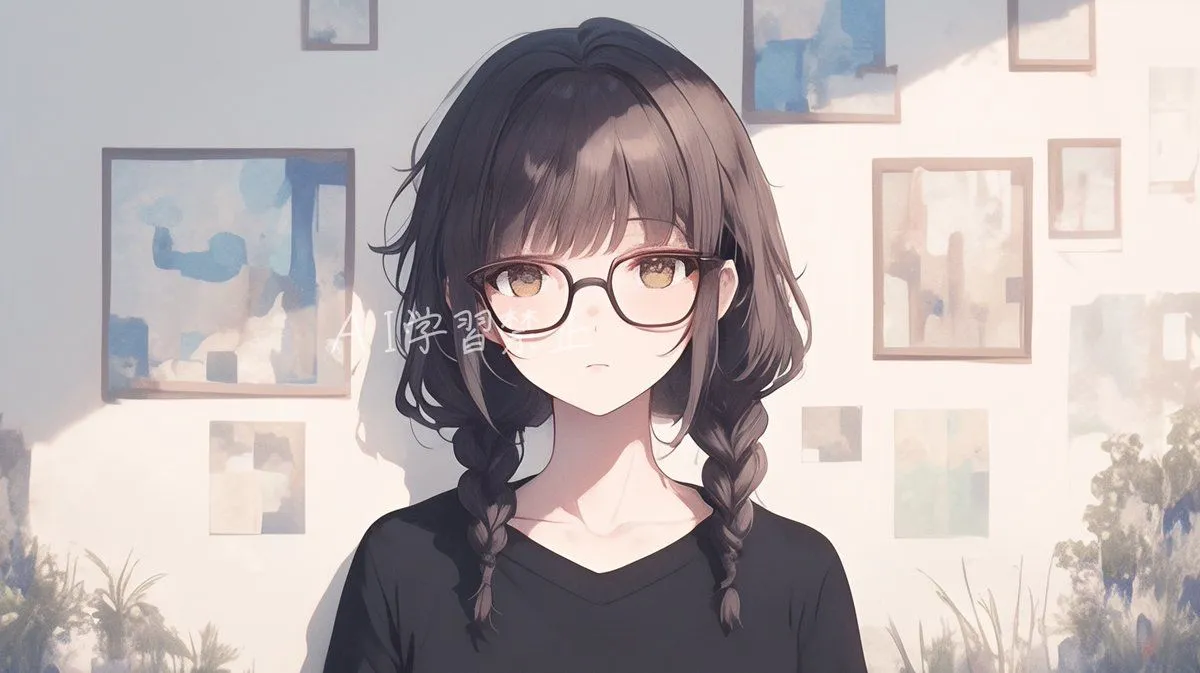
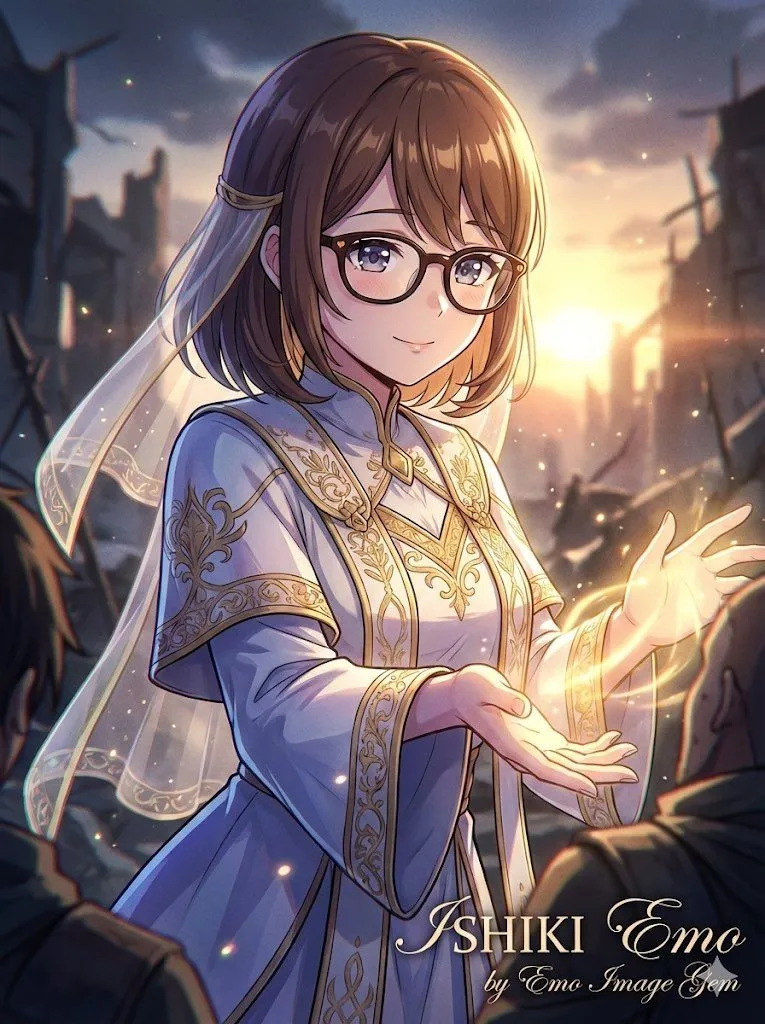
    A 15-second magical girl transformation sequence with a premium mobile game gacha climax. Vertical 9:16. [Image 1] defines the character before transformation. [Image 2] defines the exact completed costume, hairstyle, accessories, wand or staff, final pose and background. STRICTLY 2D Preserve the original 2D illustration style of both references: the same face, proportions, linework, painted shading and textures. All character animation, backgrounds, light ribbons and particles must remain hand-drawn-looking 2D animation. No 3D modeling, CGI rendering, photorealism or plastic materials. TRANSFORMATION DIRECTION Light wraps around her body, and her outfit visibly forms one part at a time. Show each transformation in its own close-up, progressing upward from footwear to costume and accessories. Each featured part must actually transform during its shot, rather than simply showing an already completed outfit. Connect the close-ups with flowing light-ribbon wipes and matching movement. Maintain clear continuity of the same character. 0–2s — LIGHT ENVELOPES HER Begin with the ordinary appearance in [Image 1]. A small spark awakens near her chest. Luminous ribbons spiral around her body, lifting her hair and clothing. She closes her eyes and relaxes into the transformation. The surroundings dissolve into an illustrated magical space using the colors and motifs of [Image 2]. An opaque luminous costume silhouette keeps her covered during the clothing change. 2–4s — FOOTWEAR CLOSE-UP Cut to a close-up of her feet. A ribbon of light circles one ankle and sweeps across both feet, revealing the finished footwear from [Image 2]. The new fabric and ornaments become clearly visible as the light moves away. 4–6s — MAIN COSTUME CLOSE-UP Move upward to a close-up of her waist and torso. Light winds around her, weaving the main costume into place in distinct layers. Fabric, trim and skirt details form sequentially, matching [Image 2]. The completed fabric unfurls with elegant hand-drawn motion. 6–8s — SLEEVES AND FINISHING DETAILS Close-up of her arm and upper body. Light travels along her arm, forming the sleeves or arm accessories shown in [Image 2]. The remaining jewelry and head ornament appear in sequence as the light rises. Her final hairstyle settles into place. 8–11s — WAND GRASP A concentrated stream of light forms the exact wand or staff from [Image 2] in front of her. Clearly show her open hand reaching toward it, her fingers closing around the handle, and the grip becoming secure. Use the same holding hand as [Image 2]. Only after she firmly grasps it, a pulse of magic travels from the handle to its tip. Keep the wand intact and stable in her hand. 11–12.5s — FINAL POSE Pull back smoothly to reveal the completed transformation. She moves into the final pose of [Image 2] while holding the wand. Her hair, ribbons and skirt follow the movement and settle. She opens her eyes

    Works in
    Kling
    Status
    Free to copy
    0
    DetailsVersions, settings and questions

    Written for

    What's in the prompt

    Subject
    Model
    Seedance 2.5

    If your face changes

    keep my face exactly the same

    Questions

    Does this work in the Kling app?
    Yes. Paste the prompt and attach your photo if it uses one.
    It changed my face. What do I do?
    Add "keep my face exactly the same" to the end and run it again.
    Can I use the images I make?
    Check the terms of the app you use. Promptclay never generates images and claims nothing you make.
    Similar prompts

    See more
    • Sci-Fi Fantasy Character Transformation
    • Magical Girl Transformation Prompt (Cosmic Attribute)
    • Nano Banana Pro Image Generation Prompt for Debut Outfit
    • Floral Aqua Dome Anime Knight
    • Comprehensive manga one-page scene creation system prompt
    • Censored Anime Schoolgirl Portrait
    • Image Overlay Text Removal Test
    • Saint and demon dual-character prompt for Nano Banana Pro
    • Kamehameha Style Transformation Prompts
    • Detailed Maki Zenin Anime Portrait
    • Illustration Refinement and Quality Upgrade
    • Crystalline Cybernetic Anime Girl
    • Character Emotion Generation Test
    • Nano Banana Pro Profile Image Generator with Aspect Ratio Control
    • Neon Rain Anime Girl
    • Gothic Magical Swordswoman
    • Blue-Haired Bunny Hood Anime Girl
    • AI Relationship Visualization Prompt
    • Steampunk Last Gear Prompt
    • Seedance 2.0 Prompt for Anime Style White-Haired GirlVideo, 0:13
    • Gothic Chibi Vampire Album Cover
    • Detailed Texture and Accessory Generation
    • Anime Music Video: Silver-Haired Idol on Tokyo RooftopVideo, 0:10
    • Halftone Screen Print Style

    Show more

    Run it on your phone

    1. Prompt copiedRead it

      A 15-second magical girl transformation sequence with a premium mobile game gacha climax. Vertical 9:16. [Image 1] defines the character before transformation. [Image 2] defines the exact completed costume, hairstyle, accessories, wand or staff, final pose and background. STRICTLY 2D Preserve the original 2D illustration style of both references: the same face, proportions, linework, painted shading and textures. All character animation, backgrounds, light ribbons and particles must remain hand-drawn-looking 2D animation. No 3D modeling, CGI rendering, photorealism or plastic materials. TRANSFORMATION DIRECTION Light wraps around her body, and her outfit visibly forms one part at a time. Show each transformation in its own close-up, progressing upward from footwear to costume and accessories. Each featured part must actually transform during its shot, rather than simply showing an already completed outfit. Connect the close-ups with flowing light-ribbon wipes and matching movement. Maintain clear continuity of the same character. 0–2s — LIGHT ENVELOPES HER Begin with the ordinary appearance in [Image 1]. A small spark awakens near her chest. Luminous ribbons spiral around her body, lifting her hair and clothing. She closes her eyes and relaxes into the transformation. The surroundings dissolve into an illustrated magical space using the colors and motifs of [Image 2]. An opaque luminous costume silhouette keeps her covered during the clothing change. 2–4s — FOOTWEAR CLOSE-UP Cut to a close-up of her feet. A ribbon of light circles one ankle and sweeps across both feet, revealing the finished footwear from [Image 2]. The new fabric and ornaments become clearly visible as the light moves away. 4–6s — MAIN COSTUME CLOSE-UP Move upward to a close-up of her waist and torso. Light winds around her, weaving the main costume into place in distinct layers. Fabric, trim and skirt details form sequentially, matching [Image 2]. The completed fabric unfurls with elegant hand-drawn motion. 6–8s — SLEEVES AND FINISHING DETAILS Close-up of her arm and upper body. Light travels along her arm, forming the sleeves or arm accessories shown in [Image 2]. The remaining jewelry and head ornament appear in sequence as the light rises. Her final hairstyle settles into place. 8–11s — WAND GRASP A concentrated stream of light forms the exact wand or staff from [Image 2] in front of her. Clearly show her open hand reaching toward it, her fingers closing around the handle, and the grip becoming secure. Use the same holding hand as [Image 2]. Only after she firmly grasps it, a pulse of magic travels from the handle to its tip. Keep the wand intact and stable in her hand. 11–12.5s — FINAL POSE Pull back smoothly to reveal the completed transformation. She moves into the final pose of [Image 2] while holding the wand. Her hair, ribbons and skirt follow the movement and settle. She opens her eyes

    2. Open your app

    3. Paste and run

      Press and hold the message box, then tap Paste. Add your photo first if the prompt uses one. You may need to sign in.