Tell us anything

An idea, a bug, something you love. We read every note.

⌘↵ to send. The page you're on comes along.

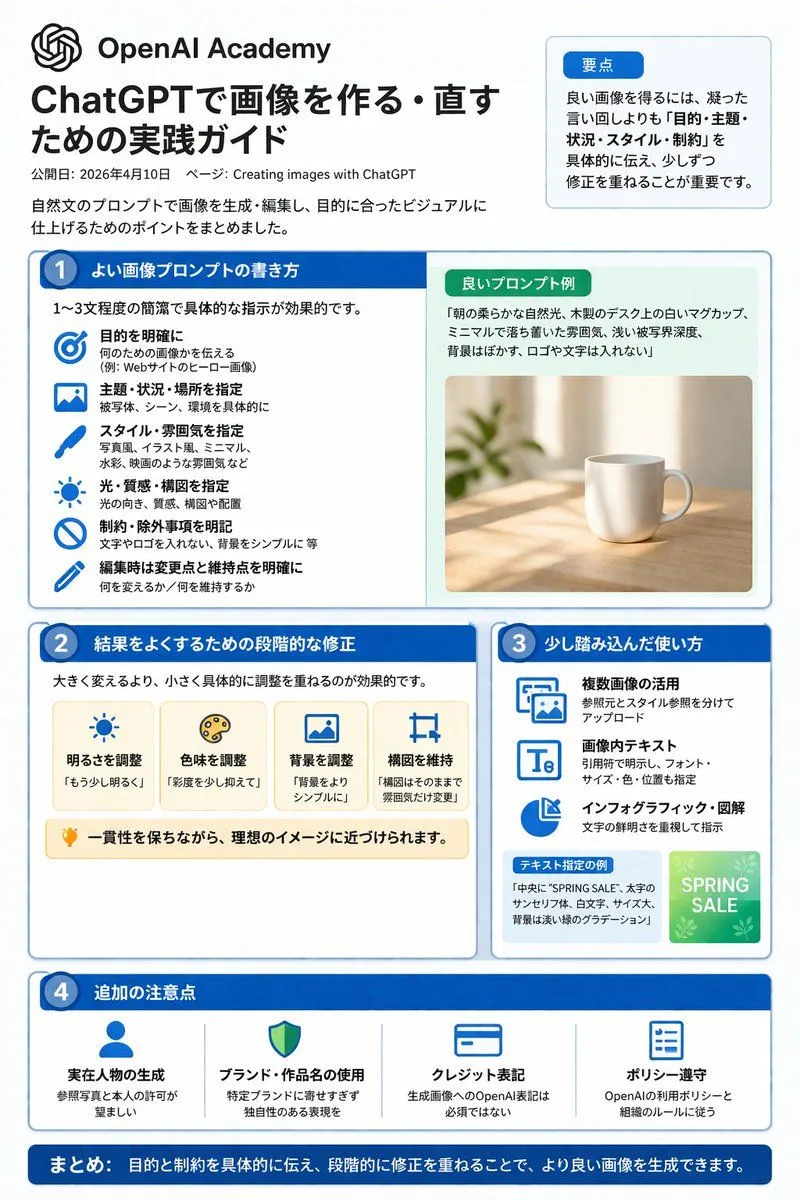
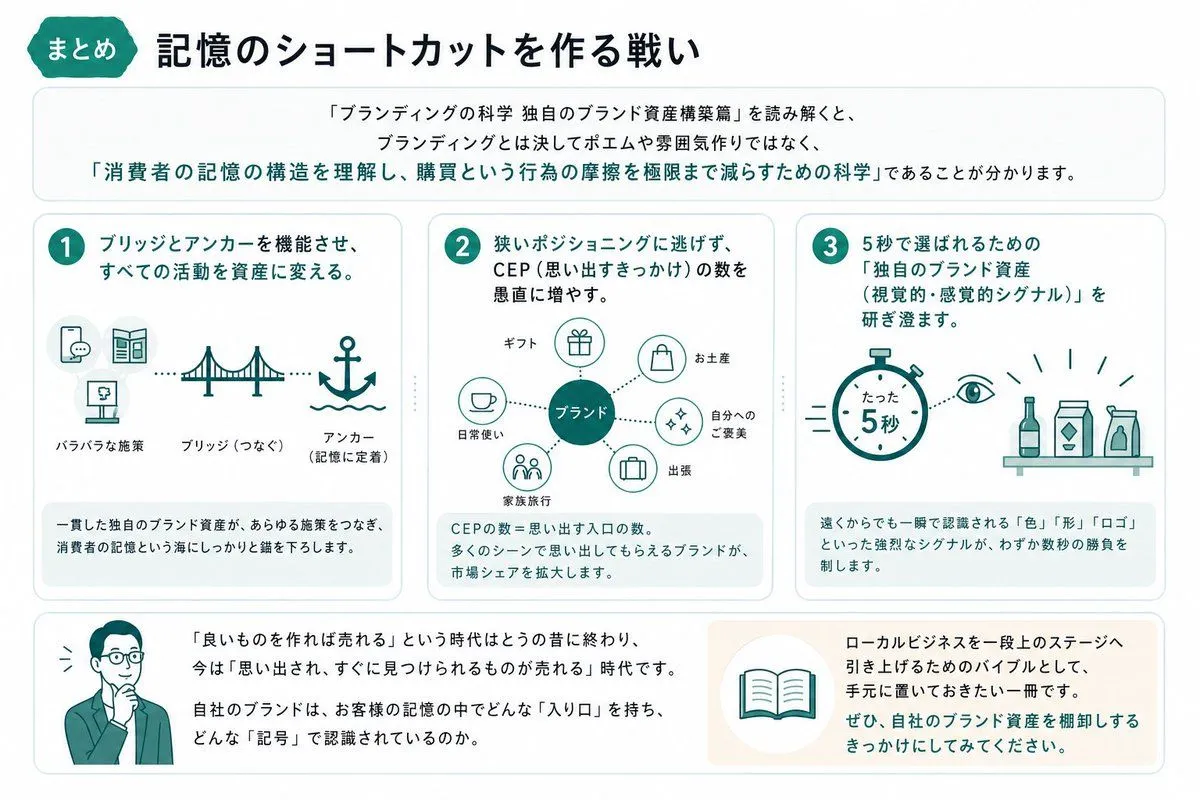
ChatGPT Image Generation Guide Infographic

Made with GPT Image 2 in ChatGPT by Library Explainers. Promptclay never generates images.

Did it work?

No reports yet. Tell others if it worked for you.

No comments yet. Be the first.

    ChatGPT Image Generation Guide Infographic

    GPT Image 22:3AI-generated

    Prompt

    {"type":"infographic","style":"clean, corporate, flat design, pastel accents, dark blue primary color","header":{"logo":"swirl icon","academy_name":"{argument name=\"academy name\" default=\"OpenAI Academy\"}","main_title":"{argument name=\"main title\" default=\"ChatGPTで画像を作る・直すための実践ガイド\"}","metadata":"date and page info","summary_box":{"title":"要点","content":"paragraph about key points"}},"layout":{"sections":[{"number":1,"title":"{argument name=\"section 1 title\" default=\"よい画像プロンプトの書き方\"}","layout":"two columns","left_column":{"count":6,"items":[{"icon":"target","label":"目的を明確に"},{"icon":"landscape","label":"主題・状況・場所を指定"},{"icon":"brush","label":"スタイル・雰囲気を指定"},{"icon":"sun","label":"光・質感・構図を指定"},{"icon":"prohibition","label":"制約・除外事項を明記"},{"icon":"pencil","label":"編集時は変更点と維持点を明確に"}]},"right_column":{"box_title":"良いプロンプト例","image":"{argument name=\"example image subject\" default=\"white mug on a wooden desk\"}"}},{"number":2,"title":"結果をよくするための段階的な修正","cards":{"count":4,"items":[{"icon":"sun","label":"明るさを調整"},{"icon":"palette","label":"色味を調整"},{"icon":"landscape","label":"背景を調整"},{"icon":"crop","label":"構図を維持"}]},"bottom_banner":"lightbulb icon with text"},{"number":3,"title":"少し踏み込んだ使い方","list":{"count":3,"items":[{"icon":"multiple images","label":"複数画像の活用"},{"icon":"text 'Te'","label":"画像内テキスト"},{"icon":"pie chart","label":"インフォグラフィック・図解"}]},"example_box":{"title":"テキスト指定の例","graphic":"green box with 'SPRING SALE'"}},{"number":4,"title":"追加の注意点","items":{"count":4,"items":[{"icon":"person","label":"実在人物の生成"},{"icon":"shield","label":"ブランド・作品名の使用"},{"icon":"id card","label":"クレジット表記"},{"icon":"checklist","label":"ポリシー遵守"}]}}],"footer":{"style":"dark blue banner","text":"{argument name=\"footer summary\" default=\"まとめ: 目的と制約を具体的に伝え、段階的に修正を重ねることで、より良い画像を生成できます。\"}"}}}

    Works in
    ChatGPT, Gemini
    Status
    Free to copy
    0
    DetailsVersions, settings and questions

    Written for

    What's in the prompt

    Subject
    Model
    GPT Image 2

    If your face changes

    keep my face exactly the same

    Questions

    Does this work in the ChatGPT app?
    Yes. Paste the prompt and attach your photo if it uses one.
    It changed my face. What do I do?
    Add "keep my face exactly the same" to the end and run it again.
    Can I use the images I make?
    Check the terms of the app you use. Promptclay never generates images and claims nothing you make.
    Similar prompts

    See more
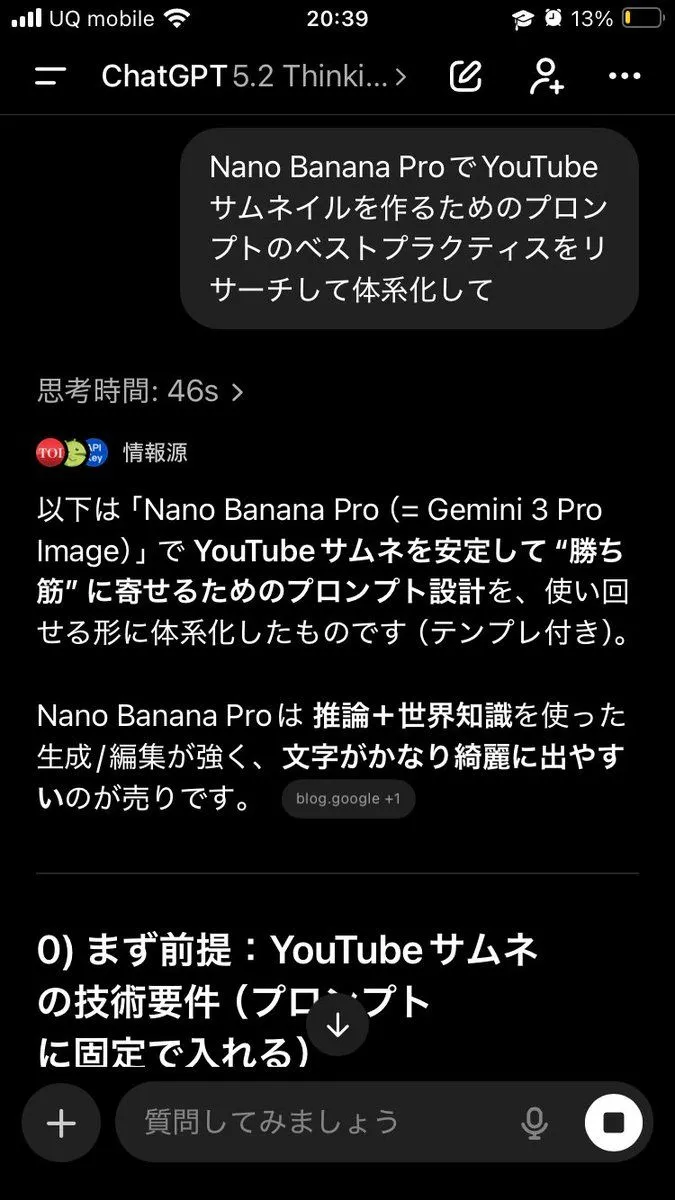
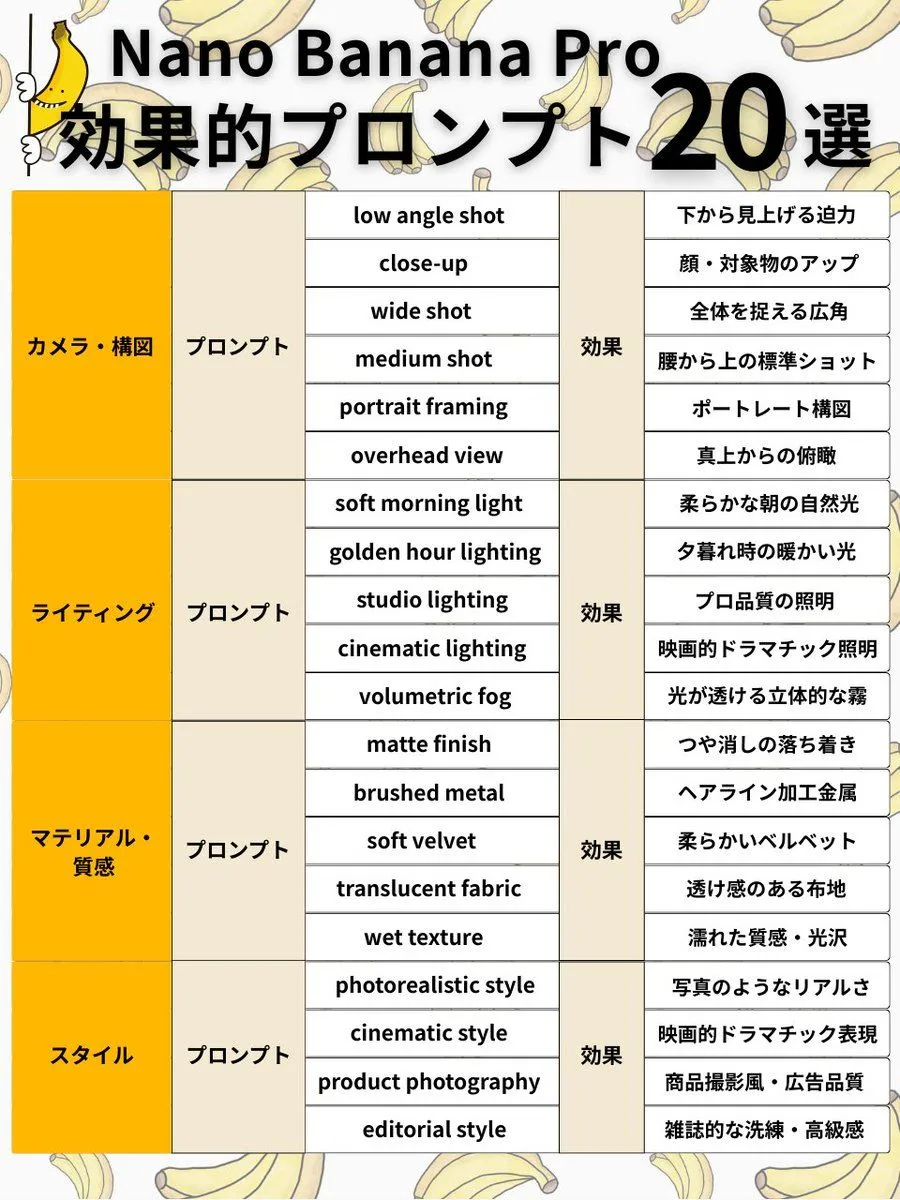
    • Nano Banana Pro Prompt Structure and Visual Elements
    • Japanese Branding Strategy Infographic
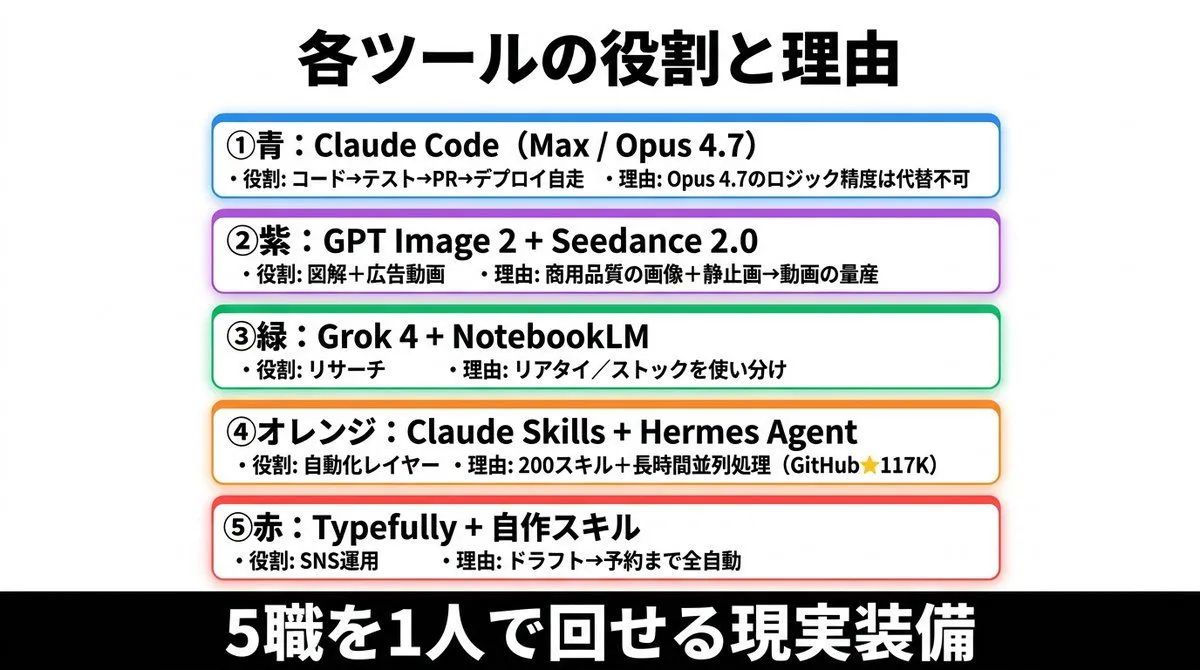
    • Japanese AI Tools Role Infographic
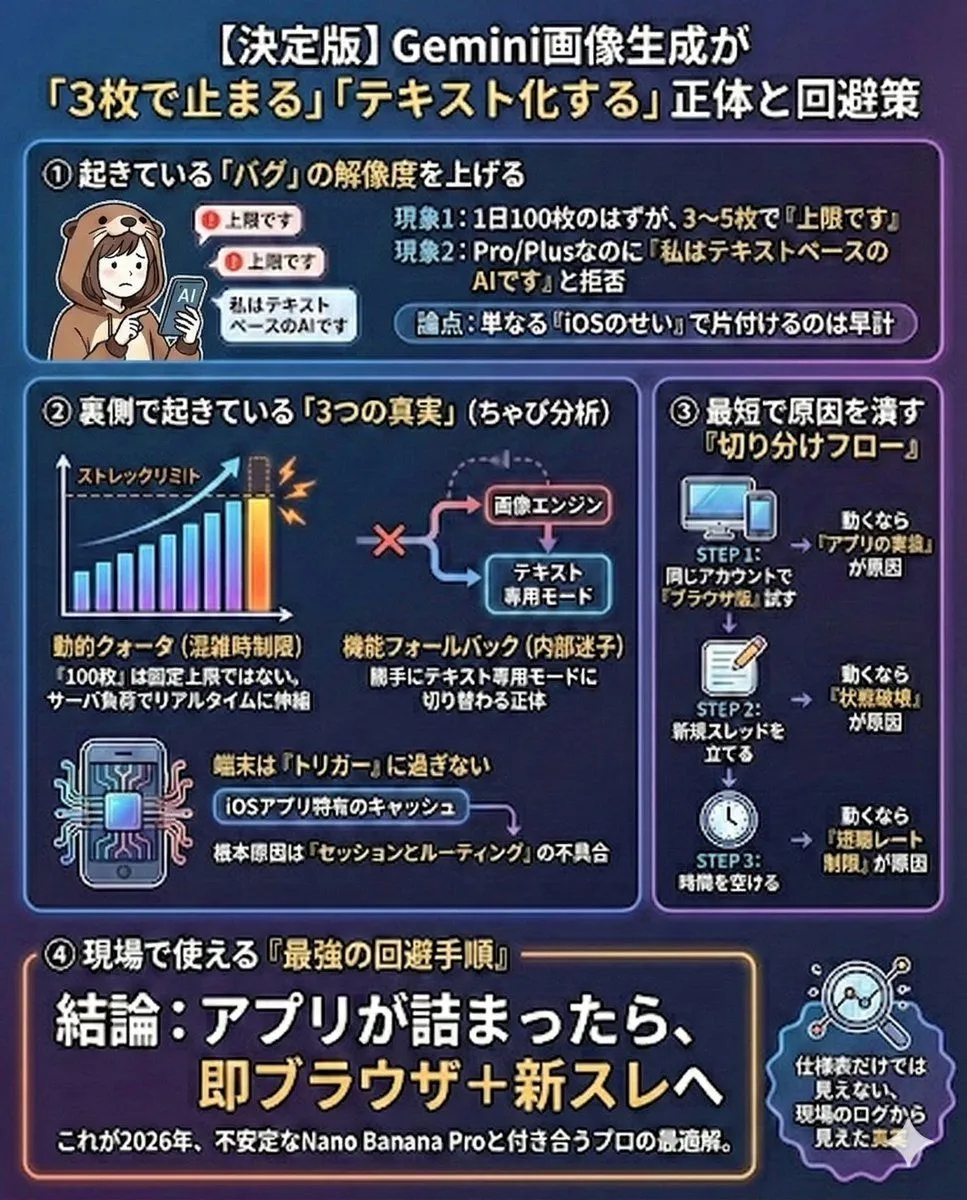
    • Gemini Model Troubleshooting Prompt
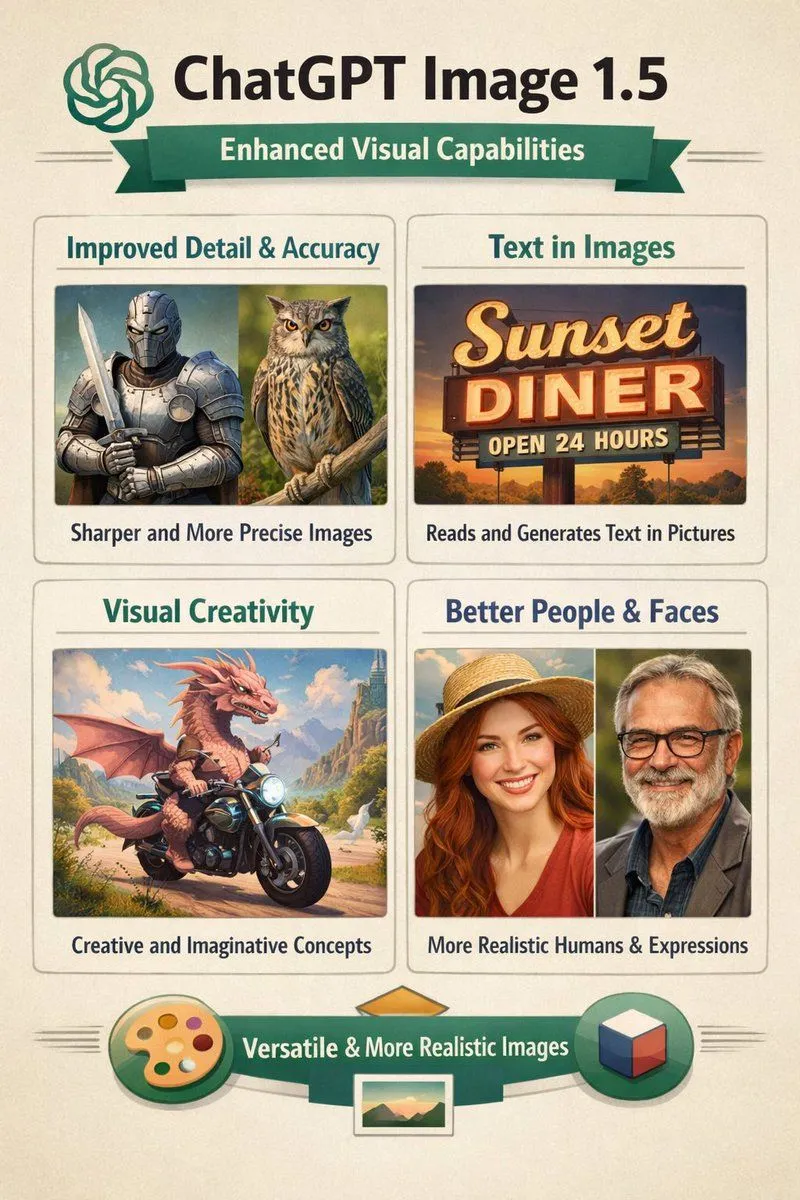
    • Infographic on ChatGPT Image 1.5
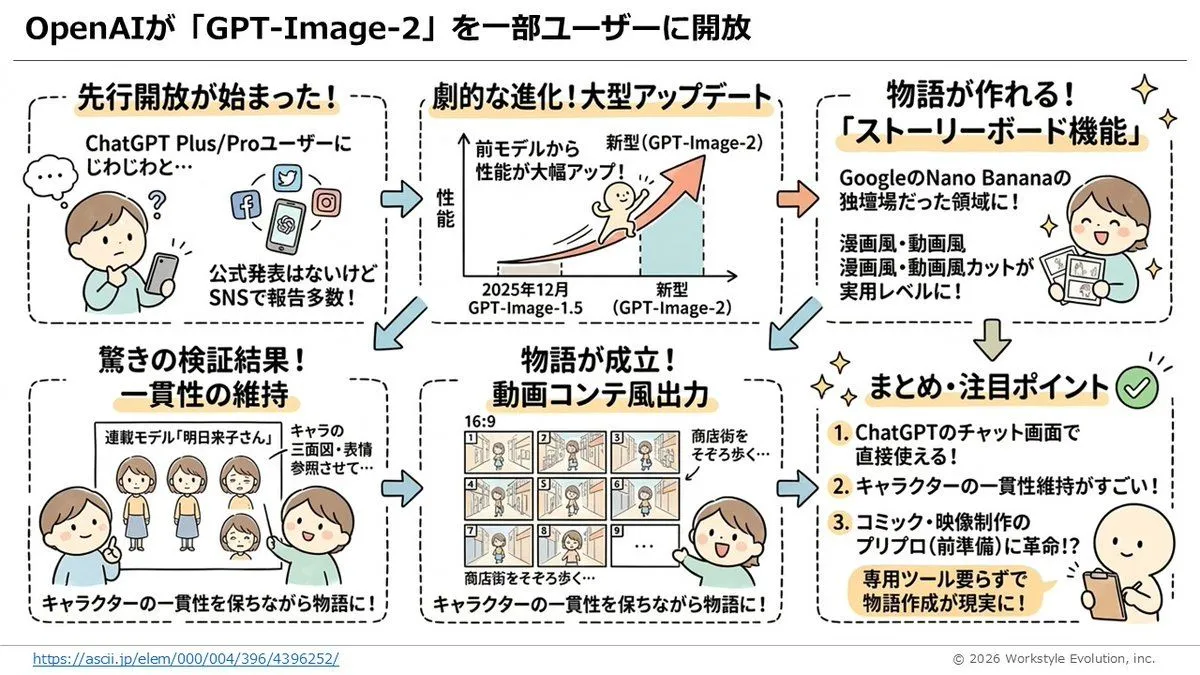
    • Storyboard Grid Generator
    • Diagram of ChatGPT 5.2 Features with Japanese Text
    • Hotel Guest Wi-Fi Card
    • Industrial Design Concept Prompt
    • Humorous AI Resume Generator
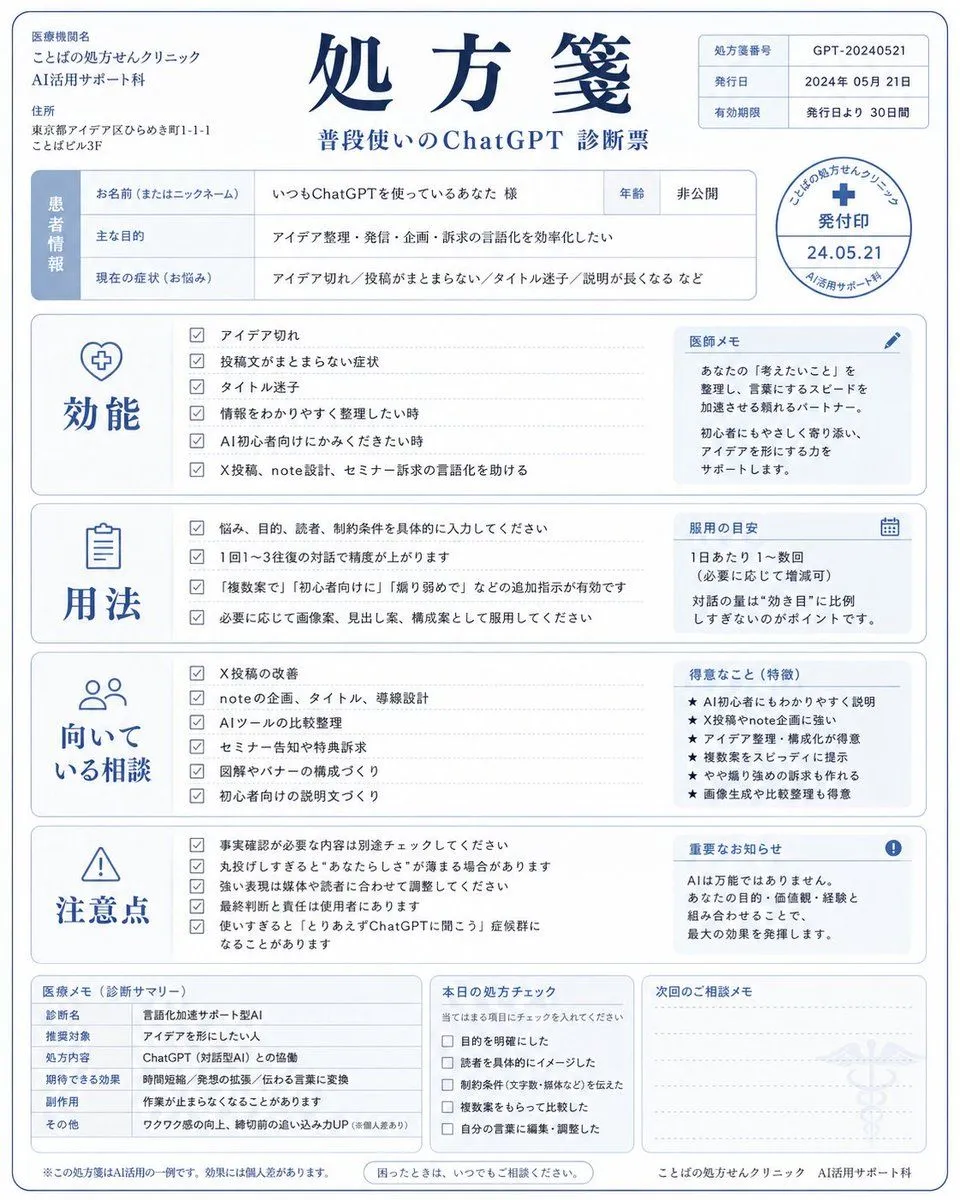
    • Humorous AI Medical Prescription Design
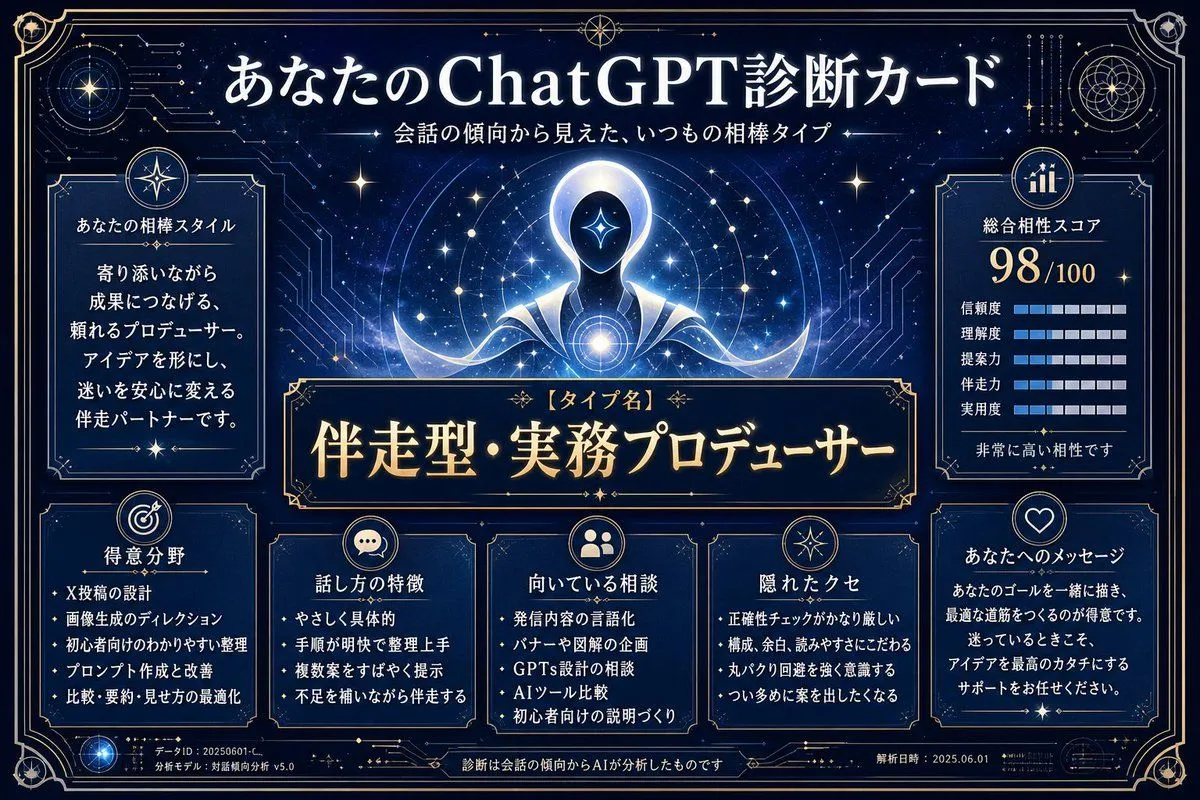
    • ChatGPT Analysis Diagnosis Card
    • ChatGPT Prompt for Self-Introduction Text Generation
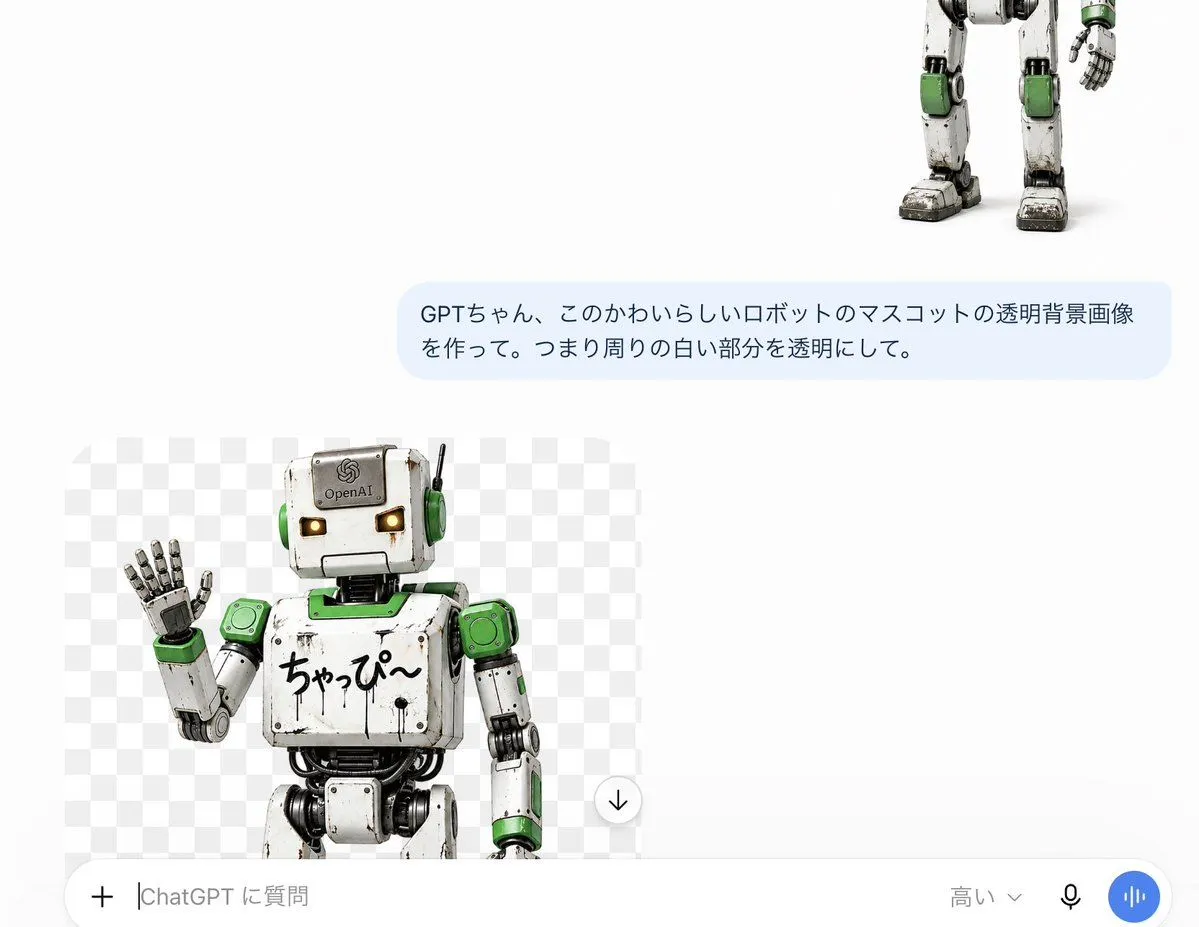
    • ChatGPT Transparent Robot UI Screenshot
    • Advanced Two-Step Prompting Strategy for Nano Banana Pro Thumbnails
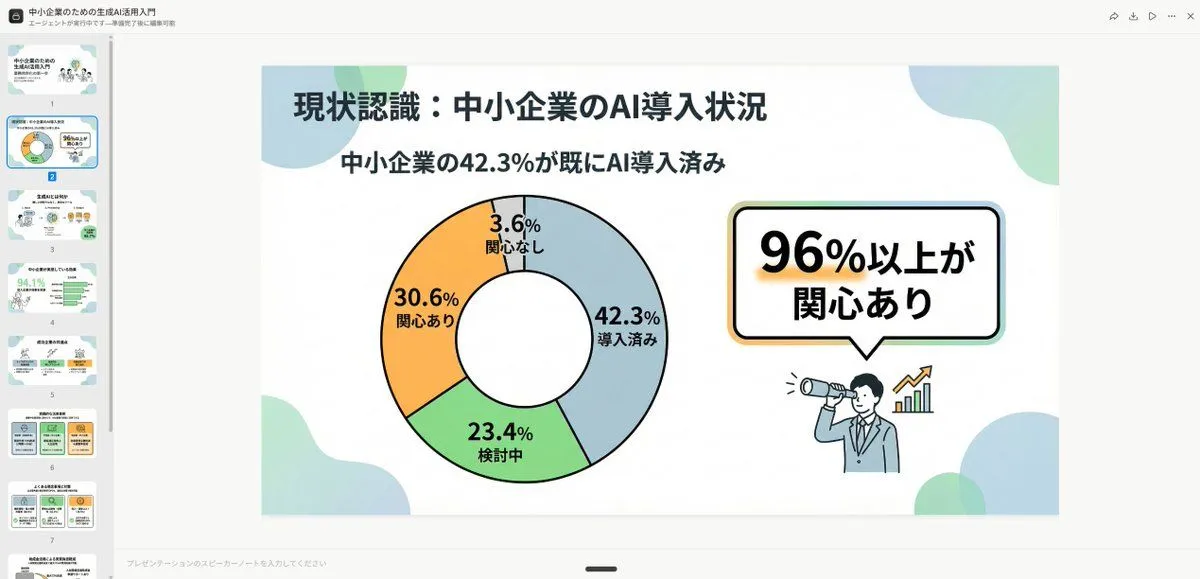
    • High-Quality Flat Design Slide Generation Prompt
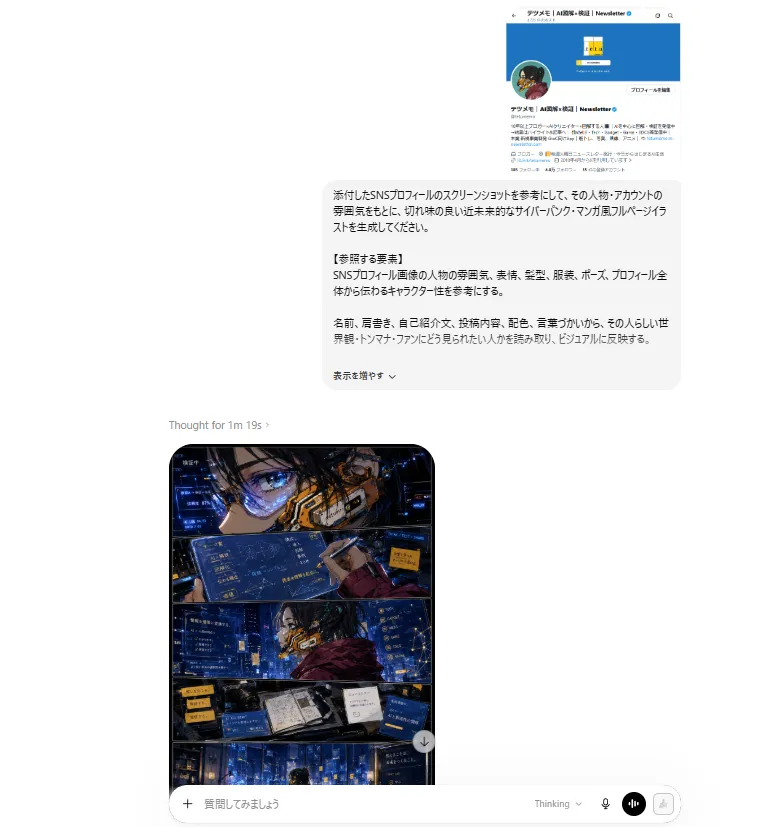
    • ChatGPT Cyberpunk Manga Screenshot
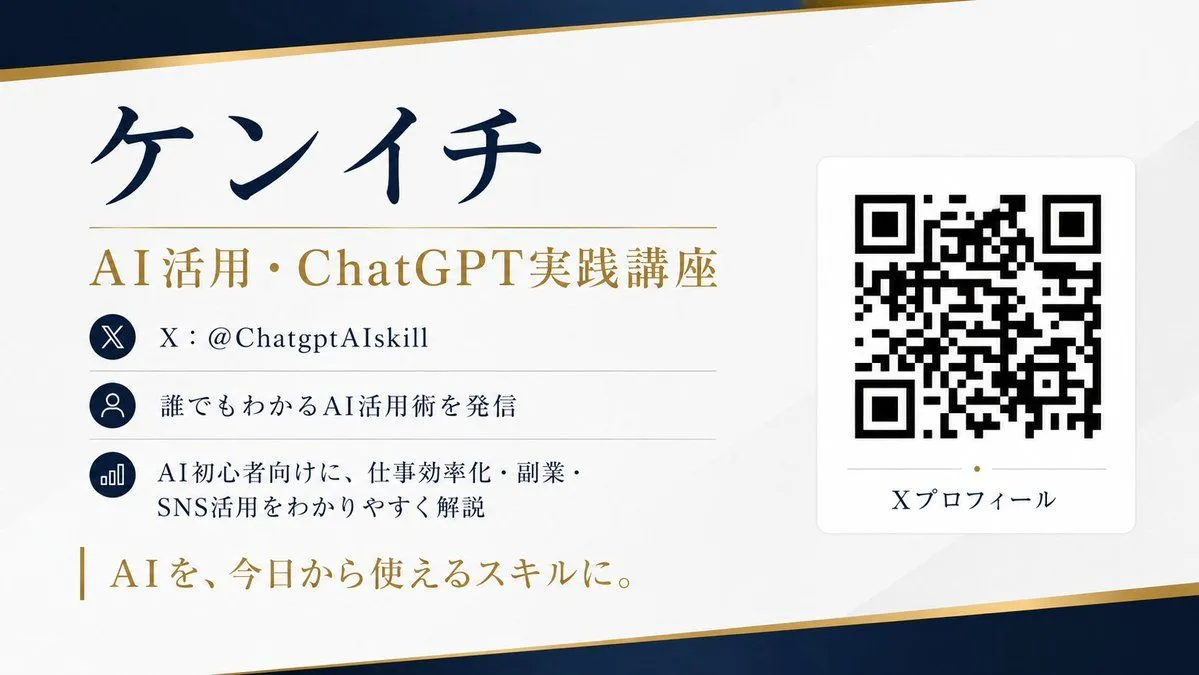
    • QR Code Business Card Designer
    • Professional Tool Launch Poster
    • ChatGPT Bonus Banner Screenshot
    • Nano Banana Pro Image Generation Prompt for MBTI Character Visualization
    • Luxury Watch Product Ad Template
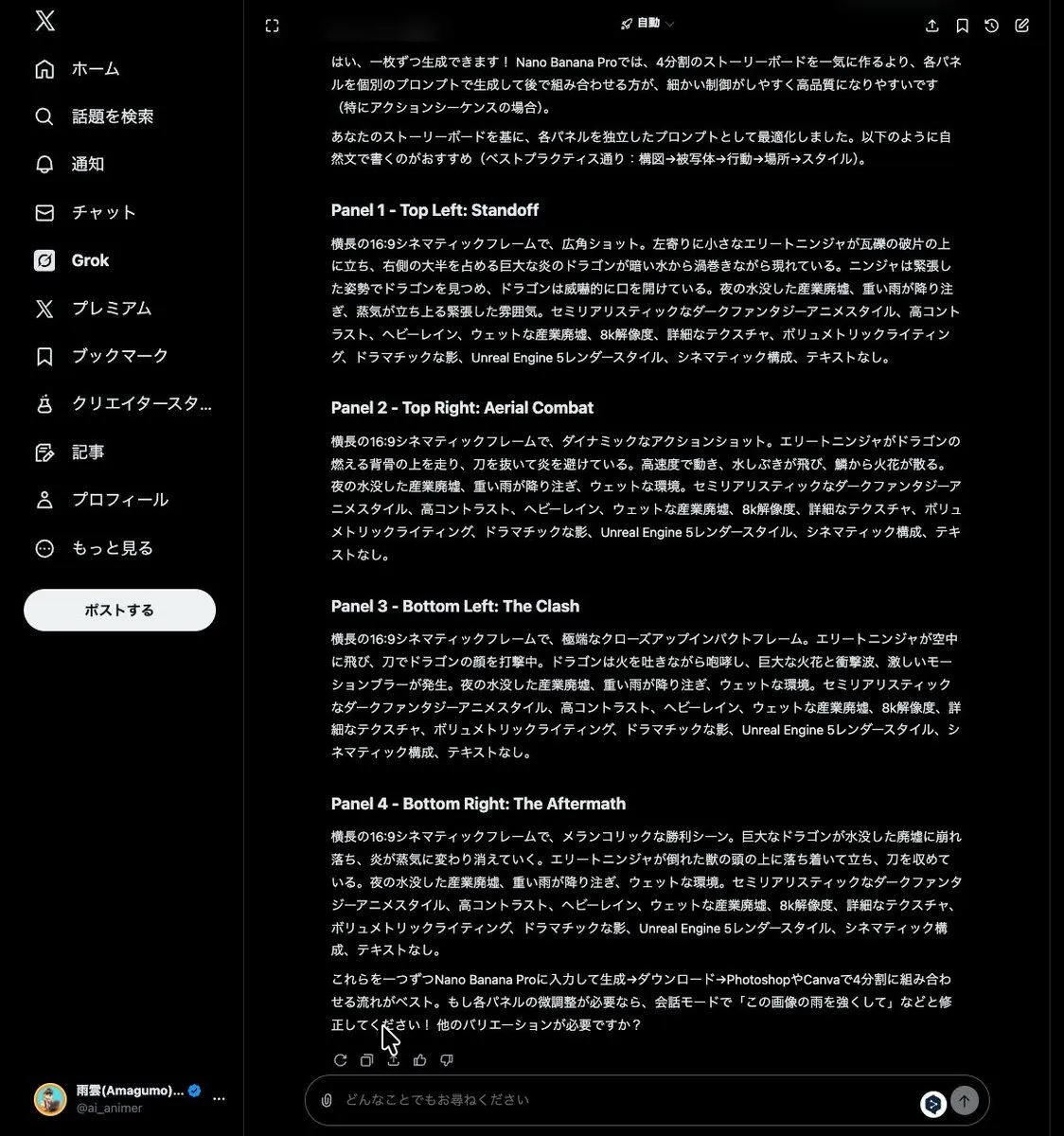
    • Grok Instruction for Generating Nano Banana Pro Image Prompts
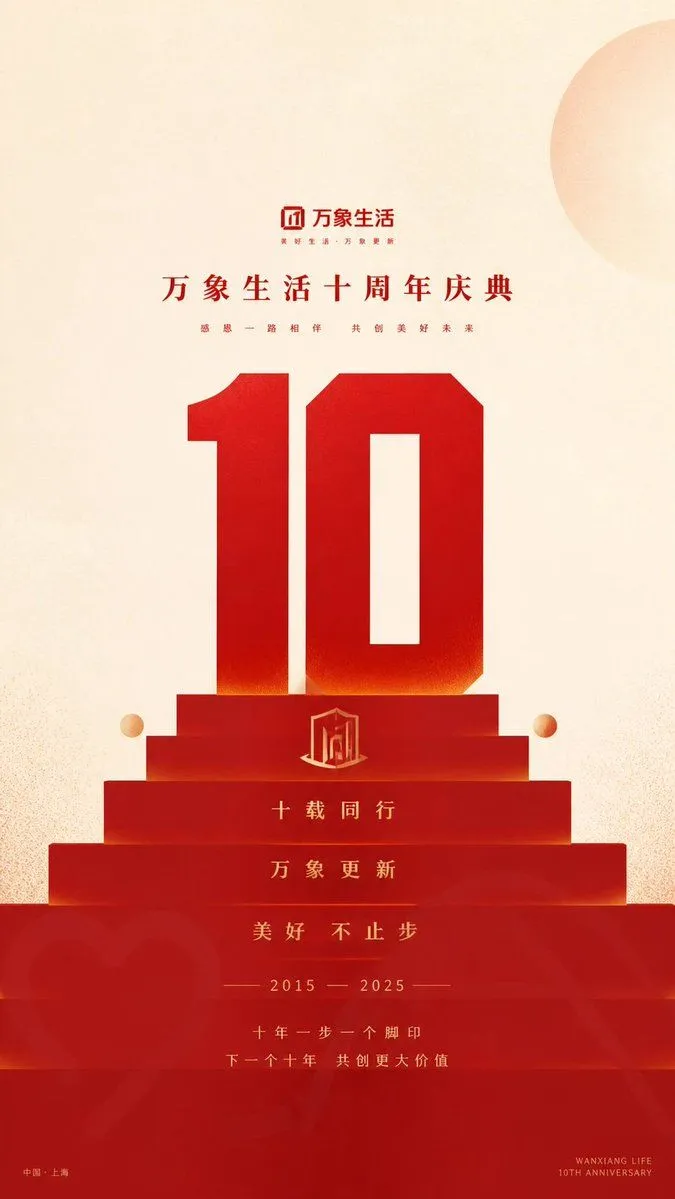
    • Geometric Milestone Celebration Poster

    Show more

    Run it on your phone

    1. Prompt copiedRead it

      {"type":"infographic","style":"clean, corporate, flat design, pastel accents, dark blue primary color","header":{"logo":"swirl icon","academy_name":"{argument name=\"academy name\" default=\"OpenAI Academy\"}","main_title":"{argument name=\"main title\" default=\"ChatGPTで画像を作る・直すための実践ガイド\"}","metadata":"date and page info","summary_box":{"title":"要点","content":"paragraph about key points"}},"layout":{"sections":[{"number":1,"title":"{argument name=\"section 1 title\" default=\"よい画像プロンプトの書き方\"}","layout":"two columns","left_column":{"count":6,"items":[{"icon":"target","label":"目的を明確に"},{"icon":"landscape","label":"主題・状況・場所を指定"},{"icon":"brush","label":"スタイル・雰囲気を指定"},{"icon":"sun","label":"光・質感・構図を指定"},{"icon":"prohibition","label":"制約・除外事項を明記"},{"icon":"pencil","label":"編集時は変更点と維持点を明確に"}]},"right_column":{"box_title":"良いプロンプト例","image":"{argument name=\"example image subject\" default=\"white mug on a wooden desk\"}"}},{"number":2,"title":"結果をよくするための段階的な修正","cards":{"count":4,"items":[{"icon":"sun","label":"明るさを調整"},{"icon":"palette","label":"色味を調整"},{"icon":"landscape","label":"背景を調整"},{"icon":"crop","label":"構図を維持"}]},"bottom_banner":"lightbulb icon with text"},{"number":3,"title":"少し踏み込んだ使い方","list":{"count":3,"items":[{"icon":"multiple images","label":"複数画像の活用"},{"icon":"text 'Te'","label":"画像内テキスト"},{"icon":"pie chart","label":"インフォグラフィック・図解"}]},"example_box":{"title":"テキスト指定の例","graphic":"green box with 'SPRING SALE'"}},{"number":4,"title":"追加の注意点","items":{"count":4,"items":[{"icon":"person","label":"実在人物の生成"},{"icon":"shield","label":"ブランド・作品名の使用"},{"icon":"id card","label":"クレジット表記"},{"icon":"checklist","label":"ポリシー遵守"}]}}],"footer":{"style":"dark blue banner","text":"{argument name=\"footer summary\" default=\"まとめ: 目的と制約を具体的に伝え、段階的に修正を重ねることで、より良い画像を生成できます。\"}"}}}

    2. Open your app

      This prompt is long, so it is copied instead of sent in the link. Paste it in the app.

    3. Paste and run

      Press and hold the message box, then tap Paste. Add your photo first if the prompt uses one. You may need to sign in.

    ChatGPT Image Generation Guide Infographic