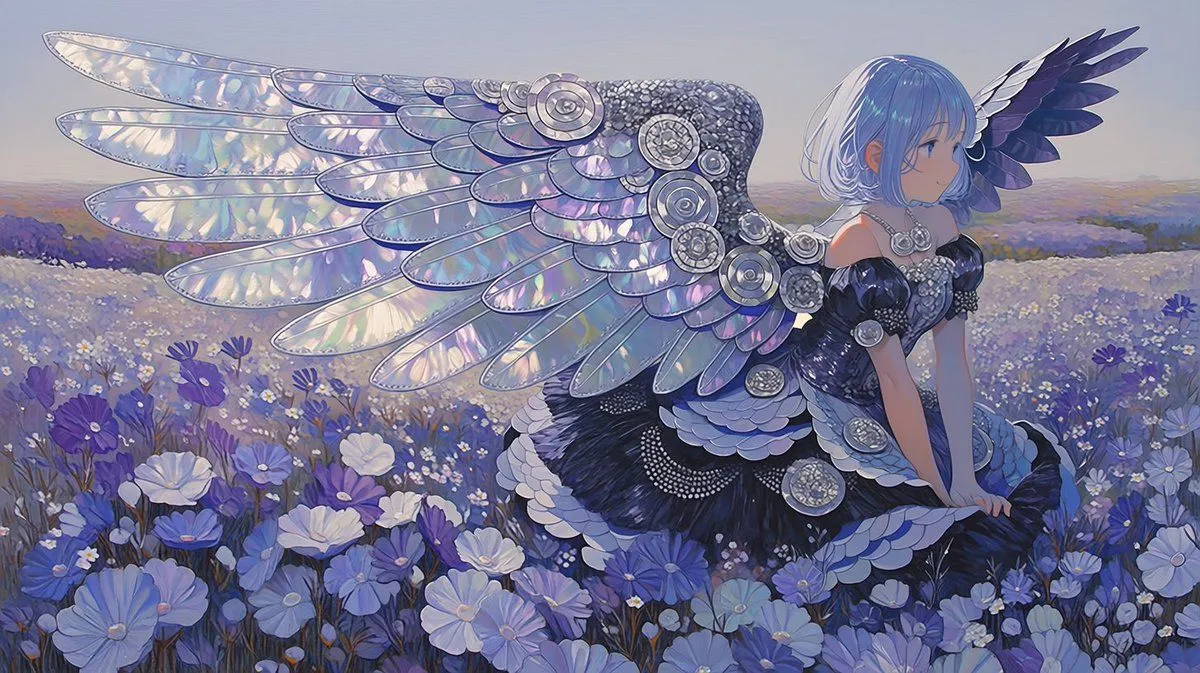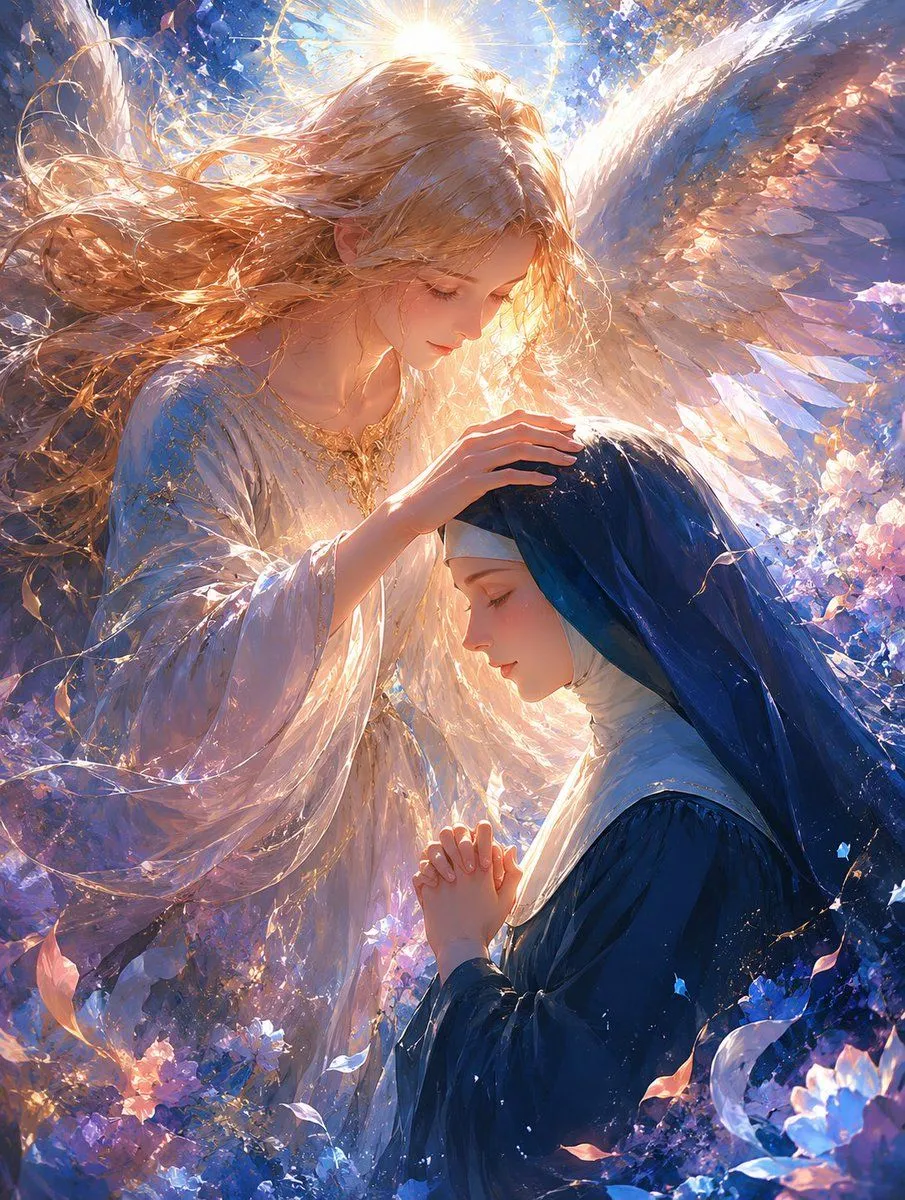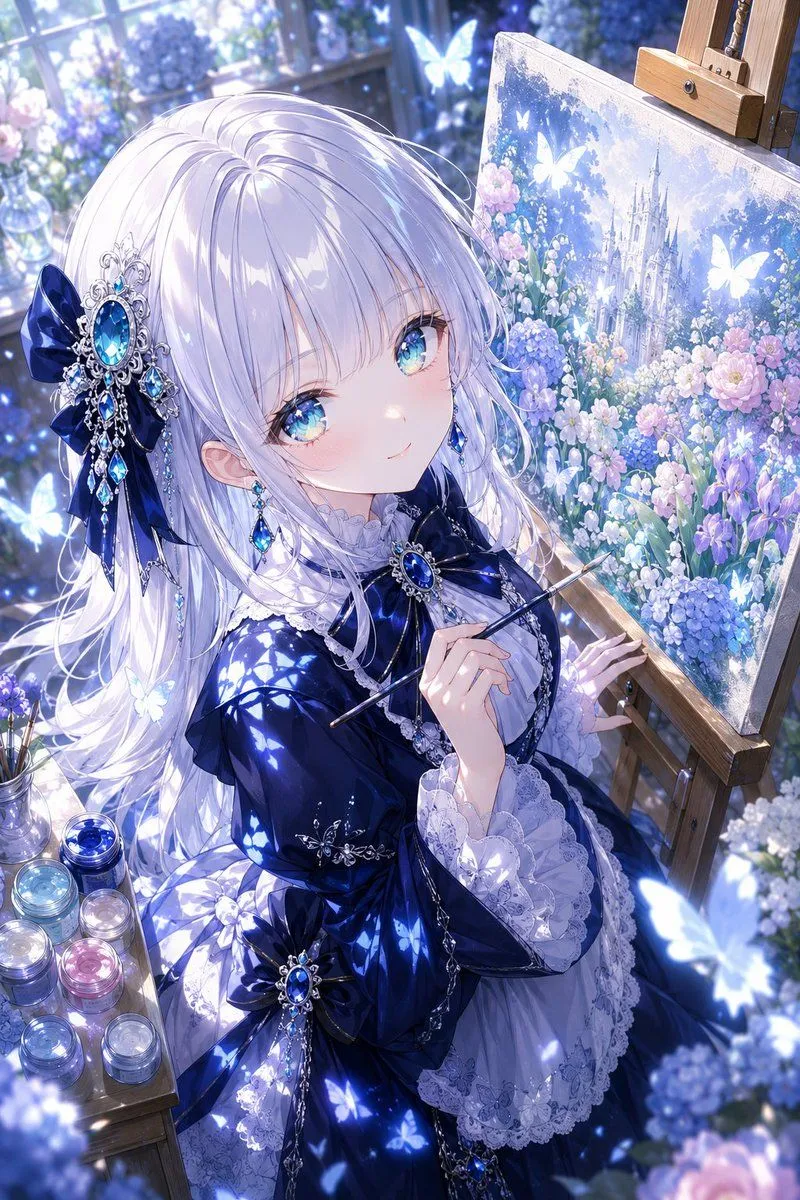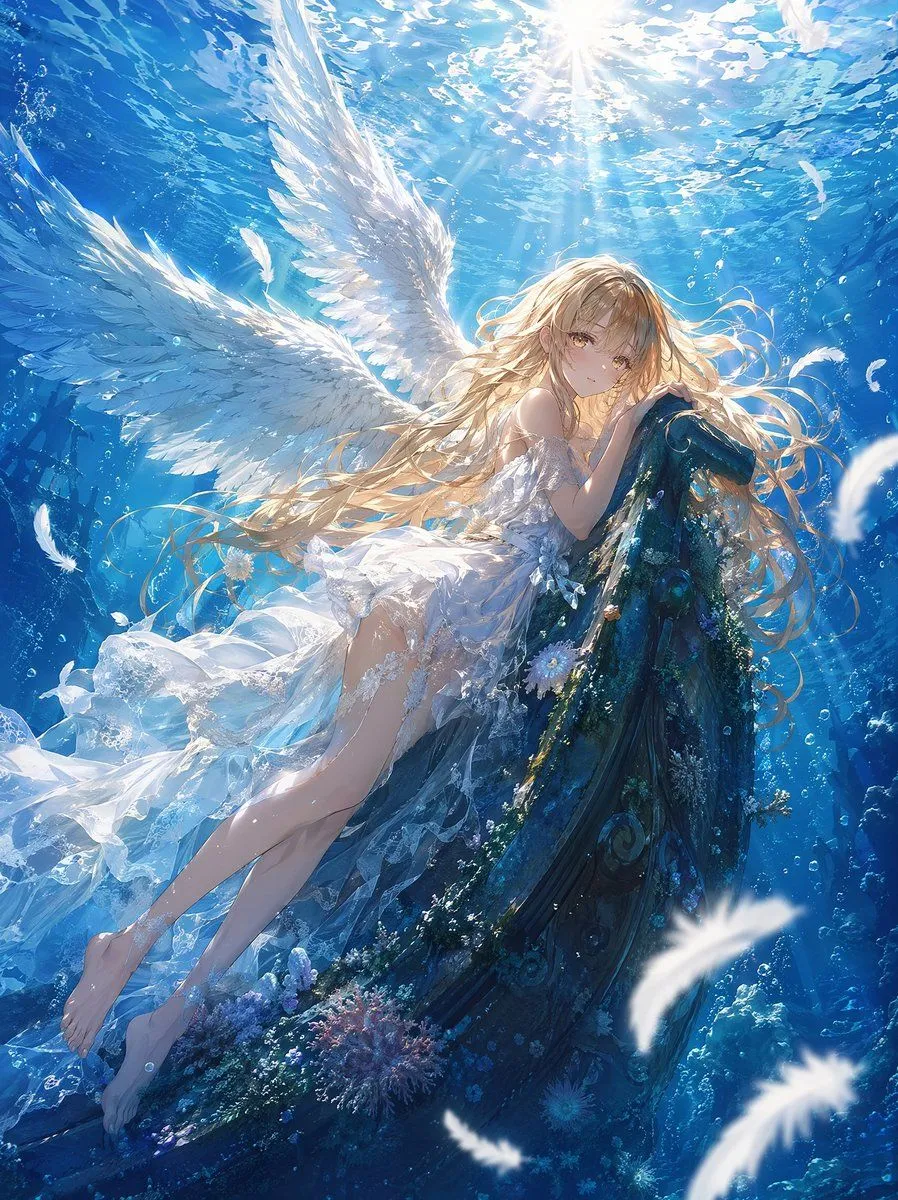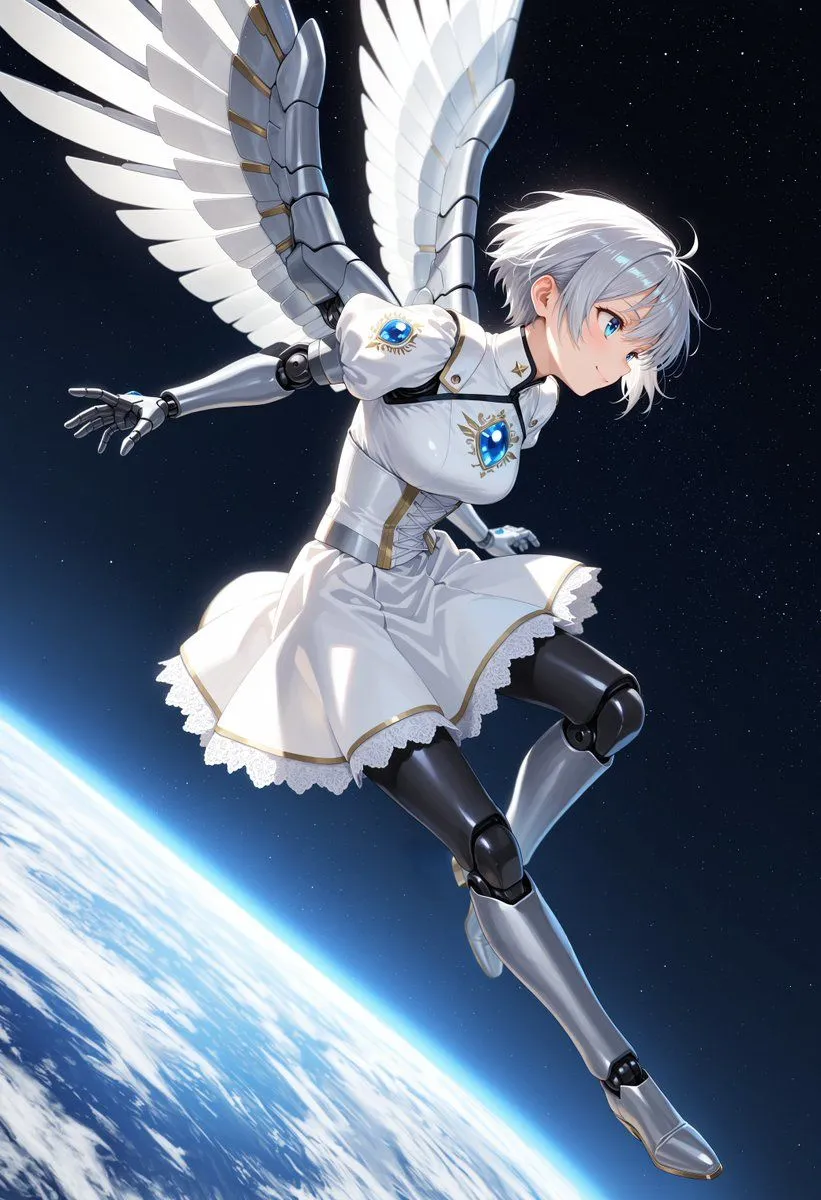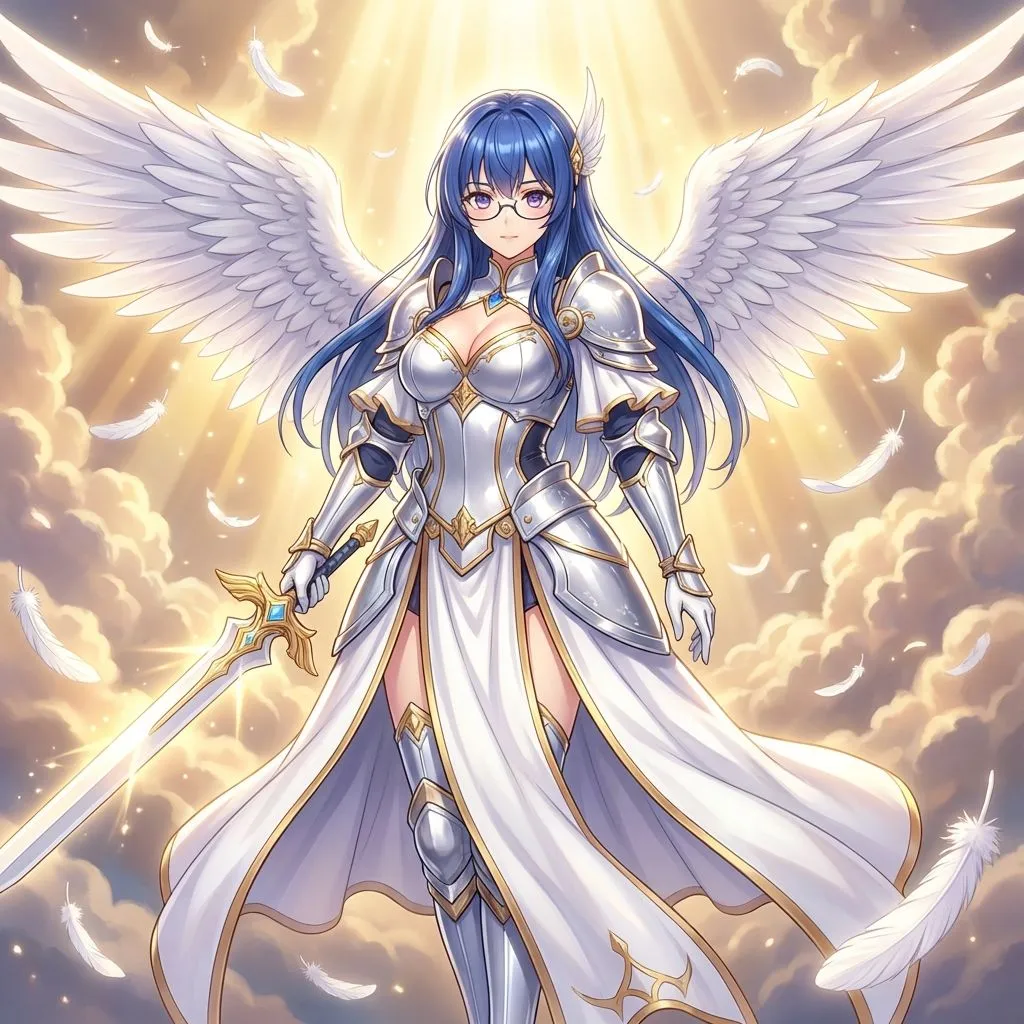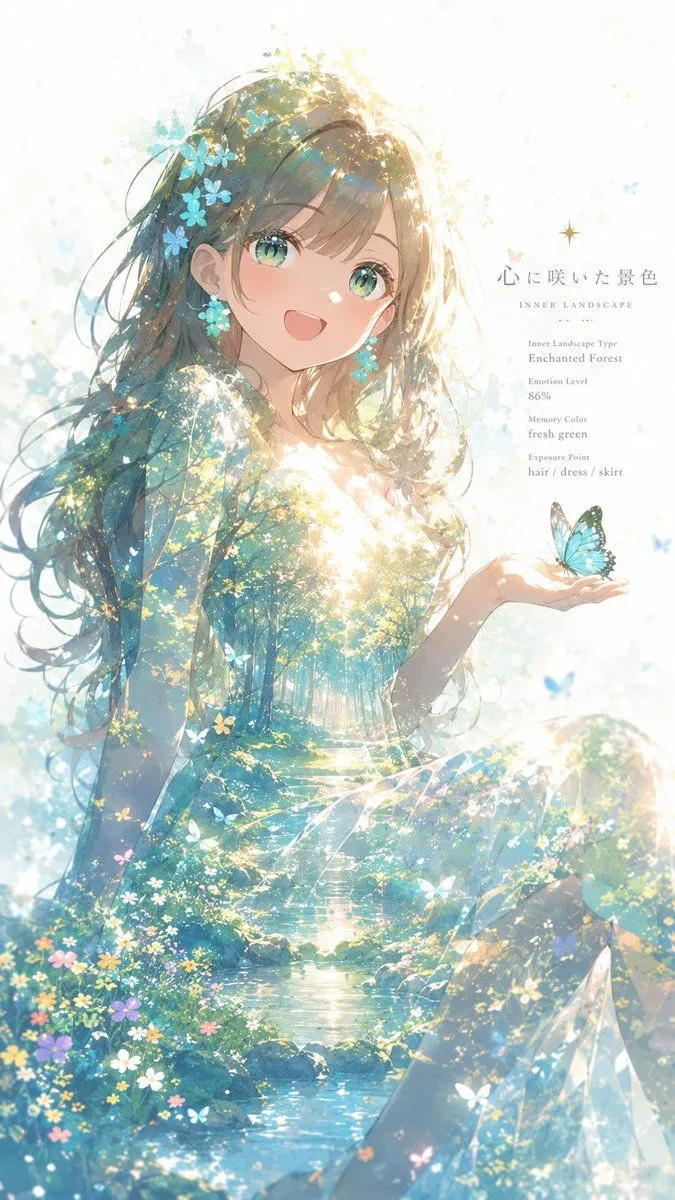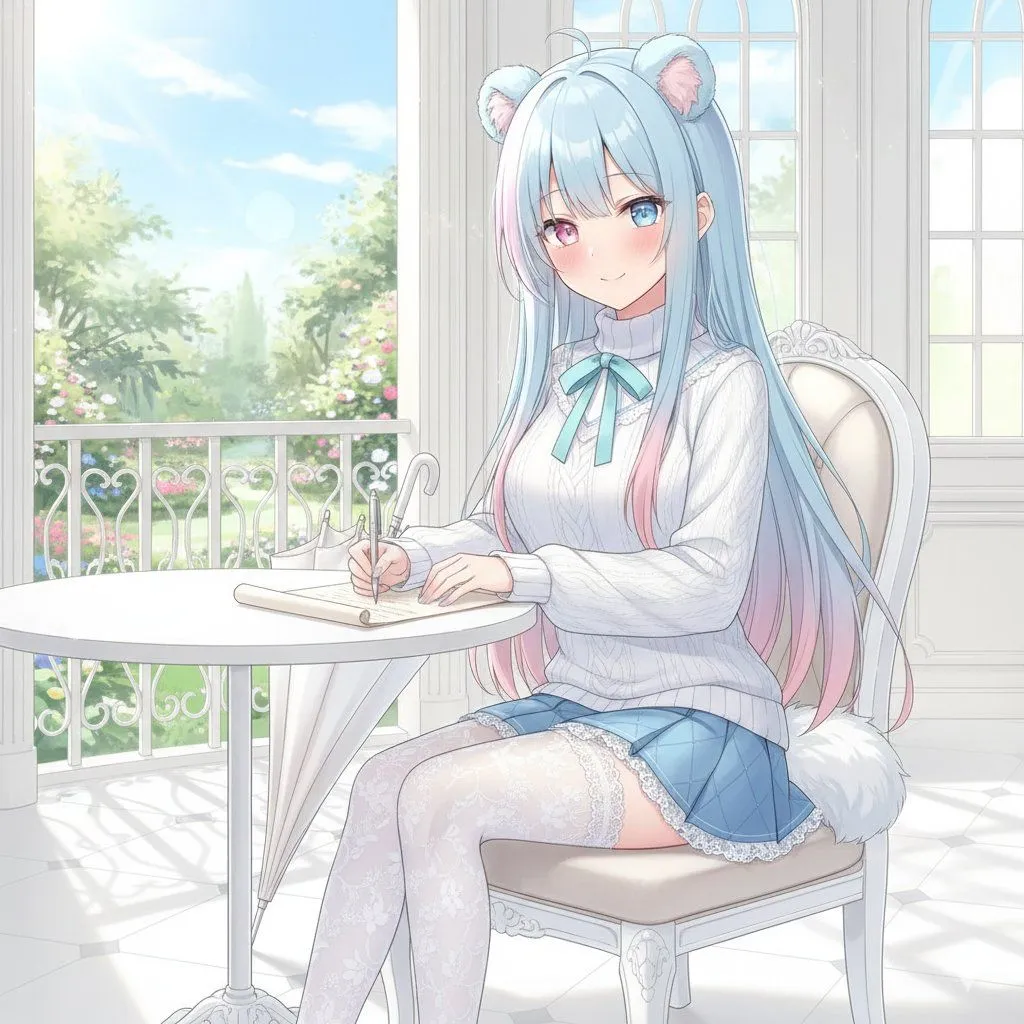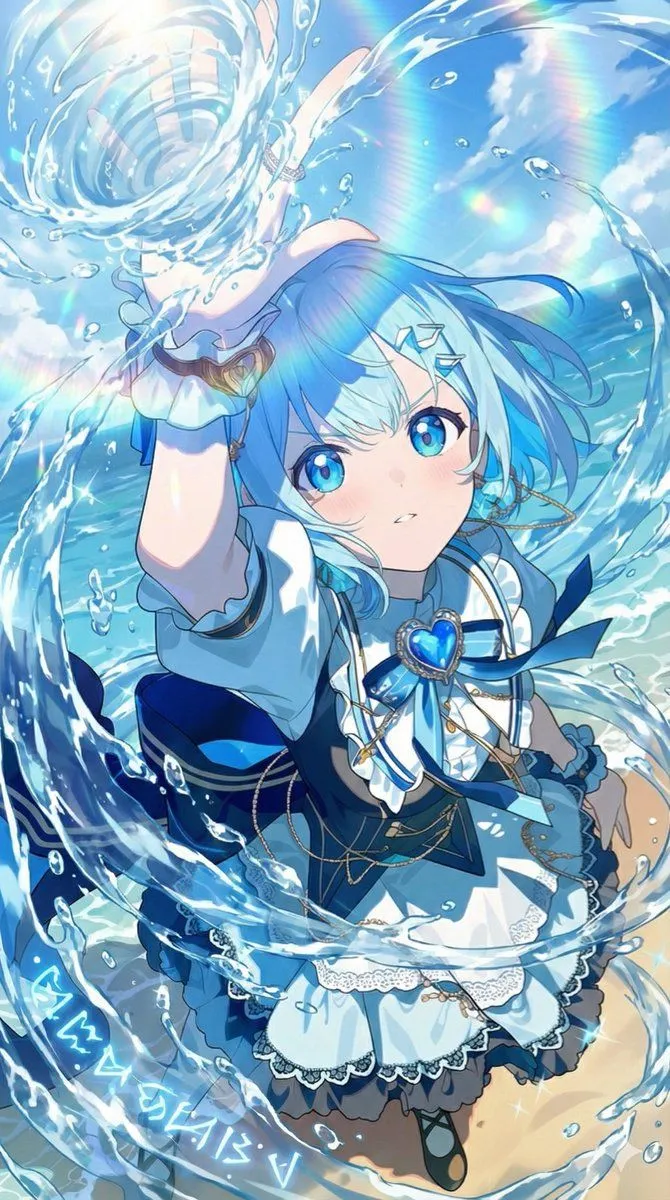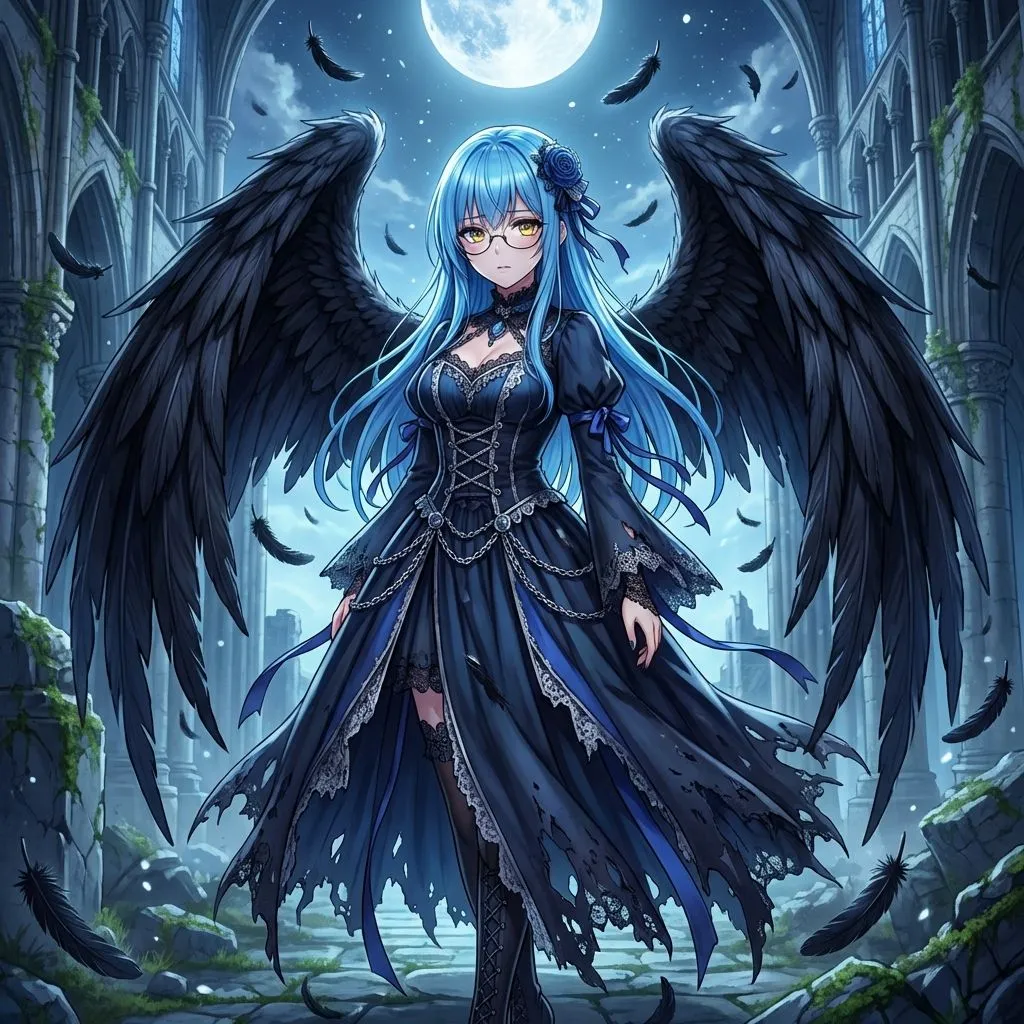
Made with GPT Image 2.5 in ChatGPT by Library Avatars. Promptclay never generates images.
Did it work?
No reports yet. Tell others if it worked for you.
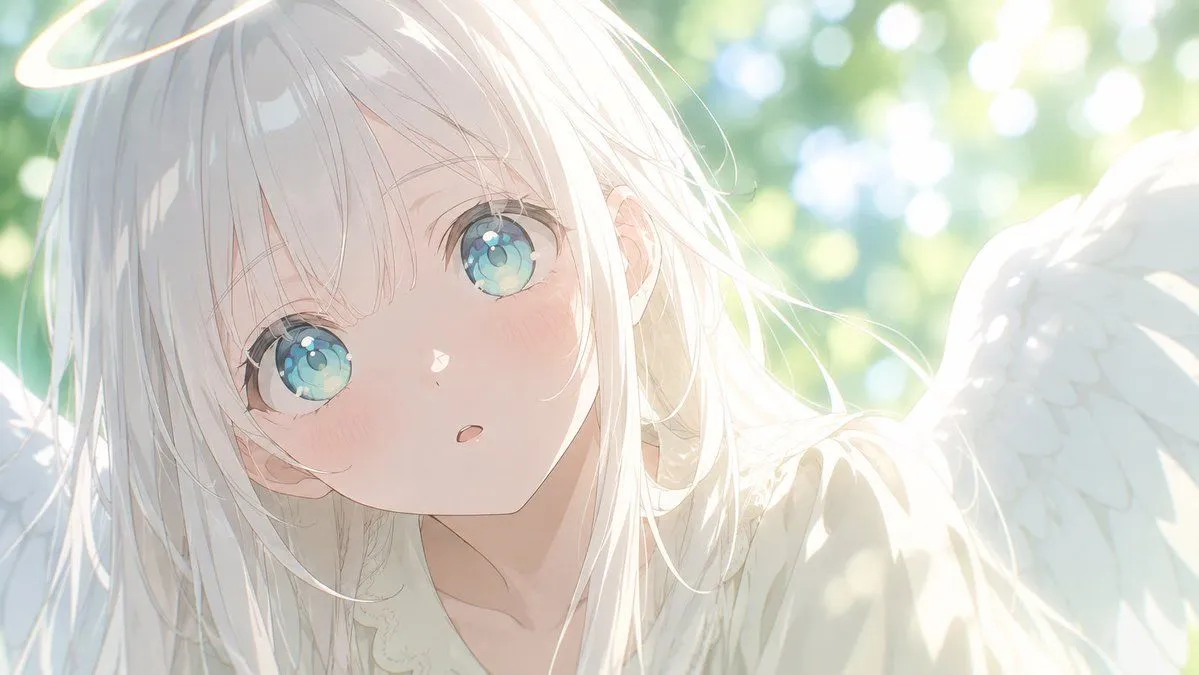
Angel Garden Anime Transformation
Prompt
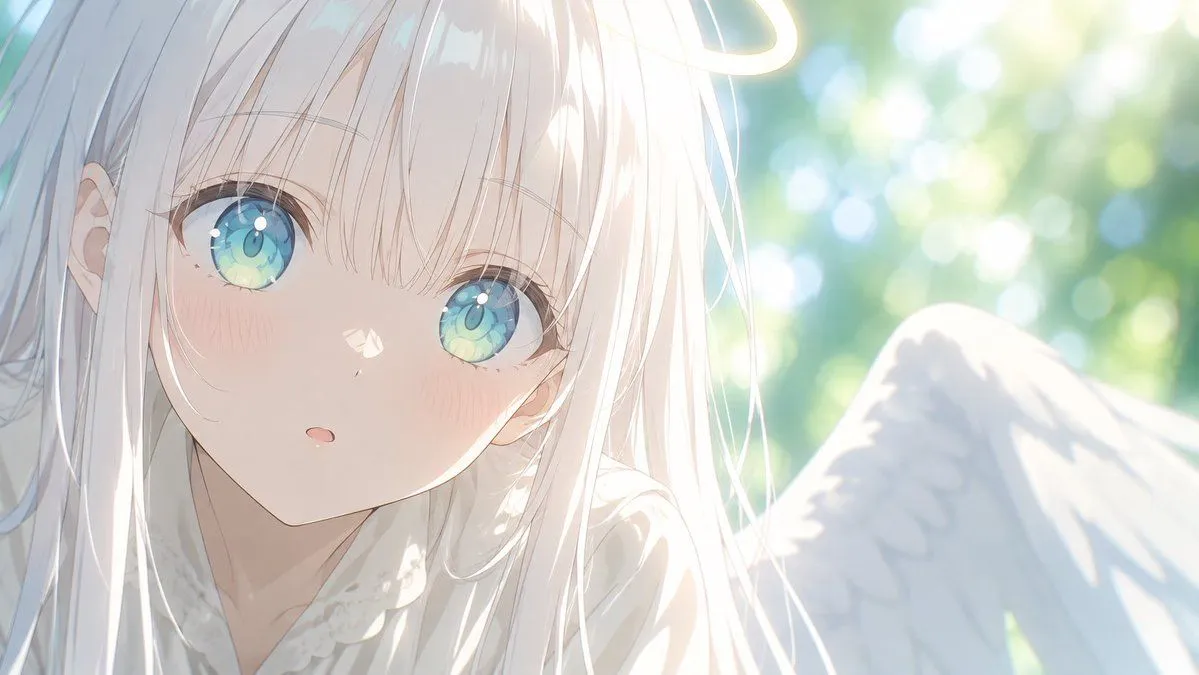
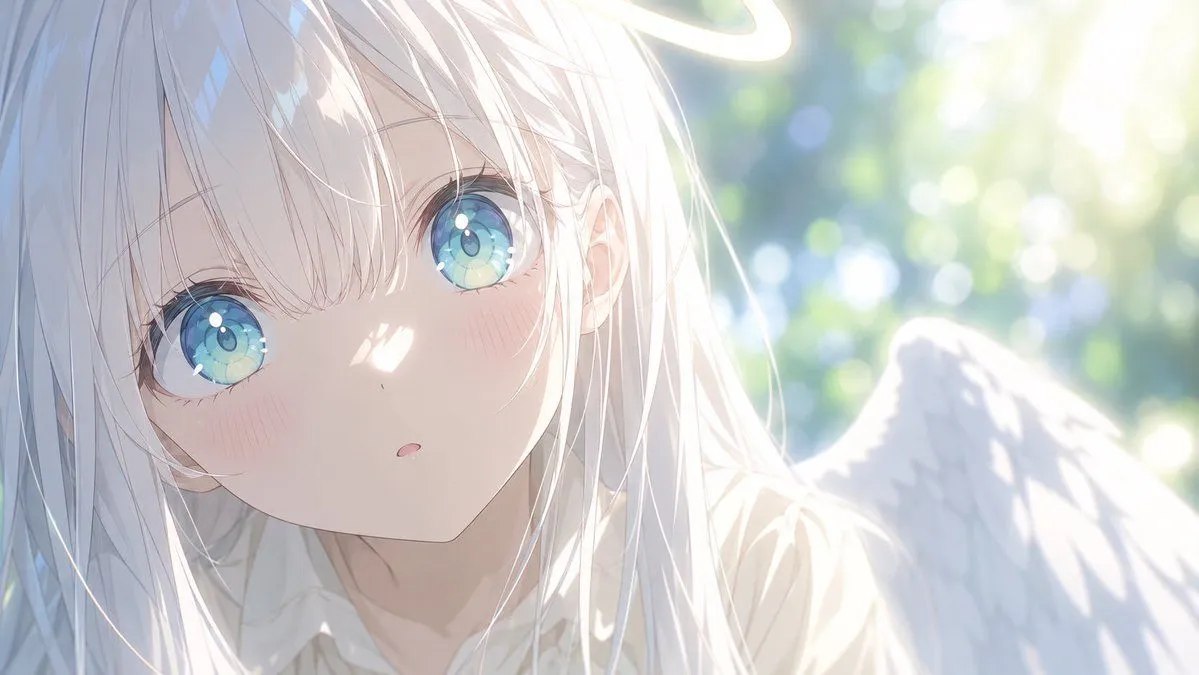
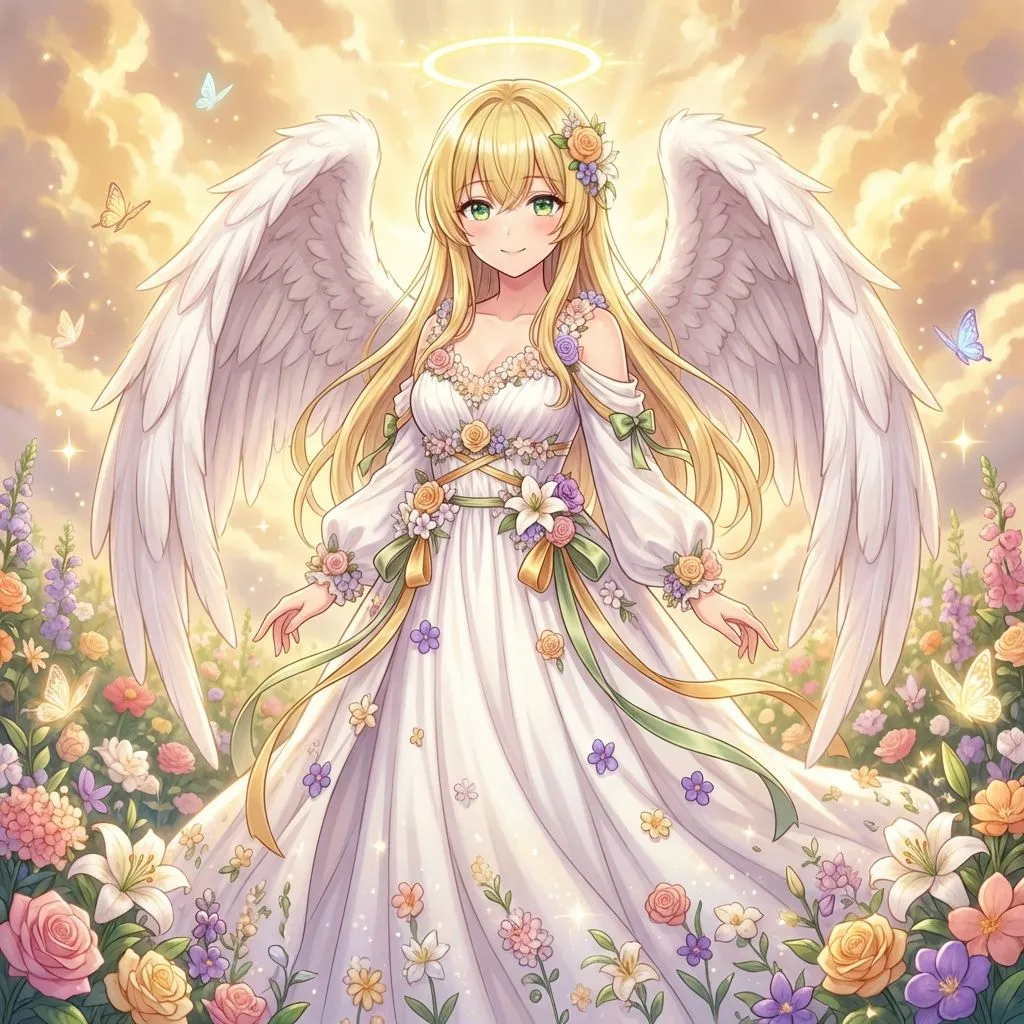
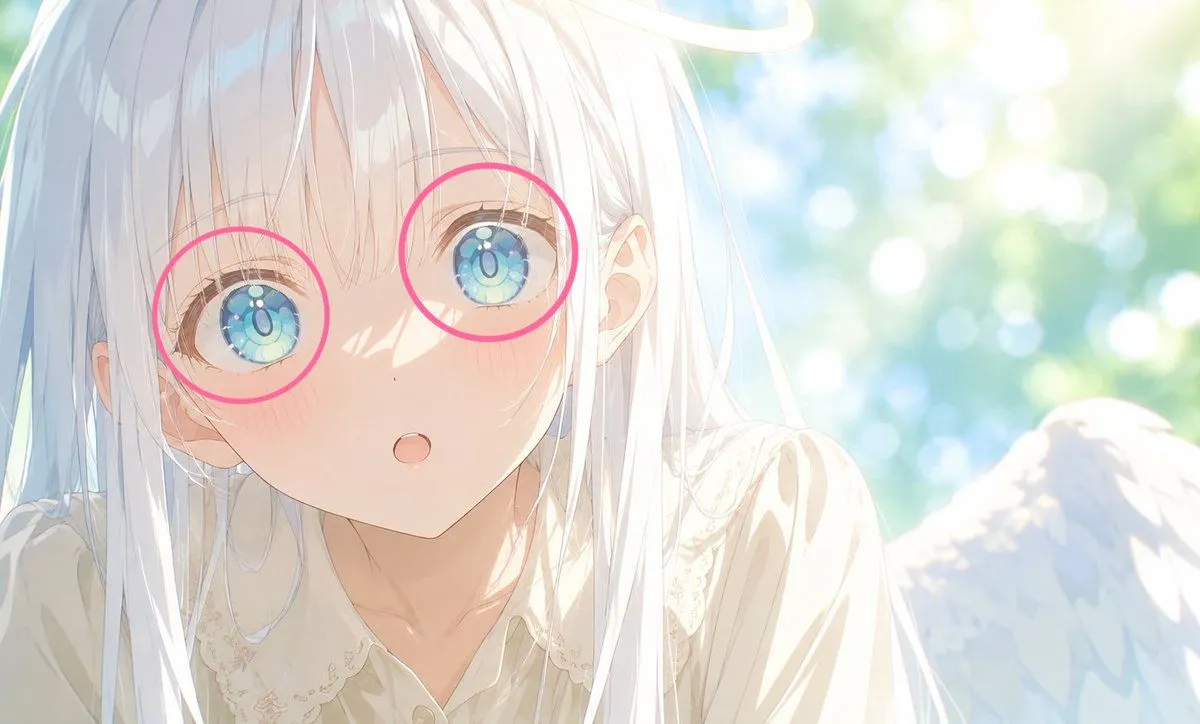
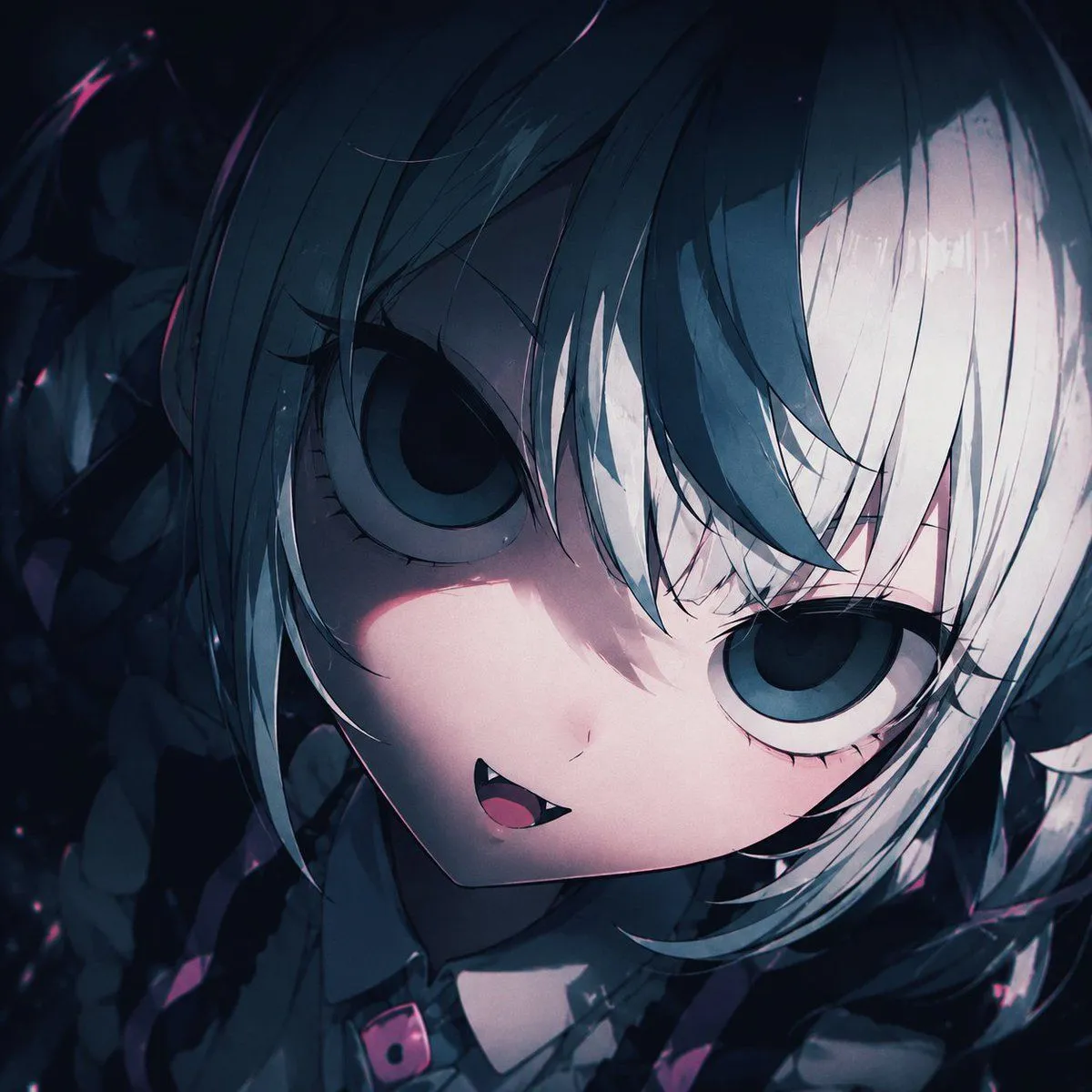
4 blanks to fillUsing REFERENCE_0 as the character base, zoom out from the extreme face close-up into a wide horizontal anime illustration while preserving the same girl’s delicate facial features, pale hair, translucent blue-green eyes, soft blush, and gentle surprised expression. Transform her into a luminous angel scene: add exactly 1 glowing halo above her head and exactly 2 large white feathered wings, one on each side. Reveal more of her upper body with a soft cream-white, lace-trimmed outfit. Place her outdoors in a bright sunlit garden with green foliage and circular bokeh highlights in the background. Use a dreamy high-key watercolor anime style with strong backlight, airy overexposure, soft lens glow, fine hair strands, and a peaceful ethereal mood. Canvas: wide landscape composition, {aspect_ratio}, with the character leaning slightly toward the viewer and positioned left of center. Lighting and mood: {lighting_mood}. Optional customization: angel accessory can be {angel_accessory}; background can be {background_setting}. Constraints: keep the eye design and overall character identity from the reference recognizable; do not add text, watermark, extra characters, or dark dramatic lighting.
Preview of your prompt
Using REFERENCE_0 as the character base, zoom out from the extreme face close-up into a wide horizontal anime illustration while preserving the same girl’s delicate facial features, pale hair, translucent blue-green eyes, soft blush, and gentle surprised expression. Transform her into a luminous angel scene: add exactly 1 glowing halo above her head and exactly 2 large white feathered wings, one on each side. Reveal more of her upper body with a soft cream-white, lace-trimmed outfit. Place her outdoors in a bright sunlit garden with green foliage and circular bokeh highlights in the background. Use a dreamy high-key watercolor anime style with strong backlight, airy overexposure, soft lens glow, fine hair strands, and a peaceful ethereal mood. Canvas: wide landscape composition, 16:9, with the character leaning slightly toward the viewer and positioned left of center. Lighting and mood: soft morning sunlight, glowing, heavenly, gentle. Optional customization: angel accessory can be a thin glowing halo; background can be sunlit green garden bokeh. Constraints: keep the eye design and overall character identity from the reference recognizable; do not add text, watermark, extra characters, or dark dramatic lighting.
DetailsVersions, settings and questions
Written for
What's in the prompt
- Subject
- Model
- GPT Image 2.5
If your face changes
keep my face exactly the sameQuestions
- Does this work in the ChatGPT app?
- Yes. Paste the prompt and attach your photo if it uses one.
- It changed my face. What do I do?
- Add "keep my face exactly the same" to the end and run it again.
- Can I use the images I make?
- Check the terms of the app you use. Promptclay never generates images and claims nothing you make.