Tell us anything

An idea, a bug, something you love. We read every note.

⌘↵ to send. The page you're on comes along.

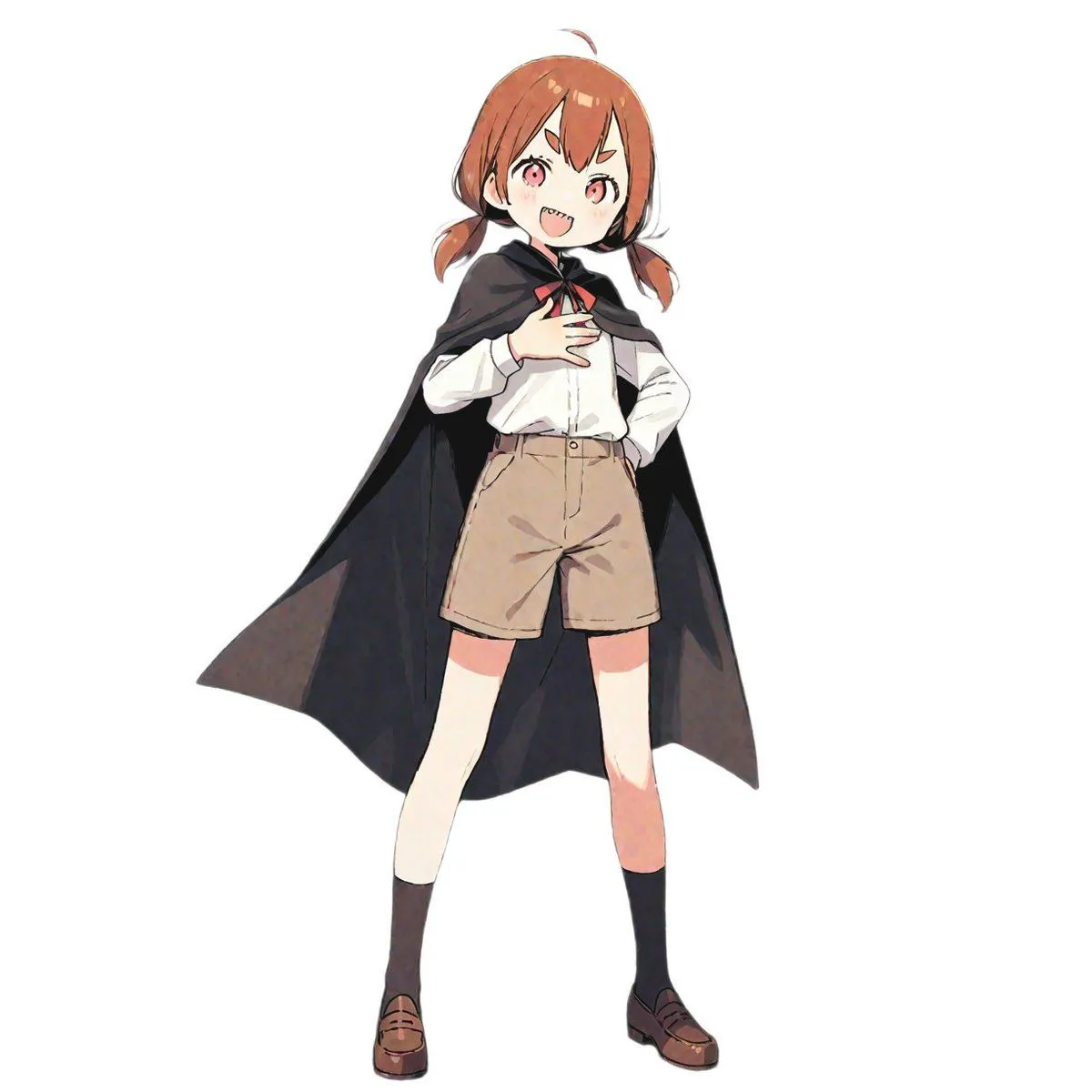
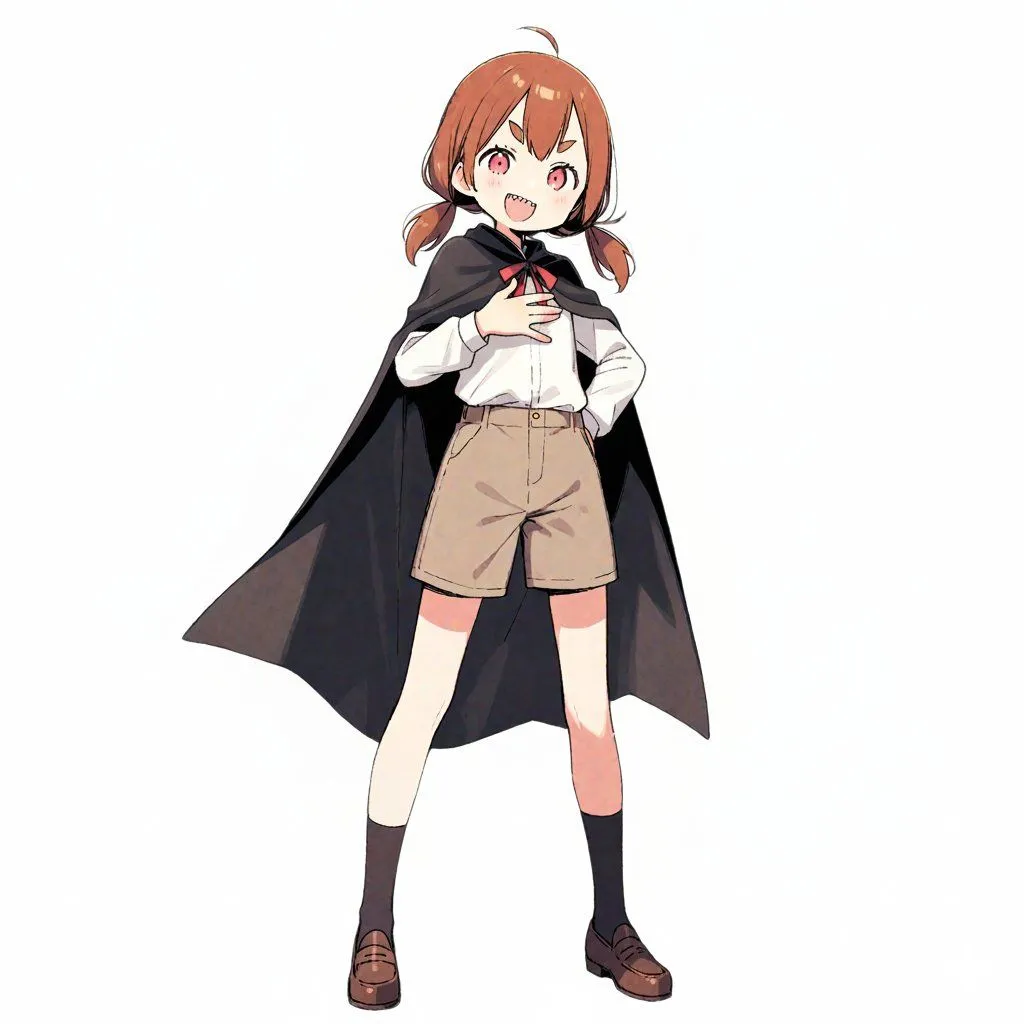
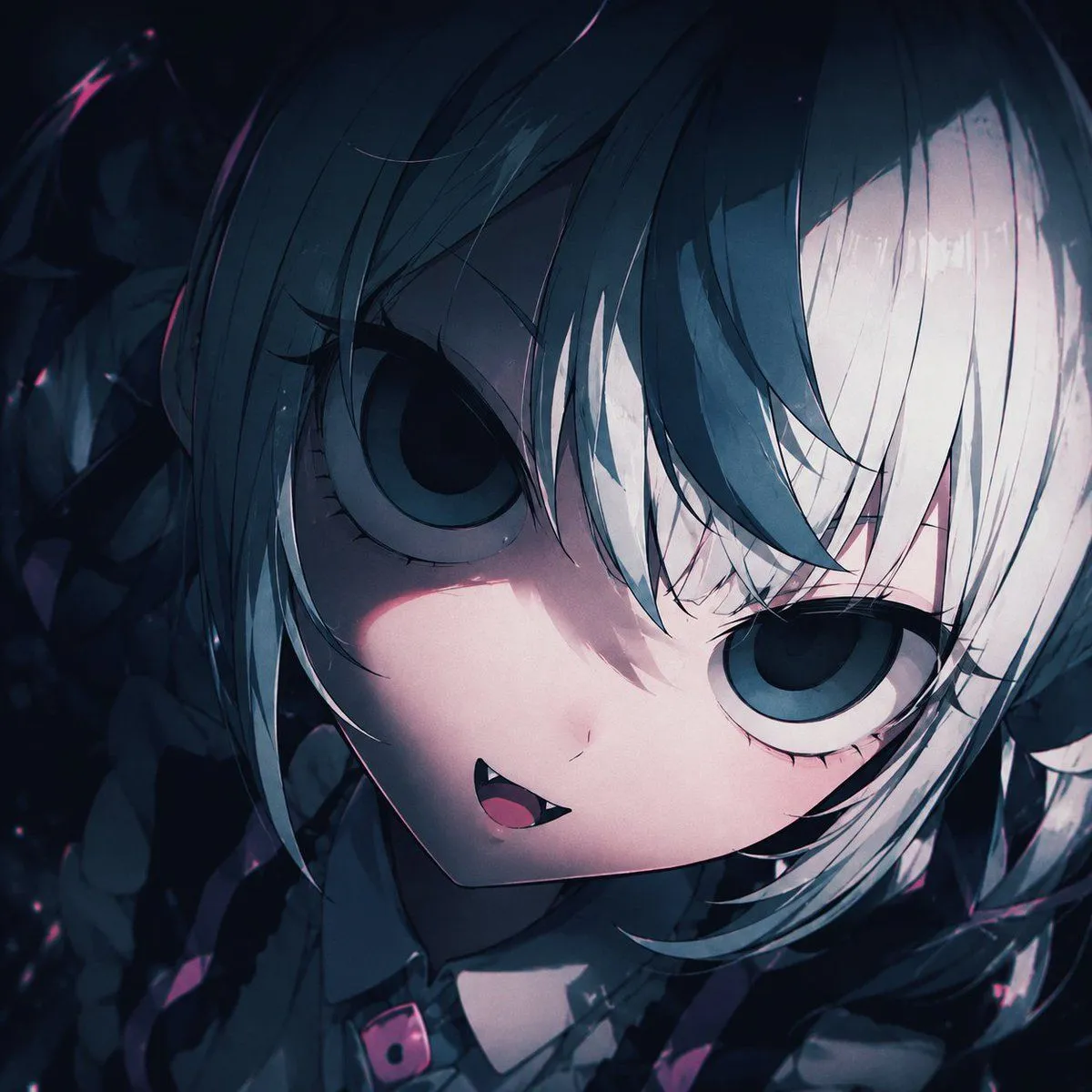
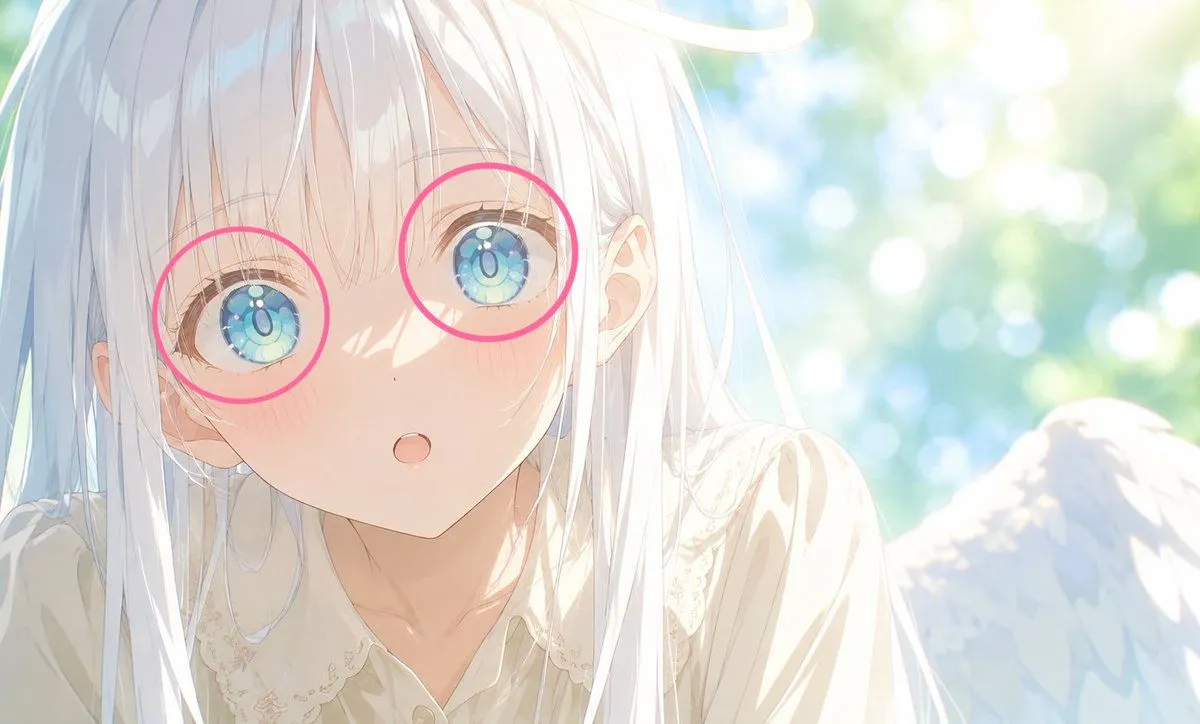
Add Pink Eye Highlights

Made with GPT Image 2.5 in ChatGPT by Library Concept. Promptclay never generates images.

Did it work?

No reports yet. Tell others if it worked for you.

No comments yet. Be the first.

    Add Pink Eye Highlights

    GPT Image 2.5AI-generated

    Prompt

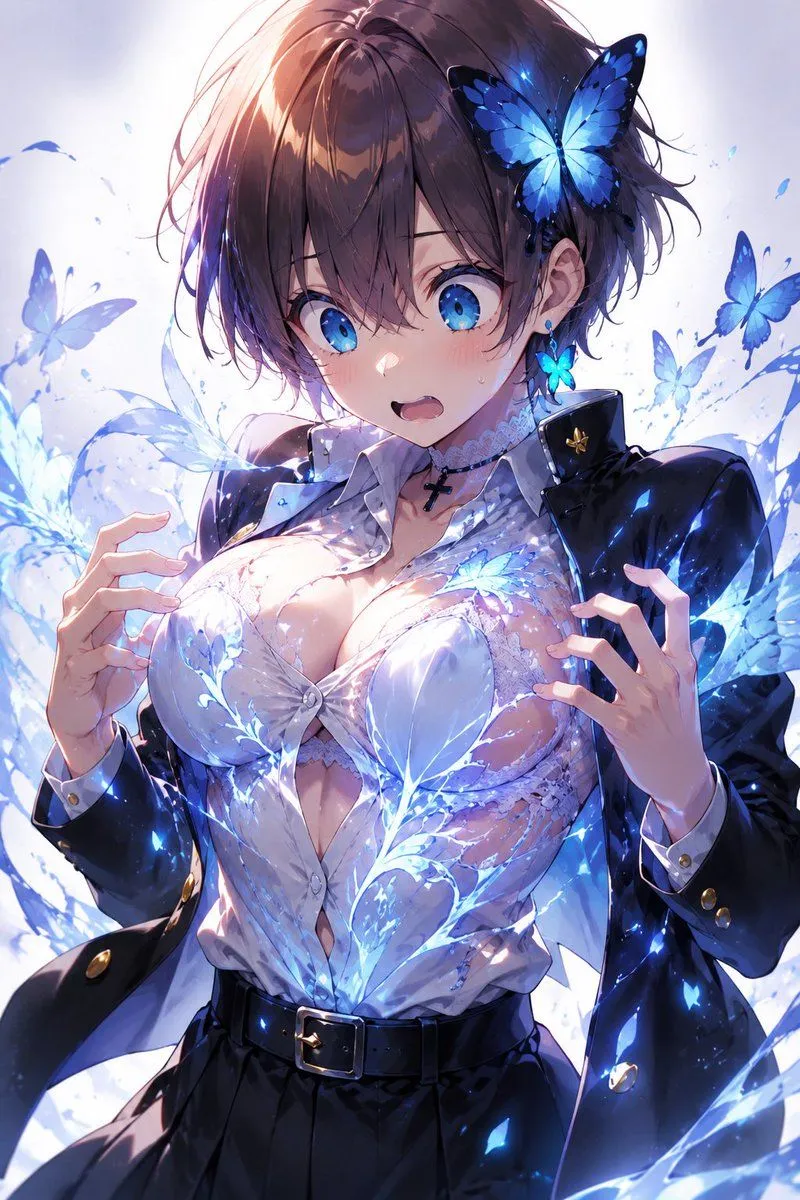
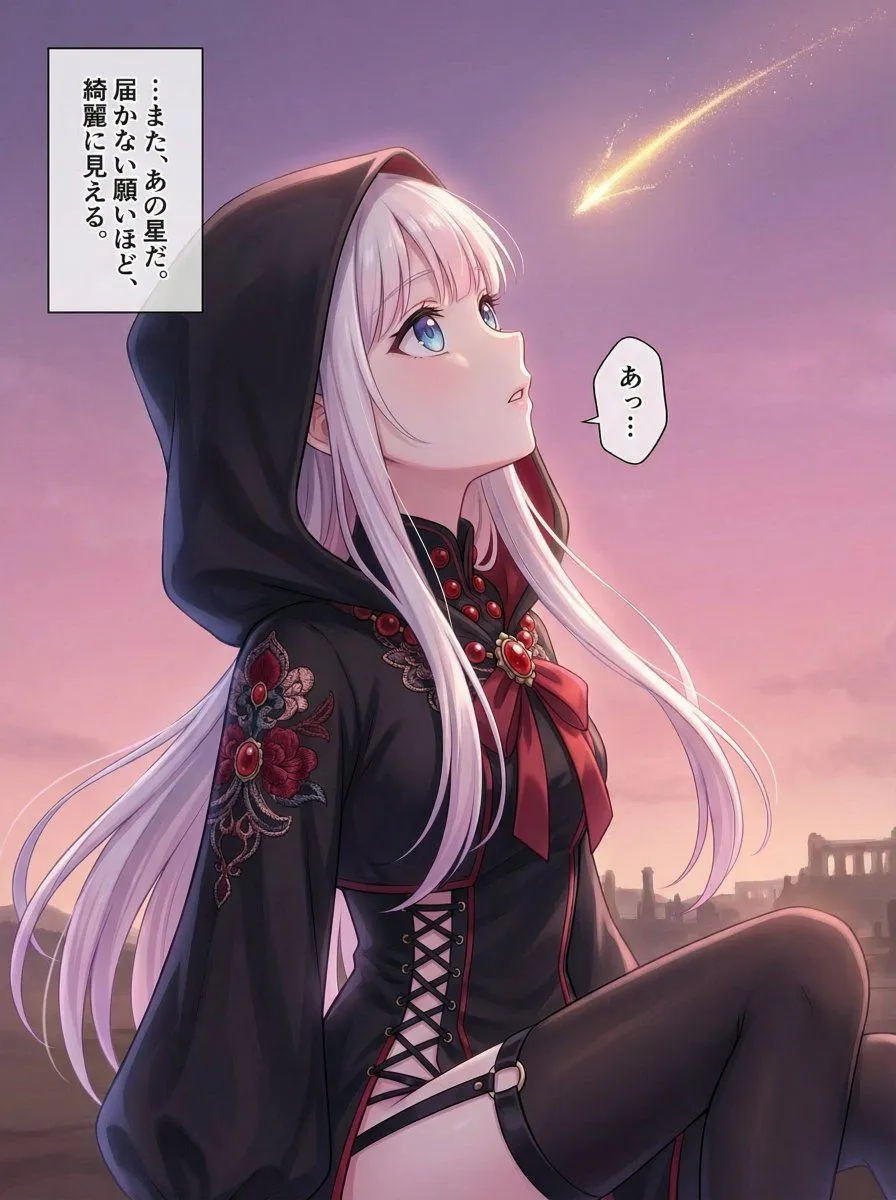
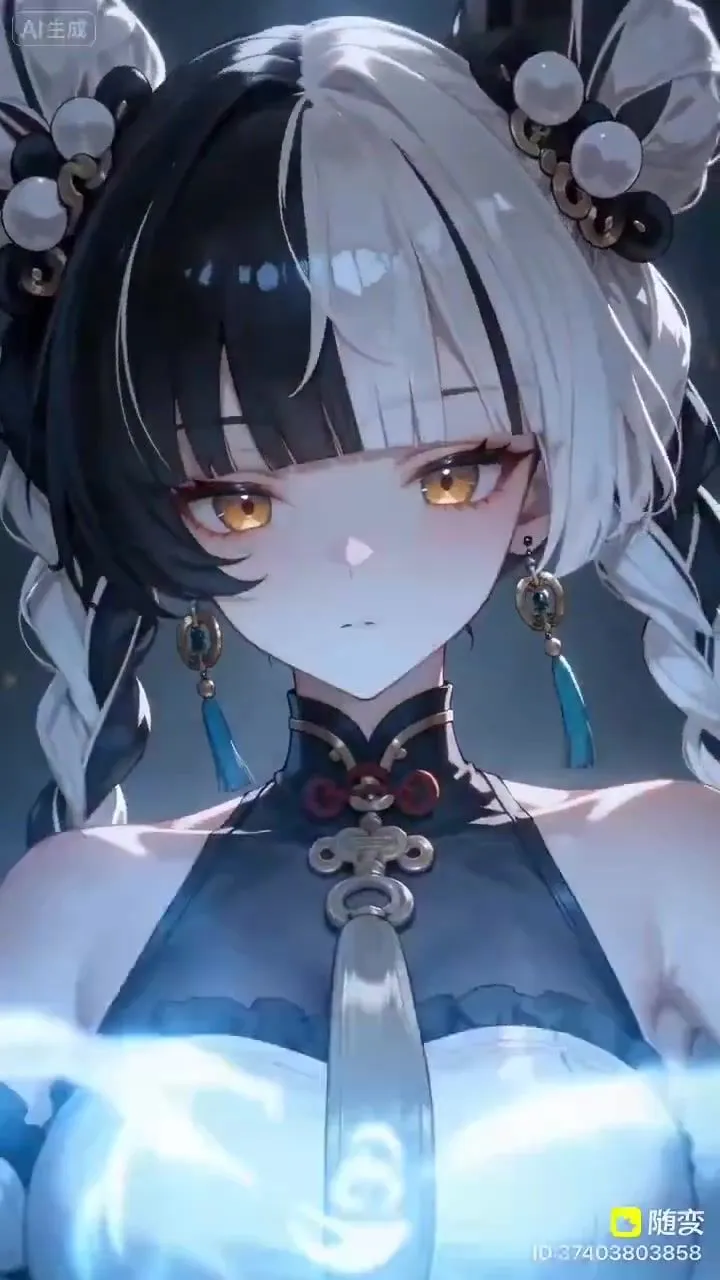
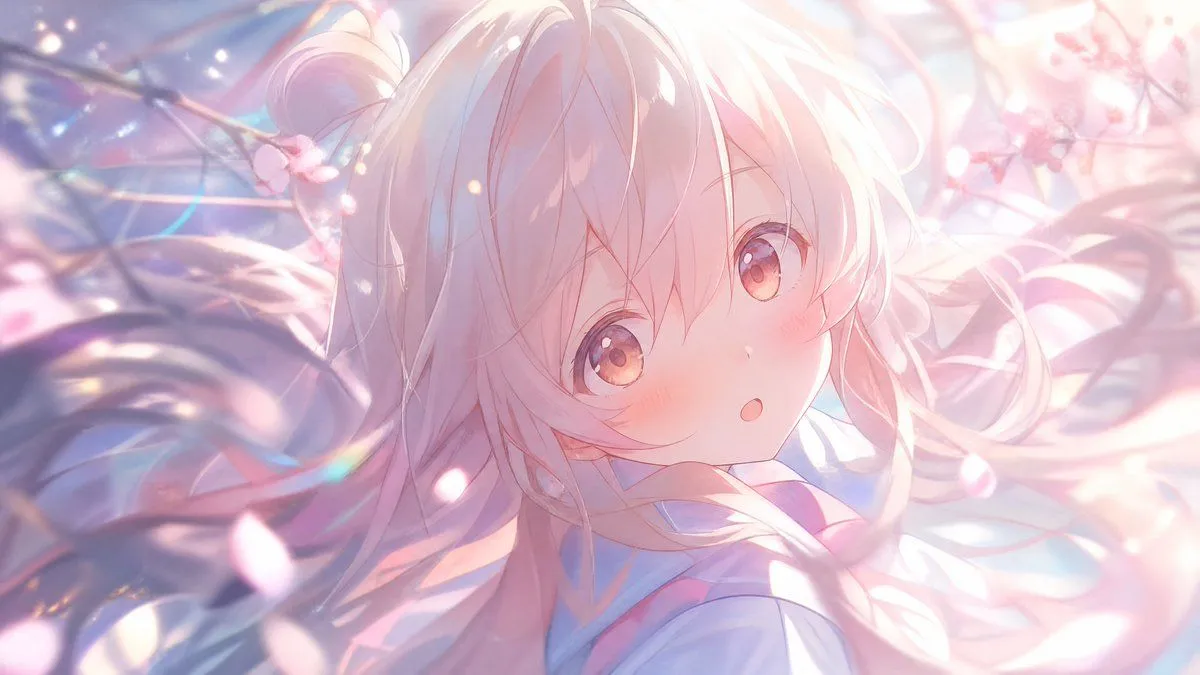
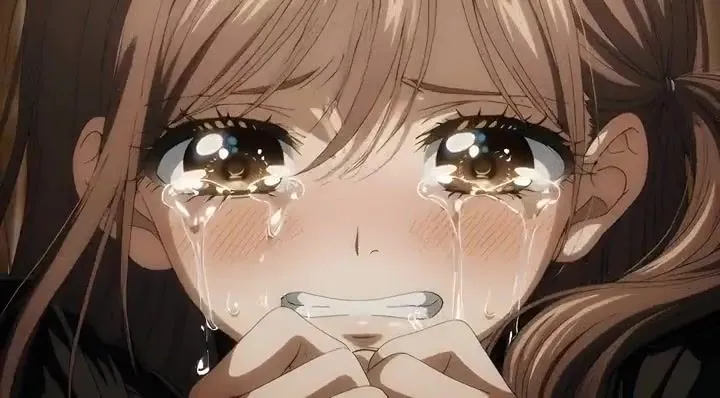
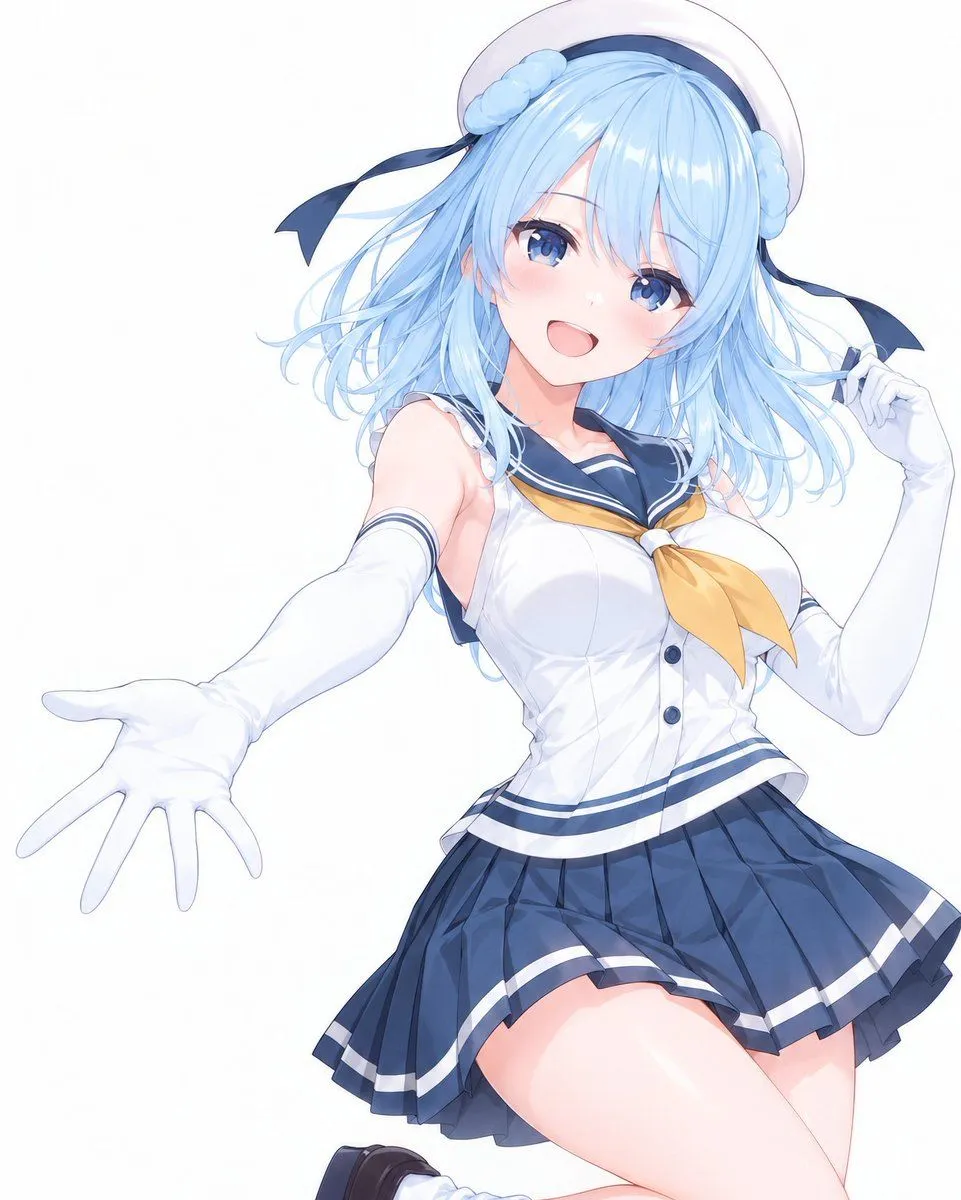
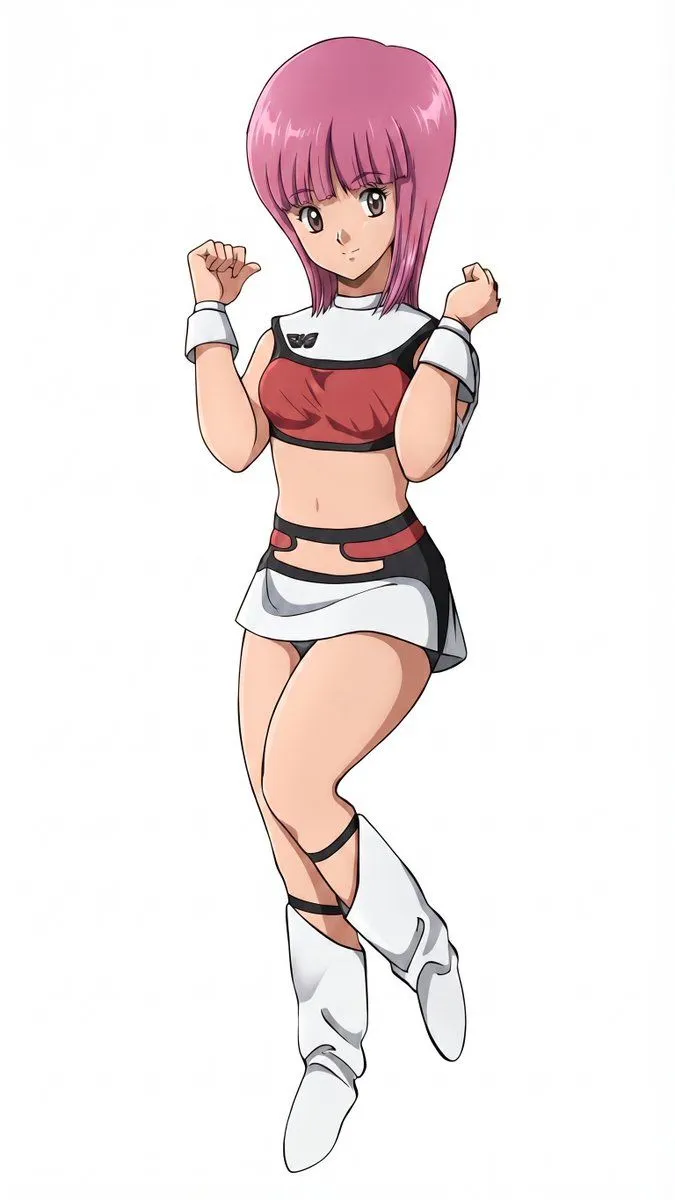
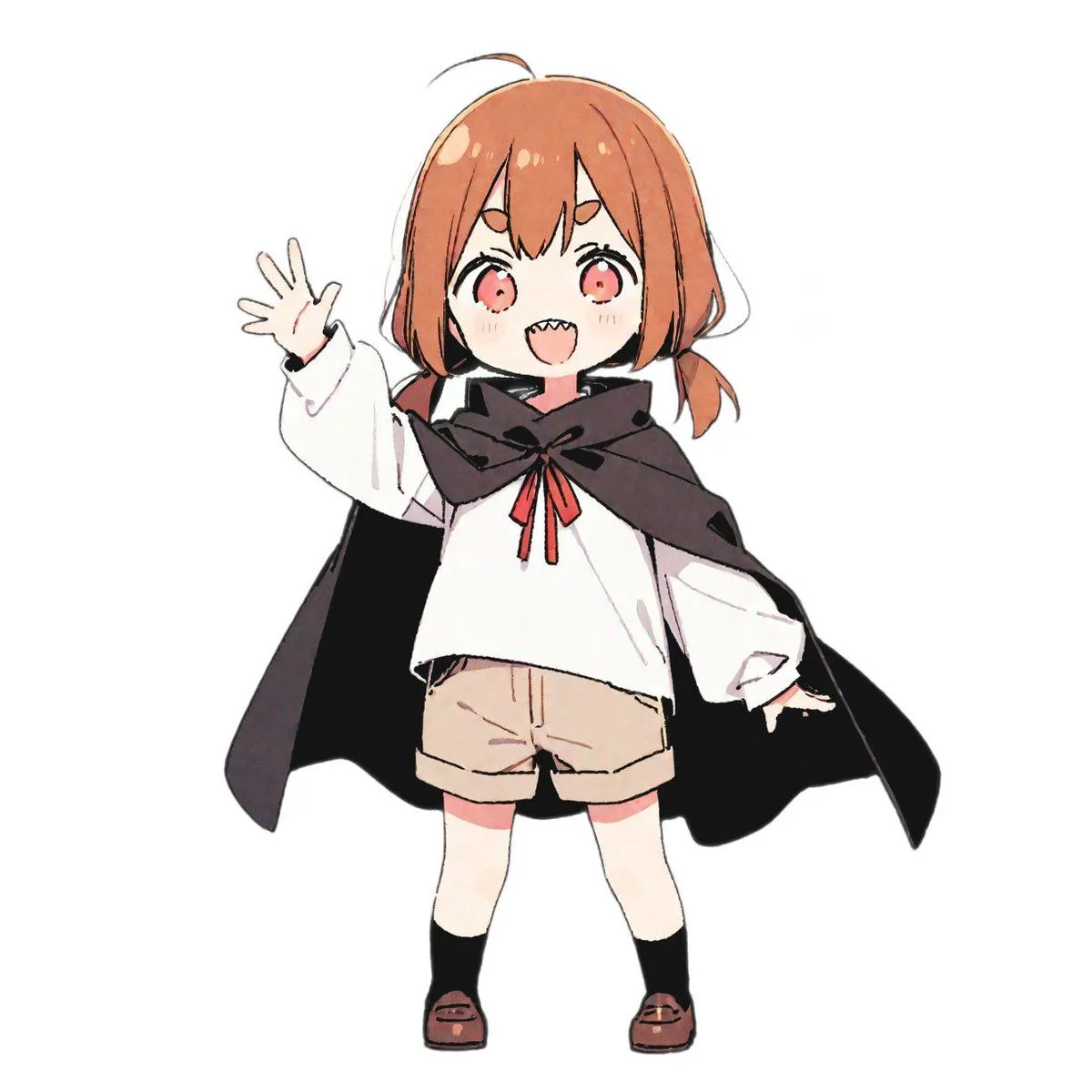
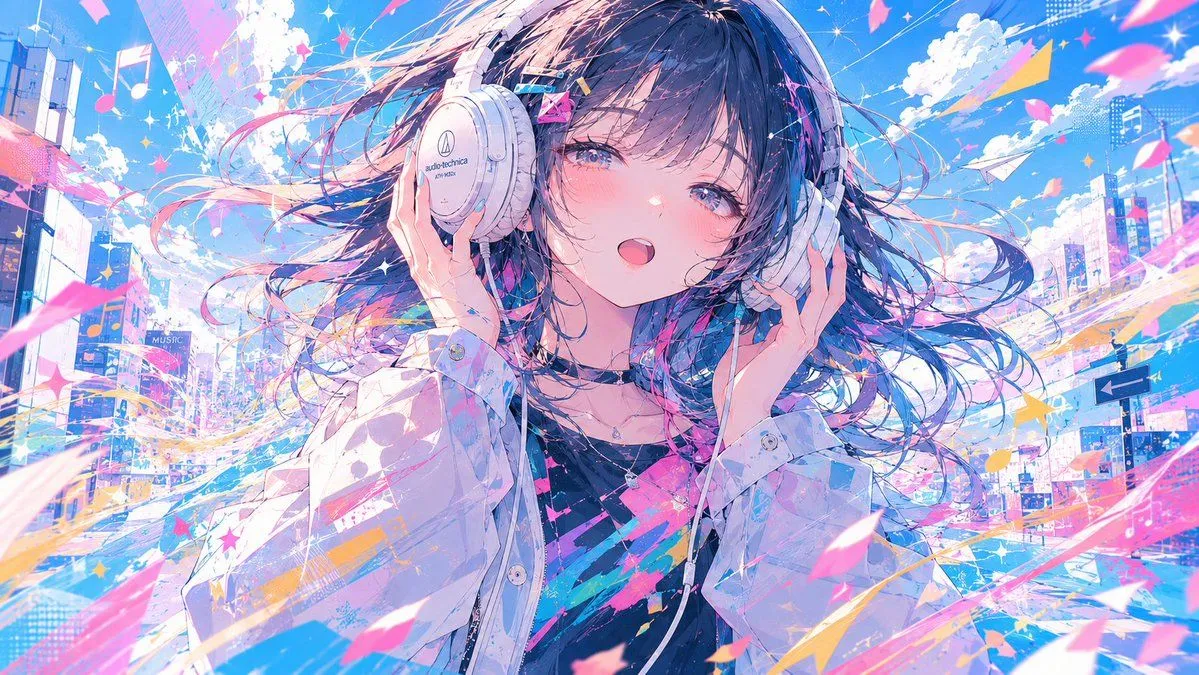
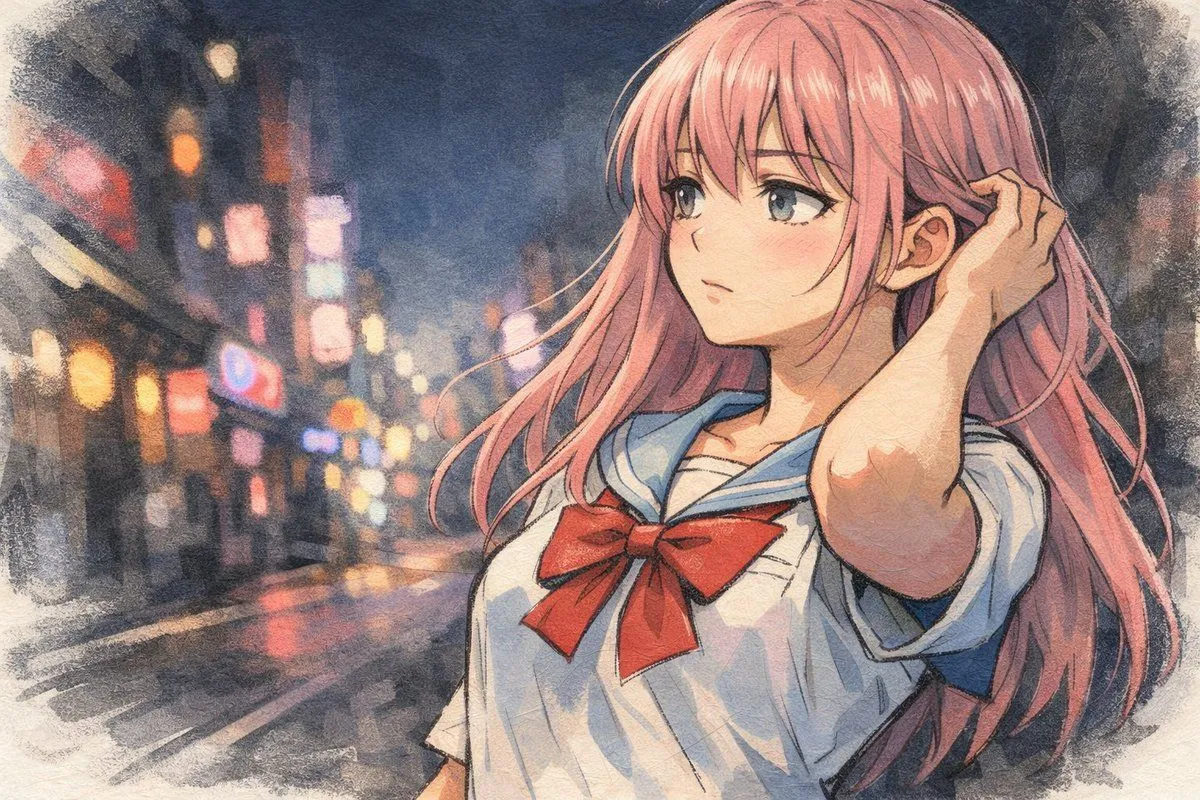
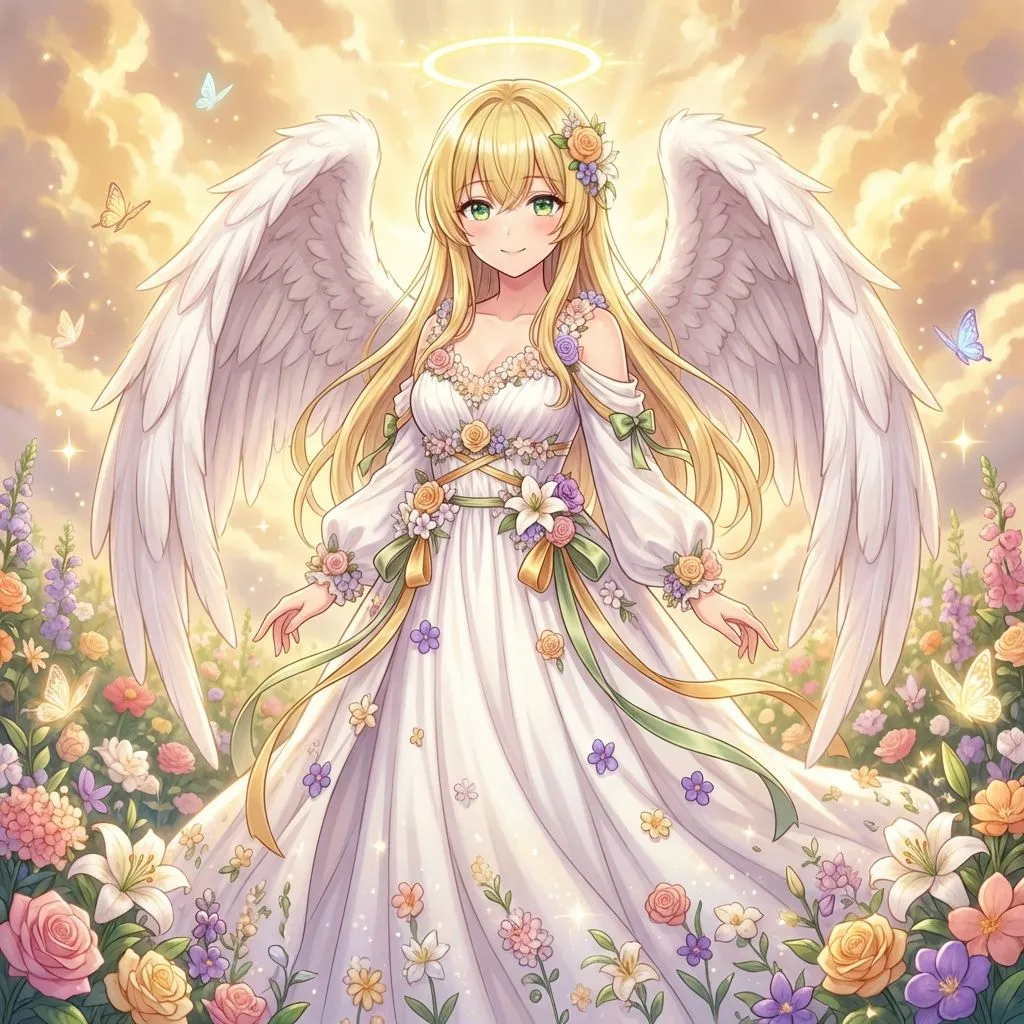
    Using the provided reference image, add two thin pink circles to highlight the character's eyes. Keep all other elements of the original image unchanged.

    Works in
    ChatGPT, Gemini
    Status
    Free to copy
    0
    DetailsVersions, settings and questions

    Written for

    What's in the prompt

    Subject
    Model
    GPT Image 2.5

    If your face changes

    keep my face exactly the same

    Questions

    Does this work in the ChatGPT app?
    Yes. Paste the prompt and attach your photo if it uses one.
    It changed my face. What do I do?
    Add "keep my face exactly the same" to the end and run it again.
    Can I use the images I make?
    Check the terms of the app you use. Promptclay never generates images and claims nothing you make.

    Similar prompts

    See more
    • Anime Face Mask Portrait Template
    • Generating a Guardian Angel with Nano Banana Pro
    • Sci-Fi Fantasy Character Transformation
    • Comprehensive manga one-page scene creation system prompt
    • Seedance 2.0 Dharma Transformation Video PromptVideo, 0:15
    • Pastel Anime Cherry Blossom Portrait
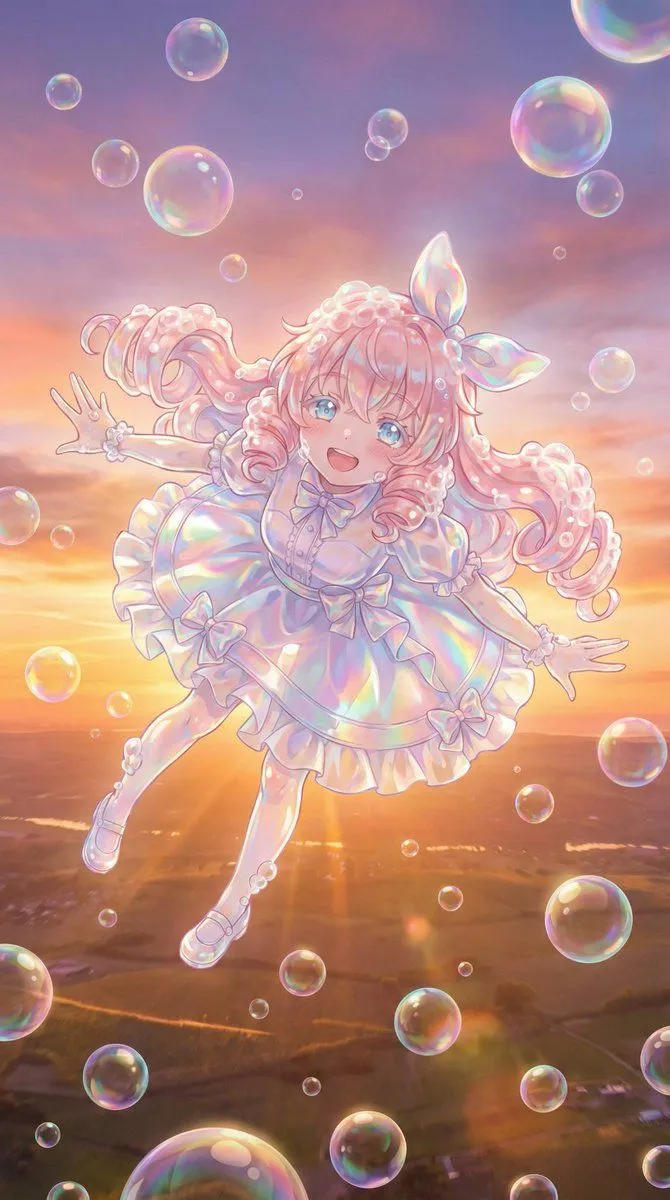
    • Bubble Transformation Narrative Prompt
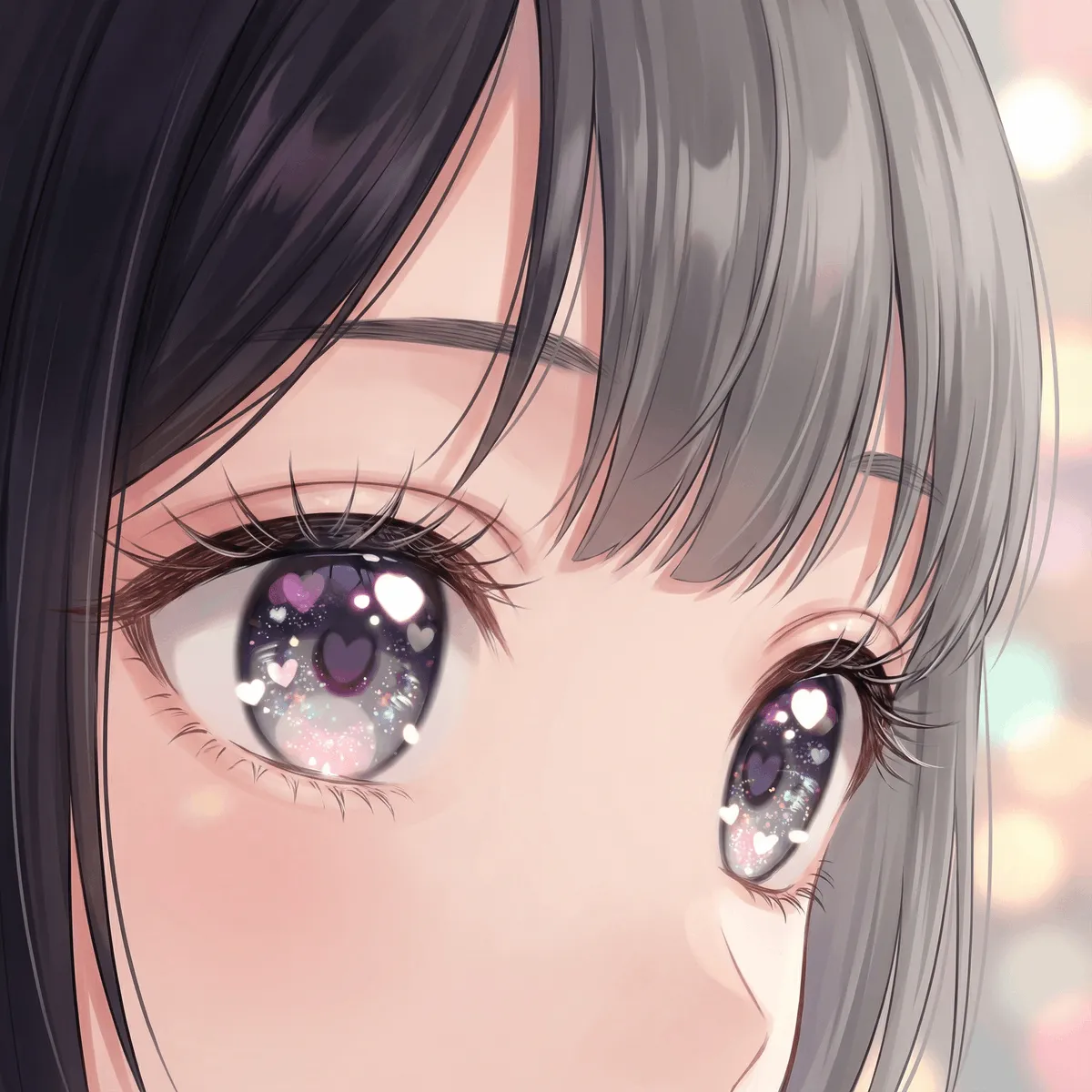
    • Modern Moe Anime Illustration of a Teenage Girl's Eyes
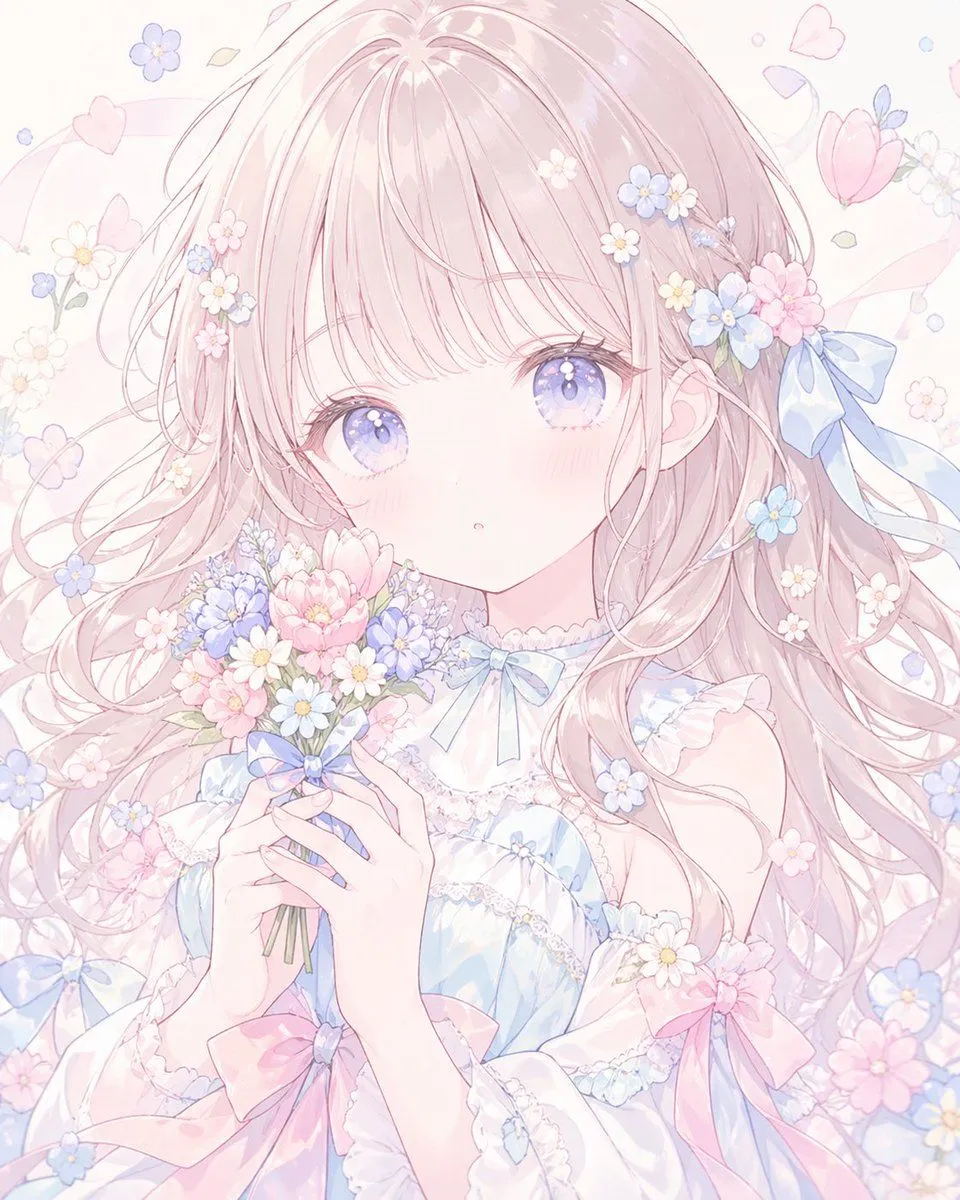
    • Pastel Faceless Anime Floral Portrait
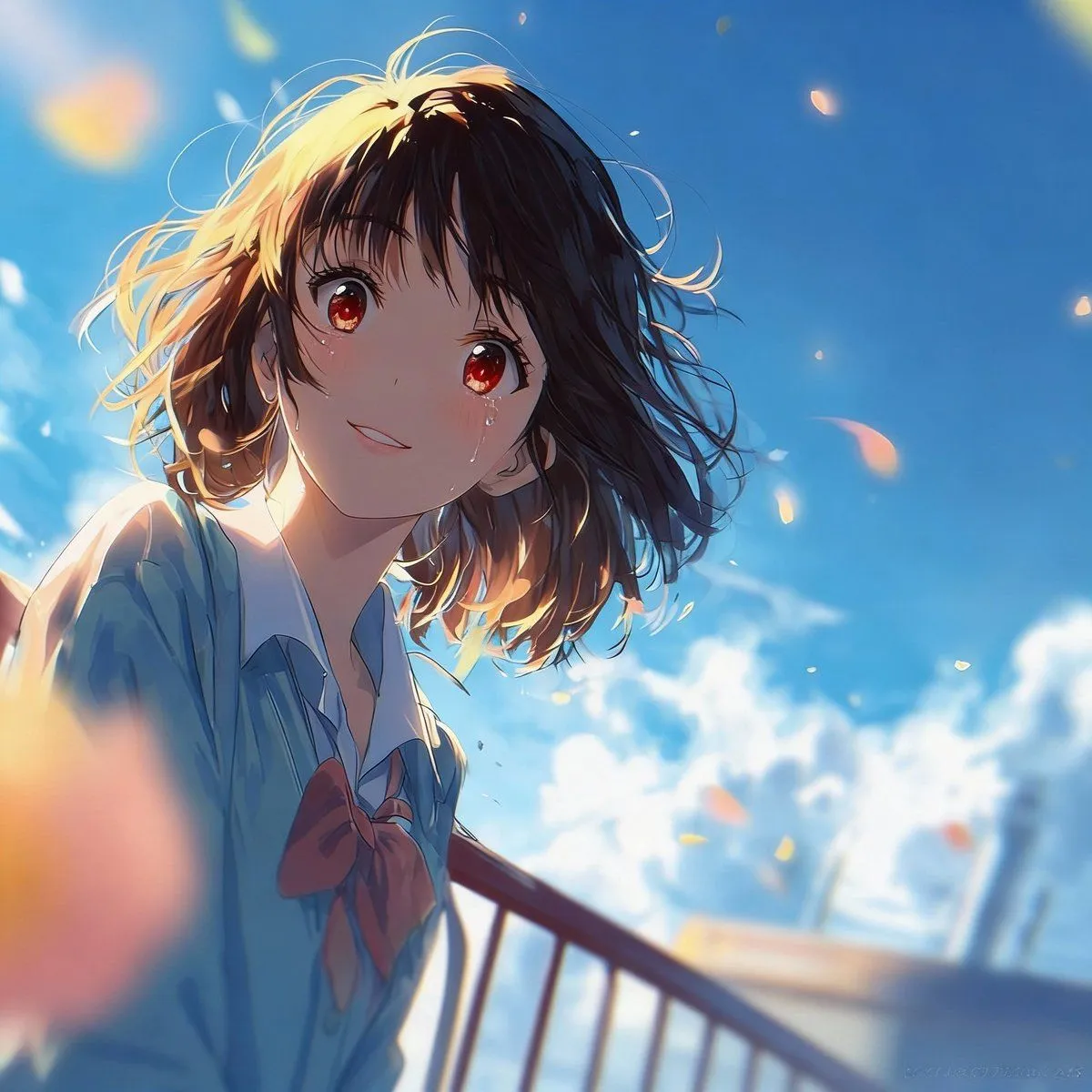
    • Expression Transformation: Crying While Smiling
    • Grok Imagine video prompt for a crying anime girlVideo, 0:10
    • Urakaze Anime Illustration
    • Drone Art Character Illustration
    • Character Robotization and Technical Diagram Prompt
    • Manga to Anime Style Transformation
    • 16-bit Retro Game Character Conversion Prompts
    • Anime Girl with Studio Headphones
    • Artistic Composition Strategy Prompt
    • AI Image Generation Prompts for Multiple Angles
    • Sharpening and Text Insertion Prompt
    • Anime Kinetic Couture Fashion Model
    • Gothic Chibi Vampire Album Cover
    • Anime VTuber Livestream Thumbnail
    • YouTube thumbnail using a specific character for chat stream

    Show more

    Run it on your phone

    1. Prompt copiedRead it

      Using the provided reference image, add two thin pink circles to highlight the character's eyes. Keep all other elements of the original image unchanged.

    2. Open your app

    3. Paste and run

      Press and hold the message box, then tap Paste. Add your photo first if the prompt uses one. You may need to sign in.

    Add Pink Eye Highlights