Tell us anything

An idea, a bug, something you love. We read every note.

⌘↵ to send. The page you're on comes along.

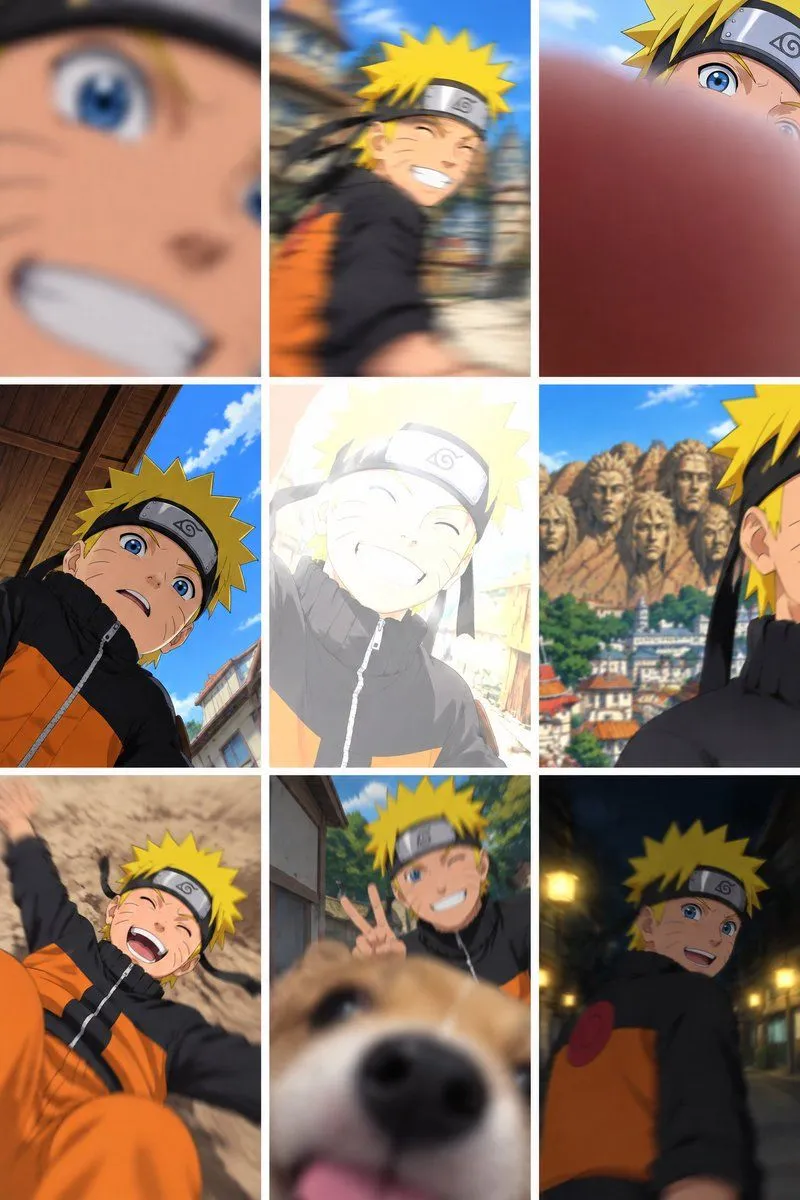
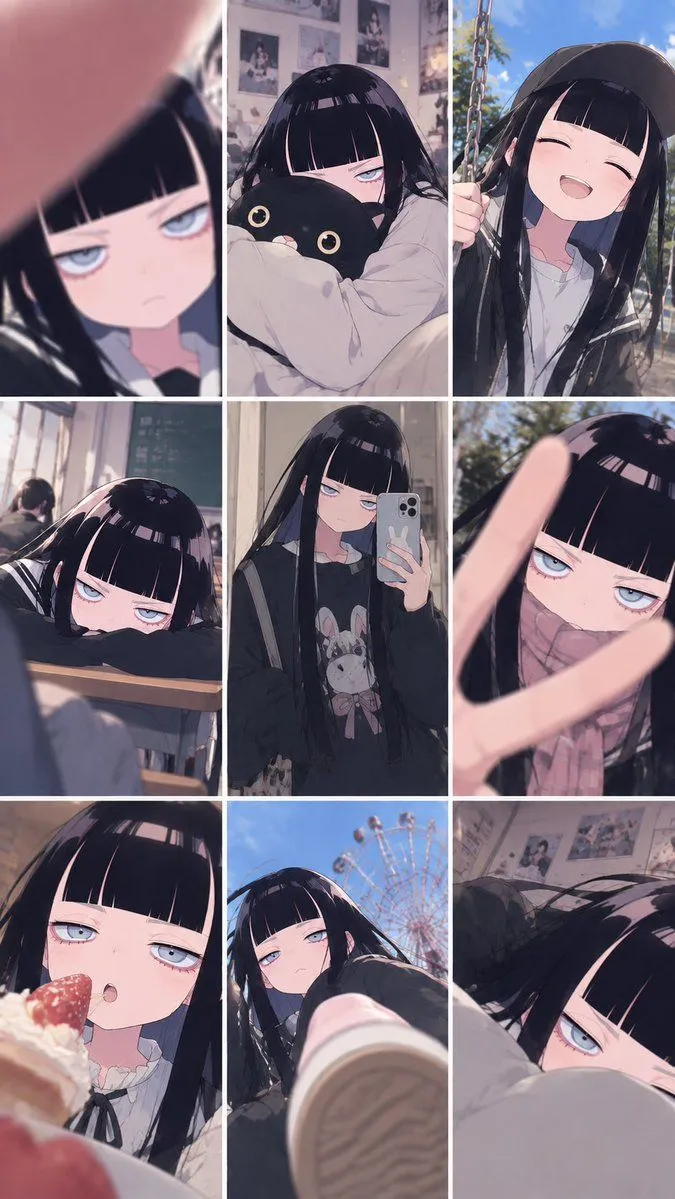
Amateur Smartphone Snapshots of Naruto

Made with GPT Image 2.5 in ChatGPT by Library Lifestyle. Promptclay never generates images.

Did it work?

No reports yet. Tell others if it worked for you.

No comments yet. Be the first.

    Amateur Smartphone Snapshots of Naruto

    GPT Image 2.52:3AI-generated

    Prompt

    A 3x3 grid of nine amateur smartphone snapshots featuring the anime character Naruto Uzumaki. The images are intentionally flawed to mimic a realistic 'bumbling tourist' aesthetic. Top-left: An extreme, blurry close-up of his face with whiskers and blue eyes, mouth open in a grin. Top-center: A motion-blurred shot of him running past wooden buildings. Top-right: A photo accidentally obscured by a large, out-of-focus finger covering the bottom half. Middle-left: A low-angle selfie looking up at his surprised expression against a blue sky. Center: A heavily overexposed image where he is washed out by bright white light. Middle-right: A profile view of him standing in front of the blurred Hokage Monument. Bottom-left: A chaotic shot of him lying on sandy ground laughing. Bottom-center: A dog's nose intruding into the foreground, blurring the subject behind it. Bottom-right: A grainy, dimly lit night shot of him walking down a street.

    Works in
    ChatGPT, Gemini
    Status
    Free to copy
    0
    DetailsVersions, settings and questions

    Written for

    What's in the prompt

    Subject
    Model
    GPT Image 2.5

    If your face changes

    keep my face exactly the same

    Questions

    Does this work in the ChatGPT app?
    Yes. Paste the prompt and attach your photo if it uses one.
    It changed my face. What do I do?
    Add "keep my face exactly the same" to the end and run it again.
    Can I use the images I make?
    Check the terms of the app you use. Promptclay never generates images and claims nothing you make.
    Similar prompts

    See more
    • Ryuk Selfie Camera Roll Collage
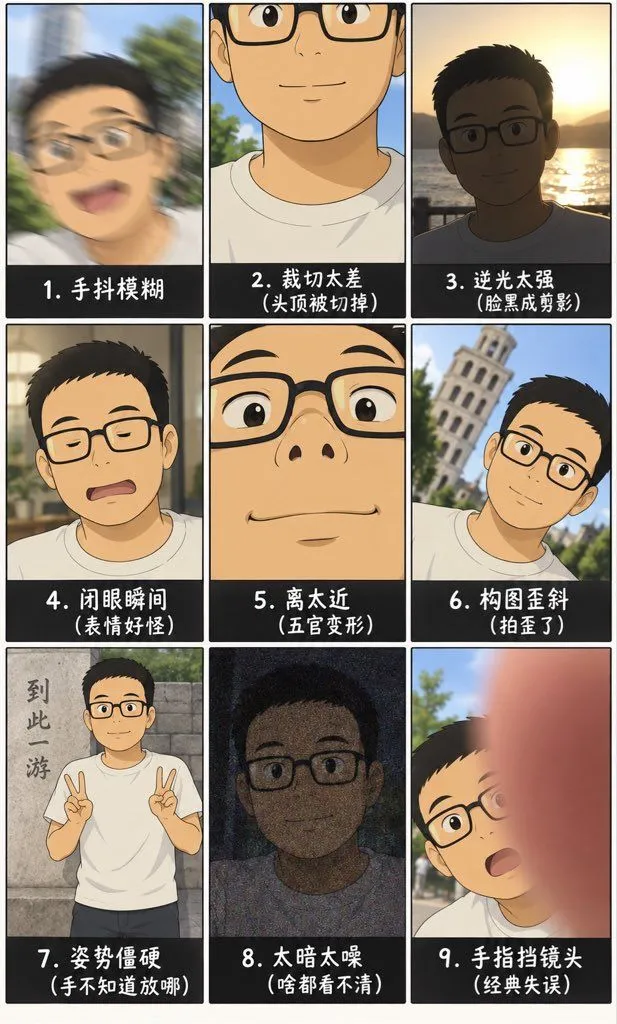
    • Amateur Snapshot Grid
    • Amateur Photo Failures Grid
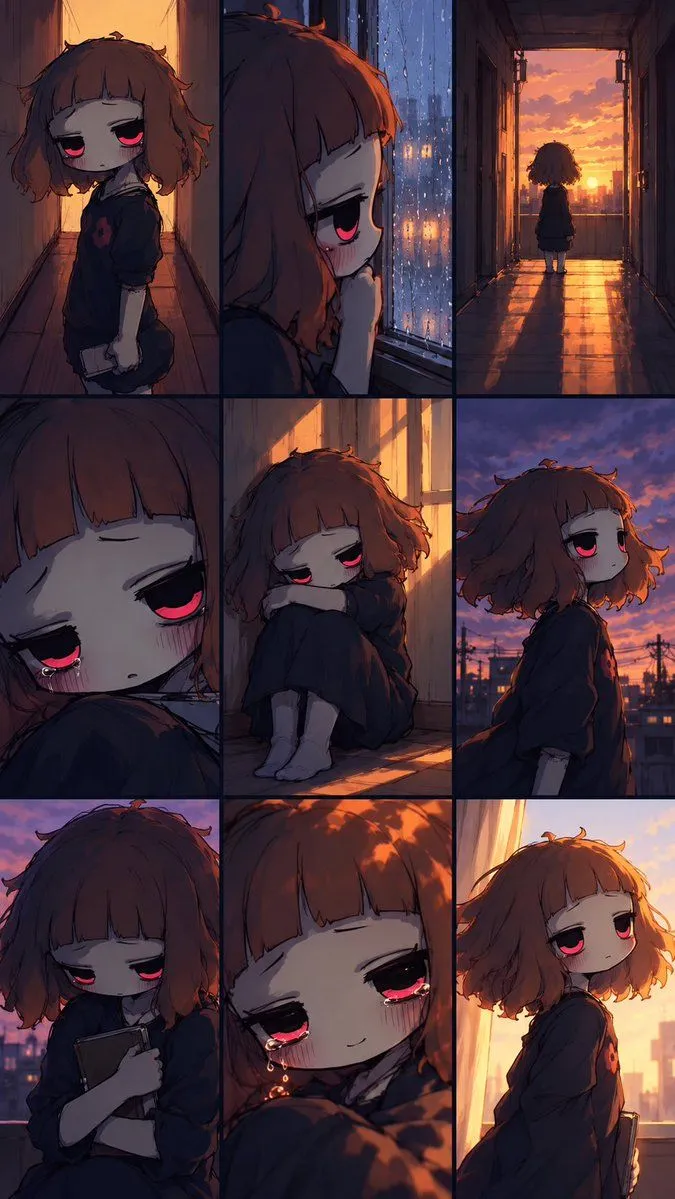
    • Melancholic Chibi Girl Collage
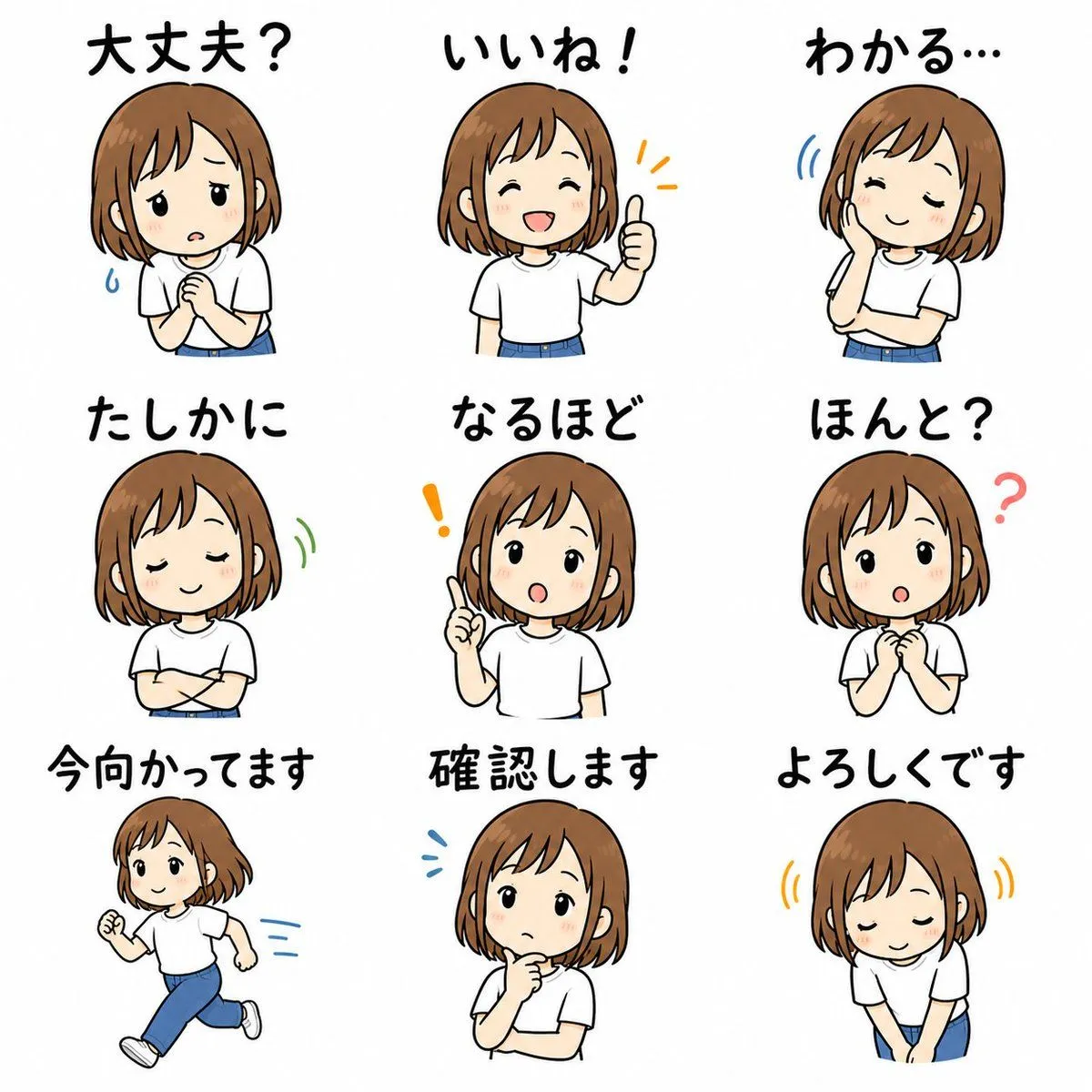
    • Cute Japanese LINE Sticker Sheet
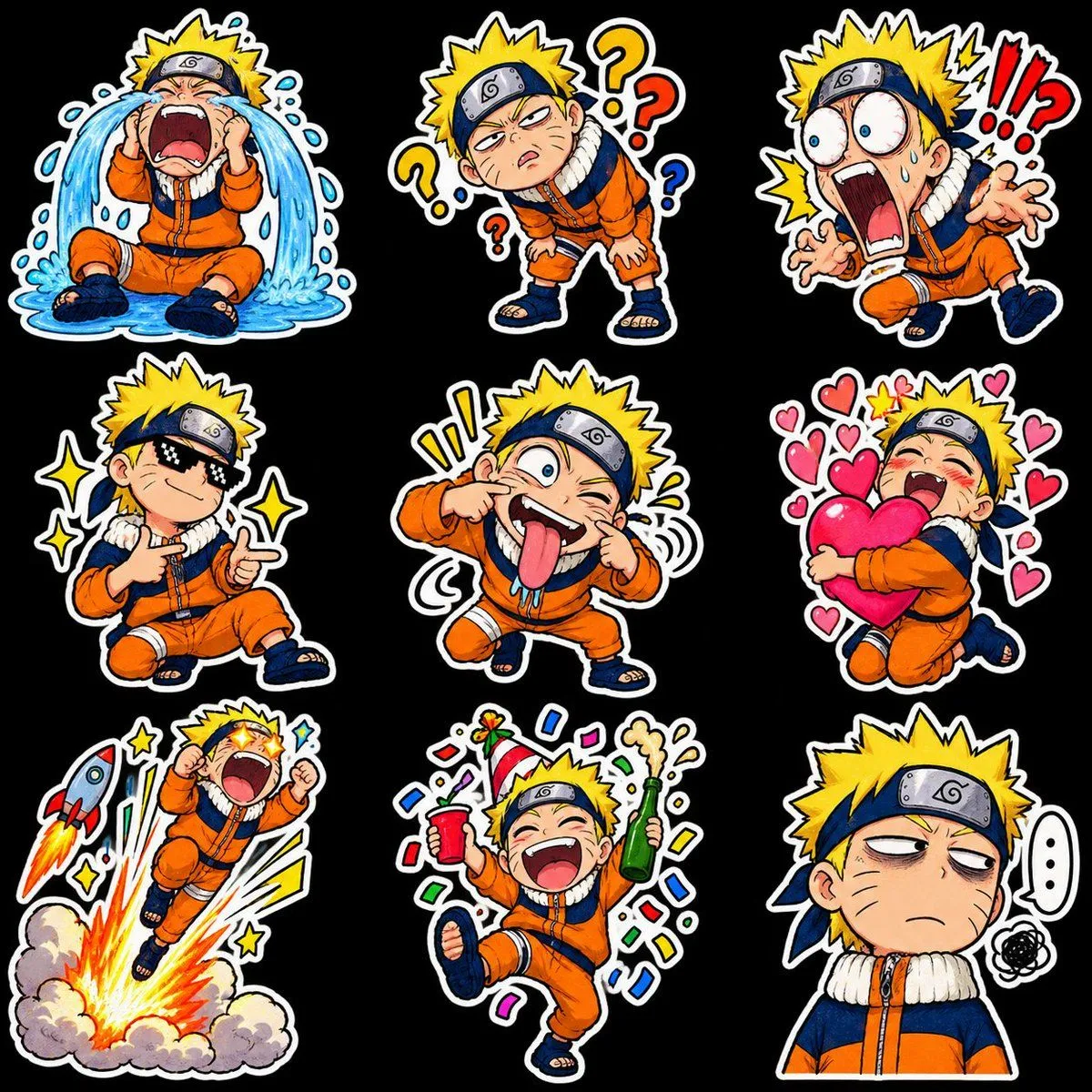
    • Chibi Anime Ninja Sticker Sheet
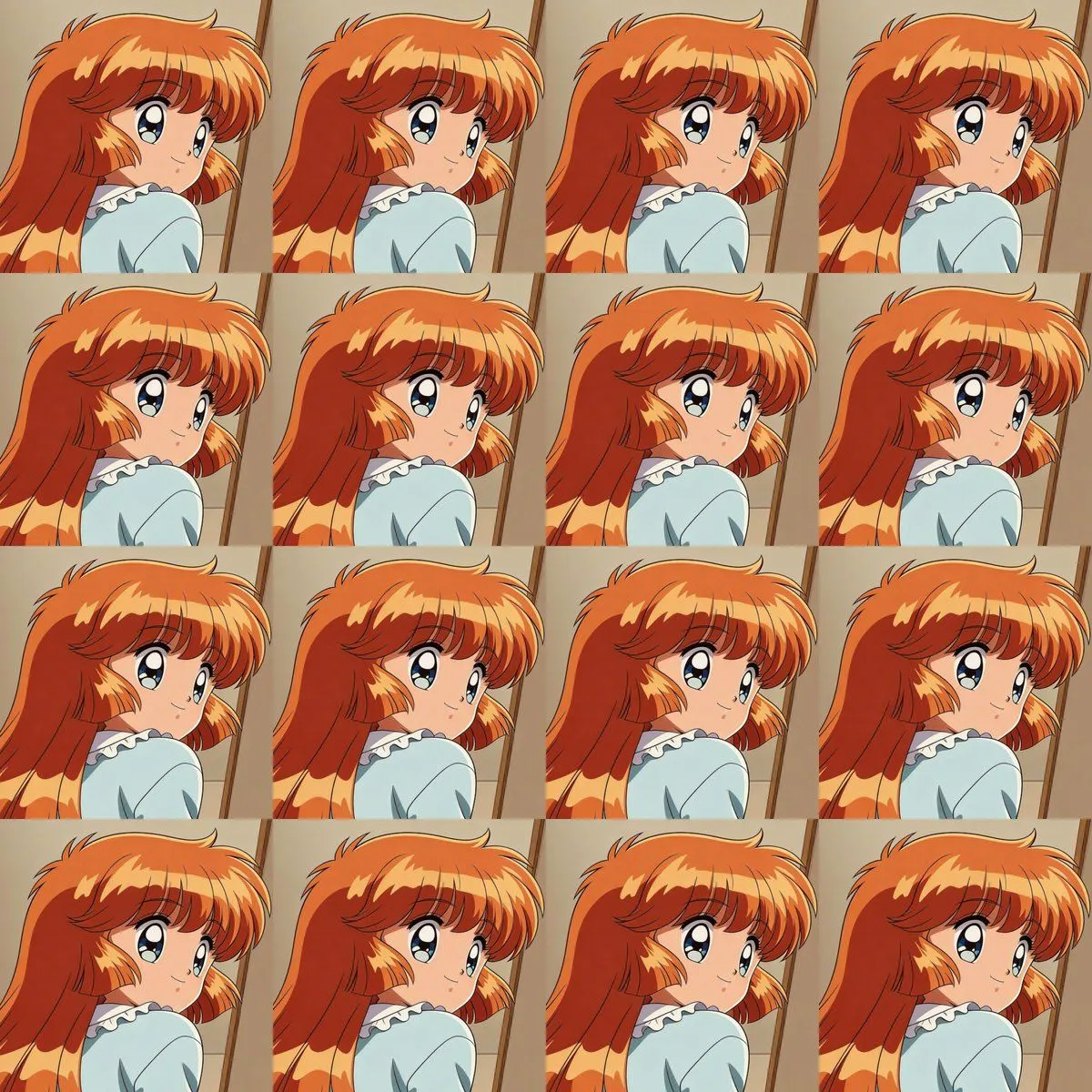
    • Heroine Expression Difference Grid Attempt
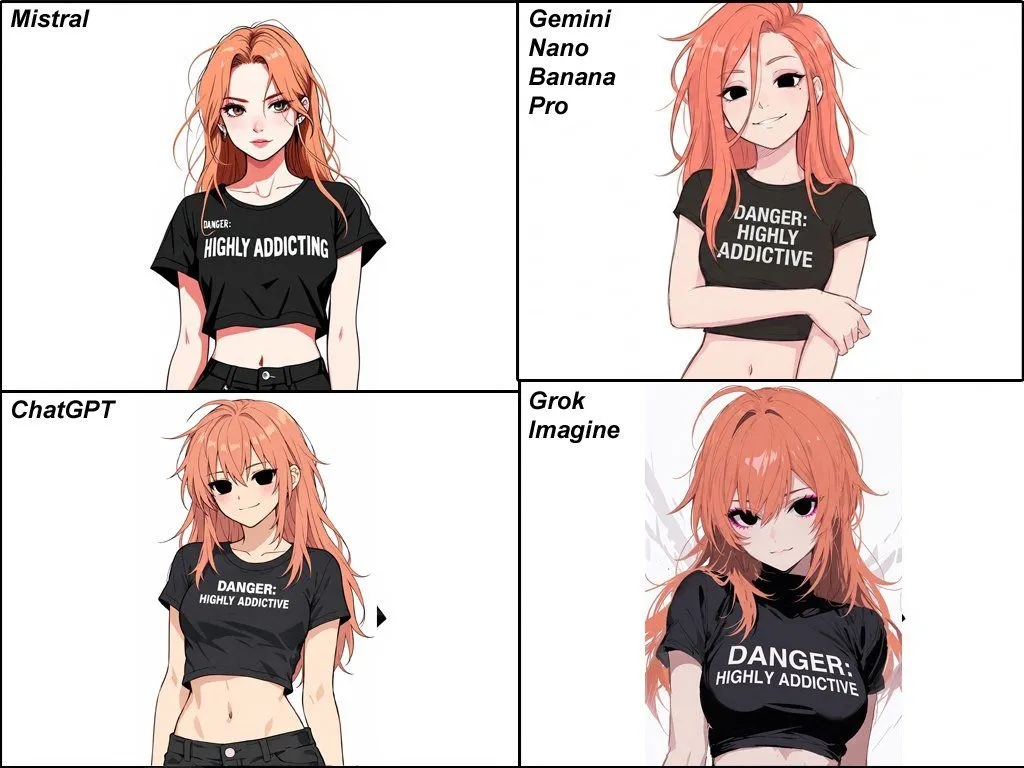
    • Anime Egirl Illustration Prompt Shootout
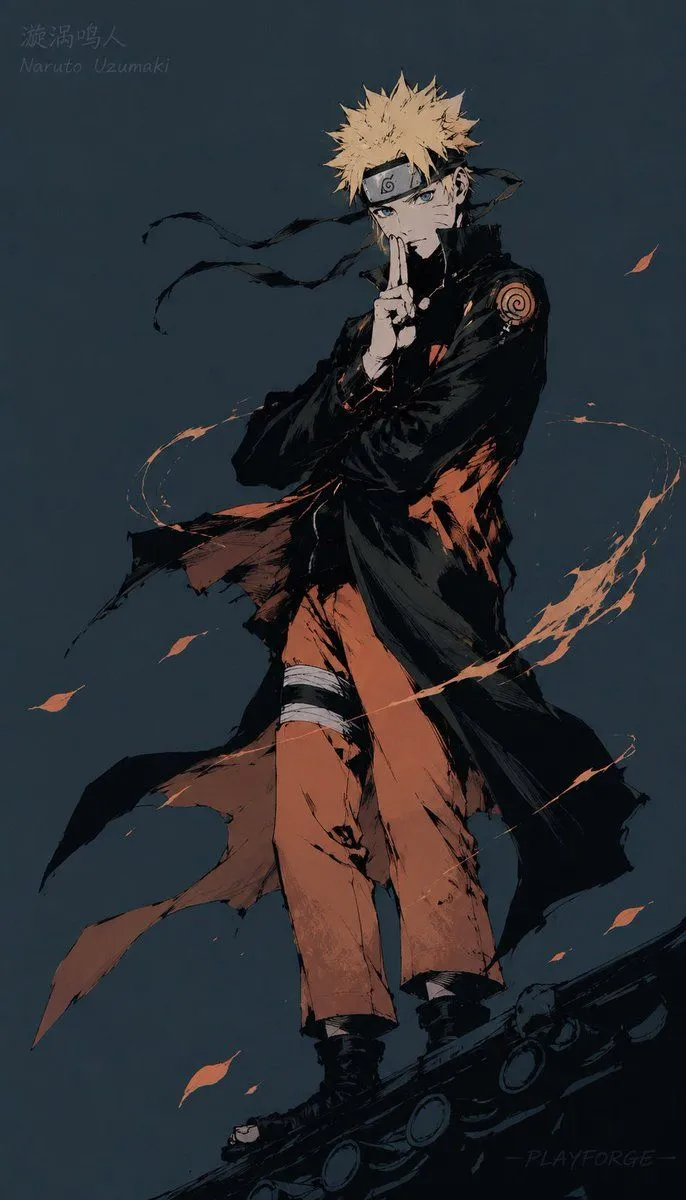
    • Gritty Naruto Poster Illustration
    • Naruto and Luffy Fighting Scene PromptVideo, 0:15
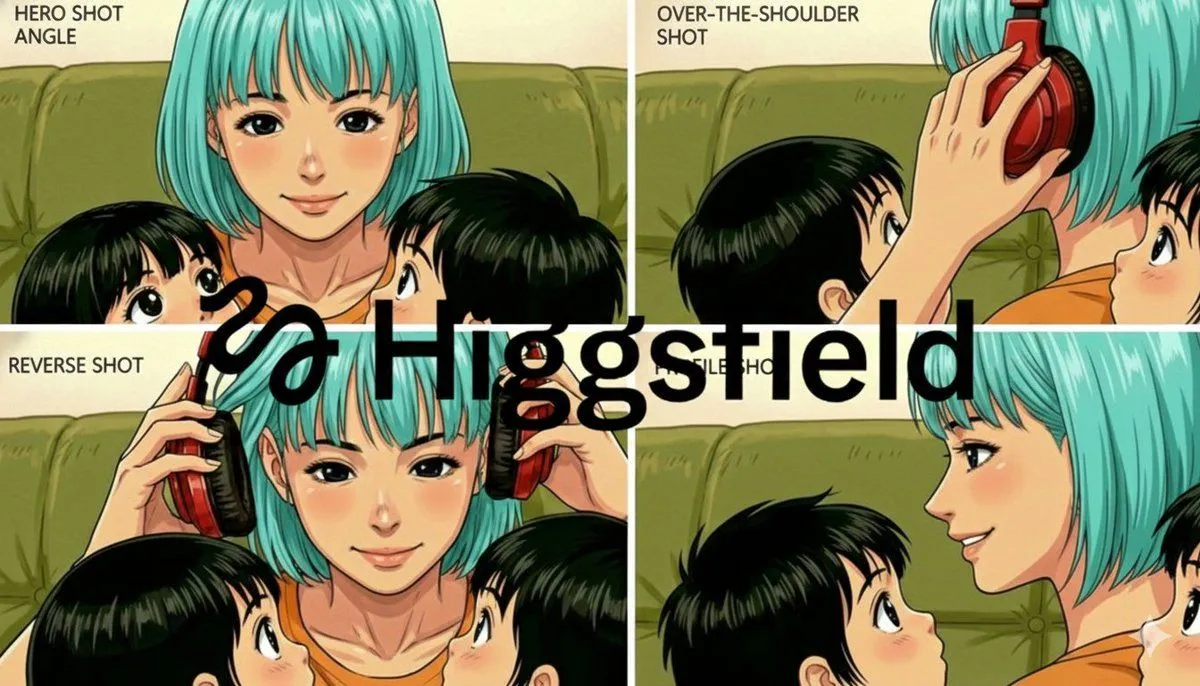
    • Grid of four camera angles from reference image
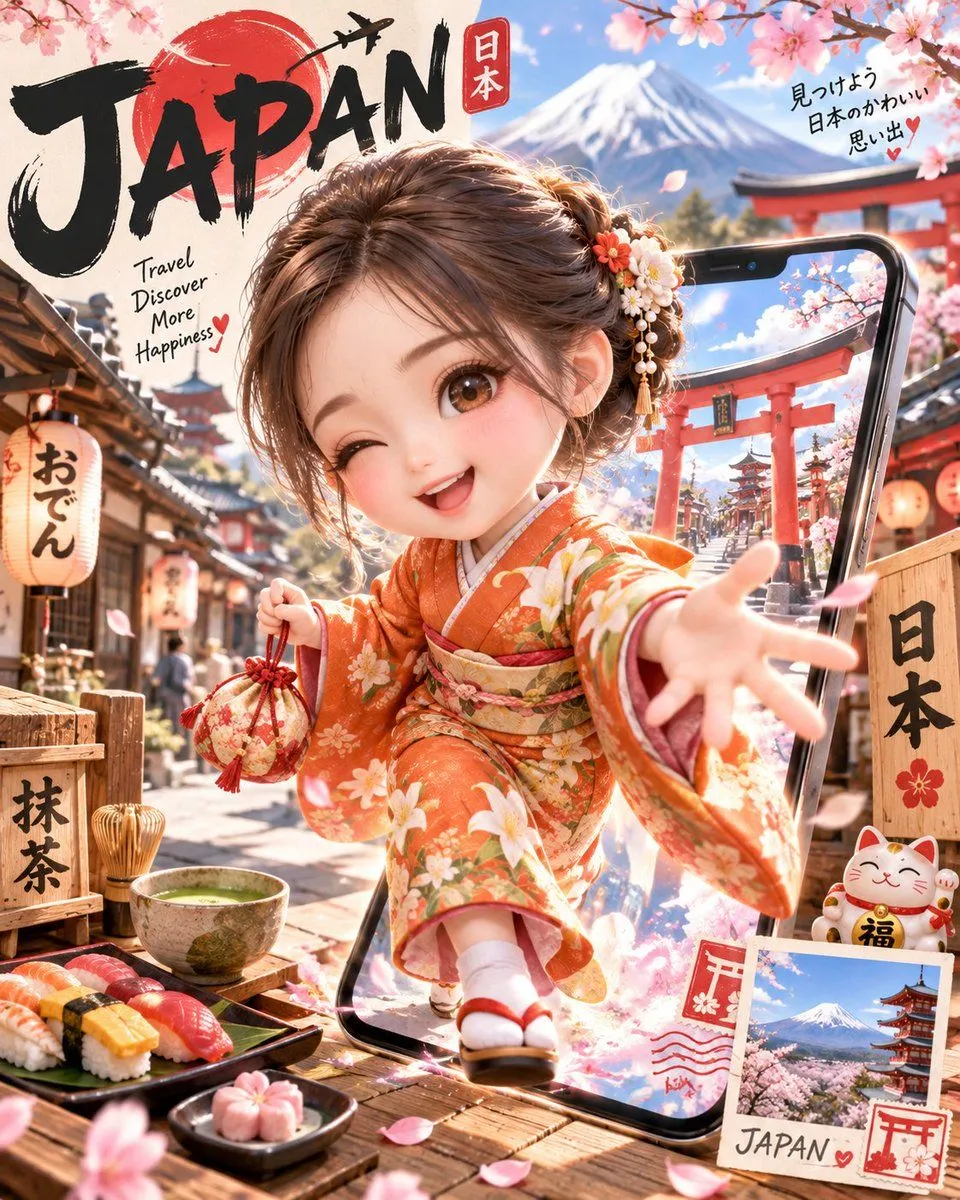
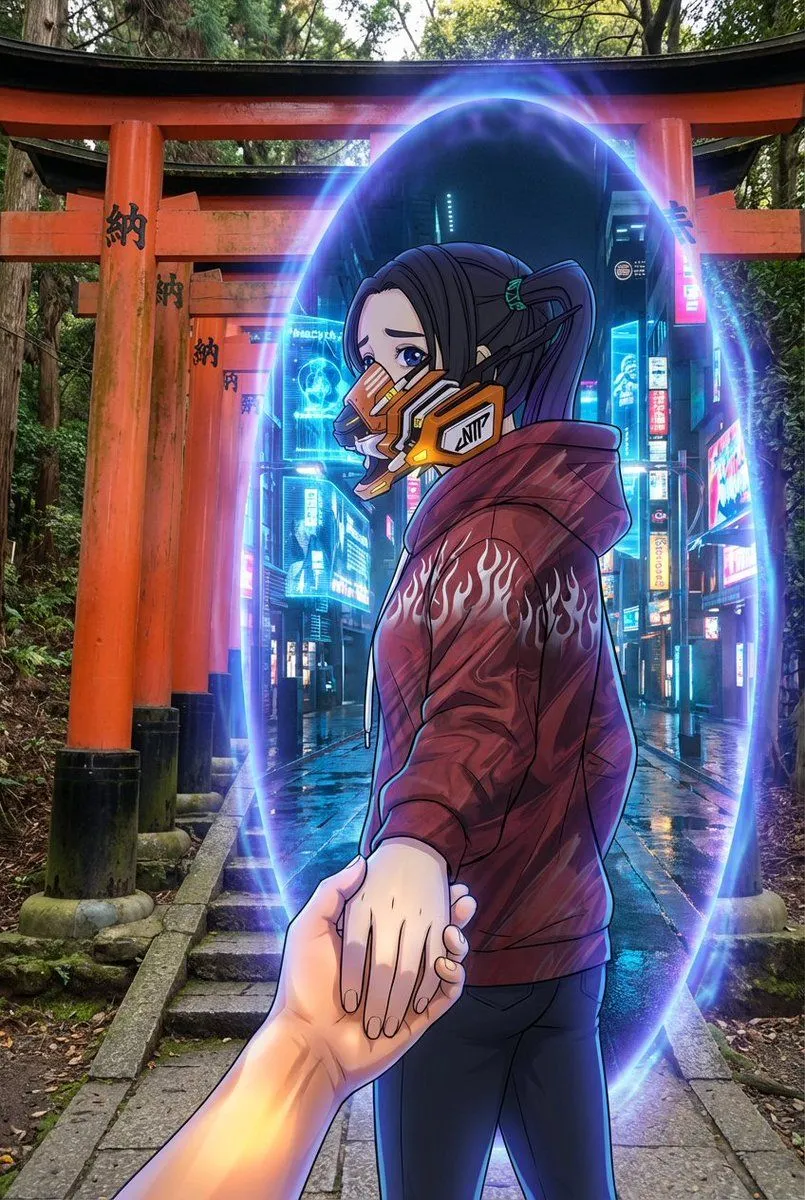
    • Cute Anime Girl Popping Out of Phone for Japan Travel
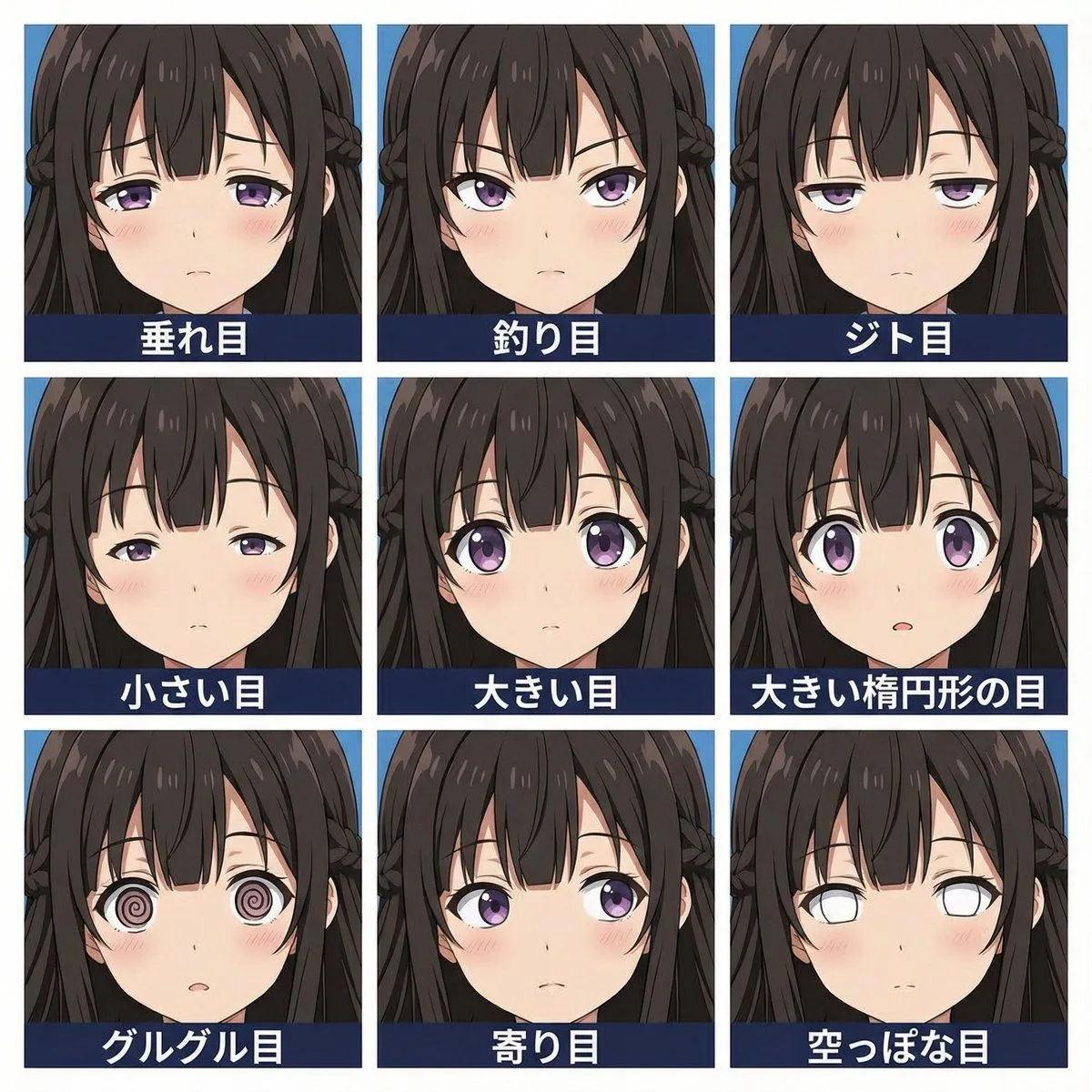
    • 3x3 Grid Eye Expression Test Prompt (Right Image)
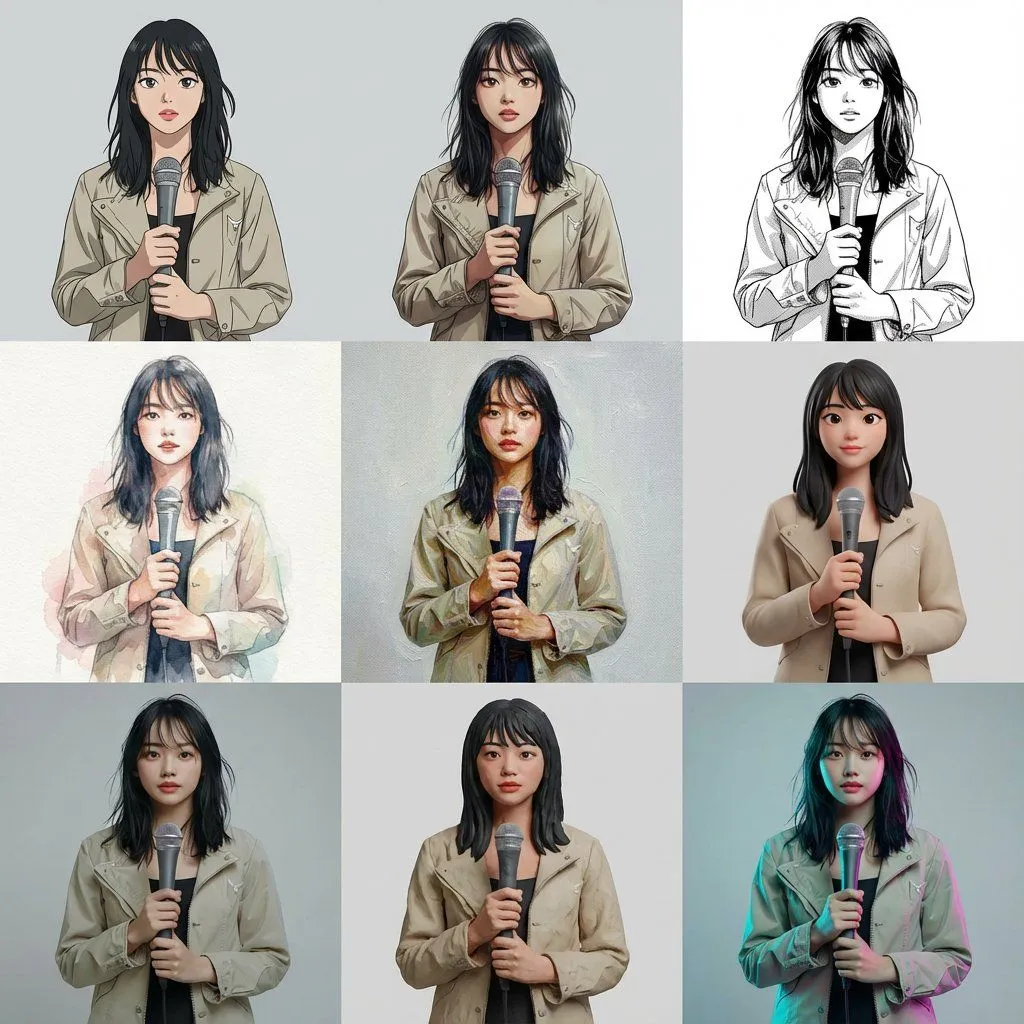
    • Multi-Cut Image Generation with Style Variation
    • Anime Ninja Portrait with Red Face Paint
    • Multi-Tool Workflow for Animation Production
    • Extreme low-angle shot
    • Vocaloid MV Style Character Grid
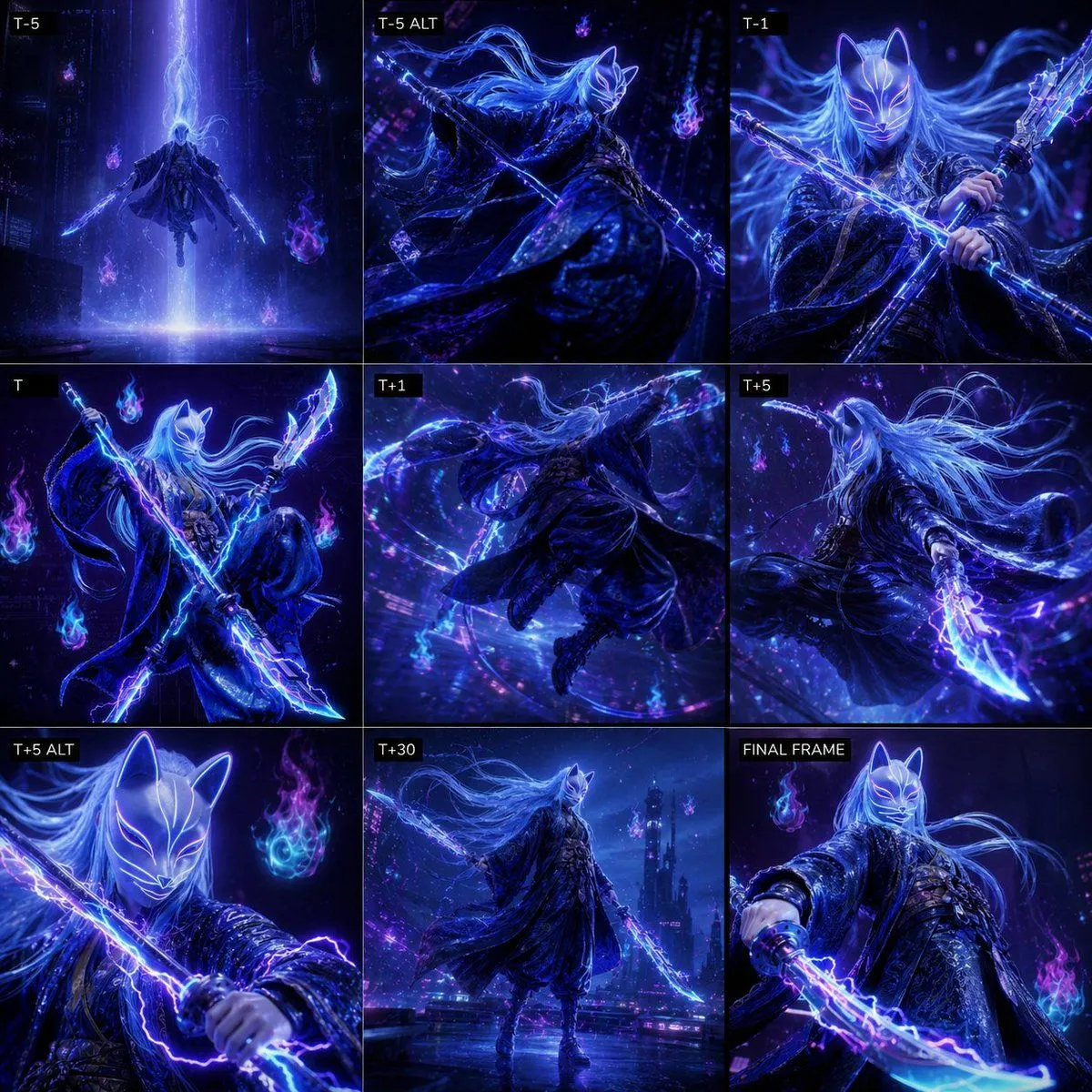
    • Cyber Kitsune Warrior Storyboard
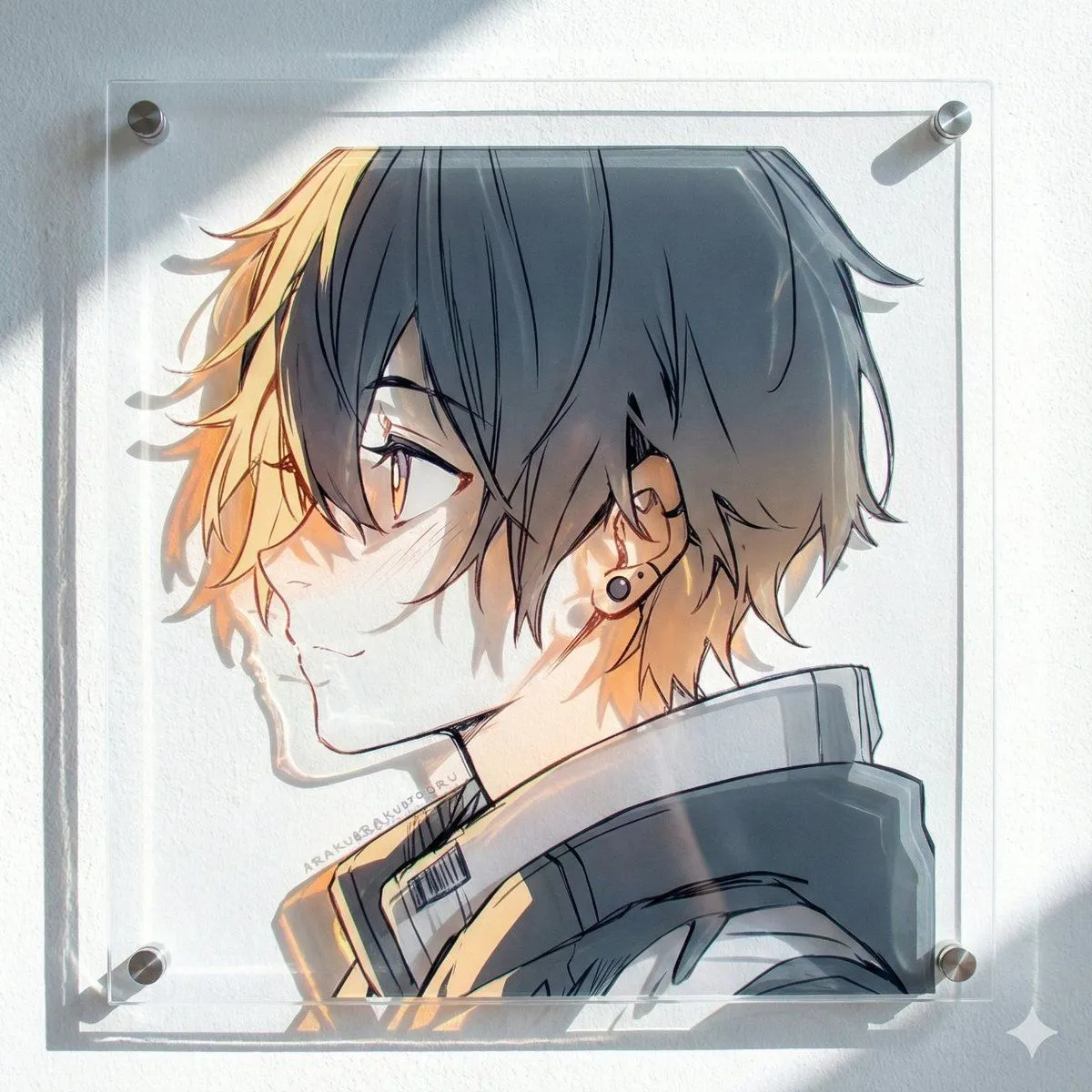
    • Layered Acrylic Artwork Product Photography
    • Portal Scene Generation Prompt
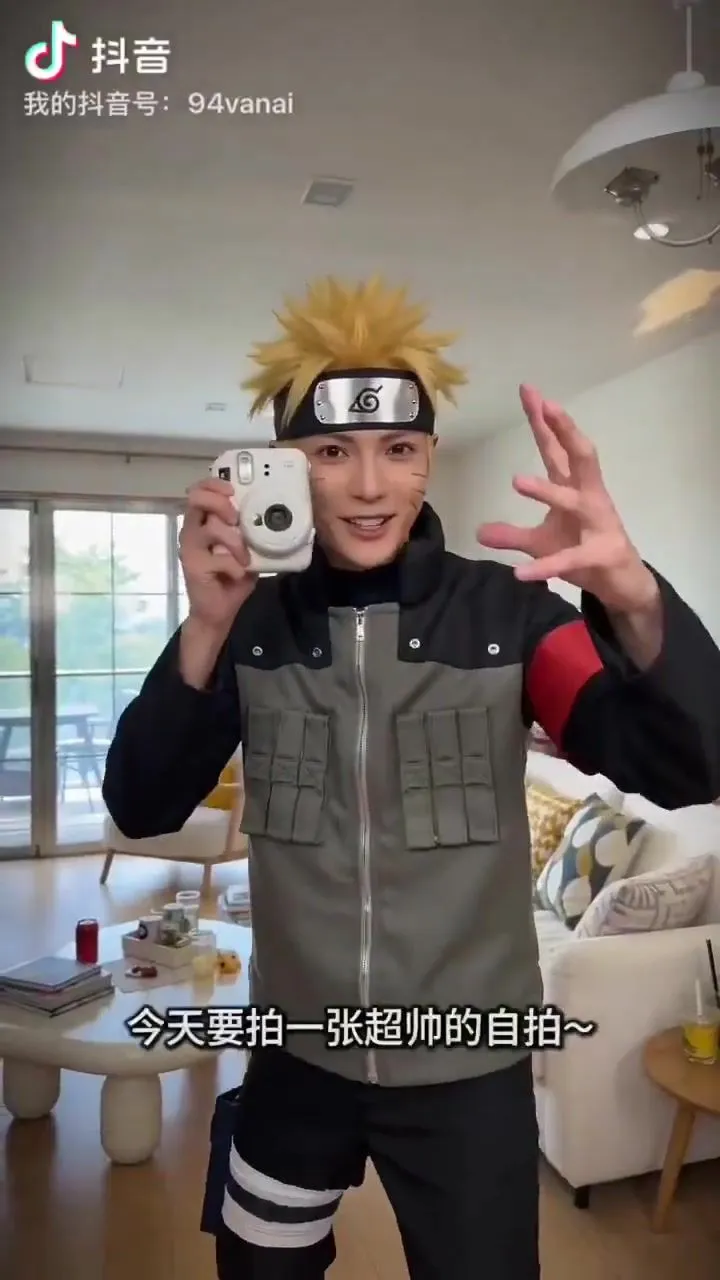
    • Friends Group Selfie Video PromptVideo, 0:15
    • Anime Horror Game Thumbnail Composite
    • Anime Trading Card Album Photo

    Show more

    Run it on your phone

    1. Prompt copiedRead it

      A 3x3 grid of nine amateur smartphone snapshots featuring the anime character Naruto Uzumaki. The images are intentionally flawed to mimic a realistic 'bumbling tourist' aesthetic. Top-left: An extreme, blurry close-up of his face with whiskers and blue eyes, mouth open in a grin. Top-center: A motion-blurred shot of him running past wooden buildings. Top-right: A photo accidentally obscured by a large, out-of-focus finger covering the bottom half. Middle-left: A low-angle selfie looking up at his surprised expression against a blue sky. Center: A heavily overexposed image where he is washed out by bright white light. Middle-right: A profile view of him standing in front of the blurred Hokage Monument. Bottom-left: A chaotic shot of him lying on sandy ground laughing. Bottom-center: A dog's nose intruding into the foreground, blurring the subject behind it. Bottom-right: A grainy, dimly lit night shot of him walking down a street.

    2. Open your app

    3. Paste and run

      Press and hold the message box, then tap Paste. Add your photo first if the prompt uses one. You may need to sign in.

    Amateur Smartphone Snapshots of Naruto