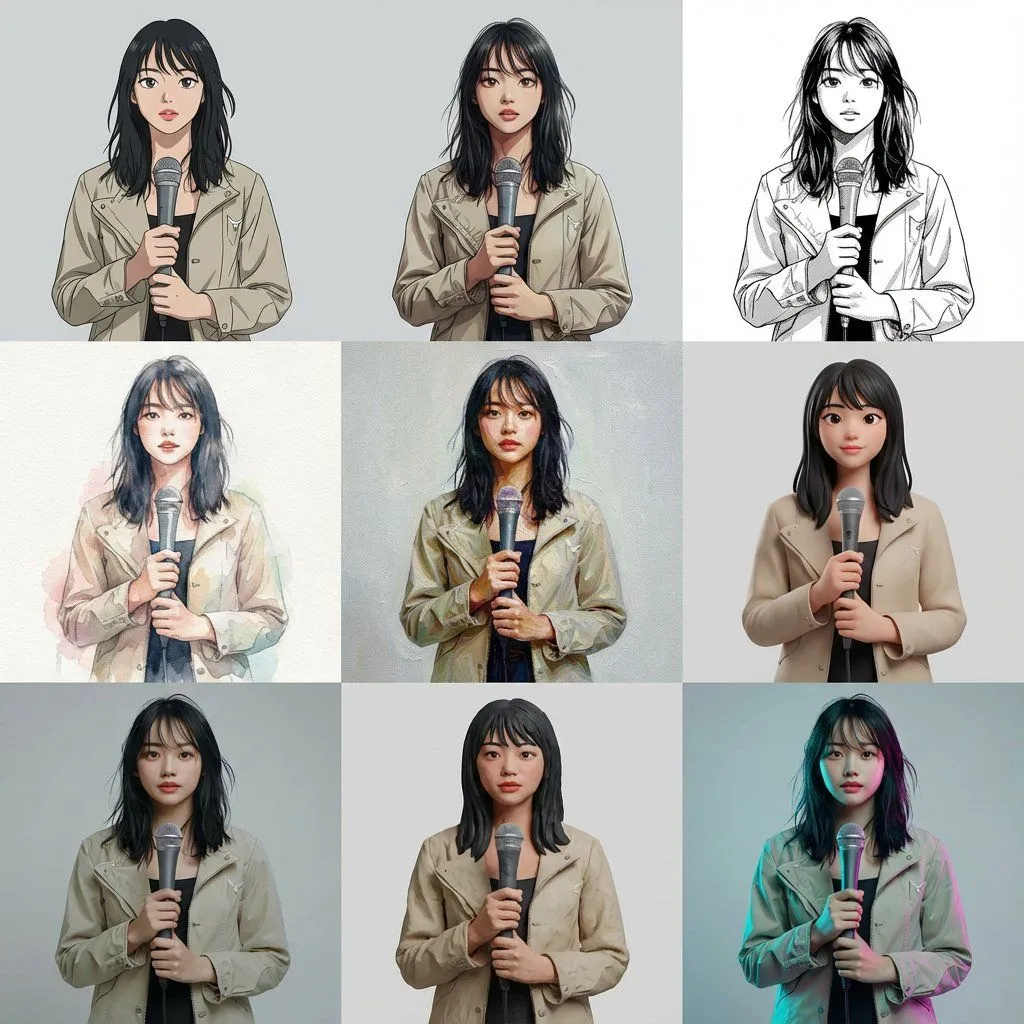
Multi-Cut Image Generation with Style Variation
Based on the reference image, generate a multi-cut image with 9 cuts arranged within a single image. The layout is a 3x3 uniform grid. Each cut features the same person, same composition, same pose, and same camera position. Specify the style for each cut (from top left to bottom right): Cel animation style (TV anime style, clean line art, 2-3 levels of shadow) Movie anime style (delicate lines, rich gradient shadows) Black and white manga style (ink lines, screen tones) Watercolor illustration (paper texture, bleeding, pale colors) Oil painting (thick application, brushstrokes, canvas feel) High-quality 3D cartoon (soft modeling, subsurface scattering) Photorealistic 3D (PBR, texture close to real life) Claymation (clay texture, handmade feel) Cyberpunk color grading (cyan/magenta rim light, background remains plain) Ensure that all 9 cuts have completely identical composition, person, pose, and background, allowing only the style difference to be compared. Arrange them naturally as one complete image.