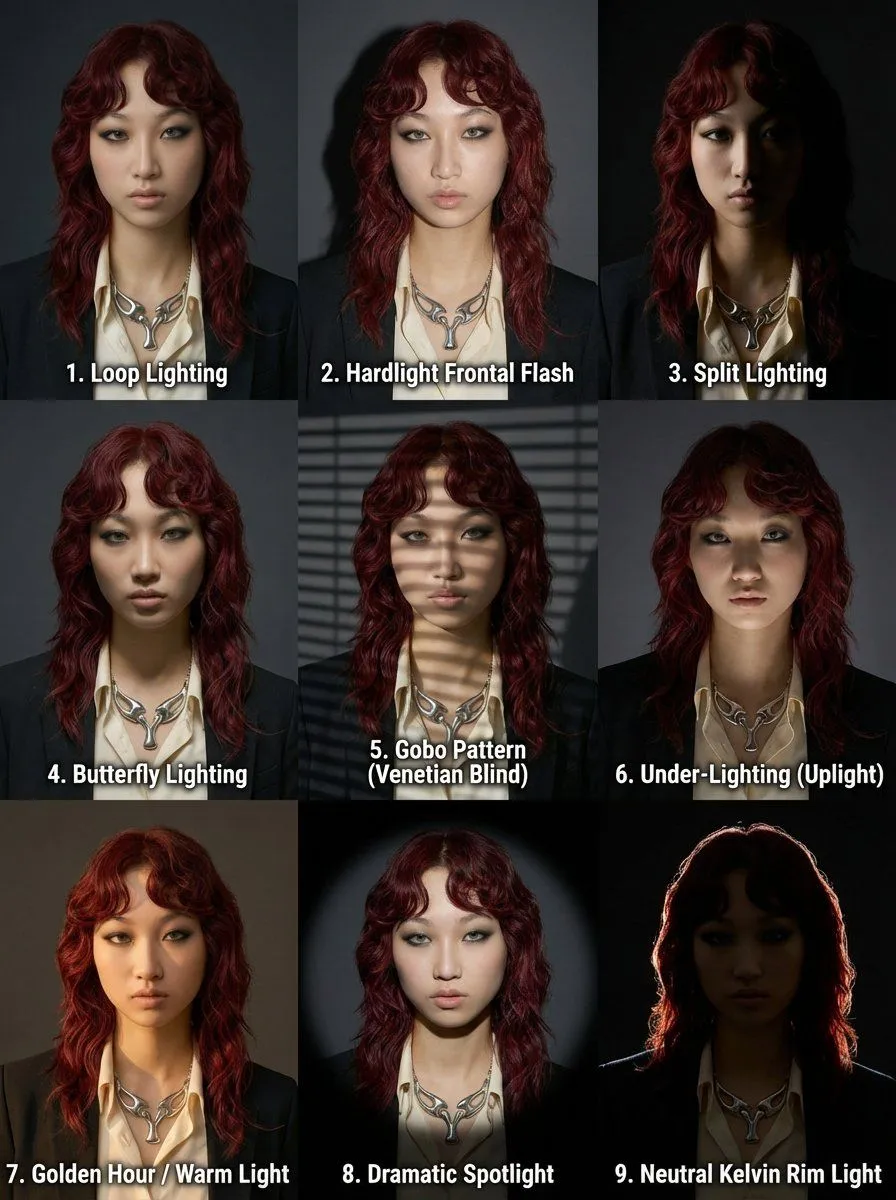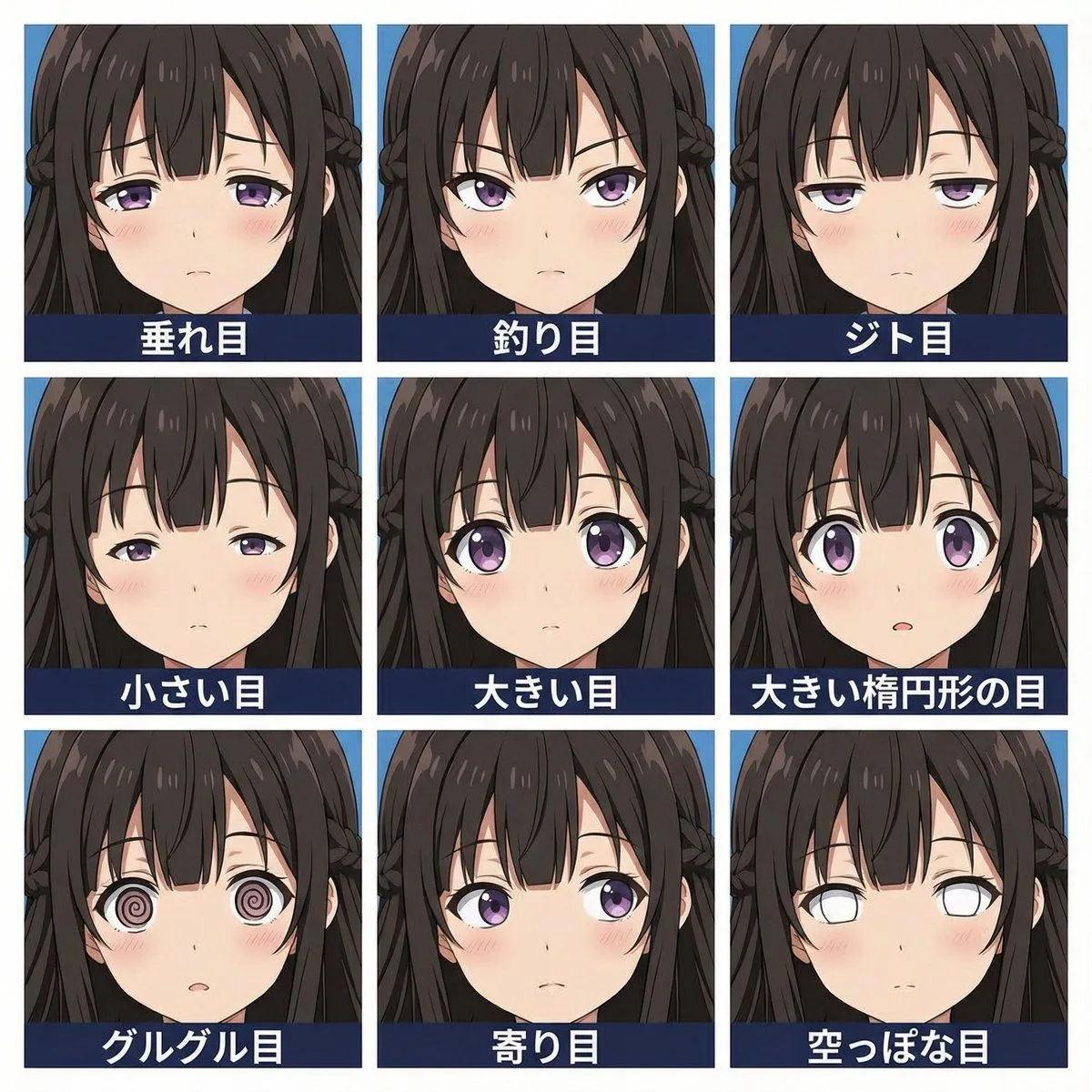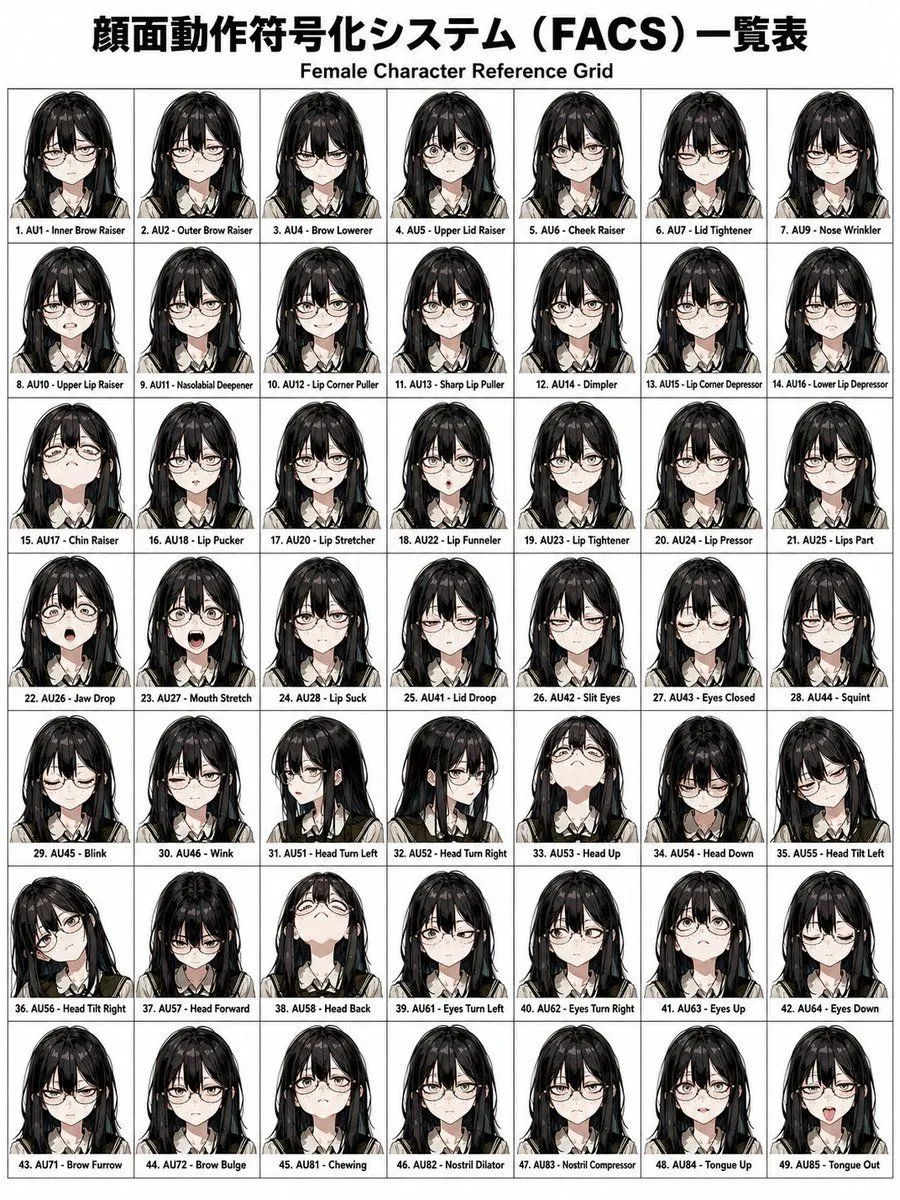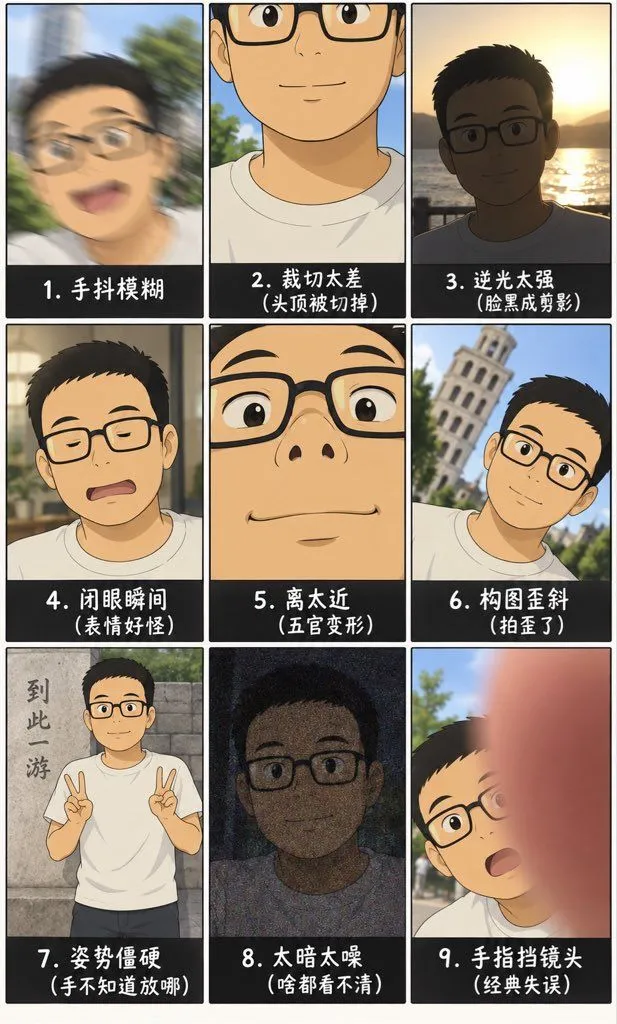
Made with GPT Image 2.5 in ChatGPT by Library Explainers. Promptclay never generates images.
Did it work?
No reports yet. Tell others if it worked for you.
Amateur Photo Failures Grid
Prompt
Create a vertical 9:16 image featuring a 3x3 grid of nine anime-style illustrations depicting common amateur photography failures. The character in all panels is a young Asian male with short black hair, wearing rectangular glasses and a white t-shirt. Panel 1 (Top Left): A blurry, motion-blurred face with an open mouth. Label: "1. 手抖模糊" (Hand shake blur). Panel 2 (Top Center): A close-up where the top half of the head is cut off by the frame edge. Label: "2. 裁切太差(头顶被切掉)" (Bad cropping - top of head cut off). Panel 3 (Top Right): A silhouette against a bright sunset background, making the face dark and unrecognizable. Label: "3. 逆光太强(脸黑成剪影)" (Strong backlight - face becomes silhouette). Panel 4 (Middle Left): The character has eyes closed and a weird expression. Label: "4. 闭眼瞬间(表情好怪)" (Closed eye moment - weird expression). Panel 5 (Middle Center): An extreme close-up of the nose and mouth, distorting facial features. Label: "5. 离太近(五官变形)" (Too close - distorted features). Panel 6 (Middle Right): The character is smiling but the background building is tilted at a severe angle. Label: "6. 构图歪斜(拍歪了)" (Tilted composition - shot crooked). Panel 7 (Bottom Left): The character stands stiffly making peace signs with both hands next to a stone wall with Chinese text. Label: "7. 姿势僵硬(手不知道放哪)" (Stiff pose - don't know where to put hands). Panel 8 (Bottom Center): A very dark, noisy image where the face is barely visible due to grain. Label: "8. 太暗太噪(啥都看不清)" (Too dark/noisy - can't see anything). Panel 9 (Bottom Right): A large pink finger obstructs the right side of the lens, partially covering the surprised face. Label: "9. 手指挡镜头(经典失误)" (Finger over lens - classic mistake). Style: Clean digital illustration, flat colors, simple shading, educational infographic aesthetic.
DetailsVersions, settings and questions
Written for
What's in the prompt
- Subject
- Model
- GPT Image 2.5
If your face changes
keep my face exactly the sameQuestions
- Does this work in the ChatGPT app?
- Yes. Paste the prompt and attach your photo if it uses one.
- It changed my face. What do I do?
- Add "keep my face exactly the same" to the end and run it again.
- Can I use the images I make?
- Check the terms of the app you use. Promptclay never generates images and claims nothing you make.