Tell us anything

An idea, a bug, something you love. We read every note.

⌘↵ to send. The page you're on comes along.

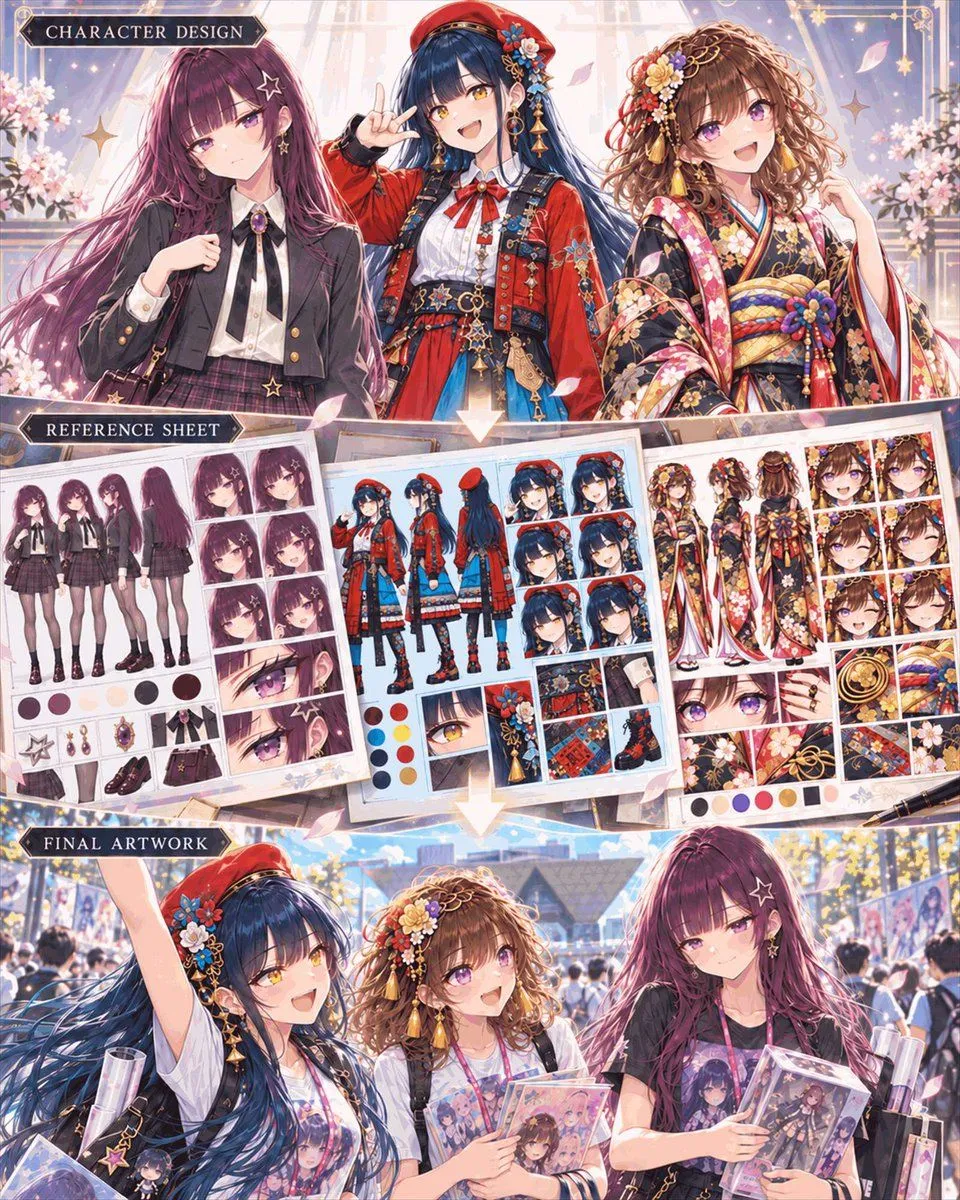
Anime Character Design Workflow Infographic

Made with GPT Image 2.5 in ChatGPT by Library Explainers. Promptclay never generates images.

Did it work?

No reports yet. Tell others if it worked for you.

No comments yet. Be the first.

    Anime Character Design Workflow Infographic

    GPT Image 2.54:5AI-generated

    Prompt

    A vertical three-panel infographic titled "Character Design Workflow" in a highly detailed anime art style. The top panel, labeled "CHARACTER DESIGN," features bust shots of three distinct young women: on the left, a girl with long purple hair and star-shaped earrings wearing a black school uniform; in the center, a cheerful girl with dark blue hair wearing a red beret and an ornate red and blue outfit; on the right, a smiling girl with curly brown hair wearing a floral kimono. The middle panel, labeled "REFERENCE SHEET," displays three corresponding character design sheets arranged like papers on a desk. Each sheet contains multiple views (front, side, back), expression grids, color palettes, and close-ups of accessories for the respective characters above them. The bottom panel, labeled "FINAL ARTWORK," shows the same three girls walking together outdoors at what appears to be a convention or event. They are holding merchandise bags and acrylic stands featuring their own designs, looking happy and interacting naturally.

    Works in
    ChatGPT, Gemini
    Status
    Free to copy
    0
    DetailsVersions, settings and questions

    Written for

    What's in the prompt

    Subject
    Model
    GPT Image 2.5

    If your face changes

    keep my face exactly the same

    Questions

    Does this work in the ChatGPT app?
    Yes. Paste the prompt and attach your photo if it uses one.
    It changed my face. What do I do?
    Add "keep my face exactly the same" to the end and run it again.
    Can I use the images I make?
    Check the terms of the app you use. Promptclay never generates images and claims nothing you make.
    Similar prompts

    See more
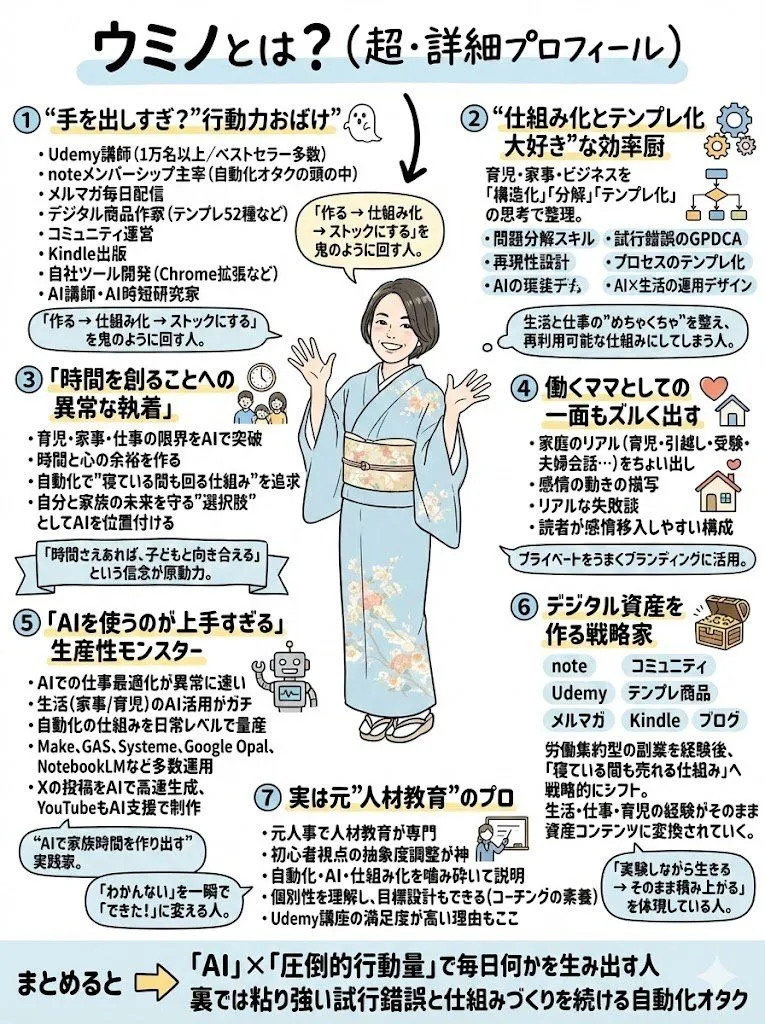
    • Anime Personality Infographic Poster
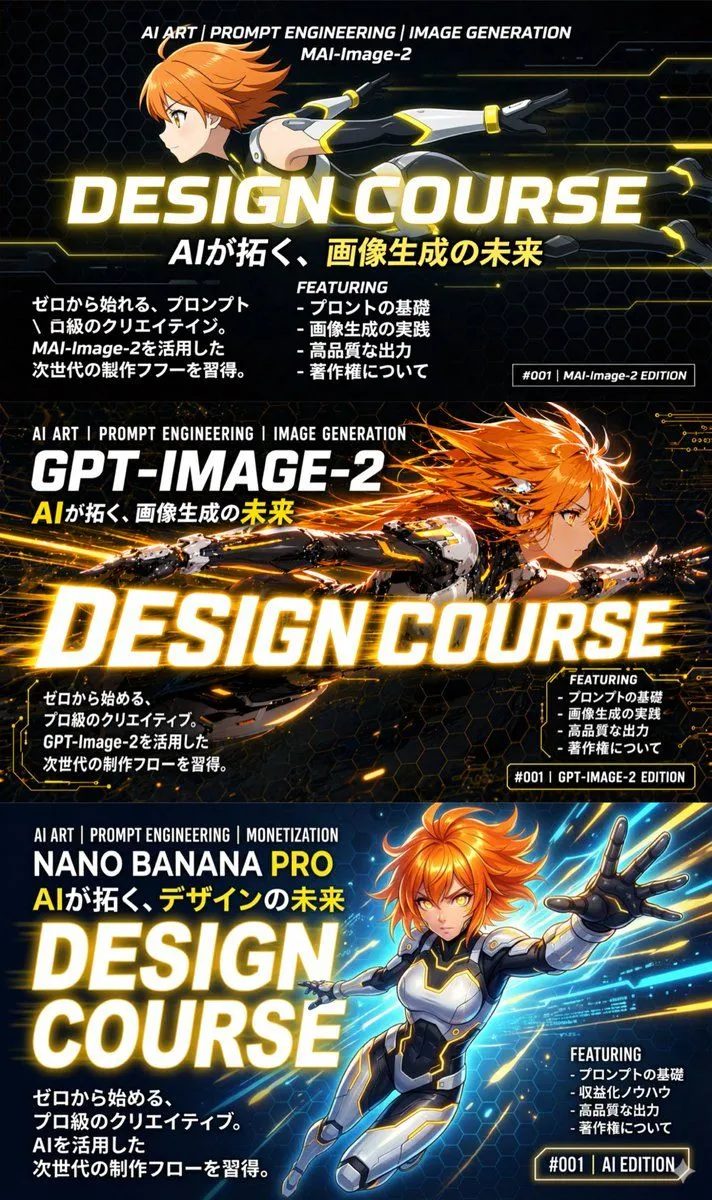
    • 3-Panel Anime Sci-Fi Course Promo
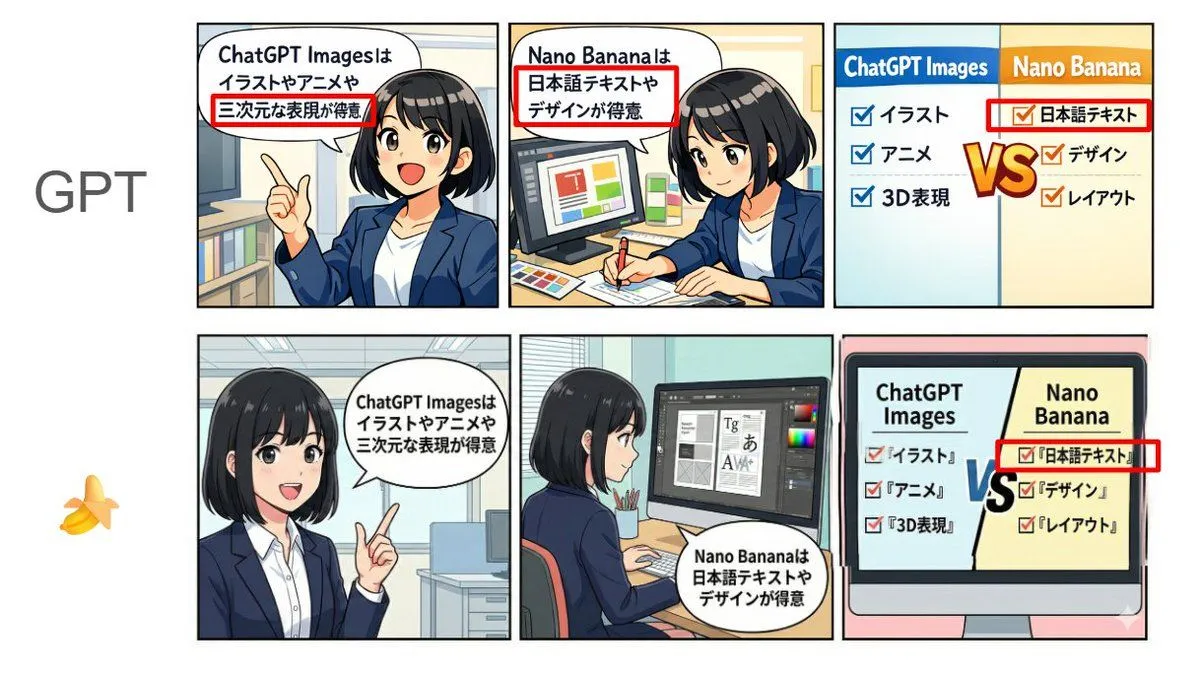
    • Japanese Text and Layout Comparison Prompt (3-Panel Manga)
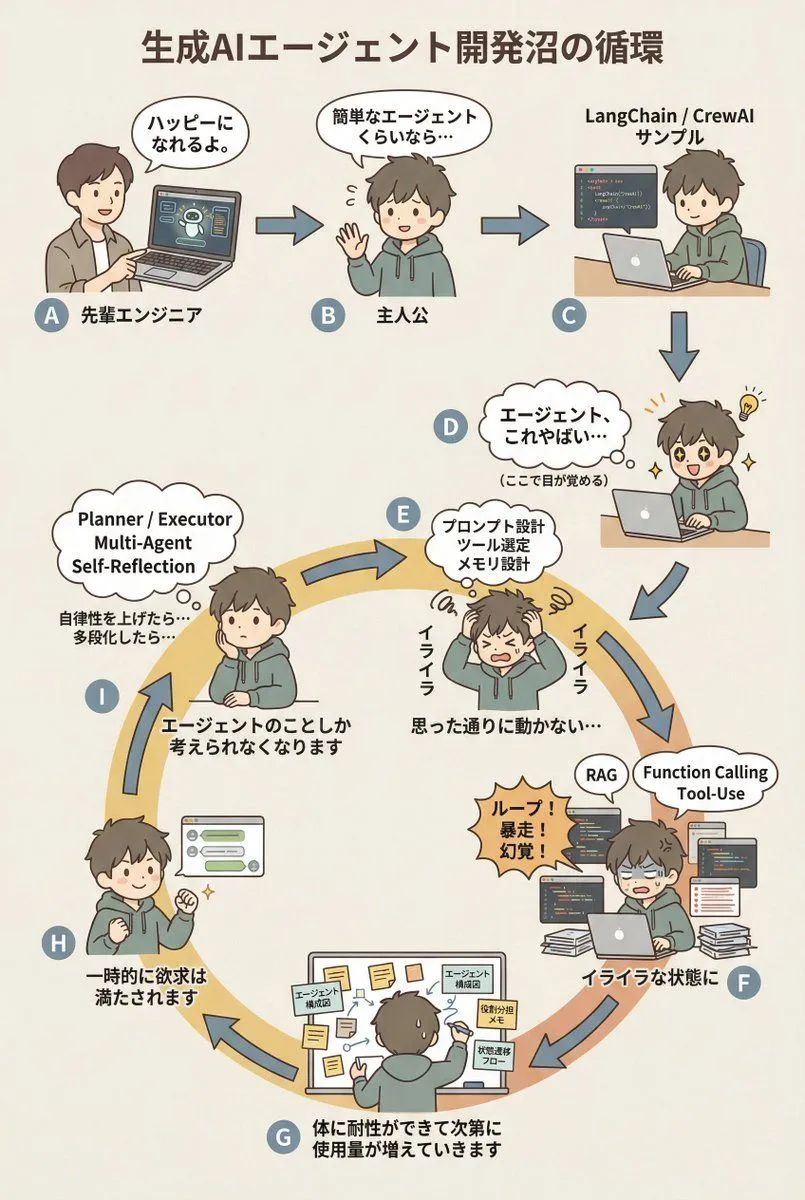
    • AI Agent Development 'Swamp' Diagram Prompt
    • ChatGPT Prompt for Self-Introduction Text Generation
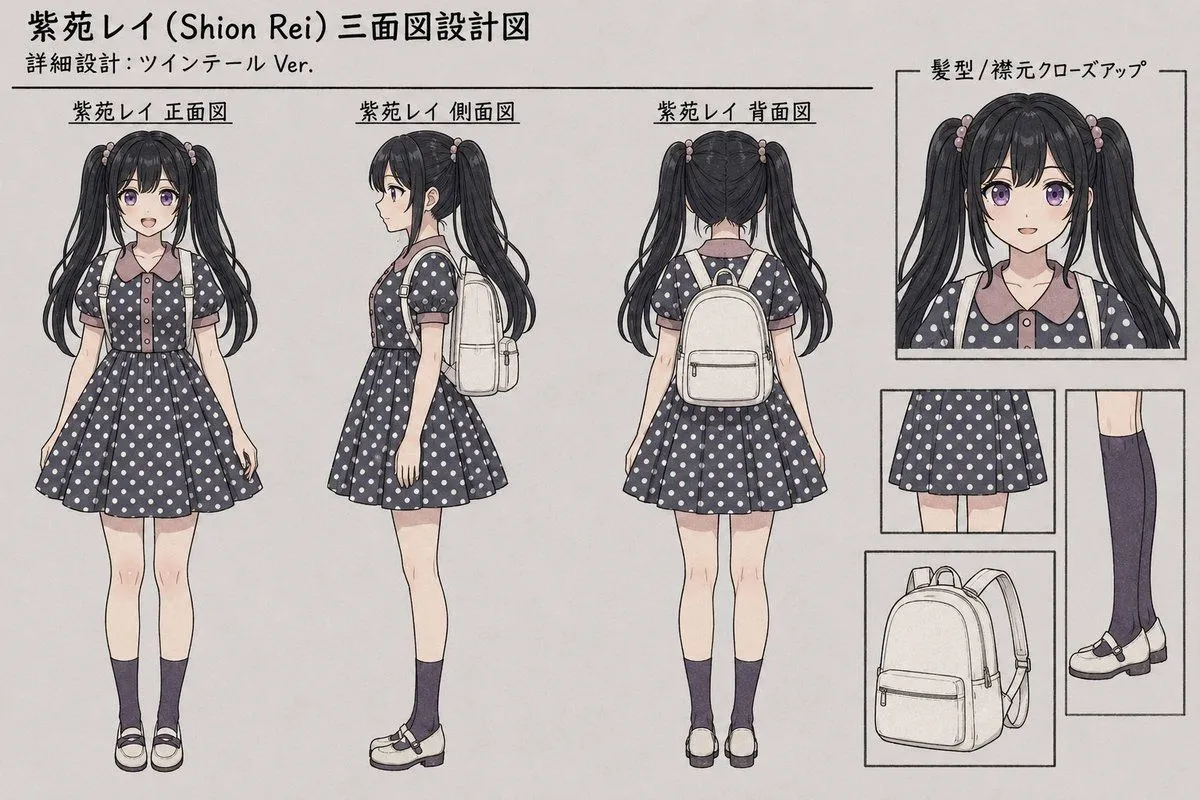
    • Shion Rei Three-View Character Sheet
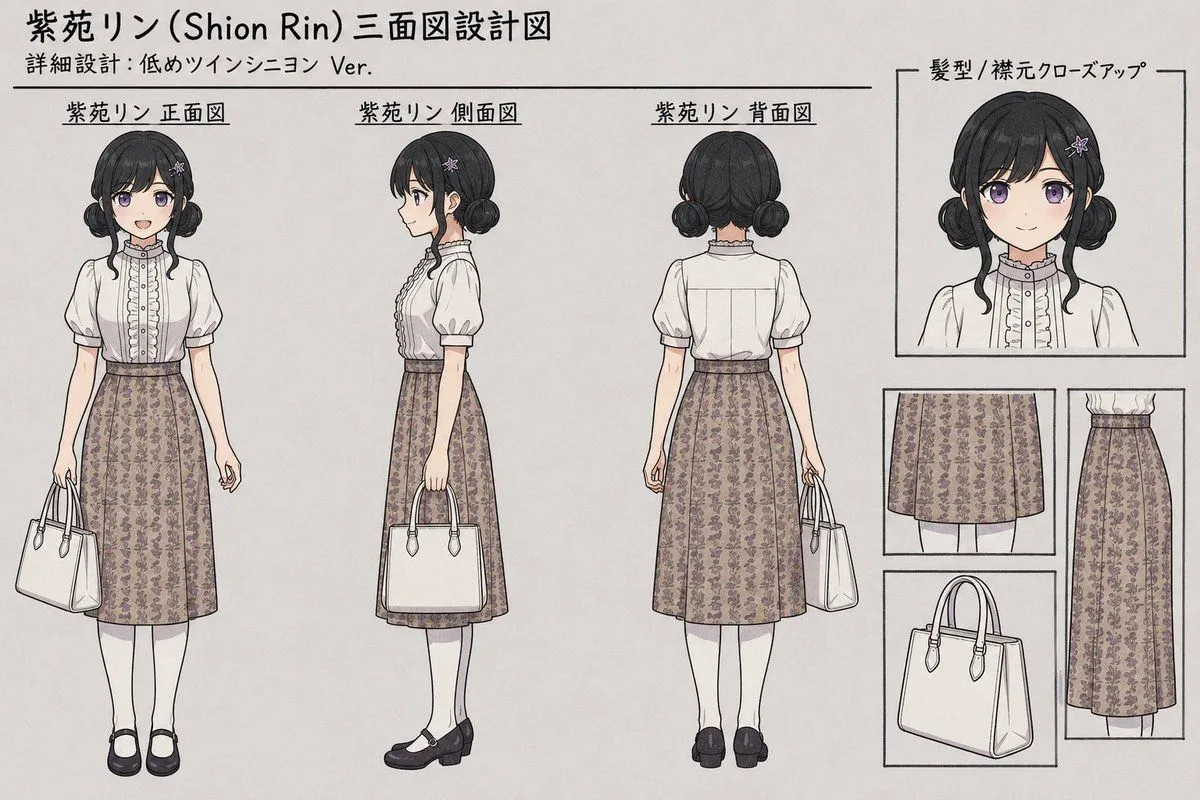
    • Shion Rin Three-View Design Sheet
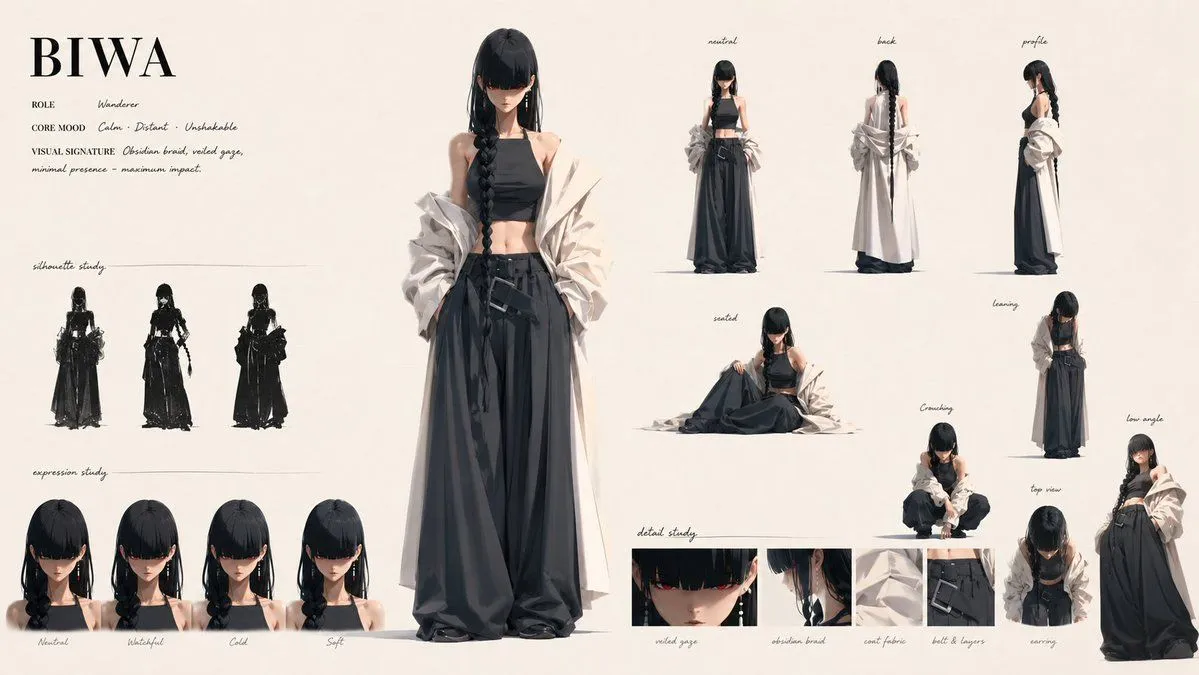
    • BIWA Fashion Character Sheet
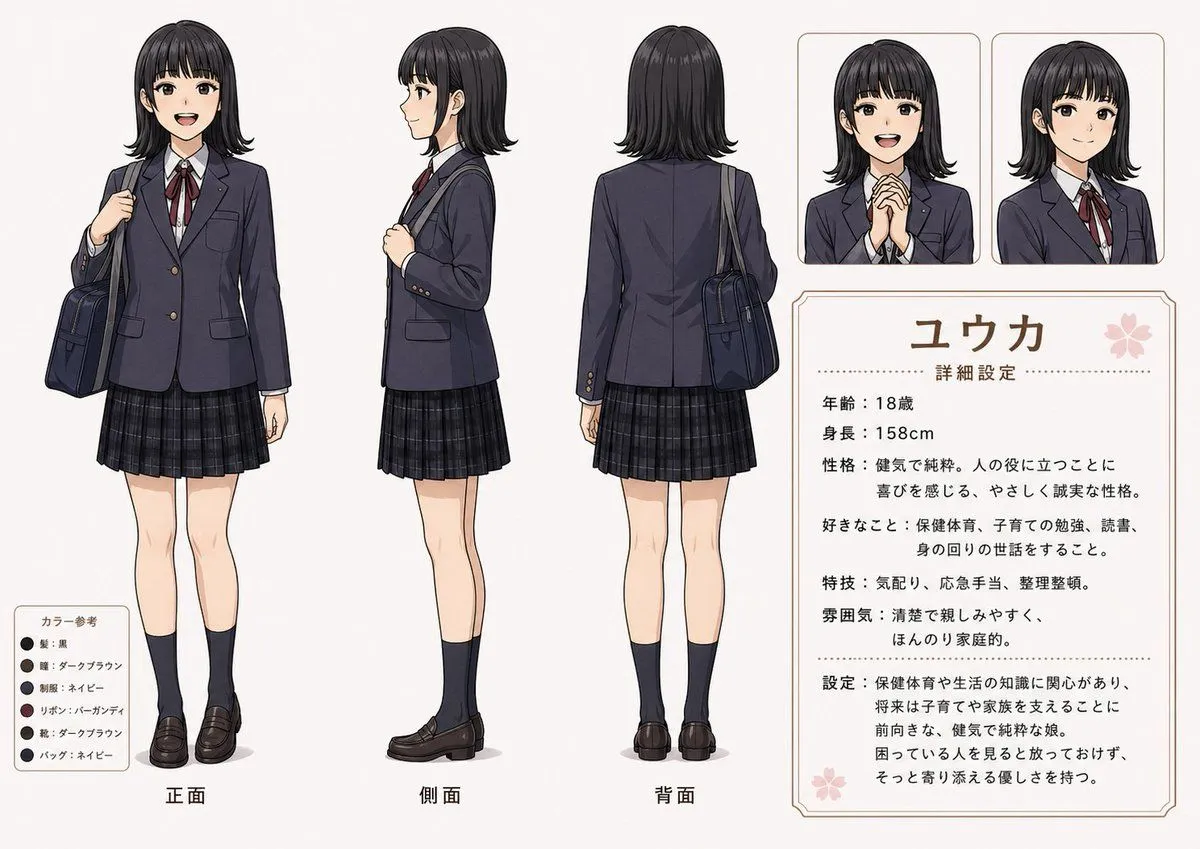
    • Anime Schoolgirl Reference Sheet
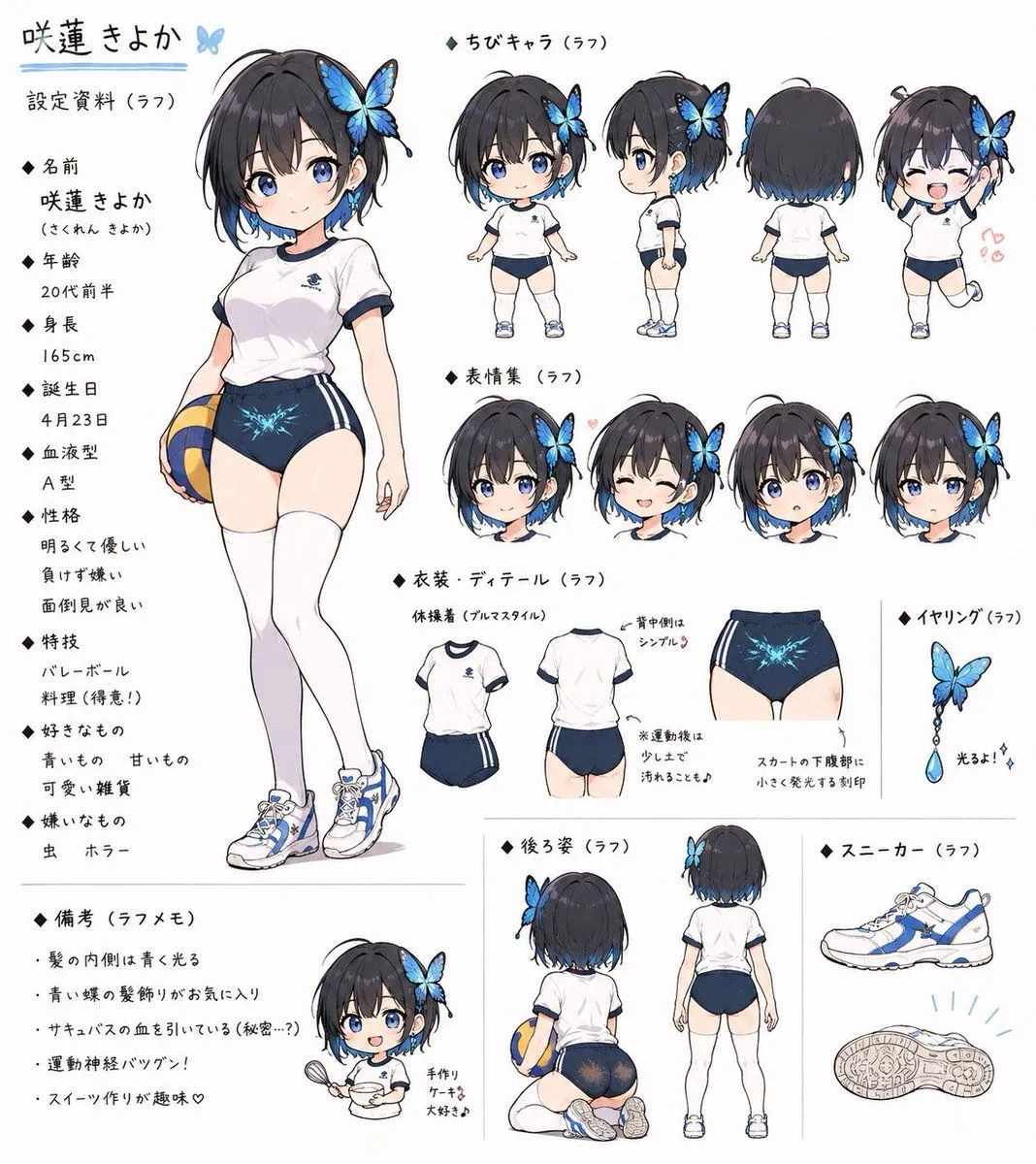
    • Bloomers Sports Wear Illustration
    • Anime Character Generation Workflow
    • Pastel Street Lolita Reference Sheet
    • Anime Prize Variety Show Poster
    • Anime VTuber Livestream Thumbnail
    • Cute Japanese LINE Sticker Sheet
    • Fox and Mouse Girls Blowing Bubbles
    • Greenhouse Cyber Streetwear Anime Girl
    • Grumpy Hamster Stop Gesture
    • Tipsy Businessman on Marble Stairs
    • Burgundy Anime Street Silhouette
    • Graffiti Sketch Style Template
    • Minimal SVG Pelican on Bicycle
    • Stained Glass Rose Raincoat
    • LEGO Minifigure Transformation

    Show more

    Run it on your phone

    1. Prompt copiedRead it

      A vertical three-panel infographic titled "Character Design Workflow" in a highly detailed anime art style. The top panel, labeled "CHARACTER DESIGN," features bust shots of three distinct young women: on the left, a girl with long purple hair and star-shaped earrings wearing a black school uniform; in the center, a cheerful girl with dark blue hair wearing a red beret and an ornate red and blue outfit; on the right, a smiling girl with curly brown hair wearing a floral kimono. The middle panel, labeled "REFERENCE SHEET," displays three corresponding character design sheets arranged like papers on a desk. Each sheet contains multiple views (front, side, back), expression grids, color palettes, and close-ups of accessories for the respective characters above them. The bottom panel, labeled "FINAL ARTWORK," shows the same three girls walking together outdoors at what appears to be a convention or event. They are holding merchandise bags and acrylic stands featuring their own designs, looking happy and interacting naturally.

    2. Open your app

    3. Paste and run

      Press and hold the message box, then tap Paste. Add your photo first if the prompt uses one. You may need to sign in.

    Anime Character Design Workflow Infographic