Tell us anything

An idea, a bug, something you love. We read every note.

⌘↵ to send. The page you're on comes along.

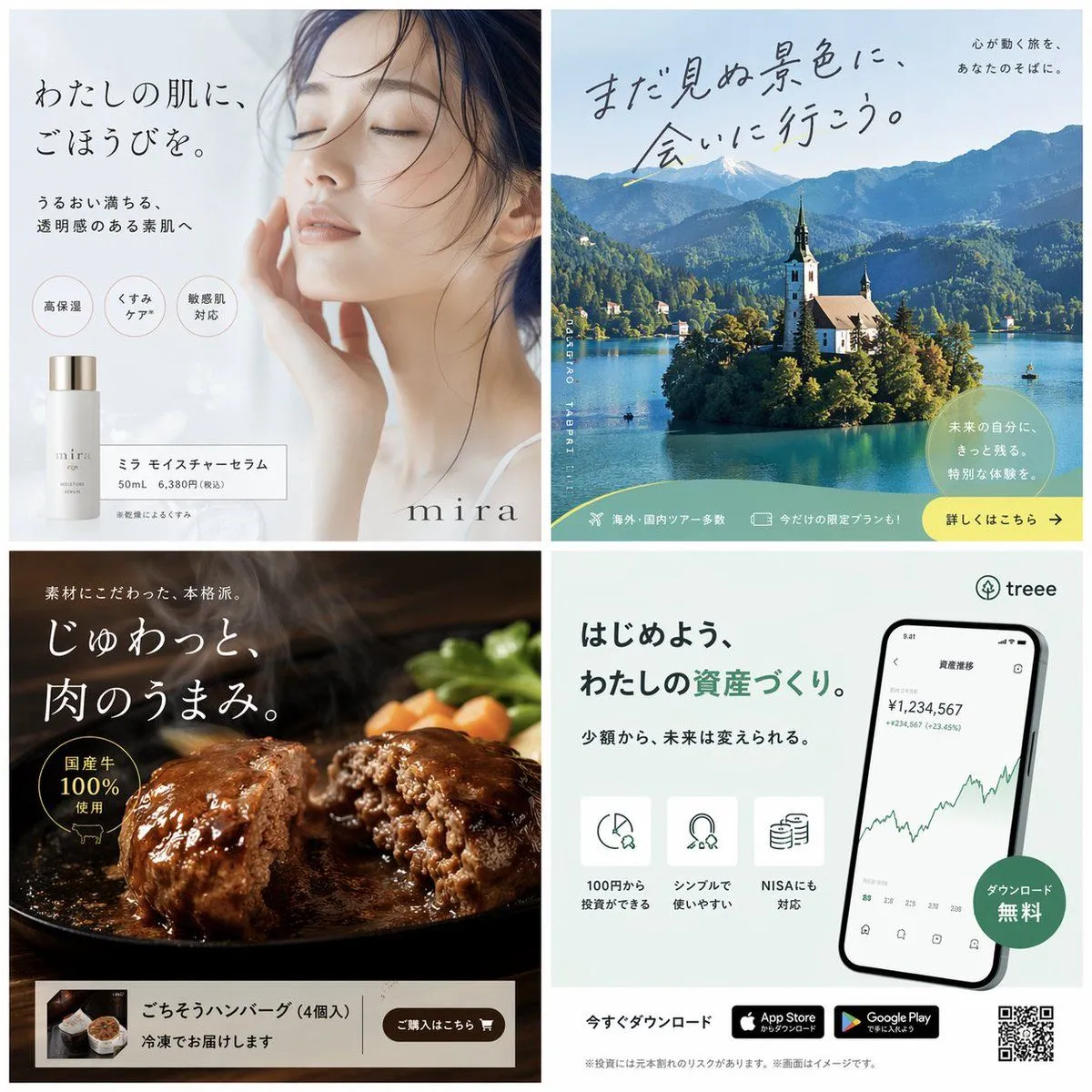
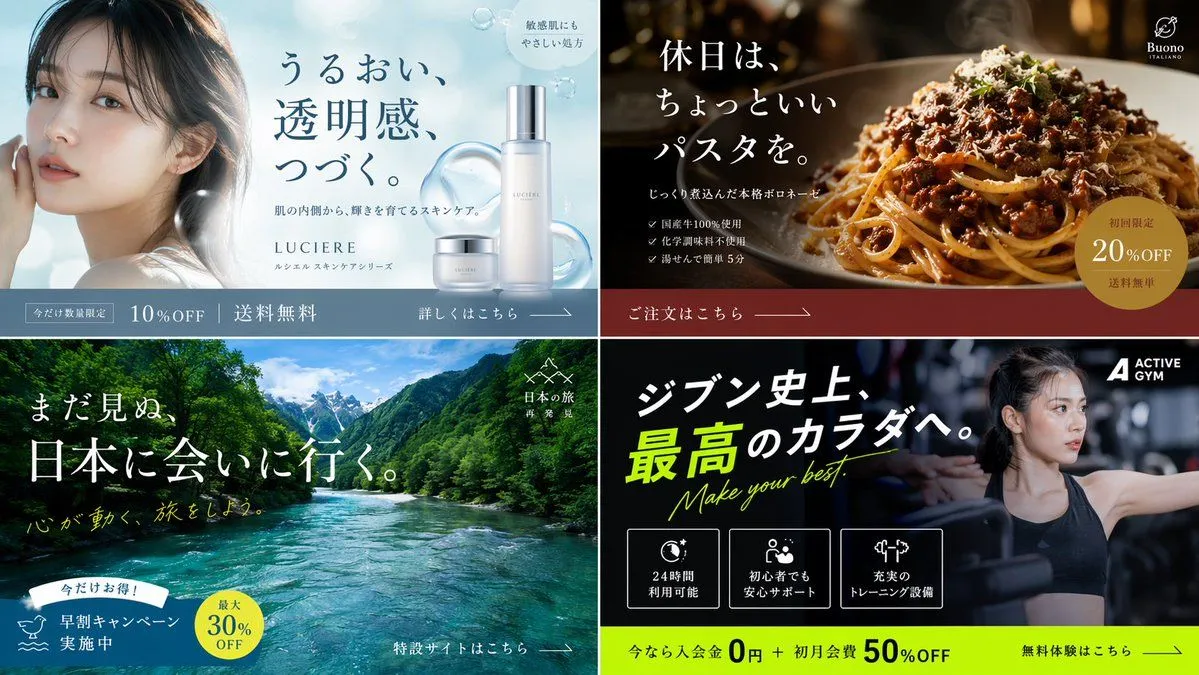
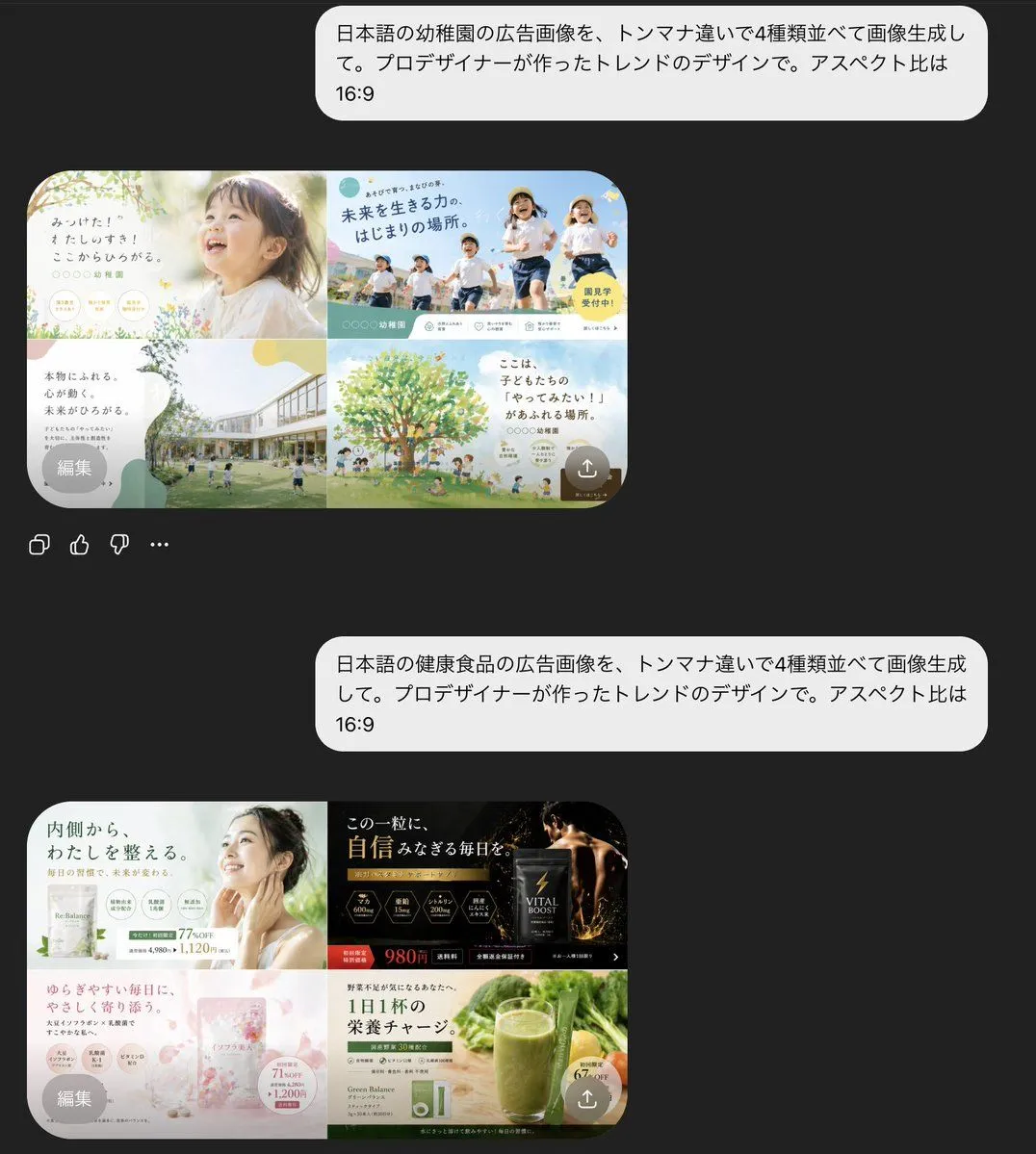
AI Chat Screenshot with Ad Design Grids

Made with GPT Image 2 in ChatGPT by Library Lifestyle. Promptclay never generates images.

Did it work?

No reports yet. Tell others if it worked for you.

No comments yet. Be the first.

    AI Chat Screenshot with Ad Design Grids

    GPT Image 2AI-generated

    Prompt

    A dark-mode mobile chat interface screenshot showing two separate Japanese prompt-and-result exchanges about AI-generated ad design. The background is nearly black. There are 2 large rounded light-gray chat bubbles aligned to the right, each containing Japanese text. The first bubble says: 「日本語の幼稚園の広告画像を、トンマナ違いで4種類並べて画像生成して。プロデザイナーが作ったトレンドのデザインで。アスペクト比は16:9」. Beneath it is 1 rounded rectangular generated image preview showing a 2x2 grid of kindergarten advertisement variations in soft pastel colors. In the top-left panel, show a bright, airy ad with a close-up photo of a young child in profile at right, soft sunlight, cream and pale green tones, handwritten-style Japanese headline text on the left, small circular badges near the bottom, and floral accents. In the top-right panel, show an energetic outdoor ad with 4 children running under a blue sky, bold Japanese headline text, teal and yellow graphic accents, and a yellow circular callout. In the bottom-left panel, show a modern kindergarten campus building with a grassy yard and children playing, with a large white speech-bubble-shaped text area on the left and muted green-beige abstract shapes. In the bottom-right panel, show an illustrated large green tree with children and parents underneath, sky-blue background, warm family-friendly Japanese copy, and soft rounded decorative shapes. Add 1 small gray circular overlay button labeled 「編集」 at the lower-left corner of this preview and 1 small semi-transparent circular upload/share icon at the lower-right corner. Under this first preview, include 4 small interface icons in a row: copy, thumbs up, thumbs down, and more options. Lower on the screen, show the second right-aligned light-gray chat bubble with this Japanese text: 「日本語の健康食品の広告画像を、トンマナ違いで4種類並べて画像生成して。プロデザイナーが作ったトレンドのデザインで。アスペクト比は16:9」. Beneath it is a second rounded rectangular generated image preview showing a 2x2 grid of health food advertisement variations. In the top-left panel, show a clean wellness ad in white and pale green with a woman touching her neck, Japanese headline text about inner balance, several circular benefit icons, and price text. In the top-right panel, show a dramatic black-and-gold supplement ad with a dark pouch package, glowing gold particles, luxury serif-style Japanese text, and a bold red-orange price tag reading 980円. In the bottom-left panel, show a soft pink beauty supplement ad with translucent floral or crystalline textures, pastel packaging, delicate Japanese copy, circular info badges, and feminine cosmetic styling. In the bottom-right panel, show a natural green juice ad with a tall glass of green smoothie, fresh vegetables in the background, a green-and-white product box, clean Japanese health copy, and a circular yellow callout. Add 1 small gray circular overlay button labeled 「編集」 at the lower-left of this second preview and 1 small semi-transparent circular upload/share icon at the lower-right. The overall image should feel like a realistic smartphone app screenshot of an AI image-generation chat, with generous spacing between the 2 conversations, rounded corners, crisp Japanese typography, and a premium contemporary UI.

    Works in
    ChatGPT, Gemini
    Status
    Free to copy
    0
    DetailsVersions, settings and questions

    Written for

    What's in the prompt

    Subject
    Model
    GPT Image 2

    If your face changes

    keep my face exactly the same

    Questions

    Does this work in the ChatGPT app?
    Yes. Paste the prompt and attach your photo if it uses one.
    It changed my face. What do I do?
    Add "keep my face exactly the same" to the end and run it again.
    Can I use the images I make?
    Check the terms of the app you use. Promptclay never generates images and claims nothing you make.
    Similar prompts

    See more
    • Dark AI Viewer with Course Website Preview
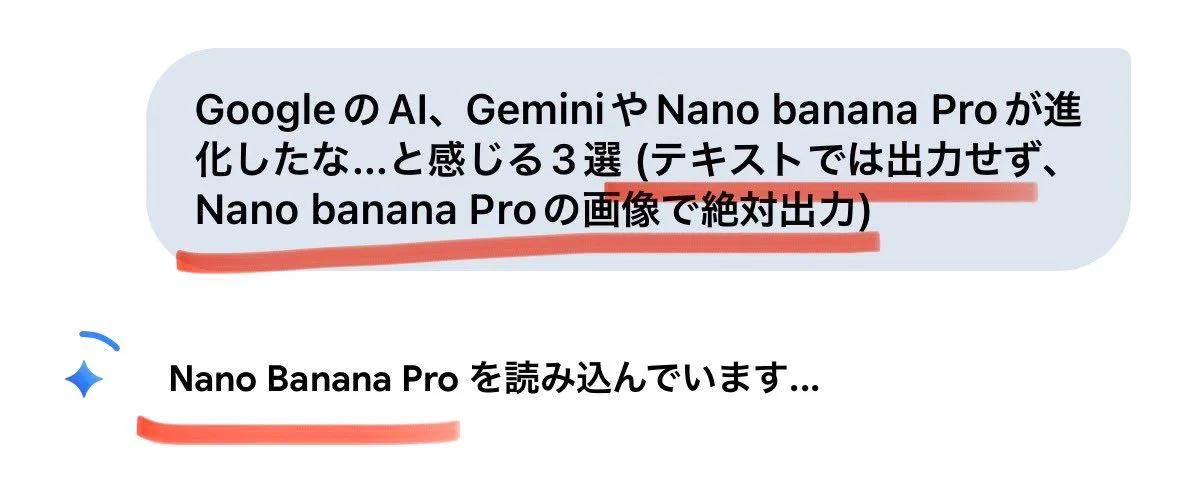
    • Forcing Image Output in Nano Banana Pro
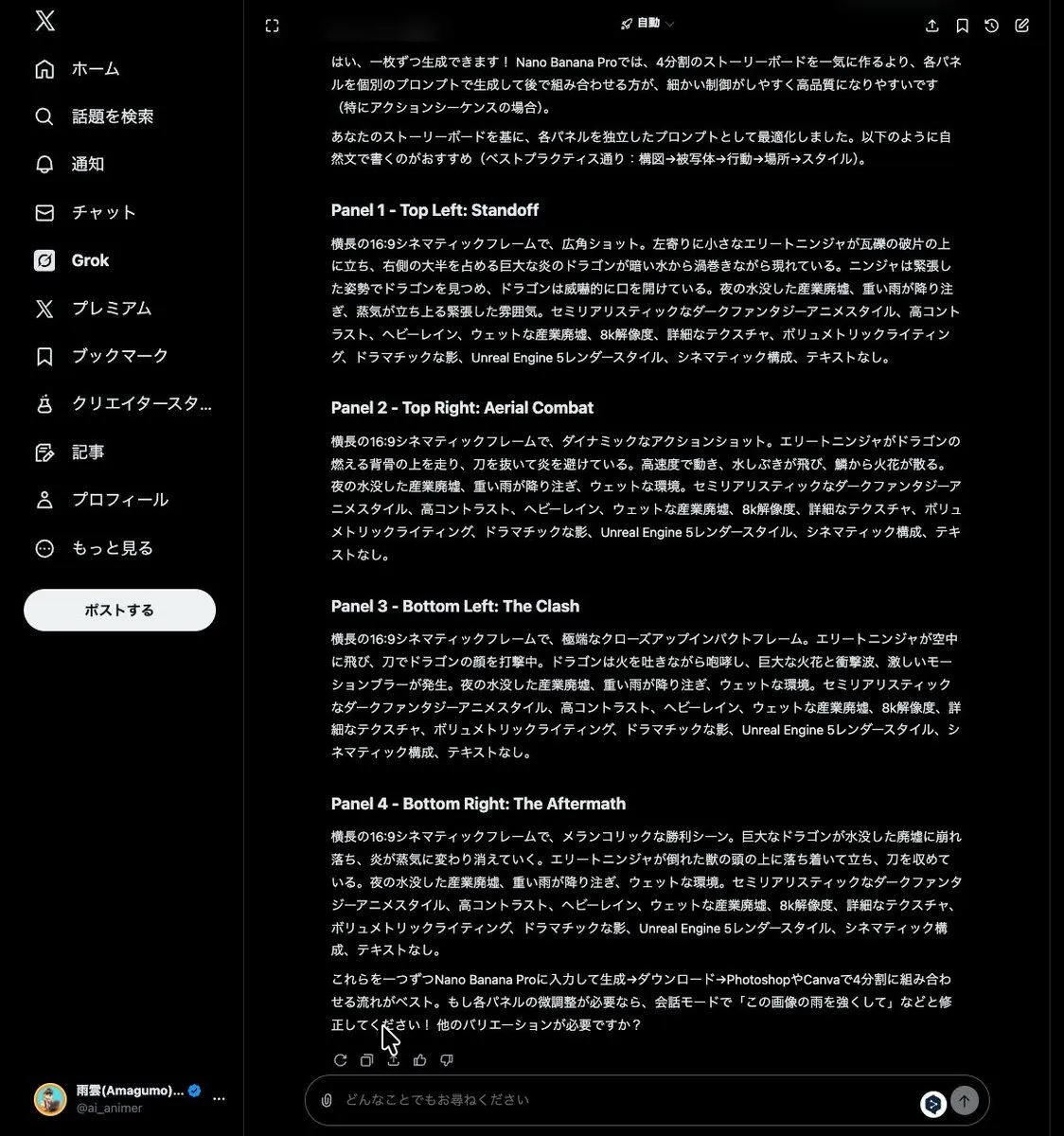
    • Grok Instruction for Generating Nano Banana Pro Image Prompts
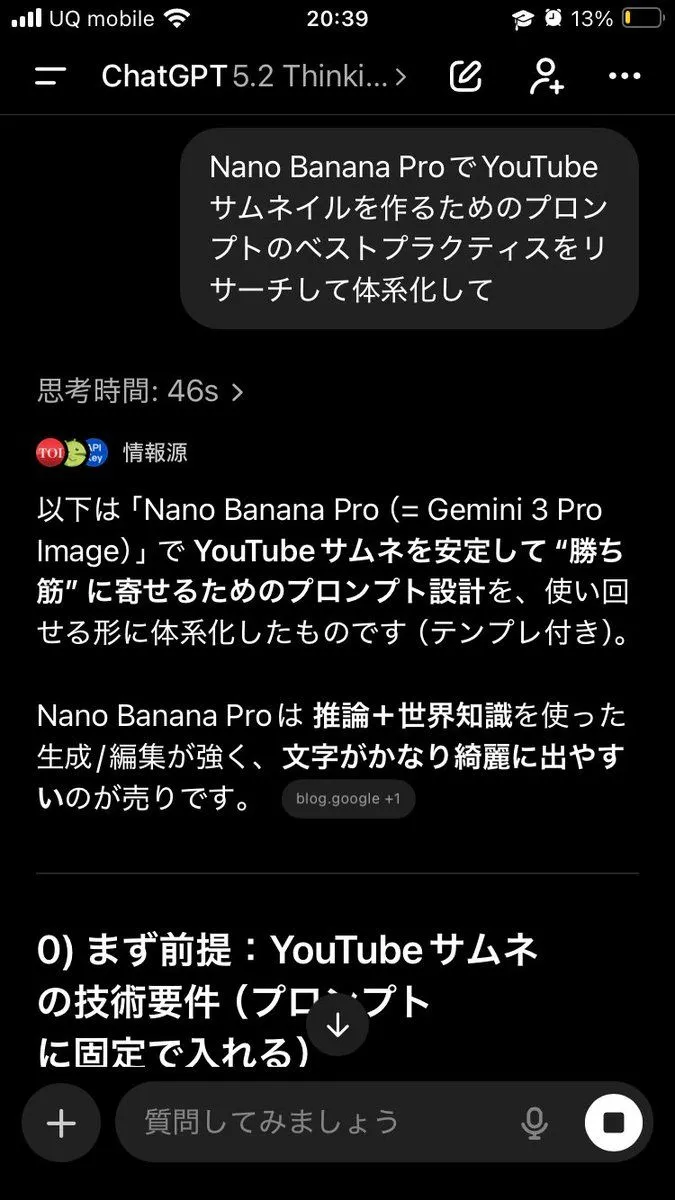
    • Advanced Two-Step Prompting Strategy for Nano Banana Pro Thumbnails
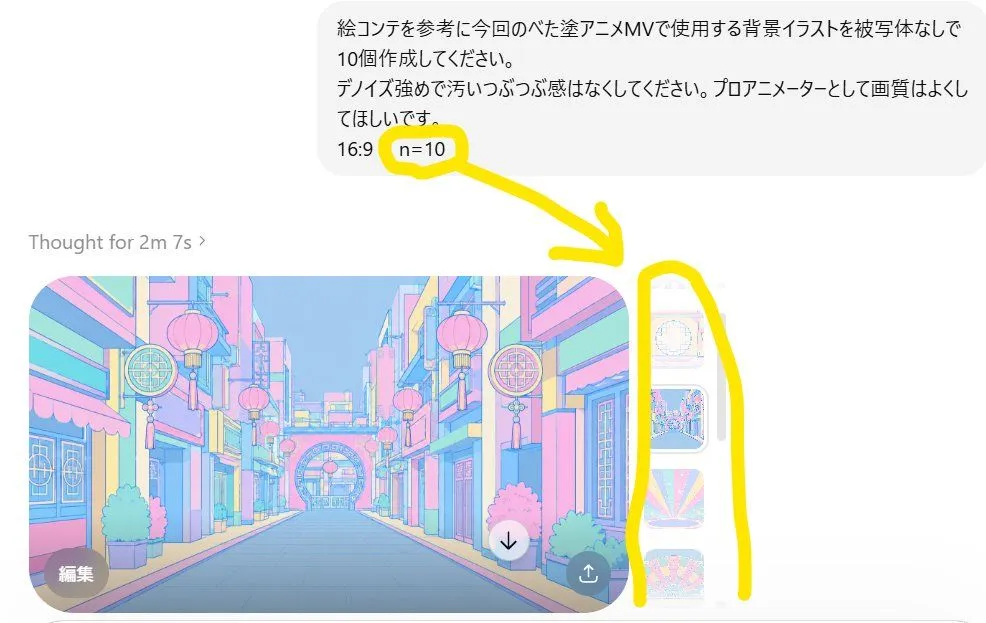
    • Annotated ChatGPT Multiple Image Outputs
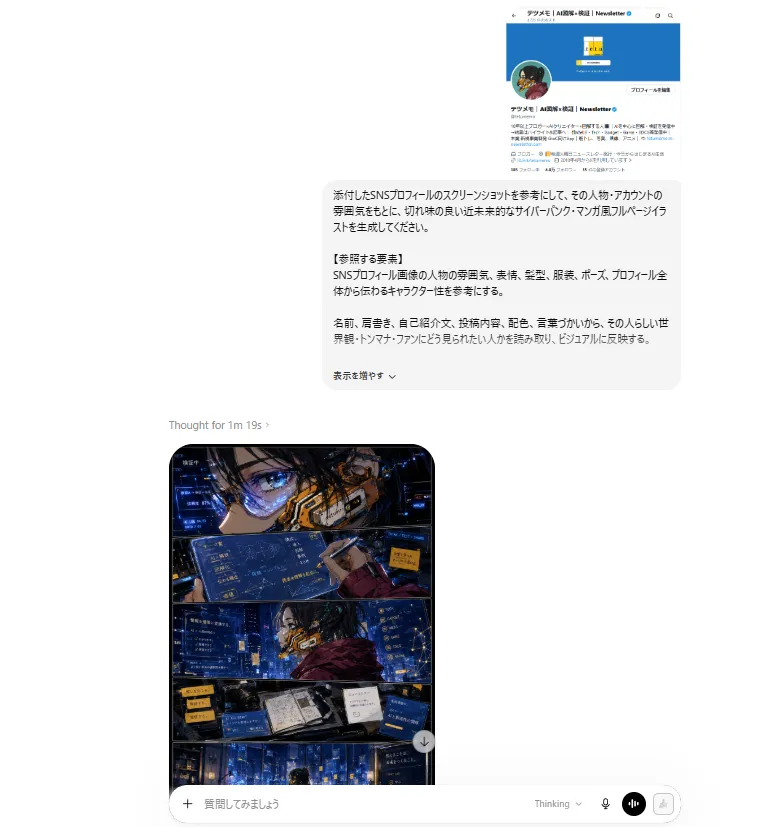
    • ChatGPT Cyberpunk Manga Screenshot
    • Ramen Shop Landing Page Design
    • ChatGPT Transparent Pizza Result
    • Minimalist Cinematic Vertical Poster with Character Reference
    • AI Chat Image Generation Screenshot
    • 4-Panel Japanese Banner Ad Grid
    • 2x2 Japanese Banner Ad Grid
    • AI Inspiration Gallery Grid
    • System Prompt for Nano Banana Pro Image Prompt Deconstruction
    • Anime Story Generation Prompt Template
    • Anime TCG Card Illustration Prompt
    • Generating Hollywood Detective Scene Images with Character Reference
    • AI Prompt Template for Generating Viral Titles and Copy for Middle-Aged and Elderly Audiences
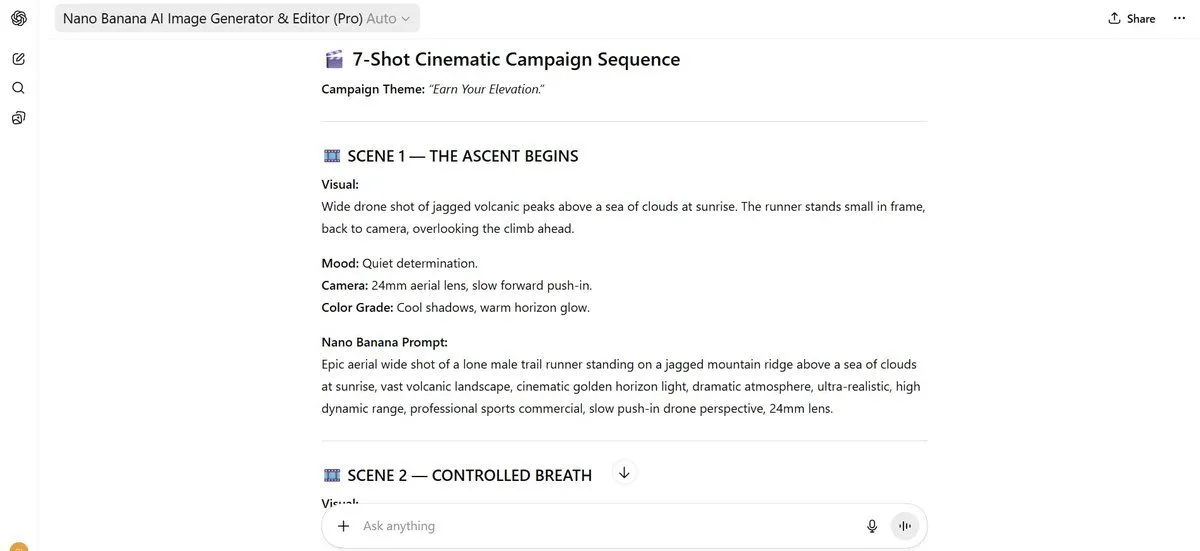
    • 7-Shot Cinematic Campaign Sequence Prompt
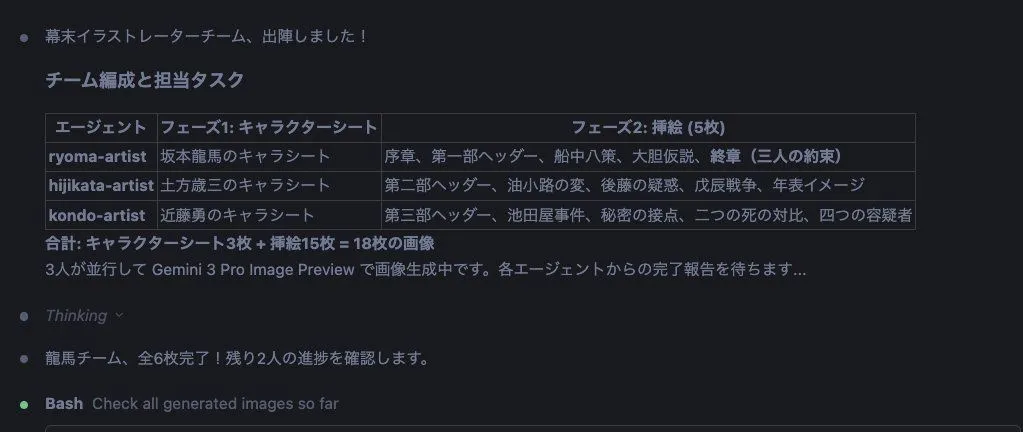
    • Character Sheet and Illustration Generation for Bakumatsu Agents
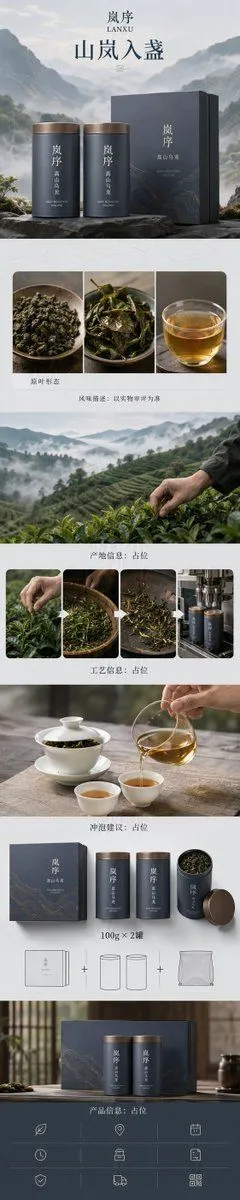
    • Zen-Style Oolong Tea Ecommerce Detail Page
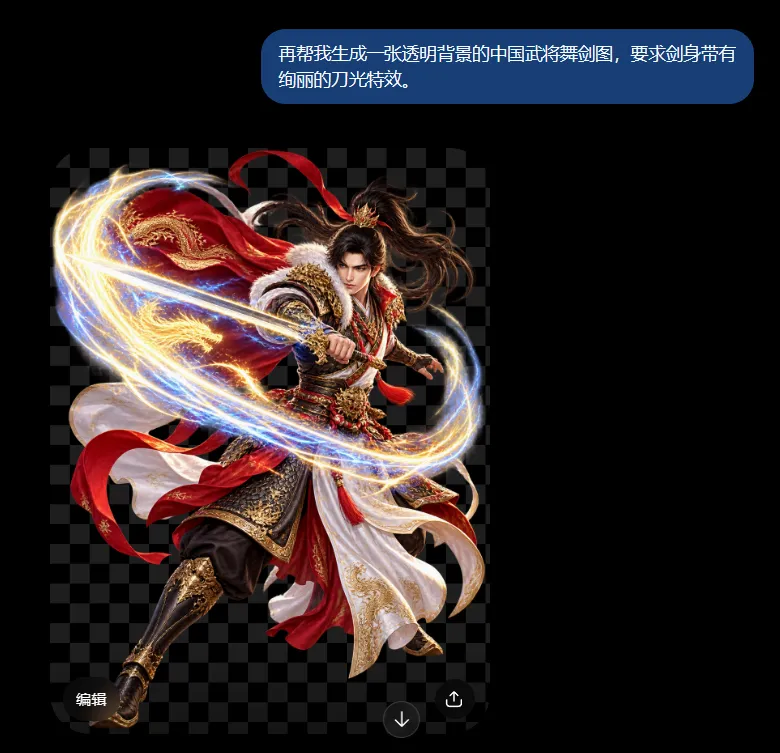
    • Chinese Warrior Transparent Asset Chat
    • Anime Character Generation Workflow
    • Personalized Personality Visualization

    Show more

    Run it on your phone

    1. Prompt copiedRead it

      A dark-mode mobile chat interface screenshot showing two separate Japanese prompt-and-result exchanges about AI-generated ad design. The background is nearly black. There are 2 large rounded light-gray chat bubbles aligned to the right, each containing Japanese text. The first bubble says: 「日本語の幼稚園の広告画像を、トンマナ違いで4種類並べて画像生成して。プロデザイナーが作ったトレンドのデザインで。アスペクト比は16:9」. Beneath it is 1 rounded rectangular generated image preview showing a 2x2 grid of kindergarten advertisement variations in soft pastel colors. In the top-left panel, show a bright, airy ad with a close-up photo of a young child in profile at right, soft sunlight, cream and pale green tones, handwritten-style Japanese headline text on the left, small circular badges near the bottom, and floral accents. In the top-right panel, show an energetic outdoor ad with 4 children running under a blue sky, bold Japanese headline text, teal and yellow graphic accents, and a yellow circular callout. In the bottom-left panel, show a modern kindergarten campus building with a grassy yard and children playing, with a large white speech-bubble-shaped text area on the left and muted green-beige abstract shapes. In the bottom-right panel, show an illustrated large green tree with children and parents underneath, sky-blue background, warm family-friendly Japanese copy, and soft rounded decorative shapes. Add 1 small gray circular overlay button labeled 「編集」 at the lower-left corner of this preview and 1 small semi-transparent circular upload/share icon at the lower-right corner. Under this first preview, include 4 small interface icons in a row: copy, thumbs up, thumbs down, and more options. Lower on the screen, show the second right-aligned light-gray chat bubble with this Japanese text: 「日本語の健康食品の広告画像を、トンマナ違いで4種類並べて画像生成して。プロデザイナーが作ったトレンドのデザインで。アスペクト比は16:9」. Beneath it is a second rounded rectangular generated image preview showing a 2x2 grid of health food advertisement variations. In the top-left panel, show a clean wellness ad in white and pale green with a woman touching her neck, Japanese headline text about inner balance, several circular benefit icons, and price text. In the top-right panel, show a dramatic black-and-gold supplement ad with a dark pouch package, glowing gold particles, luxury serif-style Japanese text, and a bold red-orange price tag reading 980円. In the bottom-left panel, show a soft pink beauty supplement ad with translucent floral or crystalline textures, pastel packaging, delicate Japanese copy, circular info badges, and feminine cosmetic styling. In the bottom-right panel, show a natural green juice ad with a tall glass of green smoothie, fresh vegetables in the background, a green-and-white product box, clean Japanese health copy, and a circular yellow callout. Add 1 small gray circular overlay button labeled 「編集」 at the lower-left of this second preview and 1 small semi-transparent circular upload/share icon at the lower-right. The overall image should feel like a realistic smartphone app screenshot of an AI image-generation chat, with generous spacing between the 2 conversations, rounded corners, crisp Japanese typography, and a premium contemporary UI.

    2. Open your app

      This prompt is long, so it is copied instead of sent in the link. Paste it in the app.

    3. Paste and run

      Press and hold the message box, then tap Paste. Add your photo first if the prompt uses one. You may need to sign in.

    AI Chat Screenshot with Ad Design Grids