Tell us anything

An idea, a bug, something you love. We read every note.

⌘↵ to send. The page you're on comes along.

Wildlife Documentary Rainforest Animal

Made with Seedance 2.5 in Kling by Library Cinema. Promptclay never generates images.

Did it work?

No reports yet. Tell others if it worked for you.

No comments yet. Be the first.

    Wildlife Documentary Rainforest Animal

    Seedance 2.516:9AI-generated

    Prompt

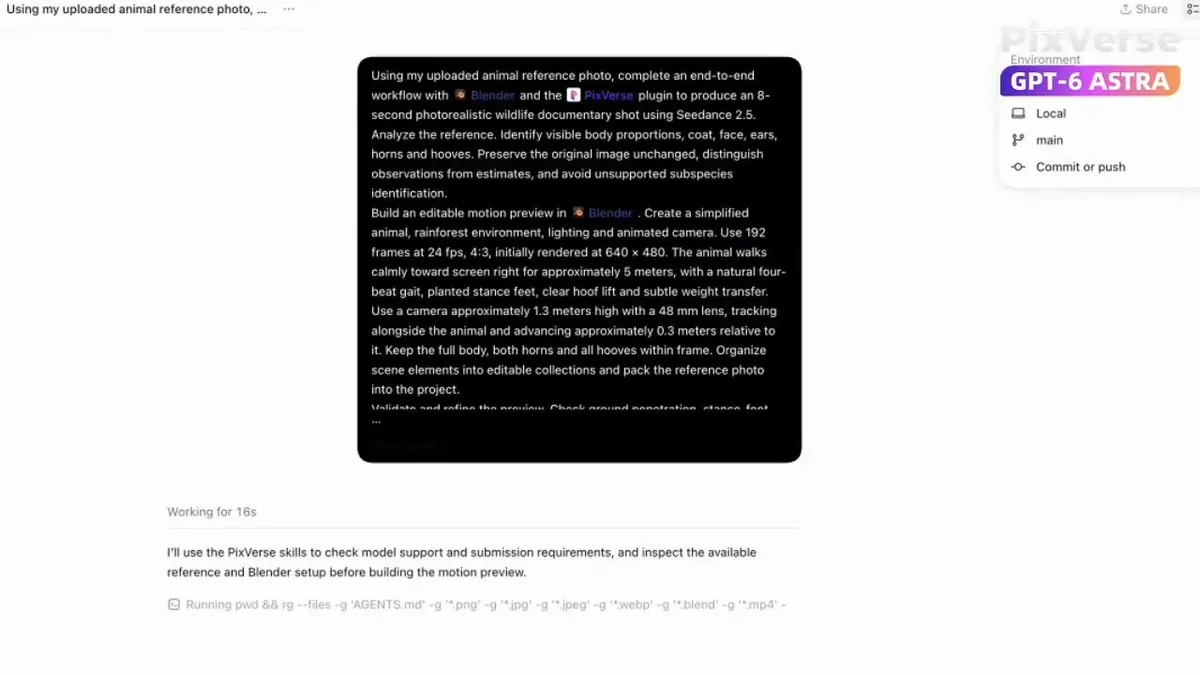
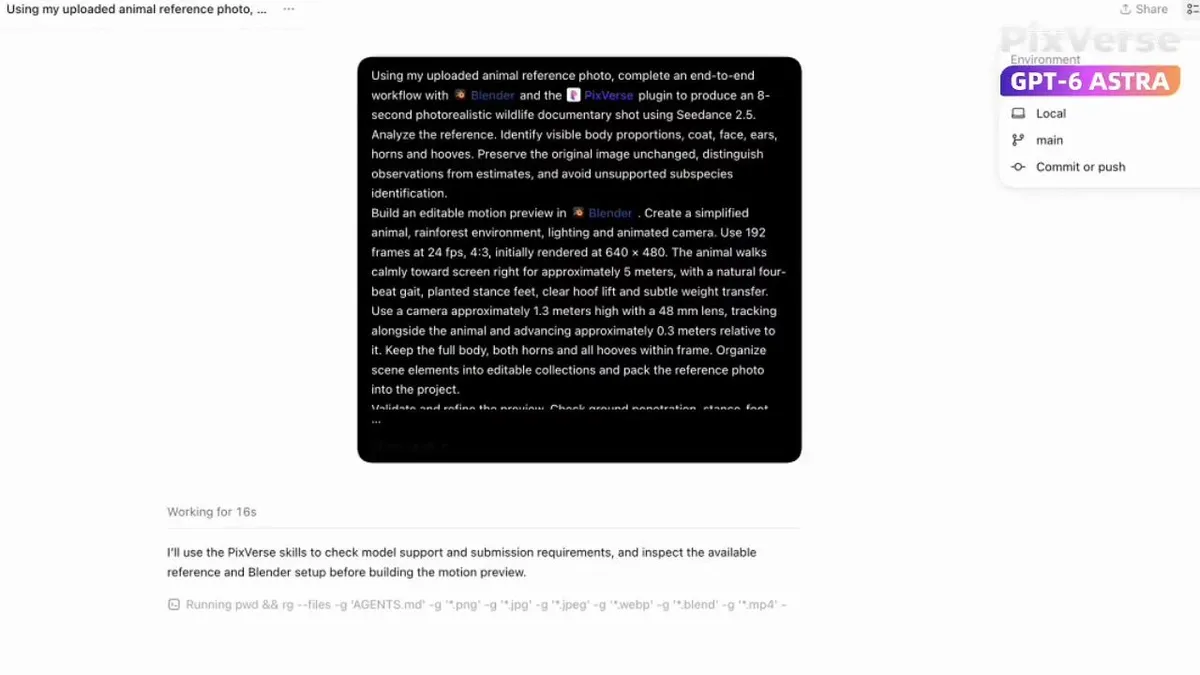
    Analyze the supplied animal photograph and create a photorealistic 8-second wildlife documentary shot. Preserve the animal's visible proportions, coat, face, ears, horns and hooves from the original image. Build an editable Blender scene with a simplified animal, rainforest environment and animated camera. Create a natural four-beat walking cycle with planted stance feet, clear hoof lift and subtle weight transfer. Use the Blender preview only for motion, camera, composition and timing. Use the original photograph as the authority for appearance. Generate the final shot with PixVerse and Seedance 2.5 at 720p, 24 fps and 4:3. Keep the entire animal visible and unobstructed, with all trees and foliage behind it, and preserve identity, anatomy, foot contact and camera continuity.

    Works in
    Kling
    Status
    Free to copy
    0
    DetailsVersions, settings and questions

    Written for

    What's in the prompt

    Subject
    Model
    Seedance 2.5

    If your face changes

    keep my face exactly the same

    Questions

    Does this work in the Kling app?
    Yes. Paste the prompt and attach your photo if it uses one.
    It changed my face. What do I do?
    Add "keep my face exactly the same" to the end and run it again.
    Can I use the images I make?
    Check the terms of the app you use. Promptclay never generates images and claims nothing you make.
    Similar prompts

    See more
    • Wildlife documentary animal sequenceVideo, 0:08
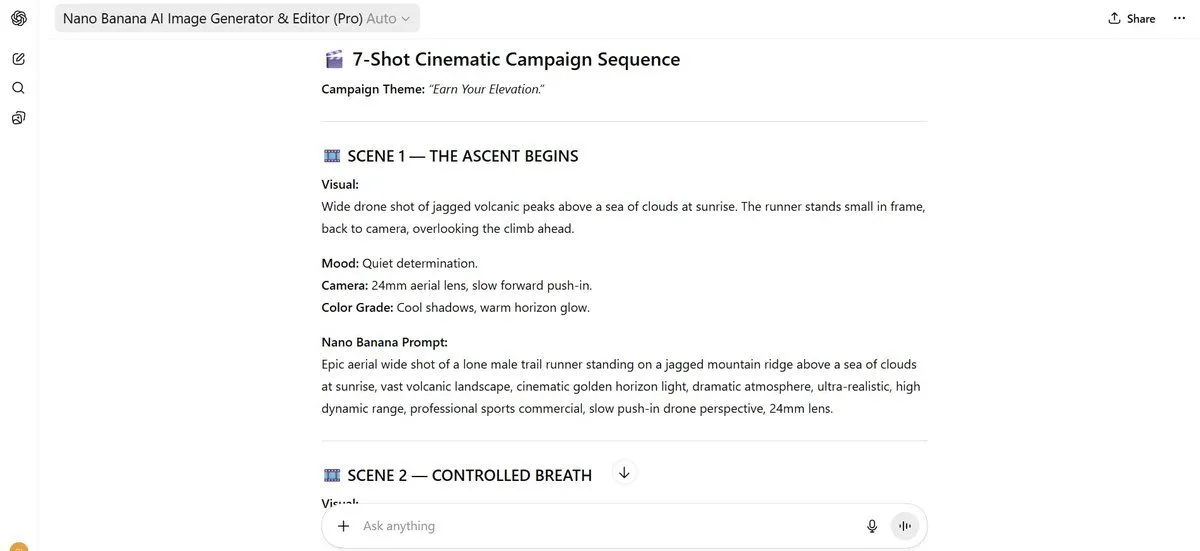
    • 7-Shot Cinematic Campaign Sequence Prompt
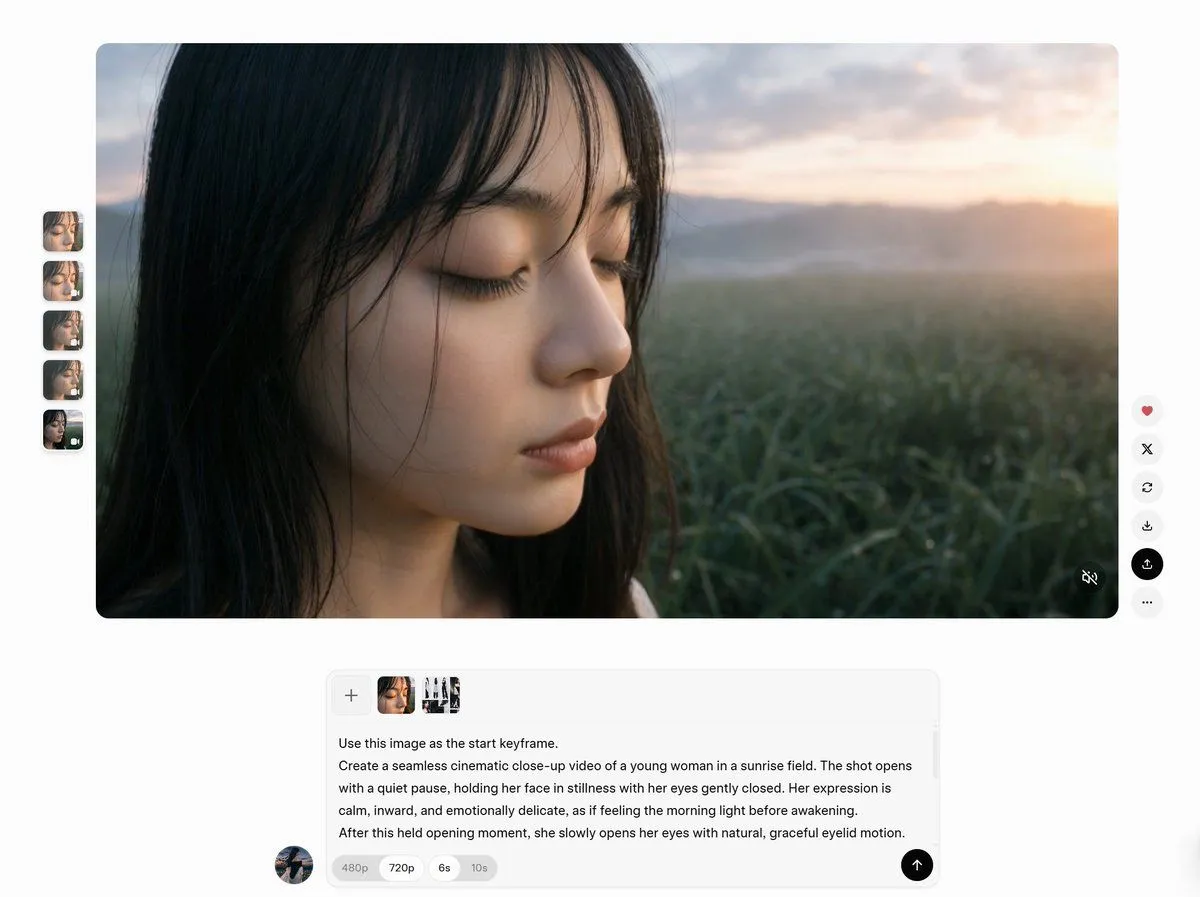
    • AI Video Workspace Screenshot
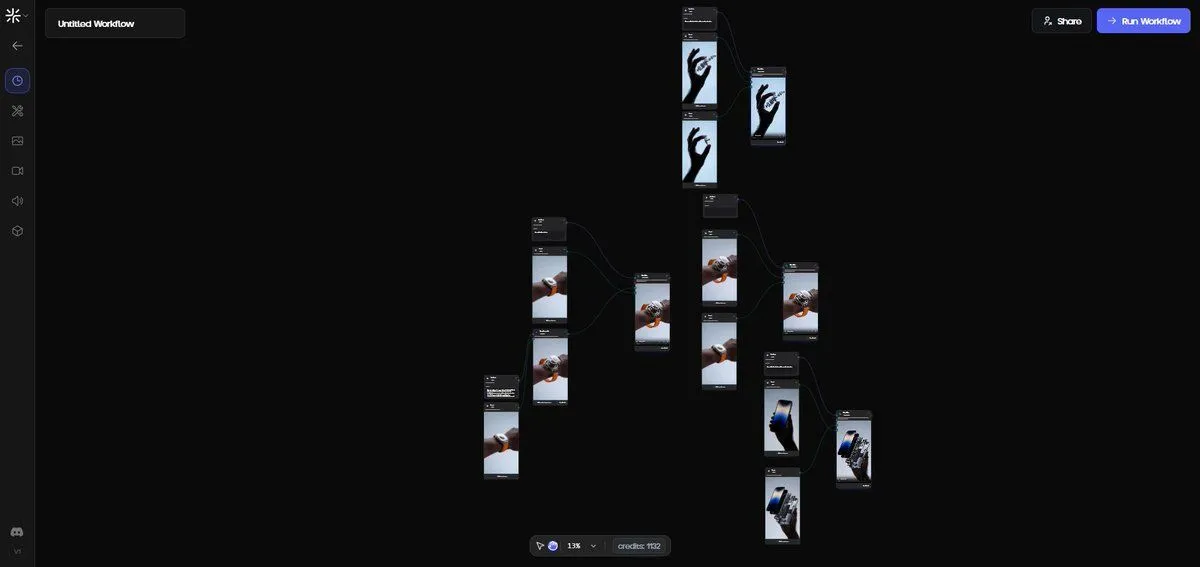
    • Exploded View Disassembly of Apple Watch Ultra and iPhone
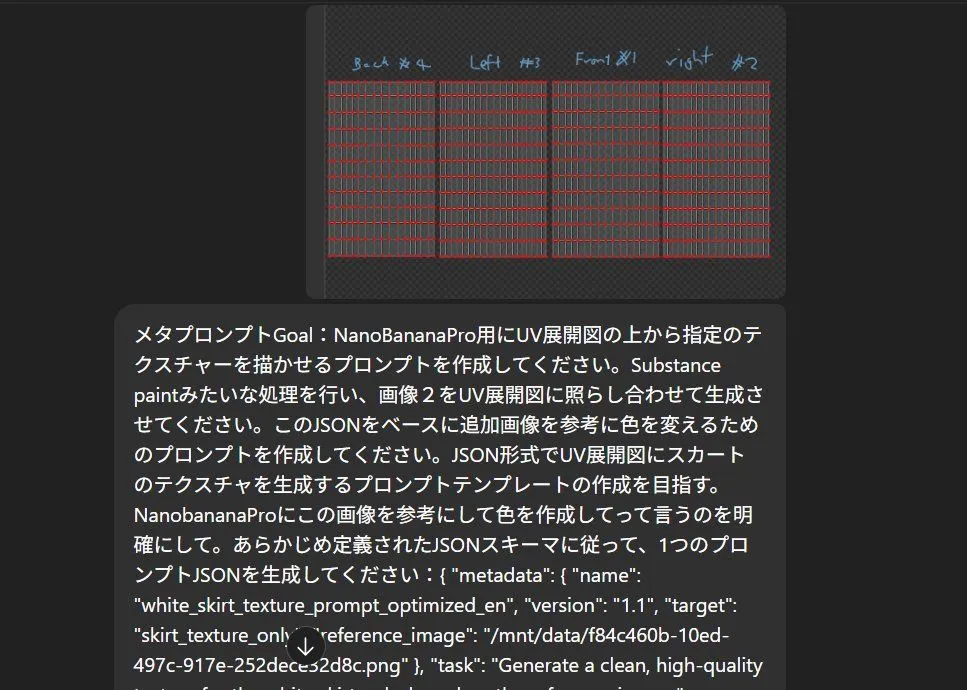
    • Texture Creation via JSON and UV Map Metaprompt
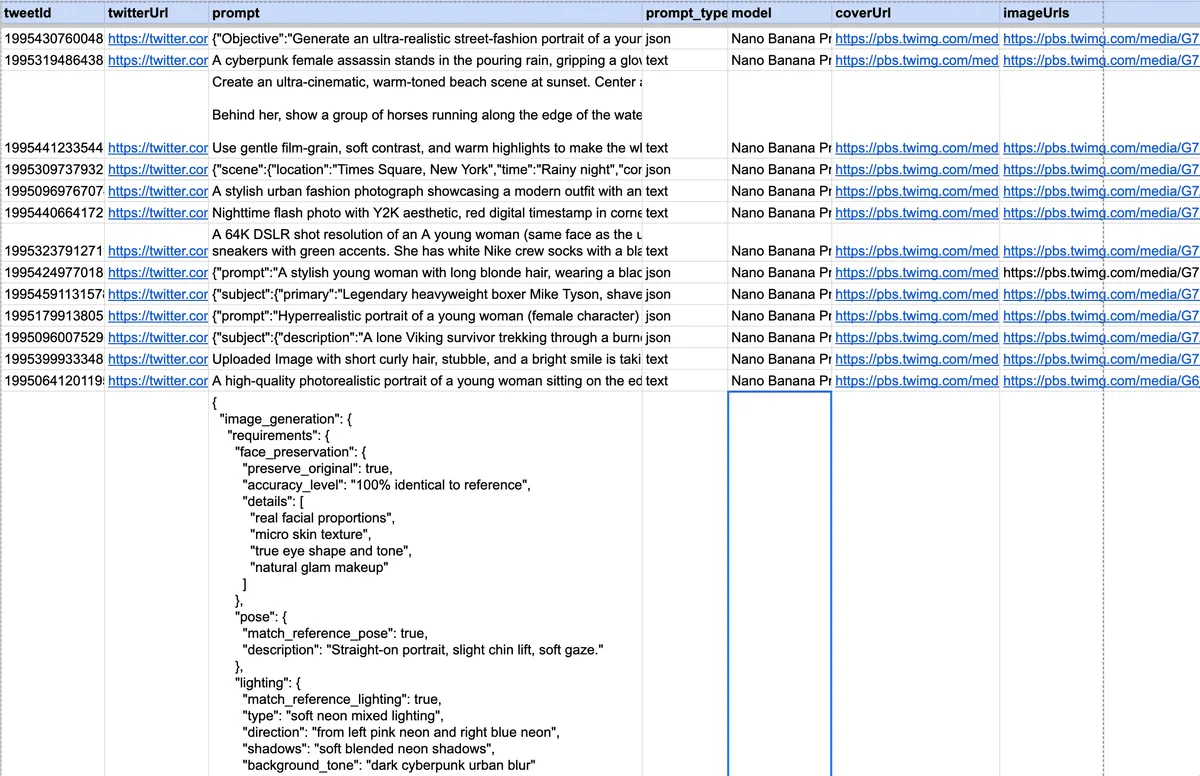
    • Multi-Scenario Image Generation Prompt
    • Generating Prompts from Reference Images with Nano Banana Pro
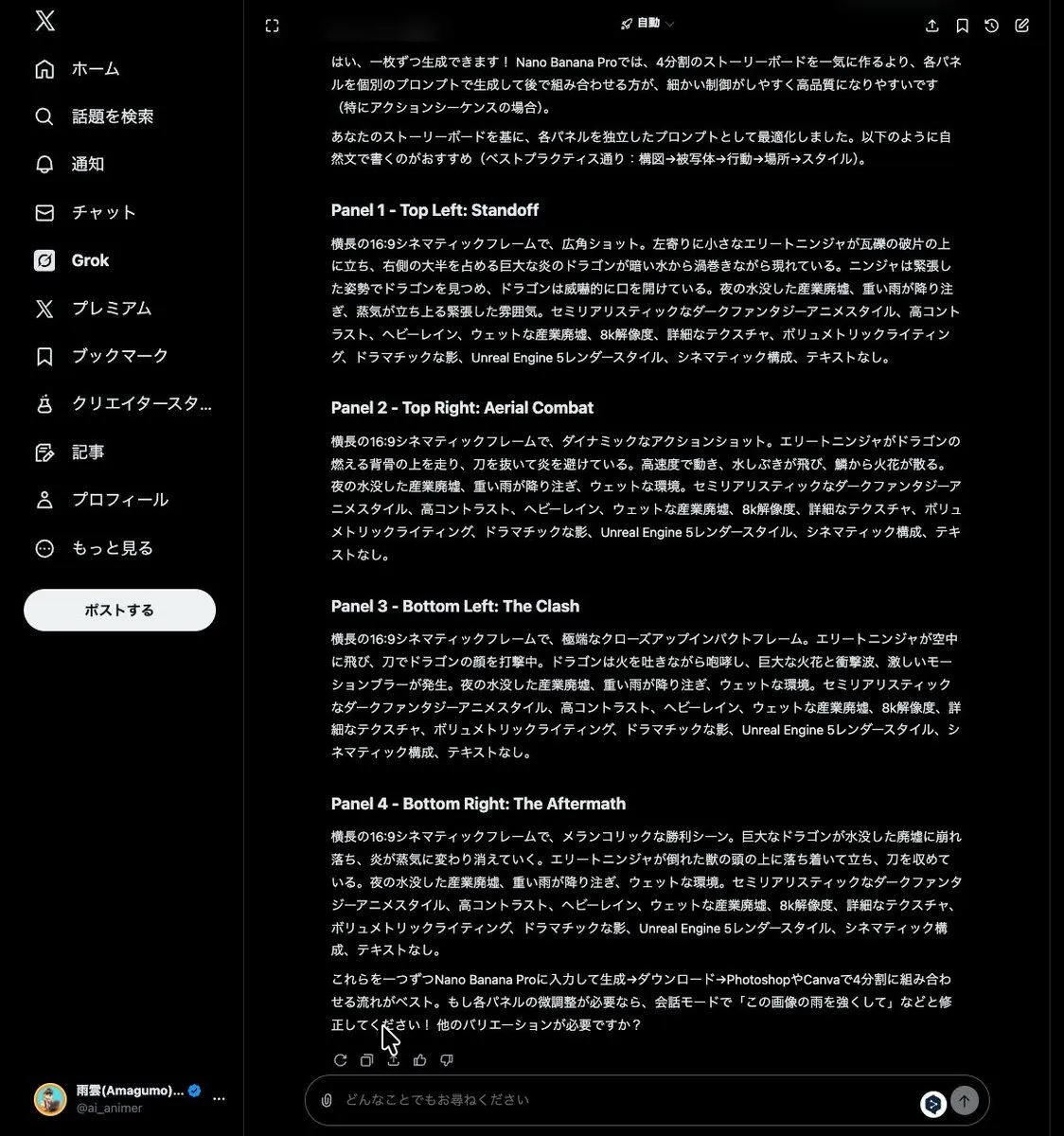
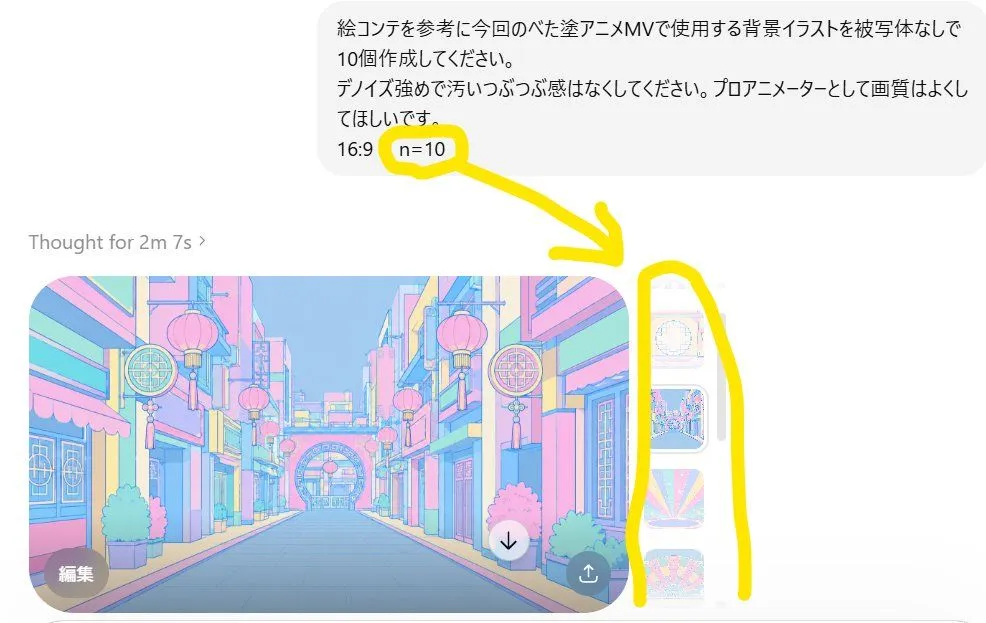
    • Anime Story Generation Prompt Template
    • Software UI Desktop Screenshot
    • Generating Hollywood Detective Scene Images with Character Reference
    • Grok Instruction for Generating Nano Banana Pro Image Prompts
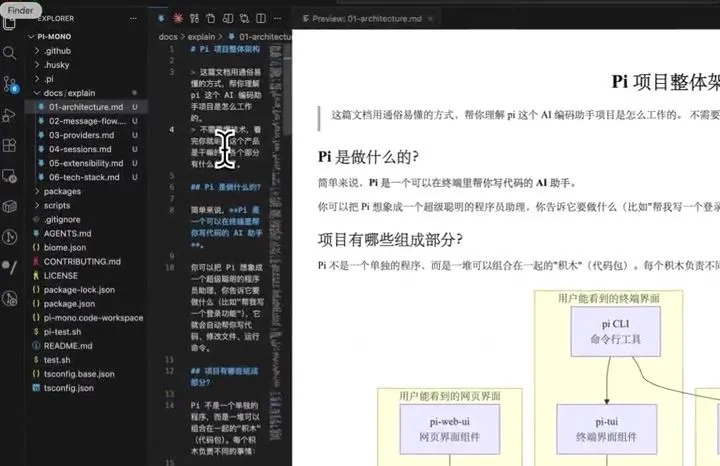
    • AI Prompt for Code Repository Analysis and DocumentationVideo, 0:45
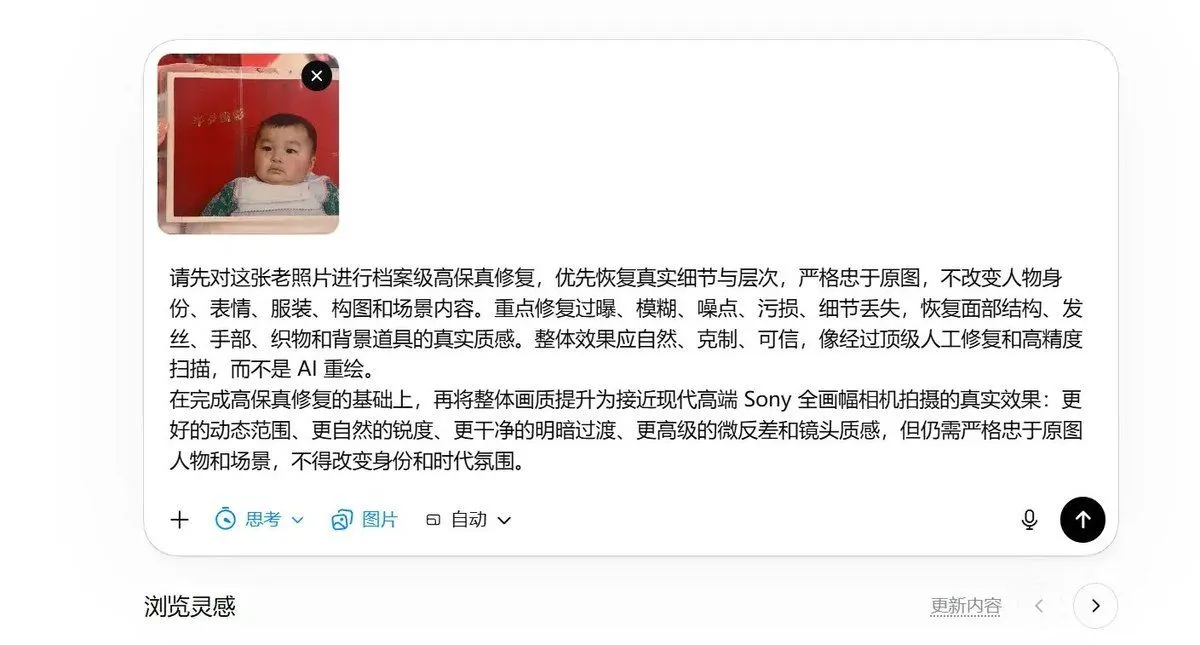
    • High-Fidelity Archival Photo Restoration
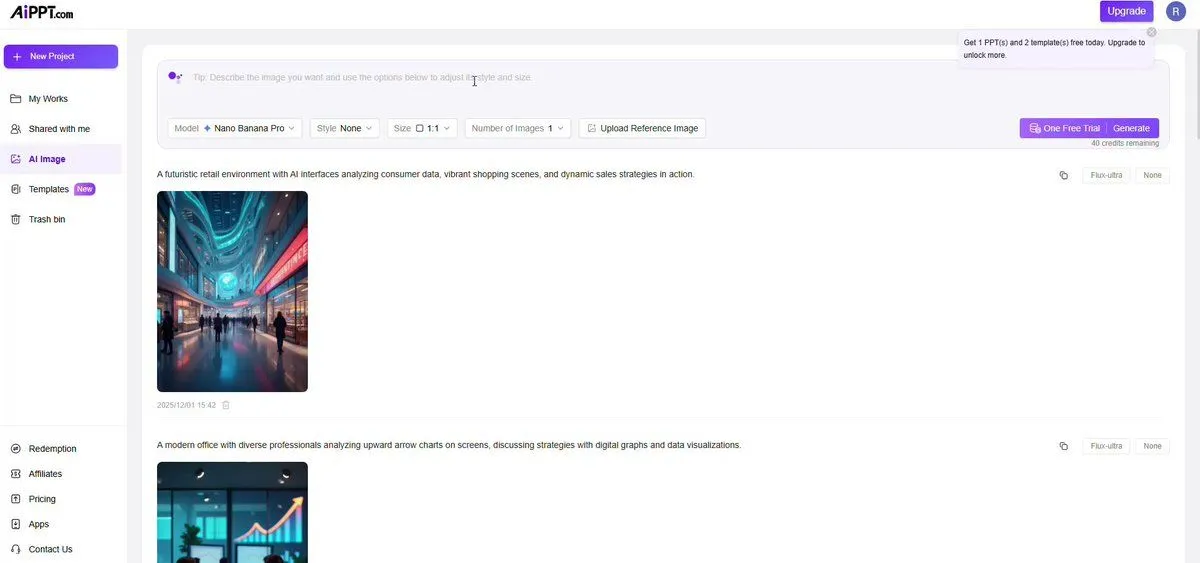
    • Plug-and-Play Prompt for AI Business Meeting Image
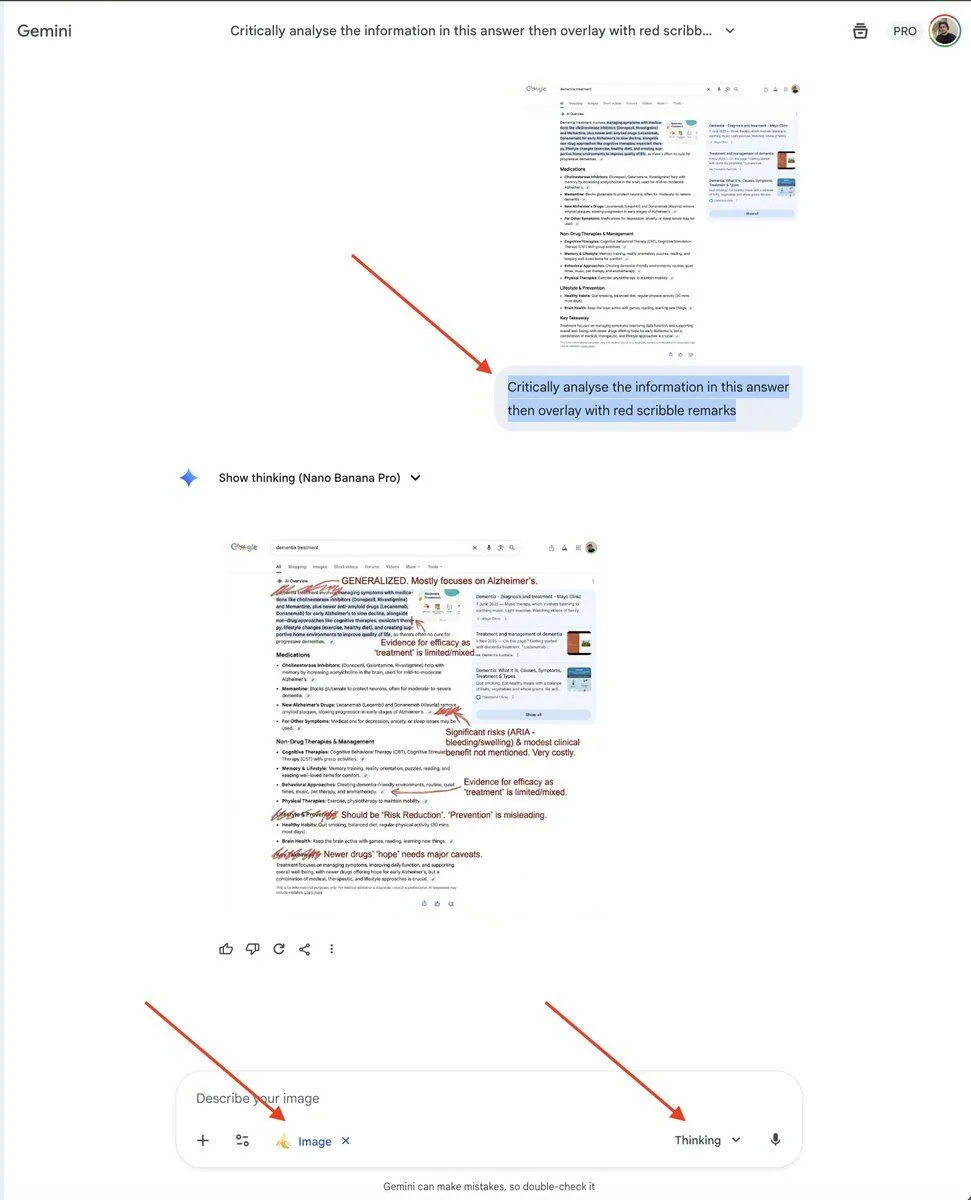
    • AI Overview Critical Analysis Prompt
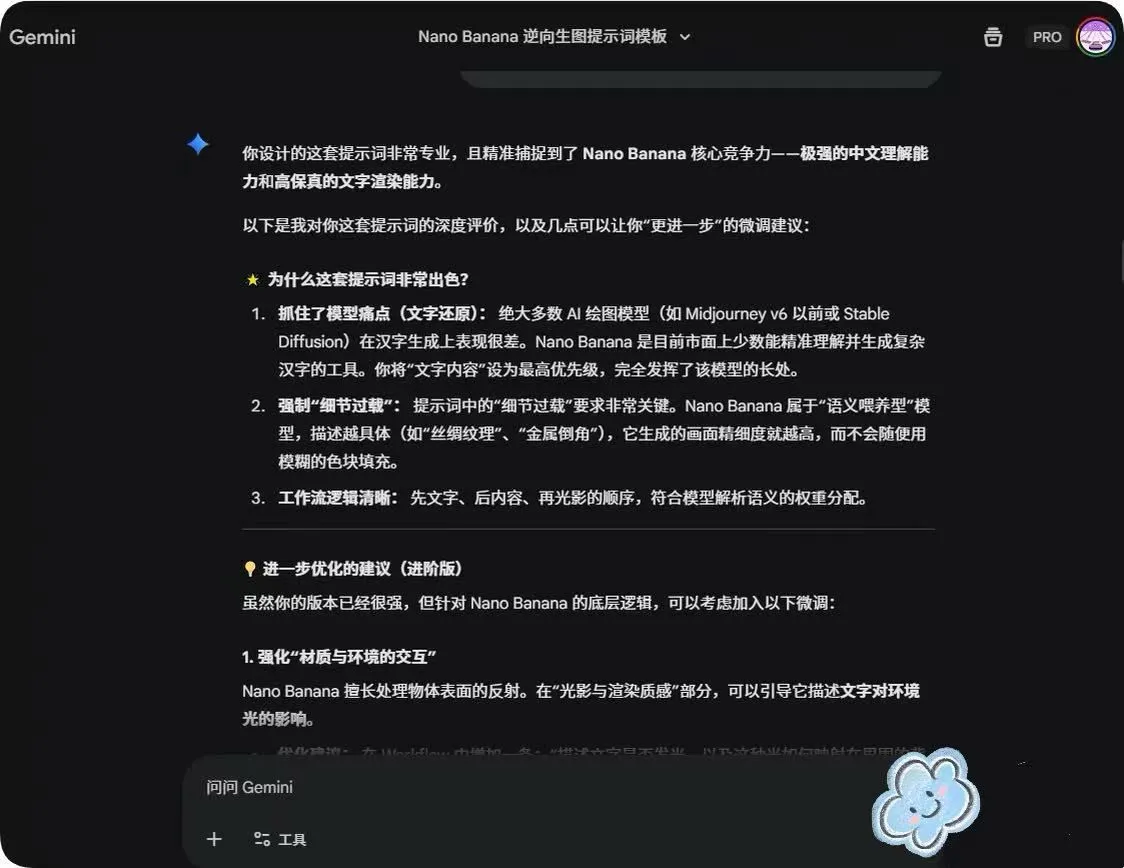
    • System Prompt for Nano Banana Pro Image Prompt Deconstruction
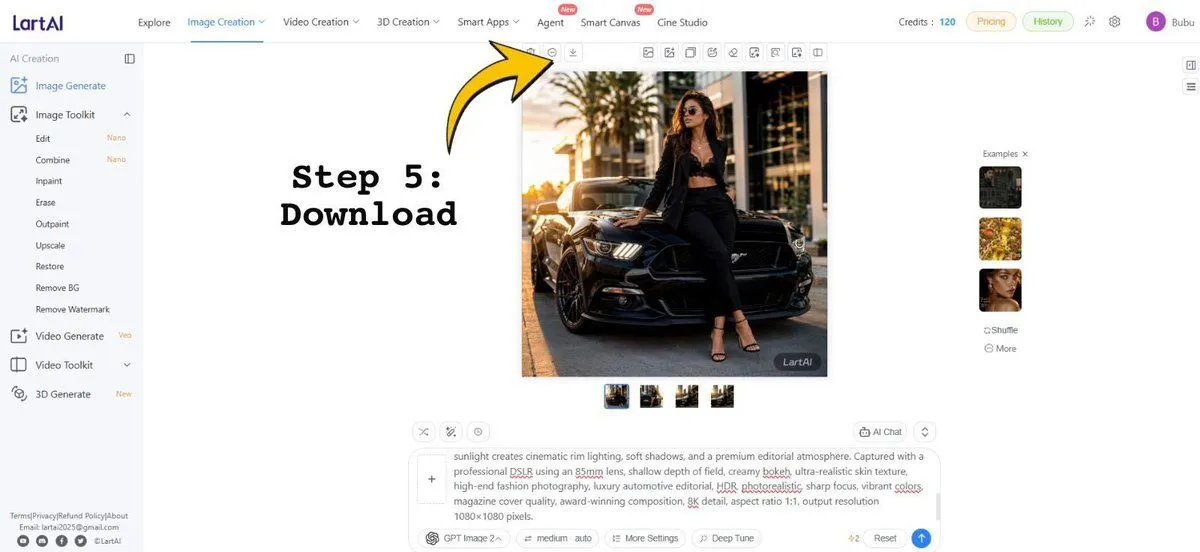
    • LartAI Download Step Tutorial
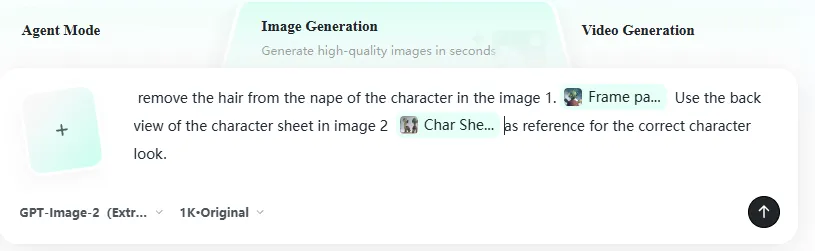
    • AI Artifact Removal Instruction
    • Natural Blonde Woman Portrait Prompts
    • Annotated ChatGPT Multiple Image Outputs
    • Structured 5-Slot Generation Template
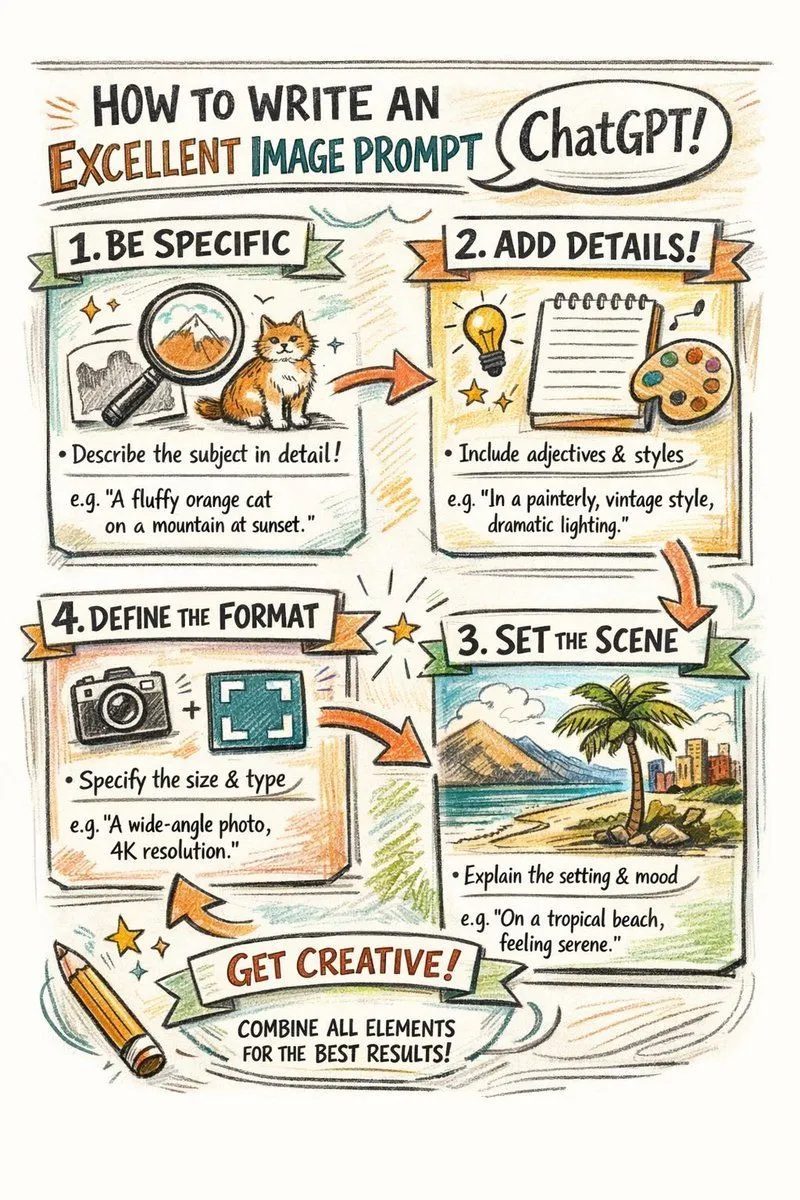
    • Hand-drawn infographic on writing image prompts
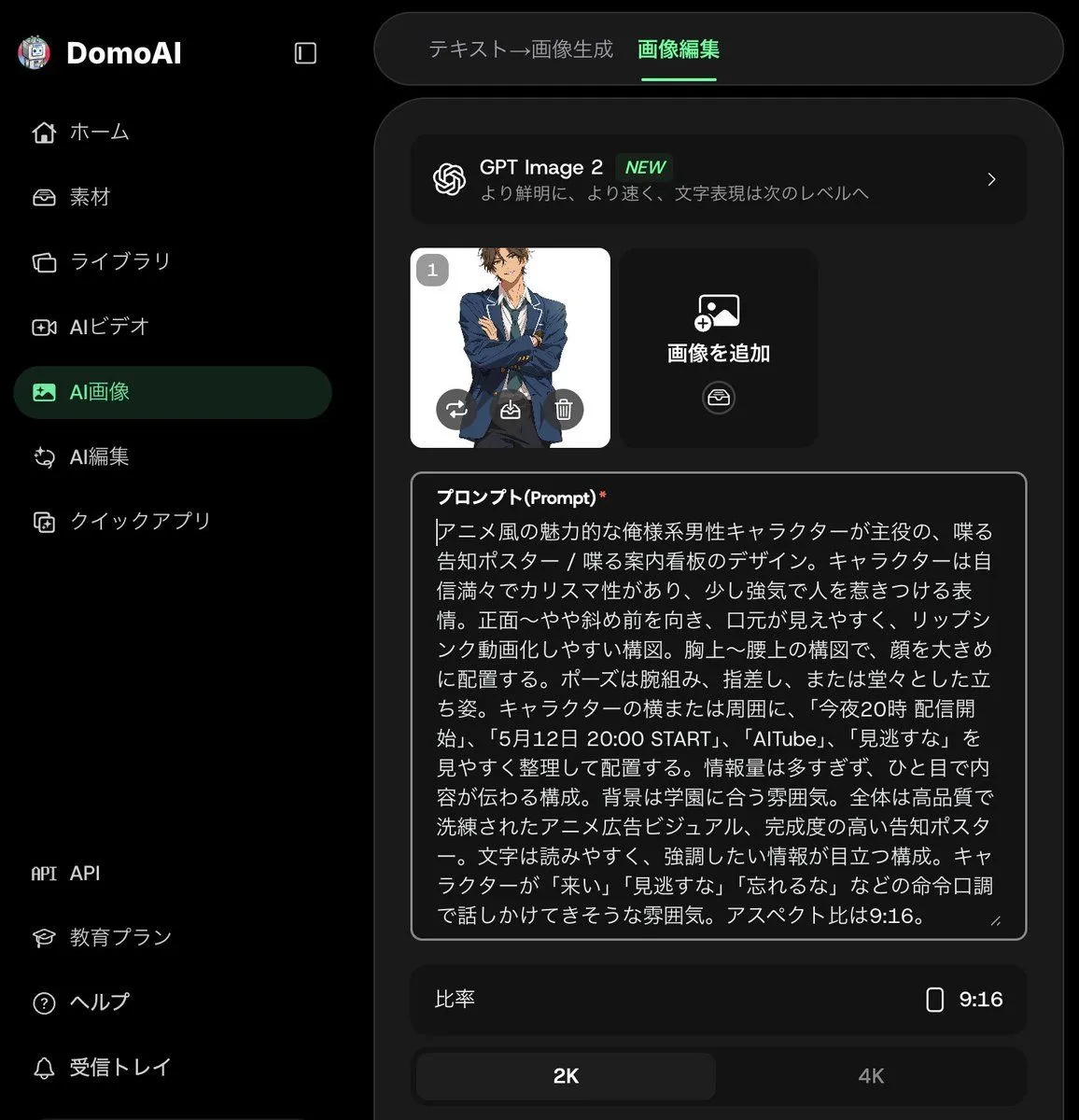
    • Anime Announcement Poster Template
    • Professional Tool Launch Poster

    Show more

    Run it on your phone

    1. Prompt copiedRead it

      Analyze the supplied animal photograph and create a photorealistic 8-second wildlife documentary shot. Preserve the animal's visible proportions, coat, face, ears, horns and hooves from the original image. Build an editable Blender scene with a simplified animal, rainforest environment and animated camera. Create a natural four-beat walking cycle with planted stance feet, clear hoof lift and subtle weight transfer. Use the Blender preview only for motion, camera, composition and timing. Use the original photograph as the authority for appearance. Generate the final shot with PixVerse and Seedance 2.5 at 720p, 24 fps and 4:3. Keep the entire animal visible and unobstructed, with all trees and foliage behind it, and preserve identity, anatomy, foot contact and camera continuity.

    2. Open your app

    3. Paste and run

      Press and hold the message box, then tap Paste. Add your photo first if the prompt uses one. You may need to sign in.