Tell us anything

An idea, a bug, something you love. We read every note.

⌘↵ to send. The page you're on comes along.

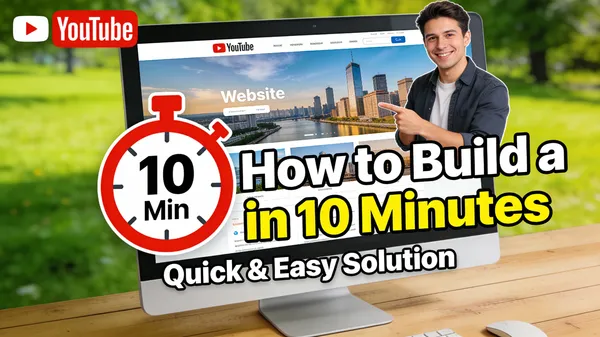
Website Building Tutorial Thumbnail

Made with Seedream 4.5 in Gemini by Library Art. Promptclay never generates images.

Website Building Tutorial Thumbnail

Seedream 4.516:9AI-generated

Prompt

A thumbnail for a tutorial on “How to Build a Website in 10 Minutes.” The image shows a computer screen with a beautiful, professional-looking website on it. A large clock icon showing “10 Min” is overlaid on the screen. The YouTuber is in the corner, pointing to the screen and smiling, looking confident and helpful. The text is clear and promises a quick, easy solution. –ar 16:9

Opens in a new tab with the prompt filled in or copied, ready to paste.

Works in
Gemini, ChatGPT
Status
Free to copy
DetailsVersions, settings and questions

Written for

What's in the prompt

Subject
Model
Seedream 4.5

If your face changes

keep my face exactly the same

Questions

Does this work in the Gemini app?
Yes. Gemini runs Nano Banana, so paste the prompt and attach your photo if it uses one.
It changed my face. What do I do?
Add "keep my face exactly the same" to the end and run it again.
Can I use the images I make?
Check the terms of the app you use. Promptclay never generates images and claims nothing you make.
0

Did it work?

No reports yet. Tell others if it worked for you.

No comments yet. Be the first.

    More like this

    See more
    • Tech Tutorial Thumbnail with UI Mockup
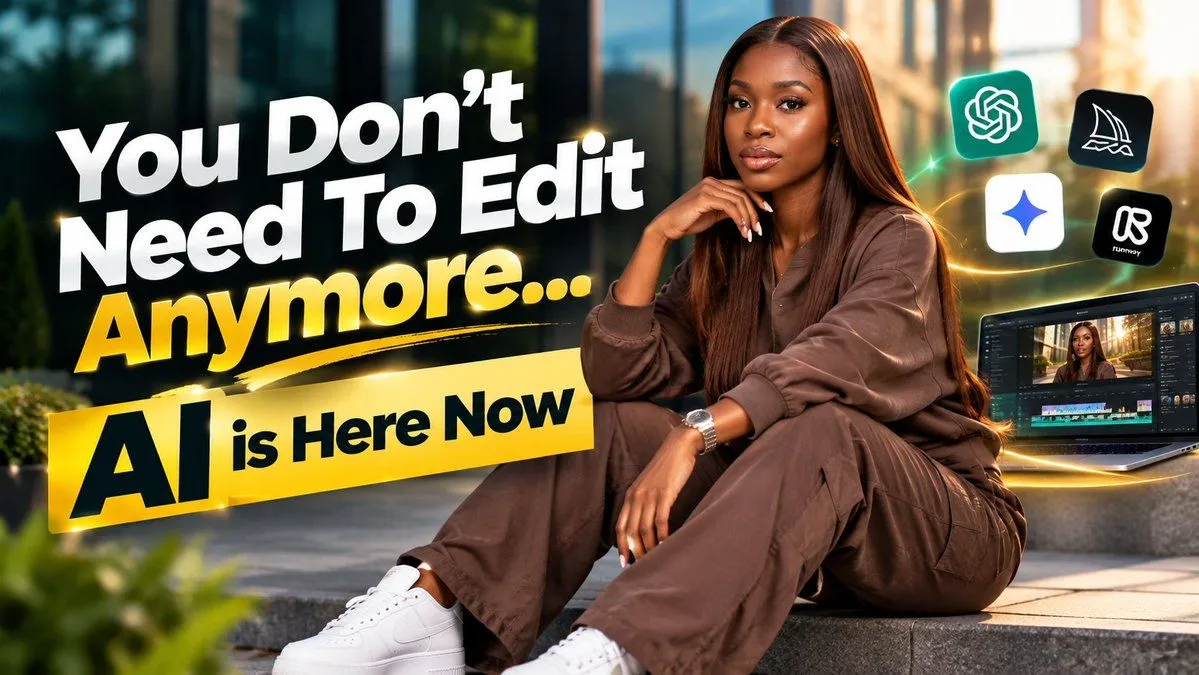
    • YouTube Thumbnail Design Prompt with Text Overlay
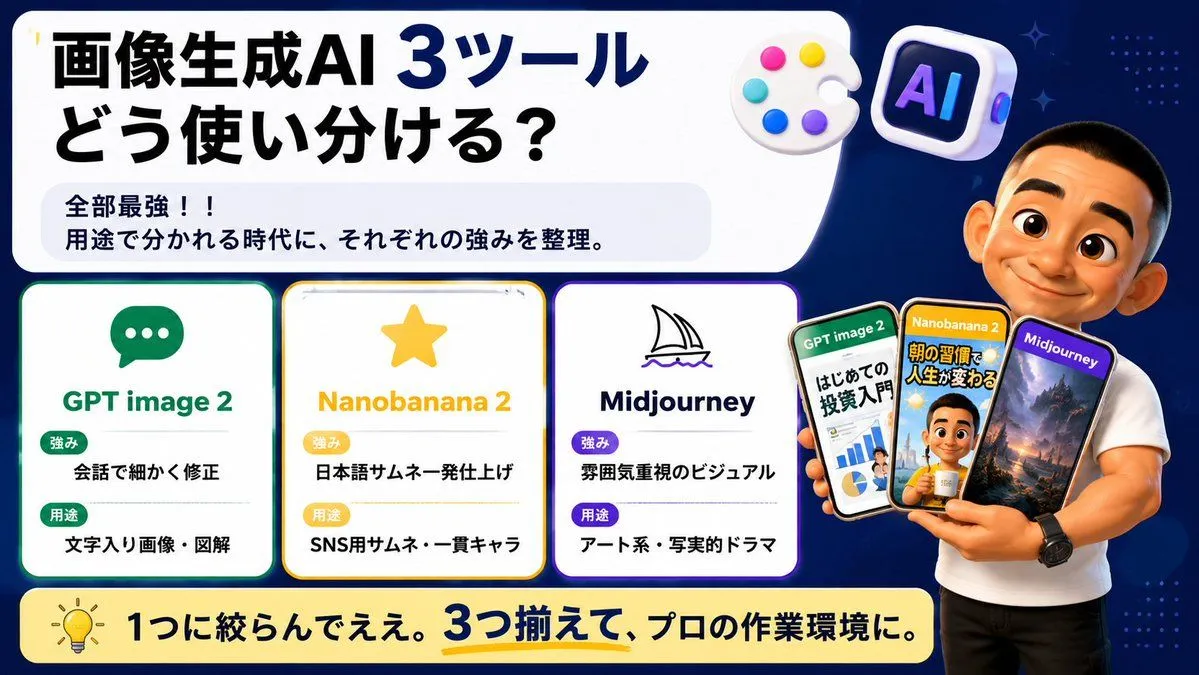
    • Japanese AI Tool Comparison Thumbnail
    • Nano Banana Pro Prompt for High-Visibility 3D Thumbnail Design
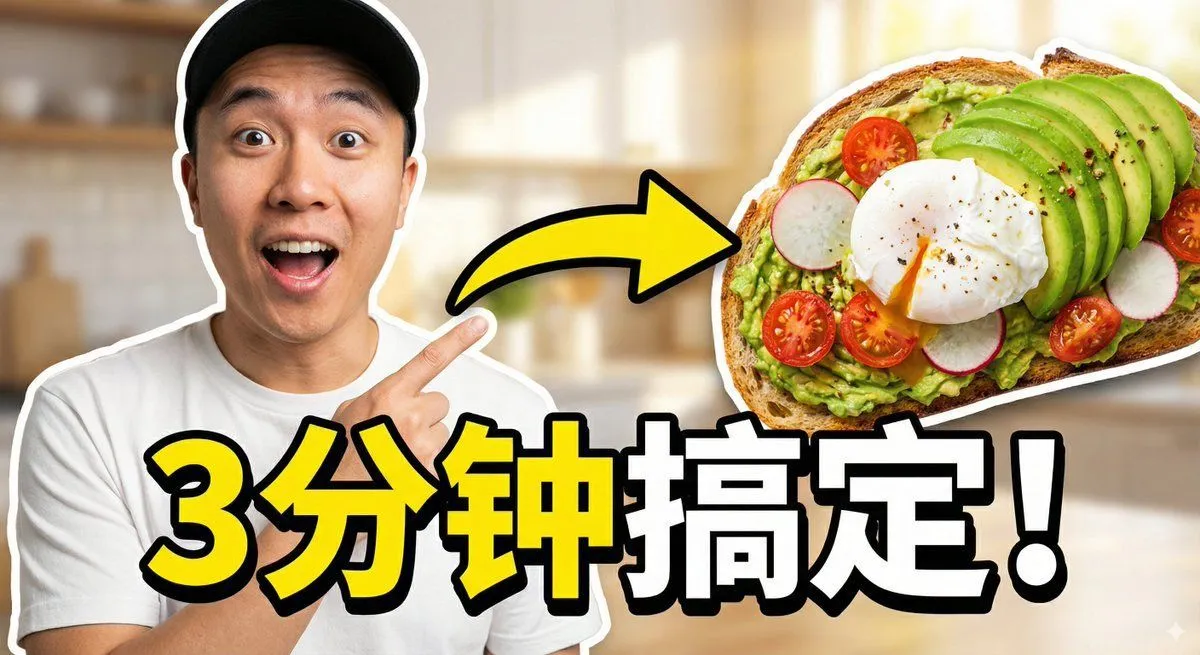
    • Viral Thumbnail: Excited pointing, avocado toast, “Done in 3 Minutes!”
    • YouTube thumbnail design brief for a masked interview video
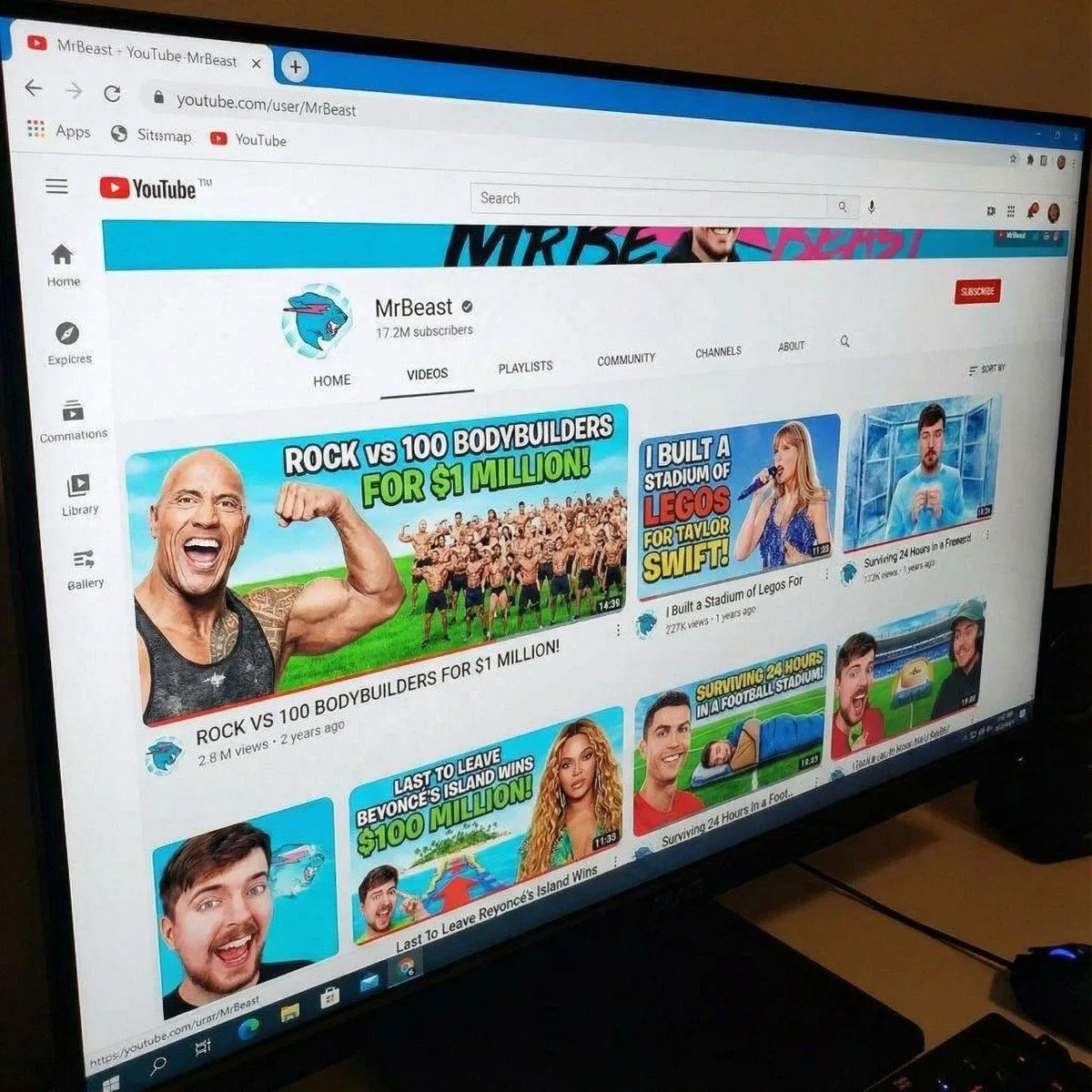
    • MrBeast-style YouTube channel redesign
    • GPT Image 2 Reference Tutorial Banner
    • Fortnite Fusion Engine Prompt for Gamers
    • Five-panel manga of a YouTube thumbnail creator workflow
    • Video Streaming Platform Homepage UI
    • Website Homepage Screenshot Generation
    • Drake Pointing Meme Transformation
    • Luxury Dream Home Real Estate Flyer
    • Four-Panel AI Visual Showcase
    • Selective Material Image Editing
    • Floating Google Services Portrait Poster
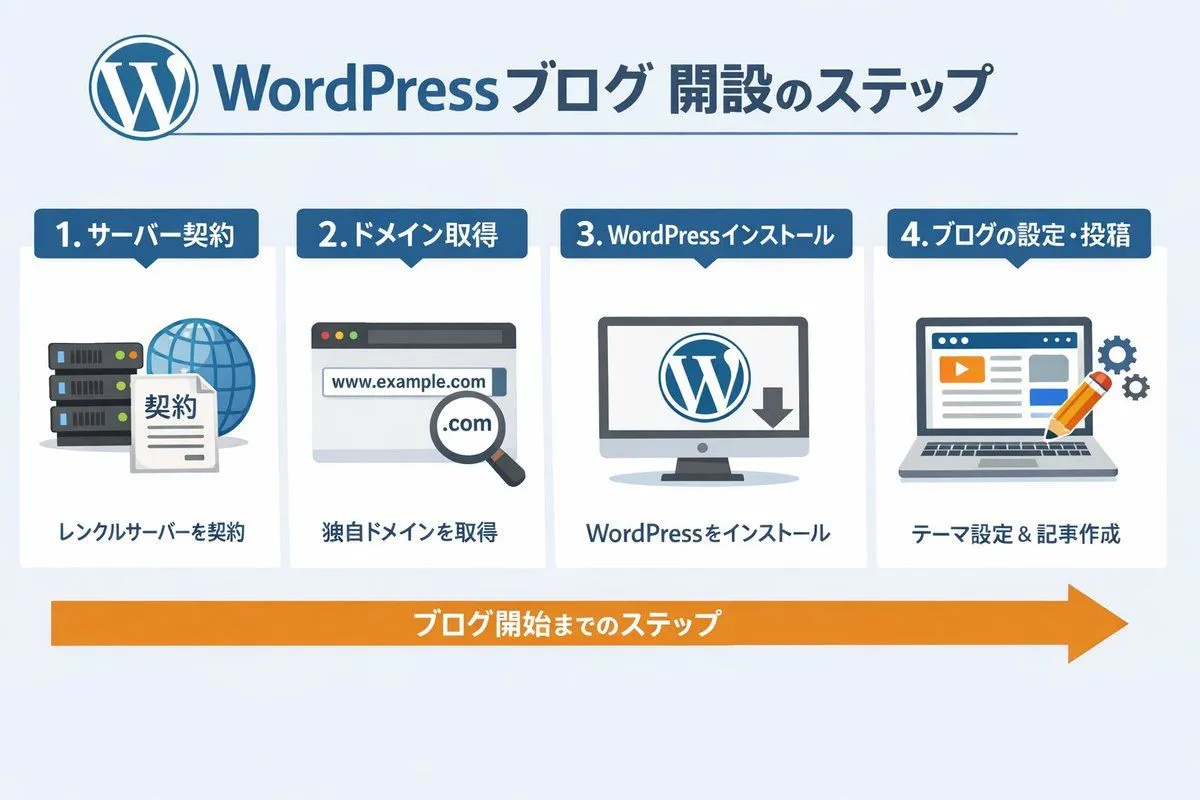
    • WordPress Blog Setup Diagram Generation Prompt
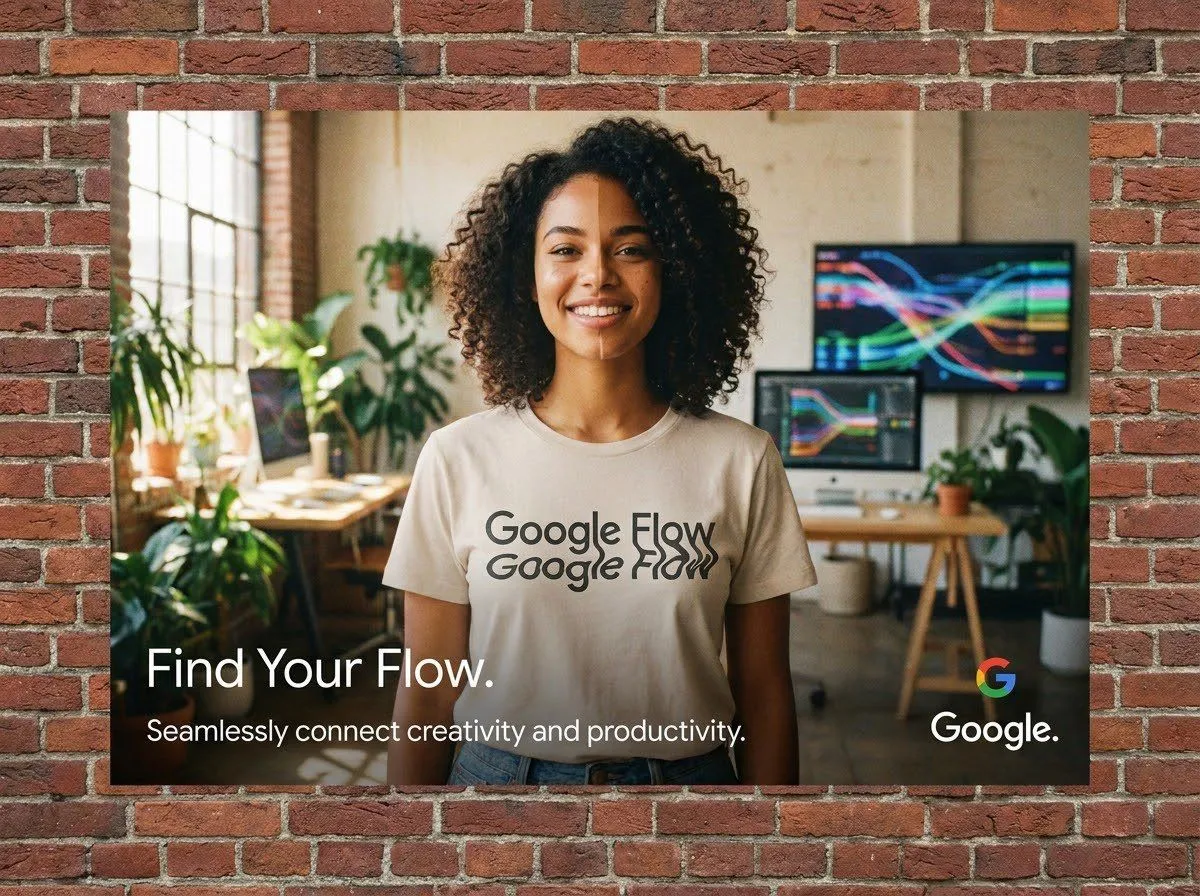
    • Google Flow Ad Poster: Nano Banana Pro vs Grok
    • Xiaohongshu Food Cover Transformation
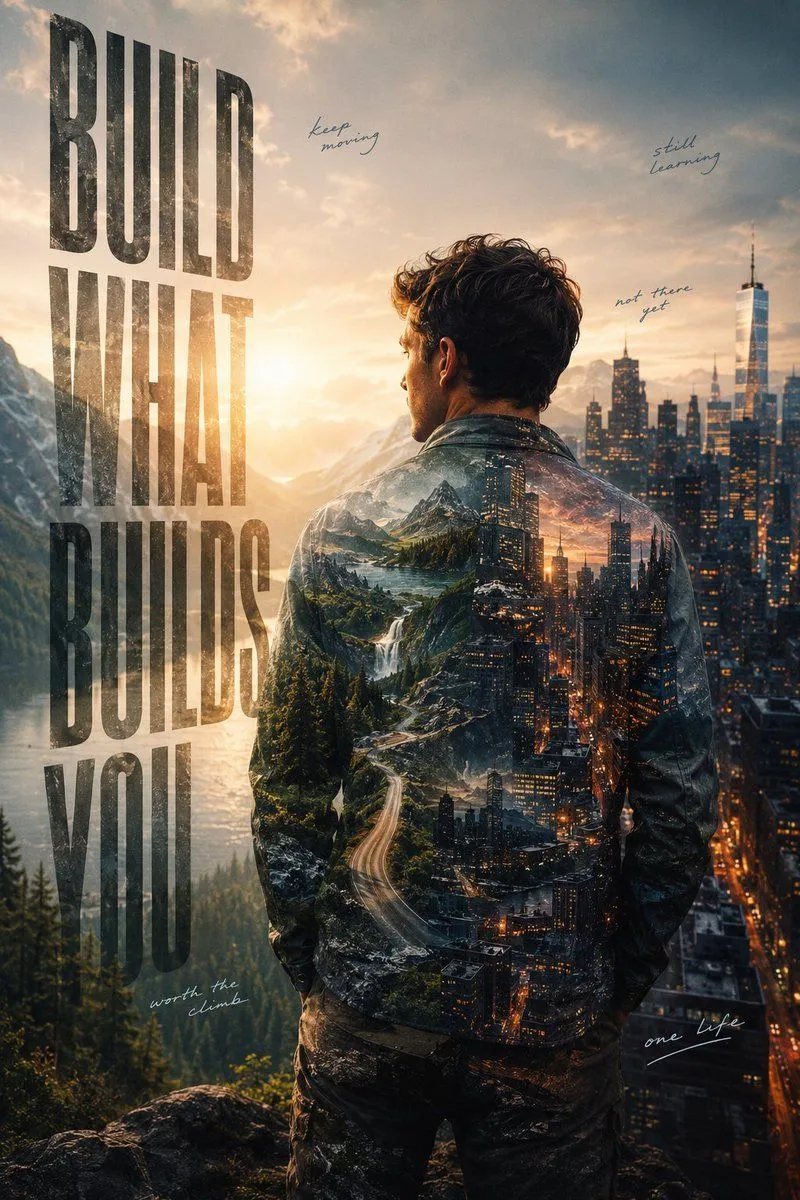
    • Ambition Visual Metaphor Poster
    • Flat vector illustration of a woman working
    • Realistic Artist Studio Sketch Interaction
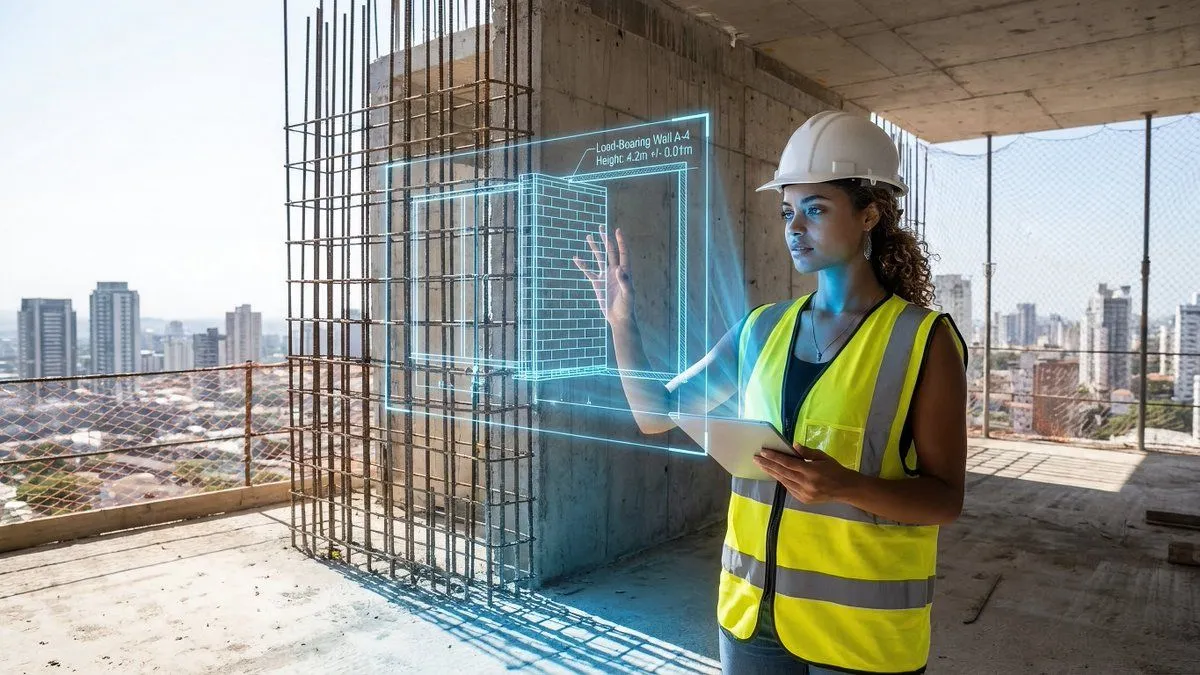
    • JSON prompt for construction site AR blueprint overlay

    Show more

    Run it on your phone

    1. Prompt copiedRead it

      A thumbnail for a tutorial on “How to Build a Website in 10 Minutes.” The image shows a computer screen with a beautiful, professional-looking website on it. A large clock icon showing “10 Min” is overlaid on the screen. The YouTuber is in the corner, pointing to the screen and smiling, looking confident and helpful. The text is clear and promises a quick, easy solution. –ar 16:9

    2. Open your app

    3. Paste and run

      Press and hold the message box, then tap Paste. Add your photo first if the prompt uses one. You may need to sign in.

    Website Building Tutorial Thumbnail